 ProMapRanker
Best CMMS Software in 2026


Frontline teams adopting fast · Pricing starts at: $20 per user per month
Key takeaways
- MaintainX and Fiix offer genuine free tiers, so a small team can move work orders off paper before paying anything.
- UpKeep and Limble suit teams that need fast mobile adoption, while eMaint and Hippo suit multi-site operations that need governance and audit trails.
- Paid entry prices cluster around $20 to $45 per user per month, but enterprise pricing is often quote-based and rises with users and modules.
- Unlimited free requester accounts matter, because they let everyone report a fault without buying a licence for every employee.
Quick comparison
| Pick | Great for | Pricing starts at | Free tier | |
|---|---|---|---|---|
| MaintainX | Frontline teams adopting fast | $20 per user per month | Yes | Visit |
 Fiix | Manufacturers wanting asset data | $45 per user per month | Yes | Visit |
 UpKeep | Small mobile-first teams | $24 per user per month | Free trial | Visit |
 Limble | Preventive maintenance programmes | See website | Yes | Visit |
 eMaint | Regulated multi-site maintenance | See website | No | Visit |
 Hippo CMMS | Facilities in health and education | $35 per user per month | No | Visit |
 FMX | Schools and multi-facility teams | $35 per user per month | Free trial | Visit |
 Fracttal | AI-assisted maintenance planning | See website | No | Visit |
The best cmms software
We compared these systems on work orders, preventive maintenance, asset tracking, mobile use, parts inventory, reporting and pricing transparency for small and mid-size teams.
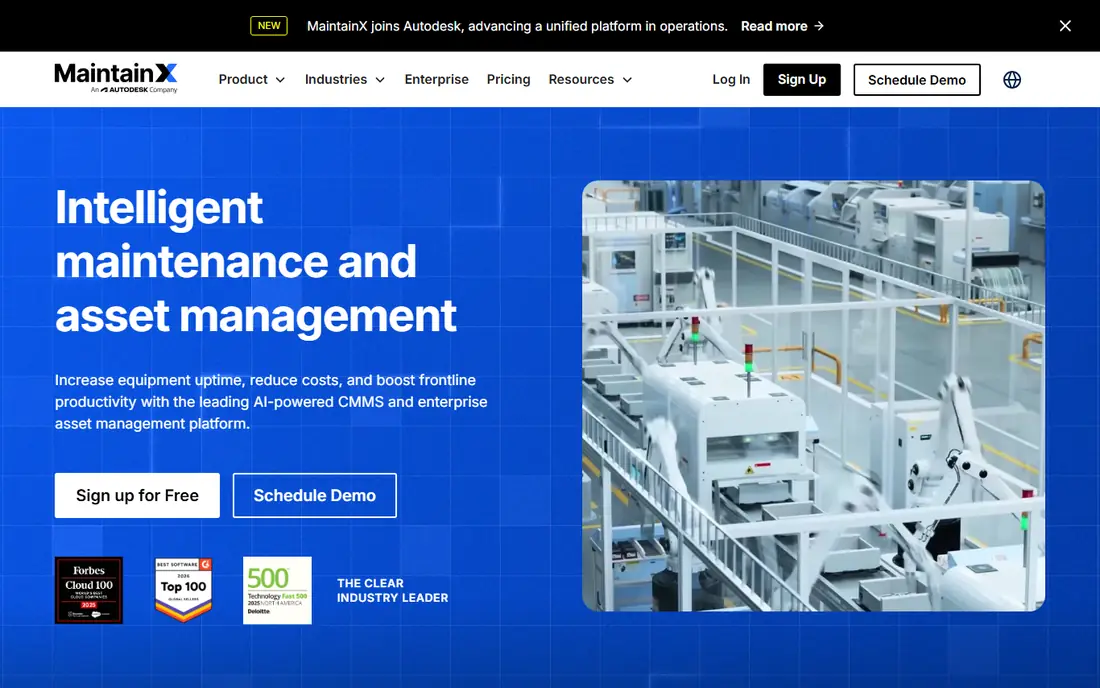
MaintainX wins on adoption, which is the hardest part of any maintenance system. Technicians can open a work order, add photos, check a procedure and close the job from a phone, without training in a complex desktop system. A free Basic tier covers straightforward work order tracking for small teams, while Essential at $20 per user per month billed annually adds preventive schedules, reporting and more controls. Unlimited requesters let anyone in the business report a fault without a licence.
The limit appears as needs grow. Advanced analytics, deeper integrations and complex asset hierarchies sit on higher tiers, and teams with heavy sensor or condition monitoring needs may find MaintainX thinner than Fiix or eMaint. For a frontline team moving off paper or spreadsheets, though, MaintainX is the easiest system to get running and keep running.
- Free Basic tier
- Simple mobile work orders
- Unlimited free requesters on paid plans
- Advanced reporting needs higher tiers
- IoT depth is limited
- Customisation is thinner than enterprise rivals
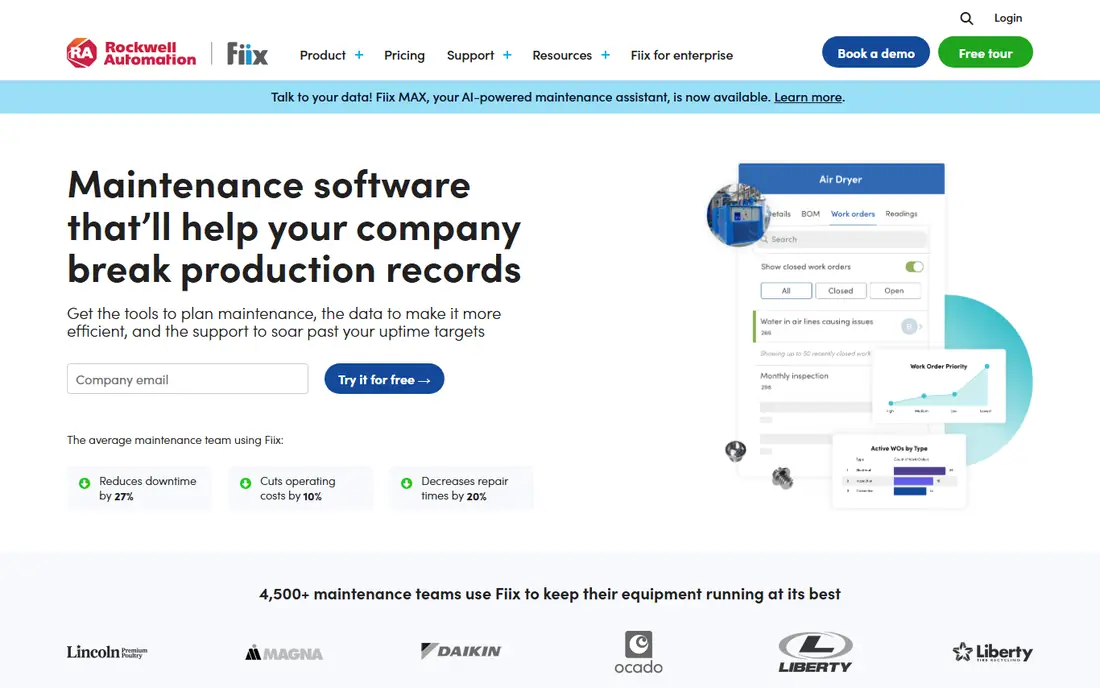
Fiix, now part of Rockwell Automation, suits manufacturers who want asset history, preventive schedules and parts tracking in one system. A free plan covers unlimited work orders with a limit on active preventive schedules, which lets a small team start without cost, while Basic at $45 per user per month adds more users, assets and features. Integrations with Rockwell controls and Fluke sensors help plants that already use that equipment, and reporting connects maintenance activity to downtime and cost.
Paid entry is higher than MaintainX or UpKeep, so a small team should check whether it needs Fiix depth or whether a cheaper tool covers its work. Implementation also needs thought about asset lists, parts and schedules, or the system will mirror the mess it was meant to fix. Fiix fits manufacturers who want asset intelligence, not just a digital work order list.
- Free CMMS plan
- Strong asset and preventive maintenance tools
- Rockwell and Fluke integrations
- Paid entry is higher than rivals
- Implementation takes planning
- Some features need higher tiers
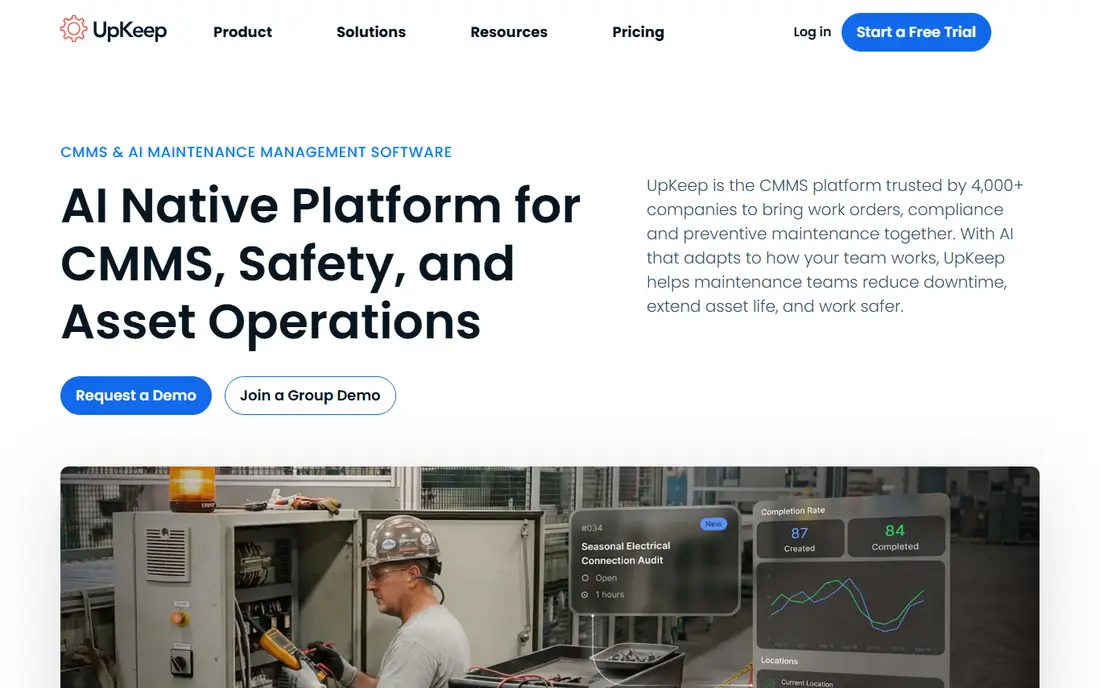
UpKeep is built for technicians who work from their phones. Work orders, assets, parts, preventive schedules and requests sit in a mobile-first app that a small team can set up quickly, without a long implementation project. Essential at $24 per user per month covers core CMMS work, while higher tiers add safety, fleet, sensors and deeper reporting for teams that need more than basic maintenance tracking.
There is no free plan, only a free trial, so a team that wants to start at zero cost should look at MaintainX or Fiix first. Per-user pricing also adds up as a team grows, especially if office staff and managers all need licences, so check requester options before you budget. UpKeep fits small teams that want to get organised on mobile fast and are ready to pay a clear monthly price.
- Fast mobile setup
- Work orders, assets and parts in one app
- Safety and fleet features on higher tiers
- No free plan, only a trial
- Per-user costs rise with team size
- Advanced analytics need higher tiers
Limble focuses on preventive maintenance done well, with schedules, checklists, asset history and mobile work orders that technicians actually complete. The interface is deliberately simple, which helps teams where maintenance staff are not desk-based and need to log work quickly. A free tier exists for very small use, while paid plans add more users, assets, integrations and AI features, with pricing to confirm on the vendor site or by quote.
Public pricing for Limble is limited, so budgeting needs a vendor conversation rather than a price page alone. Some advanced features, including named AI and integration options, sit on higher tiers, which can push the real cost above the entry level. Limble fits operations teams where preventive work is the whole programme and adoption matters more than deep enterprise customisation.
- Easy preventive scheduling
- Strong mobile adoption
- AI and integration options on higher tiers
- Pricing is not fully public
- Some features need Premium or Enterprise
- Reporting depth varies by tier
eMaint, from Fluke, suits multi-site operations and regulated industries that need standardised maintenance, condition monitoring and audit trails across plants or facilities. Work orders, preventive schedules, parts and asset history are governed centrally, while Fluke sensor and measurement integrations support condition-based work. That governance matters when auditors, safety teams or corporate standards require consistent records across sites.
eMaint pricing is quote-based, so small teams cannot judge cost from a public page, and implementation is heavier than a mobile-first tool. The interface also feels more enterprise than simple, which can slow adoption for a small frontline team. eMaint fits larger, multi-site teams that need control and reporting more than speed of setup.
- Strong condition monitoring
- Multi-site governance
- Fluke integration and audit trails
- Pricing is quote-based
- Implementation is heavier
- Interface is less simple than mobile-first rivals
Hippo CMMS, now sold as Eptura Asset, focuses on facilities teams in healthcare, education and government, where buildings, equipment and compliance work matter as much as production assets. Work orders, preventive maintenance, equipment tracking and reporting cover the daily work of a facilities team, and the system is designed for multi-building operations. Pricing is listed from around $35 per user per month in marketplace guides, with final terms to confirm with the vendor.
There is no free plan, and pricing details vary between marketplace listings and vendor quotes, so get a written quote before you commit. Customisation and reporting can also need vendor help for complex setups. Hippo fits facilities teams that want a system built around buildings and equipment, rather than a manufacturing-first tool.
- Facilities-focused workflows
- Equipment and work order tracking
- Now part of Eptura Asset
- No free plan
- Pricing details need confirmation
- Customisation can need vendor help
FMX suits schools, churches, municipalities and other multi-facility operations that need staff to request work easily and managers to schedule it across sites. A request portal lets teachers, office staff or residents report issues without a licence, while work orders, preventive schedules, equipment tracking and reporting cover the maintenance side. Entry pricing is listed from around $35 per user per month, with a free trial for evaluation.
FMX is less focused on manufacturing assets, sensors and production downtime than Fiix or eMaint, so a plant team may find it thin for that work. Per-user pricing also rises with team size, so check how requesters and technicians are licensed separately. For education and public-sector facilities, FMX is a strong, practical pick.
- Request portal for staff
- Multi-facility scheduling
- Strong fit for schools and municipalities
- No free plan, only a trial
- Per-user pricing adds up
- Manufacturing depth is thinner
Fracttal offers a modern CMMS with AI-assisted maintenance planning, asset tracking, work orders and mobile tools, and it has a strong presence in Latin America and Europe as well as growing US use. AI features help prioritise work, predict failures and plan preventive tasks, which can reduce unplanned downtime for teams with large asset fleets. Mobile work orders and reporting cover the daily needs of technicians and managers alike.
Pricing is quote-based, so cost depends on users, assets and modules, and US buyers should check support hours and local references before committing. Implementation for a large fleet also needs clean asset data and clear schedules, or AI predictions will reflect poor inputs. Fracttal fits teams that want AI-assisted planning and operate across regions, with a vendor quote to confirm total cost.
- AI-assisted planning and predictions
- Strong presence in Latin America and Europe
- Mobile work orders
- Pricing is quote-based
- US support depth varies
- Implementation needs planning for large fleets
How we picked these
We compared official product pages, pricing pages and recent CMMS guides checked in October 2026, focusing on systems that are still sold, offer work orders, preventive maintenance and mobile access, and publish at least some pricing or a clear trial route. We favoured a mix of free, low-cost and multi-site systems, so small teams and larger operations can both find a fit. We did not claim hands-on testing, and we used See website where pricing was quote-based or inconsistent across sources.
How to choose a CMMS without buying the wrong size
Start with your current work, not a feature list. Count how many work orders you handle each week, how many assets and sites you maintain, how many technicians need licences and how many other staff only need to request work. That count decides whether a free tier, a $20 per user plan or a quote-based enterprise system fits, and it stops you paying for seats you do not need.
Next, run a pilot with real work, not demo data. Load a sample of your assets, create preventive schedules for your most common jobs and ask technicians to use the mobile app for two weeks. Watch whether work orders get closed properly, whether photos and notes are useful and whether managers can see overdue work without chasing people. A system technicians avoid is worse than a spreadsheet they use.
Finally, check total cost and exit terms. Ask about per-user pricing, requester licences, implementation fees, training, integrations and what happens to your asset history if you leave. Confirm whether pricing is fixed or quote-based, and get any promises about features, limits and support in writing. A clear pilot and a written quote save more money than a discount on the wrong system.
Frequently asked questions
What is the best cmms software for small teams?
MaintainX and Fiix are the best starting points for small teams because both offer free tiers for work order tracking. UpKeep is a strong paid alternative for mobile-first teams, at $24 per user per month, if you prefer a guided trial and a clear monthly price.
What is the best cmms maintenance software for preventive maintenance?
Limble and MaintainX both suit preventive maintenance programmes, with schedules, checklists and mobile completion. Limble focuses heavily on preventive work, while MaintainX adds a free tier and simple adoption. Choose Limble if preventive work is your main programme, and MaintainX if you also want a free start.
How much does cmms software cost?
Entry prices in this list range from free tiers to $20, $24, $35 and $45 per user per month, depending on the system and billing. Enterprise and multi-site systems are often quote-based, so total cost depends on users, assets, modules and implementation, not just the seat price.
What is the difference between CMMS and EAM software?
A CMMS focuses on day-to-day maintenance work, including work orders, preventive schedules, parts and asset history. An EAM system adds asset lifecycle planning, capital investment and reliability engineering on top of that data, and usually suits larger, capital-heavy organisations with bigger budgets.
Is there a free cmms software option?
Yes. MaintainX Basic and Fiix both offer free plans for small teams, and Limble offers a free tier for very small use. Free plans cover basic work orders and limited preventive schedules, so check limits on users, assets and schedules before you rely on one for a larger team.
Which cmms is best for schools and facilities?
FMX and Hippo CMMS suit schools, municipalities and facilities teams, with request portals, multi-facility scheduling and equipment tracking. FMX starts from around $35 per user per month with a trial, while Hippo pricing should be confirmed by quote, so compare both on a pilot with your own buildings.
Sources
See where you really rank - block by block
ProMapRanker scans Google Maps across a grid of your service area. Simple monthly plans from $19, white-label on every plan.
Start freeKeep reading
 best resource management software
Best Resource Management Software in 2026
We compared the best resource management software for scheduling, capacity and utilization, with current pricing and free trials, to help teams choose well.
Read → best reporting tools
Best Reporting Tools in 2026
Compare the best reporting tools for dashboards, scheduled reports, and business insights, from Power BI and Tableau to Looker Studio for every team size.
Read → best remote support software
Best Remote Support Software in 2026
Looking for the best remote support software? We compare 9 tools on price, security, session controls, and fit for helpdesks, MSPs, and small teams in 2026.
Read →