 ProMapRanker
Best Cloud Migration Tools in 2026


Moving servers to AWS · Pricing starts at: Free
Key takeaways
- The three big cloud providers offer capable migration tools at little or no tool cost, so start with the tool built for your target cloud.
- VMware HCX is the strongest choice for large VMware estates, because it preserves network identity during the move.
- Zerto and Carbonite Migrate suit teams that need near-zero downtime, thanks to continuous replication.
- Tool fees are usually the smallest cost in a migration, so budget for dual running, data transfer, and staff time as well.
Quick comparison
| Pick | Great for | Pricing starts at | Free tier | |
|---|---|---|---|---|
| AWS Application Migration Service | Moving servers to AWS | Free | Yes | Visit |
 Azure Migrate | Moving workloads to Azure | Free | Yes | Visit |
 Google Cloud Migration Center | Moving workloads to Google Cloud | Free | Yes | Visit |
 VMware HCX | Large VMware moves | See website | No | Visit |
 Zerto | Low-downtime replication | See website | Free trial | Visit |
 Carbonite Migrate | Cross-platform server moves | See website | Free trial | Visit |
 RiverMeadow | Automated multi-cloud moves | See website | No | Visit |
 CloudFuze | Moving files and collaboration data | See website | Free trial | Visit |
The best cloud migration tools
A cloud migration tool is only as good as its fit for your source and target. Some tools move whole servers, some move files and mailboxes, and some only assess what you own. We compared official product pages and pricing pages to cover server moves, VMware estates, and cloud-to-cloud data moves.
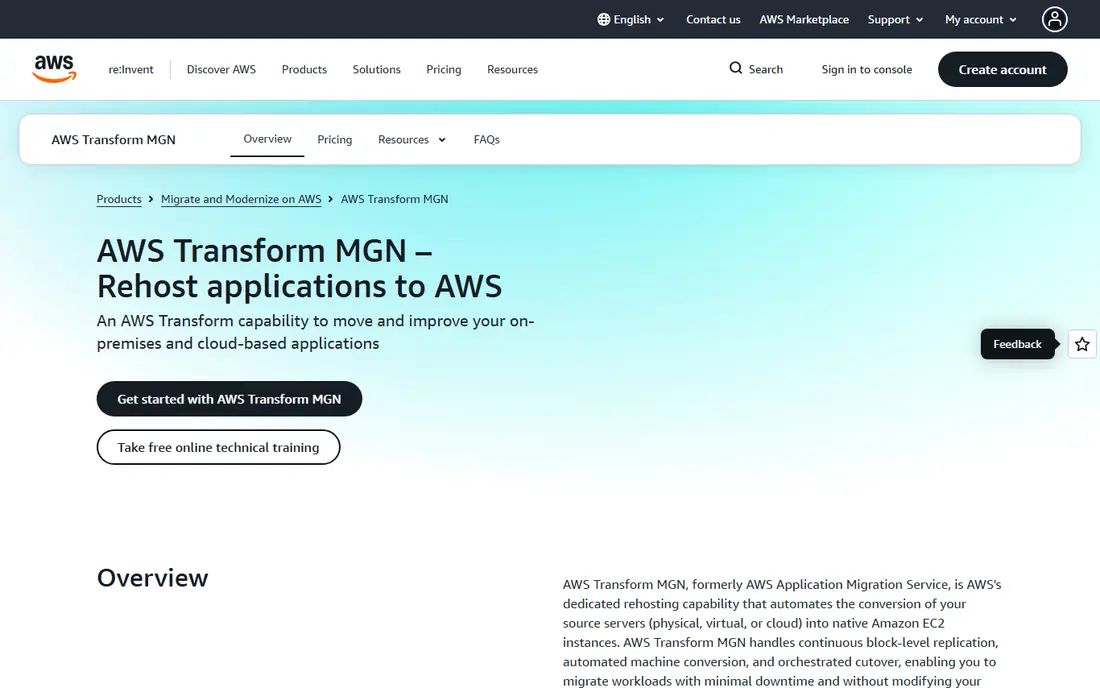
AWS Application Migration Service, known as MGN, is the default tool for lifting servers into AWS. It replicates source servers continuously at block level, converts them automatically, and lets teams test the replicated servers in AWS before the real cutover. That test step matters, because it catches driver, network, and application problems while the old server still runs production.
The tool itself is free for a migration period per server, but the AWS resources used during replication and testing are charged, and the migrated servers cost normal AWS rates once live. MGN also only targets AWS, so a team planning a multi-cloud estate will need a second tool for other targets. For a straightforward move to AWS, it is the obvious starting point.
- Continuous block-level replication
- Automated server conversion
- Non-disruptive testing before cutover
- AWS only as a target
- Post-migration AWS resource costs still apply
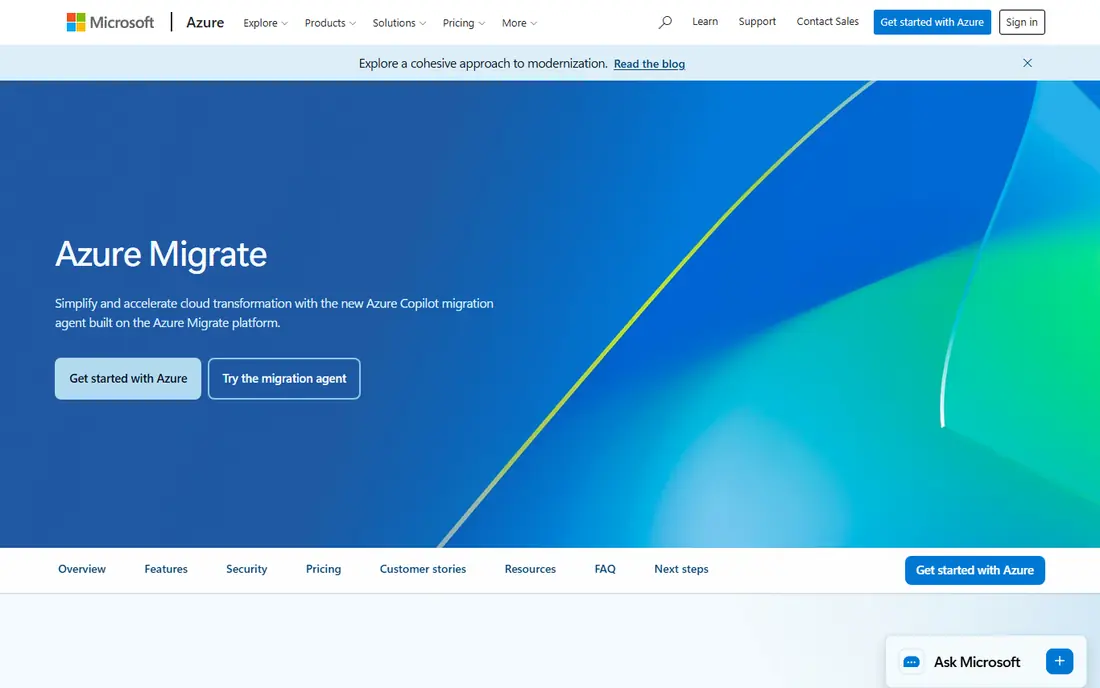
Azure Migrate is Microsoft's hub for assessing and moving workloads to Azure. It starts with discovery, inventorying servers and mapping dependencies between them, which helps teams plan move groups that actually work together. Migration itself covers servers, databases, and web apps, with cost estimates tied to Azure pricing so teams can compare target sizes before they commit.
Assessment is free, and migration tooling is included, but target Azure resources are charged as normal. The depth of assessment also varies: Windows and VMware sources are well covered, while unusual or older systems may need extra manual work. For a Microsoft-centered estate, Azure Migrate gives the most complete single view of the move.
- Discovery and assessment built in
- Dependency mapping
- Supports servers, databases, and web apps
- Azure only as a target
- Assessment depth varies by source type
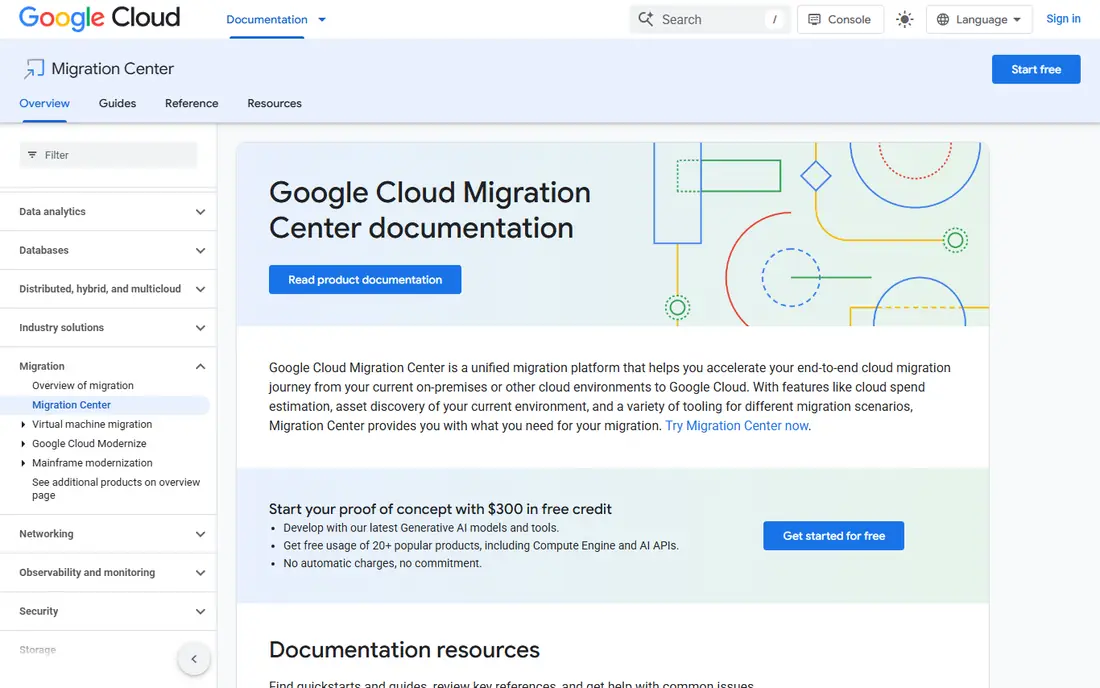
Google Cloud Migration Center brings discovery, assessment, and planning together before the move itself. Teams can inventory infrastructure, estimate running costs on Google Cloud, and then use Migrate to Virtual Machines to move servers with testing before cutover. The migration service itself carries no extra charge for moves into Google Cloud, though Compute Engine resources used for testing and for live workloads are billed normally.
The experience spans several related Google services rather than one single screen, which can feel scattered at first. Teams should also check source support for older operating systems and databases before promising a timeline. For a move to Google Cloud, Migration Center is the natural hub to start from.
- Assessment, cost estimation, and migration in one place
- Migrate to Virtual Machines included
- Broad source support
- Google Cloud only as a target
- Some tooling is reached through related Google services
VMware HCX is built for the hardest common migration: moving hundreds or thousands of virtual machines without breaking the applications that depend on them. It extends on-premises networks into the cloud, so virtual machines keep their IP addresses and keep talking to dependent services after the move. Bulk and live migration options let teams move machines in waves, with scheduling and traffic controls for large estates.
That power comes with a VMware focus. Non-vSphere sources need the higher Enterprise edition for conversion, and licensing across editions and bundles needs careful reading. Smaller estates may find a cloud provider tool simpler and cheaper. For a large VMware estate, though, HCX removes the reconfiguration work that otherwise dominates a migration project.
- Live and bulk migration for many virtual machines
- Network extension preserves IP addresses
- WAN optimization
- VMware-centered
- Licensing and editions can be complex to navigate
Zerto, now part of HPE, is best known for disaster recovery, and that same continuous replication makes it a strong migration tool. It replicates workloads with very short recovery points, orchestrates failover in planned groups, and lets teams test the move without disrupting production. When cutover comes, the gap between old and new systems is small, which matters for databases and transactional apps.
Pricing is quoted, and sizing the replication journal and target storage takes planning, especially for write-heavy workloads. Teams should also confirm support for their exact hypervisor and cloud target before designing around Zerto. Where downtime tolerance is measured in minutes rather than hours, Zerto is one of the safest tools on this list.
- Continuous replication with near-zero recovery points
- Orchestrated failover and testing
- Multi-cloud targets
- Quote-only pricing
- Needs planning for journal and storage sizing
Carbonite Migrate, from OpenText, suits teams whose sources are mixed: physical servers, virtual machines, and cloud instances that all need to land somewhere new. It replicates continuously, so the target stays close to the source, and cutover can be automated and repeated for testing. That vendor-neutral stance helps when the estate spans more than one hypervisor or cloud.
Pricing is quoted, and the product feels more traditional than the cloud providers' newer tools, with a setup style that suits infrastructure teams rather than casual users. Support and documentation matter here, so ask for a guided trial with your actual source types. For a mixed estate with a strict downtime window, Carbonite Migrate remains a proven choice.
- Continuous replication across physical, virtual, and cloud sources
- Automated cutover
- Broad platform support
- Quote-only pricing
- Older interface compared with cloud-native tools
RiverMeadow focuses on automated, large-scale workload mobility between data centers and clouds. It discovers workloads, automates the move, and supports several source and target combinations, which suits service providers and enterprises running repeat migrations. Its automation reduces the manual steps that slow down a migration wave, and it can move workloads without agents in some configurations.
For a small migration of a few servers, a free cloud provider tool will usually be simpler and cheaper, and RiverMeadow's quoted pricing reflects its enterprise focus. Teams should run a pilot wave with representative workloads before committing to a full schedule. At scale, where the same move repeats dozens of times, that automation is where the value appears.
- Automated discovery and migration across clouds
- Workload mobility without agents in some flows
- Partner-friendly
- Quote-only pricing
- Best value at scale rather than for a handful of servers
CloudFuze covers the part of migration the server tools ignore: user files, shared drives, mailboxes, and collaboration content moving between clouds such as Microsoft 365, Google Workspace, Dropbox, and Box. It maps permissions, preserves folder structures, and reports on what moved and what failed, which matters when hundreds of users depend on shared files. That content move often runs alongside a server migration rather than instead of it.
It is not a server tool, so teams moving applications and databases need one of the tools above as well. Pricing depends on users and data volume, so get a quote based on your actual file count and size. For a tenant-to-tenant or cloud-to-cloud content move, CloudFuze fills a gap that server tools leave open.
- Moves files, mail, and collaboration content between clouds
- Permission mapping
- Detailed migration reports
- Not a server migration tool
- Pricing depends on data volume and users
How we picked these
We compared official product pages, documentation, and pricing pages for each tool in October 2026, and we favored tools that are actively sold and supported today. We covered server migration, VMware mobility, low-downtime replication, and content migration, since a real project usually needs more than one of those. We did not claim hands-on testing, and we wrote "See website" where pricing is quoted or depends on volume.
How to plan a migration with these tools
Start with an inventory, not a tool choice. List every server, database, application, and dependency, then group them into move waves that can cut over together. Azure Migrate, Migration Center, and the provider tools all offer assessment features, and that assessment phase prevents the most common failure: moving one tier of an application while its database stays behind.
Test cutover before the real cutover
Every tool on this list supports some form of test migration, and skipping it is the easiest way to create an outage. Run a test cutover for each wave, check application logins, integrations, and performance, and keep the old system running until the test passes. Record the exact cutover steps and rollback plan, so the real move follows a rehearsed script rather than improvisation.
Budget beyond the tool fee
Tool fees are often free or quoted, but the real budget sits elsewhere: running old and new systems in parallel, data transfer out of the old provider, target cloud resources, and staff time for testing. Ask each provider what is charged during replication and testing, and set a date to switch off the old estate so dual running does not drift for months.
Frequently asked questions
What is the best cloud migration tool for moving to AWS?
AWS Application Migration Service is the best starting point for server moves to AWS, because it is built for that target and its tooling is free during migration. AWS Transform adds AI-assisted modernization for VMware, mainframe, and .NET workloads. Target AWS resource costs still apply, so estimate those separately.
What is the best cloud migration service for moving to Azure?
Azure Migrate is the best starting point, since it covers discovery, dependency mapping, assessment, and migration to Azure in one hub. It suits Microsoft-centered estates best, including Windows servers and SQL databases. Teams with VMware estates should also check HCX support for Azure VMware Solution.
How much do cloud migration tools cost?
Many provider tools are free as tools, with charges only for the cloud resources used during replication, testing, and live running. Independent tools such as Zerto, Carbonite Migrate, RiverMeadow, and CloudFuze are usually quoted based on workloads, users, or data volume. The largest costs in most projects are staff time and dual running, not tool licenses.
What is the best platform for cloud migration?
There is no single best platform, since the right target depends on your applications, data, and team skills. AWS, Azure, and Google Cloud each offer a capable migration hub for their own platform. Choose the target cloud first based on services, pricing, and compliance needs, then use that provider's migration tool as the core of the plan.
Can cloud migration tools move data between clouds?
Yes, with limits. Server tools move workloads to a specific target cloud, while CloudFuze specializes in moving files and collaboration content between clouds. Database and application moves between clouds need careful planning for compatibility and data transfer costs. Always test with a representative data set before moving production data.
Sources
See where you really rank - block by block
ProMapRanker scans Google Maps across a grid of your service area. Simple monthly plans from $19, white-label on every plan.
Start freeKeep reading
 free alternatives to grok imagine
Free Alternatives to Grok Imagine in 2026
We compared the best free alternatives to grok imagine for image generation, from fast daily credits to design tools, so you can create without paying.
Read → best tools for instagram content creation
Best Tools for Instagram Content Creation in 2026
Compare the best tools for Instagram content creation, from Canva and CapCut to Later and Buffer, on design, video, planning, scheduling, and price in 2026.
Read → best tool to split pdf files
Best Tool to Split PDF Files in 2026
We compared the best tool to split pdf files on split modes, file limits, privacy and price, so you can split a PDF cleanly and keep every page in one go.
Read →