 ProMapRanker
Best Cloud Hosting Companies in 2026

Key takeaways
- AWS, Azure, and Google Cloud suit teams that need a huge service catalog and global scale, but their bills need active management.
- DigitalOcean, Linode, Vultr, and Kamatera suit developers who want simple virtual machines with clearer monthly prices.
- OVHcloud suits European teams and bare metal needs, while hyperscalers suit enterprise compliance and managed services.
- Bandwidth, storage, and managed services often matter more than the headline virtual machine price.
- Start with a small instance, set billing alerts on day one, and test backups before moving production traffic.
Quick comparison
| Pick | Great for | Pricing starts at | Free tier | |
|---|---|---|---|---|
 Amazon Web Services | Widest service catalog | See website | Free trial | Visit |
 Microsoft Azure | Microsoft centred teams | See website | Free trial | Visit |
 Google Cloud | Data and AI workloads | See website | Free trial | Visit |
 DigitalOcean | Simple developer projects | $4 per month | Free trial | Visit |
 Linode (Akamai Cloud) | Predictable virtual machines | $5 per month | No | Visit |
 Vultr | Low cost global compute | $2.50 per month | No | Visit |
 Kamatera | Flexible custom servers | $4 per month | Free trial | Visit |
 OVHcloud | European cloud and bare metal | See website | No | Visit |
The best cloud hosting companies
This guide is based on publicly reported factors such as service breadth, published entry prices, and typical use cases. It is not a verified ranking, and no scores are claimed here. Cloud prices vary by region, instance type, and usage, so confirm the current pricing page for your region.
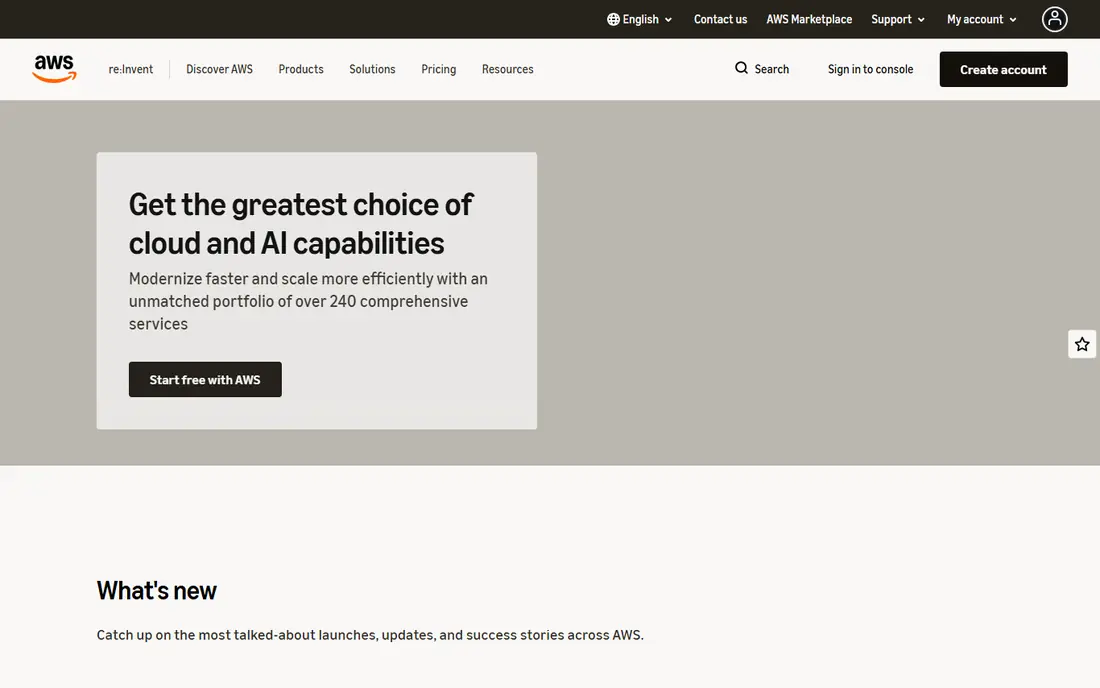
Amazon Web Services suits teams that want almost every building block in one place, from virtual servers and managed databases to storage, delivery networks, and machine learning services. That breadth matters when a project grows in unexpected directions, because you rarely need to move providers to add a capability. Documentation, community answers, and contractors are also easy to find.
The catch is cost control. Many services bill by usage, data movement, and storage class, so a careless setting can change the bill more than the compute price suggests. Small teams should set billing alerts on day one, tag resources by project, and review the bill weekly during the first month.
- Largest service catalog
- Many regions
- Deep partner and hiring pool
- Complex pricing
- Bills can grow without alerts
- Learning curve for newcomers
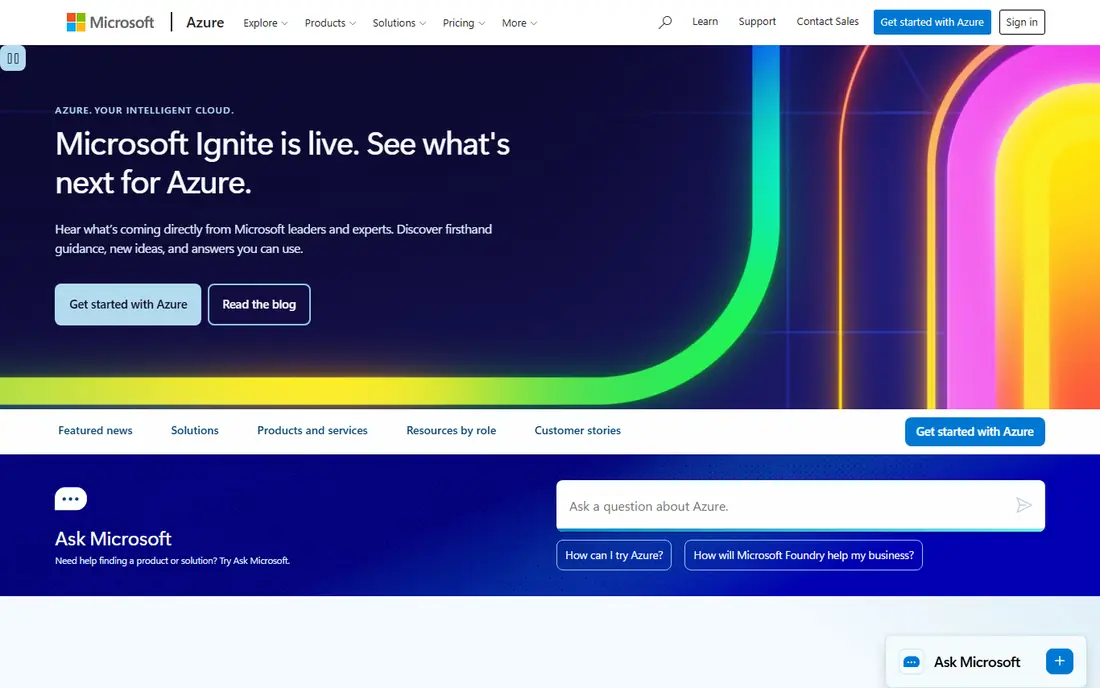
Microsoft Azure fits teams already running Microsoft 365, Active Directory, or Windows based workloads. Identity, security, and hybrid connections to on premises systems are natural strengths, and enterprise agreements can simplify procurement for larger companies. Its virtual machines, databases, and AI services cover most business needs.
Azure is still a hyperscaler, so pricing needs the same care as AWS. Services, regions, and data movement all affect the bill, and the portal offers many ways to configure the same workload. Teams with Microsoft skills will move fastest here, while teams without them may prefer a simpler provider.
- Strong Microsoft integration
- Hybrid cloud options
- Enterprise compliance tools
- Complex pricing
- Portal can feel heavy
- Some services are region dependent
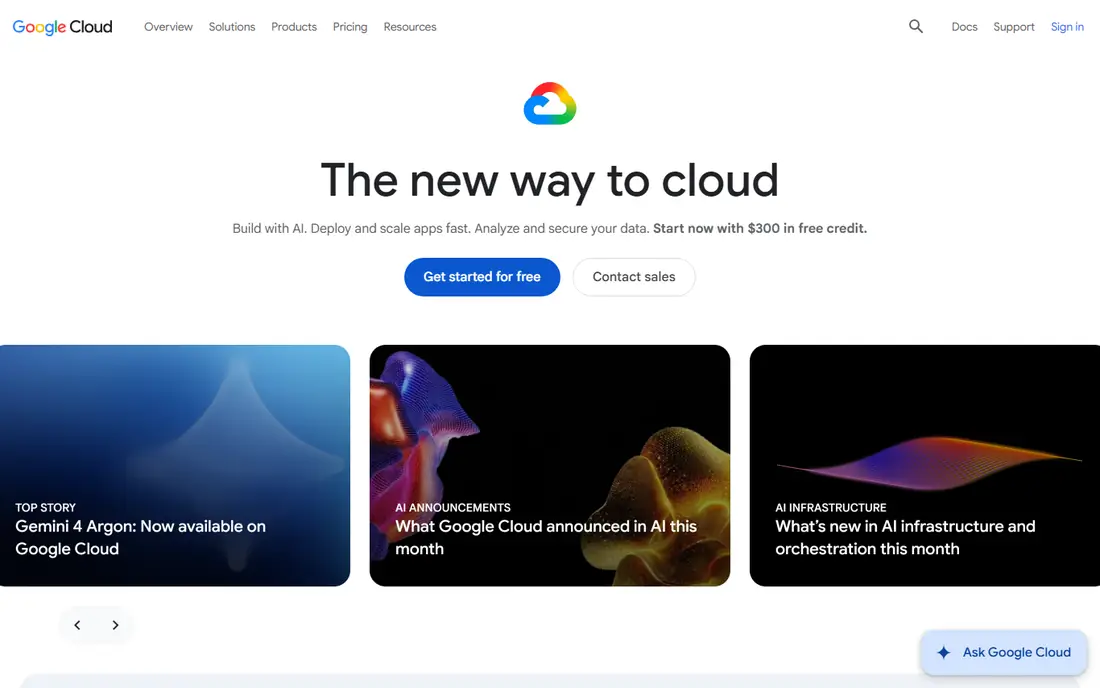
Google Cloud suits data, analytics, and AI workloads, with managed tools for big data, machine learning, and Kubernetes that many engineering teams like. Its global network and data tools are a draw for companies building analytics products or AI features. A free tier and trial credits help small teams test real workloads before committing.
The trade-off is that Google Cloud is still a large platform with service specific pricing, so the cheapest compute option is not always the cheapest total bill. Teams should test the exact services they plan to use, including storage and data movement, and compare that total against a simpler virtual machine provider.
- Strong data and analytics tools
- Global network
- Generous free tier options
- Service catalog smaller than AWS in some areas
- Pricing varies by service
- Enterprise sales for large deals
DigitalOcean is a favourite for developers who want a virtual machine running in minutes without navigating a huge console. Its Droplets, managed databases, and app platform cover common web projects, and its documentation is genuinely helpful for small teams. Predictable monthly pricing makes budgeting easier than usage based hyperscaler bills.
Larger or regulated workloads may outgrow it. The service catalog is narrower, and advanced compliance or managed enterprise features are less deep than AWS or Azure. For a startup, side project, or small agency site, that simplicity is usually a fair trade.
- Simple interface
- Predictable Droplet pricing
- Good docs and tutorials
- Smaller service catalog than hyperscalers
- Enterprise features are thinner
- Bandwidth limits apply
Linode, now part of Akamai Cloud, offers virtual machines with clear pricing and full root access, which appeals to system administrators and developers who want control. Its plans are easy to compare, and its global data centres cover most common regions. Teams that run their own stack often prefer this model to a managed platform.
There is no free plan, and the service is less hand holding than DigitalOcean for complete beginners. Managed databases and platform services exist, but they are not as broad as hyperscaler catalogs. Linode fits teams comfortable managing servers themselves.
- Clear virtual machine pricing
- Strong performance for the price
- Akamai network backing
- No free plan
- Interface is developer focused
- Managed services are narrower
Vultr stands out for low cost compute across many global locations, with small instances that suit test servers, VPNs, and light web projects. High frequency compute options help workloads that need faster single core performance. For developers who spin up many short lived servers, the low entry price and hourly billing are practical.
Support and managed services are leaner than hyperscalers, so teams need to manage their own backups, monitoring, and security. Vultr fits developers and small teams who want cheap, global virtual machines and are comfortable running them.
- Very low entry price
- Many global locations
- High frequency compute options
- No free plan
- Support is leaner
- Managed services are limited
Kamatera lets teams size servers precisely, choosing CPU, memory, and storage rather than picking from fixed tiers. That flexibility suits workloads with uneven needs, such as a database server that needs more memory than CPU. Its global data centres and trial period make it easy to test a configuration before committing.
The interface and managed tooling are less polished than DigitalOcean, so beginners may find setup slower. Kamatera fits teams that know what server shape they need and want to pay for that shape, not a preset bundle.
- Custom server sizing
- Many data centres
- Flexible billing options
- Interface is less polished
- Managed services are thinner
- Pricing depends on configuration
OVHcloud is a European provider with cloud instances, dedicated bare metal servers, and managed services, and it appeals to teams that want European hosting or dedicated hardware. Bare metal suits workloads that need consistent performance or specific hardware, without sharing a host. Its pricing for dedicated servers is often competitive.
Support quality varies by plan, and the control panel takes time to learn. US teams may find fewer regions than hyperscalers offer. OVHcloud fits European companies, dedicated server users, and teams that want an alternative to the largest US providers.
- European data centres
- Bare metal options
- Competitive dedicated server pricing
- Support varies by plan
- Interface takes learning
- US coverage is thinner
How we picked these
We compared official pricing pages, service descriptions, and public use cases, and we favoured providers with distinct roles: hyperscalers for scale, developer clouds for simplicity, and OVHcloud for European and bare metal needs. Where entry prices vary by region or configuration, we marked the price as See website rather than inventing a single figure.
How to choose a cloud hosting company
Start from the workload, not the brand
A static site, a WordPress site, a database heavy app, and an AI workload need different resources. List CPU, memory, storage, bandwidth, and managed services first, then shortlist providers that meet those needs at a price you can predict.
Watch bandwidth and storage, not just compute
The cheapest virtual machine can become expensive if bandwidth, snapshots, or managed database fees are high. Estimate monthly traffic and storage, check egress pricing, and test a realistic month before moving production traffic.
Test backups and recovery early
Create a server, take a backup, delete a test file, and restore it. If recovery is slow or confusing in a trial, it will be worse during a real incident. Also set billing alerts, use separate projects per client or app, and review the first bill line by line.
Frequently asked questions
What is the best cloud hosting company?
The best cloud hosting company depends on the workload. AWS, Azure, and Google Cloud suit large or complex projects, while DigitalOcean, Linode, Vultr, and Kamatera suit simpler developer projects with clearer monthly prices.
Which cloud hosting is cheapest for a small website?
Vultr and Kamatera have low entry prices, and DigitalOcean and Linode offer simple monthly plans for small sites. Compare bandwidth, backups, and managed services too, since those affect the total bill.
Is AWS better than DigitalOcean?
AWS offers a far larger service catalog and global scale, while DigitalOcean offers simpler setup and clearer pricing for common web projects. Teams that need managed AI, analytics, or enterprise services usually need AWS, while teams running standard apps may prefer DigitalOcean.
Do I need a hyperscaler for a startup?
No, most startups start on a developer cloud and move to a hyperscaler only when they need specific managed services, compliance features, or global scale. Starting simple keeps costs and complexity down.
What is the difference between cloud hosting and VPS hosting?
Cloud hosting usually means resources that can scale across many machines, while VPS hosting means a fixed slice of one server. Many developer clouds sell VPS style virtual machines with cloud style billing, so check scaling, backups, and redundancy rather than the label.
Sources
See where you really rank - block by block
ProMapRanker scans Google Maps across a grid of your service area. Simple monthly plans from $19, white-label on every plan.
Start freeKeep reading
 wpforms alternatives
Best WPForms Alternatives in 2026
We compare 9 wpforms alternatives for WordPress forms, with free and paid options, current pricing notes, and honest limits for small business sites in 2026.
Read → windows task scheduler alternatives
Best Windows Task Scheduler Alternatives in 2026
Looking for Windows Task Scheduler alternatives? We compare 9 schedulers for Windows and cross-platform work, from free tools to enterprise automation.
Read → which ai video service is best
Which AI Video Service Is Best in 2026
which ai video service is best? We compare 10 legitimate AI video services on price, avatars, editing and output quality to help you pick the right tool.
Read →