 ProMapRanker
Best Chess App in 2026: 8 Products Compared


Largest player pool and guided lessons · Pricing starts at: See website
Key takeaways
- Lichess is the best fully free chess app, with unlimited puzzles and analysis at no cost.
- Chess.com is the best all-round pick for lessons, puzzles, and the largest player pool.
- ChessKid is the safest pick for children under 13, with moderated play and kid-friendly lessons.
- Chessable and Aimchess suit players who want structured study, not just more games.
Quick comparison
| Pick | Great for | Pricing starts at | Free tier | |
|---|---|---|---|---|
| Chess.com | Largest player pool and guided lessons | See website | Yes | Visit |
 Lichess | Fully free play, puzzles, and analysis | Free | Yes | Visit |
 ChessKid | Safe chess learning for children | See website | Yes | Visit |
 Chessable | Opening and strategy courses that stick | See website | Yes | Visit |
 ChessBase | Professional database and analysis | See website | No | Visit |
 Shredder Chess | Strong computer play on mobile and desktop | See website | No | Visit |
 Learn Chess with Dr. Wolf | Conversational coaching for beginners | See website | Yes | Visit |
 Aimchess | Personal training reports for club players | See website | No | Visit |
The best chess apps overall
The best chess apps start with Lichess for free play and Chess.com for lessons and community, then split by age and study style.
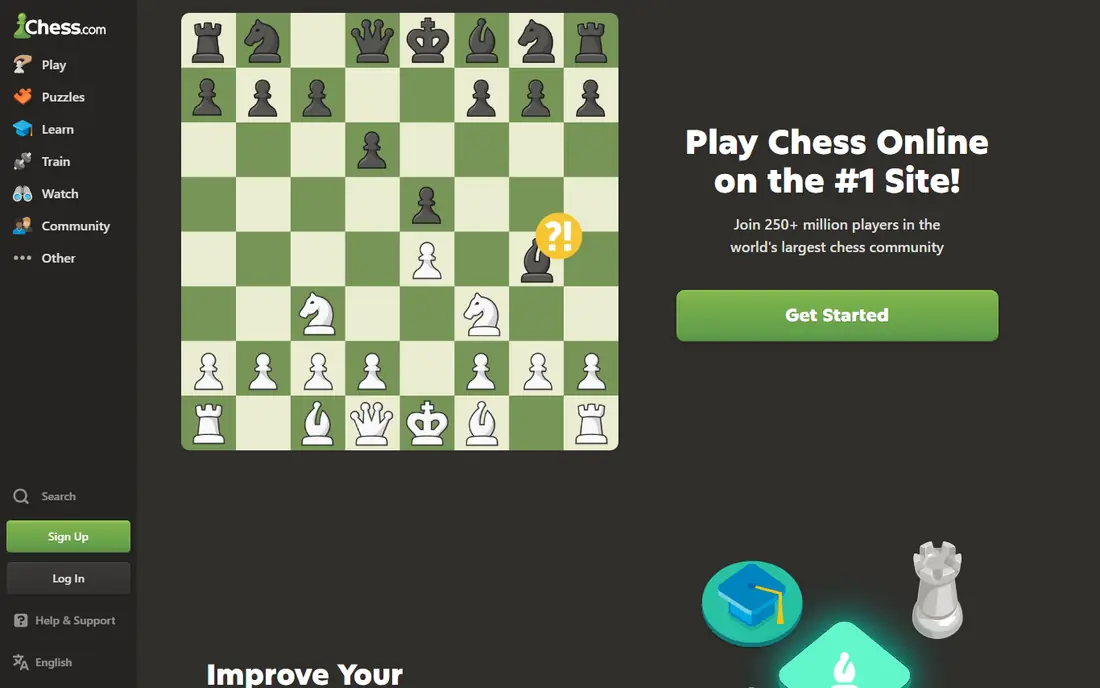
Chess.com is the default pick for most players, because it covers play, learning, and community in one place. You can play live, daily, and bot games, work through puzzles and lessons, and join clubs and events without leaving the app.
The catch is the paywall. Unlimited analysis, full lessons, and deeper puzzles need a paid plan, so free users hit limits sooner. It suits beginners who want guidance, club players who want fast matchmaking, and social players who like clubs.
Chess.com offers a free plan, with paid plans listed on its site for full lessons and analysis. For most readers in this group, Chess.com is worth a trial before you commit to a paid plan or a long program, because fit shows up faster in use than in a feature list.
- Largest online player pool
- Lessons, puzzles, and videos in one app
- Clubs and events
- Many best features need a paid plan
- Free tier limits analysis and lessons
- Interface can feel busy
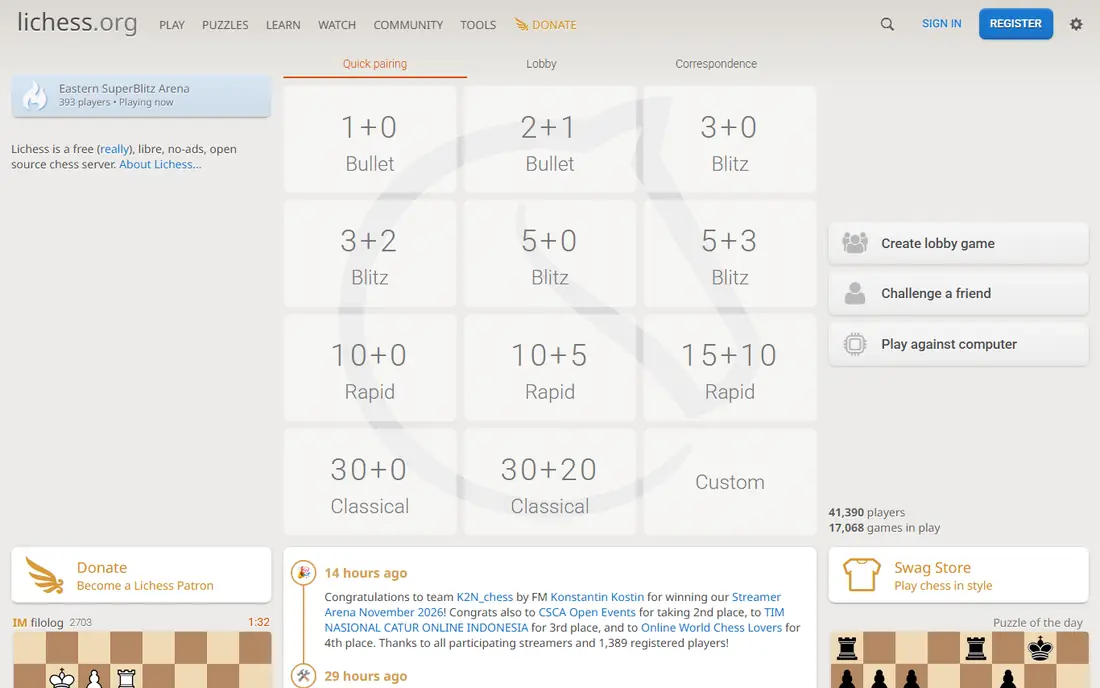
Lichess is the best value in chess, because every core feature is free. Players get unlimited games, puzzles, Stockfish analysis, opening explorers, studies, and tournaments, with no premium tier hiding them.
The weakness is guidance. There are fewer structured video courses than Chess.com, so beginners must build their own study path. It suits serious players, budget-conscious players, and anyone who wants analysis without a subscription.
Lichess is free, funded by donations, and runs on the web and on mobile apps. For most readers in this group, Lichess is worth a trial before you commit to a paid plan or a long program, because fit shows up faster in use than in a feature list.
- Completely free with no ads
- Unlimited puzzles and engine analysis
- Open-source code
- Fewer guided video lessons than Chess.com
- Interface is plainer
- Learning path is less structured
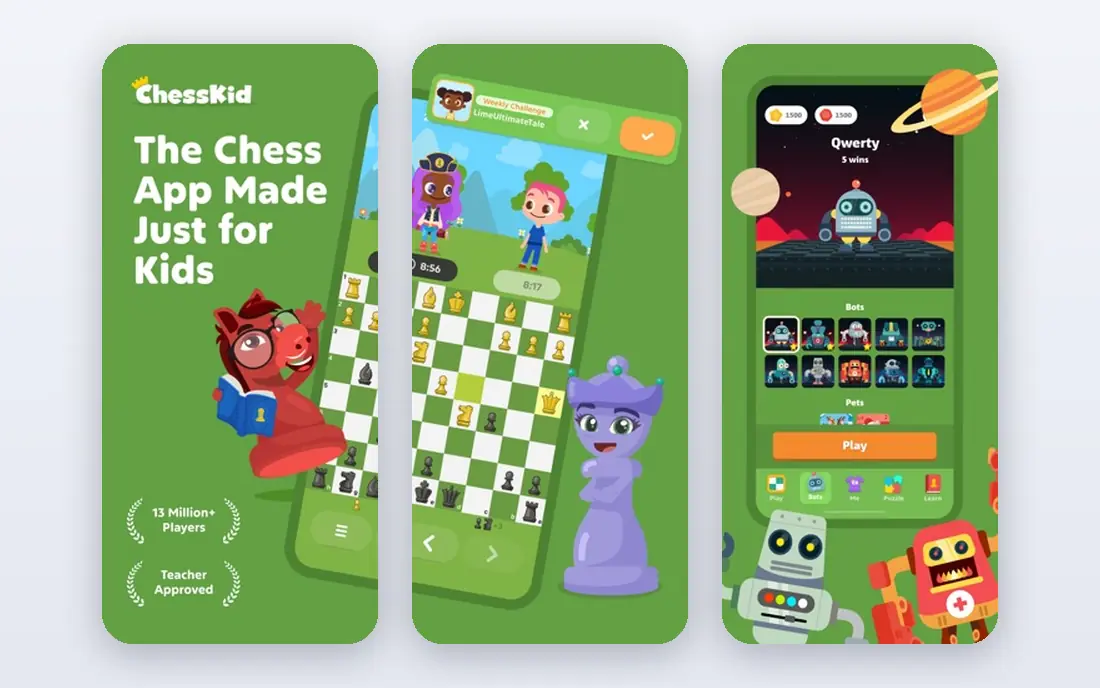
ChessKid is the safest first chess app for a young child. Lessons use friendly characters, puzzles are sized for children, and play is moderated to suit a young audience.
The limit is age range. Older children and teens will likely want Chess.com or Lichess once they pass the early learning stage. It suits children under 13, schools, and parents who want controls around chat and play.
ChessKid offers a free start, with paid plans for full lessons and features listed on its site. For most readers in this group, ChessKid is worth a trial before you commit to a paid plan or a long program, because fit shows up faster in use than in a feature list.
- Made for children under 13
- Moderated play
- Kid-friendly lessons and puzzles
- Full content needs a paid plan
- Smaller player pool than Chess.com
- Older children may outgrow it
Chessable is the pick when you want to learn openings and ideas in a way that lasts. Courses break lines into short, repeatable steps, and spaced repetition brings them back at the right time for review.
The catch is cost and time. The strongest courses are paid, and the method works best with short daily sessions rather than rare long ones. It suits club players, tournament players, and anyone studying a specific opening.
Chessable offers free courses, with paid courses and a Pro plan listed on its site. For most readers in this group, Chessable is worth a trial before you commit to a paid plan or a long program, because fit shows up faster in use than in a feature list.
- Courses from strong players
- Spaced repetition drills lines
- Free courses available
- Best courses are paid
- Less useful for casual play
- Study takes steady daily time
ChessBase is a workstation, not a casual app, and that is its point. It gives a deep database of games, strong analysis tools, and preparation features used by serious players and coaches.
The weakness is access. It is costly, complex, and far more than a casual player needs for quick games and puzzles. It suits advanced players, coaches, and tournament players who study opponents and openings in depth.
ChessBase pricing is listed on its site, with desktop software and database products sold separately. For most readers in this group, ChessBase is worth a trial before you commit to a paid plan or a long program, because fit shows up faster in use than in a feature list.
- Deep game database
- Strong analysis tools
- Used by serious and professional players
- Costly and complex
- Desktop focus suits advanced users
- Overkill for casual play
Shredder Chess suits players who want a strong, adjustable computer opponent. Its engine scales from beginner-friendly play to serious practice, and offline play works well for travel and focused training.
The limit is community. It is not a large social platform, so online matchmaking and lessons are thinner than the big two. It suits players who practice against a computer, study tactics, and play on the move.
Shredder Chess is a paid app in most stores, with a web version and pricing listed on its site. For most readers in this group, Shredder Chess is worth a trial before you commit to a paid plan or a long program, because fit shows up faster in use than in a feature list.
- Strong engine play at many levels
- Offline play available
- Good for practice games
- Smaller online community
- Fewer lessons than Chess.com
- Paid app in most stores
Learn Chess with Dr. Wolf
Great for: Conversational coaching for beginners
Learn Chess with Dr. Wolf feels like a coach sitting beside the board, which helps nervous beginners most. The coach talks through ideas, points out mistakes in plain language, and adjusts to your level as you play.
The limit is scope. It is a learning app first, not a large online playing platform, and stronger players will want deeper tools. It suits adult beginners and returning players who want explanation, not just an engine score.
Learn Chess with Dr. Wolf offers a free start, with paid plans for full coaching listed on its site. For most readers in this group, Learn Chess with Dr. Wolf is worth a trial before you commit to a paid plan or a long program, because fit shows up faster in use than in a feature list.
- Friendly coach explains ideas during games
- Adapts to your level
- Good for adult beginners
- Limited online play pool
- Advanced players will outgrow it
- Full coaching needs a paid plan
Aimchess is the pick for a club player who keeps losing the same way and wants to know why. It reads your games, finds recurring mistakes, and turns them into targeted puzzles and lessons.
The catch is price and focus. Full reports need a paid plan, and it is a training tool, not a place to play most of your games. It suits players rated roughly from beginner club level upward who study at least a few times a week.
Aimchess pricing is listed on its site, with a trial or limited access for new users in many cases. For most readers in this group, Aimchess is worth a trial before you commit to a paid plan or a long program, because fit shows up faster in use than in a feature list.
- Personal reports find your weak spots
- Targeted puzzles and lessons
- Works with Chess.com and Lichess games
- Needs a paid plan for full reports
- Less useful for casual players
- Focus is training, not playing
How we picked these
We started from official feature pages, pricing pages, app store listings, and privacy policies, then checked those claims against public reviews and help docs. Products that were discontinued, unavailable, or missing a clear fit for the topic were left out, even when they appeared on older lists.
We also weighed the limits that matter in daily use, such as free-tier caps, account rules, and what a paid plan actually adds. A product earned a place when its core job was clear, its pricing was checkable, and its weakness could be stated plainly.
How to pick a chess app for your level
Start with your main goal. If you want quick games, pick the app with fast matchmaking and a large player pool. If you want to improve, pick the app whose puzzles, lessons, or analysis you will actually open each week. Children need a separate check: look for moderated play, no open chat with strangers, and lessons made for young players. Try the free tier for two weeks, play at a time control you enjoy, and only pay when a paid feature becomes part of your routine.
Revisit the choice after a month of real use. The best tool on paper is not always the one you open each week, and a simpler pick you actually use beats a larger tool that sits idle.
Frequently asked questions
Which chess app is completely free?
Lichess is fully free, with no ads and no premium tier. Puzzles, analysis, studies, and tournaments are open to all users, funded by donations.
Is Chess.com or Lichess better for beginners?
Chess.com gives more guided lessons and video content for beginners, while Lichess gives free puzzles and analysis from day one. Many beginners use both, with Chess.com for lessons and Lichess for free games.
What is the best chess app for kids?
ChessKid is made for children, with lessons, puzzles, and moderated play. Lichess also offers a kid mode, which some parents prefer as a free option.
Can I play chess offline?
Some apps let you play against a computer offline, including Chess.com and Shredder Chess. Online games, puzzles with full analysis, and lessons usually need a connection.
Do I need a paid plan to improve?
No. Free puzzles and analysis on Lichess can carry a player a long way. Paid plans help most when you want structured courses, unlimited lessons, or detailed personal reports.
Which app is best for opening study?
Chessable is the strongest pick for opening courses, because it uses spaced repetition to drill lines. Lichess and Chess.com also offer opening explorers for checking common lines.
Sources
See where you really rank - block by block
ProMapRanker scans Google Maps across a grid of your service area. Simple monthly plans from $19, white-label on every plan.
Start freeKeep reading
 free alternatives to grok imagine
Free Alternatives to Grok Imagine in 2026
We compared the best free alternatives to grok imagine for image generation, from fast daily credits to design tools, so you can create without paying.
Read → best tools for instagram content creation
Best Tools for Instagram Content Creation in 2026
Compare the best tools for Instagram content creation, from Canva and CapCut to Later and Buffer, on design, video, planning, scheduling, and price in 2026.
Read → best tool to split pdf files
Best Tool to Split PDF Files in 2026
We compared the best tool to split pdf files on split modes, file limits, privacy and price, so you can split a PDF cleanly and keep every page in one go.
Read →