 ProMapRanker
Best CFD Software in 2026: 9 Tools Compared


industry validated fluid simulation · Pricing starts at: See website
Key takeaways
- This article covers computational fluid dynamics simulation software for engineering, not CFD trading or brokerage platforms, which are a different product class.
- Ansys Fluent and Siemens Simcenter STAR-CCM+ suit enterprise teams that need validated, multi-physics simulation at scale.
- SimScale suits teams that want cloud simulation without buying high-end workstations, while OpenFOAM suits teams that want full control at no license cost.
- SOLIDWORKS Flow Simulation and Autodesk CFD suit designers who want simulation inside a CAD workflow they already use.
- Budget for hardware, training, and meshing time as well as licenses, because solver cost alone does not describe the total cost of a simulation program.
Quick comparison
| Pick | Great for | Pricing starts at | Free tier | |
|---|---|---|---|---|
| Ansys Fluent | industry validated fluid simulation | See website | Free trial | Visit |
 Simcenter STAR-CCM+ | enterprise multi-physics simulation | See website | Free trial | Visit |
 SimScale | cloud simulation without workstations | See website | Yes | Visit |
 OpenFOAM | free open-source CFD control | Free | Yes | Visit |
 COMSOL Multiphysics | coupled multi-physics research | See website | Free trial | Visit |
 Autodesk CFD | designers in Autodesk CAD workflows | See website | Free trial | Visit |
 SOLIDWORKS Flow Simulation | simulation inside SOLIDWORKS | See website | Free trial | Visit |
 Altair AcuSolve | fast solvers for automotive and industrial work | See website | Free trial | Visit |
 CONVERGE CFD | combustion and moving geometry work | See website | Free trial | Visit |
The best CFD software
We use CFD here in its engineering sense: computational fluid dynamics simulation software that models how air, water, and other fluids move, transfer heat, and interact with solid parts. This is not about CFD trading, where CFD means a contract for difference offered by financial brokers. Trading platforms do not simulate fluid flow, and engineering solvers do not trade financial markets, so the two product classes should not be mixed when shopping.
These nine tools cover the main CFD approaches, from open-source solvers to enterprise multi-physics platforms and CAD-integrated simulation. The right pick depends on your physics, your CAD workflow, your hardware, and whether your team values control, speed, or ease of use most.
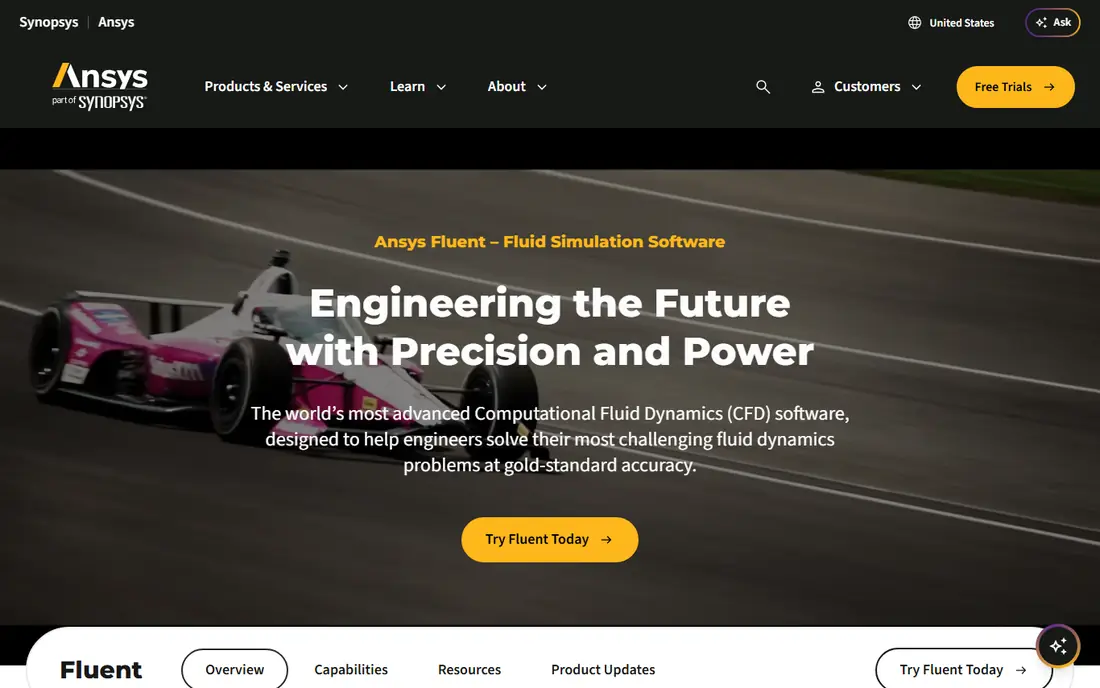
Ansys Fluent is the reference solver many engineering teams compare others against, because it covers a wide range of fluid problems, from external aerodynamics to internal flow, combustion, and multiphase flow. Its turbulence models, meshing tools, and high-performance computing options suit teams that need to run large, detailed models and defend results to customers or regulators. A large user community and training ecosystem also help new engineers get started.
The catch is cost and complexity. Fluent licenses are quoted rather than listed as a simple monthly price, and the total cost rises with solver capacity, parallel cores, and add-on models. Advanced combustion or multiphase setups need real expertise, so budget for training as well as software. For enterprise teams where simulation results drive design decisions, Fluent remains a strong default.
- Broad turbulence and combustion models
- Strong meshing and solver options
- Large validation history
- License cost is high and quoted
- Learning curve for advanced models
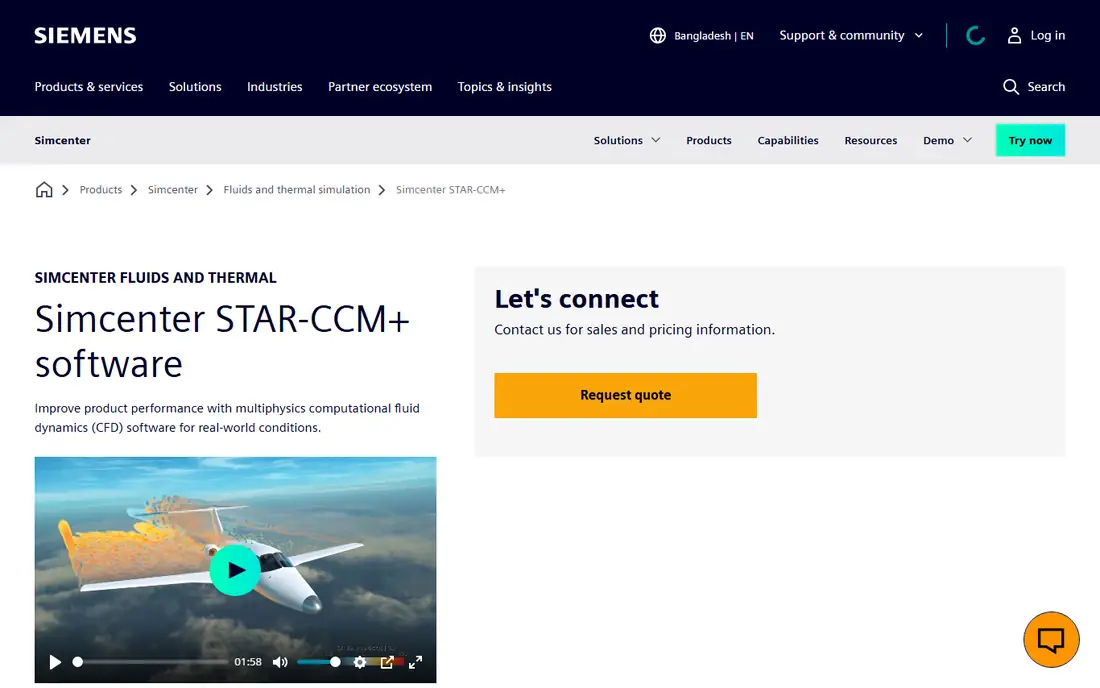
Siemens Simcenter STAR-CCM+ suits enterprise teams that want one workflow from geometry import through meshing, solving, and post-processing, without stitching together many separate tools. It handles fluid flow, heat transfer, and coupled multi-physics problems, and its GPU acceleration options help large models run faster on suitable hardware. That integrated approach helps automotive, aerospace, and industrial teams manage complex simulation programs.
Pricing is quoted and enterprise-level, so small teams should expect a sales process rather than a self-serve checkout. The full workflow also takes time to learn, especially for engineers new to multi-physics setup. If your team runs simulation as a core design activity and needs a single, governed platform, STAR-CCM+ is a leading choice.
- Single workflow from CAD to results
- Strong multi-physics coupling
- GPU acceleration options
- License cost is high and quoted
- Full workflow takes time to learn
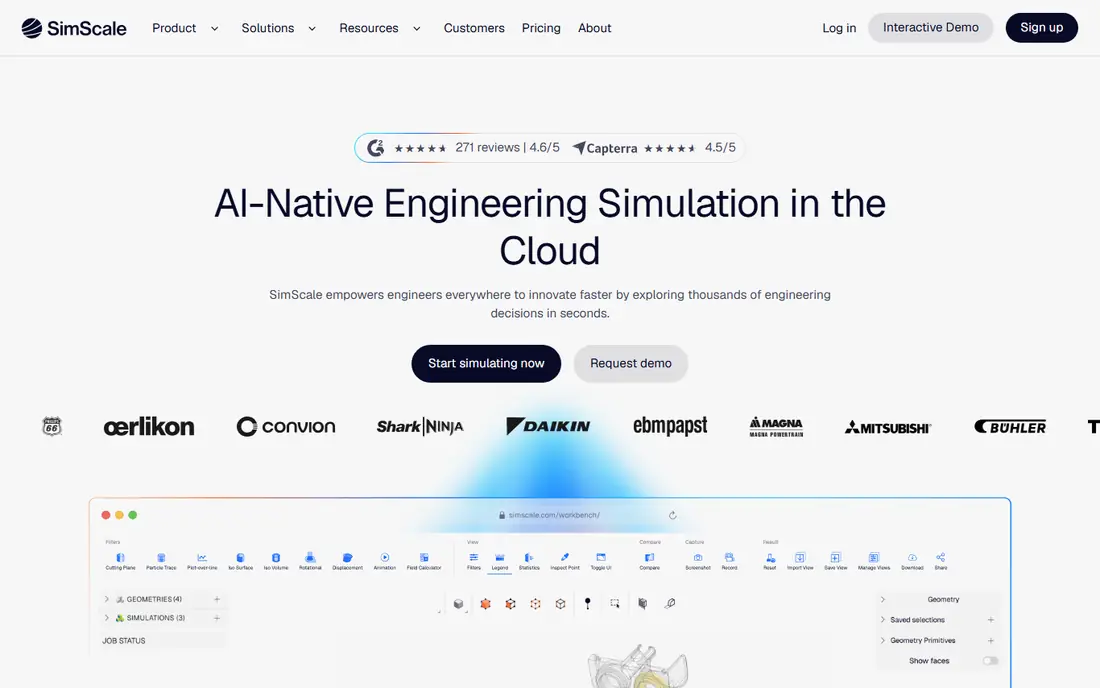
SimScale moves simulation to the cloud, so engineers can run CFD from a browser without buying and maintaining high-end workstations. Its platform covers fluid flow, heat transfer, and conjugate heat transfer, with AI-assisted meshing and collaboration tools that let teams share projects and results. That model suits small teams, startups, and educators who want to try simulation without a large hardware investment.
A free plan covers basic community projects, while paid plans add private projects, more compute, and professional features, with pricing available from the vendor. Some users report limits in advanced post-processing and meshing control compared with desktop solvers, so teams with highly specialized models should test a representative case first. For accessible, cloud-based CFD, SimScale is a strong pick.
- Browser-based cloud simulation
- No high-end workstation needed
- Collaboration built in
- Paid plans needed for serious project volume
- Advanced post-processing limits reported
OpenFOAM is the open-source standard for engineers who want full control over their solver without license fees. It includes a wide range of solvers for incompressible and compressible flow, turbulence, heat transfer, and multiphase problems, plus meshing and post-processing utilities. Because the source is open, research teams and startups can customize solvers for unusual physics that commercial tools may not cover.
The trade-off is effort. OpenFOAM has a steep learning curve, a command-line heavy workflow, and no single vendor support desk, though commercial partners and community forums help. Meshing, case setup, and result checking take more hands-on work than a guided commercial interface. For teams with CFD expertise and a tight budget, OpenFOAM offers unmatched control at no license cost.
- No license cost
- Full source access
- Hundreds of solvers and utilities
- Steep learning curve
- Support depends on community or paid partners
COMSOL Multiphysics suits research and product teams that need to couple fluid flow with other physics, such as heat transfer, structural response, acoustics, or electromagnetics, in one model. Its model builder makes it easier to set up coupled problems than stitching together separate solvers, and its application builder can turn a model into a guided tool for non-expert users. That flexibility makes COMSOL popular in research labs and R and D teams.
Pricing is module-based, with the base platform plus a CFD module and other modules priced separately, so a multi-physics project can become expensive. For pure fluid problems at large scale, a specialist solver such as Fluent or STAR-CCM+ may run more efficiently. Choose COMSOL when coupling is the core need, not just an occasional add-on.
- Couples fluid flow with heat, structural, and electromagnetic physics
- Intuitive model building
- Strong for research
- Module-based pricing adds up
- Fluid-only work can be heavier than specialist solvers
Autodesk CFD suits product designers who already work in Autodesk tools and want flow and thermal simulation close to design. It handles internal and external flow, heat transfer, and electronics cooling studies, with CAD integration that reduces geometry cleanup time. API automation helps teams run repeated studies across design variants without manual setup each time.
Autodesk CFD is sold by subscription, with pricing available from Autodesk, and it does not match the depth of specialist solvers for the most complex combustion or multiphase work. For design teams that need fast, practical flow answers during product development, rather than research-grade multi-physics, Autodesk CFD is a practical fit. Test a representative product case before committing to a subscription.
- Tight CAD integration
- API automation
- Good for product design flow studies
- Subscription pricing
- Less depth than specialist solvers for complex physics
SOLIDWORKS Flow Simulation is an add-on module that lets SOLIDWORKS users run fluid flow and heat transfer studies without leaving their CAD model. That in-CAD workflow is its main strength: a designer can test a housing, duct, or heat sink, change a dimension, and rerun the study in the same environment. Goal-based optimization helps teams search for design variants that meet flow or thermal targets.
The module is sold as an add-on to SOLIDWORKS, so pricing depends on your existing SOLIDWORKS license and the module tier. It is tied to the SOLIDWORKS ecosystem, which is a limit for teams using other CAD tools. For SOLIDWORKS shops that need practical flow answers during design, Flow Simulation is the most direct route to CFD.
- Simulation inside the CAD model
- Goal-based optimization
- Familiar interface for SOLIDWORKS users
- Add-on license cost
- Tied to the SOLIDWORKS ecosystem
Altair AcuSolve is a general-purpose CFD solver used for automotive, aerospace, and industrial flow and thermal problems, with a focus on speed and scalability on parallel hardware. It fits teams already using Altair tools for structural or optimization work, because simulation disciplines can share a licensing and workflow ecosystem. Its solver performance helps teams run larger models or more design variants in the same time window.
Pricing is quoted through Altair, and the exact workflow depends on how your team sets up Altair products, including meshing and post-processing tools. Engineers new to Altair should allow time for setup and training. For teams that value solver speed and an Altair ecosystem, AcuSolve is a strong enterprise option.
- Fast, scalable solver
- Strong for automotive and industrial flow
- Altair licensing flexibility
- Pricing is quoted
- Interface and workflow vary by Altair product setup
CONVERGE CFD suits teams working on engines, combustion, sprays, and moving geometry, where traditional meshing is slow and error prone. Its autonomous meshing adapts the grid during the simulation, which reduces manual meshing work for pistons, valves, and other moving parts. That approach helps automotive and energy teams run detailed combustion studies that would be painful to mesh by hand.
Pricing is quoted, and CONVERGE is a specialist tool, so general product design teams may find a broader solver or a CAD-integrated tool simpler. For combustion and moving-geometry work, however, its meshing approach is a real advantage. Evaluate it with a representative engine or spray case, because that is where its value shows most clearly.
- Autonomous meshing
- Strong for combustion and moving parts
- Reduces meshing effort
- Pricing is quoted
- Specialist focus may exceed general design needs
How we picked these
We compared official product pages, documentation, and recent 2026 CFD guides, and we kept only engineering simulation tools with a live CFD solver in October 2026. We favored tools with documented turbulence, heat transfer, and meshing capabilities, plus a clear route for learning, support, or cloud compute. We did not claim hands-on testing, and we used "See website" where commercial licenses are quoted rather than published as a simple price, which is common for enterprise simulation software.
What to check before you choose
Start with your physics and your CAD workflow. A solver that excels at external aerodynamics may not be the best pick for electronics cooling or combustion, so list the flow types, heat transfer modes, and geometry types your team actually runs. Check whether the tool imports your CAD cleanly, how much meshing effort each case needs, and whether your team has the expertise to set up turbulence and boundary conditions correctly. A powerful solver with a poorly set up case gives a precise-looking wrong answer.
Next, check total cost and compute. Commercial licenses are often quoted, and costs rise with cores, modules, and support, while cloud tools such as SimScale shift cost to compute and plan tiers. OpenFOAM removes license cost but adds engineering time, so compare that time honestly. Finally, validate on a known case before committing: run a benchmark your team understands, compare results to test data or a trusted solver, and check mesh sensitivity. That validation step matters more than any feature list.
Frequently asked questions
What is the best cfd software?
For enterprise teams, Ansys Fluent and Siemens Simcenter STAR-CCM+ are the leading picks, because they cover a wide range of validated fluid and multi-physics work. SimScale is the best cloud pick for teams without high-end workstations, while OpenFOAM is the best free pick for teams with CFD expertise. SOLIDWORKS Flow Simulation and Autodesk CFD suit designers who want simulation inside CAD.
Which cfd platform is the best for beginners?
SimScale is the easiest starting point for beginners, because it runs in a browser, offers a free plan, and avoids workstation setup. SOLIDWORKS Flow Simulation is also beginner-friendly for SOLIDWORKS users, because it stays inside a familiar CAD interface. OpenFOAM is powerful but has a steep learning curve, so beginners should start with guided tutorials and simple cases.
Is CFD software the same as CFD trading software?
No. Engineering CFD software simulates fluid flow, heat transfer, and related physics for design and research. CFD trading platforms offer contracts for difference, a financial product for speculating on price movements. The two share an acronym and nothing else, so do not buy a trading platform when you need fluid simulation, and do not expect a solver to trade markets.
How much does CFD software cost?
OpenFOAM is free, and SimScale offers a free plan, while most commercial solvers are quoted rather than listed as a simple monthly price. Ansys Fluent, STAR-CCM+, COMSOL, Autodesk CFD, SOLIDWORKS Flow Simulation, AcuSolve, and CONVERGE all require a quote or a subscription tied to your existing licenses. Budget for hardware or cloud compute, training, and meshing time as well as the license itself.
Do I need a powerful computer for CFD?
For desktop solvers, yes, large models need strong CPUs, memory, and often parallel compute, which is why workstation cost matters. Cloud tools such as SimScale shift that compute to the vendor, so a standard laptop can run a study through a browser. OpenFOAM can run on a workstation or a cluster, depending on model size, so match hardware to the largest case you plan to run.
Sources
See where you really rank - block by block
ProMapRanker scans Google Maps across a grid of your service area. Simple monthly plans from $19, white-label on every plan.
Start freeKeep reading
 wpforms alternatives
Best WPForms Alternatives in 2026
We compare 9 wpforms alternatives for WordPress forms, with free and paid options, current pricing notes, and honest limits for small business sites in 2026.
Read → windows task scheduler alternatives
Best Windows Task Scheduler Alternatives in 2026
Looking for Windows Task Scheduler alternatives? We compare 9 schedulers for Windows and cross-platform work, from free tools to enterprise automation.
Read → which ai video service is best
Which AI Video Service Is Best in 2026
which ai video service is best? We compare 10 legitimate AI video services on price, avatars, editing and output quality to help you pick the right tool.
Read →