 ProMapRanker
6 Best Cartoon Animation Software for 2026

Companies and educators making explainer, training and marketing videos · Pricing starts at: See website (subscription)
Direct answer
This list puts Vyond first for firms and educators making explainer, training and marketing videos. Listed starting prices: Toon Boom Harmony from $30/month (Essentials); $77/month (Advanced); $139/month (Premium), Blender free, paid from $0, open source and OpenToonz free, paid from $0, open source. Cartoon Animator fits beginners and content creators turning images into animated characters rapidly; Adobe Animate fits web designers and animators producing interactive content in the Adobe ecosystem. All 6 tools are compared below on price, free plan and limits.
ProMapRanker compared 6 tools for Cartoon Animation software. The goal is a practical shortlist: published prices, free plan facts, best-fit use cases and honest limits for every entry.
Key takeaways
- This list starts with Vyond, which is built for businesses and educators making explainer, training and marketing videos.
- 2 of 6 tools offer a free plan: Blender, OpenToonz.
- A fair warning about Vyond: subscription pricing not published on the homepage.
- Starting prices begin at $30/month with Toon Boom Harmony.
- OpenToonz fits traditional animators who want a free, production-proven 2D tool.
Quick comparison
| Pick | Great for | Pricing starts at | Free tier | |
|---|---|---|---|---|
| Vyond | Companies and educators making explainer, training and marketing videos | See website (subscription) | Free trial (14 days) | Visit |
 Cartoon Animator | Beginners and content creators turning images into animated characters rapidly | See website (perpetual license) | Free trial | Visit |
 Adobe Animate | Web designers and animators producing interactive content in the Adobe ecosystem | See website (Creative Cloud subscription) | No | Visit |
 Toon Boom Harmony | Studios, freelancers and students doing professional 2D animation production | $30/month (Essentials); $77/month (Advanced); $139/month (Premium) | Free trial (14 days) | Visit |
 Blender | 2D animators who want Grease Pencil inside a free complete 3D suite | Free ($0, open source) | Yes | Visit |
 OpenToonz | Traditional animators who want a free, production-proven 2D tool | Free ($0, open source) | Yes | Visit |
Tool-by-tool breakdown
Vyond
Great for: Companies and educators making explainer, training and marketing videos
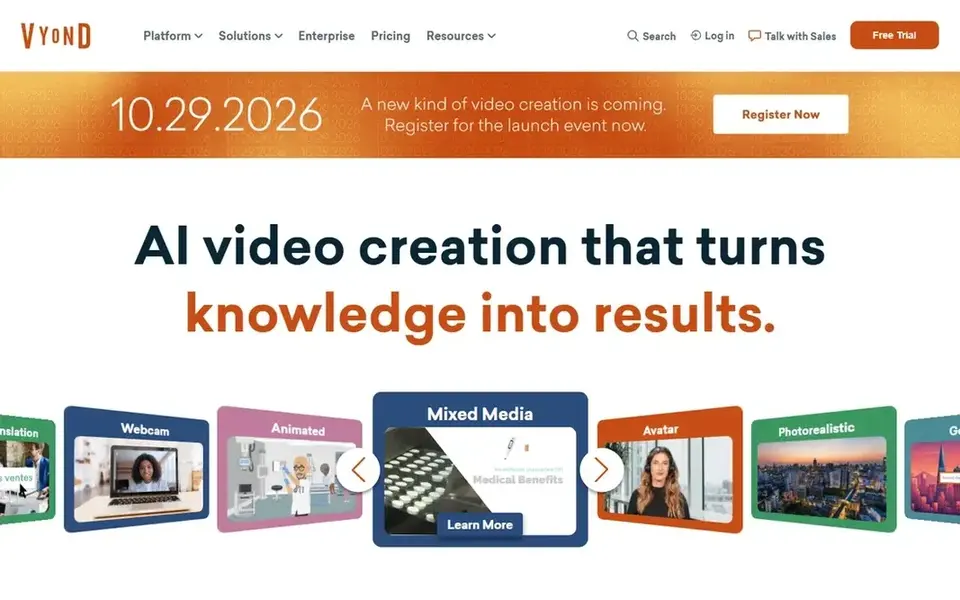
Vyond was built for companies and educators making explainer, training and marketing videos. Vyond is the odd one out: it is not for making cartoons as art, but for making animated videos as business communication.
Drawbacks to consider: Character styles are recognizable as Vyond; Output capped by template logic.
Pricing is subscription-based with a 14-day trial; check the Vyond site for current plan prices, which changed in recent years. Vyond shows no starting price here, so confirm the cost on the vendor site. Free access: Free trial (14 days).
- HR and marketing teams
- Props and scenes
- Not a tool for original cartoon artistry
Cartoon Animator
Great for: Beginners and content creators turning images into animated characters rapidly
Cartoon Animator is a good fit for beginners and content creators turning images into animated characters rapidly. Import a photo or illustration, and the software rigs it into an animatable character with 360-degree head turns.
Facial motion capture drives expressions from your webcam, and lip-sync creates from audio automatically. Beyond that, check Reallusion's store for current pricing and the trial. Cartoon Animator shows no starting price here, so confirm the cost on the vendor site. Free plan details: Free trial.
What users get: 360-degree head creation and auto lip-sync from audio.
Limits to weigh: Less control than Harmony or Moho for refined animation.
- 2D motion capture with webcam
- Perpetual license
- Pricing not published on the product page
Adobe Animate
Great for: Web designers and animators producing interactive content in the Adobe ecosystem
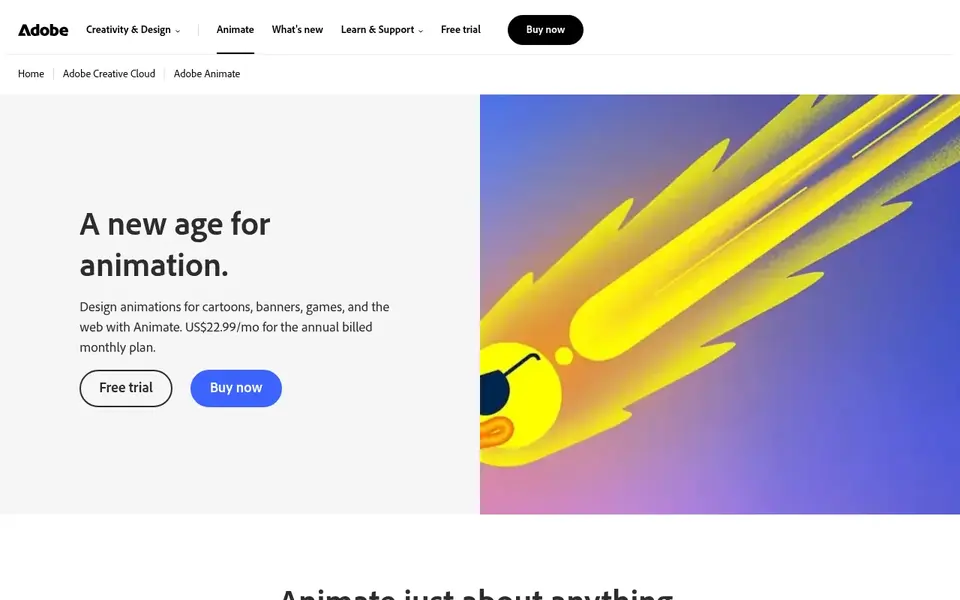
Adobe Animate is designed for web designers and animators producing interactive content in the Adobe ecosystem. Adobe Animate is the descendant of Flash, rebuilt for the modern web. Its strength is interactive animation: banner ads, game assets, eLearning content and web cartoons that respond to clicks and touch, exported to HTML5 Canvas, WebGL or video.
Character animation tools handle lip-sync, walk cycles and rigged puppets, and assets flow in from Photoshop and Illustrator. It is sold only as part of Creative Cloud. So the price relies on whether you already subscribe: for existing subscribers it is effectively free, for everyone else it is a monthly commitment. As for the details, choose Animate when the deliverable is interactive or web-based; choose Harmony or TVPaint when it is a film. This comparison lists no price for Adobe Animate; ask the vendor. Adobe Animate has no free tier.
Limits to weigh: Subscription-only through Creative Cloud.
- Huge tutorial library
- Character rigging plus frame-by-frame tools
- Overkill if you only need video output
Toon Boom Harmony
Great for: Studios, freelancers and students doing professional 2D animation production
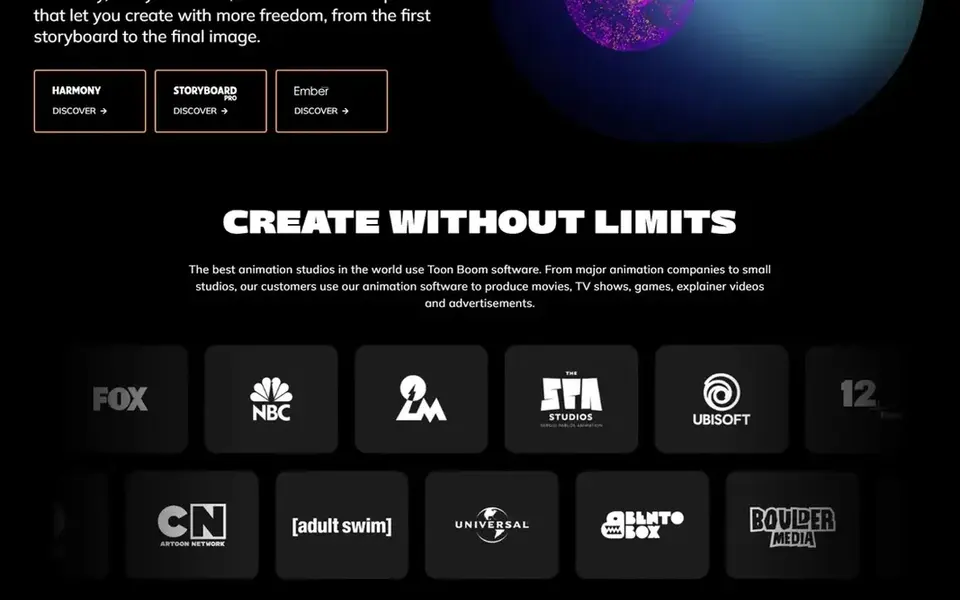
Toon Boom Harmony is built with studios, freelancers and students doing professional 2D animation production in mind. It takes care of both traditional paperless frame-by-frame animation and sophisticated cut-out rigs with deformers, plus compositing and effects in the same application. More specifically, the three editions map to real needs: Essentials for enthusiasts learning the craft, Advanced for professional paperless animation, Premium for studios doing complicated rigged productions.
More specifically, the 14-day trial is the full product, so you can judge the workflow before paying. If your goal is a career in 2D animation, Harmony is the name employers expect on a resume. In daily use, pricing is published and subscription-based, beginning at $30 a month for Essentials. The starting price for Toon Boom Harmony: $30/month. Free plan details: Free trial (14 days).
Drawbacks to consider: Premium pricing is steep for hobbyists.
- Handles the full pipeline from rough drawing to compositing
- Three editions scale from hobbyist to studio
- The interface takes time to master
Blender
Great for: 2D animators who want Grease Pencil inside a free complete 3D suite
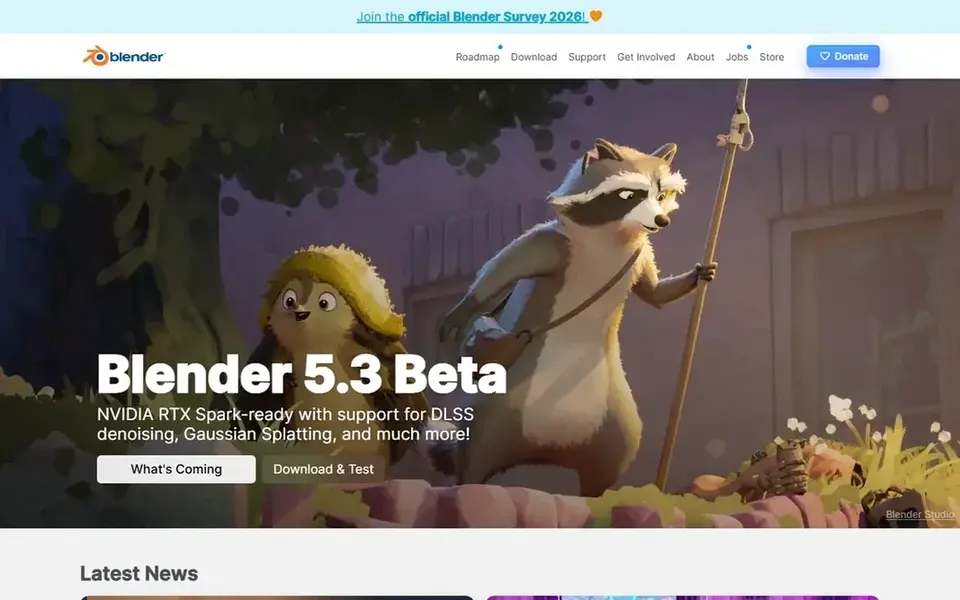
Blender works best for 2D animators who want Grease Pencil inside a free complete 3D suite. Since it is Blender, the price is zero and the surrounding toolset (modeling, rendering, video editing) costs nothing additional. From a buyer's view, the cost is complexity: you are learning a full 3D suite to do 2D work.
Short films have been made this way, and the 2D/3D hybrid look is genuinely distinctive. Blender's Grease Pencil lets you draw 2D animation straight in the 3D viewport, with onion skinning, layers, sculptable strokes and full animation support, and then composite those drawings with 3D scenes. Entry price for Blender: Free. You can start on Blender without paying.
Downsides: Interface ramp-up time.
- Grease Pencil is a full 2D animation system living in 3D space
- Massive community and tutorials
- 2D workflow sits inside a complicated 3D application
OpenToonz
Great for: Traditional animators who want a free, production-proven 2D tool
Pick OpenToonz if this describes you: traditional animators who want a free, production-proven 2D tool. OpenToonz is the open-source version of Toonz, the software Studio Ghibli customized and used for years on films from Princess Mononoke onward.
Points against: Interface feels dated and idiosyncratic; Documentation is thin.
Where OpenToonz stands out: customized by Studio Ghibli and used on its films. Worth adding: the trade-off is polish: the interface displays its production-tool roots and learning resources are sparser than for commercial rivals. In daily use, for traditional frame-by-frame animators on a zero budget, nothing else free comes close to this pedigree. Entry price for OpenToonz: Free. OpenToonz has a free plan.
- Based on Toonz
- GTS scanning tool for paper drawings
- Windows and macOS only
Our selection method
The comparison looks at four things: starting price, free access, how well the feature set matches Cartoon Animation software, and the main limit of each tool. Seat minimums, billing terms and add-ons can move the real cost, so the starting prices here are a guide and not a quote. Position on the page reflects fit for a typical buyer first, with price clarity and free access breaking ties. Treat it as a guide, not a ruling.
What to confirm before you sign up
- Confirm the entry price on the vendor page. For Vyond, Cartoon Animator and Adobe Animate that means a quote rather than a fixed price.
- Read the fine print on the free plans from Blender and OpenToonz; seat, project and feature caps differ.
- Take the trial from Vyond, Cartoon Animator and Toon Boom Harmony and push a live task through it before you pay.
- Before choosing Vyond, weigh its main limit: subscription pricing not published on the homepage.
- Confirm minimum seats and billing terms with Adobe Animate before you commit to an annual plan.
- Find out whether the entry plan of Toon Boom Harmony covers your must-haves or only a trimmed-down version.
Frequently asked questions
Can I try these options before paying?
Often, yes. Blender and OpenToonz have a free plan and Vyond, Cartoon Animator and Toon Boom Harmony offer a free trial. Use your own data and a real task during the test, and check what the free tier or trial limits before you rely on it.
Is Vyond the right pick for everyone comparing Cartoon Animation software?
No single tool suits every team. Vyond comes first because it fits businesses and educators making explainer, training and marketing videos, while Cartoon Animator suits beginners and content creators turning images into animated characters quickly and Adobe Animate suits web designers and animators producing interactive content in the Adobe ecosystem. Match the tool to your own size, budget and workflow before deciding.
How are the tools for Cartoon Animation software ordered?
The order follows typical fit for Cartoon Animation software, with Vyond first and OpenToonz last, then price clarity and free access. It is editorial judgement, not a score, so another team could rank the tools differently.
What is the cheapest option for Cartoon Animation software in this list?
On published monthly entry prices, Toon Boom Harmony is the lowest here at $30/month. Entry price is only part of the cost, because seats, add-ons and billing terms can change the total.
Is there a free alternative to Toon Boom Harmony?
Yes: OpenToonz for traditional frame-by-frame work and Blender's Grease Pencil for 2D-in-3D, both fully free including commercial use. Neither matches Harmony's full production pipeline, but both produce professional leads to skilled hands.
Sources
See where you really rank - block by block
ProMapRanker scans Google Maps across a grid of your service area. Simple monthly plans from $19, white-label on every plan.
Start freeBrowse all guides
← Best Platform for Selling Videos Online (2026)7 Best Platform for Streaming in 2026 →
 best website builders for videographers
Best Website Builders for Videographers (2026)
Need the best website builders for videographers? We compare 6 tools on cost, free access and who each suits. Verdicts stay brief and factual. Numbers first.
Read → best video editing software for small business
7 Best Video Editing Software for Small Business in 2026
Weighing the best video editing software for small business? We lined up 7 products by cost, free access and fit. The catches are listed up front. Plain facts.
Read → best podcast hosting platform for beginners
Best Podcast Hosting Platform for Beginners in 2026
8 products for the best podcast hosting platform for beginners, ranked by fit, with starting costs and free tiers. Every entry states what it lacks. No filler.
Read → best ocr software for invoices
Best OCR Software for Invoices in 2026
Compare the best OCR software for invoices in 2026, from simple invoice capture to enterprise AP automation, with pricing and honest limits for teams.
Read → best free audio transcription tools
Best Free Audio Transcription Tools in 2026
Find the best free audio transcription tools in 2026, with real free-plan limits for meetings, interviews, podcasts and video captions compared side by side.
Read → best for screen record app
Best Screen Record Apps in 2026
Looking for the best for screen record app options? We compare 9 recorders on price, editing, sharing, and ease of use to help you pick the right one.
Read →More in Video, Audio & Podcasts · All guides A to Z by date · Latest guides