 ProMapRanker
Best Free Audio Transcription Tools in 2026


Meeting notes and summaries · Pricing starts at: $8.33 per user per month
Key takeaways
- Otter.ai, Fireflies.ai, Notta and Fathom give the most useful free meeting transcription, but each caps minutes, storage or conversation length.
- TurboScribe is the strongest free choice for files, with three free transcripts per day, while Descript suits creators who edit by editing text.
- Riverside offers a free standalone transcription tool that needs no signup for basic files, which is handy for a one-off video.
- Whisper is fully free as open-source software, but it needs setup and a capable computer, so it suits technical users best.
Quick comparison
| Pick | Great for | Pricing starts at | Free tier | |
|---|---|---|---|---|
| Otter.ai | Meeting notes and summaries | $8.33 per user per month | Yes | Visit |
 Descript | Editing audio and video by text | $16 per month | Yes | Visit |
 Notta | Multilingual meeting transcription | $8.17 per month | Yes | Visit |
 Fireflies.ai | Meeting bot with CRM links | $10 per seat per month | Yes | Visit |
 TurboScribe | Bulk file transcription | $10 per month | Yes | Visit |
 Fathom | Free meeting recordings | $16 per month | Yes | Visit |
 Rev | Accurate AI transcripts with a human option | $14.99 per month | Yes | Visit |
 Riverside | Free transcription for video files | $19 per month | Yes | Visit |
 Whisper | Free open-source transcription | Free | Yes | Visit |
The best free audio transcription tools
Every tool here has a genuine free tier, not just a short trial. That matters, because a trial ends just when you learn the workflow. We compared free-plan limits from vendor pricing pages and recent pricing checks, and we note where a free plan is limited.
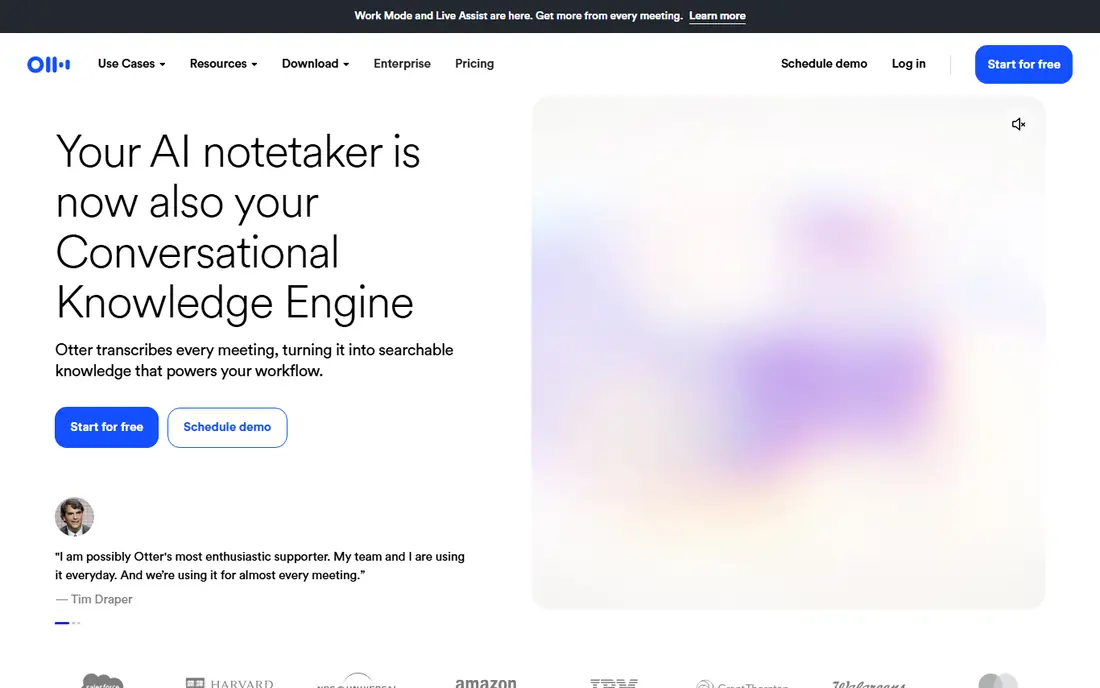
Otter.ai is the default free meeting tool for many small teams. A bot can join a call, transcribe live, and produce a summary with action items. You can search past meetings and ask questions about what was said, which helps when you need a decision from last week without replaying an hour of audio.
The free plan gives 300 minutes per month, with a 30-minute cap per conversation, so a one-hour meeting will not fit in one free session. The Pro plan starts at $8.33 per user per month on annual billing and raises the cap to 1,200 minutes. If your meetings are short, the free plan may be enough. If they run long, Fireflies or Fathom may fit better.
- Live meeting transcription with summaries
- Works with Zoom, Google Meet and Teams
- Searchable transcripts with AI chat
- Free plan caps minutes per month and per conversation
- Imported files are limited on the free plan
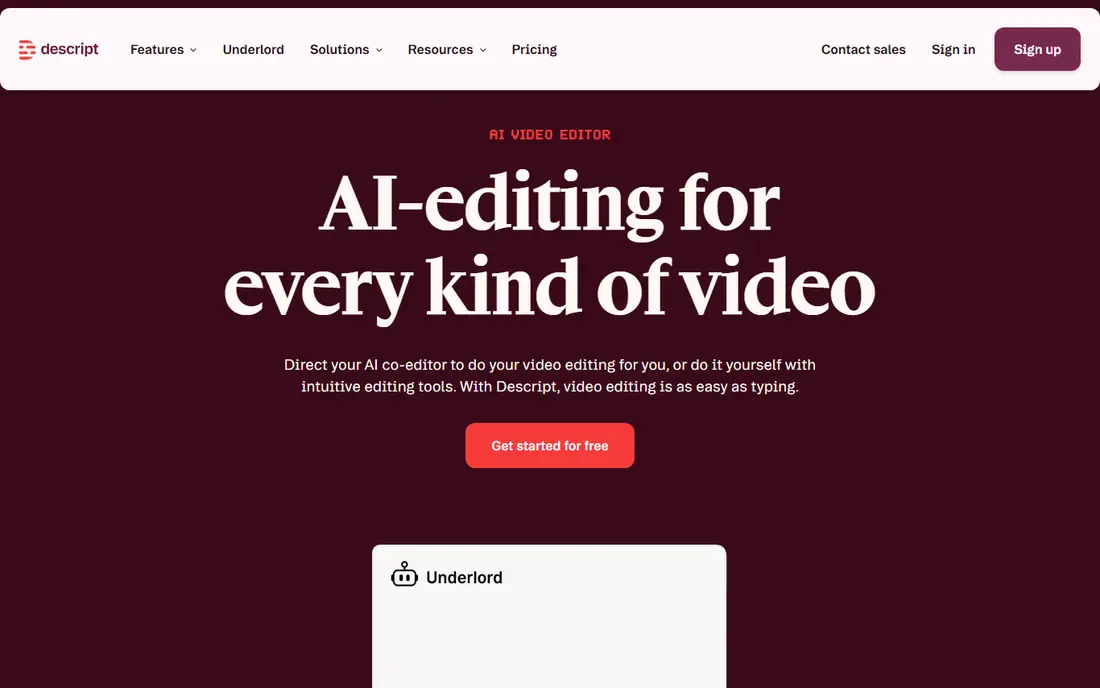
Descript turns a recording into editable text, then lets you cut audio or video by deleting words. That workflow is a major time saver for podcasters and video creators, since you edit a script instead of scrubbing a timeline. It also creates captions and supports multiple languages.
The free plan gives one hour of transcription per month, with a watermark on some exports, so it suits a short monthly project rather than daily use. The Hobbyist plan starts at $16 per month on annual billing and adds 10 hours. Choose Descript when editing is the main job, and choose a meeting tool when live notes matter more.
- Edit audio and video by editing the transcript
- Filler-word removal and captions
- Good for podcasts and video creators
- Free plan covers only one hour of media per month
- More than a transcription tool, so it can feel large for simple jobs
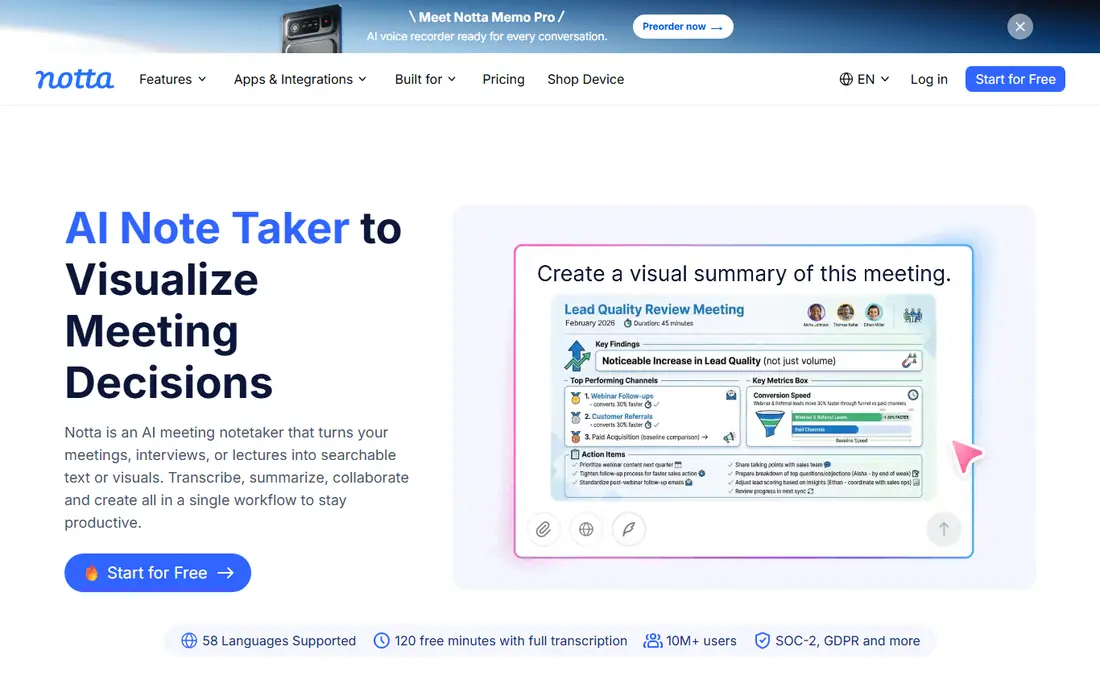
Notta is a strong pick if your meetings or interviews span more than one language. It transcribes live meetings and uploaded files, then adds summaries you can search later. The interface stays simple, which helps teams that do not want to learn a full editing suite just to get notes.
The free plan is smaller than Otter in minutes, at 120 minutes per month, and free recordings have a short per-file limit in recent pricing checks. The Pro plan starts at $8.17 per month on annual billing and raises the allowance to 1,800 minutes. Notta makes sense when language coverage matters more than raw free minutes.
- Strong multilingual support
- Meeting bot and file transcription
- Summaries and searchable notes
- Free plan gives 120 minutes per month
- Per-recording limits apply on the free plan
Fireflies.ai stands out because its free plan offers unlimited transcription, limited mainly by storage. A bot joins Zoom, Google Meet, Teams and other calls, transcribes the meeting, and can push notes to tools such as Salesforce and HubSpot. That makes it useful for sales and support teams that live in a CRM.
The storage cap is the real limit. Recent pricing checks put free storage at 400 to 800 minutes per team, depending on the source and plan version, so check the current pricing page before you rely on it for a large archive. The Pro plan starts at $10 per seat per month on annual billing and adds storage and AI features. For heavy meeting users, it is one of the best value upgrades here.
- Unlimited transcription on the free plan, with a storage cap
- Many CRM and app integrations
- AI summaries and search
- Free storage is capped, so older meetings may need clearing
- Some AI features need a paid plan
TurboScribe is the simplest tool on this list, and that is its strength. Upload an audio or video file, get a transcript, and download it as text or subtitles. The free plan allows three transcripts per day, each up to 30 minutes, at lower priority than paid files. That is generous for interviews, lectures and short podcasts.
Long files are the limit. A 90-minute interview must be split on the free plan, and free files do not include speaker diarization. The Unlimited plan costs $10 per month on annual billing and removes those caps for one user. If you mainly transcribe files rather than live meetings, start here before you pay for a meeting suite.
- Three free transcripts per day
- Supports many languages and subtitle exports
- Simple upload workflow
- Free files are limited to 30 minutes each
- No live meeting bot
Fathom is worth a close look because its free plan covers unlimited recordings, without the minute caps that limit Otter and Notta. It records and transcribes calls on Zoom, Google Meet and Teams, marks highlights, and creates summaries you can share. For a solo user with many meetings, that free allowance is hard to beat.
Paid plans add more AI features, such as deeper action items and CRM sync, starting at $16 per month on annual billing for a single user. Team plans cost more per user and carry a two-user minimum on some tiers. Test the free plan on your normal meeting length first, since unlimited recordings matter less if you need a paid AI feature every week.
- Free plan covers unlimited recordings
- Meeting highlights and summaries
- Works with major video meeting apps
- Some AI features are limited on the free plan
- Team plans need at least two users on higher tiers
Rev is the pick when accuracy matters more than free minutes. Its AI plan starts at $14.99 per month in recent pricing summaries, and its free tier offers a small monthly AI allowance, reported as 45 minutes for English in one recent check. For legal, research or published work, you can order human transcription at a per-minute rate instead.
That human option is the reason to keep Rev on your shortlist even though its free plan is small. AI transcripts are fine for notes, but a transcript that will be quoted or filed needs a higher standard. Use Rev free for a test file, use its AI plan for routine work, and reserve human transcription for the files where errors would cause real problems.
- AI transcription plus human transcription for high-stakes work
- Captions and subtitles
- Clear per-minute human pricing
- Free AI allowance is small
- Human transcription costs much more than AI
Riverside is best known as a recording platform for podcasts and remote interviews, but it also offers a free standalone transcription tool. You can transcribe an audio or video file without signing up, and download the result for captions or notes. That makes it a useful one-off tool when you do not want another account.
The catch is depth. The free tool covers basic transcription, while fuller editing and team features require a paid Riverside plan, starting at $19 per month on annual billing for Standard. If you already record interviews in Riverside, its built-in transcription is a natural fit. If you only need transcripts, a dedicated tool such as TurboScribe may be simpler.
- Free standalone transcription tool with no signup for basic files
- Studio-quality recording
- Transcripts linked to the recording timeline
- Full transcription features sit in paid recording plans
- Mainly a recording platform, not a pure transcription app
Whisper, from OpenAI, is an open-source speech recognition model rather than a polished app. You can run it on your own computer, transcribe files without a subscription, and keep your audio local instead of uploading it to a vendor. Several free apps and tools are built on Whisper, which is why you will see its name in many transcription products.
The trade-off is effort. Installing Whisper and choosing a model takes technical comfort, and larger models need a stronger computer to run at a useful speed. Accuracy also varies with accents, background noise and overlapping speech, as with any AI tool. For a technical user who wants a free, private option with no minute cap, Whisper is the most flexible choice here.
- Fully free and open source
- Runs on your own computer
- No monthly minute cap once installed
- Needs technical setup
- Accuracy depends on your computer and the model size you choose
How we picked these
We kept only tools with a genuine free tier on their pricing page in October 2026, and we left out tools that offer only a short trial. We compared free-plan limits, paid entry prices, language support and the main job each tool does, from live meetings to file uploads to video editing. Where sources disagreed on a limit, we noted the range or pointed readers to the pricing page, rather than publishing one figure as certain.
How to get the most from a free transcription plan
Start by matching the tool to the recording type. Live meetings need a bot that joins the call, while files need a simple uploader, and video projects need caption exports. Using a meeting tool for files, or a file tool for live calls, wastes the free allowance on the wrong job.
Next, watch the limit that will bite first. Some tools cap minutes, some cap storage, and some cap conversation length. A 30-minute conversation cap matters more than a monthly minute total if your meetings run for an hour. Split long recordings only when the tool requires it, and keep a backup of the original audio, since a free plan may not store transcripts for long.
Finally, check privacy before you transcribe sensitive audio. Read whether the vendor uses customer audio to train models, how long it stores files, and whether you can delete them. For private interviews or client calls, a local tool such as Whisper, or a vendor with a clear no-training policy, may be worth more than extra free minutes.
Frequently asked questions
What is the best free audio transcription tool?
Otter.ai is a strong general pick for meetings, TurboScribe is the best free choice for files, and Fathom suits users with many meetings. The best tool depends on whether you transcribe live calls, uploaded files or video. Try two free plans on the same recording and compare the result.
Is there a best free audio transcription app with no time limit?
Whisper has no monthly minute cap once installed, since it runs on your own computer. Fireflies and Fathom also offer generous free recording allowances, but they cap storage or AI features. No cloud free plan is truly unlimited in every way, so read the storage and feature limits.
What is the best audio transcription software free for video?
Descript and Riverside are the strongest video options here. Descript lets you edit video by editing text, while Riverside links transcripts to the recording timeline and offers a free standalone tool. For captions alone, TurboScribe also exports subtitle files from video uploads.
How accurate is free AI transcription?
Accuracy varies with audio quality, accents, crosstalk and background noise. Clean, single-speaker audio with a good microphone gives the best results, while overlapping speech and poor recordings cause more errors. Always proofread transcripts that will be shared, quoted or published.
Can I transcribe audio for free without uploading it?
Yes, with Whisper running on your own computer, your audio stays local. Most cloud tools require uploads, since transcription happens on their servers. If privacy matters, check the vendor policy on storage, deletion and model training before you upload sensitive recordings.
Do free transcription tools support many languages?
Notta, TurboScribe and Whisper support many languages, while some meeting tools work best in English. Check the language list for the tool you choose, and test it with a short sample in your language before you rely on it for a long project.
Sources
See where you really rank - block by block
ProMapRanker scans Google Maps across a grid of your service area. Simple monthly plans from $19, white-label on every plan.
Start freeKeep reading
 zoho inventory alternatives
6 Alternatives to Zoho Inventory, Compared on Price and Fit
Zoho Inventory alternatives: 6 tools compared on price, free plans and fit. Katana leads the list for manufacturers. Fit and flaws are laid out for each entry.
Read → zoho crm alternatives
Best Zoho CRM Alternatives (2026)
Need Zoho CRM alternatives? We compare 7 tools on cost, free access and who each suits. Every pick gets a straight assessment. Built for quick decisions.
Read → zelle alternatives
Best Zelle Alternatives in 2026
Compare the best Zelle alternatives for sending money to friends, paying sellers and moving funds abroad, with honest notes on fees, speed and safety in 2026.
Read →