 ProMapRanker
Best Calories Tracking App in 2026

Key takeaways
- MyFitnessPal has the largest food database and device support, but barcode and photo logging now need Premium.
- Cronometer is the best choice for verified nutrient data, with tracking for dozens of nutrients on the free plan.
- FatSecret offers the most usable free plan, with barcode scanning and macro tracking at no cost.
- Lose It is the easiest start for beginners who want a simple daily diary and clear progress charts.
- MacroFactor suits people who want adaptive targets, but it has no permanent free tier.
Quick comparison
| Pick | Great for | Pricing starts at | Free tier | |
|---|---|---|---|---|
 MyFitnessPal | Biggest database and integrations | Free | Yes | Visit |
 Cronometer | Accurate micronutrient tracking | Free | Yes | Visit |
 Lose It | A straightforward weight diary | Free | Yes | Visit |
 Yazio | Fasting schedules and recipes | Free | Yes | Visit |
 Lifesum | Guided diet styles and meal plans | Free | Yes | Visit |
 MyNetDiary | Rich features on the free plan | Free | Yes | Visit |
 FatSecret | Free tracking without paywall pressure | Free | Yes | Visit |
 MacroFactor | Targets that adapt to your data | $11.99 per month | Free trial | Visit |
 Fitia | Photo, voice, and text logging | Free | Yes | Visit |
The best app for tracking calories
We compared calorie trackers still available in October 2026, with a focus on food database quality, logging speed, free plan limits, and price. This is general information only, not medical advice, and anyone with a health condition should talk to a clinician before changing their diet.
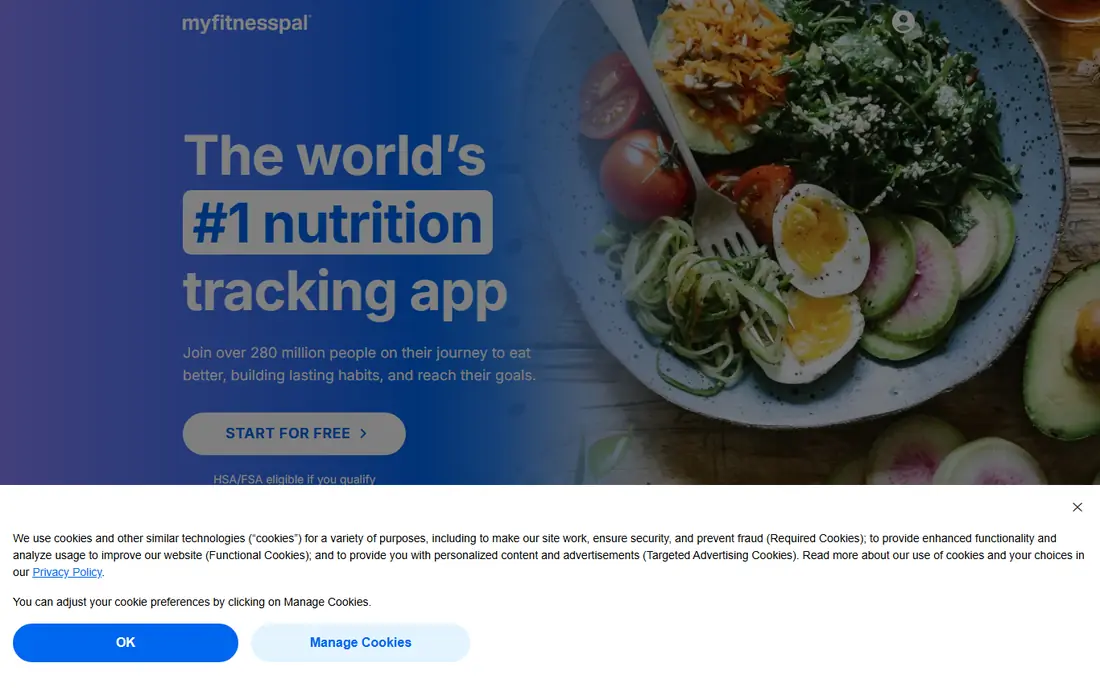
MyFitnessPal remains the default choice for many people because its database is so large that most packaged foods and restaurant items appear with a quick search. It also connects to a wide range of watches, scales, and fitness apps, so exercise and weight data can sit beside food logs without manual entry. If you have years of history in the app, that record alone is a reason to stay.
The change to note is the paywall. Barcode scanning, voice logging, and meal scanning now sit in Premium, which costs $19.99 per month or $79.99 per year, with a Premium Plus tier at $99.99 per year. Free users can still log manually, but the fastest logging tools are paid. That makes MyFitnessPal best for people who value database size and integrations over free scanning.
- Very large food database
- Syncs with many fitness devices and apps
- Recipe importer and community forums
- Barcode, voice, and meal scanning need Premium
- Premium costs $19.99 per month or $79.99 per year
- Free plan now feels more limited
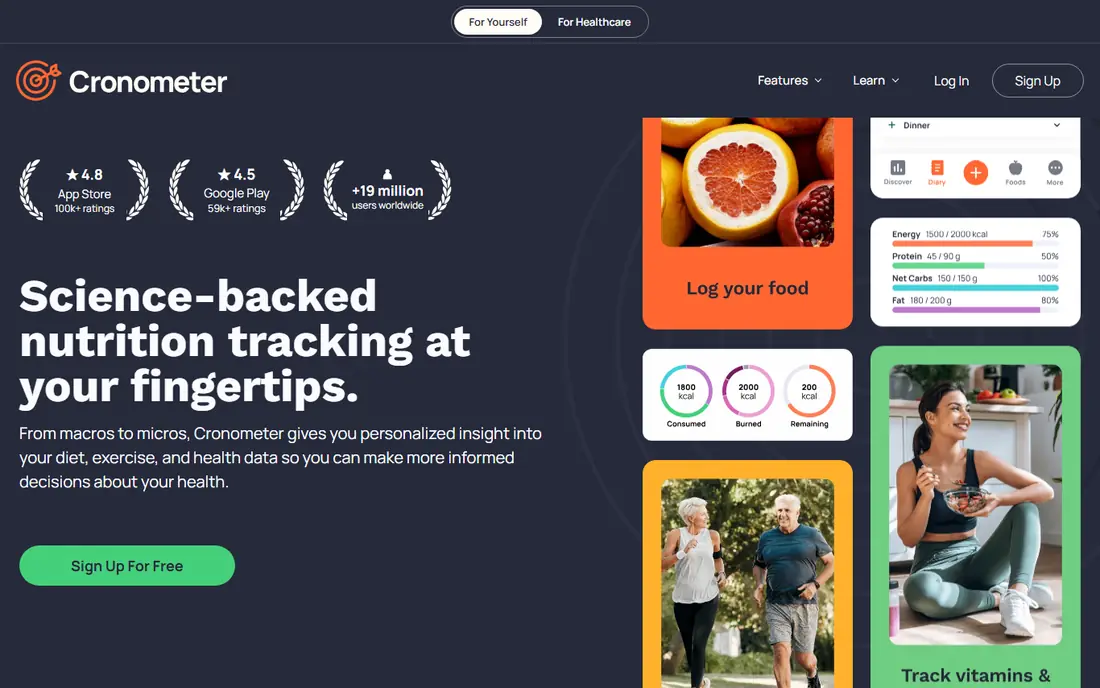
Cronometer is the tracker to choose when accuracy matters more than speed. Its database leans on verified and lab-based sources, and the free plan tracks a wide range of vitamins and minerals alongside calories and macros. That detail suits athletes, people managing a specific nutrient goal, and anyone who wants to see more than a single calorie number.
The trade is complexity. The interface shows more data than a beginner needs, and finding a branded food can take longer than in MyFitnessPal. Gold costs $10.99 per month or $59.99 per year and adds more customization and tools. If you mainly want a quick calorie total, a simpler app will feel lighter.
- Tracks up to 84 nutrients with verified data sources
- No ads on the free plan
- Custom targets and detailed reports
- Depth can overwhelm simple calorie counters
- Barcode and some tools are easier on Gold
- Food database is smaller than MyFitnessPal
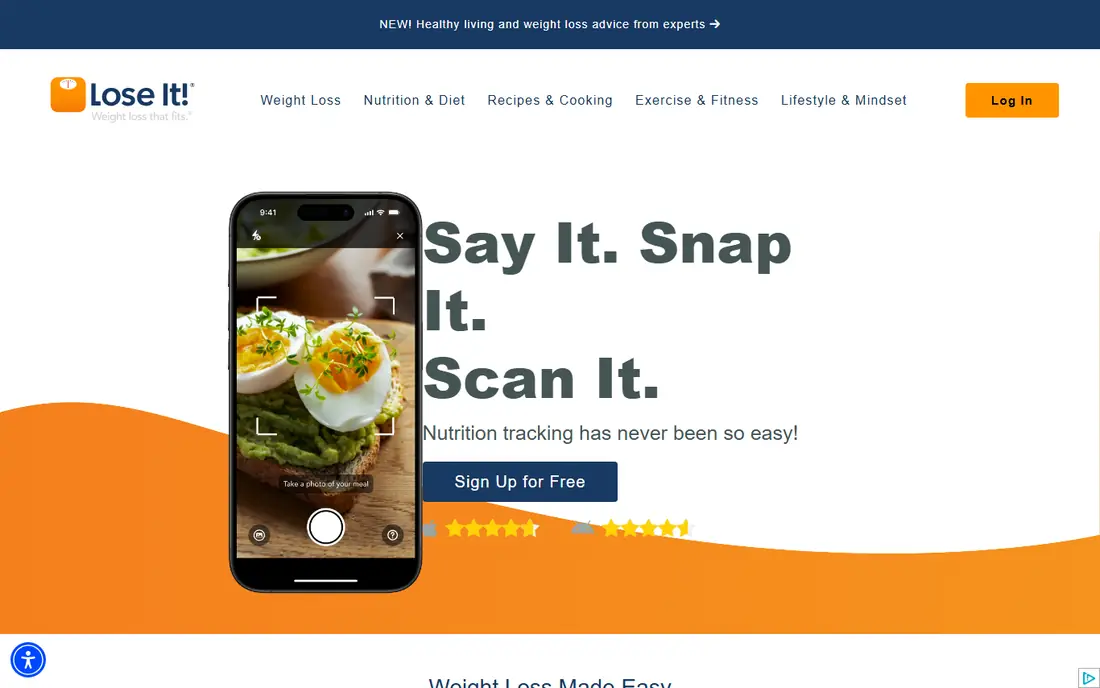
Lose It keeps the daily job simple: set a calorie budget, log meals, and watch a chart move over time. The interface is friendly for beginners, and the food database is large enough that most everyday meals are quick to find. Progress photos, weight trends, and goal tracking sit in one place, which helps people who want a diary rather than a nutrition course.
Free users get basic logging, while Premium at $79.99 per year adds barcode, photo, and voice logging plus deeper insights. That price rise narrows the gap with MyFitnessPal, so the choice comes down to interface preference. If you like Lose It layout and charts, it remains an easy app to open every day.
- Clear daily budget and progress charts
- Large food database
- Photo logging and pattern insights on Premium
- Barcode, photo, and voice logging need Premium
- Premium pricing has risen to $79.99 per year in recent reports
- Habit features are lighter than coaching apps
Yazio pairs calorie tracking with intermittent fasting tools, which suits people who already follow a schedule such as 16:8 and want timers, reminders, and fasting history in the same app. It also offers more than 1,500 recipes and adjusts calorie and macro targets as you log, so the plan adapts through the day rather than staying fixed.
The free plan covers basic logging, but meal planning and many fasting extras need Pro, reported at $47.90 per year in recent comparisons. There is also no full web app, so most work happens on a phone. If fasting is central to your routine, Yazio is a strong fit; if you want desktop logging, look at Cronometer or MyNetDiary instead.
- Built-in fasting timers for common schedules
- Large recipe library
- Clean interface with auto calorie adjustments
- No web app
- Many planning tools need Pro
- Pro pricing varies by plan and region
Lifesum is built for people who want guidance, not just a blank diary. You pick a diet style, get meal plans and recipes, and see a Life Score that summarizes habits beyond calories. The design is polished, and the habit tracker helps link food choices to sleep, water, and exercise in one view.
The free tier is the weakest in this list for daily use, with meal plans, advanced tracking, and fuller barcode access behind Premium. If you plan to pay and you like guided plans, Lifesum is worth a trial. If you want a strong free tracker, FatSecret or Cronometer will serve you better at no cost.
- Diet plans for keto, vegan, Mediterranean, and other styles
- Visual Life Score health metric
- Habit tracker beside food logs
- Free tier is limited and pushes Premium hard
- Premium reported around $99.99 per year
- Barcode scanning on free is limited
MyNetDiary gives free users more than most rivals, including verified food search options that help avoid duplicate or inaccurate entries. Logging is detailed, with portion tools, recipe support, and exercise tracking, and the web app makes longer sessions easier than phone-only trackers. For a careful logger who does not want to pay yet, it is a strong middle ground.
Premium at $59.99 per year, with a Premium Plus tier at $99.99 per year, adds an AI Coach and advanced planning tools. The interface carries more options than a beginner diary, so it can feel busy at first. Stick with the free plan for a few weeks to learn the layout before deciding whether the paid extras are worth it.
- Verified search filtering on free
- Detailed food and exercise tracking
- Works on phone and web
- AI Coach and advanced planning need Premium
- Premium costs $59.99 per year
- Interface is denser than Lose It
FatSecret is the best free calorie tracker for people who refuse to pay for barcode scanning. The core tools that other apps now charge for, including barcode lookup, macro totals, and a full food database, remain free here, with ads supporting the service. That makes it an easy recommendation for a first tracker or for a household on a tight budget.
The design is functional rather than polished, and meal planning tools are simpler than those in Yazio or Lifesum. Premium Plus, reported around $19.99 per year in some comparisons, adds extras that casual users may not need. If free, honest tracking is your priority, FatSecret is hard to beat.
- Barcode scanning and full food database are free
- Macro tracking at no cost
- Community journals and challenges
- Design is plainer than rivals
- Premium Plus adds little for casual users
- Recipe and planning tools are basic
MacroFactor takes a different approach from fixed calorie goals. Instead of setting a target once and leaving it alone, it estimates your energy expenditure from your logged food and weight trend, then adjusts targets over time. That feedback loop suits people who train regularly and want a plan that responds to real data rather than a generic calculator.
The catch is commitment. Skipped logs and missing weigh-ins weaken the estimates, and there is no free tier beyond a trial, with pricing at $11.99 per month or $71.99 per year. If you log most days and like data-driven coaching, MacroFactor is one of the strongest paid options. If logging feels like a chore, a simpler free app will last longer.
- Algorithm adjusts calorie and macro targets as you log
- Expenditure estimate updates with your data
- Clean logging interface
- No permanent free tier
- Needs consistent, complete logging to adapt well
- Costs $11.99 per month or $71.99 per year
Fitia is a newer tracker that leans on fast logging methods. You can log a meal by photo, voice, or text, and the app builds adaptive plans, grocery lists, and fasting timers around your goals. Its verified database is a plus for users who have been frustrated by duplicate entries in larger, user-edited databases.
Premium at $19.99 per month or $59.99 per year adds the fuller coaching and planning features, while the free plan covers core tracking. The community is smaller than MyFitnessPal or Lose It, so social features are thinner. For a modern, photo-first logger, Fitia is a fresh alternative worth testing on the free plan.
- Photo, voice, and text logging options
- Verified food database
- Adaptive meal plans and grocery lists
- Premium costs $19.99 per month or $59.99 per year
- Newer brand with a smaller community
- Some features need the paid plan
How we picked these
We compared official feature pages, pricing pages, and app store listings for calorie trackers still available in October 2026, and we checked free plan limits rather than assuming every app with a free download is free to use. We favoured a mix of free, freemium, and paid options, and we included database size, barcode access, nutrient depth, and fasting tools as separate strengths. We did not claim hands-on testing; our comparisons rest on published features, pricing, and public reviews. This is general information only, not medical advice.
Choosing a calorie tracker you will actually open
Pick the tracker whose free plan covers the logging method you will use every day. If you scan barcodes at the store, FatSecret or a paid plan elsewhere will save more time than a manual diary. If you care about vitamins and minerals, Cronometer gives you that detail without a subscription. If you want targets that change with your progress, MacroFactor is worth its trial, but only if you will log consistently.
Log honestly, then adjust slowly
The most common mistake is setting a very low target on day one and quitting by day three. Start with a modest target, log for two weeks, and look at the pattern before changing anything. Save frequent meals and recipes in the first week, since that setup work is what makes later logging take minutes rather than a chore.
Use the data, not just the number
A calorie total alone tells you little about fullness, energy, or nutrient balance. Check protein and fiber totals, look at when you tend to eat most, and note how sleep and activity line up with appetite. If a tracker makes you anxious about food or pushes very low targets, pause and talk to a clinician or dietitian rather than pushing through.
Frequently asked questions
What is the best calories tracking app for beginners?
Lose It is the easiest start for most beginners, with a clear daily budget and simple charts. FatSecret is the best free alternative, since barcode scanning and macro tracking are free. Try both free plans for a week and keep the one you open more often.
What is the best app for tracking calories for free?
FatSecret offers the strongest free plan, with barcode scanning, macro tracking, and a full food database at no cost. Cronometer is also strong for free users who want verified nutrient data, while MyFitnessPal free logging now excludes barcode and photo tools.
Do calorie tracking apps really work?
They work best as awareness tools: logging shows patterns in portion size, snacking, and meal timing that are easy to miss otherwise. Results depend on consistent, honest logging and on targets that fit your health, activity, and medical history.
How accurate are calorie counts in these apps?
Accuracy varies by food entry, since user-submitted entries can contain errors. Cronometer and Fitia lean on verified databases, which helps, and weighing food for a few weeks improves accuracy more than switching apps. Treat app totals as estimates, not exact measurements.
Can I track calories without paying for a subscription?
Yes. FatSecret, Cronometer, Lose It, Yazio, Lifesum, MyNetDiary, and Fitia all offer free plans that cover basic calorie logging. Paid plans mainly add faster logging, planning tools, and coaching, so start free and upgrade only if a specific paid feature saves you real time.
Is calorie tracking safe for everyone?
No. Calorie tracking can be unhelpful or harmful for people with a history of disordered eating, and targets should be set with care for children, pregnant people, and anyone with a medical condition. This article is general information only, not medical advice, so talk to a clinician if you are unsure.
Sources
See where you really rank - block by block
ProMapRanker scans Google Maps across a grid of your service area. Simple monthly plans from $19, white-label on every plan.
Start freeKeep reading
 wpforms alternatives
Best WPForms Alternatives in 2026
We compare 9 wpforms alternatives for WordPress forms, with free and paid options, current pricing notes, and honest limits for small business sites in 2026.
Read → windows task scheduler alternatives
Best Windows Task Scheduler Alternatives in 2026
Looking for Windows Task Scheduler alternatives? We compare 9 schedulers for Windows and cross-platform work, from free tools to enterprise automation.
Read → which ai video service is best
Which AI Video Service Is Best in 2026
which ai video service is best? We compare 10 legitimate AI video services on price, avatars, editing and output quality to help you pick the right tool.
Read →