 ProMapRanker
Best Call Tracking Software for Print Shops in 2026

Clear call attribution for local print shops · Pricing starts at: See website
Direct answer
CallRail is my top pick for print shops because it ties each incoming call to the ad, listing or page that produced it and keeps the recording and form data in one place. It has a free trial, so you can test it before committing. If you want call tracking built into a wider local marketing platform, look at CallTrackingMetrics or WhatConverts, which suit shops that need more routing and reporting control.
I compared these tools from vendor documentation and public sources rather than running hands-on tests. My focus was how each one fits the way a print shop actually answers the phone: quote calls, artwork questions, reorder requests and trade-account check-ins.
Key takeaways
- Print shops live on phone quotes, so knowing which job inquiry came from Google Maps, a mailer or a paid ad changes where you spend money.
- A good call tracking tool records calls, tags the source and passes the lead into your CRM or quote workflow without extra typing.
- Dynamic number insertion on your website keeps your main business number visible while still attributing web visitors correctly.
- Call routing and whisper messages help front-desk staff greet a caller by the campaign they came from, which matters for large-format and trade work.
- Check how each vendor handles Google Business Profile calls, since many print shop leads start as a Maps tap rather than a form fill.
Quick comparison
| Pick | Great for | Pricing starts at | Free tier | |
|---|---|---|---|---|
| CallRail | Clear call attribution for local print shops | See website | Free trial | Visit |
 CallTrackingMetrics | Routing and IVR control for busy print desks | See website | Free trial | Visit |
 WhatConverts | Lead-level reporting across calls and forms | See website | Free trial | Visit |
 Invoca | Larger print businesses with sales teams | See website | Not stated | Visit |
 Marchex | Multi-location print and copy chains | See website | Not stated | Visit |
 DialogTech (now Invoca) | Existing DialogTech users moving to Invoca | See website | Not stated | Visit |
 Ringba | Pay-per-call and affiliate call setups | See website | Free plan | Visit |
The best call tracking software for print shops compared
CallRail is a call tracking and lead intelligence platform built around the idea that a phone call is a lead worth measuring. For a print shop, that means every call from a Google Business Profile listing, a direct mail piece, a landing page or a paid search ad can carry its own tracking number and land in one dashboard.
In practice, you would put a tracking number on your "request a quote" page and on your Google Ads, then keep your main shop number on the website header and business cards. When a caller asks about a banner or a rush job, the recording and source tag sit next to the lead. You can set whisper messages so staff know the call came from a postcard campaign, and route after-hours calls to a mobile.
The limits show up when you scale. Each additional tracking number and user can add cost, and the deeper routing features sit on higher plans. A very small shop with one phone line and no paid ads may find it more than it needs.
- Simple call attribution
- Good Google Ads and Analytics links
- Call recordings and lead tagging
- Number and user limits add cost
- Advanced routing needs a higher tier
CallTrackingMetrics
Great for: Routing and IVR control for busy print desks
CallTrackingMetrics is a call tracking and contact center platform. It fits print shops that field a high volume of calls and want to send different call types to different people, such as sending large-format inquiries to a specialist and trade account calls to an account manager.
The routing and IVR builder is the main draw. You can build a menu that asks callers whether they need a quote, artwork help or an order update, then route each to the right desk. Reports show call volume by source and by queue, which helps you staff the front desk around busy periods and see which campaigns produce quote calls rather than wrong numbers.
The trade-off is setup effort. Building menus and routing rules takes planning, and the interface is denser than a simple attribution tool. A small shop with two staff and one line may prefer something lighter.
- Strong call routing and IVR
- Flexible reporting
- Contact center style features
- More setup time
- Interface is denser than simple tools
WhatConverts is a lead tracking platform that treats calls, form submissions and chats as leads in a single view. For a print shop, that is useful because a customer might call about a quote, then fill in a form with artwork specs, and you want both touchpoints tied to the same campaign.
The lead view shows where each inquiry came from, which helps you compare a direct mail push against a Google Ads campaign for business cards or signage. You can tag leads by job type, mark which ones turned into orders, and export the data to a spreadsheet or CRM. That makes it easier to see which channels produce quote requests that close.
The pricing model is built around lead volume, so a shop with heavy seasonal spikes should check how that works before committing. If you only need basic call attribution, a simpler tool may be enough.
- Combines calls, forms and chats in one lead view
- Clear source reporting
- Lead tagging and export
- Priced around lead volume
- More than a simple shop needs
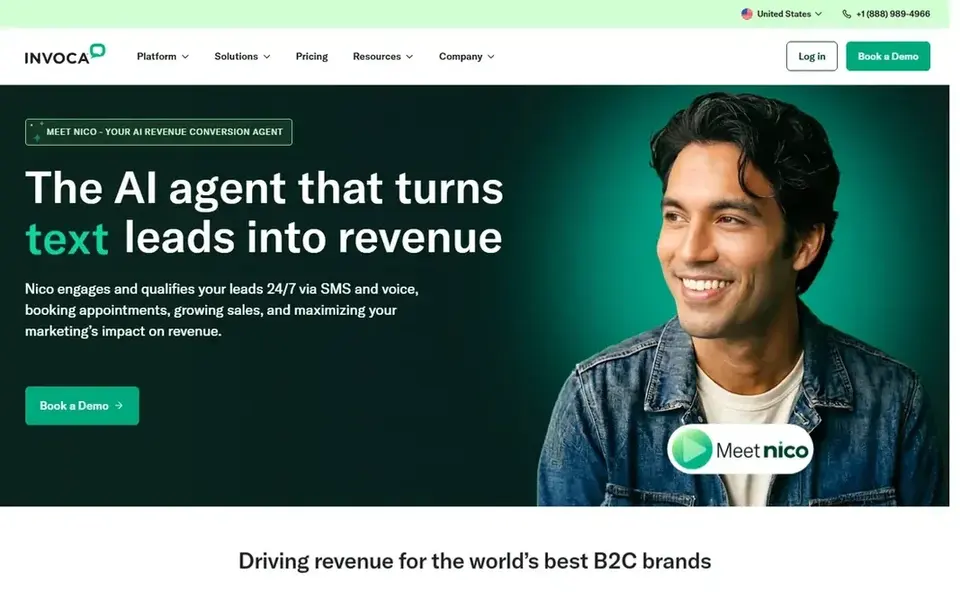
Invoca is a conversation intelligence and call tracking platform aimed at larger organizations with sales and marketing teams. It fits a print business with multiple locations or a dedicated sales desk that wants to analyze what happens on calls, not just count them.
For a print operation, that could mean reviewing calls about large contracts or trade accounts to spot common objections and coach staff. It connects call data to CRM records and ad platforms, so marketing can see which campaigns produce qualified conversations rather than just clicks. The analytics go beyond source tags into themes and outcomes.
This is more platform than a small shop needs. Pricing is quote-based and the sales process is enterprise-oriented, so a single-location print shop should look at lighter options first.
- Conversation analytics
- CRM and ad platform integrations
- Built for revenue teams
- Enterprise focus
- Not aimed at small shops
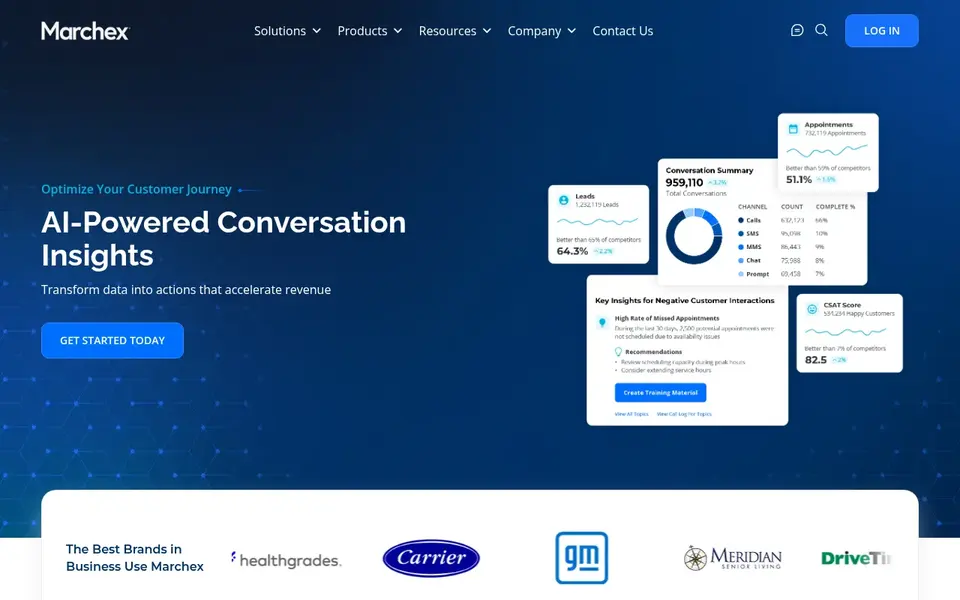
Marchex is a call analytics company that works with multi-location brands and marketing agencies. It suits a print franchise or a copy chain that needs consistent call tracking across many stores and wants to compare performance between locations.
For a chain, the value is in standardization. Each location can have its own tracking numbers and reporting, while head office sees which marketing channels drive calls across the network. That helps when you run regional campaigns and want to know which stores get the calls and which need more local visibility.
The fit is narrow. It is sold to larger organizations through a sales process, and a single print shop with one location will find it heavy and unnecessary compared with simpler tools.
- Built for multi-location brands
- Call analytics at scale
- Marketing channel reporting
- Enterprise sales process
- Overkill for one shop
DialogTech was a call tracking and analytics platform that has been folded into Invoca. If you are searching for it in 2026, the product and brand now sit under Invoca, so new buyers should evaluate Invoca directly rather than looking for a separate DialogTech signup.
For a print shop that already used DialogTech, the practical question is migration. Your historical call data and tracking numbers need to move cleanly, and your website and ad tracking numbers need to keep working through the change. That is a conversation to have with the vendor before you renew.
New buyers should skip the legacy name and go straight to Invoca or a lighter tool. There is no reason to start on a brand that has been merged into another platform.
- Familiar call tracking features
- Migration path to Invoca
- Established call analytics
- Brand folded into Invoca
- New buyers should start with Invoca
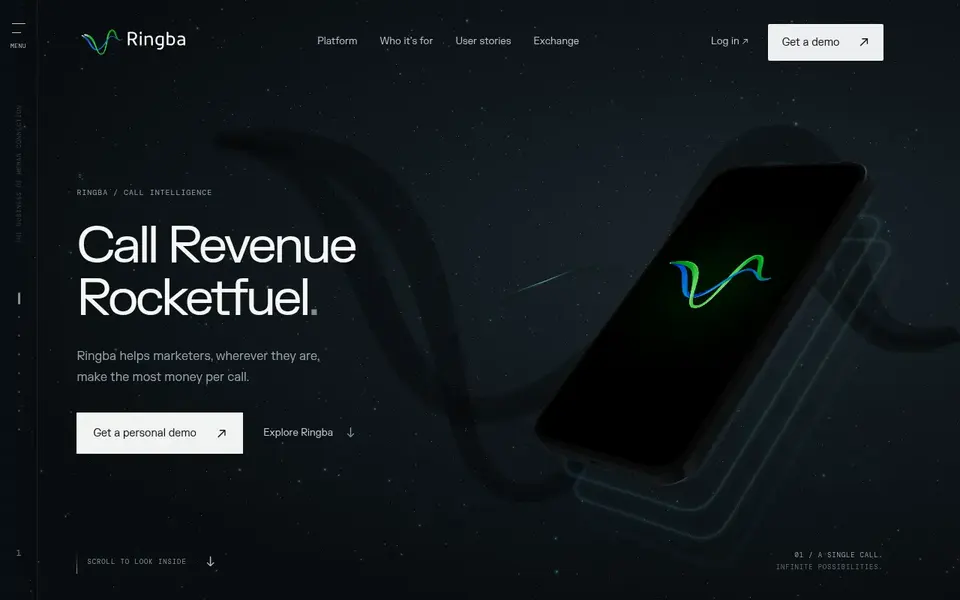
Ringba is a call tracking and pay-per-call platform built for call marketplaces, lead buyers and affiliate networks. It is included here because print shops sometimes encounter it through lead generation partnerships, but it is not a natural fit for a retail print business.
The platform shines when you buy or sell calls and need real-time routing, bidding and detailed control over where each call goes. A print shop that works with a lead vendor might see Ringba on the other side of that arrangement, but running it yourself means learning a system built for a different business model.
For a normal print shop answering its own quote calls, Ringba is more complexity than value. A straightforward attribution tool will serve you better and take far less time to set up.
- Built for call marketplaces
- Real-time routing and bidding
- Detailed call flow control
- Not designed for retail print shops
- Complex for simple needs
How I chose
I built this list from vendor documentation, public product pages and published feature descriptions, not from hands-on testing. I looked at what each platform says it does for call attribution, routing, recording and reporting, then judged how those features map to the way a print shop handles quote calls, artwork questions and reorders.
My second filter was fit and limits. A tool that is excellent for a multi-location chain can be the wrong choice for a single shop, and a platform built for call marketplaces does not help a front desk answer a banner inquiry. I noted where pricing is quote-based, where setup takes real planning, and where a product has been merged into another brand, so you can see the trade-offs rather than just a feature list.
What to check before you buy
- Confirm how the tool handles calls from your Google Business Profile listing, since Maps taps are a major lead source for print shops.
- Ask whether dynamic number insertion works with your website platform and whether it swaps numbers cleanly on mobile.
- Check call recording consent rules for your state or country before you record quote calls.
- Confirm how many tracking numbers and users are included, and what happens when you add more.
- Ask how leads export to your CRM or quote system, and whether form fills and calls appear in one view.
- Test after-hours routing and whisper messages so staff know which campaign a caller came from.
Frequently asked questions
Do print shops really need call tracking?
Yes, if a meaningful share of your quote requests arrive by phone. Print work often starts with a call about specs, sizes and turnaround, and without tracking you cannot tell whether that call came from Google Maps, a mailer or a paid ad. Call tracking ties each inquiry to a source so you can judge which marketing produces real jobs.
Will call tracking numbers hurt my local SEO?
Not if you set it up correctly. Keep your main business number consistent on your Google Business Profile and core citations, and use tracking numbers on ads, landing pages and campaign-specific pages. Dynamic number insertion can show your main number to search engines while showing a tracking number to visitors. Follow Google's guidelines and avoid swapping your primary listing number for a tracking number.
Can call tracking connect to my CRM or quote system?
Most platforms on this list offer integrations or exports. CallRail and WhatConverts both publish integration options, and CallTrackingMetrics supports CRM connections. Before you buy, confirm your specific CRM or quote tool is supported, or that leads can export as a CSV you can import. That step matters more than a long feature list.
How do I track calls from a direct mail campaign?
Use a dedicated tracking number on the mail piece. When recipients call that number, the platform tags the call to the mail campaign, and you can compare response against your other channels. Keep the number active long enough to capture late responders, since print buyers often call weeks after a mailer lands.
Is a free plan enough for a small print shop?
Sometimes. Ringba offers a free plan, and several tools offer free trials so you can test before paying. A trial is usually the better route because it lets you check call quality, routing and reporting with your own numbers. Read the limits on numbers and users before you rely on any free tier for regular business calls.
Sources
See where you really rank - block by block
ProMapRanker scans Google Maps across a grid of your service area. Simple monthly plans from $19, white-label on every plan.
Start freeBrowse all guides
← Best Call Tracking Software for Paving Companies in 2026Best Call Tracking Software for Speech Therapists in 2026 →
 best review request software for orthodontists
Best Review Request Software for Orthodontists in 2026
A practical guide to the best review request software for orthodontists in 2026, comparing patient messaging, review invites and reputation tools.
Read → best review request software for handymen
Best Review Request Software for Handymen in 2026
A handyman's guide to review request software in 2026: how each tool sends review asks after a job, what it costs to start, and what to check first.
Read → best review request software for dance studios
Best Review Request Software for Dance Studios in 2026
A practical guide to the best review request software for dance studios in 2026, covering how each tool fits recital seasons, parent communication and Google reviews.
Read → best visibility analysis software
Best Visibility Analysis Software in 2026
Compare the best visibility analysis software for search and AI answers. We review 8 tools that track brand mentions, citations, and rankings Updated for 2026.
Read → local seo for junk removal companies
Local SEO for Junk Removal Companies
A local SEO guide for junk removal companies: Google Business Profile setup, reviews, and same-day service local search visibility.
Read → local seo for daycare centers
Local SEO for Daycare and Childcare Centers
A practical local SEO playbook for daycare and childcare centers: GBP setup, parent reviews, and ranking near you searches.
Read →More in Local SEO & Google Maps · All guides A to Z by date · Latest guides