 ProMapRanker
Best Call Recorder App in 2026


Interviews needing accurate transcripts · Pricing starts at: Free
Key takeaways
- iPhone and Android recording work very differently, so the best app depends on your phone and carrier, not just on features.
- Three-way calling apps work on iPhones but need carrier support, while Android recording often needs extra setup on newer phones.
- Recording laws vary by state and country, and some places require consent from everyone on the call, so get consent where required.
- Apps that announce recording or play a beep help with consent, but they do not replace checking the law where you live.
Quick comparison
| Pick | Great for | Pricing starts at | Free tier | |
|---|---|---|---|---|
| Rev Call Recorder | Interviews needing accurate transcripts | Free | Yes | Visit |
 TapeACall Pro | Regular iPhone recording with cloud backup | See website | Free trial | Visit |
 Cube ACR | Automatic Android recording | Free | Yes | Visit |
 ACR Phone | Android users wanting a full dialer | Free | Yes | Visit |
 Call Recorder iCall | Simple iPhone recording by merging calls | See website | Free trial | Visit |
 Automatic Call Recorder | Basic Android recording with cloud backup | Free | Yes | Visit |
 Truecaller | Spam blocking plus call recording | Free | Yes | Visit |
 Google Voice | Announced recording on a second number | Free | Yes | Visit |
The best call recorder apps
We compared call recorder apps on platform support, recording method, transcription, storage and consent features. Recording laws vary by state and country, so get consent where required and check the rules before recording any call. Prefer apps with clear consent features, such as announcements or beeps, when you record other people.
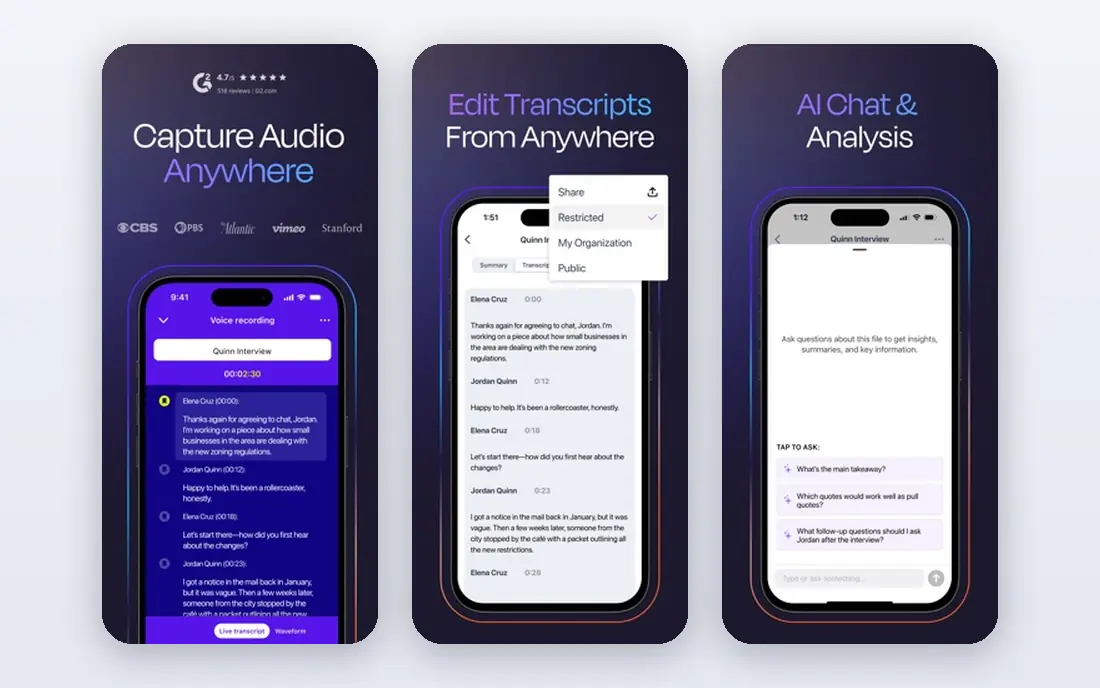
Rev Call Recorder is the pick for journalists, researchers and anyone who needs a reliable transcript after the call. The recording app itself is free, and you can order automated transcripts at a lower per-minute rate or human transcripts when accuracy matters most. That split lets you record everything and only pay to transcribe the calls you actually use.
The catch is the recording method, which uses call merging rather than direct line recording on iPhones. That adds a step to every call and needs carrier support for three-way calling. If you mainly need clean audio for notes and can merge calls reliably, Rev is a strong, honest choice.
- Recording itself is free
- Human and automated transcription options
- Available on iPhone and Android
- Transcription is paid per minute
- Recording depends on merging calls
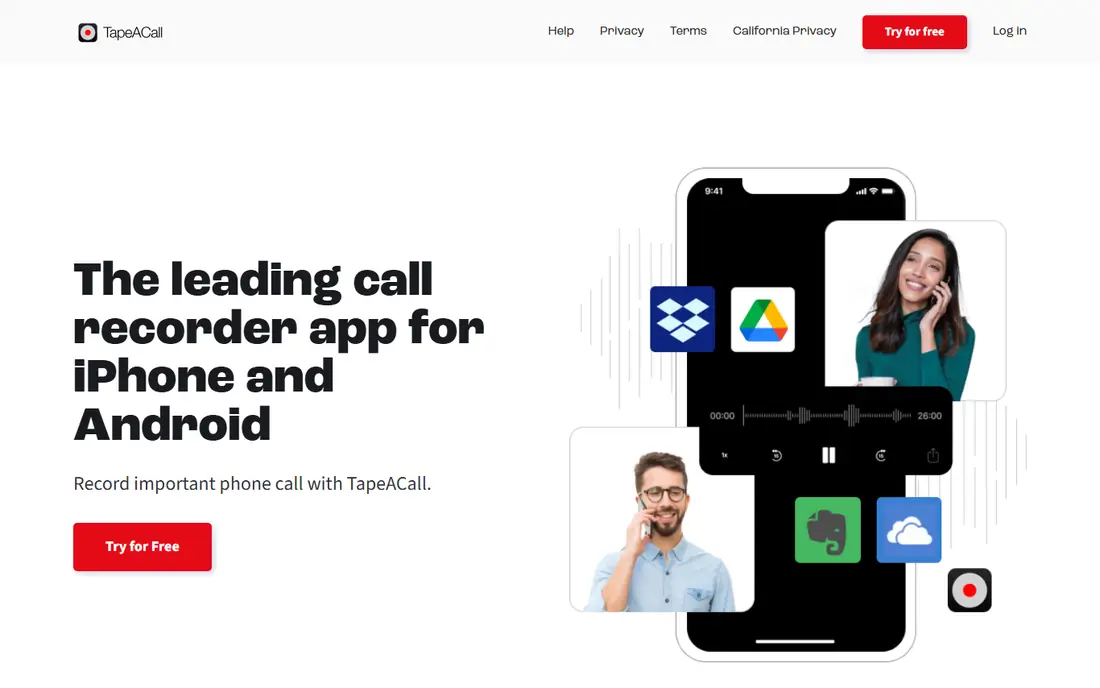
TapeACall Pro has been an iPhone staple for years, and that history shows in its simple workflow. You merge the recording line into a call, and the finished recording is stored in the cloud, labeled and ready to share as an MP3 or to services such as Dropbox and Google Drive. For people who record often, that archive matters as much as the recording itself.
Carrier support is the weak point. If your carrier blocks three-way calling, the merge button will not work and TapeACall cannot record. Pricing is also subscription-based, so check the current monthly or yearly price in the app store before committing. For regular iPhone recorders with a compatible carrier, it remains a dependable pick.
- Long-running iPhone recorder
- Cloud storage and sharing
- Labels and MP3 export
- Needs three-way calling from your carrier
- Subscription pricing
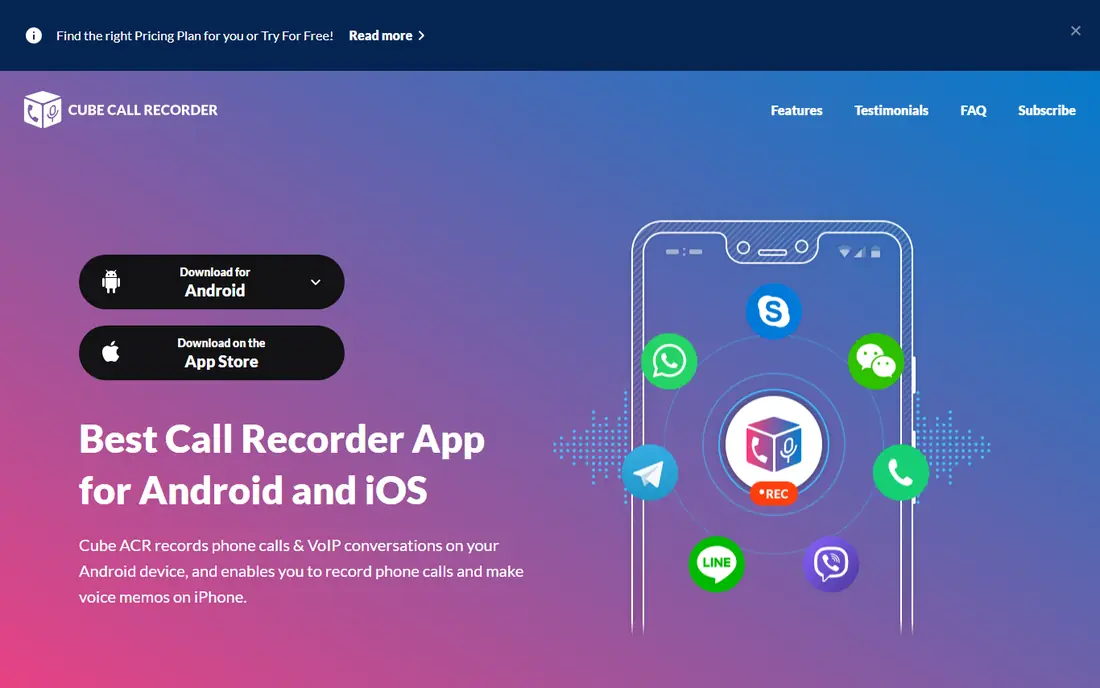
Cube ACR is the best-known automatic recorder for Android. Once set up, it records incoming and outgoing calls without extra taps, and it can also cover some VoIP calls. Recordings are organized by contact, and cloud backup keeps them safe if you switch phones.
Android restrictions are the honest catch. Google Play rules limit call recording, so the store version may not record both sides on newer phones, and the full-featured version comes from the official site instead. That setup is more work than a simple install. For Android users willing to follow the setup guide, Cube ACR is still the most complete option.
- Automatic recording for phone and some VoIP calls
- Cloud backup options
- Call organization by contact
- Play Store version is limited by Android rules
- Full features may need the direct download
ACR Phone, from NLL Apps, takes a different approach: it replaces your phone dialer entirely, with call recording, spam blocking and a SIP client in one app. Recordings stay on your device by default, and cloud uploads are optional, which suits privacy-minded users. The app is free, with extra features for advanced users.
Setup is the price of that control. On Android 10 and later, recording needs the companion helper app, which uses developer options to work around platform limits. That is too technical for some users, and recording quality can still vary by phone model. If you are comfortable with setup steps, ACR Phone gives you more control than a simple recorder.
- Replaces the default dialer with recording built in
- Spam blocking included
- Cloud upload options
- Recording on newer Android versions needs a helper app
- Setup is technical
Call Recorder iCall is a straightforward iPhone recorder built around the same merge-call method as TapeACall. You start a recording, merge the call, and the finished file can be shared or uploaded to cloud storage. The interface is simple, which helps when you need to record without fumbling through menus mid-call.
Like all merge-based iPhone recorders, it depends on your carrier supporting conference calls, and it does not record VoIP calls. Subscriptions also renew automatically, so set a reminder to review the plan after a trial. For iPhone users who want a simple recorder and have a compatible carrier, iCall is a fair, low-friction option.
- Simple iPhone workflow
- Unlimited recordings on a subscription
- Sharing to cloud services
- Needs carrier conference calling
- Subscription renews automatically unless cancelled
Automatic Call Recorder from Appliqato is a long-running Android app for users who want simple, automatic recording. You can set it to record all calls or only selected contacts, and recordings can be backed up to cloud storage. That filter matters, since recording every call quickly fills storage and creates files you never need.
The same Android limits affect this app as others: on newer phones, both sides of a call may not record cleanly without speaker use or extra setup. Its privacy policy also stresses that users must handle consent duties themselves. For basic Android recording on a compatible phone, it is a solid free starting point.
- Free core recording
- Automatic recording with filters
- Cloud backup options
- Recording quality varies on newer phones
- Extra features sit behind a paid tier
Truecaller is worth considering when call recording is one need among several. Most people install it for caller identification and spam blocking, and on supported Android devices it also records calls. That combination means one app handles unknown callers, spam and recording, instead of three separate tools.
Recording is not available on every device or in every region, and iPhone users get a thinner version of the app. Premium features, including some recording and backup options, also need a subscription. If you already use Truecaller for spam control, its recording feature is a useful bonus, but it should not be your only reason to install it.
- Caller identification and spam blocking built in
- Call recording on supported devices
- Large user base
- Recording availability varies by device and region
- Premium features are paid
Google Voice is the most consent-friendly option on this list, because its call recording announces itself to everyone on the call. That announcement removes doubt about whether participants know they are being recorded. The service is free for personal use in the US and includes voicemail, transcription and a separate phone number.
The limits are real. Recording works for incoming calls to your Google Voice number, not for outgoing calls, so it cannot cover every conversation. It is also US-focused and requires using a Google Voice number rather than your main number. For interviews and callbacks that come to a dedicated number, though, its announced recording is a genuine advantage.
- Free for personal use in the US
- Recording announces itself to participants
- Voicemail and transcription included
- Recording works for incoming calls only
- Needs a Google Voice number
- US-focused
How we picked these
We compared official app pages, app store listings, privacy policies and independent 2026 roundups of call recorders. We favored apps that are still available in October 2026, work on current iPhones or Android phones, and state their recording method honestly. We did not run hands-on trials, and we note where a method depends on carrier support or extra setup rather than presenting it as universal.
How to record calls legally and safely
Check the law first, because rules differ widely. Some US states require only one party to consent, while others require everyone on the call to agree, and other countries have their own rules. When in doubt, tell everyone at the start of the call that you are recording and get a clear yes before continuing.
Then protect the recordings. Calls can contain private details, so use a passcode or biometric lock, avoid uploading sensitive calls to shared drives, and delete recordings you no longer need. Prefer apps that announce recording or play a beep, and never record a call to use it in a way that would harm or deceive the other person.
Frequently asked questions
What is the best app to record phone calls?
The best app depends on your phone. iPhone users should shortlist Rev Call Recorder or TapeACall Pro, while Android users should look at Cube ACR or ACR Phone. Check carrier support and recording laws first, since those matter more than small feature differences.
What is the best call recording app for iPhone?
TapeACall Pro and Rev Call Recorder are the strongest iPhone options, because both use the merge-call method that iOS allows. Rev is better when you need transcripts, while TapeACall suits regular recording with cloud storage. Both need carrier support for three-way calling.
What is the best free app to record phone calls?
Rev Call Recorder offers free recording, and Cube ACR and ACR Phone offer free Android recording, though transcription or full features may be paid. Free plans still depend on your phone and carrier. Test recording on a call with a friend before relying on it for important work.
Is it legal to record phone calls?
It depends on where you and the other participants are located, since some places require consent from everyone and others require consent from only one party. Tell participants you are recording and get consent where required. This article is not legal advice, so check local rules for your situation.
Why does call recording fail on some Android phones?
Newer Android versions restrict direct line recording, so some apps can only capture one side clearly or need speaker use and extra setup. Results vary by phone maker and Android version. Test your chosen app on your own phone, and use a merge-based or announced service if direct recording does not work.
Sources
See where you really rank - block by block
ProMapRanker scans Google Maps across a grid of your service area. Simple monthly plans from $19, white-label on every plan.
Start freeKeep reading
 free alternatives to grok imagine
Free Alternatives to Grok Imagine in 2026
We compared the best free alternatives to grok imagine for image generation, from fast daily credits to design tools, so you can create without paying.
Read → best tools for instagram content creation
Best Tools for Instagram Content Creation in 2026
Compare the best tools for Instagram content creation, from Canva and CapCut to Later and Buffer, on design, video, planning, scheduling, and price in 2026.
Read → best tool to split pdf files
Best Tool to Split PDF Files in 2026
We compared the best tool to split pdf files on split modes, file limits, privacy and price, so you can split a PDF cleanly and keep every page in one go.
Read →