 ProMapRanker
Best CAD and PLM Software in 2026


Large complex product programs · Pricing starts at: See website
Key takeaways
- The best CAD and PLM pairing usually follows the CAD tool your engineers already use, since that link decides daily friction.
- Teamcenter, Windchill and ENOVIA lead for large, regulated manufacturers with complex bills of material and change control.
- Autodesk Fusion Manage, Propel and OpenBOM suit smaller teams that want cloud PLM without a long enterprise rollout.
- Aras Innovator stands out for teams that need deep customization and a flexible data model.
- Every option here needs a data cleanup and training plan; PLM fails more often on process than on features.
Quick comparison
| Pick | Great for | Pricing starts at | Free tier | |
|---|---|---|---|---|
| Siemens Teamcenter | Large complex product programs | See website | No | Visit |
 PTC Windchill | Creo teams and regulated products | See website | No | Visit |
 Dassault ENOVIA | CATIA and SolidWorks teams | See website | No | Visit |
 Autodesk Fusion Manage | Autodesk CAD teams moving to cloud PLM | See website | No | Visit |
 PTC Arena | Fast cloud PLM for smaller manufacturers | See website | No | Visit |
 Propel PLM | Cloud PLM with Salesforce links | See website | No | Visit |
 Aras Innovator | Highly customized PLM deployments | See website | No | Visit |
 OpenBOM | Lightweight BOM and parts management | See website | No | Visit |
The best CAD and PLM software
We compared official feature pages, pricing pages and public reviews to find PLM platforms with a real CAD link, not just a document store with a PLM label.
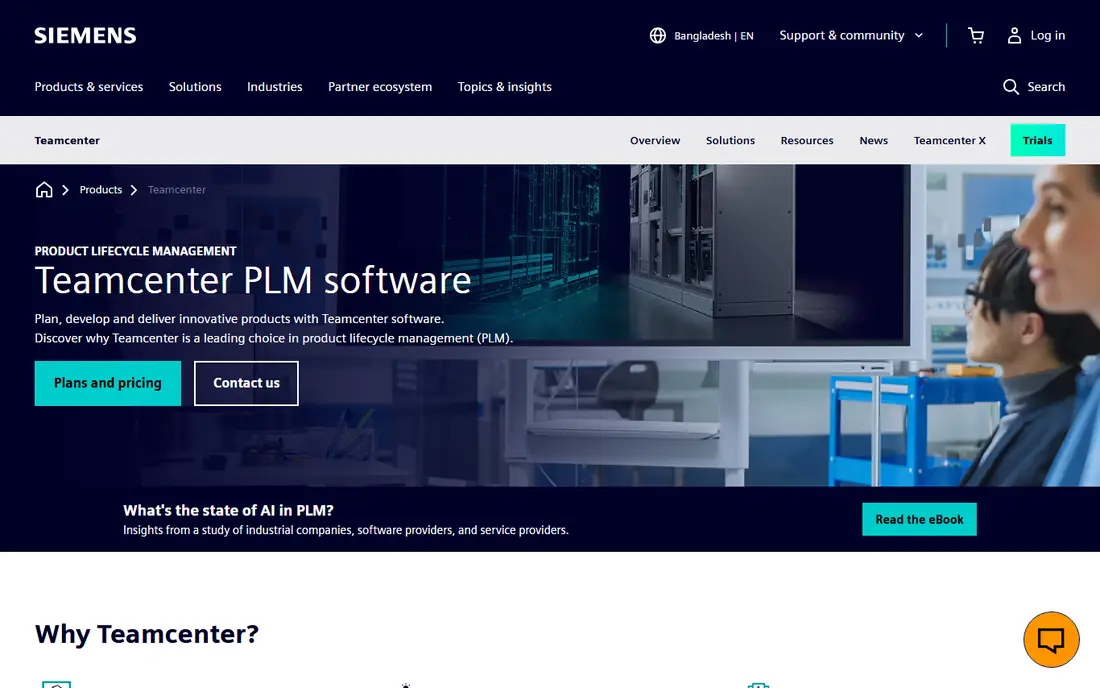
Teamcenter is the PLM hub for Siemens CAD tools such as NX and Solid Edge, and it also manages multi-CAD data from other systems. It handles bills of material, change tracking, document control and compliance in one system, which matters when a product has thousands of parts and several manufacturing sites. Large aerospace and automotive teams use it for exactly that kind of scale.
The cost is complexity. Teamcenter rewards teams that invest in administration, training and a clear change process, and it can feel heavy for a team of ten engineers. If your products are simpler, a lighter cloud tool will reach value faster.
- Broad industry coverage
- Strong configuration and change management
- On-premise or cloud deployment
- Pricing is sales-led
- Administration can be heavy for small teams
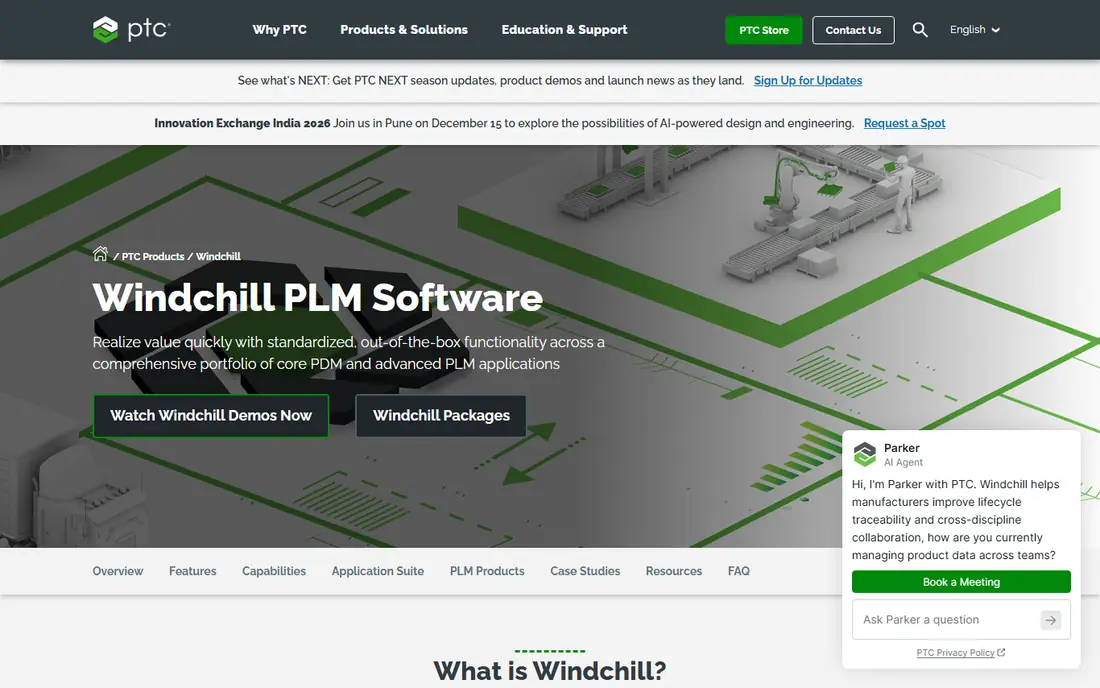
Windchill is the natural PLM choice for teams that design in Creo, since part, assembly and drawing data flow into PLM with less manual handling. It covers BOM management, engineering change control, manufacturing process management and supply chain collaboration. For medical device teams, its quality and design history features are a practical reason to shortlist it.
Windchill also supports other CAD formats, but teams should test that link with their own files during a pilot. Like other enterprise PLM tools, it needs a named administrator and a rollout plan, not just licenses.
- Close Creo integration
- Strong BOM and change control
- Cloud version called Windchill Plus
- Pricing is sales-led
- Setup needs planning for multi-CAD teams
ENOVIA sits inside the Dassault 3DEXPERIENCE platform, so teams already using CATIA or SolidWorks get a direct path from design data to lifecycle management. It manages product definitions, changes and collaboration across engineering and supply chain teams. That shared platform helps when design, simulation and manufacturing data must stay linked.
The trade-off is ecosystem fit. ENOVIA works best inside Dassault tools, and connecting it to non-Dassault enterprise systems takes real effort. Teams outside that ecosystem should compare it carefully with Teamcenter or Windchill.
- Close CATIA and SolidWorks integration
- Strong scalability
- Supply chain visibility
- Pricing is sales-led
- Learning curve can be steep
Fusion Manage, formerly Fusion Lifecycle, gives Autodesk CAD teams a cloud PLM option without a large on-premise project. It manages product data, change workflows, BOMs and supplier collaboration in one place, and it fits teams that already use Inventor, Fusion or AutoCAD. The cloud model also shortens setup compared with older enterprise PLM deployments.
The limit is depth of customization. Teams with unusual approval chains or complex ERP rules may hit constraints sooner than they would with Teamcenter or Aras. For most small and mid-size Autodesk shops, that trade is worth the faster start.
- Cloud PLM with CAD, CAM and CAE context
- Version and revision control
- Real-time collaboration
- Pricing is sales-led
- Customization is more limited than enterprise PLM
Arena is PTC cloud PLM aimed at teams that want BOM control, change management and supplier sharing without running servers. It is a common step up from spreadsheets and shared drives, and it can be live faster than enterprise PLM. Small electronics and hardware teams often use it to control revisions before a design reaches a contract manufacturer.
Arena is not the pick for the largest multi-site programs, where Teamcenter or Windchill offer deeper configuration control. If your main need is clean BOMs, controlled changes and a single source for released parts, Arena covers it well.
- Cloud-first setup
- BOM and change management
- Supplier collaboration
- Pricing is sales-led
- Less suited to very large multi-CAD programs
Propel PLM runs on the Salesforce platform, which helps teams that already use Salesforce for sales or service. Product data, BOMs, changes and quality records can sit close to customer and order data, so engineering changes are easier to connect to affected customers. Its cloud delivery also keeps IT overhead lower than on-premise PLM.
The catch is platform fit. Teams that do not use Salesforce still get a capable cloud PLM, but they miss the main integration advantage. Check how Propel connects to your CAD tools and ERP before committing, since those links decide daily use.
- Cloud PLM built on Salesforce
- BOM, change and quality workflows
- Supplier collaboration
- Pricing is sales-led
- Best value depends on Salesforce use
Aras Innovator appeals to teams whose products or processes do not fit a standard PLM template. Its flexible data model lets administrators shape product structures, workflows and change processes around the business, rather than forcing the business into fixed screens. That flexibility suits complex, regulated or fast-changing product lines.
Flexibility has a cost. Custom deployments need skilled people to build and maintain them, and upgrades need testing. Teams that want a mostly standard cloud PLM should look at Arena, Propel or Fusion Manage first.
- Flexible data model
- Deep customization
- Broad lifecycle coverage
- Pricing is sales-led
- Customization needs skilled administrators
OpenBOM is the lightest tool on this list, and that is its point. It helps engineering teams build, share and manage BOMs, parts catalogs and supplier information without adopting a full PLM suite. Integrations with common CAD tools reduce manual BOM entry, which is where many spreadsheet BOMs start to drift.
OpenBOM does not replace enterprise PLM for regulated change control, quality management or large multi-site programs. For startups and small hardware teams that need controlled BOMs now, it is a practical starting point that can grow with the team.
- Fast BOM setup
- Parts catalog and supplier data
- CAD integrations
- Not a full enterprise PLM suite
- Advanced change control is lighter
How we picked these
We compared official feature pages, pricing pages and public reviews for PLM platforms with a genuine CAD connection in October 2026. We kept only live products that manage BOMs, revisions and change workflows, and we favored a mix of enterprise suites and cloud tools so different team sizes can compare fairly. Where vendors do not publish pricing, we wrote See website rather than repeating third-party estimates as fact.
What to check before you buy
Start with your CAD mix and your change process. List the CAD tools in use, the file formats you must support, and how a change moves from request to released revision today. A PLM demo that only shows a clean sample BOM will not reveal problems with your real assemblies, suppliers or ERP links.
Then test the hard parts in a pilot. Import a real product structure, run a change through approval, and export the BOM to your ERP or spreadsheet format. Ask about deployment options, data migration, user training and how upgrades work for customized workflows. PLM value comes from consistent use, so pick the tool your engineers will actually open every day, not just the one with the longest feature list.
Training deserves its own budget line. Engineers will fall back to shared drives and email if PLM steps feel slower than their old habits, so schedule hands-on sessions with real project data, not sample files. Name one internal owner for PLM questions during the first three months, and review adoption weekly until released BOMs consistently come from the system.
Frequently asked questions
What is the difference between CAD and PLM software?
CAD software creates and edits product designs, while PLM software manages those designs across their life, including BOMs, revisions, changes and approvals. This article covers PLM platforms with a strong CAD link, which is why they are often bought together.
Which CAD and PLM combination is best for small teams?
Autodesk Fusion Manage, PTC Arena, Propel and OpenBOM are the lighter starting points here. The right pick depends on your CAD tool, since a close CAD link saves daily manual work.
Do I need PLM if I already use CAD with a PDM tool?
A PDM tool manages CAD files and versions, while PLM adds BOM control, change workflows, supplier collaboration and links to ERP and quality processes. Teams with formal release control usually outgrow PDM alone.
How much does CAD and PLM software cost?
Most enterprise PLM vendors quote by sales call, based on users, modules and deployment. Cloud tools can start lower, but ask for implementation, migration and training costs in the first-year total.
Can PLM handle multi-CAD data?
Teamcenter, Windchill and ENOVIA all claim multi-CAD support, but the depth varies by format. Test your own CAD files and assemblies in a pilot before you sign.
Sources
See where you really rank - block by block
ProMapRanker scans Google Maps across a grid of your service area. Simple monthly plans from $19, white-label on every plan.
Start freeKeep reading
 wpforms alternatives
Best WPForms Alternatives in 2026
We compare 9 wpforms alternatives for WordPress forms, with free and paid options, current pricing notes, and honest limits for small business sites in 2026.
Read → windows task scheduler alternatives
Best Windows Task Scheduler Alternatives in 2026
Looking for Windows Task Scheduler alternatives? We compare 9 schedulers for Windows and cross-platform work, from free tools to enterprise automation.
Read → which ai video service is best
Which AI Video Service Is Best in 2026
which ai video service is best? We compare 10 legitimate AI video services on price, avatars, editing and output quality to help you pick the right tool.
Read →