 ProMapRanker
Best Business Software in 2026


Email, documents, and team tools · Pricing starts at: See website
Key takeaways
- Microsoft 365 and Google Workspace cover the daily basics of email, docs, and meetings for most businesses.
- Salesforce suits sales-led growth, while Zoho One and Odoo suit firms that want many functions in one suite.
- Asana, Notion, and monday.com cover project and knowledge work, but they do not replace accounting or CRM alone.
- The best software for business use is the set your team will maintain, not the largest bundle on offer.
Quick comparison
| Pick | Great for | Pricing starts at | Free tier | |
|---|---|---|---|---|
| Microsoft 365 | Email, documents, and team tools | See website | No | Visit |
 Google Workspace Google Workspace | Cloud email, docs, and collaboration | See website | No | Visit |
 Salesforce Salesforce | Customer records and sales pipeline | See website | No | Visit |
 Zoho One Zoho One | All-in-one suite for small and mid-size firms | See website | No | Visit |
 Odoo Odoo | Modular ERP for growing businesses | Free | Yes | Visit |
 Asana Asana | Team projects and task tracking | Free | Yes | Visit |
 Notion Notion | Docs, wikis, and team workspaces | Free | Yes | Visit |
 monday.com monday.com | Work management and workflows | Free | Yes | Visit |
The best Business Software
We compared official feature pages, pricing pages, app store listings, and public reviews to build this list. The eight options below cover different budgets and needs, so start with the best-for note and then read the details that match your situation.
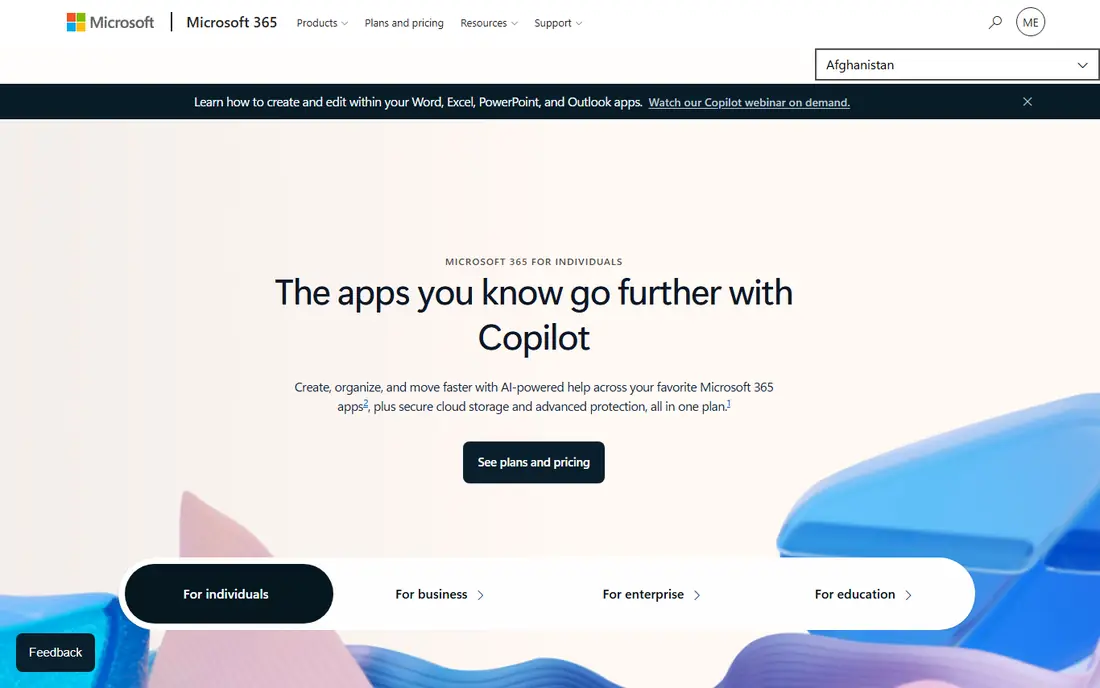
Microsoft 365 suits email, documents, and team tools. It gives a business email, documents, spreadsheets, meetings, and file storage under one account. The product pages describe a focused set of tools rather than a long list of extras, and that focus helps a new user get started without a long setup period. Before you choose it, weigh this limit: Buyers should compare plan tiers carefully before adding users. We suggest you test it with a small real task, confirm that it fits your current workflow, and check what happens when you need to cancel or move your data elsewhere.
- Outlook, Word, Excel, and Teams
- Cloud storage
- Security controls
- Per-user cost rises with team size
- Plan tiers can confuse buyers
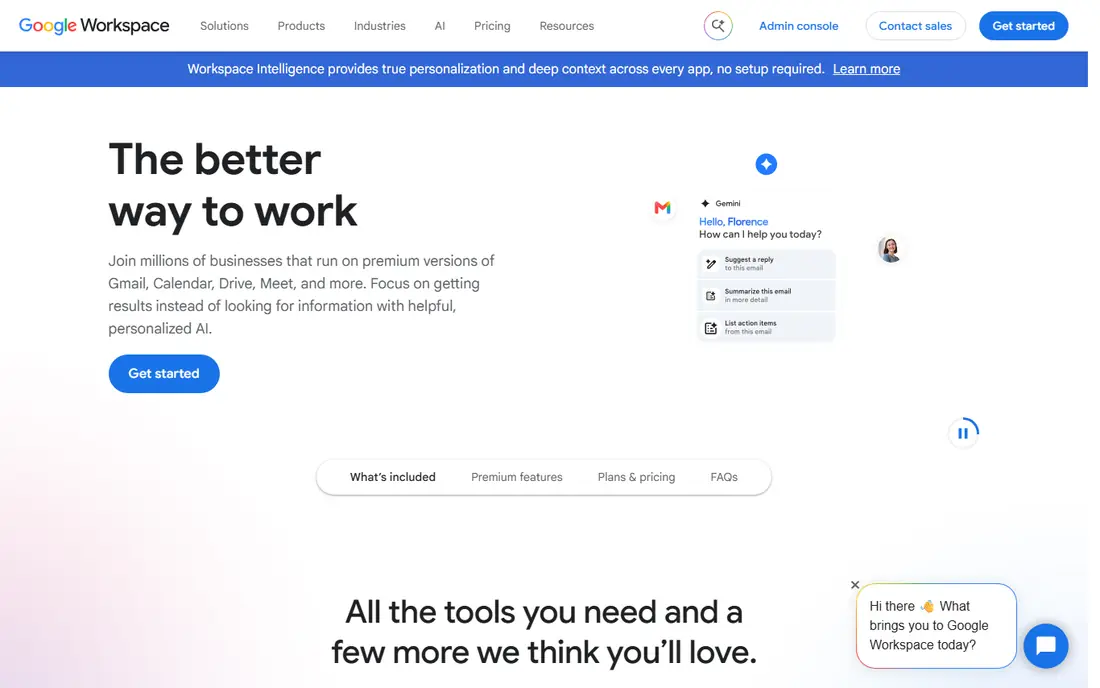
Google Workspace works well for cloud email, docs, and collaboration. It covers email, documents, and video meetings in a browser, with sharing built in. Its pricing and feature pages point to steady, everyday use, and the free or trial option gives you room to check the fit before you commit. A fair caution is this: Teams that need desktop Office apps should check compatibility first. Shortlist it if that trade-off fits your budget and your team size, and keep a second option in mind if your needs grow quickly in the next year.
- Gmail, Docs, Sheets, and Meet
- Easy sharing
- Admin controls
- Storage limits vary by plan
- Advanced controls need higher tiers
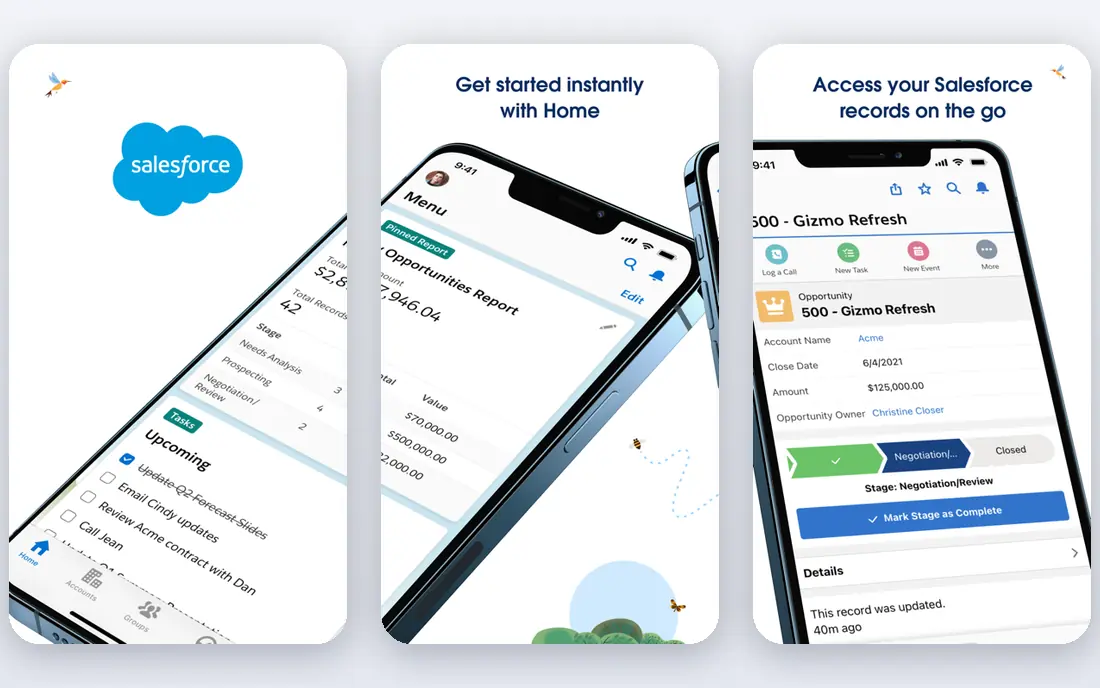
Salesforce is a practical choice for customer records and sales pipeline. It tracks leads, accounts, deals, and service cases for growing sales teams. We found its official pages clear about what is included at each tier, which makes it easier to compare the real monthly cost with the value you expect to get. The main limit to weigh is this: Small teams should start with a simple edition and expand only as needed. Check the plan limits, the export options, and the support route before you move important work into the tool, since those details matter more over time than a first-week impression.
- Strong CRM depth
- Large app marketplace
- Reporting
- Price and setup can be high
- Needs admin care
Zoho One suits all-in-one suite for small and mid-size firms. It bundles dozens of business apps, so a firm can run CRM, finance, and projects in one suite. The product pages describe a focused set of tools rather than a long list of extras, and that focus helps a new user get started without a long setup period. Before you choose it, weigh this limit: Firms that use only two apps may find a smaller bundle cheaper. We suggest you test it with a small real task, confirm that it fits your current workflow, and check what happens when you need to cancel or move your data elsewhere.
- Many apps in one bundle
- CRM, books, and projects
- Single login
- All-employee pricing model
- Learning curve across apps
Odoo works well for modular ERP for growing businesses. It lets a business start with one app and add sales, stock, or accounting modules as it grows. Its pricing and feature pages point to steady, everyday use, and the free or trial option gives you room to check the fit before you commit. A fair caution is this: Buyers should budget for setup help on larger rollouts. Shortlist it if that trade-off fits your budget and your team size, and keep a second option in mind if your needs grow quickly in the next year.
- Modular apps
- CRM, sales, inventory, and accounting
- Open options
- Implementation can take time
- Paid apps add cost
Asana is a practical choice for team projects and task tracking. It organises work into projects, tasks, and timelines so teams can see progress and deadlines. We found its official pages clear about what is included at each tier, which makes it easier to compare the real monthly cost with the value you expect to get. The main limit to weigh is this: Teams that need full CRM or finance tools will need other software beside it. Check the plan limits, the export options, and the support route before you move important work into the tool, since those details matter more over time than a first-week impression.
- Project views
- Task assignments
- Timelines
- Free plan limits features
- Large teams need paid plans
Notion suits docs, wikis, and team workspaces. It combines notes, docs, and databases in one workspace for teams and small businesses. The product pages describe a focused set of tools rather than a long list of extras, and that focus helps a new user get started without a long setup period. Before you choose it, weigh this limit: Without clear page rules, a workspace can become hard to navigate. We suggest you test it with a small real task, confirm that it fits your current workflow, and check what happens when you need to cancel or move your data elsewhere.
- Flexible pages
- Databases
- Templates
- Large workspaces need structure
- Offline use is limited
monday.com works well for work management and workflows. It tracks projects and workflows on visual boards, with automations for routine steps. Its pricing and feature pages point to steady, everyday use, and the free or trial option gives you room to check the fit before you commit. A fair caution is this: Buyers should confirm seat minimums and automation limits. Shortlist it if that trade-off fits your budget and your team size, and keep a second option in mind if your needs grow quickly in the next year.
- Visual boards
- Automations
- Dashboards
- Minimum seats apply on some plans
- Costs rise with users
How we picked these
We started with the main keyword and the related terms readers use for this topic, then we checked vendor feature pages, pricing pages, app store listings, privacy pages, and public reviews for each candidate. We kept only products that exist and work today, that fit the topic directly, and that publish enough detail for a reader to judge cost and limits. We removed products with unclear pricing, a discontinued product, or a fit that was too narrow for most readers. We did not claim hands-on testing, lab testing, or daily use. Our findings come from published vendor material and public review sources, and prices can change, so we point you to the vendor page for the final figure. Where a price was not clear on the vendor page at the time of research, we wrote See website rather than guessing a number.
How to choose business software
List the functions you must cover: email, documents, customers, projects, finance, and stock. Then decide whether one suite or a few best-fit tools serve you better. Suites save login hassle, while separate tools often fit each job better.
Start with the core, then add modules
Secure email, documents, and customer records first. Add project, finance, or inventory tools only when a clear pain point appears. Buying every module at once often leads to tools nobody opens.
Check total cost per user per year
Add licences, add-ons, storage, support, and setup help to get a yearly total. Per-user pricing looks small monthly but grows fast with team size. Confirm seat minimums and what happens when a user leaves.
Test with a real team workflow
Run a real project, a real sales deal, or a real invoice through the shortlisted tools. Ask daily users what slowed them down. A tool that wins a demo can still fail on permissions, exports, or mobile use.
Frequently asked questions
What is the best software for business teams starting out?
Google Workspace or Microsoft 365 cover email, docs, and meetings for most new teams. Add Asana or Notion for projects, and a CRM only when customer follow-up becomes hard to track in spreadsheets.
What are the best business apps for sales teams?
Salesforce is the strongest CRM here for growing sales teams, while Zoho One bundles CRM with other business apps. Smaller teams may prefer Odoo CRM or a simpler CRM first, then move up as deal volume grows.
What is the best software for businesses that need everything in one place?
Zoho One and Odoo are the strongest all-in-one options, with Zoho One offering a wide bundle and Odoo offering modular apps. Compare the apps you will actually use, since an unused bundle is wasted cost.
What is the best bookkeeping software for a sole proprietor?
A sole proprietor often needs a simple accounting tool beside a business suite, such as QuickBooks Online or FreshBooks, rather than a full ERP. Keep business and personal records separate, and confirm tax record needs with an accountant.
Which business platform is best for project work?
Asana suits structured projects, monday.com suits visual workflows and automations, and Notion suits docs and knowledge beside tasks. Pick based on how your team plans work, then keep one project system as the source of truth.
Sources
See where you really rank - block by block
ProMapRanker scans Google Maps across a grid of your service area. Simple monthly plans from $19, white-label on every plan.
Start freeKeep reading
 zoom alternatives
Best Zoom Alternatives in 2026
Compare Zoom alternatives in 2026, with free meeting limits and prices, so you can pick the best alternative to Zoom for your team, class, or community.
Read → which software is best for remote work
Which Software Is Best for Remote Work in 2026
Answering which software is best for remote work, we compare Slack, Zoom, Asana, Notion, Teams and more, with pricing and honest tradeoffs in 2026 now.
Read → which ai tool is best for content writing
Which AI Tool Is Best for Content Writing in 2026
Wondering which ai tool is best for content writing? We compare ChatGPT, Claude, Jasper, Grammarly, and more on price, quality, and best use in 2026 now.
Read →