 ProMapRanker
Best Business Process Management Software in 2026

Key takeaways
- Appian and Pega suit large enterprises with complex, regulated processes, while Camunda suits technical teams that need explicit process models.
- Nintex, Kissflow and ProcessMaker suit mid-size teams that want visual workflow design without a large development project.
- Microsoft Power Automate suits companies already built on Microsoft 365, and Bizagi suits teams that want strong process modelling.
- Most enterprise BPM pricing is quote-based, so compare implementation effort and licensing together, not just a headline price.
- A successful BPM project needs a clear process owner, clean process design and testing, not just a new tool.
Quick comparison
| Pick | Great for | Pricing starts at | Free tier | |
|---|---|---|---|---|
 Appian | Enterprise process apps | See website | Free trial | Visit |
 Pega Platform | Complex enterprise workflows | See website | Free trial | Visit |
 Camunda | Technical process orchestration | Free | Yes | Visit |
 Nintex | Workflow and document automation | See website | Free trial | Visit |
 Kissflow | No-code workflows for mid-size teams | See website | Free trial | Visit |
 ProcessMaker | Open and flexible BPM | See website | Free trial | Visit |
 Bizagi | Process modelling and automation | See website | Free trial | Visit |
 Microsoft Power Automate | Microsoft 365 workflow automation | $15 per user per month | Free trial | Visit |
The best business process management software
Business process management software designs, automates and tracks repeatable work, from approvals and onboarding to claims, procurement and customer service. These tools range from no-code workflow builders to developer-led orchestration platforms.
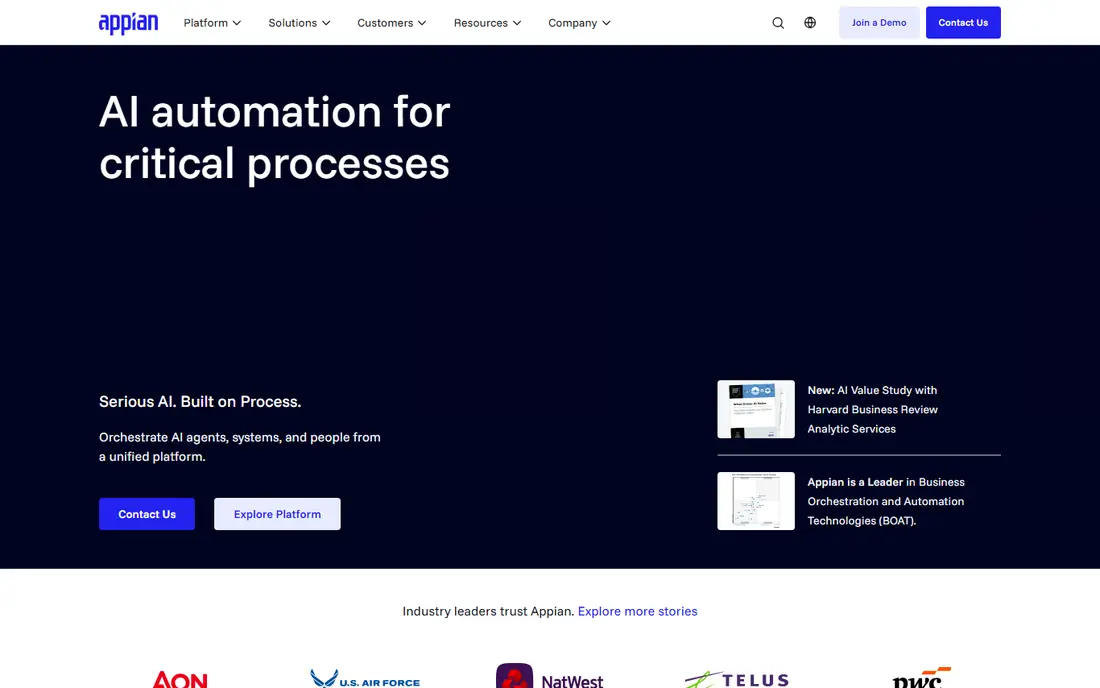
Appian lets business and IT teams build process applications with a low-code designer, covering forms, workflows, rules, case management and integrations in one platform. It suits processes that involve people, decisions and systems together, such as loan approvals, claims handling and employee onboarding, where audit trails and accountability matter. AI features can help with document handling and process insights, though they work best inside a well-designed process.
Pricing is quote-based, and an Appian project is a serious investment in design, licensing and change management. Small teams with simple approval flows will find it too much platform. For large companies that need reliable, governed process apps across departments, Appian is one of the strongest BPM picks here.
- Low-code process apps with strong case management
- AI and data integration
- Proven in regulated industries
- Quote-only pricing
- Needs skilled design and governance to scale well
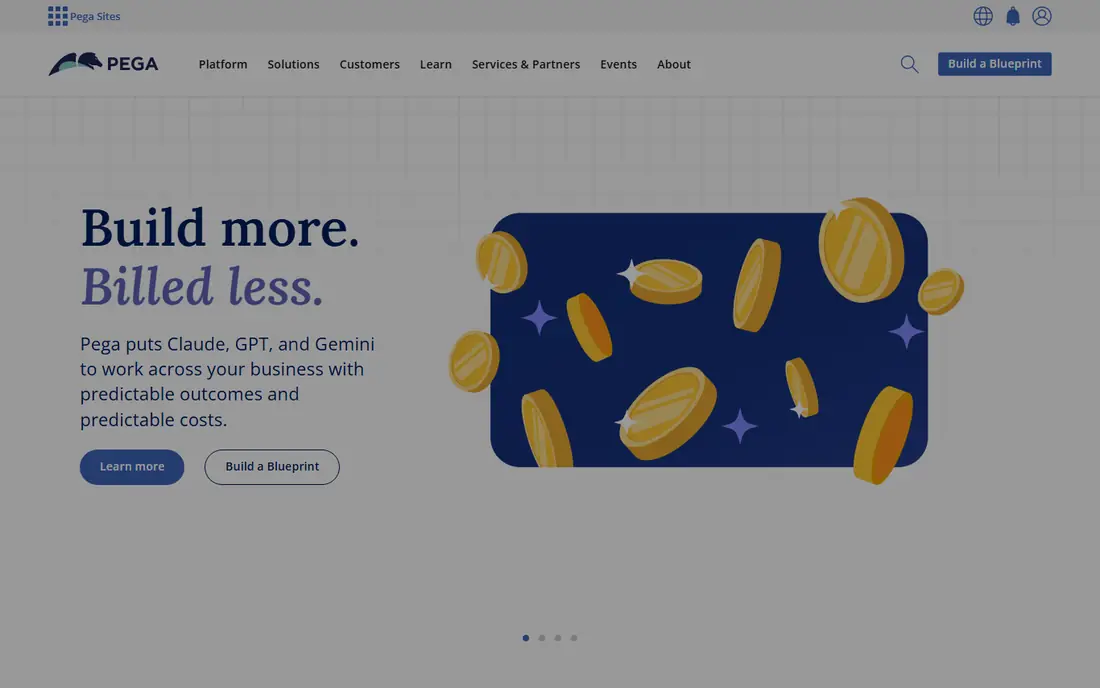
Pega Platform is built for the hardest operational processes, where cases move through many steps, decisions, systems and people. It combines workflow, case management, decision rules and AI-assisted routing, which helps large banks, insurers, telecom firms and government agencies handle high volumes with consistent rules. Customer service and back-office operations are its natural home.
That power comes with complexity. Pega projects need experienced designers and a clear operating model, and pricing is quote-based. It is not a quick tool for a single approval form. If your process is complex, regulated and high-volume, Pega is a top-tier choice. If your process is simple, a no-code tool like Kissflow will deliver value far faster.
- Deep case management and decision rules
- Strong for customer service and operations
- Scalable for global firms
- Quote-only pricing
- Implementation is complex and needs expertise
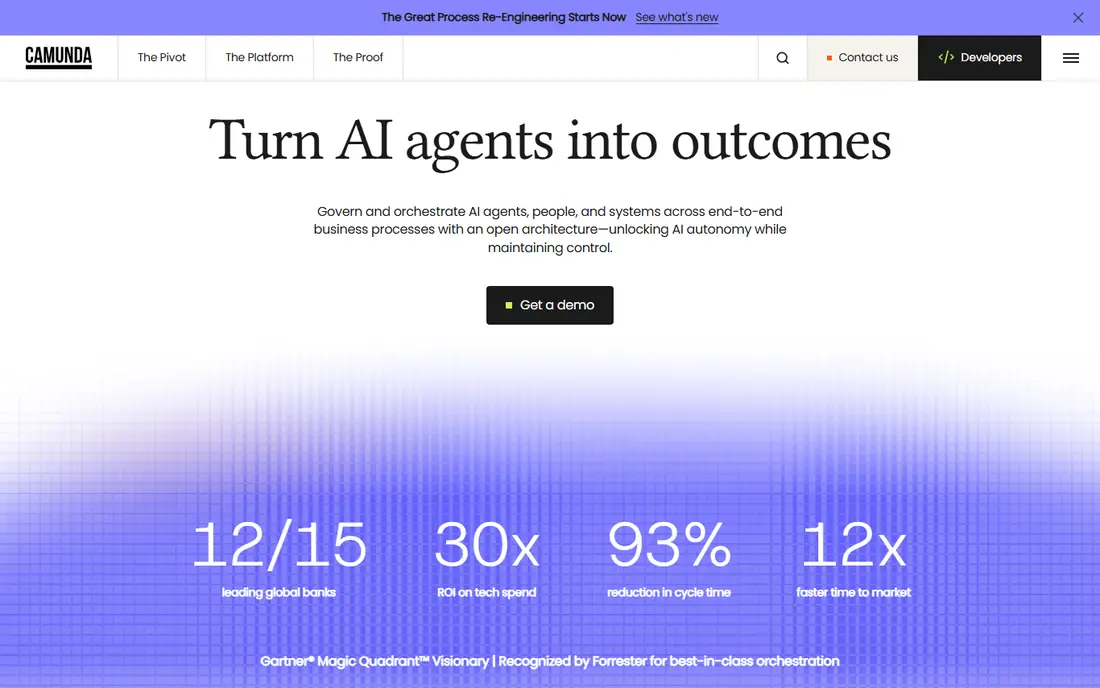
Camunda appeals to technical teams that want the process model itself to be explicit and auditable. It uses BPMN for process design and DMN for decision logic, and it can orchestrate people, systems and AI agents across long-running processes, with clear handling of exceptions and state. That makes it a good fit for regulated processes, complex customer journeys and integration-heavy work.
Development and non-production use is free under the self-managed tier, with a free SaaS trial, while production enterprise licensing is sales-led. Camunda is not a no-code tool for business users alone, and it needs developers and process owners to maintain it well. For engineering-led organisations that value standards and auditability, it is the strongest technical BPM pick here.
- BPMN and DMN standards for clear process models
- Long-running orchestration
- Human task coordination
- Needs technical ownership
- Production pricing is sales-led
Nintex covers the full cycle from process mapping to workflow automation, document generation and analytics. Teams can map a process, automate approvals and forms, generate documents from data, and track bottlenecks, which suits operations, finance and HR teams that handle many forms and documents. Integrations with Microsoft and Salesforce help it fit into existing stacks.
Pricing is quote-based, with listings showing enterprise annual figures that vary widely by scope, so a current quote is essential. Nintex also spans several modules, so buying the right combination needs a clear process list. For mid-size to large companies that want workflow plus document automation in one vendor, Nintex is a strong, practical choice.
- Strong workflow and document automation
- Process mapping
- Good Microsoft and Salesforce integrations
- Pricing is quote-based and can be high
- Full platform needs planning across modules
Kissflow is the easiest BPM tool here for business teams that want to automate approvals without writing code. You design a form, set approval steps and rules, and publish a workflow for purchase requests, leave, expenses or vendor onboarding. The visual builder keeps the process clear, and users can track requests without chasing email threads.
Kissflow offers trials and published entry pricing that varies by plan, with larger deployments quote-based, so check the current plan for your user count. It will not match Appian or Pega for complex case management, but most mid-size processes do not need that depth. If you want fast, visible workflow automation that business users can own, Kissflow is a strong pick.
- No-code visual workflow builder
- Fast setup for common processes
- Good for HR, finance and procurement
- Less depth for highly complex enterprise processes
- Pricing needs a quote for larger plans
ProcessMaker combines a visual process designer with the flexibility to handle custom processes and integrations. It suits companies that need more than a simple approval tool but do not want a full low-code platform project. Teams can design workflows, build forms, connect systems and track cases, with options for cloud or self-hosted deployment depending on needs.
Advanced use still needs technical skill, especially for integrations and complex rules, and enterprise pricing is quote-based. ProcessMaker is a good middle ground: more flexible than a simple workflow app, less heavy than Appian or Pega. If your IT team wants control over deployment and design, it is worth a trial.
- Visual process designer
- Flexible deployment
- Strong for custom and integration-heavy processes
- Needs technical setup for advanced use
- Enterprise pricing is quote-based
Bizagi starts with process modelling and carries that model into automation, which helps teams that want to improve a process before they automate it. You can map the current process in BPMN, spot delays and handoffs, then build forms, rules and integrations around the improved design. That approach suits operations improvement projects, not just quick form automation.
Pricing is quote-based, and the platform rewards teams that invest in modelling discipline. A team that only wants a fast approval form may find Bizagi more structured than needed. A team that wants to document, improve and then automate core processes will find its modelling strength valuable, and it is a solid choice for process-led organisations.
- Strong BPMN modelling
- Low-code automation
- Good for process improvement projects
- Pricing is quote-based
- Full automation needs design discipline
Microsoft Power Automate is the practical BPM and workflow choice for companies already using Microsoft 365. It automates approvals, notifications, data moves and repetitive tasks across Outlook, Teams, SharePoint, Excel and hundreds of other apps, with a visual flow designer that business users can learn quickly. For simple to mid-size processes, it often delivers value without a separate BPM purchase.
Listings in October 2026 showed premium plans from about $15 per user per month, with a free trial and per-flow options, though premium connectors and robotic process automation add cost. At scale, flows need governance, or they multiply and become hard to maintain. If your company lives in Microsoft 365, Power Automate is the lowest-friction BPM starting point here. If your processes span many non-Microsoft systems with strict governance, a dedicated BPM platform may fit better.
- Deep Microsoft 365 integration
- Many connectors
- Easy approval and notification flows
- Complex processes need premium connectors and planning
- Governance needed at scale
How we picked these
We compared official product pages, pricing pages and public reviews, and we kept tools that are available in October 2026 and that truly design and automate business processes, not just simple task lists. We weighed process modelling, workflow automation, case management, integrations, governance and pricing transparency. We did not claim hands-on testing, and most enterprise BPM pricing is quote-based, so we used See website where a reliable published price was not available.
How to choose a BPM tool
Start with one process, not a platform-wide rollout. Pick a process that is repeatable, painful and measurable, such as invoice approval or employee onboarding, and map it before you buy. That map shows whether you need simple workflow automation, case management, document automation or full orchestration, and it prevents buying a platform that is too large or too small.
Next, check who will own the tool. No-code tools suit business owners, while Camunda, Appian and Pega need technical and governance ownership. Price implementation and training alongside licensing, since BPM value comes from process redesign, not just software. Finally, run a pilot with real users, measure cycle time and error rates, and only then expand to more processes.
Frequently asked questions
What is the best business process management software?
Appian and Pega are the strongest enterprise picks, Camunda is best for technical orchestration, and Kissflow is best for no-code mid-size workflows. Microsoft Power Automate is best for Microsoft 365 companies. The best tool depends on process complexity, technical resources and existing software, not just feature lists.
What are the best business process management tools for small businesses?
Kissflow and Microsoft Power Automate are the most practical small-business picks here, because they offer visual builders, trials and lower entry effort than enterprise platforms. ProcessMaker can also work for smaller teams with technical help. Avoid large quote-based platforms unless you have complex, regulated processes that justify the investment.
What are the top 10 BPM software options?
The top options vary by source, but the strongest names in 2026 include Appian, Pega, Camunda, Nintex, Kissflow, ProcessMaker, Bizagi and Microsoft Power Automate, plus IBM Business Automation Workflow and Oracle BPM for large enterprises. Shortlist by process complexity and existing stack, then trial two tools with the same real process before deciding.
What is the best BPM tool in the market for automation?
For broad automation, Nintex and Appian stand out, with Nintex strong on workflow and documents and Appian strong on process apps and case management. For integration-led automation, Camunda and Power Automate are strong in different settings. The best automation tool is the one that fits your process type, not the one with the longest connector list.
How much does BPM software cost?
Costs range from free tiers and about $15 per user per month for Power Automate premium, to quote-based enterprise contracts that vary widely by users, processes and deployment. No-code tools are usually cheaper to start, while Appian, Pega and Nintex projects cost more once implementation is included. Always request a quote for your user count and process scope.
Do I need BPM software or just workflow automation?
Simple approvals and notifications usually need only workflow automation, such as Power Automate or Kissflow. BPM software becomes worth it when processes involve many steps, decisions, cases, systems and audit needs, or when you need to model and improve processes before automating them. Start with workflow automation, and move to BPM when complexity or governance demands it.
Sources
- https://appian.com
- https://www.pega.com
- https://camunda.com
- https://www.nintex.com
- https://kissflow.com
- https://www.processmaker.com
- https://www.bizagi.com
- https://www.microsoft.com/power-platform/products/power-automate
- https://www.selecthub.com/c/business-process-automation-software/
- https://www.cflowapps.com/business-process-automation-tools/
See where you really rank - block by block
ProMapRanker scans Google Maps across a grid of your service area. Simple monthly plans from $19, white-label on every plan.
Start freeKeep reading
 free alternatives to grok imagine
Free Alternatives to Grok Imagine in 2026
We compared the best free alternatives to grok imagine for image generation, from fast daily credits to design tools, so you can create without paying.
Read → best tools for instagram content creation
Best Tools for Instagram Content Creation in 2026
Compare the best tools for Instagram content creation, from Canva and CapCut to Later and Buffer, on design, video, planning, scheduling, and price in 2026.
Read → best tool to split pdf files
Best Tool to Split PDF Files in 2026
We compared the best tool to split pdf files on split modes, file limits, privacy and price, so you can split a PDF cleanly and keep every page in one go.
Read →