 ProMapRanker
Best Business Management Software in 2026


Whole business suite in one subscription · Pricing starts at: See website
Key takeaways
- Zoho One and Odoo suit small businesses that want many apps in one suite, rather than separate tools.
- Monday.com and ClickUp suit teams that manage work visually, with boards, tasks, and dashboards.
- HubSpot suits businesses that want customer management, marketing, and sales in one system.
- Bitrix24 suits larger teams that want many users on a flat-rate plan.
- Birdeye and Thryv add review management and local business tools that general project apps do not cover well.
Quick comparison
| Pick | Great for | Pricing starts at | Free tier | |
|---|---|---|---|---|
| Zoho One | Whole business suite in one subscription | See website | Free trial | Visit |
 monday.com | Visual team management | $9 per user per month | Yes | Visit |
 HubSpot | Customers, sales, and marketing in one system | Free | Yes | Visit |
 Odoo | Modular business apps | Free | Yes | Visit |
 Bitrix24 | Large teams on flat pricing | Free | Yes | Visit |
 ClickUp | All-in-one work management | Free | Yes | Visit |
 Asana | Structured project work | Free | Yes | Visit |
 Birdeye | Review management for businesses | See website | Free trial | Visit |
 Thryv | Small business daily operations | See website | Free trial | Visit |
The best business management software
We compared official feature pages, pricing pages, and plan structures for software that helps manage a small business, from projects and customers to reviews and daily operations. The list covers suites, project tools, and specialist business apps, because the best software to manage a small business depends on which part of the business needs the most help.
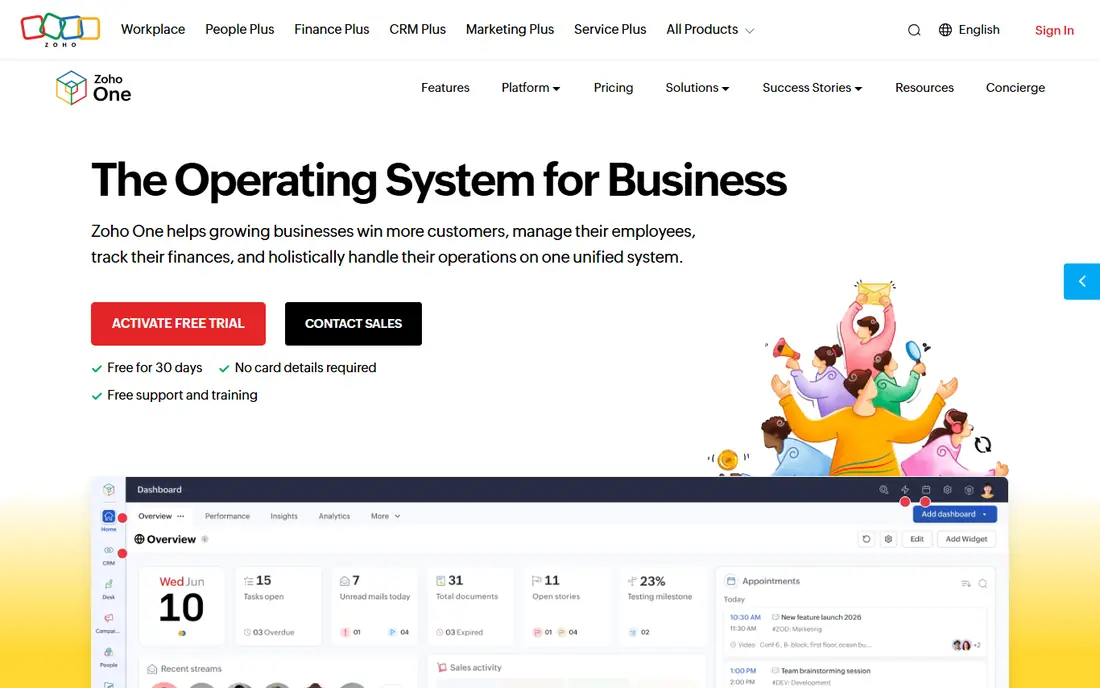
Zoho One bundles a large set of Zoho apps, including CRM, projects, books, mail, and HR tools, under one subscription. That breadth suits small businesses that want to replace separate tools with one system, where sales data can trigger project work and billing can link to customer records. A single login across apps reduces the tool sprawl many small teams face.
The suite is large, and teams rarely use every app at first. Pricing also needs care, since Zoho One offers all-employee and flexible-user models with different costs. Start with the apps you need most, and expand only when the team is ready.
- Many apps in one suite
- CRM, projects, finance, and HR links
- Single login
- Breadth can overwhelm new users
- Pricing model needs careful reading
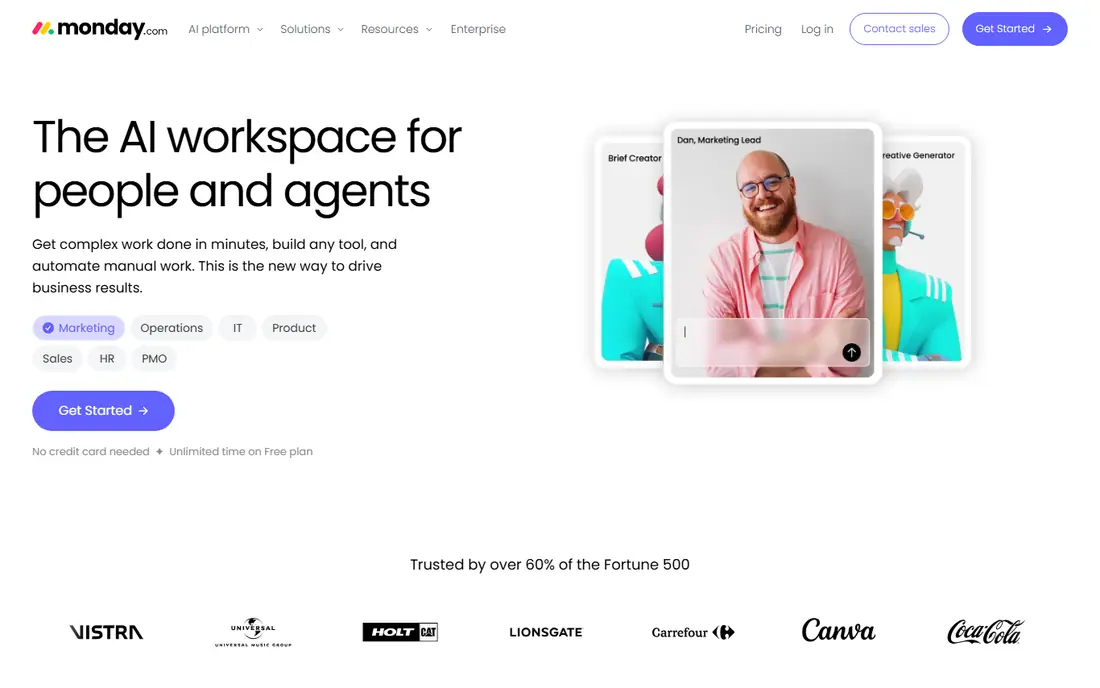
Monday.com is a visual work platform that helps manage projects, tasks, and team workflows with boards, timelines, and dashboards. Templates cover marketing, operations, sales, and HR, so a small business can start without building from scratch. Automations handle routine updates, such as moving a task when its status changes.
Paid plans require a minimum number of seats, and per-user costs add up for larger teams. It is also a work management tool first, not a full accounting or CRM suite. Pick monday.com when team coordination is the main gap, and pair it with a CRM or accounting tool if needed.
- Clear boards and dashboards
- Automations
- Many templates
- Minimum seat rules
- Costs rise as teams grow
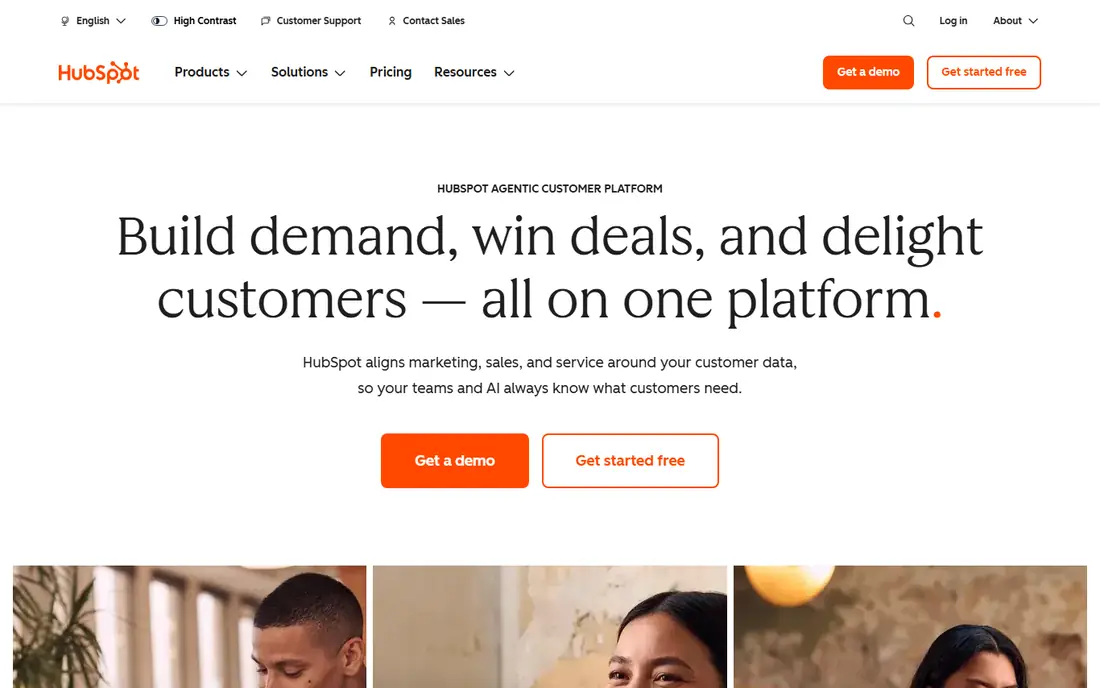
HubSpot starts with a free CRM that covers contacts, deals, tasks, and email tracking, then adds marketing, sales, service, and operations hubs as a business grows. That upgrade path suits small businesses that want to start free and scale without migrating customer data. The interface is clear, and the free tier is genuinely usable for small teams.
Paid hubs can become expensive, especially when a team needs several hubs at higher tiers. HubSpot is strongest for customer-facing work, and weaker as a project or finance suite. Choose it when customer management is the core need, and add project tools alongside it.
- Generous free CRM
- Marketing and sales tools
- Clear upgrade path
- Paid hubs get expensive
- Advanced features need higher tiers
Odoo offers a modular suite where a business picks the apps it needs, from CRM and sales to inventory, manufacturing, and accounting. That modular approach suits businesses that want a suite but do not want to pay for apps they will never use. The open-source roots also give developers room to customise.
Setup takes more time than a simple project tool, and the full suite needs planning. Small teams should start with two or three apps and add more slowly. Odoo is best for businesses that want an integrated system and are willing to invest in setup.
- Modular apps
- CRM, sales, inventory, and accounting
- Open source roots
- Setup and customisation take time
- Some apps need paid plans
Bitrix24 combines CRM, project management, HR, communication, and website tools in one platform. Its flat-rate paid plans suit larger teams, since cost does not rise with every new user in the same way per-seat pricing does. The free plan covers many users, which helps teams test it at scale.
The interface is busy, and new users may need time to find the tools they need. It is also broader than a focused project app, so setup needs care. Pick Bitrix24 when team size is large and flat pricing matters more than a minimal interface.
- CRM, projects, HR, and communication in one place
- Flat-rate paid plans
- Interface is busy
- Learning curve for new users
ClickUp covers tasks, docs, goals, time tracking, and dashboards in one app, with list, board, table, and calendar views. That breadth suits small businesses that want to manage projects, documents, and goals without several separate tools. The free tier is usable for small teams, and paid plans start at a low per-user price.
As with other all-in-one tools, breadth can overwhelm. Teams should pick a few views and workflows to start, rather than turning on every feature. ClickUp is a strong business management app when work coordination is the main need, and it pairs well with a separate CRM or accounting tool.
- Tasks, docs, goals, and dashboards
- Flexible views
- Free tier
- Feature breadth can overwhelm
- Setup takes time
Asana helps teams plan, track, and manage work with tasks, projects, timelines, and portfolios. Its structure suits businesses that need clear ownership, deadlines, and progress tracking across many projects. Templates and reporting help managers see workload without manual status meetings.
Asana is a project tool, not a full business suite. It does not replace a CRM, accounting software, or review management tool. Choose Asana when structured project delivery is the main gap, and keep customer and finance tools alongside it.
- Clear task structure
- Timelines and portfolios
- Good templates
- Less suited as a full CRM
- Advanced features need paid plans
Birdeye is the best review management software for businesses on this list, because that is its core job. It helps request reviews, monitor reviews across sites, respond in one place, and manage local listings. That matters for local businesses where reviews drive calls and visits, and where a general project tool offers no review workflow at all.
It is a specialist tool, not a general business suite. Pricing is quote-based, so check the vendor site for your business size. Use Birdeye alongside a project or CRM tool when reputation and local visibility are a priority, rather than as a replacement for them.
- Review requests and monitoring
- Local listings
- Customer messaging
- Specialist focus
- Pricing needs a sales conversation
Thryv is built for small, service-based businesses that need CRM, scheduling, invoicing, payments, and marketing in one place. Its focus on daily operations suits owners who do the work and run the business, rather than large teams with separate departments. Centralising those tasks can save time spent switching between apps.
Larger teams may outgrow Thryv, and pricing requires a conversation with the vendor. It is best for owner-led small businesses that want one app for customers, appointments, and payments, with less need for complex project portfolios.
- CRM, scheduling, payments, and marketing in one app
- Small business focus
- Less suited to large teams
- Pricing needs a sales conversation
How we picked these
We compared official feature pages, pricing pages, and plan structures for business management software available in October 2026. We kept tools that cover a meaningful part of running a small business, whether that is projects, customers, operations, or reviews, and we included both suites and specialist tools. We favoured tools with a free plan or trial, clear plan structures, and a track record with small businesses. Where pricing was not clearly published, we wrote See website rather than repeating a third-party figure.
What to check before you buy
Start with the biggest pain in your business. A team missing deadlines needs project software. A team losing leads needs a CRM. A local business with few reviews needs review management. Buying a suite to solve one problem often adds complexity without fixing that problem.
Suites versus best-of-breed
A suite such as Zoho One or Odoo reduces tool sprawl and keeps data in one place, but it may be weaker in one area than a specialist tool. Best-of-breed tools, such as HubSpot for customers or Birdeye for reviews, do one job well but need integrations. Map your top three needs first, then decide whether one suite covers them or whether two focused tools fit better.
Cost, seats, and growth
Compare yearly cost at your real team size, including minimum seats, per-user fees, and paid add-ons. Flat-rate plans such as Bitrix24 suit larger teams, while free tiers from HubSpot, ClickUp, and Asana suit small teams starting out. Check what happens when you add users, storage, or a new hub, since those costs often drive the total bill.
Adoption and integrations
A tool only helps if the team uses it. Run a pilot with real work, not a demo, and check links to email, accounting, calendar, and payment tools. If the team already uses Google Workspace or Microsoft 365, check how well the new tool fits that system. A tool that requires double entry will be abandoned, no matter how good its feature list looks.
Frequently asked questions
What is the best business management software for a small business?
Zoho One and Odoo suit businesses that want a full suite, while monday.com, ClickUp, and Asana suit teams focused on project work. HubSpot is best when customer management is the priority. Pick by your biggest gap, not by feature count alone.
What is the best software to manage a small business on a budget?
HubSpot, ClickUp, Asana, Bitrix24, and Odoo all offer free plans that cover core work for small teams. Start free, prove the workflow, and upgrade only when limits or advanced features become a real blocker.
What is the best app for business management for local businesses?
Thryv suits owner-led local businesses that need scheduling, payments, and marketing in one app. Birdeye is the best review management software for businesses that need to grow and manage reviews and local listings.
Do I need a suite, or several separate tools?
A suite suits businesses that want one login and shared data across sales, projects, and finance. Separate tools suit businesses with one clear need, such as project tracking or CRM, where a specialist tool will do that job better.
How do I choose between monday.com, ClickUp, and Asana?
Monday.com is the most visual, ClickUp is the broadest all-in-one, and Asana is the most structured for project portfolios. Test all three with the same real project, and pick the one your team actually updates without prompting.
Sources
See where you really rank - block by block
ProMapRanker scans Google Maps across a grid of your service area. Simple monthly plans from $19, white-label on every plan.
Start freeKeep reading
 best resource management software
Best Resource Management Software in 2026
We compared the best resource management software for scheduling, capacity and utilization, with current pricing and free trials, to help teams choose well.
Read → best reporting tools
Best Reporting Tools in 2026
Compare the best reporting tools for dashboards, scheduled reports, and business insights, from Power BI and Tableau to Looker Studio for every team size.
Read → best remote support software
Best Remote Support Software in 2026
Looking for the best remote support software? We compare 9 tools on price, security, session controls, and fit for helpdesks, MSPs, and small teams in 2026.
Read →