 ProMapRanker
Best Business Collaboration Tools in 2026

Key takeaways
- Slack and Microsoft Teams still anchor most team chat, but the right pick depends on the apps your team already pays for.
- Task-led tools such as Asana, Monday.com, and ClickUp suit teams that plan work in boards and timelines rather than in chat threads.
- Notion and Miro cover the shared thinking space, with docs and whiteboards that keep decisions visible after the meeting ends.
- Free plans are useful for small teams, yet message history, storage, and automation limits decide when a paid plan becomes necessary.
Quick comparison
| Pick | Great for | Pricing starts at | Free tier | |
|---|---|---|---|---|
 Slack | Everyday team chat | $7.25 per user per month | Yes | Visit |
 Microsoft Teams | Microsoft 365 workplaces | $4 per user per month | Yes | Visit |
 Zoom | Reliable video meetings | See website | Yes | Visit |
 Asana | Structured team projects | $10.99 per user per month | Yes | Visit |
 Monday.com | Visual work management | $9 per user per month | Yes | Visit |
 ClickUp | All-in-one value | $7 per user per month | Yes | Visit |
 Notion | Docs and wikis | $10 per user per month | Yes | Visit |
 Trello | Simple kanban boards | $5 per user per month | Yes | Visit |
 Miro | Visual planning sessions | See website | Yes | Visit |
 Basecamp | Calm, flat-priced projects | $15 per user per month | Free trial (30 days) | Visit |
The best business collaboration tools
A good collaboration tool is the one your team opens without being reminded. The ten tools below cover chat, video, project tracking, docs, and whiteboards, so you can match the tool to the kind of work your team does most.
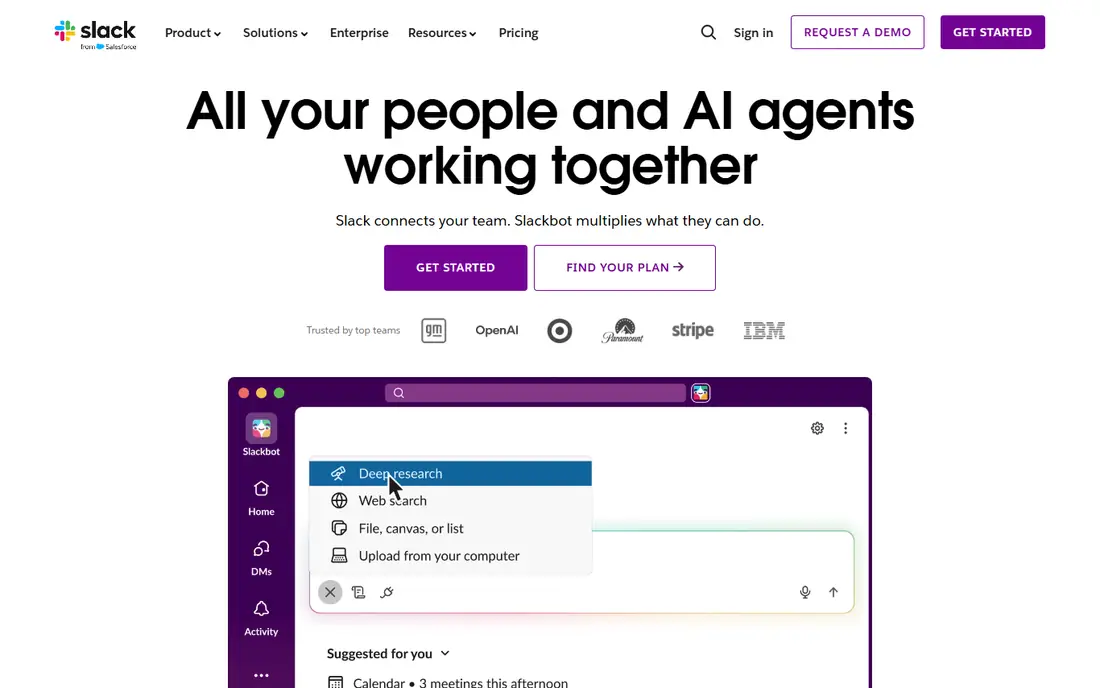
Slack organizes work into channels for teams, projects, and topics, with threads that keep side conversations from taking over the main feed. Huddles give teams a quick audio or video option without scheduling a formal meeting, and search helps staff find past decisions when a project returns months later. The integration library is a real strength, since most common business apps connect without custom work.
The free plan works for a small team that is just getting started, but its 90-day message history is the main limit to watch. Paid plans remove that limit and add group huddles and AI summaries. We suggest Slack first when a team needs a chat-first home base and does not already live inside Microsoft 365.
- Clear channel structure
- Large integration library
- Useful AI summaries on paid plans
- Message history is limited on the free plan
- Costs add up for large teams
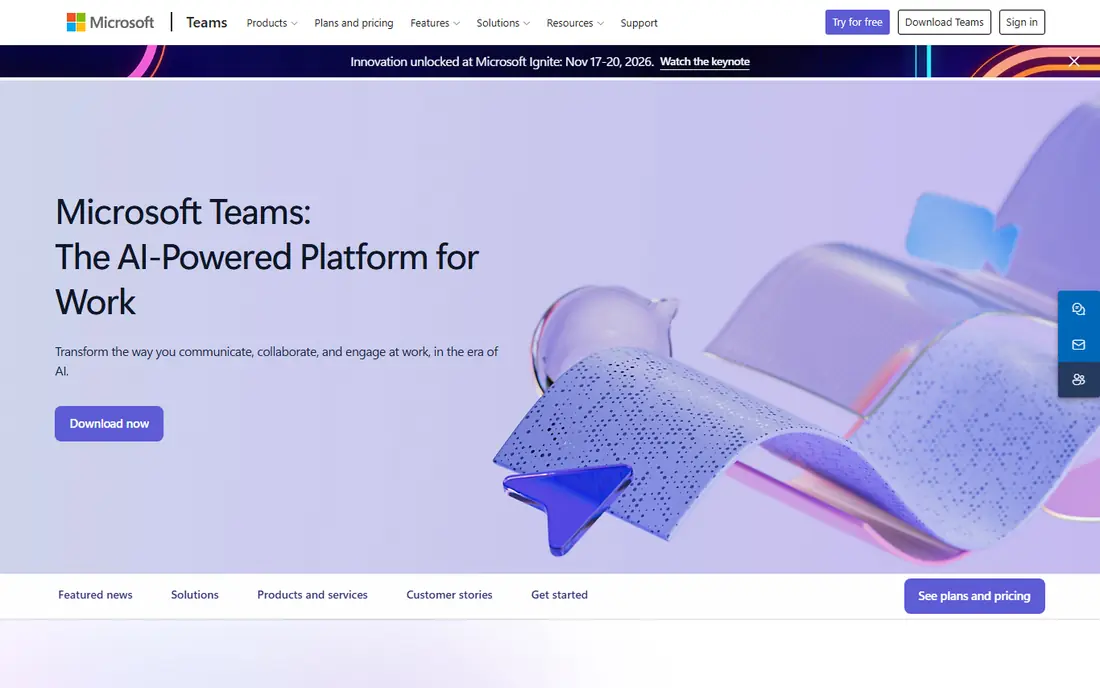
Teams brings chat, meetings, and file storage together in one place, which suits companies that already use Outlook, Word, and SharePoint. Meetings support large groups, recordings, and live captions on business plans, so it handles both daily standups and wider company calls. Shared channels also allow work with outside partners without giving them full access to everything.
The trade-off is complexity. Teams has many menus and settings, and new users often need a short onboarding session to find chats, files, and meeting notes quickly. If your company already pays for Microsoft 365, Teams is usually the sensible default, since the extra cost is small or nothing at all.
- Deep Word, Excel, and SharePoint links
- Strong meeting capacity
- Included in many Microsoft 365 plans
- Interface can feel busy
- Free plan is limited for company-wide use
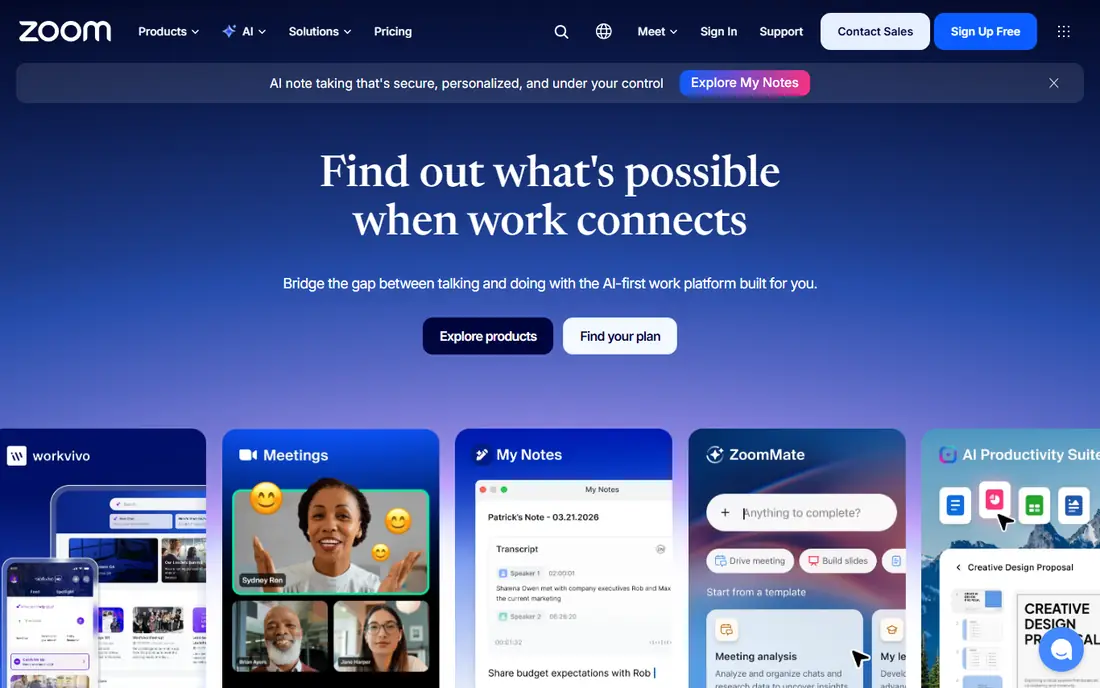
Zoom earned its place because guests can join a meeting with one link and little setup. Hosts get waiting rooms, breakout rooms, recording, and captions, which cover training sessions, client calls, and team reviews. Zoom also sells webinar, phone, and contact center options for companies that need more than basic meetings.
Zoom is less convincing as a full collaboration hub. Its chat and docs exist, but teams that need deep task tracking will pair it with another tool. Pick Zoom when video is the core need, especially for client-facing work where a guest must never struggle to join.
- Dependable video quality
- Easy guest joining
- Webinar and phone options
- Chat and project features are thinner than chat-first rivals
- Paid tiers vary by add-on
Asana turns a messy project into a list of tasks with owners, due dates, and dependencies, so nobody has to guess who is doing what. Views for lists, boards, timelines, and calendars let different people look at the same work in the way that suits them. Templates for marketing campaigns, product launches, and onboarding save setup time for repeat work.
The catch is that the free plan is best for one or two people, and larger teams will need a paid plan for timelines and reporting. Asana fits teams that value order and clear handoffs, and it pairs well with Slack or Teams for daily chat.
- Clean lists, boards, and timelines
- Clear ownership and due dates
- Helpful templates
- Free plan suits only very small teams
- Advanced features sit on higher tiers
Monday.com suits managers who like to see status at a glance. Boards use colour and status labels to show what is done, stuck, or overdue, and dashboards pull that status into charts for weekly reviews. Templates cover sales pipelines, content calendars, and hiring, which helps a new team start without building boards from scratch.
Pricing needs care for small teams, since paid plans carry a seat minimum and automation actions are metered. Check how many automations your workflows need before committing. For operations-heavy teams, the visual clarity is worth the extra setup.
- Colourful, visual boards
- Strong dashboards
- Wide template library
- Three-seat minimum on paid plans
- Automation limits vary by tier
ClickUp tries to replace several tools at once, with tasks, docs, goals, whiteboards, and time tracking in a single workspace. The free plan covers unlimited tasks and members, which is rare, and the paid entry plan adds Gantt charts, custom fields, and more storage. For a small business watching costs, that bundle is hard to beat.
The risk is clutter. Because ClickUp can be shaped in so many ways, a workspace can drift into a maze of unused views. Appoint one person to own the structure and switch off features the team does not use. With that discipline, it is strong value.
- Tasks, docs, whiteboards, and time tracking in one app
- Generous free plan
- Low paid entry price
- Many features can feel overwhelming
- Setup needs an owner
Notion is the shared notebook for a company: meeting notes, handbooks, project pages, and databases live in one searchable place. Teams can link pages together, so a project page can pull in tasks, notes, and reference docs without duplication. Templates for wikis, roadmaps, and content calendars shorten the setup.
Notion is not a chat tool, and it will not replace Slack or Teams for fast conversation. It works best as the memory of the team, paired with a chat app for daily talk. If your main problem is scattered docs, start here.
- Flexible pages, databases, and wikis
- Good templates
- Keeps docs and light tasks together
- Needs setup before it feels structured
- No native team chat
Trello keeps collaboration simple. A board holds lists such as To do, Doing, and Done, and cards move across with a drag. Checklists, due dates, attachments, and comments cover most small-project needs, and new staff can learn it in minutes. That speed is the point: a tool people actually use beats a fuller tool they avoid.
Complex projects will outgrow Trello. Dependencies, workload views, and detailed reporting are limited, so larger programs belong in Asana, Monday.com, or ClickUp. For small teams and straightforward workflows, Trello is a calm, cheap choice.
- Fast to learn
- Clear drag-and-drop boards
- Low cost
- Weak for complex dependencies and reporting
- Power features need paid plans
Miro gives remote teams a shared whiteboard for brainstorming, mapping customer journeys, and planning sprints. Sticky notes, diagrams, and frames let a group work on the same canvas at the same time, and templates for retros and workshops speed up sessions. It is the closest many distributed teams get to a real meeting room wall.
The free plan suits a small group trying it out, but bigger teams will need paid seats and board controls. Miro is a complement to chat and task tools, not a replacement for them. Use it for planning sessions, then move agreed actions into your task tool.
- Large shared whiteboards
- Useful workshop templates
- Good for remote brainstorming
- Needs a paid plan for larger teams
- Boards can grow messy without structure
Basecamp keeps each project in one place with message boards, to-do lists, schedules, file storage, and group chat. The design is deliberately plain, which helps teams that feel overloaded by feature-heavy apps. The flat monthly option for unlimited users can also save money for larger teams that would pay per seat elsewhere.
Basecamp is not the pick for teams that need colourful dashboards or heavy automation. It suits agencies and small businesses that want one calm home for client projects, with clear threads and deadlines, and no need to learn a complex system.
- Flat monthly option for unlimited users
- Simple project structure
- Message boards and schedules in one place
- Less visual than board tools
- Fewer automation options
How we picked these
We compared official pricing pages, feature pages, and app store listings for widely used business tools, and checked public reviews for common strengths and complaints. We required each tool to support real multi-user work in October 2026, with a current free plan, trial, or published paid plan. We favoured tools that cover different jobs, chat, video, tasks, docs, and whiteboards, rather than listing ten near-identical chat apps.
What to check before you choose
Start with the work, not the feature list. If most delays come from missed messages, pick a chat-first tool. If delays come from unclear ownership, pick a task tool with due dates and timelines. If decisions keep getting lost, add a docs or wiki tool so the answer lives in one searchable place.
Count seats and limits before you compare headline prices. Check message history on free plans, seat minimums, automation caps, and whether AI features cost extra. Run a two-week trial on one real project, with the people who will use it daily, and keep the tool the team opens without prompting.
One hub or a small stack
Most teams end up with two tools: one for fast talk and one for planned work. That is fine, as long as each job has one clear home. Avoid running two chat apps or two task boards at once, since work splits and nobody knows where the latest version lives.
Frequently asked questions
What are the best business collaboration tools for small teams?
For small teams, Slack for chat plus Trello or ClickUp for tasks covers most needs at a low cost. Add Notion only if scattered docs are a real problem. Keep the stack small, since every extra tool adds login and upkeep work.
Is Slack or Microsoft Teams better for business?
Slack suits teams that want a chat-first tool with a wide integration library and no Microsoft commitment. Teams suits companies already paying for Microsoft 365, since chat, meetings, and files come together at little extra cost.
Do these tools have free plans?
Most tools here offer a free plan, including Slack, Teams, Zoom, Asana, Monday.com, ClickUp, Notion, Trello, and Miro. Free plans limit history, storage, or features, so check those limits against your team size before relying on them.
Can I use one tool for chat, tasks, and video?
ClickUp and Teams come closest, but most teams still pair a chat tool with a task tool. A single tool that does everything often does one job weakly, so judge it by the job your team does most.
How much should a small business budget per person?
Budget roughly 5 to 15 dollars per user per month for a core tool, plus extra for AI add-ons or higher tiers. Flat-priced options such as Basecamp can cost less per person for larger teams, so compare total team cost, not just the per-seat price.
What is the best collaboration tool for remote teams?
Remote teams benefit from a chat tool, a video tool, and a shared whiteboard. Slack or Teams for daily talk, Zoom for client meetings, and Miro for planning sessions form a practical remote stack that covers most situations.
Sources
See where you really rank - block by block
ProMapRanker scans Google Maps across a grid of your service area. Simple monthly plans from $19, white-label on every plan.
Start freeKeep reading
 wpforms alternatives
Best WPForms Alternatives in 2026
We compare 9 wpforms alternatives for WordPress forms, with free and paid options, current pricing notes, and honest limits for small business sites in 2026.
Read → windows task scheduler alternatives
Best Windows Task Scheduler Alternatives in 2026
Looking for Windows Task Scheduler alternatives? We compare 9 schedulers for Windows and cross-platform work, from free tools to enterprise automation.
Read → which ai video service is best
Which AI Video Service Is Best in 2026
which ai video service is best? We compare 10 legitimate AI video services on price, avatars, editing and output quality to help you pick the right tool.
Read →