 ProMapRanker
Best Business Card Scanning Software in 2026

Key takeaways
- ABBYY Business Card Reader and CamCard remain practical picks for accurate scanning on phones, with ABBYY strongest on iPhone.
- Covve and Sansan suit teams that want scanned contacts in a shared, searchable directory rather than a personal phone list.
- HubSpot Business Card Scanner is the obvious pick for teams already using HubSpot, since scanned contacts land in the CRM.
- Blinq and HiHello mix paper-card scanning with digital cards, which helps at events where some contacts have no paper card.
- Always check a scan before saving, since a wrong email address is worse than a blank field you can fill in by hand.
Quick comparison
| Pick | Great for | Pricing starts at | Free tier | |
|---|---|---|---|---|
 CamCard | Everyday phone scanning | See website | Yes | Visit |
 ScanBizCards | CRM-ready exports | See website | Free trial | Visit |
 ABBYY Business Card Reader | Accurate iPhone scanning | $7.99 per month | Yes | Visit |
 Sansan | Company-wide contact sharing | See website | Free trial | Visit |
 Covve | Smart contact management | See website | Free trial | Visit |
 Blinq | Digital and paper cards | Free | Yes | Visit |
 HiHello | Simple digital cards and scans | Free | Yes | Visit |
 HubSpot Business Card Scanner | HubSpot users | Free | Yes | Visit |
 Haystack | Free unlimited scanning | Free | Yes | Visit |
The best business card scanning software
A good scanner does three things: read the card correctly, save the contact in the right fields, and send it where you need it, whether that is your phone, your CRM, or a shared team directory. These nine apps cover that range for solo networkers and sales teams alike.
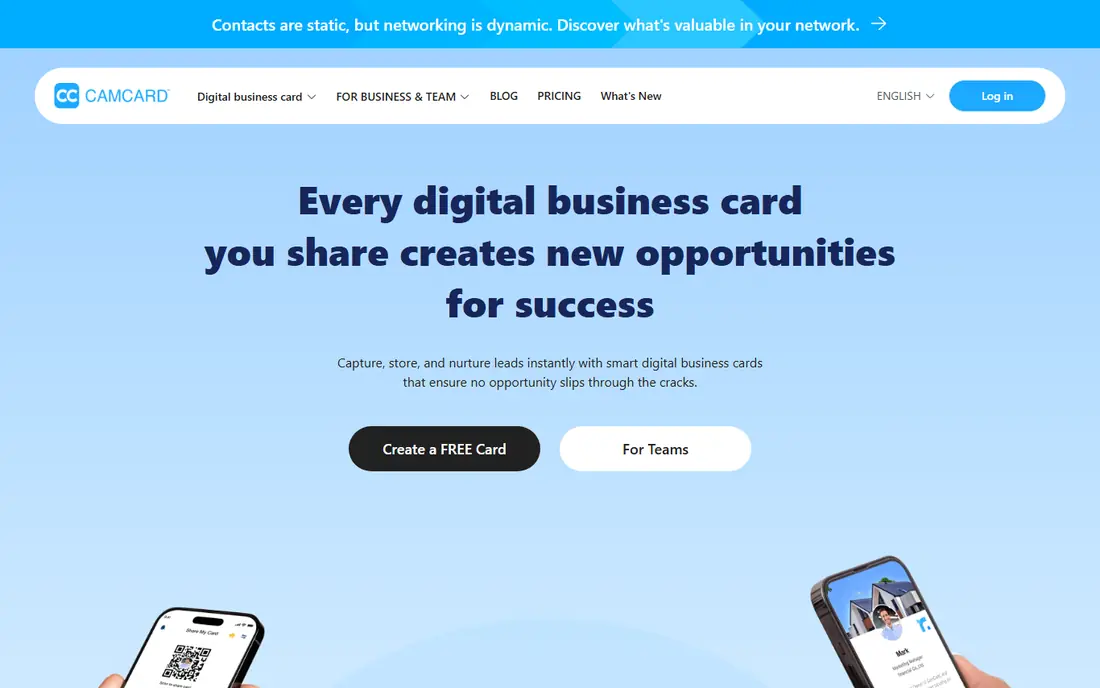
CamCard has been around long enough that most networkers have tried it at least once. It scans cards in batches, reads text in several languages, and syncs contacts across phones and the web. For a solo user who collects cards at conferences and wants them in phone contacts fast, that simple flow still works.
The catch is the same as with every OCR scanner: check the result. Names with unusual spelling, job titles on two lines, and small print can all trip the reader. CamCard also keeps its current pricing behind an account or app-store page, so check the store listing before you commit to a paid plan.
- Long-running scanner app
- Batch scanning
- Cloud sync across devices
- Digital card sharing
- Pricing is not published clearly on its site
- Accuracy still needs a manual check
- Some features sit behind paid plans
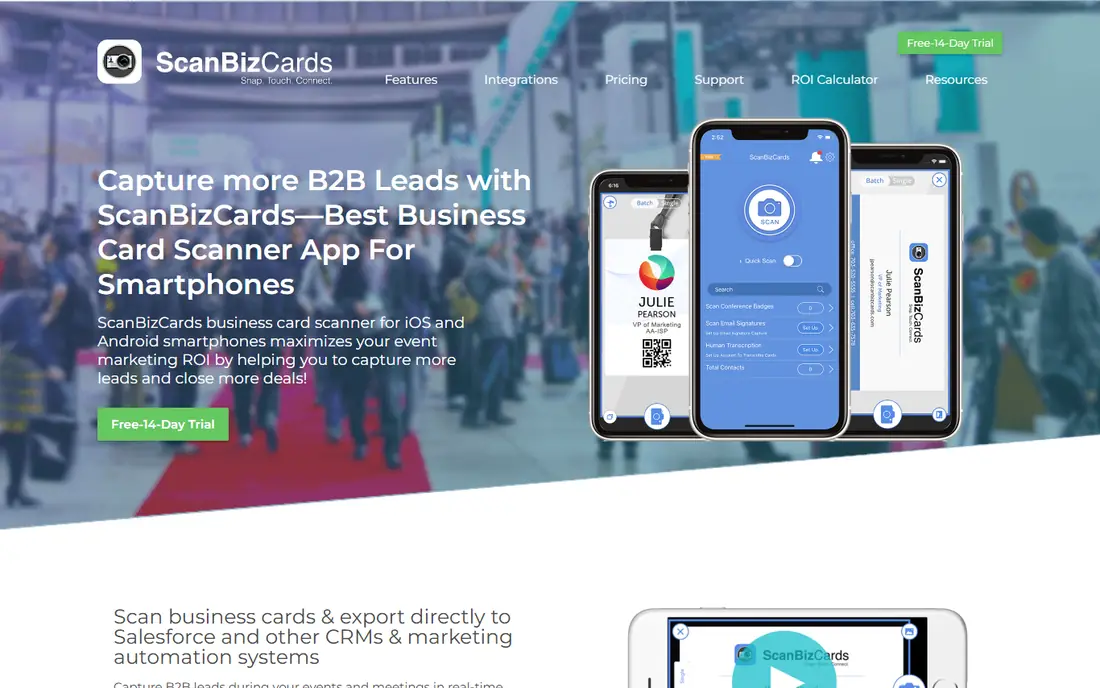
ScanBizCards is built for people who scan at events and then need those contacts in a CRM, not just a phone. It supports batch scanning, export to common CRMs and contact apps, and organisation of scanned cards after an event. That export focus makes it a better fit for sales teams than for someone who only needs a personal address book.
The app itself is less polished than Blinq or Covve, and card designs with low contrast or unusual layouts still need manual fixes. If your main need is clean CRM export after a trade show, ScanBizCards earns its place. If you want a modern digital card as well, look at Blinq or HiHello.
- Export to CRM and contacts
- Batch scanning
- Useful for sales teams at events
- Interface feels older than newer rivals
- Pricing needs a check on the vendor site
- Accuracy varies with card design
ABBYY Business Card Reader is the accuracy-first pick on iPhone. ABBYY has a long history in OCR, and the app reads cards in many languages, flags uncertain text for review, and exports to phone contacts and Salesforce. For an iPhone user who only wants reliable scanning, it is hard to fault.
The limits are clear. The Android version was discontinued in 2023, so Android users should look elsewhere. The free tier covers only a small number of scans, and the app does not add follow-up, notes, or pipeline tools after export. It scans well, and then it steps aside, which suits some users and frustrates others.
- Strong OCR from ABBYY
- Support for many languages
- Direct export to contacts and Salesforce
- Android app was discontinued in 2023
- Free scans are limited
- Little happens after the scan beyond export
Sansan is not a casual phone app. It is a business contact platform where scanned cards become part of a company-owned directory that the whole team can search. That matters when a salesperson leaves, since contacts stay with the company rather than on one phone. Admin controls and data handling suit larger firms with compliance needs.
Solo networkers will find Sansan heavy and pricey for personal use. It is also sold as a business product, so expect a sales conversation rather than a simple app-store purchase. For companies that treat contacts as a shared asset, Sansan is one of the most serious options here.
- Company-owned shared directory
- Accurate data handling
- Admin controls for teams
- Business pricing, not a casual app
- Setup suits companies, not solo users
- Scanning workflow is team-oriented
Covve goes beyond scanning into contact management. After a scan, you can add notes, group contacts, research a lead, and sync to a CRM through Zapier and other integrations. For founders, recruiters, and sales staff who meet many people, that extra layer turns a pile of cards into a usable pipeline.
The free tier is limited, and the fuller feature set needs a paid plan, so check current pricing on the Covve site before you judge value. Its lead research features also raise a privacy point: only use enrichment on business contacts you have a legitimate reason to research. Used with care, Covve is a strong all-round pick.
- Unlimited scans on paid plans
- Notes, groups, and lead research
- CRM and Zapier integrations
- Pricing varies by plan and region
- Best features need a paid plan
- Web research features need care with privacy
Blinq starts from the digital card, then adds paper-card scanning. You can share your own card by QR code, link, or NFC, and scan paper cards from other people into the same app. At events where half the room has a digital card and half has paper, that mix is practical.
Scanning quality is good, but Blinq is not a pure scanner like ABBYY. Its strength is the combined workflow: share your card, scan theirs, and keep both in one place. Teams can also manage cards centrally, which helps keep branding consistent. Check the premium and business pricing if you need team controls.
- Free digital card
- Paper-card scanning
- Sharing by QR, link, or NFC
- Team plans available
- Scanning is one part of a digital-card product
- Premium features are paid
- Contact enrichment needs review
HiHello is an easy entry point. Its free tier includes a small number of scans each month, a digital card you can share, and export to contacts. For occasional networkers who attend a few events a year, that free tier may be enough without paying for a dedicated scanner.
Heavy users will hit the free scan limit fast and need a paid plan. The scanner itself is simpler than ABBYY, so check tricky cards by hand. HiHello wins on simplicity: it is easy to set up, easy to share, and easy to stop using if your needs change.
- Free tier with scans
- Simple digital cards
- Export to contacts and CRM tools
- Easy sharing
- Free scans are limited each month
- Advanced team features are paid
- Scanner is simpler than ABBYY
If your team already uses HubSpot, this scanner needs little thought. It lives in the HubSpot mobile app, reads a card, and creates a contact in the CRM where follow-up emails and tasks already live. That short path from card to CRM is the whole point, and it costs nothing extra beyond HubSpot itself.
Outside HubSpot, it has little reason to exist. It is not a standalone scanner product, and its features are basic next to Covve or ScanBizCards. For HubSpot teams, though, it removes the export step that trips up many event workflows, and that alone makes it worth using.
- Free in the HubSpot app
- Scanned contacts go straight into HubSpot CRM
- Follow-up and email tools nearby
- Only makes sense inside HubSpot
- Scanning accuracy needs a check
- Standalone scanner features are basic
Haystack is pitched as a free scanner with unlimited scans and cloud storage, which stands out when most rivals limit free scans. It syncs contacts to your phone list and tries to fill gaps in scanned data from web search. For a user who scans often but does not want a subscription, that free offer is attractive.
The trade-offs are scale and trust. Haystack is a smaller vendor, and its web gap-filling should be used with care for business contacts. CRM options are also thinner than Covve or ScanBizCards. If free and unlimited matter most, Haystack is worth trying, with a manual check on every scan.
- Unlimited free scans
- Cloud storage
- Contact sync
- Gap-filling from web search
- Smaller vendor than ABBYY or HubSpot
- Web gap-filling needs a privacy check
- Fewer CRM options than paid rivals
How we picked these
We compared official product pages, app-store listings, and public pricing notes for scanners that are still available in October 2026. We kept apps that scan paper cards with OCR and save structured contacts, and we left out tools that only create digital cards with no scanning. Microsoft Lens was left out because Microsoft retired it from iOS in early 2026. Where pricing was unclear, we wrote See website.
How to get clean scans every time
Good scanning starts before you open the app. Lay the card flat, use good light, and avoid shadows from your phone. A tilted or glossy card is the most common cause of a bad read, not the app itself. Take a second photo if the first preview looks wrong, since fixing a scan takes longer than retaking it.
After the scan, check the fields that matter most: name spelling, email, and phone number. A wrong email silently loses a lead, while a blank job title is easy to fill in later. Save the card image where the app allows it, so you can check the original if a field looks odd weeks later. Finally, export or sync promptly. Cards left only in a scanner app are easy to lose when you change phones.
Frequently asked questions
What is the best free business card scanner?
Haystack offers unlimited free scans, while HiHello and HubSpot offer free scans within their apps. ABBYY gives a small number of free scans with strong accuracy. For occasional use, a free tier is often enough, but heavy event users will need a paid plan.
Which scanner is most accurate?
ABBYY Business Card Reader is a strong accuracy pick on iPhone, thanks to ABBYY OCR and its review flags for uncertain text. No scanner is perfect, so always check name, email, and phone before saving.
Can I scan business cards straight into a CRM?
Yes. ScanBizCards, Covve, and Sansan all support CRM export or sync, and HubSpot Scanner creates contacts directly in HubSpot. Check that your CRM is supported before you buy, since export options differ by app.
Do I still need a scanner if I use digital cards?
Often yes, because many contacts still hand out paper cards. Apps such as Blinq and HiHello cover both, letting you share a digital card and scan paper cards in one place.
Is it safe to let a scanner enrich contact data from the web?
Use care. Enrichment can fill useful business details, but it can also pull in wrong or out-of-date information. Only use it for business contacts, check the results, and follow your company privacy rules.
What happened to Microsoft Lens?
Microsoft retired Lens from iOS starting in January 2026, and it has not been supported since February 2026. If an old guide still recommends it, pick a current scanner from this list instead.
Sources
See where you really rank - block by block
ProMapRanker scans Google Maps across a grid of your service area. Simple monthly plans from $19, white-label on every plan.
Start freeKeep reading
 wpforms alternatives
Best WPForms Alternatives in 2026
We compare 9 wpforms alternatives for WordPress forms, with free and paid options, current pricing notes, and honest limits for small business sites in 2026.
Read → windows task scheduler alternatives
Best Windows Task Scheduler Alternatives in 2026
Looking for Windows Task Scheduler alternatives? We compare 9 schedulers for Windows and cross-platform work, from free tools to enterprise automation.
Read → which ai video service is best
Which AI Video Service Is Best in 2026
which ai video service is best? We compare 10 legitimate AI video services on price, avatars, editing and output quality to help you pick the right tool.
Read →