 ProMapRanker
Best Browser Security Platforms in 2026


Deep in-browser controls · Pricing starts at: See website
Key takeaways
- Browser security splits into three approaches: a replacement enterprise browser, isolation of risky sites, and controls layered onto the browser you already use.
- Island and Prisma Access Browser give the deepest in-browser controls, but they ask users to switch browsers.
- Menlo, Cloudflare, Zscaler, and Netskope isolate or proxy web traffic without replacing the browser, which eases adoption.
- Data loss prevention in the browser matters most for teams handling regulated data, SaaS apps, and AI tools where pasting is the leak.
- Most enterprise pricing here is quote-based, so pilot on real workflows before you judge cost or user impact.
Quick comparison
| Pick | Great for | Pricing starts at | Free tier | |
|---|---|---|---|---|
| Island Enterprise Browser | Deep in-browser controls | See website | Free trial | Visit |
 Menlo Security | Isolation without a new browser | See website | Free trial | Visit |
 Chrome Enterprise | Managed Chrome at scale | $6 per user per month | Free trial | Visit |
 Cloudflare Browser Isolation | Isolation inside Zero Trust | See website | Free trial | Visit |
 Zscaler Cloud Browser Isolation | Isolation inside Zero Trust Exchange | See website | Free trial | Visit |
 Netskope Remote Browser Isolation | Isolation inside SSE platform | See website | Free trial | Visit |
 CrowdStrike Falcon Seraphic | Browser security on any browser | See website | Free trial | Visit |
 Palo Alto Prisma Access Browser | Enterprise browser for secure access | See website | Free trial | Visit |
 Citrix Enterprise Browser | Isolated browsing for virtual work | See website | Free trial | Visit |
The best browser security platforms
We compared enterprise browser and browser isolation platforms on how they work, what they control, how they deploy, and how pricing is published. Most vendors in this market do not publish a full price list, so we marked those as See website rather than inventing a figure.
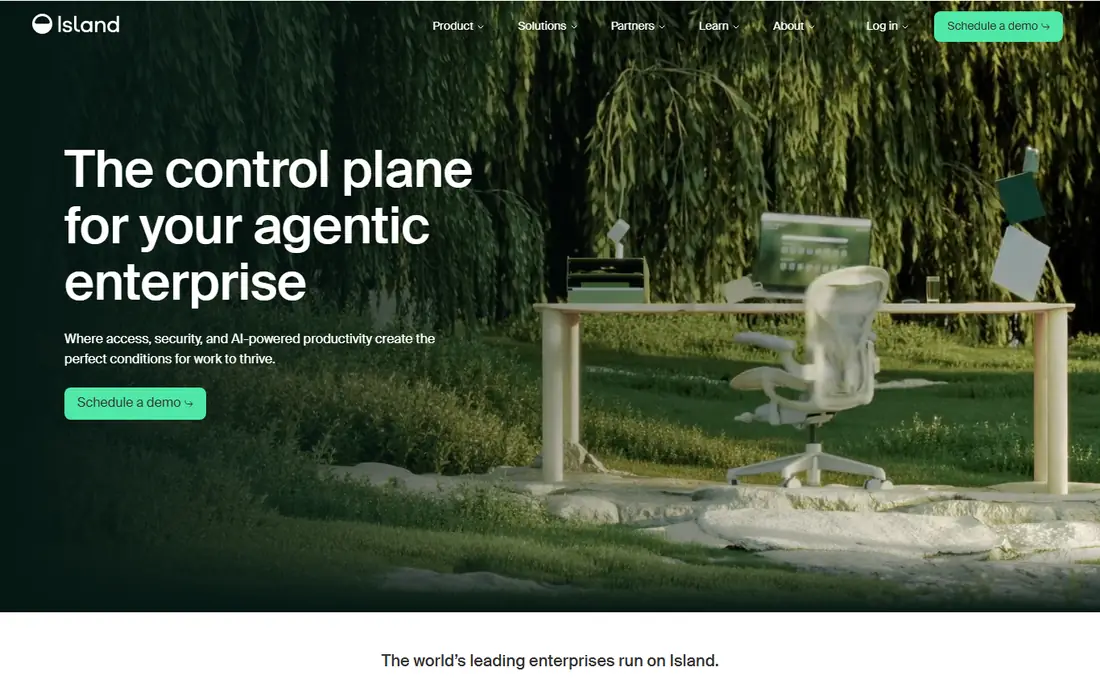
Island replaces the browser itself with a Chromium-based enterprise browser that enforces policy inside the browsing session. That design lets it control copy and paste between sanctioned and personal apps, manage downloads and uploads, and apply single sign-on as soon as the browser opens. For teams handling sensitive data across many SaaS apps, or supporting bring-your-own-device users, that depth is the main selling point.
The tradeoff is adoption. Even a Chromium-based browser is still a new browser, and some niche extensions or web apps may behave differently. Island is priced for enterprises, with published comparisons noting annual starting figures in the tens of thousands of dollars, so it suits organisations that can fund a rollout and support users through the switch. Pilot it with the teams that handle the most sensitive data first.
- Chromium-based enterprise browser
- Built-in data loss prevention
- Secure clipboard and single sign-on
- Users must switch browsers
- Some extensions may not work
- Enterprise pricing is quote-based
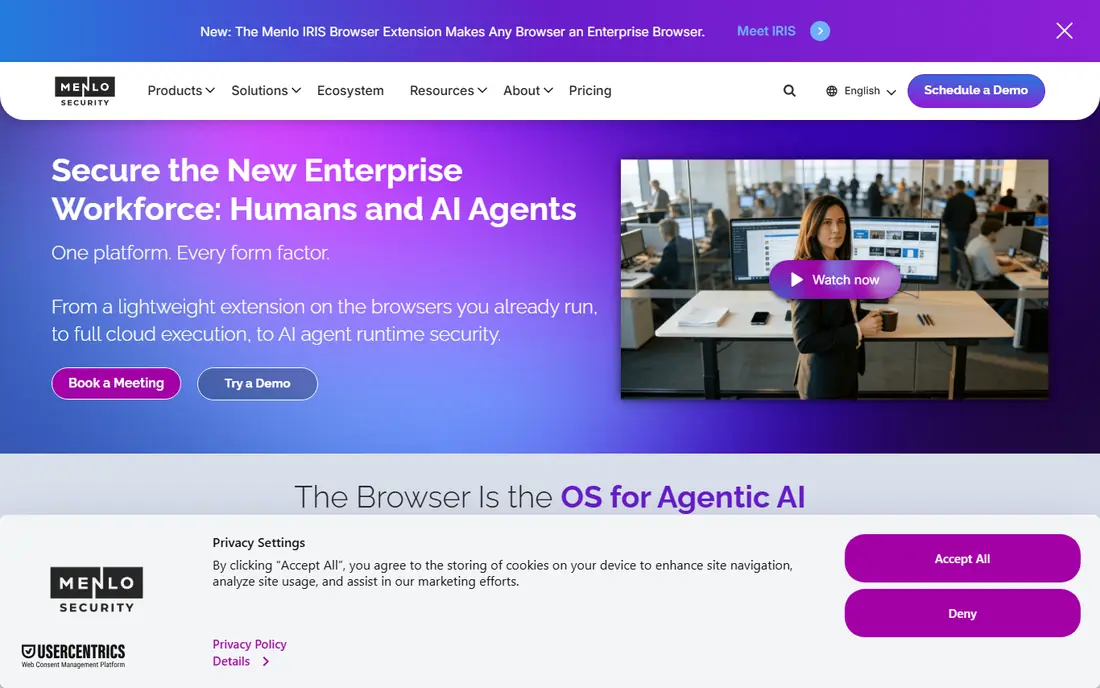
Menlo Security isolates web content in the cloud before it reaches the user's device, so risky pages, files, and scripts are rendered safely away from endpoints. Users keep their existing browser, which removes the biggest adoption hurdle of a replacement browser, and administrators can add data loss prevention, URL controls, and threat protection on top of isolation.
The catch is pricing transparency. Menlo is largely quote-based for enterprise deployments, with some marketplace listings showing entry figures for small user counts, so the real cost depends on your size, tier, and add-ons. Ask what isolation, data loss prevention, and AI tool controls are included in the quoted tier, since those features are often sold separately in this market.
- Cloud isolation of web content
- Works with existing browsers
- Data loss prevention and threat controls
- Pricing is largely quote-based
- Feature set depends on the tier
- Needs proxy or integration setup
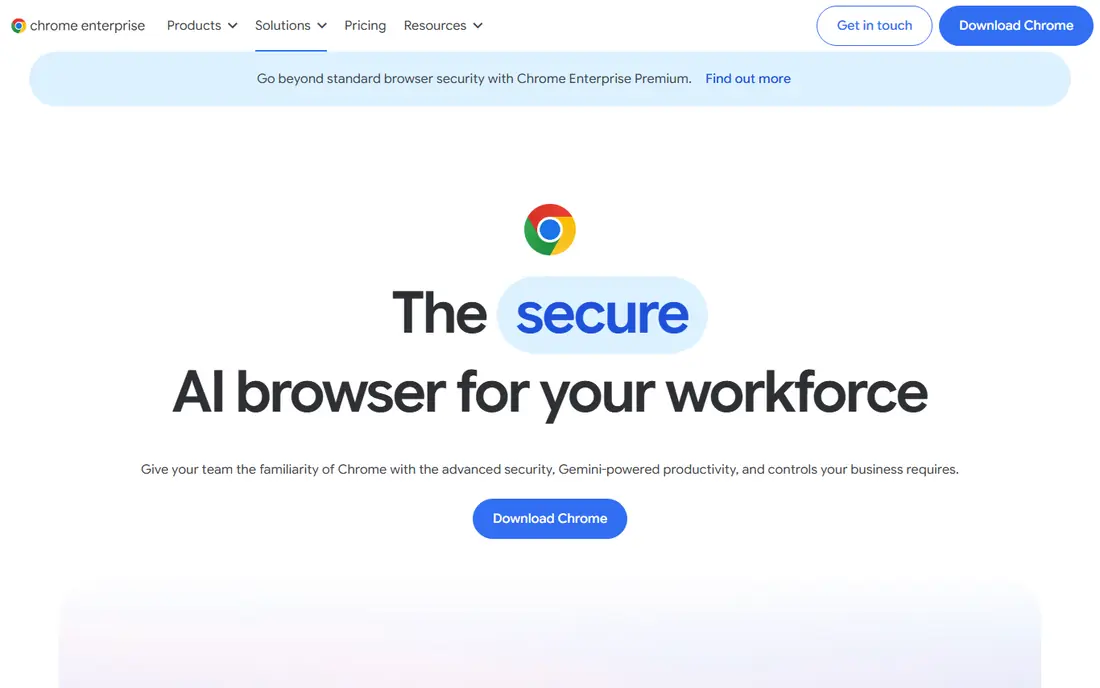
Chrome Enterprise is the managed version of the browser most staff already use, and that familiarity is its strength. Administrators get central management through Chrome Browser Cloud Management, with hundreds of policies for extensions, updates, and security settings, plus sandboxing and real-time checks against malware and phishing. Published comparisons list Chrome Enterprise starting around 6 dollars per user per month.
The limit is depth. Chrome Enterprise manages the browser well, but it does not give the same granular in-browser data controls as a purpose-built enterprise browser, such as blocking a paste from a sanctioned app into a personal app at the field level. It is the best choice for organisations already invested in Google Workspace that want managed browsing at scale without retraining users.
- Familiar Chrome experience
- Central policy management
- Sandboxing and Safe Browsing protections
- Deepest controls sit inside Google's ecosystem
- In-browser data controls are thinner than Island's
- Add-on pricing varies
Cloudflare Browser Isolation runs risky browsing sessions remotely and streams only safe pixels to the user's browser, keeping web code off the endpoint. It sits inside Cloudflare's Zero Trust platform alongside Gateway and Access, so teams already using Cloudflare for network security can add isolation without a separate vendor stack. That integration is the main reason to choose it over a standalone isolation product.
Pricing needs care. The base Zero Trust pay-as-you-go figure often quoted, around 7 dollars per user per month, covers Gateway and Access, while the isolation add-on is priced separately. Log retention beyond included limits can also add cost. Ask for a quote that includes isolation, logging, and your expected user count before comparing it with rivals.
- Isolation as part of Cloudflare Zero Trust
- Works with existing browsers
- Global edge network
- Isolation add-on pricing is separate from base Zero Trust
- Logging costs can add up
- Needs Zero Trust setup
Zscaler Cloud Browser Isolation isolates web sessions as part of its Zero Trust Exchange, so browsing policy sits alongside the network and data controls that Zscaler customers already use. It offers a clientless path, which means users do not need extra software for basic isolation, and it can isolate private and SaaS apps as well as public sites depending on the tier.
As with other enterprise isolation products, pricing is largely quote-based, with marketplace listings showing entry figures for blocks of users. Isolation traffic allowances can also matter: some tiers meter isolation traffic, so heavy browsing teams should ask about limits and overage terms. Choose Zscaler isolation if you already run Zscaler and want browsing policy in the same console.
- Isolation inside a large Zero Trust platform
- Clientless option
- Policy alongside other Zscaler controls
- Largely quote-based
- Isolation traffic limits can apply
- Best inside the Zscaler stack
Netskope Remote Browser Isolation isolates risky sites inside its security service edge platform, which also handles web gateway, data loss prevention, and cloud app controls. That combination suits teams that want one policy engine for web, cloud, and data, rather than separate tools for each. It offers targeted isolation for risky categories and extended isolation for broader coverage.
The main caution is that isolation itself is often an add-on, and published marketplace figures for the wider platform do not equal the isolation price. Ask for the isolation tier, the data controls included, and how AI app categories are handled, since pasting into AI tools is a common leak that needs explicit policy. Netskope is strongest for teams already standardising on its platform.
- Isolation inside a security service edge platform
- Targeted and extended isolation modes
- Data controls
- Largely quote-based
- Isolation is an add-on to the wider platform
- Setup needs SSE planning
Seraphic, now part of CrowdStrike Falcon, takes a different approach: it secures whatever browser the user already runs, on any device, rather than replacing the browser or isolating every page. It aims to block phishing, clickjacking, injection, and zero-day browser attacks, while scanning inbound and outbound data for data loss prevention with a privacy-first design. Central policy lets administrators govern browsing and SaaS access from one console.
The tradeoff is platform fit. Seraphic is most compelling inside a CrowdStrike environment, where its browser controls sit alongside endpoint protection, and pricing is quote-based. If you run a different endpoint platform, compare its standalone value carefully against an isolation product that needs no endpoint agent. Pilot it on the browsers and devices your teams actually use, not just on a standard laptop image.
- Works with any browser version on any device
- Central policy and governance
- Data loss prevention scanning
- Pricing is quote-based
- Depth depends on CrowdStrike platform tier
- Extension or agent deployment needed
Palo Alto Prisma Access Browser
Great for: Enterprise browser for secure access
Prisma Access Browser, which grew out of Palo Alto Networks' Talon acquisition, is an enterprise browser designed for secure access to work apps from managed and unmanaged devices. It applies policy inside the browser session, controls data movement, and gives administrators visibility into browsing without requiring a full virtual desktop. That makes it a strong option for contractor and bring-your-own-device access.
Like Island, it asks users to adopt a new browser, so plan for training and extension checks. Pricing is quote-based and tied to the wider Prisma Access platform, so ask for the browser cost separated from network access costs. It is best for organisations already using Palo Alto Networks that want a browser-native route to secure access.
- Enterprise browser from a large security vendor
- Secure access to private and SaaS apps
- Policy controls
- Replacement browser adoption effort
- Pricing is quote-based
- Best inside Prisma Access
Citrix Enterprise Browser is a cloud-hosted browser that keeps browsing completely separate from the user's network and device. Each session is isolated, and the session is destroyed after use, so even a compromised site cannot reach corporate resources or leave lasting traces on the endpoint. That model suits highly regulated work and virtual desktop environments where isolation matters more than a familiar local browser feel.
The downside is experience and licensing. A cloud-hosted browser can feel different from local Chrome or Edge, and pricing depends on your Citrix licensing, with some published listings noting low per-user starting figures that do not reflect a full enterprise deployment. Choose it if you already run Citrix and need strong isolation for sensitive work, and pilot it on real apps before rolling it out widely.
- Fully isolated browsing sessions
- Sessions are destroyed after use
- Fits virtual desktop environments
- User experience differs from a local browser
- Pricing depends on Citrix licensing
- Needs Citrix planning
How we picked these
We compared official product descriptions, isolation versus replacement-browser models, data loss prevention features, and deployment models from recent comparisons. We did not claim hands-on deployment, and we did not invent prices for quote-based enterprise products. Where a published figure covered only part of a platform, we said so.
How to choose the right model for your team
Start with the question of who needs protection and on what devices. If most risk comes from unmanaged or contractor devices, a replacement enterprise browser or a cloud-hosted browser gives you control without managing the device. If most risk comes from risky sites visited on managed devices, isolation or proxy controls on the existing browser may be enough with far less user friction.
Next, test data controls on real tasks. Ask a pilot group to copy data between a sanctioned app and a personal app, paste into an AI tool, download a file, and upload a document, then check what each policy actually blocks. A product that looks strong on a feature list but misses the paste path your teams use every day will not reduce risk in practice.
Finally, price the whole deployment. Include the isolation or browser licence, any data loss prevention add-on, logging and retention, and the support time for browser switches or proxy changes. A per-user price that excludes isolation or logging can double once the full policy is turned on, so get the complete quote before you compare vendors.
Frequently asked questions
What is the best browser security platform?
It depends on your model. Island and Prisma Access Browser suit deep in-browser controls, Menlo, Cloudflare, Zscaler, and Netskope suit isolation without a browser switch, and Chrome Enterprise suits managed Chrome at scale.
What is browser isolation?
Browser isolation runs web content remotely or in a safe container and sends only safe output to the user's browser, so malicious code never reaches the endpoint. It protects against drive-by attacks and risky sites while letting users keep their normal browser in most designs.
Is an enterprise browser better than isolation?
Neither is always better. An enterprise browser gives deeper control over data inside the session, such as copy, paste, and uploads, but requires users to switch browsers. Isolation protects against web threats with less change, but gives less granular control over data movement inside apps.
How much do browser security platforms cost?
Most enterprise pricing is quote-based and depends on user count, tier, and add-ons. Chrome Enterprise is an exception with published per-user pricing around 6 dollars per user per month in comparisons. Always ask for a quote that includes isolation, data controls, and logging.
Do browser security tools block pasting into AI tools?
Many do, but the control varies by product and tier. Island, Menlo, Netskope, and Seraphic all describe AI paste or data controls, but you should test the exact AI apps your teams use during a pilot, since category coverage differs.
Will users resist switching to an enterprise browser?
Some will, especially if extensions or niche apps behave differently. A pilot with the most affected teams, clear communication about why the change matters, and a list of supported extensions reduces friction more than a company-wide switch on day one.
Sources
See where you really rank - block by block
ProMapRanker scans Google Maps across a grid of your service area. Simple monthly plans from $19, white-label on every plan.
Start freeKeep reading
 wpforms alternatives
Best WPForms Alternatives in 2026
We compare 9 wpforms alternatives for WordPress forms, with free and paid options, current pricing notes, and honest limits for small business sites in 2026.
Read → windows task scheduler alternatives
Best Windows Task Scheduler Alternatives in 2026
Looking for Windows Task Scheduler alternatives? We compare 9 schedulers for Windows and cross-platform work, from free tools to enterprise automation.
Read → which ai video service is best
Which AI Video Service Is Best in 2026
which ai video service is best? We compare 10 legitimate AI video services on price, avatars, editing and output quality to help you pick the right tool.
Read →