 ProMapRanker
Best Branding Tools for Startups in 2026

Key takeaways
- Canva and Adobe Express cover most day-to-day design work, from social posts to pitch decks, without hiring a designer for every asset.
- Looka and Brandmark are faster routes to a first logo and matching kit, but AI-generated marks can look similar to other startups.
- Figma suits teams that need shared design files and feedback in one place, while Frontify suits teams that need published brand rules.
- Coolors is a low-cost way to lock a palette early, which keeps later design work consistent across channels.
Quick comparison
| Pick | Great for | Pricing starts at | Free tier | |
|---|---|---|---|---|
 Canva Canva | Everyday design for small teams | See website | Yes | Visit |
 Looka Looka | A fast logo and matching brand kit | One-time logo pricing, brand kit subscription extra | No, design preview free | Visit |
 Tailor Brands Tailor Brands | Logo, website and brand basics in one place | See website | Limited preview | Visit |
 Figma Figma | Shared design files and team feedback | See website | Yes | Visit |
 Adobe Express Adobe Express | Quick social and marketing design | See website | Yes | Visit |
 Coolors Coolors | Colour palettes and palette management | See website | Yes | Visit |
 Brandmark Brandmark | A low-cost AI logo and brand kit | One-time pricing, see website | No, preview free | Visit |
 Frontify Frontify | Published brand guidelines and assets | See website | No, demo available | Visit |
The best branding tools for startups
We compared official feature pages, pricing pages, app store listings and public reviews to build this list. The eight options below cover different budgets, skill levels and use cases, so start with the best-for label, then read the full block for the product that fits your situation.
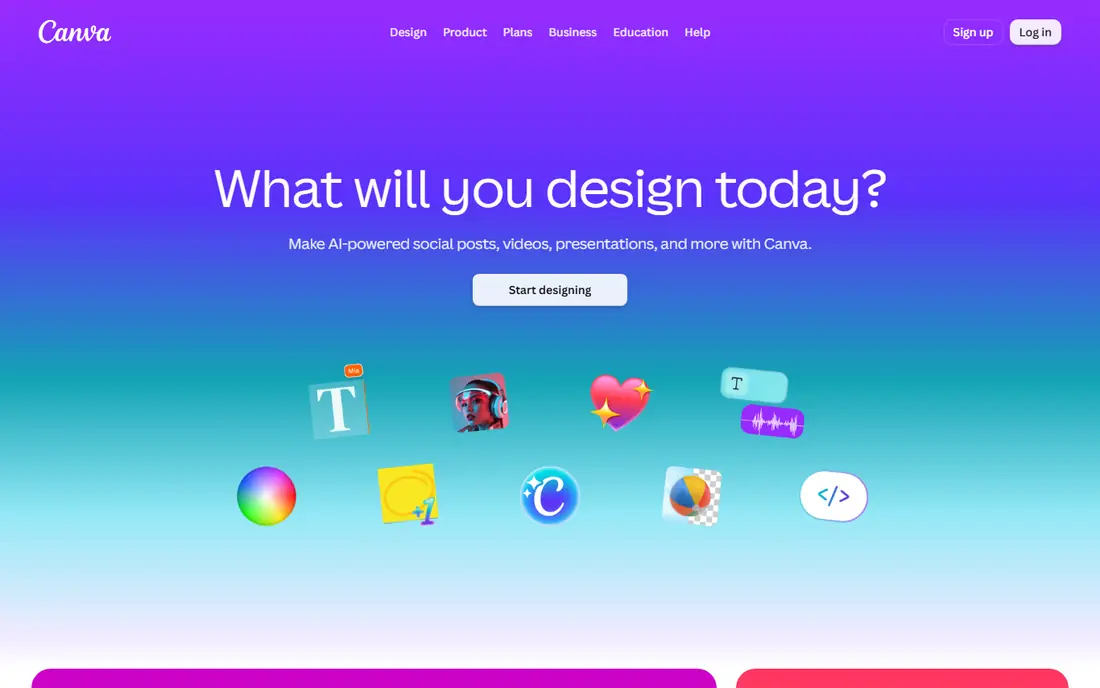
Canva fits readers and buyers who want everyday design for small teams. It covers templates for social posts, decks, ads and print, plus brand kit storage, and it also offers drag-and-drop editing that non-designers can learn fast. That combination makes it a practical shortlist option, but the right fit still depends on your budget, device and long-term plans. In practice, check the current pricing page and free plan terms before you commit, because vendors change tiers and limits during the year. The main limit to weigh is that truly distinctive marks still need a designer or a dedicated logo tool. If that limit matters for your work, compare the next product on this list before deciding.
- Huge template range, brand kit on paid plans, easy sharing and collaboration
- Logo creation is weaker than dedicated logo tools, advanced design controls are limited
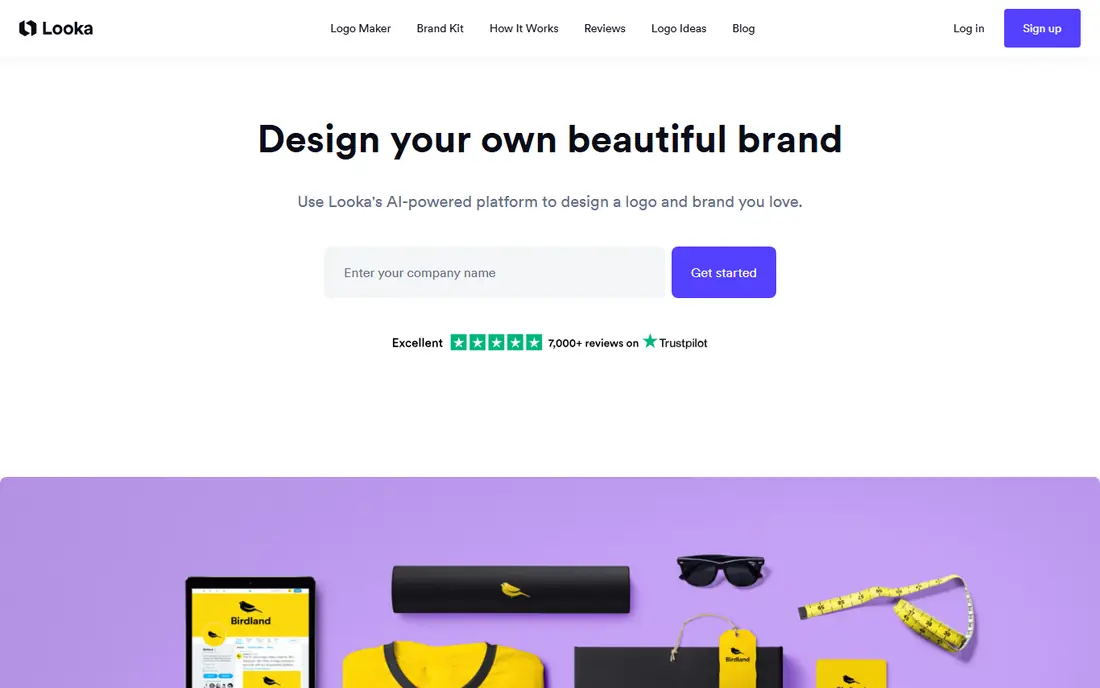
Looka fits readers and buyers who want a fast logo and matching brand kit. It covers AI logo generation, colour and font controls, and brand kit templates, and it also offers business cards, social graphics and email signatures in one kit. That combination makes it a practical shortlist option, but the right fit still depends on your budget, device and long-term plans. In practice, check the current pricing page and free plan terms before you commit, because vendors change tiers and limits during the year. The main limit to weigh is that trademark strength is limited for template-based marks. If that limit matters for your work, compare the next product on this list before deciding.
- AI logo options from a name and style choices, vector files on Premium, 300 plus brand templates
- Outputs can feel generic, downloading usable files requires payment
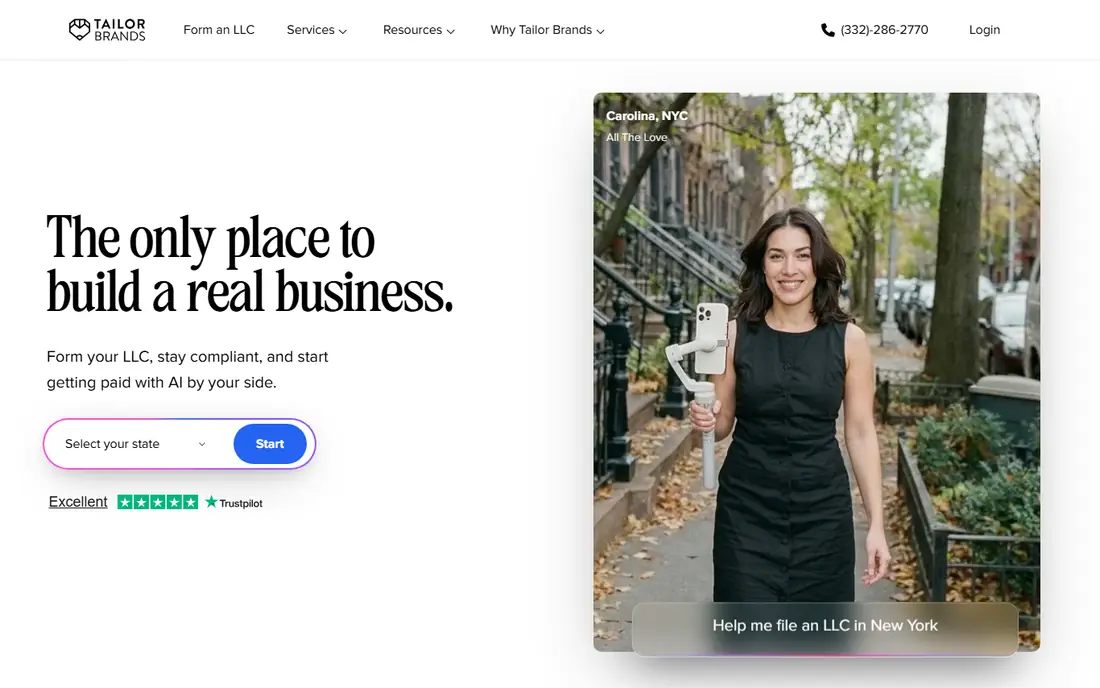
Tailor Brands fits readers and buyers who want logo, website and brand basics in one place. It covers logo generation, brand assets and optional website tools, and it also offers a guided path from name to launch materials. That combination makes it a practical shortlist option, but the right fit still depends on your budget, device and long-term plans. In practice, check the current pricing page and free plan terms before you commit, because vendors change tiers and limits during the year. The main limit to weigh is that ongoing subscription is needed for full brand access. If that limit matters for your work, compare the next product on this list before deciding.
- Logo maker plus business tools, guided setup for new companies
- Subscription costs add up, and logo distinctiveness is limited
Figma fits readers and buyers who want shared design files and team feedback. It covers collaborative design files, comments and prototyping, and it also offers shared libraries that keep team files consistent. That combination makes it a practical shortlist option, but the right fit still depends on your budget, device and long-term plans. In practice, check the current pricing page and free plan terms before you commit, because vendors change tiers and limits during the year. The main limit to weigh is that it is a design tool, not a logo generator or asset manager on its own. If that limit matters for your work, compare the next product on this list before deciding.
- Real-time collaboration, strong vector and prototyping tools, large community files
- Learning curve for non-designers, advanced organisation features are paid
Adobe Express fits readers and buyers who want quick social and marketing design. It covers templates, stock photos and quick video and social tools, and it also offers a familiar Adobe workflow for teams already using Adobe products. That combination makes it a practical shortlist option, but the right fit still depends on your budget, device and long-term plans. In practice, check the current pricing page and free plan terms before you commit, because vendors change tiers and limits during the year. The main limit to weigh is that deep editing still needs full Adobe Creative Cloud apps. If that limit matters for your work, compare the next product on this list before deciding.
- Adobe templates and stock assets, simple editing, brand controls on paid plans
- Some best assets and brand features need a paid plan
Coolors fits readers and buyers who want colour palettes and palette management. It covers palette generation, locking and export in common formats, and it also offers a quick way to test and lock a startup palette. That combination makes it a practical shortlist option, but the right fit still depends on your budget, device and long-term plans. In practice, check the current pricing page and free plan terms before you commit, because vendors change tiers and limits during the year. The main limit to weigh is that it does not create logos, fonts or layouts. If that limit matters for your work, compare the next product on this list before deciding.
- Fast palette generation, palette saving and export, contrast checks
- It covers colour only, so it must pair with design tools
Brandmark fits readers and buyers who want a low-cost ai logo and brand kit. It covers AI logo creation, brand kit downloads and social templates, and it also offers a low-cost route to a usable logo set. That combination makes it a practical shortlist option, but the right fit still depends on your budget, device and long-term plans. In practice, check the current pricing page and free plan terms before you commit, because vendors change tiers and limits during the year. The main limit to weigh is that distinctiveness and trademark advice are limited. If that limit matters for your work, compare the next product on this list before deciding.
- Fast AI logos, brand kit files and social assets
- Marks can resemble other AI logos, customisation is template-based
Frontify fits readers and buyers who want published brand guidelines and assets. It covers brand guidelines, asset libraries and team permissions, and it also offers one public or private home for approved logos and rules. That combination makes it a practical shortlist option, but the right fit still depends on your budget, device and long-term plans. In practice, check the current pricing page and free plan terms before you commit, because vendors change tiers and limits during the year. The main limit to weigh is that cost and setup can be heavy for a very early startup. If that limit matters for your work, compare the next product on this list before deciding.
- Central brand guidelines, digital asset library, access controls for teams
- Pricing and setup suit growing teams more than solo founders
How we picked these
We compared official feature pages, pricing pages, app store listings, privacy policies and public reviews for each product in this list. We checked whether the product exists and works today, whether it truly fits the topic, and whether its pricing and free tier could be confirmed from vendor or store sources. Where a price could not be confirmed, we wrote See website rather than guessing a figure. We did not claim hands-on testing, lab testing or daily use for any product. Our comparison focuses on published features, plan structure, free access, limits and fit for different users. That method keeps the list useful for shortlisting, while the vendor page remains the final source for current pricing and terms.
How to choose branding tools for a startup
Lock the basics before buying more tools
A startup brand needs a name, a usable logo set, two or three colours, two fonts and a short voice note. Create those first, save the files in one shared folder, and only then add templates, social tools or asset libraries. Extra tools cannot fix an unclear palette or logo.
Separate logo creation from daily design
Logo makers are good for a first mark and a matching kit, while design suites are better for ongoing posts, decks and ads. Many startups use both: a logo tool for the mark, then Canva or Adobe Express for everything after launch.
Publish rules where the whole team can find them
A brand guide that lives in one inbox helps no one. Put colours, fonts, logo rules and example posts in Notion, Frontify or a shared doc, and link it from your design tool. New hires and freelancers then produce work that looks like it came from the same company.
Frequently asked questions
What branding tools does a new startup need first?
Most startups need a logo maker or design suite, a colour tool and a place to store brand rules. Canva or Adobe Express plus Looka for a logo and Coolors for a palette covers the first stage well.
Is Canva enough for startup branding?
Canva covers a large share of startup design, including social graphics, decks and brand kits on paid plans. It is less suited to a truly distinctive logo or complex product design, where Figma or a designer may be needed.
Should a startup use an AI logo maker or hire a designer?
An AI logo maker is faster and cheaper for launch, and it works when speed matters more than distinctiveness. Hire a designer when trademark strength, a unique mark or a full identity system matters for the business.
How do startups keep branding consistent?
Use a small palette, fixed fonts and a shared template set, and publish the rules in one place. Frontify, Notion or a Canva brand kit can hold those rules, but the team still needs to use the templates rather than starting fresh each time.
What is the cheapest way to brand a startup?
Start with free tiers from Canva, Figma, Adobe Express and Coolors, and pay only for a logo download or a design suite when the free limits block real work. Avoid buying several paid tools before the brand basics are settled.
Sources
See where you really rank - block by block
ProMapRanker scans Google Maps across a grid of your service area. Simple monthly plans from $19, white-label on every plan.
Start freeKeep reading
 zoom alternatives
Best Zoom Alternatives in 2026
Compare Zoom alternatives in 2026, with free meeting limits and prices, so you can pick the best alternative to Zoom for your team, class, or community.
Read → which software is best for remote work
Which Software Is Best for Remote Work in 2026
Answering which software is best for remote work, we compare Slack, Zoom, Asana, Notion, Teams and more, with pricing and honest tradeoffs in 2026 now.
Read → which ai tool is best for content writing
Which AI Tool Is Best for Content Writing in 2026
Wondering which ai tool is best for content writing? We compare ChatGPT, Claude, Jasper, Grammarly, and more on price, quality, and best use in 2026 now.
Read →