 ProMapRanker
Best Blood Pressure App in 2026

Key takeaways
- SmartBP is our pick for most people, with detailed logging, trends, and shareable reports.
- OMRON connect and Withings are best if you own their cuffs, because readings sync by Bluetooth.
- Apple Health is the simplest free hub for iPhone users who already log readings from any cuff app.
- Apps are for tracking only, not diagnosis or medical advice, and readings should be checked with a clinician.
Quick comparison
| Pick | Great for | Pricing starts at | Free tier | |
|---|---|---|---|---|
 SmartBP | Detailed logging and reports | Free | Yes | Visit |
 OMRON connect | Omron cuff owners | Free | Yes | Visit |
 Withings | Connected cuff and health trends | Free | Yes | Visit |
 Apple Health | iPhone users and health hub | Free | Yes | Visit |
 Qardio | Qardio cuff and heart data | Free | Yes | Visit |
 MedM Blood Pressure Diary | Simple diary with device sync | Free | Yes | Visit |
 BreathNow | Tracking plus breathing tools | Free | Yes | Visit |
 Samsung Health | Samsung phone and watch users | Free | Yes | Visit |
The best blood pressure apps
A blood pressure app does not measure your pressure by itself. You still need a validated upper-arm cuff for real readings, and the app stores those numbers, shows trends, and prepares reports for your clinician. The apps below do that job well, and we compared them on logging, cuff sync, reports, and price. Health disclaimer: these apps are for tracking only, not diagnosis or medical advice, and readings should be checked with a clinician.
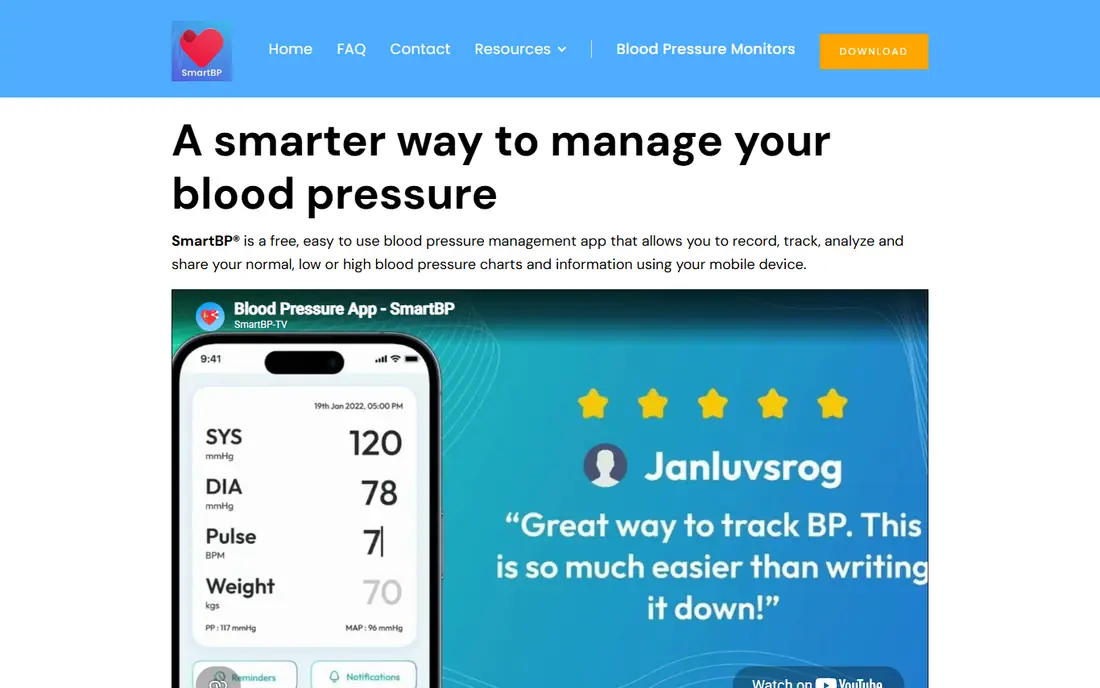
SmartBP is our pick for the best blood pressure tracking app for most people. It logs systolic and diastolic readings, pulse, weight, and medications, then shows trends by day, week, and month with custom tags for morning, evening, or after exercise. Reports export as PDFs you can share with a clinician, which is the feature that matters most at a check-up.
The free tier covers core logging well. Premium adds Apple Watch support and some advanced features, so check which tier you need before you pay. If you want a detailed diary without buying a specific cuff brand, SmartBP is the safest first choice.
- Detailed charts, tags, and trends
- Medication tracking
- Syncs with Apple Health and Health Connect
- Apple Watch features and some advanced tools need a premium plan
- Interface has many options for new users
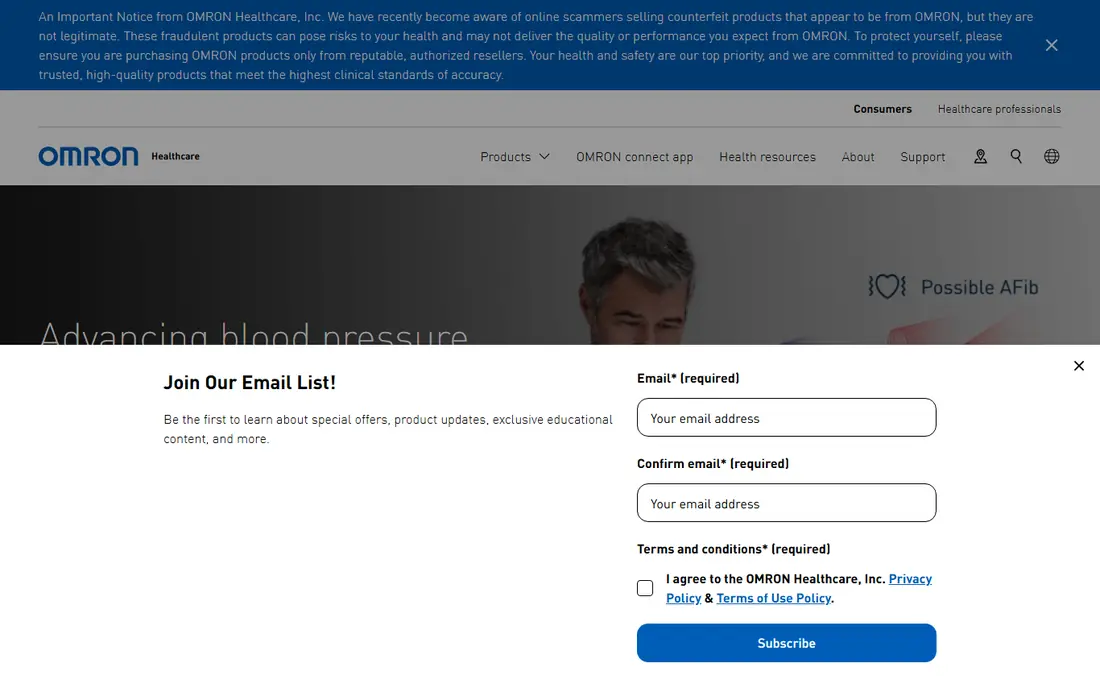
OMRON connect is the best app to track blood pressure if you own an Omron cuff. Readings transfer by Bluetooth, so you avoid typing numbers and the errors that come with manual entry. Averages by day, week, and month appear in color, and reports export for your doctor in PDF or CSV form.
The limit is brand lock-in. OMRON connect works best with Omron monitors, and you need an account to use it in many cases. If you already own an Omron cuff, that trade is minor, because Omron makes many validated upper-arm models. If you own another brand, pick SmartBP or your cuff maker app instead.
- Bluetooth sync from Omron monitors
- Daily, weekly, and monthly averages
- PDF and CSV reports
- Best experience needs an Omron cuff
- Account required even for local data in many cases
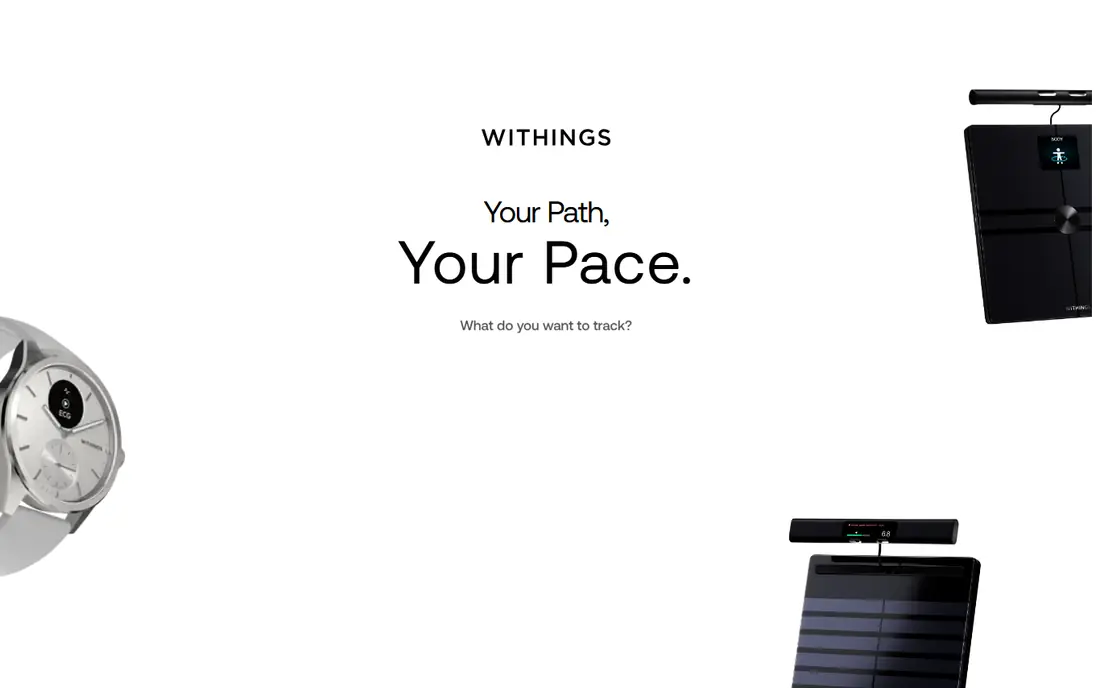
Withings suits users who want blood pressure tracking inside a wider health app. Its BPM Connect and BPM Core cuffs sync readings to the Withings app, where they sit beside weight, sleep, and activity trends. A full health report from any reading can be shared with a clinician, which is handy for annual reviews.
The app itself is free, but the cuff is a separate purchase, and Withings coaching features sit in a paid plan that is not needed for basic tracking. If you already use a Withings scale or watch, adding a Withings cuff gives a clean single view. If you only need blood pressure logging, a free app such as SmartBP costs less overall.
- Pairs with Withings BPM cuffs
- Long-term health trends in one app
- Shareable health reports
- Best experience needs Withings hardware
- Advanced coaching sits in a paid Withings plan
Apple Health is the simplest free blood pressure app for iPhone users, because it acts as a hub. Readings from SmartBP, OMRON connect, Withings, and other apps can land here, or you can type readings in by hand. Newer iPhones include a guided blood pressure log you can export as a PDF for your clinician.
Be clear about the watch. Apple Watch does not give a standard blood pressure reading such as 118 over 76 by itself. Its hypertension notifications, cleared in the United States in September 2025, review 30-day heart sensor patterns and alert you to signs that may suggest high blood pressure. That alert is not a measurement and not a diagnosis, so check any alert with a clinician and a cuff reading.
- Stores readings from almost any cuff app
- Guided blood pressure log on newer iPhones
- Free with iOS
- Watch does not measure blood pressure numbers
- Hypertension notifications are not for everyone
Qardio pairs its QardioArm cuff with an app that logs blood pressure and heart rate, shows trends, and lets you share readings. For a household that shares one cuff, multiple profiles help keep readings separate, which avoids mixing one person's trend with another's.
As with OMRON connect and Withings, the app shines with its own hardware. Without a Qardio cuff, manual entry works but loses the sync advantage. Pick Qardio if you own or plan to buy a QardioArm cuff and want heart data beside blood pressure in one place.
- Syncs with QardioArm cuffs
- Shows blood pressure, heart rate, and trends
- Sharing for family or clinicians
- Best value needs Qardio hardware
- Smaller user base than Apple Health or SmartBP
MedM Blood Pressure Diary, often listed as Blood Pressure Diary by MedM, is a clean option for Android users who want a simple log without a crowded interface. It supports manual entry, sync from compatible devices, and health platform connections, plus notes and medication tracking for context around each reading.
Device support is the point to check. Not every cuff model syncs, and features can vary by country. If your cuff is supported, MedM gives a tidy diary at no cost. If it is not, manual entry still works, but SmartBP may give you stronger reports for the same effort.
- Simple diary layout
- Syncs with supported devices and health platforms
- Medication and note options
- Smaller brand than leaders
- Device support varies by model and region
BreathNow combines tracking with lifestyle tools. You log blood pressure, view trends, and use guided breathing, meditation, and exercise tools, with sync to Apple Health on iOS and Health Connect on Android. That track, act, and track again loop appeals to users who want more than a number log.
Be careful with claims. Breathing and stress tools can support general wellness, but they are not a treatment for high blood pressure and do not replace clinician advice or prescribed medication. Some advanced coaching needs a premium plan. Use BreathNow for tracking and wellness habits, and discuss any reading pattern with a clinician.
- Blood pressure tracking plus guided breathing and stress tools
- Health Connect and Apple Health sync
- Shareable reports
- Some coaching and advanced activities need a premium plan
- Breathing tools are wellness aids, not treatment
Samsung Health is the natural hub for Samsung phone and watch users. It stores blood pressure readings entered by hand or sent from connected apps, alongside activity, sleep, and heart data. That single view helps users who already track health on a Samsung device.
Blood pressure measurement on a Samsung watch is limited by country, device, and regulatory clearance, and it needs calibration with a cuff in supported regions. Do not assume a watch reading replaces a cuff reading. Use Samsung Health as a log and trend viewer, and confirm important readings with a validated upper-arm cuff and your clinician.
- Free with Samsung devices
- Stores blood pressure readings from connected apps and manual entry
- Wide health tracking
- Blood pressure features vary by country and device
- Watch blood pressure measurement is limited and regulated
How we picked these
We compared official app pages, app store listings, and recent blood pressure app comparisons for apps that log readings in October 2026. We favored apps with a free tier, trend charts, and export or sharing, and we included cuff maker apps only where the cuff is widely available. We did not claim hands-on testing we did not do, and we excluded apps that claim to measure blood pressure from a phone camera or finger alone without a cuff, because that claim does not replace a validated monitor.
How to track readings you can trust
Use a validated upper-arm cuff, sit with your back supported, feet flat, and arm at heart level, and rest for five minutes before measuring. Take two readings a minute apart and record both, at the same times each day, such as morning and evening. Note medications, caffeine, exercise, and stress in the app, because those factors explain many odd readings.
Bring your trend report, not a single number, to your clinician. A week of morning and evening readings tells a doctor far more than one clinic reading on a stressful day. If readings are consistently high, very low, or swing widely, contact a clinician promptly rather than waiting for the next routine visit. This article is for tracking information only, not diagnosis or medical advice.
Cuff versus phone versus watch
A phone alone does not measure blood pressure. A watch may offer notifications or, in limited regions, calibrated estimates, but neither replaces an upper-arm cuff for a standard reading. Buy a cuff that fits your arm size, check its validation status, and have its accuracy checked at a clinic visit if you use it long term. The app is only as good as the reading you put into it.
Frequently asked questions
What is the best blood pressure app for free?
SmartBP is our free pick for most people, with detailed logging, charts, and reports at no cost. Apple Health is also free on iPhone and works as a hub for readings from other apps. Both need a cuff for real readings, and both export reports for a clinician.
What is the best free app for blood pressure on Android?
SmartBP and MedM Blood Pressure Diary both work well on Android, with Health Connect sync on supported devices. BreathNow also supports Android with breathing tools beside tracking. Pick SmartBP for reports, MedM for a simple diary, and BreathNow if you want wellness tools too.
What is the best app to track blood pressure with a cuff?
OMRON connect is best for Omron cuff owners, Withings is best for Withings cuff owners, and Qardio is best for Qardio cuff owners, because each syncs by Bluetooth. For any other cuff brand, SmartBP or Apple Health will log readings well, either by sync or by manual entry.
Can a phone app measure blood pressure without a cuff?
No. A phone camera or finger sensor cannot give a standard blood pressure reading in the way an inflatable upper-arm cuff can. Apps that claim otherwise should be treated with caution. Use a validated cuff for readings, and use the app to store, chart, and share those readings.
Are blood pressure apps safe to use?
Tracking apps from established makers are generally safe for storing readings, but check permissions, use a strong login, and avoid sharing health data with apps you do not trust. These apps are for tracking only, not diagnosis or medical advice, and readings should be checked with a clinician, especially if they are high or unusual.
How often should I check my blood pressure at home?
Many clinicians suggest morning and evening readings for a week when starting home tracking, then a regular pattern they set for you. Follow your own clinician guidance, because frequency depends on your health, medications, and risk factors. Record readings consistently, and share the trend report at visits.
Sources
See where you really rank - block by block
ProMapRanker scans Google Maps across a grid of your service area. Simple monthly plans from $19, white-label on every plan.
Start freeKeep reading
 free alternatives to grok imagine
Free Alternatives to Grok Imagine in 2026
We compared the best free alternatives to grok imagine for image generation, from fast daily credits to design tools, so you can create without paying.
Read → best tools for instagram content creation
Best Tools for Instagram Content Creation in 2026
Compare the best tools for Instagram content creation, from Canva and CapCut to Later and Buffer, on design, video, planning, scheduling, and price in 2026.
Read → best tool to split pdf files
Best Tool to Split PDF Files in 2026
We compared the best tool to split pdf files on split modes, file limits, privacy and price, so you can split a PDF cleanly and keep every page in one go.
Read →