 ProMapRanker
Best Blogging Platforms in 2026


Full control and long-term growth · Pricing starts at: Free software, hosting extra
Key takeaways
- WordPress.org gives the most control over design, plugins and monetisation, but it needs separate hosting and more setup than hosted options.
- Ghost and Substack suit writers who want newsletters and paid subscriptions built in, while Medium suits writers who want an existing audience fast.
- Squarespace and Wix trade some flexibility for polished templates and simple editing, which helps small business sites that also need a blog.
- Blogger remains a simple free starting point, but its design and growth options are narrower than the other platforms in this list.
Quick comparison
| Pick | Great for | Pricing starts at | Free tier | |
|---|---|---|---|---|
| WordPress.org | Full control and long-term growth | Free software, hosting extra | Yes, software is free | Visit |
 WordPress.com WordPress.com | Managed WordPress without hosting setup | See website | Yes | Visit |
 Ghost Ghost | Newsletters and paid memberships | See website | No, trial available | Visit |
 Substack Substack | Newsletter-first writing with paid subscribers | Free, plus a share of paid subscriptions | Yes | Visit |
 Medium Medium | Reaching readers without building a site | Free to read and publish, membership extra | Yes | Visit |
 Squarespace Squarespace | Design-led blogs and small business sites | See website | No, trial available | Visit |
 Wix Wix | Beginners who want visual editing | See website | Yes, limited plan | Visit |
 Blogger Blogger | A simple free blog with Google sign-in | Free | Yes | Visit |
The best blogging platforms
We compared official feature pages, pricing pages, app store listings and public reviews to build this list. The eight options below cover different budgets, skill levels and use cases, so start with the best-for label, then read the full block for the product that fits your situation.
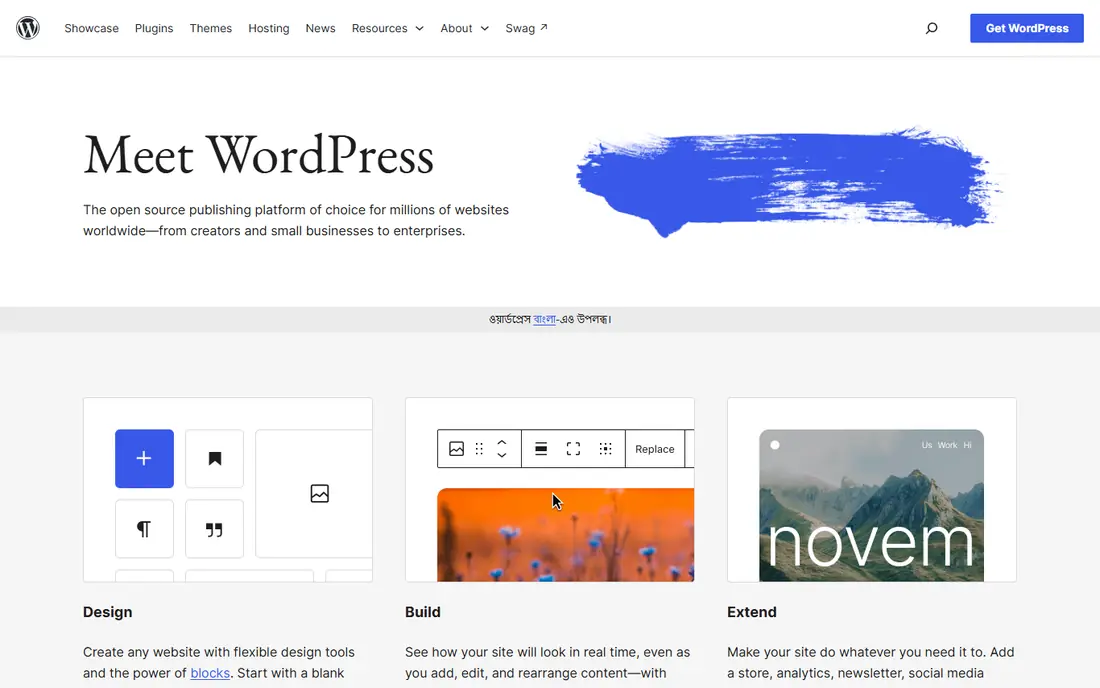
WordPress.org fits readers and buyers who want full control and long-term growth. It covers thousands of themes and plugins, plus full control over SEO settings and site structure, and it also offers monetisation through ads, affiliates, memberships and online stores. That combination makes it a practical shortlist option, but the right fit still depends on your budget, device and long-term plans. In practice, check the current pricing page and free plan terms before you commit, because vendors change tiers and limits during the year. The main limit to weigh is that setup takes longer than a hosted builder, and maintenance stays with the site owner. If that limit matters for your work, compare the next product on this list before deciding.
- Largest theme and plugin choice, full ownership of content, strong SEO controls
- Needs hosting, updates and some technical setup
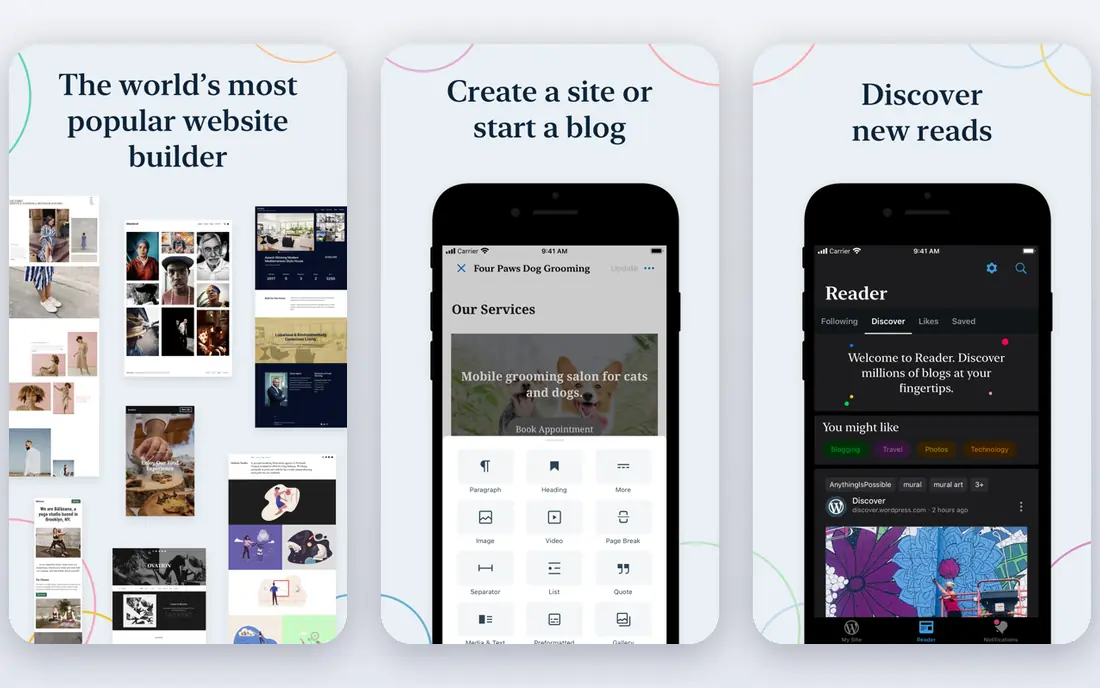
WordPress.com fits readers and buyers who want managed wordpress without hosting setup. It covers managed hosting with built-in updates, backups on many plans, and a familiar block editor, and it also offers a free plan for testing, plus paid tiers for domains and extra features. That combination makes it a practical shortlist option, but the right fit still depends on your budget, device and long-term plans. In practice, check the current pricing page and free plan terms before you commit, because vendors change tiers and limits during the year. The main limit to weigh is that advanced plugin use and deep customisation require higher tiers. If that limit matters for your work, compare the next product on this list before deciding.
- Managed hosting, updates and security included, familiar WordPress editor, easy domain setup
- Some features and plugins are limited on lower tiers
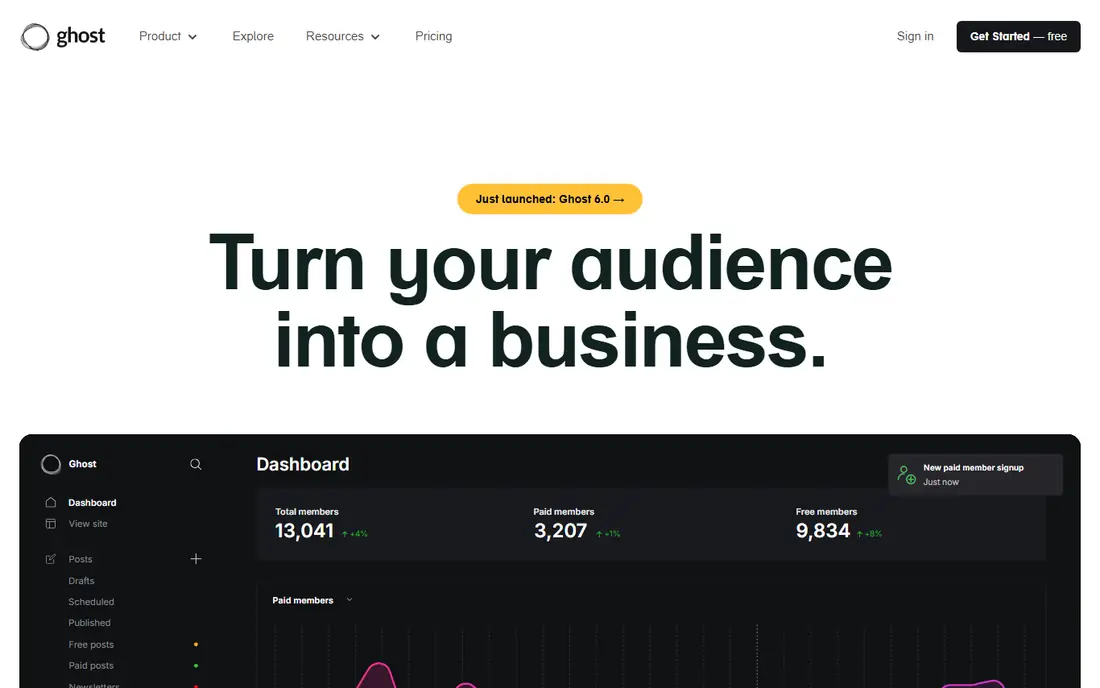
Ghost fits readers and buyers who want newsletters and paid memberships. It covers built-in email newsletters, member accounts and paid subscription tools, and it also offers a fast reading experience and clear member management. That combination makes it a practical shortlist option, but the right fit still depends on your budget, device and long-term plans. In practice, check the current pricing page and free plan terms before you commit, because vendors change tiers and limits during the year. The main limit to weigh is that design choice is narrower, and self-hosting needs technical care. If that limit matters for your work, compare the next product on this list before deciding.
- Built-in newsletters and memberships, clean writing editor, no revenue cut from Ghost on paid plans
- Smaller theme and plugin range than WordPress
Substack fits readers and buyers who want newsletter-first writing with paid subscribers. It covers simple publishing, email delivery to subscribers and paid subscription handling, and it also offers recommendations that can help new readers find a publication. That combination makes it a practical shortlist option, but the right fit still depends on your budget, device and long-term plans. In practice, check the current pricing page and free plan terms before you commit, because vendors change tiers and limits during the year. The main limit to weigh is that moving a large archive elsewhere and building a custom site takes extra work. If that limit matters for your work, compare the next product on this list before deciding.
- Very fast setup, built-in email delivery and paid subscriptions, simple writing tools
- Limited site design and customisation, platform fee on paid subscriptions
Medium fits readers and buyers who want reaching readers without building a site. It covers a built-in reader network, topic recommendations and a simple editor, and it also offers publishing with no hosting, theme or maintenance work. That combination makes it a practical shortlist option, but the right fit still depends on your budget, device and long-term plans. In practice, check the current pricing page and free plan terms before you commit, because vendors change tiers and limits during the year. The main limit to weigh is that your publication lives on Medium, so control over design and audience data is limited. If that limit matters for your work, compare the next product on this list before deciding.
- Built-in audience and recommendations, clean reading experience, no setup or hosting
- Limited branding, design and monetisation control
Squarespace fits readers and buyers who want design-led blogs and small business sites. It covers polished templates, built-in pages, commerce and scheduling tools, and it also offers an all-in-one setup that covers hosting, domains and design. That combination makes it a practical shortlist option, but the right fit still depends on your budget, device and long-term plans. In practice, check the current pricing page and free plan terms before you commit, because vendors change tiers and limits during the year. The main limit to weigh is that deep customisation and third-party integrations are more limited. If that limit matters for your work, compare the next product on this list before deciding.
- Polished templates, built-in commerce and email tools, simple all-in-one setup
- Less plugin choice than WordPress, pricing rises with commerce features
Wix fits readers and buyers who want beginners who want visual editing. It covers visual drag-and-drop editing, many templates and an app market, and it also offers blogging combined with pages, booking and store tools. That combination makes it a practical shortlist option, but the right fit still depends on your budget, device and long-term plans. In practice, check the current pricing page and free plan terms before you commit, because vendors change tiers and limits during the year. The main limit to weigh is that changing templates after launch can require rebuilding pages. If that limit matters for your work, compare the next product on this list before deciding.
- Drag-and-drop editor, large template range, app market for extra features
- Free plan shows Wix branding and limits domain use, templates are hard to switch later
Blogger fits readers and buyers who want a simple free blog with google sign-in. It covers free hosting, simple post editing and Google account sign-in, and it also offers a low-effort way to test blogging with no hosting bill. That combination makes it a practical shortlist option, but the right fit still depends on your budget, device and long-term plans. In practice, check the current pricing page and free plan terms before you commit, because vendors change tiers and limits during the year. The main limit to weigh is that templates and features feel dated beside newer platforms. If that limit matters for your work, compare the next product on this list before deciding.
- Free hosting from Google, very simple setup, basic AdSense support
- Dated design options, limited modern features and growth tools
How we picked these
We compared official feature pages, pricing pages, app store listings, privacy policies and public reviews for each product in this list. We checked whether the product exists and works today, whether it truly fits the topic, and whether its pricing and free tier could be confirmed from vendor or store sources. Where a price could not be confirmed, we wrote See website rather than guessing a figure. We did not claim hands-on testing, lab testing or daily use for any product. Our comparison focuses on published features, plan structure, free access, limits and fit for different users. That method keeps the list useful for shortlisting, while the vendor page remains the final source for current pricing and terms.
How to choose a blogging platform
Start with ownership and growth plans
If you plan to move hosts, sell products or change design freely later, ownership matters more than a quick start. Self-hosted WordPress and Ghost give you clearer control over your content and data. Hosted platforms can still work well, but check export options and custom domain rules before you publish a large archive.
Match the editor to how you write
Some writers want a clean writing screen and a newsletter in one place. Others want page builders, templates and commerce tools. Try the free plan or trial first, draft two real posts, and check how images, headings and links behave on mobile before you commit.
Check costs beyond the headline price
A free plan can be enough for a hobby blog, but a custom domain, extra storage or paid subscriptions often sit on paid tiers. Add hosting, domain renewal and any paid theme or plugin to your first-year total, then compare that total rather than the monthly figure alone.
Frequently asked questions
What is the best platform to start a blog?
For most new bloggers who want room to grow, WordPress.org or WordPress.com are strong starting points. WordPress.org offers the widest choice of themes and plugins, while WordPress.com removes hosting setup. If you only want to write and build an email list, Ghost or Substack may feel simpler.
Which are the best blog platforms for beginners?
Wix, Squarespace, Medium and Blogger are among the easiest to start with, because setup is guided and design choices are limited in a helpful way. The trade-off is less control later, so beginners who expect to grow should still check export and domain options.
What are the best blogging tools for writers who want paid subscribers?
Ghost and Substack are built around memberships and paid newsletters, with subscriber management close to the writing tools. WordPress can also support paid memberships, but it usually needs extra plugins and payment setup.
Are free blogging platforms good enough?
A free plan works for testing an idea, writing occasionally or learning the basics. Limits on domains, storage, themes and monetisation often appear as a blog grows, so treat a free plan as a trial stage rather than a long-term home for a serious project.
Should I choose WordPress.org or WordPress.com?
WordPress.org gives full control and needs your own hosting, while WordPress.com hosts the site for you and manages updates and security. Choose WordPress.org for maximum flexibility, and WordPress.com if you want managed WordPress with less technical work.
Sources
See where you really rank - block by block
ProMapRanker scans Google Maps across a grid of your service area. Simple monthly plans from $19, white-label on every plan.
Start freeKeep reading
 zoom alternatives
Best Zoom Alternatives in 2026
Compare Zoom alternatives in 2026, with free meeting limits and prices, so you can pick the best alternative to Zoom for your team, class, or community.
Read → which software is best for remote work
Which Software Is Best for Remote Work in 2026
Answering which software is best for remote work, we compare Slack, Zoom, Asana, Notion, Teams and more, with pricing and honest tradeoffs in 2026 now.
Read → which ai tool is best for content writing
Which AI Tool Is Best for Content Writing in 2026
Wondering which ai tool is best for content writing? We compare ChatGPT, Claude, Jasper, Grammarly, and more on price, quality, and best use in 2026 now.
Read →