 ProMapRanker
Best Block Storage Software in 2026


AWS workloads and databases · Pricing starts at: $0.08 per GB per month
Key takeaways
- Block storage is a virtual disk attached to a server, not file sharing or object storage, and it suits databases, boot volumes, and apps that need low latency.
- Amazon EBS, Google Persistent Disk, and Azure Managed Disks are the safest picks inside their own clouds, with the widest tooling and region coverage.
- DigitalOcean, Akamai, Vultr, and Hetzner offer simpler per-GB pricing for smaller teams and single-server workloads.
- Price per GB is only part of the bill: provisioned size, IOPS, throughput, snapshots, and data transfer can change the monthly total.
Quick comparison
| Pick | Great for | Pricing starts at | Free tier | |
|---|---|---|---|---|
| Amazon EBS | AWS workloads and databases | $0.08 per GB per month | No | Visit |
 Google Cloud Persistent Disk | Google Cloud workloads | See website | No | Visit |
 Azure Managed Disks | Azure and Windows workloads | See website | No | Visit |
 DigitalOcean Volumes | Simple cloud apps | $0.10 per GiB per month | No | Visit |
 Akamai Block Storage | Linode-based servers | $0.10 per GB per month | No | Visit |
 Vultr Block Storage | Flexible VPS storage | $0.10 per GB per month | No | Visit |
 Hetzner Volumes | Low-cost European hosting | 0.057 euro per GB per month | No | Visit |
 Oracle Cloud Block Volumes | Oracle Cloud databases | See website | No | Visit |
 OVHcloud Block Storage | European cloud projects | 0.042 euro per GB per month | No | Visit |
The best block storage software
Block storage gives a server a disk it can format, mount, and use like a local drive. That makes it the right choice for a database, a boot volume, or an app that reads and writes small blocks often. It differs from object storage, which stores files through an API, and from file storage, which shares folders across many servers. We compared official pricing and product pages, and we kept only services that are live in October 2026.
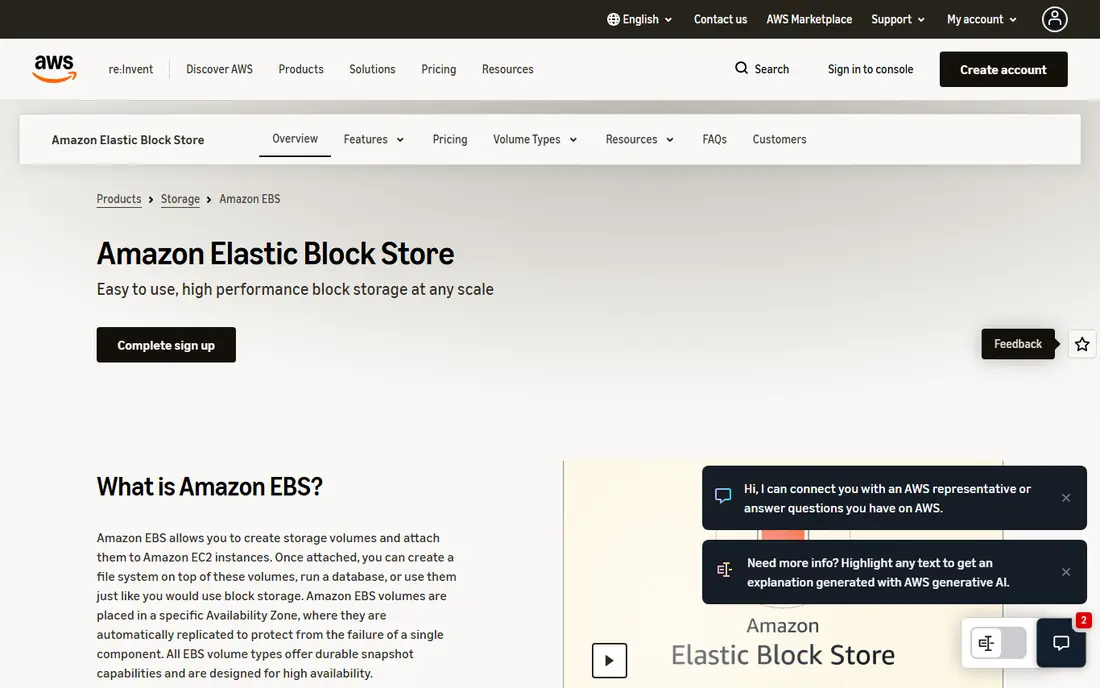
Amazon Elastic Block Store is the default disk for EC2 servers, and its range is its main strength. General purpose SSD volumes suit most apps, provisioned IOPS volumes suit databases with steady load, and throughput-optimized and cold HDD volumes suit large sequential work and infrequent access. You can resize a volume, take snapshots for backup, and encrypt data at rest, all from the same console and API that run the rest of an AWS workload.
The bill needs attention, because you pay for the size you provision even if the disk is half empty. IOPS and throughput charges, snapshot storage, and data transfer sit on top of the base rate. That is manageable for a team already running AWS, and it is a poor fit for a small project that only needs a simple disk elsewhere. For AWS users, EBS is the natural first choice, and the task is picking the right volume type rather than shopping for a new vendor.
- Wide range of volume types for different workloads
- Snapshots and encryption built in
- Deep integration with EC2
- Billed on provisioned size, not used size
- Performance tuning takes care
- Costs vary by region and volume type
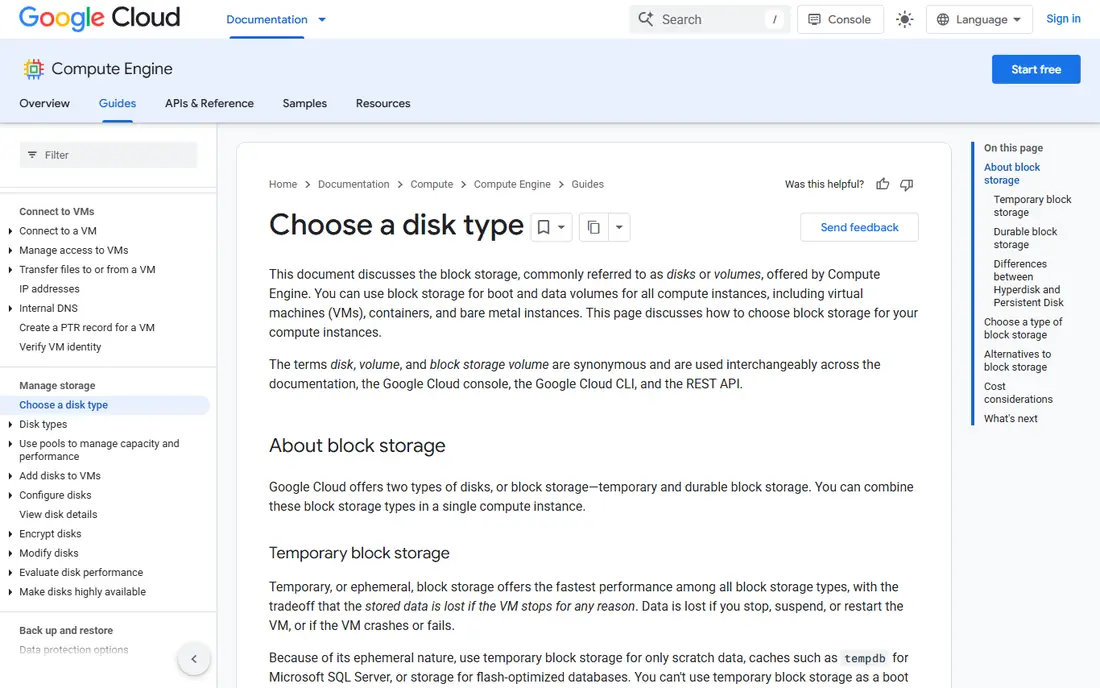
Google Cloud Persistent Disk attaches durable storage to Compute Engine virtual machines and to Google Kubernetes Engine nodes. Standard disks suit cost-sensitive work, balanced disks suit a mix of price and performance, SSD disks suit latency-sensitive apps, and extreme disks suit the heaviest database loads. Regional disks replicate data across zones in a region, which helps availability when one zone has a problem.
The range is useful, but it also means the headline price is not the whole story. A balanced disk and an SSD disk at the same size can bill quite differently, and throughput and IOPS caps rise with machine size in ways that reward planning. Teams already on Google Cloud will find the integration, snapshots, and monitoring convenient. Teams outside Google Cloud gain little by adding it as a standalone service, since a disk must sit near the server that uses it.
- Standard, balanced, SSD, and extreme disk options
- Snapshots and regional replication options
- Resizes without long downtime in many cases
- Pricing varies by disk type and region
- Performance limits depend on machine size
- Free tier does not cover large disks
Azure Managed Disks remove the need to manage a storage account for each virtual machine disk. Standard HDD suits dev and test work, Standard SSD suits light production use, Premium SSD suits most production databases and apps, and Ultra Disk suits workloads that need very high IOPS and throughput. Shared disks let a clustered app attach one disk to several machines in supported setups, and snapshots provide a backup path.
Preset sizes are the main catch. A disk billed at the next size up can cost more than the exact gigabytes you need, so sizing deserves a check before launch. Redundancy choices also change the price, since locally redundant storage and zone redundant storage are billed differently. For teams running Windows Server, SQL Server, or other Microsoft workloads on Azure, Managed Disks fit the platform well and reduce admin work.
- Managed service with no separate storage account to run
- Standard SSD, Premium SSD, and Ultra Disk tiers
- Snapshots and shared disk options
- Disks are sold in preset sizes, so you may pay for unused space
- Pricing varies by redundancy and region
- Ultra Disk has region limits
DigitalOcean Volumes suit developers who want a disk without a large cloud catalog. You create a volume, attach it to a Droplet in the same region, format it, and mount it. Resizing and snapshots are handled in the same panel as the server, which keeps small projects simple. The per-GiB price is easy to forecast, and that clarity is part of the appeal for indie apps and small business sites.
The limits matter for larger work. A volume lives in one region and attaches to servers there, so a multi-region design needs a different approach. Performance suits web apps, content sites, and small databases, but a heavy transactional database may need a larger cloud disk with provisioned IOPS. Choose DigitalOcean Volumes when simplicity and predictable billing matter more than the deepest performance tuning.
- Simple per-GiB pricing
- Easy attach and resize from the control panel
- Snapshots available
- Single-region attachment limits
- Performance is modest next to provisioned IOPS cloud disks
- No free tier
Akamai Block Storage, formerly Linode Block Storage, adds extra disk space to Akamai cloud instances. It is useful when a server outgrows its local disk but the app itself does not need a new server. You can attach, detach, resize, and back up volumes through the same account that runs the instance, which keeps a small stack in one place.
The trade-off is scope. This is a disk for Akamai cloud servers, not a general storage product you can attach to servers elsewhere. Performance options are simpler than the big three clouds, which helps small teams and hurts teams with strict latency or IOPS targets. If your servers already run on Linode infrastructure, this is the straightforward way to grow storage. If they do not, pick the block service that lives in your own cloud.
- Simple attach to Linode instances
- Resize and snapshot support
- Predictable monthly rate
- Tied to Akamai cloud regions
- No standalone use outside that cloud
- Performance tiers are narrower than the big clouds
Vultr Block Storage lets you add disk to a Vultr instance without rebuilding the server. That helps when logs, media, or a database grow past the original plan. SSD tiers suit most production use, while HDD tiers in supported locations suit bulk storage where speed matters less. The control panel and API cover attach, detach, resize, and snapshots in a familiar way for VPS users.
Location checks are needed before you commit, because not every tier is offered everywhere. A plan that works in one region may not be available in the region closest to your users. Billing on provisioned size also means an oversized volume keeps billing until you shrink or delete it. For VPS teams that already use Vultr, this is a practical way to scale storage without moving providers.
- Available in many locations
- SSD and HDD tiers in supported locations
- Simple attach and detach
- Tier availability varies by location
- Billed on provisioned size
- No free tier
Hetzner Volumes stand out on price. At the current euro rate, a large volume costs notably less per month than the same size on several larger clouds, which helps storage-heavy apps, media libraries, and backup volumes. Volumes attach to Hetzner cloud servers, can be resized, and support snapshots, so the core workflow is complete for a single-cloud project.
The smaller ecosystem is the catch. Hetzner offers fewer managed databases and platform services than the big clouds, so teams that need those extras must run them themselves. Location choice is also narrower, with a focus on Europe and selected US sites. For a European project, or a cost-sensitive app that can run on Hetzner servers, Volumes are a strong value pick. For a global multi-cloud design, they fit less neatly.
- Low per-GB price
- Simple attach to Hetzner cloud servers
- Minimum size of 10 GB
- Mainly European and US cloud locations
- Fewer managed services around storage
- Euro pricing varies with exchange rates for US buyers
Oracle Cloud Block Volumes use volume performance units to set IOPS and throughput, which gives a clear lever for database work. Low cost, balanced, and higher performance tiers let a team pay less for archival volumes and more for a busy database, rather than buying one tier for everything. Backups, clones, and cross-region copies support recovery and test workflows.
The model is less intuitive at first than a flat per-GB rate, and the strongest case for Oracle Block Volumes sits inside Oracle Cloud, next to Oracle databases and Oracle apps. A small free allowance exists in some accounts, but it does not cover a production database. Choose this service when your workload already runs on Oracle Cloud, and compare the big three clouds first when it does not.
- Performance tiers based on volume performance units
- Backup and cloning support
- Strong fit for Oracle databases
- Pricing model takes learning
- Best value inside Oracle Cloud
- Free tier allowance is limited
OVHcloud Block Storage offers classic and high speed tiers for public cloud instances, with a high speed generation that raises IOPS per GB. That tiering helps teams separate bulk data from busy databases without paying the top rate for everything. European data centers suit projects with data residency needs in Europe, and the platform includes the usual attach, snapshot, and resize workflow.
Availability and pricing should be checked per region, since tiers and rates differ across OVHcloud sites. Support and tooling are less deep than the largest clouds, which matters for teams without in-house cloud staff. For a European VPS or public cloud project that needs a simple, affordable extra disk, OVHcloud is a credible option. For a complex multi-service app, a larger cloud disk may save admin time.
- Classic and high speed tiers
- European data center presence
- Replication for durability
- Tier availability varies by region
- Euro pricing for US buyers
- Support experience varies by plan
How we picked these
We compared official product and pricing pages for block storage services that are live in October 2026, with a focus on attachable virtual disks for servers rather than object or file storage. We included the three large clouds, plus smaller cloud providers with clear per-GB pricing, so both enterprise and small-team budgets are covered. Prices that vary by tier, region, or redundancy are marked as See website rather than reduced to a single number that would mislead.
What to check before you buy
Start with location. A block volume must live in the same region, and often the same zone, as the server that mounts it, so pick the cloud and region first and the disk second. Next, size for growth but not for fantasy: you pay for provisioned space, so a 500 GB volume for a 60 GB database wastes money every month. Resize paths and snapshot costs should be checked before launch, not after the first bill.
Match the tier to the workload. A web app with modest traffic runs well on a general SSD tier, while a busy transactional database may need provisioned IOPS or an extreme tier. Test with a realistic load if you can, and watch latency and IOPS during peak hours rather than trusting a headline rate. Finally, plan backups separately from snapshots. Snapshots help recovery, but a backup policy with retention, testing, and a restore drill is what protects a business when a volume fails.
Frequently asked questions
What is block storage software?
Block storage software provides a virtual disk that a server formats and mounts like a local drive. It stores data in fixed-size blocks, which gives low latency for databases and operating systems. It differs from object storage, which stores whole files through an API, and from file storage, which shares folders over a network.
Is block storage the same as object storage?
No. Block storage attaches to one server at a time in most setups and suits apps that need fast random reads and writes. Object storage suits backups, media, and large files accessed through web APIs. Many apps use both: block storage for the database disk, and object storage for uploads, backups, and archives.
How is block storage priced?
Most providers bill per GB or per GiB of provisioned size each month, plus extra charges for IOPS, throughput, snapshots, and data transfer in some cases. That means an empty part of a volume still bills until you shrink it. Always check the pricing page for your region and tier, since rates change by location.
Can I move a block volume to another cloud?
You cannot attach a volume directly to a server in another cloud. You can copy data by snapshot, backup, or file transfer and then create a new volume in the target cloud. Plan for downtime or replication during the move, and test the new volume before you switch traffic.
Which block storage is best for a small business?
DigitalOcean Volumes, Akamai Block Storage, Vultr Block Storage, or Hetzner Volumes are good starting points for a small business already running servers with those providers. They offer simple pricing and a short setup path. Larger teams inside AWS, Google Cloud, or Azure should stay with that cloud's native disk for better integration and support.
Sources
- https://aws.amazon.com/ebs
- https://cloud.google.com/compute/docs/disks
- https://azure.microsoft.com/en-us/products/managed-disks
- https://www.digitalocean.com/products/volumes
- https://www.linode.com/products/block-storage
- https://www.vultr.com/products/block-storage
- https://www.hetzner.com/cloud
- https://www.oracle.com/cloud/storage/block-volumes
- https://www.ovhcloud.com/en/public-cloud/block-storage
See where you really rank - block by block
ProMapRanker scans Google Maps across a grid of your service area. Simple monthly plans from $19, white-label on every plan.
Start freeKeep reading
 wpforms alternatives
Best WPForms Alternatives in 2026
We compare 9 wpforms alternatives for WordPress forms, with free and paid options, current pricing notes, and honest limits for small business sites in 2026.
Read → windows task scheduler alternatives
Best Windows Task Scheduler Alternatives in 2026
Looking for Windows Task Scheduler alternatives? We compare 9 schedulers for Windows and cross-platform work, from free tools to enterprise automation.
Read → which ai video service is best
Which AI Video Service Is Best in 2026
which ai video service is best? We compare 10 legitimate AI video services on price, avatars, editing and output quality to help you pick the right tool.
Read →