 ProMapRanker
Best Bing Places Management Tools in 2026

Claiming your own Bing listing · Pricing starts at: See website
Direct answer
My top pick for most local businesses is BrightLocal, because it combines Bing Places setup with citation checks and review monitoring in one dashboard. It has no free plan stated, so check its pricing page before you commit. If you mainly want to claim and sync a single Bing listing, Bing Places for Business itself is the free baseline. For multi-location brands that need bulk listing control, Yext is the better fit.
I compared these tools from vendor documentation and public sources, not from hands-on testing. I looked at what each product says it does for Bing listings, how it fits a local business workflow, and where the limits are. The list below covers the official free tool plus paid platforms that handle Bing as part of a wider local presence job.
Key takeaways
- Bing Places for Business is the free official tool every local business should start with before paying for anything else.
- Most paid tools here manage Bing listings as part of a wider local SEO or listings workflow, not as a standalone Bing product.
- Multi-location businesses should check bulk upload and location-limit terms before choosing a platform.
- Review monitoring matters for Bing because customer reviews feed into how your listing looks in Bing search and Maps.
- No tool can guarantee rankings, so treat these as management and consistency tools, not ranking promises.
Quick comparison
| Pick | Great for | Pricing starts at | Free tier | |
|---|---|---|---|---|
| Bing Places for Business | Claiming your own Bing listing | See website | Free plan | Visit |
 BrightLocal | Small agencies and single-location owners | See website | No free plan | Visit |
 Whitespark | Citation research and local rank checks | See website | No free plan | Visit |
 Yext | Multi-location brands needing bulk control | See website | No free plan | Visit |
 Semrush | Teams already using Semrush for SEO | See website | No free plan | Visit |
 Moz Local | Simple listing distribution and cleanup | See website | No free plan | Visit |
 Synup | Agencies managing many client locations | See website | No free plan | Visit |
The best Bing Places management tools compared
Bing Places for Business is the official way to claim and manage a listing on Bing. For a single shop, clinic, restaurant or service business, it is the first place to go. You add your address, hours, categories, photos and contact details, then verify the listing. It fits owners who want direct control and do not need a third-party dashboard.
The workflow is straightforward: sign in with a Microsoft account, search for your business, claim it if it already exists, or add it if it does not. After verification you can update details when hours change, add photos, and respond to what Bing shows. For a business with one or two locations, this covers the basics without a subscription.
The limits show up with scale. Editing many locations one by one is slow, and there is no built-in review request automation or citation sync across other directories. Skip it as your only tool if you run a multi-location brand or an agency managing dozens of clients.
- Official Microsoft tool
- free to use
- direct control over your listing details
- Manual editing per location
- limited bulk workflow for large brands
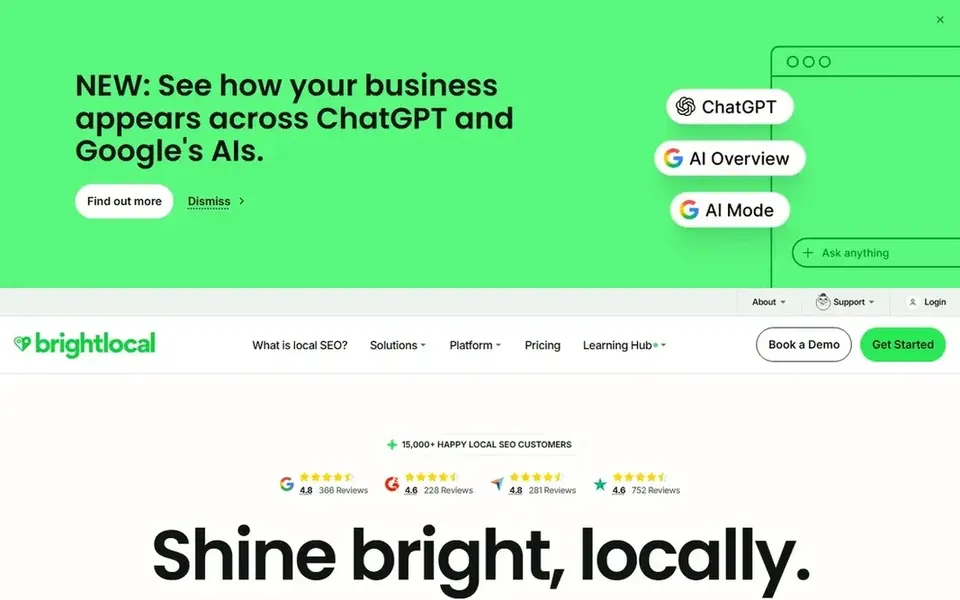
BrightLocal is built for local SEO work, and that includes helping you keep business listings consistent across directories, with Bing among the platforms it covers. It suits small agencies and owners who want citation checks, review monitoring and local rank tracking in one place rather than juggling separate tools.
For Bing Places work, the useful part is consistency. You can audit where your business details appear, spot mismatches in name, address and phone number, and track reviews. That matters because a Bing listing that disagrees with your website and other directories looks less trustworthy to customers.
The limit is that BrightLocal is not a dedicated Bing editor. If all you need is to change your Bing hours twice a year, the free official tool is enough. BrightLocal makes more sense when you also want citation and review workflows.
- Combines citation checks with review tools
- clear reporting for clients
- useful for local rank tracking
- Bing management sits inside a broader toolkit
- plan limits apply to locations and features
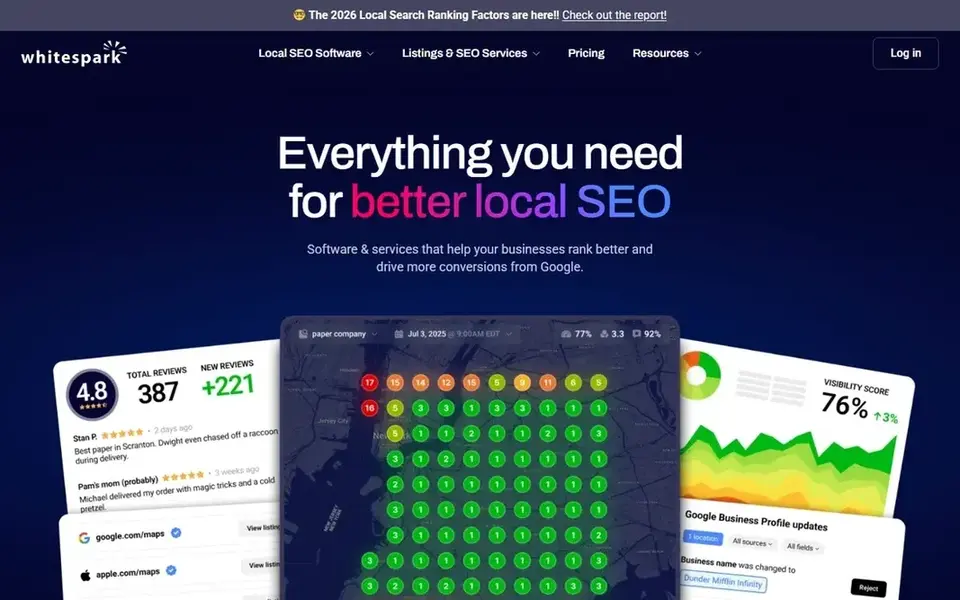
Whitespark is known for citation research and local search tools. It helps you find where your business is listed, which directories matter, and how your local rankings move over time. For Bing Places management, it is more of a research and monitoring companion than a direct editor.
A practical use is finding citation gaps and duplicates that affect how your business appears across search engines, including Bing. You can build a list of directories, check consistency, and track local rank changes after you fix problems. That fits an owner or marketer who wants to understand the local landscape, not just tick a Bing box.
Skip it if you want a single dashboard that pushes listing updates everywhere. Whitespark is better as a research layer alongside the official Bing tool or a listings platform.
- Strong citation research tools
- local rank tracking
- useful for finding listing opportunities
- Less of a day-to-day listing editor
- Bing is one platform among many
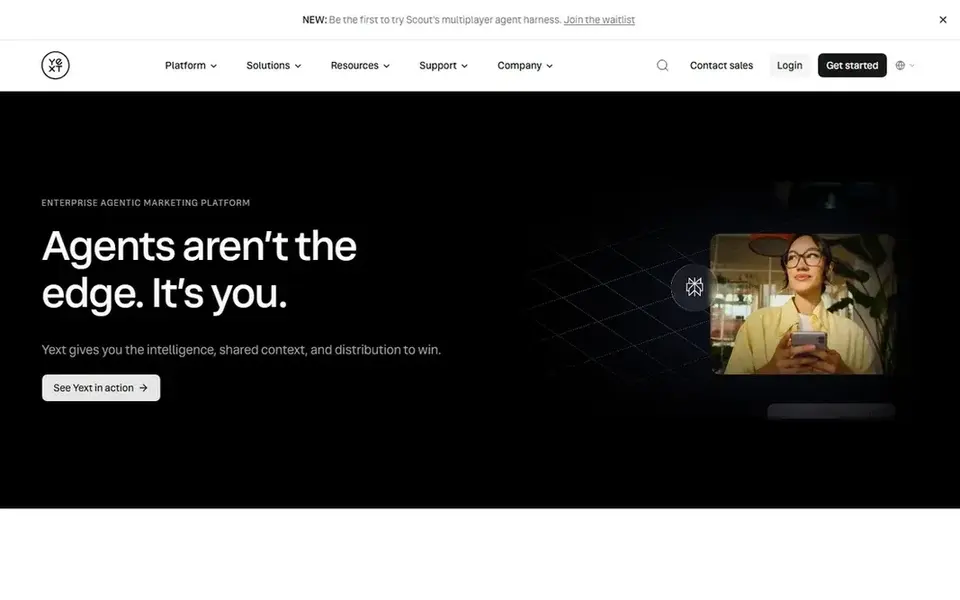
Yext is a listings and presence management platform aimed at businesses with many locations. It centralizes business data and publishes it to a network of directories and platforms. For a brand with branches across cities, that central control is the main appeal.
For Bing Places management, Yext fits when you need to keep hours, addresses and categories consistent across dozens or hundreds of locations. Instead of logging into each platform per store, you update the source data and let the platform handle distribution. That reduces the chance of one branch showing wrong holiday hours.
The limits are cost and setup. Pricing is quote-based, and the onboarding work is real. A single-location shop should not start here; the official Bing tool or a smaller platform is a better match.
- Built for many locations
- central control over listing data
- structured publishing workflow
- Quote-based pricing
- heavier setup than small businesses need
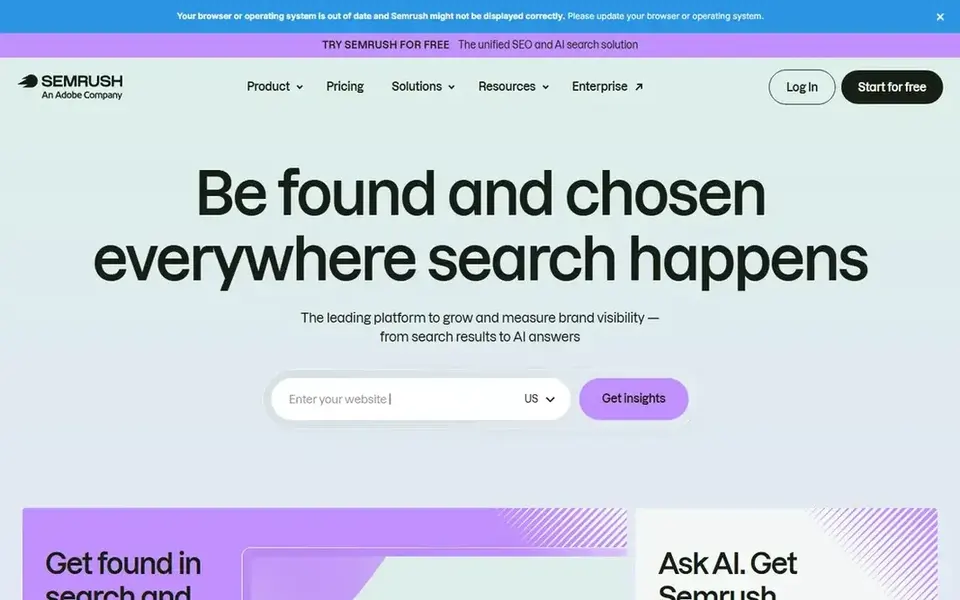
Semrush is a large SEO platform with a listing management component for local businesses. If your team already uses Semrush for keyword research, competitor analysis and site audits, adding local listing management keeps work in one account.
For Bing Places, the value is consistency across directories plus reporting you can share with a client or manager. You can keep business details aligned and monitor how the local presence looks, while using the rest of the suite for the website side of local SEO.
The limit is focus. Semrush is not a Bing-first tool, and the listing features are one part of a big subscription. If listings are your only need, a smaller platform or the free official tool is easier to justify.
- Broad SEO toolkit
- listing management add-on for local presence
- useful reporting
- Bing listing work is a small part of a large suite
- cost is hard to justify for listings alone
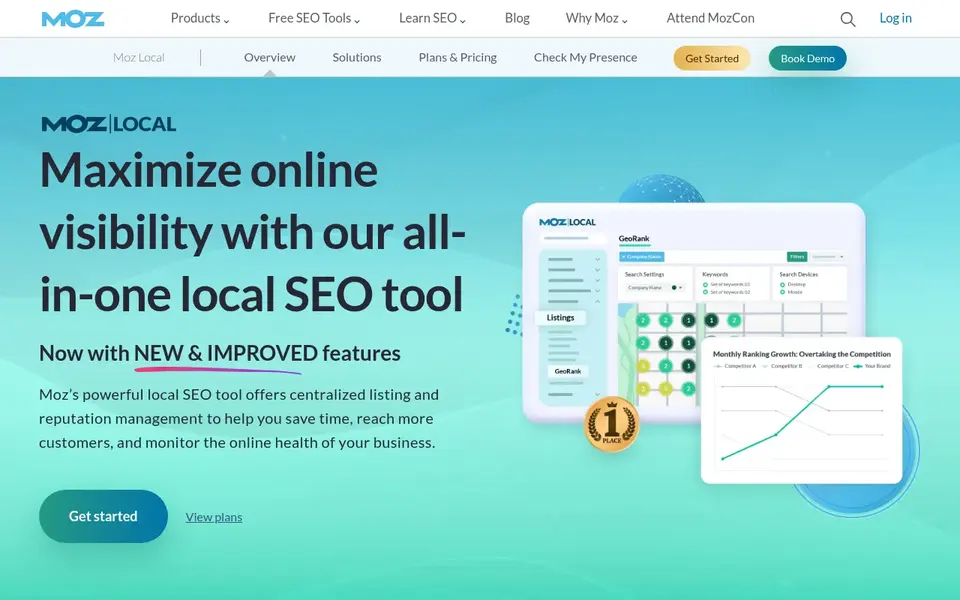
Moz Local focuses on getting your business data consistent across directories and cleaning up duplicates. It fits owners who want a simple way to distribute name, address, phone and hours without learning a complex platform.
For Bing Places management, Moz Local helps by keeping your core data aligned so the Bing listing matches what customers see elsewhere. That consistency supports trust, and it reduces the manual checking you would otherwise do across directories.
The limits are depth and plan variation. If you need to manage many Bing listings with custom fields per location, check the plan details first. For a small business that wants cleaner listings with less manual work, it is a reasonable option.
- Straightforward listing distribution
- duplicate cleanup
- familiar Moz interface
- Less depth for Bing-specific editing
- feature set varies by plan
Synup is a listings and local marketing platform aimed at agencies and multi-location businesses. It centralizes location data and pushes updates to directories, with review and reporting features alongside.
For Bing Places work, Synup fits an agency that manages several clients and needs a repeatable process for claiming, updating and monitoring listings. You keep each client's data in one place and reduce the per-location manual work that eats time.
The limits are onboarding and cost. Pricing is quote-based, and the more locations you add, the more setup work you take on. A single shop should start with the free official tool instead.
- Built for multi-location and agency workflows
- listing sync across directories
- review management features
- Setup effort grows with location count
- pricing is quote-based
How I chose
I built this list from vendor documentation and public sources. I read what each product says it does for Bing listings, checked whether Bing is a supported platform, and looked at how the workflow fits different business sizes. I did not run hands-on tests, and I did not use client results or case studies to rank anything.
The main filters were fit and limits. A single-location owner needs a free, direct way to claim and edit a listing, while an agency needs bulk tools and reporting. I also weighed whether Bing is a core part of the product or a small feature inside a larger suite, because that affects value. Where pricing is quote-based or plan-dependent, I say so rather than guess.
What to check before you buy
- Confirm the tool actually supports Bing Places, not just Google Business Profile, and ask which listing fields it can update.
- Check the location limit on your plan, because multi-location pricing often changes by branch count.
- Ask how verification works for new Bing listings, since verification steps can block a bulk rollout.
- Check whether review monitoring and review responses are included or sold separately.
- Confirm how the tool handles duplicate listings and data conflicts across directories.
- Read the cancellation and data-export terms so you can leave with your business data intact.
Frequently asked questions
What is the best free way to manage a Bing Places listing?
Bing Places for Business is the official free tool. You sign in with a Microsoft account, claim or add your business, verify it, and then edit details like hours, categories and photos. For one or two locations it covers the basics, and it is the right starting point before you pay for a listings platform.
Do I need a paid tool if I already use Bing Places for Business?
Only if you manage many locations or want citation and review workflows in one place. A single shop can usually run on the free official tool. Agencies and multi-location brands often need bulk updates, duplicate cleanup and reporting, which is where paid platforms earn their place.
Can these tools improve my Bing rankings?
They can help you keep listing data accurate and consistent, which supports trust and a cleaner local presence. No tool can guarantee rankings, and anyone promising a specific position is overselling. Treat them as management tools and follow Bing's and Google's guidelines for business information.
How do I keep Bing and Google listings consistent?
Use one source of truth for name, address, phone, hours and categories, then update both platforms when something changes. A listings platform can push the same data to multiple directories. Check for duplicates regularly, and make sure your website shows the same details as your listings.
Are review request tools allowed under platform guidelines?
Yes, as long as you ask all customers without filtering for positive ones and you never offer incentives for reviews. Do not gate reviews or buy them. Respond to reviews honestly, and keep your request process simple and consistent with the platform's rules.
Sources
See where you really rank - block by block
ProMapRanker scans Google Maps across a grid of your service area. Simple monthly plans from $19, white-label on every plan.
Start freeBrowse all guides
← Best Apple Business Connect Tools in 2026Best Call Tracking Software for Local Businesses in 2026 →
 pro rank tracker alternatives
Pro Rank Tracker Alternatives in 2026: Prices and Free Plans
Searching for Pro Rank Tracker alternatives? Here are 5 options with prices and free plans. Each profile ends with a plain caveat. Refreshed for 2026.
Read → best seo rank tracker tools
SEO Rank Tracker Tools in 2026: Top 5 Compared
Searching for the best SEO rank tracker tools? Here are 5 options with prices and free plans. Every pick includes one clear drawback. Narrow your shortlist.
Read → best sms opt-in software for local service businesses
Best SMS Opt-In Software for Local Service Businesses (2026)
5 best SMS Opt-In software for local service businesses, compared on pricing, free plans and best-fit use. Plus the drawbacks of each tool. Plain facts.
Read → read local search heatmap
How to Read a Local Search Heatmap Like a Pro
How to read a local search heatmap and translate green, yellow, and red zones into action.
Read → local seo reporting for clients
Local SEO Reporting for Clients: Reports That Prove Your Value
How to build local SEO reports for clients that clearly prove ROI and reduce churn, with a template.
Read → best ai mode rank tracker software
Best AI Mode Rank Tracker Software in 2026
Best AI mode rank tracker software compared in 2026: 9 tools for Google AI Mode, AI Overviews, ChatGPT and Perplexity visibility, citations and mentions.
Read →More in Local SEO & Google Maps · All guides A to Z by date · Latest guides