 ProMapRanker
Best Apple Business Connect Tools in 2026

Local listings, reviews and citations for small businesses · Pricing starts at: See website
Direct answer
My top pick is BrightLocal, because it combines local listing checks with review and citation workflows that suit small local businesses managing an Apple Business Connect profile alongside Google and Bing. It has a free trial, so you can check the fit before committing. For teams that want a broader multi-location listings manager, Uberall is worth a look, and for agencies that need citation building and local SEO research in one place, Whitespark fits well.
I compared these tools from vendor documentation and public sources rather than running hands-on tests. Apple Business Connect is a relatively new surface for many local businesses, so the tools below are judged on how clearly they document Apple Maps and Apple listings support, how their workflows fit a small local business, and what limits they publish.
Key takeaways
- Apple Business Connect is Apple's own free tool for managing how a business appears in Apple Maps, Messages and other Apple surfaces, so no third-party tool replaces it.
- Third-party tools help you audit listings, track changes, manage reviews and keep business details consistent across Apple, Google and other directories.
- Most listing tools treat Apple as one channel among several, so check that Apple Maps support is actually listed in the vendor documentation.
- Review management features matter for local businesses because Apple shows ratings and reviews on place cards, and responding well is part of a healthy profile.
- Pricing changes often, so confirm current plans and limits on each vendor's own pricing page before you buy.
Quick comparison
| Pick | Great for | Pricing starts at | Free tier | |
|---|---|---|---|---|
| BrightLocal | Local listings, reviews and citations for small businesses | See website | Free trial | Visit |
 Uberall | Multi-location listing management across many directories | See website | Not stated | Visit |
 Whitespark | Citation building and local SEO research | See website | Not stated | Visit |
 Yext | Large brands managing listings at scale | See website | Not stated | Visit |
 Semrush | Local SEO research and listing checks | See website | Free plan | Visit |
 Moz Local | Simple local listing management | See website | Not stated | Visit |
 Synup | Agencies managing many local clients | See website | Not stated | Visit |
The best Apple Business Connect tools compared
BrightLocal
Great for: Local listings, reviews and citations for small businesses
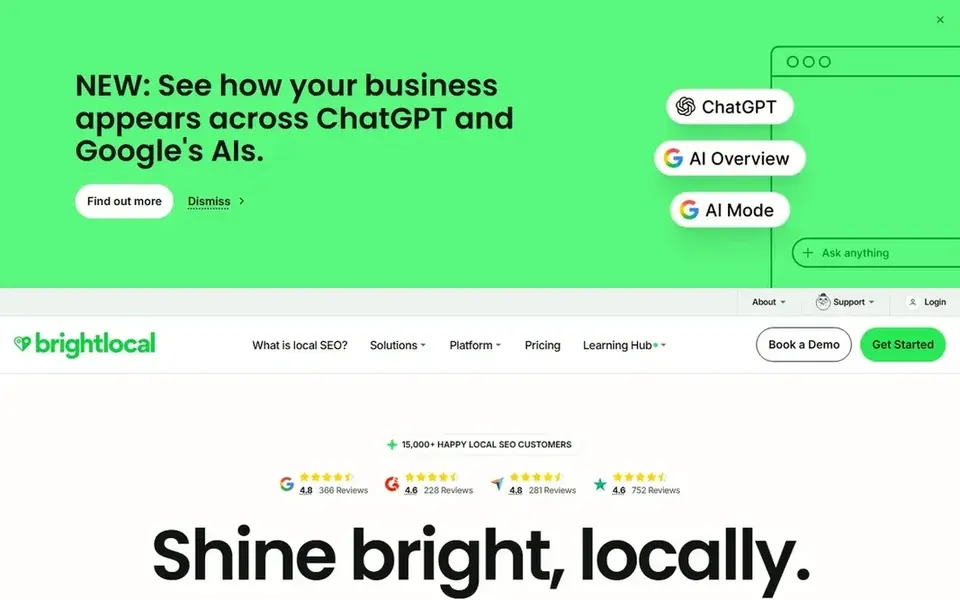
BrightLocal is a local SEO platform built around listing audits, citation building, review management and local rank tracking. It suits a small local business or a small agency that wants one dashboard for the basics: checking that business details match across directories, watching reviews, and keeping an eye on local visibility. For a business that has just set up an Apple Business Connect profile, it gives you a way to check that the name, address and phone details you entered are consistent with what appears elsewhere.
On the Apple side, the value is in consistency and monitoring rather than direct editing of the Apple profile. You still claim and manage the Apple Business Connect listing in Apple's own tool. BrightLocal helps you spot mismatches between Apple and other directories, track review activity, and build citations that support the same business details. For a single-location shop, that means less time checking each directory by hand.
The limits are worth knowing. BrightLocal is a broad local SEO suite, so if all you want is to edit your Apple listing, the free Apple tool is enough. Skip it if you need deep multi-location brand management across dozens of countries, where a dedicated listings manager may fit better.
- Clear local SEO focus
- review and citation tools in one place
- useful for agencies with several small clients
- Apple is one channel among many
- some features are aimed at agencies rather than single-location owners
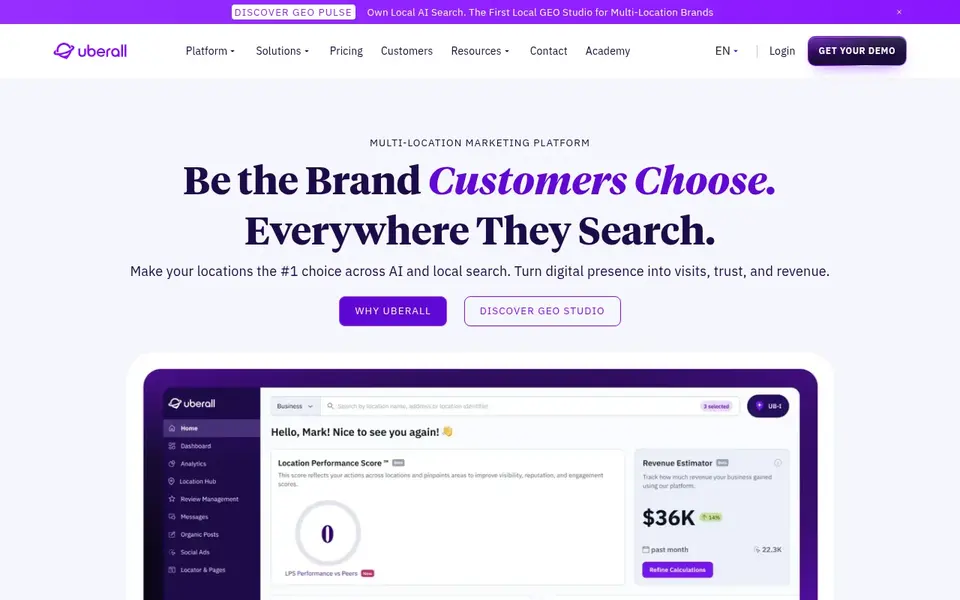
Uberall is a listings management platform for businesses with multiple locations. It focuses on keeping business details consistent across directories and on managing reviews and location pages from a central dashboard. It fits a local business that has grown to several branches, or a franchise where each location needs its own accurate listing.
For Apple Business Connect, Uberall's role is to keep the Apple listing aligned with the same data used for Google, Bing and other directories. That reduces the chance of a branch showing a stale phone number or an old address in Apple Maps. The workflow is centralised: update the source record, then push or check the change across channels. For a business with a handful of locations, that saves a lot of manual checking.
The main limit is scale. Uberall is designed for larger operations, and a single-location business will likely find the setup heavier than needed. Check the vendor documentation for exactly which Apple surfaces are supported before you commit.
- Built for many locations
- listing sync across directories
- review and location pages in one system
- Aimed at larger teams
- smaller businesses may find it more than they need
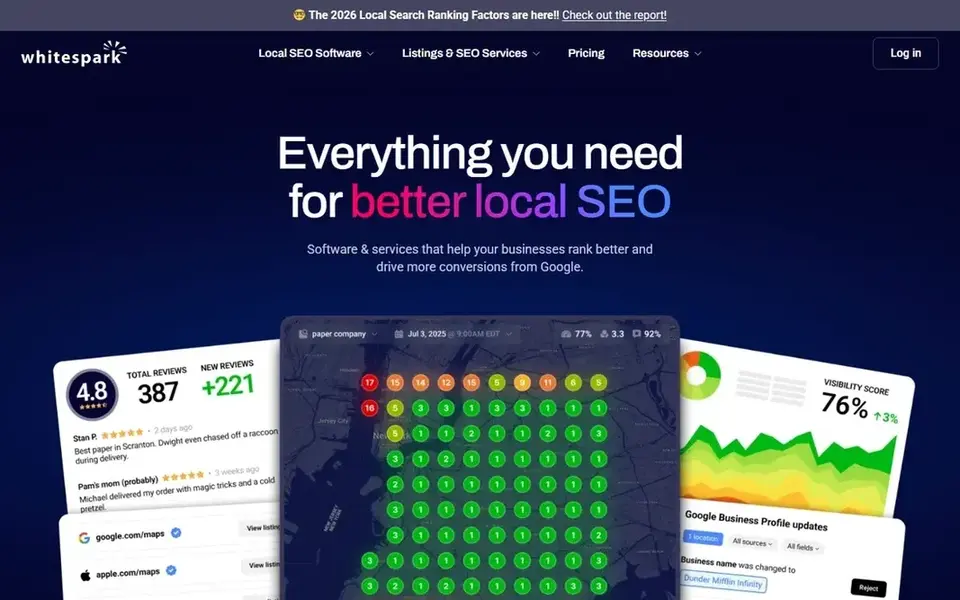
Whitespark is a local SEO toolkit known for citation building, local rank tracking and research tools. It suits agencies and local SEO consultants who need to find citation opportunities and check how a business appears across directories. For a local business working with an agency, Whitespark is often part of the citation and research workflow.
On Apple Business Connect, Whitespark's contribution is indirect. It helps you find and fix citation inconsistencies that affect how a business is described across the web, and it tracks local rankings that reflect visibility in map results. The Apple profile itself is still managed in Apple's tool. Think of Whitespark as the research and citation layer that supports a clean, consistent local presence.
Skip it if you want a single dashboard that edits Apple listings directly. Whitespark is better for agencies that already understand local SEO and want citation and research depth.
- Strong citation research
- local rank tracking
- useful for agencies doing local SEO
- Apple Business Connect is not the headline feature
- tools are spread across separate products
Yext is a listings and digital presence platform used by larger brands to manage business information across many directories and services. It fits organisations with many locations that need a single source of truth for business details and a structured way to publish them.
For Apple Business Connect, Yext's value is in keeping the Apple listing consistent with the same data used elsewhere. A brand with dozens of stores can update a record once and check that the change is reflected across channels. That matters when a store moves or changes hours, because stale details in Apple Maps frustrate customers.
The limits are mostly about size. Yext is built for larger operations, and a single-location business will usually be better served by Apple's free tool plus a simpler local SEO product. Confirm Apple support in the vendor documentation before you sign anything.
- Broad directory coverage
- central data management
- suited to many locations
- Pricing and contracts fit larger businesses
- overkill for a single shop
Semrush is a general SEO and marketing platform with local SEO features, including listing management and local research. It suits agencies and in-house marketers who already use Semrush for keyword and competitor research and want local checks in the same place.
For Apple Business Connect, Semrush helps indirectly: you can audit local listings, check business details across directories and research local search demand. The Apple profile itself is managed in Apple's tool. For a local business that wants to understand why it appears for certain searches, Semrush's research tools are useful alongside a clean Apple listing.
The limit is focus. Semrush is a large platform, and Apple-specific listing work is a small part of it. If Apple Maps visibility is your main concern, a dedicated local listings tool may be a better fit.
- Broad SEO research tools
- local listing audit features
- useful for agencies
- Apple Business Connect is not a core focus
- the platform is large and general
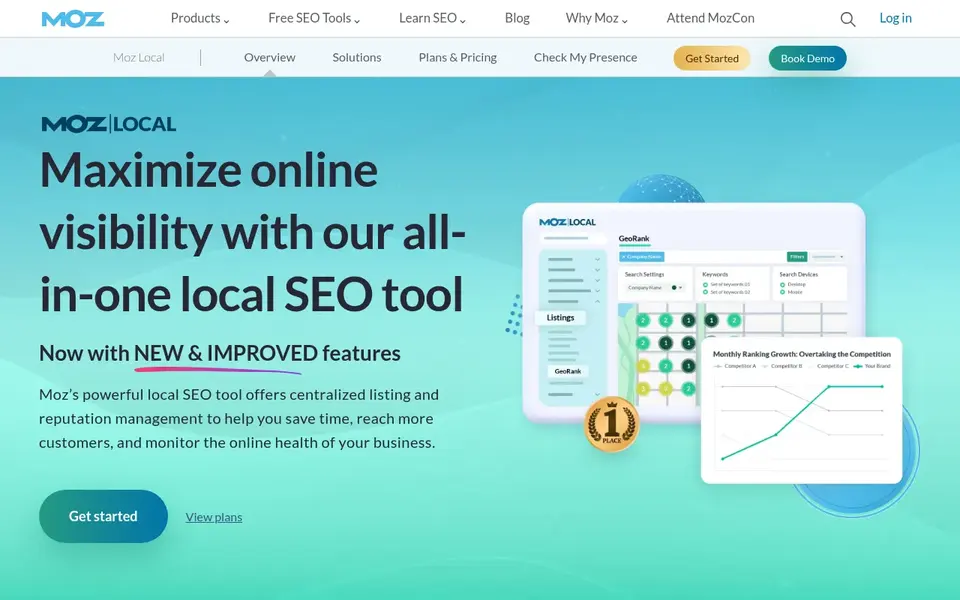
Moz Local is a listing management product from Moz that helps small businesses keep business details consistent across directories. It fits a single-location business or a small agency that wants a simple way to check and update listings without a large platform.
For Apple Business Connect, Moz Local's role is consistency. It helps you keep the name, address, phone and category details aligned across directories, which supports a clean Apple listing. The Apple profile is still claimed and edited in Apple's own tool.
Skip it if you need deep multi-location management or advanced Apple-specific reporting. Moz Local is best for straightforward listing hygiene.
- Straightforward listing management
- familiar Moz brand
- useful for small businesses
- Limited depth for Apple-specific work
- fewer advanced local features than larger suites
Synup is a listings and local marketing platform aimed at agencies and multi-location businesses. It focuses on managing business information, reviews and local pages across many locations and clients.
For Apple Business Connect, Synup helps agencies keep Apple listings consistent with the same data used for Google and other directories. If you run local SEO for several small businesses, a central dashboard reduces the manual checking that comes with each client's Apple profile.
The limit is fit. A single-location business will likely find Synup more than it needs. Check the vendor documentation for Apple Maps support and confirm the plan details on the pricing page.
- Multi-location and multi-client focus
- listing and review management
- reporting for agencies
- Aimed at agencies and larger businesses
- Apple support should be confirmed in documentation
How I chose
I chose these tools by reading vendor documentation and public sources, not by running hands-on tests. I looked for tools that clearly describe local listing management, review workflows or citation building, and that mention Apple Maps or Apple listings support in their published material. I also checked whether the product fits a small local business or a small agency, since that is the audience for this guide.
I weighed fit and limits as much as features. A tool that manages hundreds of locations is not automatically better for a single shop, and a broad SEO platform is not the same as a dedicated listings manager. Where a vendor did not clearly document Apple support, I said so rather than assuming. Pricing, plans and features change, so the comparison points you to each vendor's own pages for the current details.
What to check before you buy
- Confirm that Apple Maps or Apple Business Connect support is listed in the vendor's own documentation, not just implied by "listings management".
- Check whether the tool edits Apple listings directly or only audits and monitors them, because the workflow is different.
- Look at how the tool handles reviews, since Apple place cards show ratings and reviews and responses matter.
- Ask how business details are synced, especially if you have more than one location or plan to add branches.
- Review the contract terms and cancellation policy on the vendor's pricing page before you commit.
- Make sure the tool fits your team size; a single-location business rarely needs an enterprise listings platform.
Frequently asked questions
What is Apple Business Connect?
Apple Business Connect is Apple's free tool for managing how a business appears across Apple services, including Apple Maps, Messages and Siri suggestions. You claim your business, verify it, and then edit details such as name, address, hours, photos and categories. It is the primary place to manage your Apple listing, and third-party tools support it rather than replace it.
Do I need a paid tool to manage my Apple Business Connect profile?
No. For a single-location business, Apple's own tool is enough to claim and edit your profile. Paid tools become useful when you manage several locations, need to check consistency across many directories, or want review and citation workflows in one place. Start with the free Apple tool, then add a paid product only if a specific workflow is missing.
Can third-party tools edit my Apple listing directly?
Some listings platforms can push data to Apple, but support varies by vendor and plan. Many tools audit and monitor Apple listings rather than editing them. Check the vendor documentation for the exact Apple surfaces supported, and keep access to your Apple Business Connect account so you can make changes directly when needed.
How do reviews work with Apple Business Connect?
Apple shows ratings and reviews on place cards, and businesses can respond through Apple's tools. Third-party review management products can help you monitor and respond across channels, but you should follow Apple's guidelines and never buy reviews or gate them. Ask customers for honest feedback and respond politely to both positive and negative reviews.
Which tool is best for a small local business?
For most small local businesses, BrightLocal is a sensible starting point because it covers listings, reviews and citations without the complexity of an enterprise platform. If you only need to manage your Apple profile, use Apple Business Connect directly. If you have many locations, look at Uberall, Yext or Synup and confirm Apple support in their documentation.
Sources
See where you really rank - block by block
ProMapRanker scans Google Maps across a grid of your service area. Simple monthly plans from $19, white-label on every plan.
Start freeBrowse all guides
← Pro Rank Tracker Alternatives in 2026: Prices and Free PlansBest Bing Places Management Tools in 2026 →
 best seo rank tracker tools
SEO Rank Tracker Tools in 2026: Top 5 Compared
Searching for the best SEO rank tracker tools? Here are 5 options with prices and free plans. Every pick includes one clear drawback. Narrow your shortlist.
Read → best sms opt-in software for local service businesses
Best SMS Opt-In Software for Local Service Businesses (2026)
5 best SMS Opt-In software for local service businesses, compared on pricing, free plans and best-fit use. Plus the drawbacks of each tool. Plain facts.
Read → best marketing analytics software for my business
Best Marketing Analytics Software for My Business in 2026
Best marketing analytics software for my business: 6 contenders ranked by fit, with entry costs and free tiers. Plain-spoken summaries throughout. Plain facts.
Read → best local citations for auto repair shops
Best Local Citations For Auto Repair Shops: A Complete Guide
Everything you need to know about best local citations for auto repair shops: what it is, why it matters for local SEO, and exactly how to act on it.
Read → why doesn't my business show up on google maps
Why Doesn't My Business Show Up on Google Maps? 9 Common Causes
Business missing from Google Maps? Here are the 9 most common reasons and exactly how to fix each one.
Read → citation building for local seo
Citation Building for Local SEO: A Scalable Workflow
A scalable citation building workflow for local SEO, whether you do it manually or with a service.
Read →More in Local SEO & Google Maps · All guides A to Z by date · Latest guides