 ProMapRanker
Best Call Tracking Software for Local Businesses in 2026
Direct answer
CallRail is my top pick for most local businesses because it connects phone calls to the marketing source that produced them and works well for small teams. It offers a free trial, so you can check the workflow before committing. If you mainly need call tracking tied to Google Ads and offline conversions, WhatConverts is a strong second choice, and Twilio suits businesses that want to build their own call handling setup.
I put this comparison together from vendor documentation and public sources rather than hands-on testing. That means I looked at what each vendor says about features, integrations and limits, then matched those to how local businesses actually use the phone. I did not run trial accounts or measure call quality myself.
Key takeaways
- Call tracking matters most for local businesses where the phone is still the main way customers book, ask questions or request quotes.
- The best tool for you depends on whether you need simple source tracking, form-plus-call attribution, or a developer-friendly platform.
- Dynamic number insertion is the feature that lets a single website show different tracking numbers to visitors from different sources.
- Check how each vendor handles Google Ads integration, call recording consent and number availability in your country before you buy.
- Pricing pages change often, so confirm current plans and limits directly with each vendor.
Quick comparison
| Pick | Great for | Pricing starts at | Free tier | |
|---|---|---|---|---|
 CallRail | Most local businesses | See website | Free trial | Visit |
 WhatConverts | Call and form attribution together | See website | Free trial | Visit |
 CallTrackingMetrics | Contact centers and larger teams | See website | Free trial | Visit |
 Twilio | Custom-built call handling | See website | Free trial | Visit |
 Invoca | High call volume and sales teams | See website | Not stated | Visit |
 Ringba | Pay-per-call and lead buyers | See website | Not stated | Visit |
 DialogTech (now Invoca) | Legacy users moving to Invoca | See website | Not stated | Visit |
The best call tracking software for local businesses compared
CallRail is the tool I see mentioned most often when a local business asks how to know which ads or pages produce phone calls. It assigns tracking numbers to marketing sources, records calls where permitted, and shows the caller's journey in a dashboard a non-technical owner can read. For a plumber, dentist or law office running Google Ads and a Google Business Profile, that view answers the basic question of where calls come from.
The workflow fits local businesses because you can set up dynamic number insertion on the website and separate numbers for Google Business Profile, print ads and landing pages. Calls then land in one timeline alongside form submissions, so a receptionist or office manager can follow up without juggling several tools. You can also tag calls by outcome, which helps when you review which sources produce booked jobs rather than just rings.
The limits are mostly about scale and cost. Every tracking number and every minute of recording has a cost attached, so a business with many locations and long calls should map out usage first. If you only need a single number on one page, a lighter tool may be enough.
- Clear source-level call attribution
- good Google Ads and analytics integrations
- simple setup for small teams
- Costs grow with numbers and minutes
- advanced routing needs a higher plan
WhatConverts treats a phone call as one kind of lead alongside form fills and chat, which suits local service businesses that get enquiries through several channels. Instead of a call-only report, you see each lead with its source, the page it came from and the marketing channel behind it. That is useful for a roofing company or clinic that wants one place to check lead quality.
For local SEO work, the lead-level view helps you see whether calls from a Google Business Profile listing convert differently from calls from a paid landing page. You can mark leads as qualified or junk, which keeps reporting honest when you review sources with a client or your own team. The tool also connects to Google Ads so offline calls can be counted as conversions.
The main drawback is weight. A single-location business that only wants to track calls may find the lead-management side more than it needs. It is a better fit when forms and calls both matter and someone will actually review the lead list.
- Combines calls, forms and chats in one lead view
- strong Google Ads and lead reporting
- clear lead-source reporting
- More features than a small shop may need
- interface takes a little learning
CallTrackingMetrics is built for teams that handle a steady flow of calls and need routing rules, queues and agent-level reporting. A local business with a dispatch desk, several receptionists or multiple locations can use it to send calls to the right person and see how each agent handles them. It sits closer to a contact-center tool than a simple number tracker.
For local marketing, it still does the core job: tracking numbers by source, call recording where allowed, and reports that connect calls to campaigns. The difference is the depth of routing and the reporting on who answered and what happened next. That matters for home services with after-hours dispatch or clinics with front-desk teams.
The trade-off is setup time. Someone has to plan the call flows, number assignments and user roles before it runs smoothly. A solo owner with one phone line should look at simpler options first.
- Detailed routing and queue options
- agent and team reporting
- flexible integrations
- Setup is more involved
- overkill for a one-person office
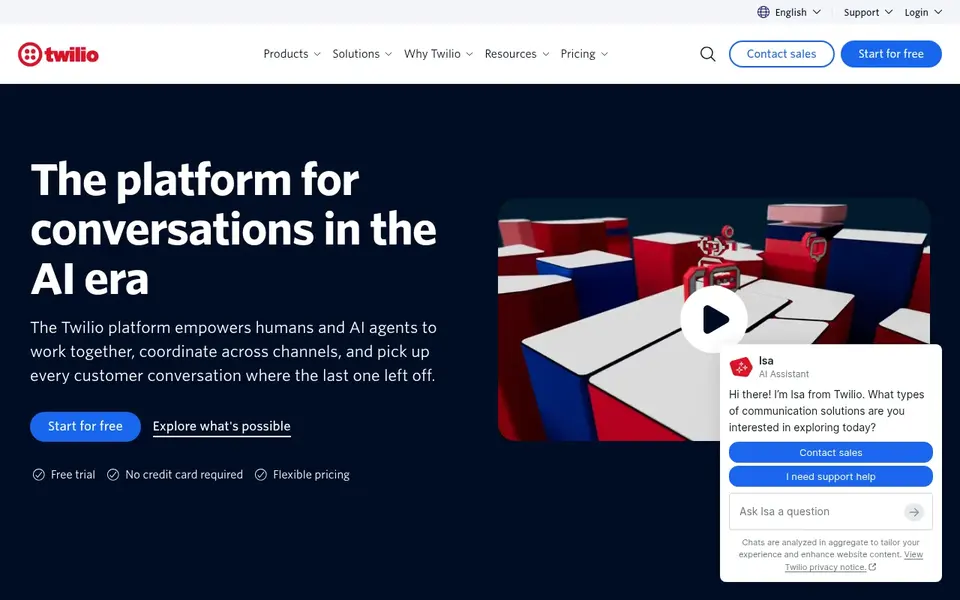
Twilio is a communications platform rather than a packaged call tracking product. You buy phone numbers and voice capabilities through an API, then build the tracking, routing and reporting you want. That suits a local business with an in-house developer, or an agency that wants to build a custom call tracking layer for several clients.
For local SEO, the appeal is control. You can create numbers per source, log calls to your own database and send conversion events wherever you need them. Nothing is pre-built, though, so the marketing dashboard, call attribution and reporting all have to be designed and maintained.
Most small local businesses should skip Twilio unless they have technical help. The flexibility is real, but so is the work. A packaged tool gets you to useful call data much faster.
- Very flexible voice and messaging APIs
- pay-as-you-go building blocks
- large developer community
- Requires development work
- no ready-made local marketing dashboard
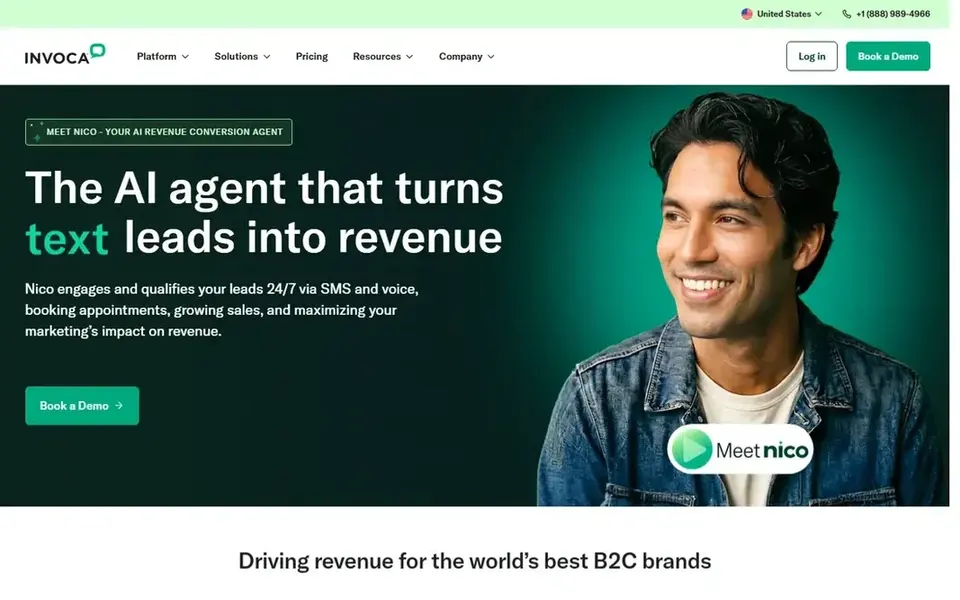
Invoca focuses on what happens inside calls, using conversation analysis to help sales and service teams understand intent and outcomes. It is aimed at larger organizations with meaningful call volume, such as multi-location service brands or businesses with dedicated sales teams. For a local business, it is relevant when phone sales are central and call quality matters as much as source tracking.
Its local use case is strongest for businesses that want to score calls, route high-value callers to senior staff and connect call outcomes to CRM records. That can help a franchise or a growing home services company see which campaigns produce real appointments rather than just calls.
The limits are fit and cost. Invoca is not designed for a small shop that wants a simple source report, and pricing is quote-based, so you need to talk to sales. Smaller businesses should start with a lighter tool.
- Conversation analysis features
- strong enterprise integrations
- built for sales-driven call handling
- Aimed at larger organizations
- pricing is quote-based
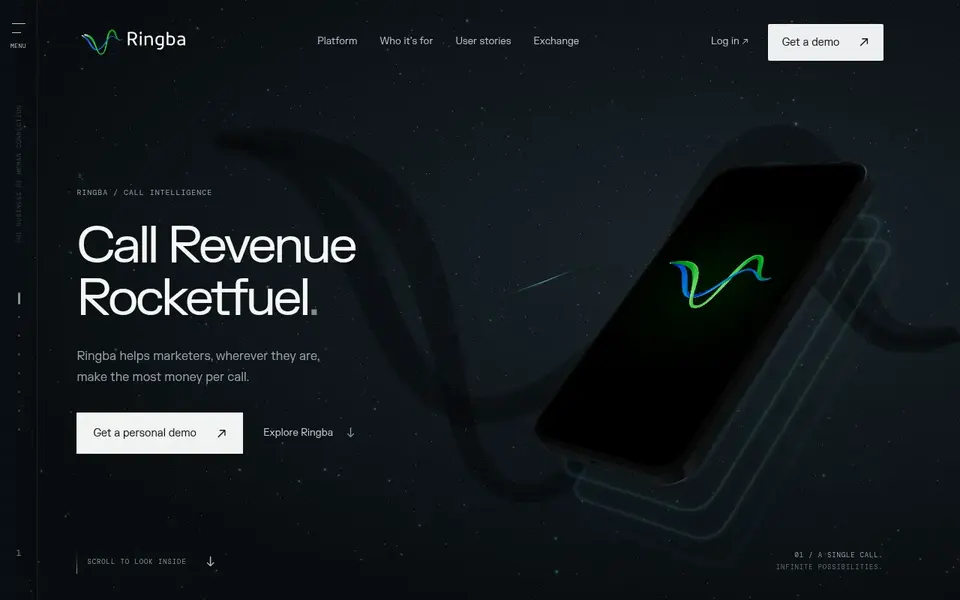
Ringba is built around pay-per-call and lead-buying operations, where calls are routed to buyers and tracked for billing and quality. That is a different world from a local plumber tracking ad sources, but some local businesses and agencies that buy or sell calls use it. It handles routing rules, buyer targets and call-level reporting for those arrangements.
If your local business model involves buying calls from publishers or running a call marketplace, Ringba fits that workflow. For a standard local service business, the features are aimed at a use case you probably do not have.
Most local businesses should treat Ringba as a specialist option. If you are not buying or selling calls, a general call tracking tool will be easier to run and understand.
- Built for call marketplace and lead-buying workflows
- detailed call routing and buyer rules
- real-time reporting
- Niche focus
- not a general local marketing dashboard
DialogTech was a well-known call analytics brand and is now part of Invoca. I list it because businesses still search for it and existing users may need to know where the product went. New buyers should go straight to Invoca's documentation rather than looking for a separate DialogTech signup.
For local businesses already using DialogTech, the practical step is to check with Invoca about migration, current features and contract terms. The call tracking basics remain, but the product direction is now set by Invoca.
There is no reason for a new local business to start with the DialogTech name. Treat this entry as a pointer to Invoca and confirm details with the vendor.
- Long history in call analytics
- features now continued under Invoca
- familiar to existing users
- Brand folded into Invoca
- new buyers should evaluate Invoca directly
How I chose
I chose these tools by reading vendor documentation and public sources, then matching each one to common local business phone workflows. I looked at how calls are attributed to sources, how numbers are managed, what integrations are documented, and where each tool clearly aims at a certain size or type of business. I did not run hands-on tests, so my notes reflect what the vendors publish and what is publicly known about each product.
I also weighed fit and limits. A tool that is excellent for a call center is not automatically right for a two-person office, and a developer platform is not a shortcut for someone who wants a dashboard. Where a product is niche, such as pay-per-call routing or a brand that has been folded into another, I say so rather than padding the list. Pricing and plan details change, so I point you to each vendor's site instead of quoting figures.
What to check before you buy
- Confirm that tracking numbers are available in your country and area code, since local numbers matter for trust and for Google Business Profile use.
- Check how dynamic number insertion works on your website platform, and whether your developer or theme supports it.
- Ask how the vendor handles call recording consent and disclosure rules where you operate.
- Confirm the Google Ads and analytics integrations you need are documented, especially offline conversion tracking.
- Map your expected number count and call minutes so you understand how usage affects cost before you commit.
- Check whether the tool supports multiple locations and users if you have more than one office or a front-desk team.
Frequently asked questions
Do local businesses really need call tracking?
If the phone produces bookings, quotes or appointments, call tracking shows which ads, pages and listings generate those calls. Without it, you know calls happen but not where they came from. A business that runs Google Ads, a Google Business Profile and a website usually benefits. If almost all business comes from walk-ins or online checkout, the value is lower.
What is dynamic number insertion?
Dynamic number insertion swaps the phone number shown on your website based on how the visitor arrived, such as from a Google Ads click or an organic search. The visitor sees a number that routes to your business, while the tool records the source. It lets you use one website to track several channels without publishing many numbers.
Will a tracking number hurt my local SEO?
Using a tracking number as the main number on your Google Business Profile can create consistency issues, because Google compares your name, address and phone across the web. Many businesses keep their main local number on the profile and use tracking numbers on ads and landing pages. Check current Google guidance and keep your core listings consistent.
Can I record calls?
Many tools offer call recording, but rules on consent and disclosure vary by location. Some places require all parties to agree, and others require a notice. Check the law where you and your callers are, set up any required announcement, and confirm how the vendor stores recordings. Do not record calls without meeting those requirements.
How do I choose between these tools?
Start with the job you need done. If you want source-level call tracking with a simple dashboard, look at CallRail. If forms and calls both matter, look at WhatConverts. If you have a dispatch team, look at CallTrackingMetrics. If you need custom building, Twilio is the developer option. Confirm current features and pricing on each vendor's site before deciding.
Sources
See where you really rank - block by block
ProMapRanker scans Google Maps across a grid of your service area. Simple monthly plans from $19, white-label on every plan.
Start freeBrowse all guides
← Best Bing Places Management Tools in 2026Best Citation Building Services for Chiropractors in 2026 →
 best apple business connect tools
Best Apple Business Connect Tools in 2026
A guide to the best Apple Business Connect tools for local businesses in 2026, covering listing management, review tools and local SEO software.
Read → pro rank tracker alternatives
Pro Rank Tracker Alternatives in 2026: Prices and Free Plans
Searching for Pro Rank Tracker alternatives? Here are 5 options with prices and free plans. Each profile ends with a plain caveat. Refreshed for 2026.
Read → best seo rank tracker tools
SEO Rank Tracker Tools in 2026: Top 5 Compared
Searching for the best SEO rank tracker tools? Here are 5 options with prices and free plans. Every pick includes one clear drawback. Narrow your shortlist.
Read → local seo for auto glass repair shops
Local SEO for Auto Glass Repair Shops
A local SEO guide for auto glass repair shops: Google Business Profile setup, reviews, and mobile-service and insurance-claim local SEO.
Read → best free local seo tools
Best Free Local SEO Tools That Are Actually Useful
The best free local SEO tools worth using, including a truly free geo-grid scan.
Read → google map pack
What Is the Google Map Pack? A Plain-English Guide
What the Google Map Pack is, why it matters, and how Google decides which three businesses show up.
Read →More in Local SEO & Google Maps · All guides A to Z by date · Latest guides