 ProMapRanker
Best BIM Objects Software in 2026

Key takeaways
- BIMobject and NBS Source offer the widest starting points for manufacturer content, while smaller libraries can fill gaps for specific product types.
- Always filter by file format before you shortlist an object, since not every listing includes a Revit family.
- Free downloads cover most browsing and download needs, while manufacturers usually pay to publish and manage their content.
- Check the level of detail, parameters and local standards for each object before you place it in a live project model.
Quick comparison
| Pick | Great for | Pricing starts at | Free tier | |
|---|---|---|---|---|
 BIMobject | Broad manufacturer coverage | Free | Yes | Visit |
 bimstore | Revit-ready manufacturer content | Free | Yes | Visit |
 NBS Source | Standards-based objects and specifications | Free | Yes | Visit |
 CADdetails | Details plus BIM content | Free | Yes | Visit |
 ARCAT | Free US building product content | Free | Yes | Visit |
 BIMsmith | Curated manufacturer libraries | Free | Yes | Visit |
 MagiCAD Cloud | MEP content for Revit | Free | Yes | Visit |
 MEPcontent | MEP families across platforms | Free | Yes | Visit |
The best BIM objects software
A BIM object is a digital version of a real building product, with geometry plus data such as size, material and performance details. The platforms below collect those objects from manufacturers so design teams can place real products in a model instead of drawing generic shapes.
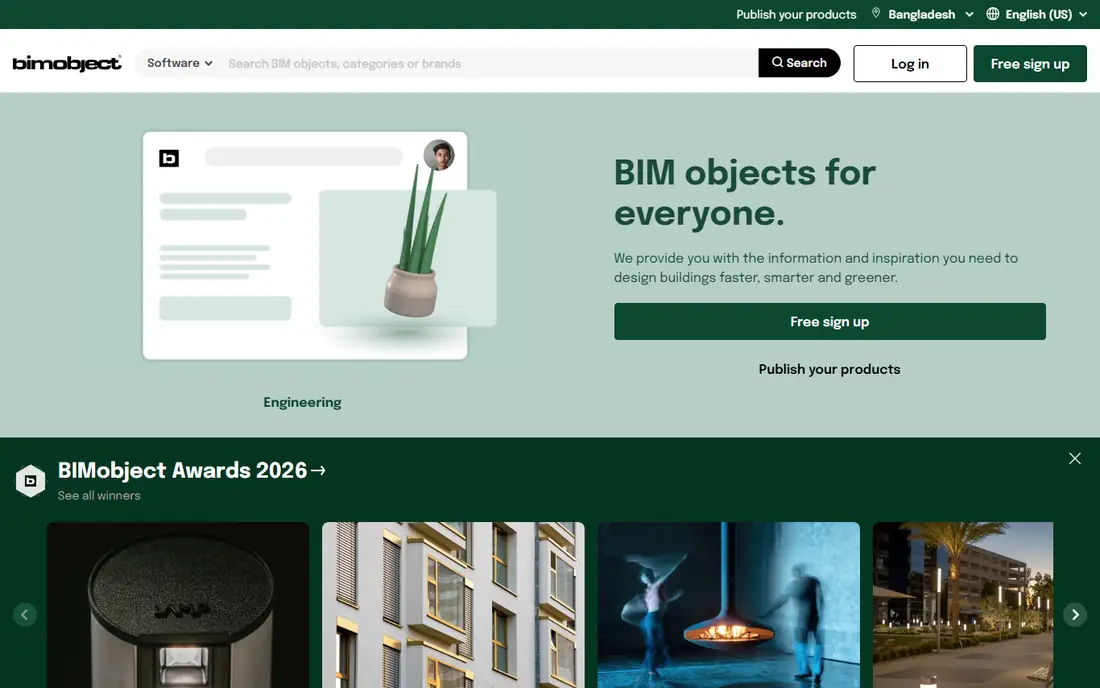
BIMobject is our first stop for most searches because its catalogue spans furniture, doors, lighting, kitchen products, HVAC, flooring and many other categories. You can search by manufacturer name, filter by format, and download content for Revit, ArchiCAD, Vectorworks, SketchUp and other tools. That breadth matters when a project mixes product types and you do not want to visit ten separate manufacturer sites.
The catch is that breadth brings uneven depth. Some objects are rich in parameters and well built, while others are simpler or missing the exact file type you need. We suggest filtering by format early, opening the product page to check what is included, and testing one family in a sample project before you commit it to a large model.
- Very large manufacturer library
- Revit plug-in and desktop app
- Multiple file formats
- Search results can include items without a Revit file
- Quality varies by manufacturer
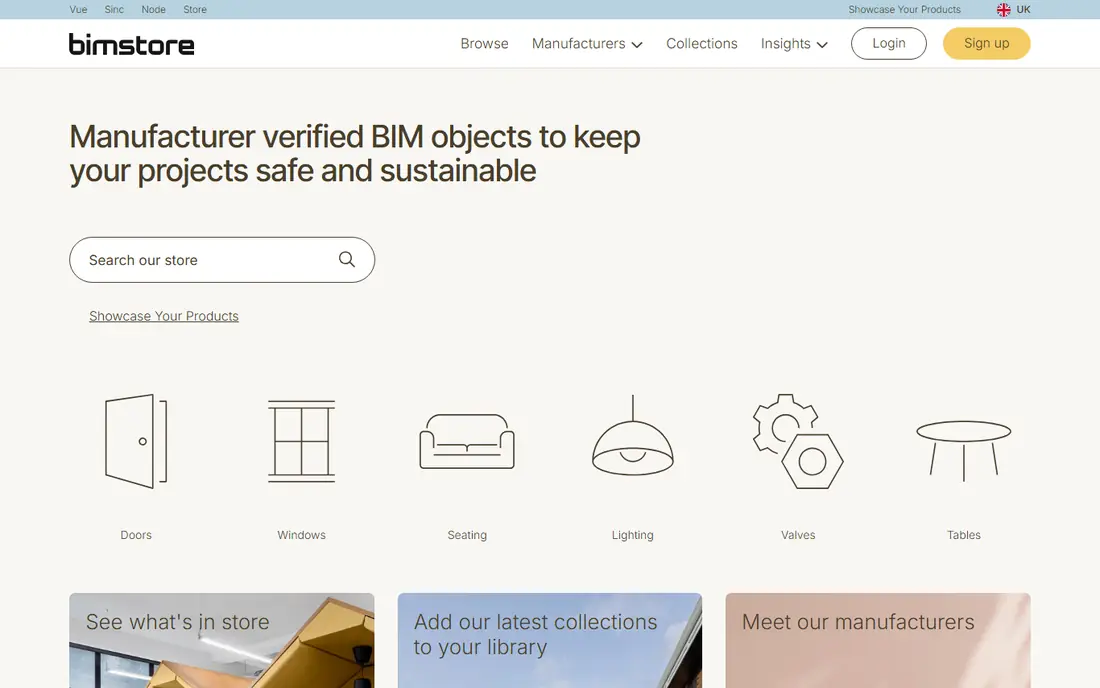
bimstore describes itself as the original BIM library, and its pitch is simple: manufacturer-approved objects you can download fast. For Revit users, that focus is a plus, since many listings are supplied as Revit families ready to load. The site is easy to browse by product type, and it suits teams that want a quick, no-fuss download rather than a long research task.
The trade-off is coverage. You may not find every brand here, and the level of detail can differ from one manufacturer to the next. Use bimstore as a strong second source, and keep BIMobject or NBS Source open for brands that do not appear here.
- Manufacturer-approved content
- Straightforward downloads
- Strong Revit focus
- Smaller catalogue than the largest libraries
- Parameter quality varies by upload
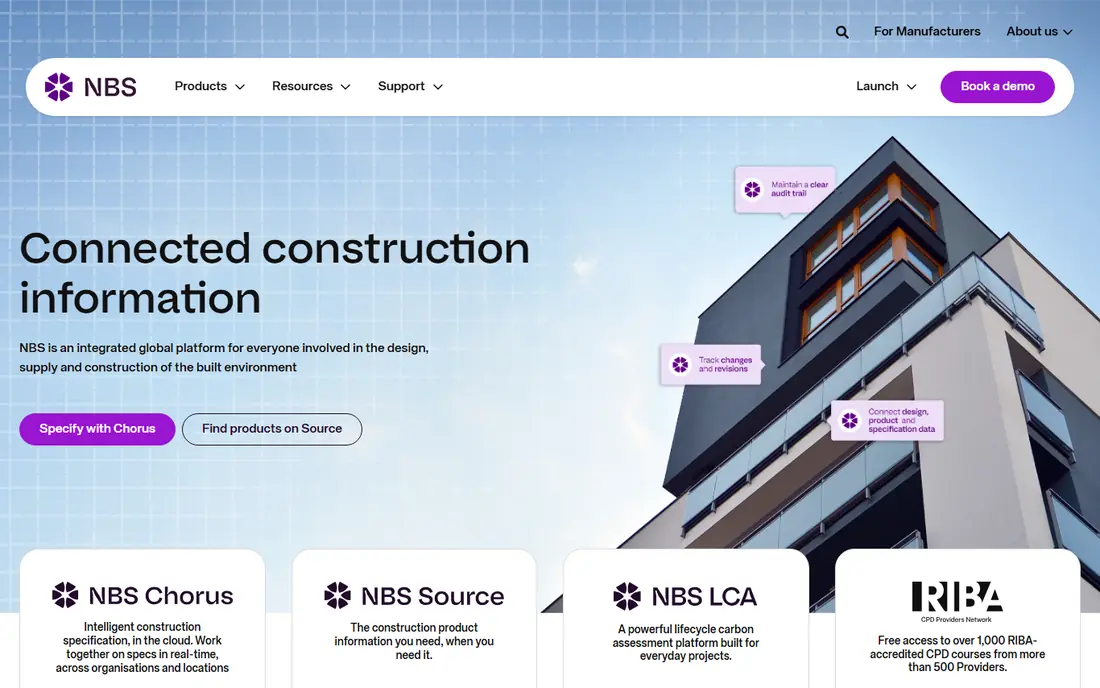
NBS Source, which now holds the former NBS National BIM Library, is the pick for teams that care about consistent, standards-based content. Manufacturer objects here meet the NBS BIM Object Standard, which aims for consistent information and naming across products. The direct link to NBS specification content is also useful, since the object and the written specification can travel together.
For US firms, the UK focus is the main limit. Objects may still work well in a model, but you should check dimensions, units and local code notes before use. For UK teams, or international teams that already work to NBS standards, this is one of the most dependable libraries available.
- Objects built to the NBS BIM Object Standard
- Links to specification content
- Revit and ArchiCAD plug-ins
- Strongest for UK practice
- Less useful for firms outside UK standards
CADdetails is useful because it pairs BIM content with the traditional CAD details many US firms still need. A designer can find a product family and the related detail drawings in the same place, which saves time during documentation. Its manufacturer coverage is broad for the US market, and much content is free to download.
The site itself is less polished than BIMobject or bimstore, and the BIM content is not always as parameter-rich as a dedicated library. Treat CADdetails as a practical working library, especially when you need both a model object and a detail, rather than as a single source for every product.
- CAD details alongside BIM files
- Wide US manufacturer coverage
- No account hurdle for much content
- Interface feels dated next to newer libraries
- BIM depth varies by manufacturer
ARCAT offers a large library of free BIM objects for the architecture, engineering and construction industry, with formats that include Revit families, DWG, SketchUp and IFC. That format range helps mixed teams, since not everyone on a project uses the same authoring tool. ARCAT also states that it does not require personal information for its free BIM objects, which removes a common annoyance.
As with other open libraries, the quality of an individual object depends on the manufacturer that supplied it. Check the geometry, parameters and file size before you load it into a project model, and keep a clean copy of any object you edit so you can reuse it later.
- Free downloads without personal details for much content
- Revit, DWG, SketchUp and IFC formats
- Large commercial product range
- Quality depends on the manufacturer upload
- Search can feel broad
BIMsmith takes a more curated approach, presenting manufacturer libraries in a clean, product-led layout. That makes it a good research tool when you are comparing similar products and want to see options side by side. The product pages are easy to read, and the focus on real manufacturer data helps during specification.
The limit is scale. BIMsmith will not replace a large library for every search, and some listings point you onward to a manufacturer site for the download. Use it early in product research, then confirm the exact file on the library that hosts it.
- Curated product libraries
- Clear product pages
- Useful for product research
- Catalogue is smaller than the biggest libraries
- Some brands link out to their own sites
MagiCAD Cloud is a specialist pick for mechanical, electrical and plumbing work. Its Revit add-in inserts objects as native Revit families, with technical data embedded in the object rather than held in a separate document. For MEP engineers, that accuracy matters, since a pump, valve or fitting needs correct connections and data, not just a plausible shape.
The clear limit is scope. This is not a general architecture library, and firms using Revit LT should note the compatibility gap reported by reviewers. For MEP teams on full Revit, though, MagiCAD Cloud is one of the most practical specialist sources in this list.
- Native Revit families for MEP products
- Technical data inside the object
- Revit add-in workflow
- Not compatible with Revit LT
- MEP only, so not a general library
MEPcontent, from Trimble, serves the same specialist audience as MagiCAD Cloud but with a broader platform approach. Reviewers note files compatible with multiple design tools and version flexibility, so older files can upgrade when downloaded. That helps teams that do not all run the same software version.
The trade-off is that a few specialist workflows feel less direct than a single-platform add-in. Still, for MEP teams that need a wide manufacturer range and cross-platform files, MEPcontent is a solid library to keep alongside MagiCAD Cloud.
- Files for multiple design platforms
- Version flexibility on downloads
- Large MEP manufacturer range
- Some workflows, such as AutoCAD Fabrication fittings, feel less direct
- MEP only
How we picked these
We compared official library pages, file format support, plug-in options and public reviewer notes for each platform. We kept only libraries that are live, offer real manufacturer content, and provide downloads in formats used by common BIM tools. We left out generic 3D model sites that do not focus on building products, since their objects often lack the data a BIM workflow needs.
What to check before you download
Start with format and version. Confirm the object is available for your authoring tool and version, and check whether it is a full family or a simpler geometry file. A pretty shape with no parameters will cost you time later when schedules and quantities need real data.
Next, check size, detail level and parameters. Heavy families slow a model, while thin families leave schedules incomplete. Look for dimensions, materials, product codes and classification data, and test the family in a sample project. Finally, confirm the product itself: is it still made, does it meet your local standards, and does the manufacturer page match the object? A quick check now prevents a substitution problem during construction.
Keep your own library clean
Downloaded objects deserve a home. Save approved families in a shared folder with clear names, note the source and date, and remove duplicates. When a manufacturer updates a product, replace the old family rather than letting both versions float around a project. That habit matters more than any single library, since a tidy internal library is what your team actually uses day to day.
Frequently asked questions
What is the best BIM objects software for Revit users?
BIMobject is a strong general starting point, with a Revit plug-in and a very large catalogue. bimstore and NBS Source are also strong for Revit, and MagiCAD Cloud or MEPcontent suit MEP work in Revit specifically.
Are BIM objects free to download?
Most libraries in this list offer free downloads for designers, while manufacturers pay to publish and manage their content. Some specialist services or premium features may carry a charge, so check the listing before you assume a download is free.
What file formats should I look for?
Revit families use RFA or RVT files, ArchiCAD uses its own library format, and IFC is a common open exchange format. DWG, SKP and GLB files can also help, but they may carry less BIM data than a native family.
How do I know if a BIM object is good quality?
Check its parameters, level of detail, file size and classification data, then test it in a sample model. Objects built to a published standard, such as the NBS BIM Object Standard, tend to be more consistent than unreviewed uploads.
Can I use UK BIM libraries on a US project?
Yes, in many cases, but check units, dimensions, product availability and local code requirements first. A UK object may need edits before it fits US practice, even when the geometry looks right.
Sources
See where you really rank - block by block
ProMapRanker scans Google Maps across a grid of your service area. Simple monthly plans from $19, white-label on every plan.
Start freeKeep reading
 wpforms alternatives
Best WPForms Alternatives in 2026
We compare 9 wpforms alternatives for WordPress forms, with free and paid options, current pricing notes, and honest limits for small business sites in 2026.
Read → windows task scheduler alternatives
Best Windows Task Scheduler Alternatives in 2026
Looking for Windows Task Scheduler alternatives? We compare 9 schedulers for Windows and cross-platform work, from free tools to enterprise automation.
Read → which ai video service is best
Which AI Video Service Is Best in 2026
which ai video service is best? We compare 10 legitimate AI video services on price, avatars, editing and output quality to help you pick the right tool.
Read →