 ProMapRanker
Best Free Bill Organizer Apps in 2026

Key takeaways
- Rocket Money is our pick for most people because its free tier detects subscriptions and tracks upcoming bills from linked accounts.
- If you refuse to link a bank account, manual apps such as BillReminder, Fudget, and Goodbudget still cover due dates and reminders well.
- TimelyBills and Spendee suit households that share bills, while PocketGuard suits people who want one safe-to-spend number after bills.
- Prism, once a popular free bill app, closed in 2024, so older guides that still recommend it are out of date.
- This is not financial advice, and no app replaces checking the actual bill, since amounts and due dates can change after an app syncs them.
Quick comparison
| Pick | Great for | Pricing starts at | Free tier | |
|---|---|---|---|---|
 Rocket Money | Automatic bill detection | Free | Yes | Visit |
 PocketGuard | Safe-to-spend after bills | Free | Yes | Visit |
 TimelyBills | Family reminders and budgets | Free | Yes | Visit |
 Spendee | Shared wallets | Free | Yes | Visit |
 Fudget | Simple bill lists | Free | Yes | Visit |
 Monarch Money | Household budgets | $14.99 per month | Free trial | Visit |
 EveryDollar | Envelope budgeting | Free | Yes | Visit |
 Goodbudget | No bank linking | Free | Yes | Visit |
 BillReminder | Email reminders | Free | Yes | Visit |
The best free bill organizer apps
A good bill organizer does three jobs. It lists what is due, reminds you before the due date, and shows what is left after bills are paid. Some apps do that by linking to your bank, while others rely on bills you type in by hand. The nine apps below cover both styles, so you can pick based on privacy comfort as much as price.
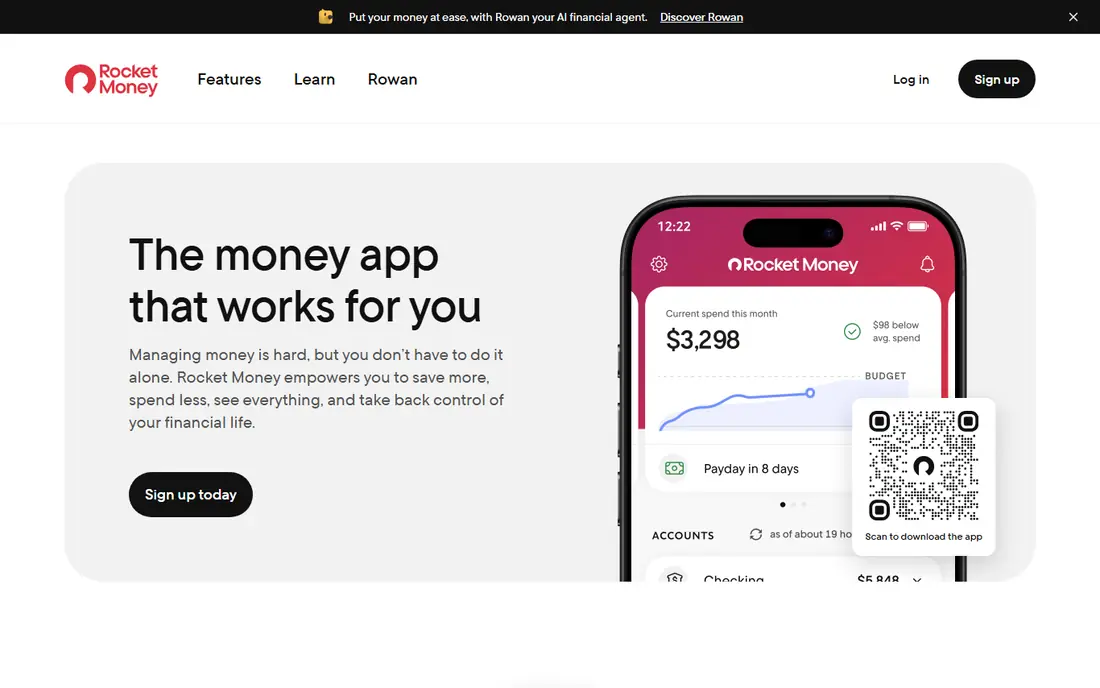
Rocket Money is the closest thing this category has to a default choice. Link checking, savings, credit card, and loan accounts once, and the app scans for recurring charges, lists upcoming bills, and flags changes in bill amounts. The free tier covers subscription detection, bill tracking, transaction history, balance alerts, and a basic budget, which is the core job for most users.
Premium adds subscription cancellation help, unlimited budgets, custom categories, and other extras on a pay-what-you-think-is-fair model from $7 to $14 per month. Bill negotiation is also available, but it takes 35 to 60 percent of first-year savings when it works, under terms that have changed over time, so read the current offer before using it. If your only goal is never missing a due date, start free and ignore the upsells.
- Free tier detects subscriptions and upcoming bills
- Balance alerts and transaction history included
- Budget tools cover the basics
- Subscription cancellation help sits behind Premium
- Premium uses a sliding $7 to $14 per month price that confuses some users
- Bill negotiation takes a share of savings
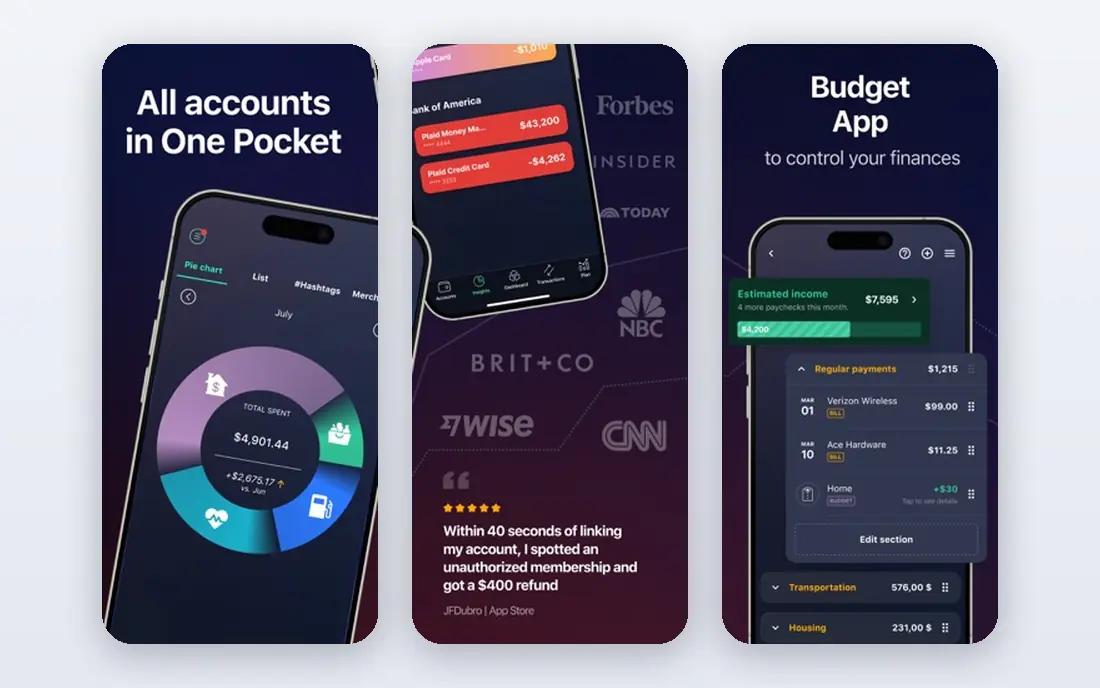
PocketGuard answers a simpler question than a full budget app. After bills, savings goals, and recurring charges, how much money is actually free to spend? The free plan shows recurring charges and basic spending, which is enough to test whether the safe-to-spend view changes your habits.
Plus, at $12.99 per month or $74.99 per year, adds custom categories, unlimited budgets, and deeper tools. Bank linking is central to the app, so privacy-minded users who refuse account connections will get less from it. For linked-account users who want a clear daily spending limit, PocketGuard is one of the most practical free starting points.
- Shows what is safe to spend after bills and savings
- Free plan tracks recurring charges
- Simple spending overview without a complex budget setup
- Plus costs $12.99 per month or $74.99 per year
- Deeper budgeting and custom categories sit behind Plus
- Bank linking is needed for the full picture
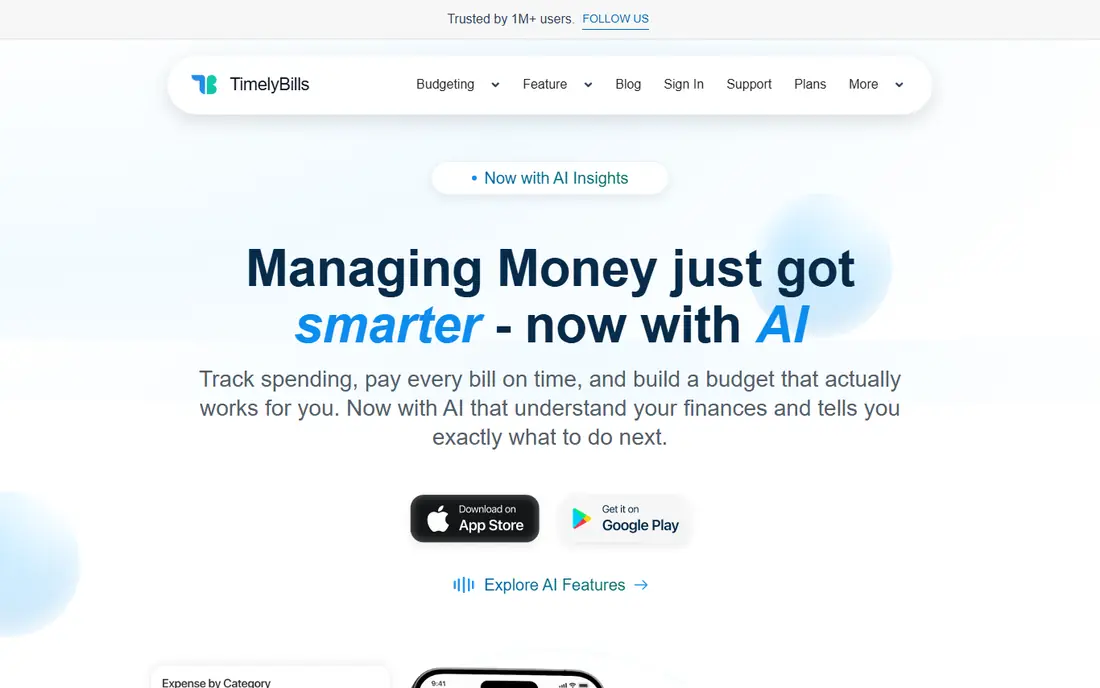
TimelyBills suits households that want reminders first and budgeting second. Add bills with due dates, get reminders before they are due, and track spending against a simple budget in the same app. Family features help when one person pays the rent and another pays utilities, since shared bills stay visible to everyone who needs them.
The app is free to download, with premium plans sold as in-app purchases, so check the store listing for current pricing before committing to a paid tier. It is broader than a pure reminder app, which some users will like and others will find busy. For families that miss bills because no one owns the calendar, TimelyBills gives that shared list a home.
- Bill reminders with due date tracking
- Budget tools and spending overview
- Family sharing options for household bills
- Premium features are sold through in-app purchases
- Interface covers many money jobs, not just bills
- Bank linking support varies by region
Spendee works best when bills are shared. Couples, roommates, and families can use shared wallets to track who paid what, split expenses, and see upcoming bills without passing screenshots back and forth.
The free tier covers core tracking and shared wallets, while Premium at $5.99 per month or $35.99 per year adds unlimited wallets, bank sync in supported regions, and extra features. Bank connection availability varies by country, so manual entry remains important for many users outside supported regions. If your main problem is splitting bills fairly, Spendee is a stronger fit than a solo budget app.
- Shared wallets for couples and roommates
- Bill and expense tracking in one view
- Clean charts for monthly spending
- Premium costs $5.99 per month or $35.99 per year
- Bank sync features vary by country
- Free tier limits some wallet features
Fudget is for people who find most money apps overbuilt. Type in income and bills, and the app keeps a running balance as you mark items paid. There is no bank login, no subscription detection, and no complex budget setup, which is exactly why privacy-minded users and minimalists keep choosing it. A single list can cover a month of bills in a few minutes.
That simplicity is also the limit. Amounts do not update on their own, recurring bills need manual care, and there is no spending analysis beyond the list itself. Plus, at $19.99 per year or $14.99 for six months, adds multiple lists and extra features. If you want a digital version of a paper bill list that lives on your phone, Fudget does that job with almost no learning curve.
- Very simple list of income, bills, and balance
- No bank linking required
- Fast to set up for a single month view
- No automatic bill detection
- Design is plain compared with modern budget apps
- Plus costs $19.99 per year for extra lists and features
Monarch Money is the premium option in this list, and it belongs here because many readers search for a free bill app and then realize they want a full household money hub. Bills and subscriptions appear on a calendar, accounts sync for a complete view, and a partner can join at no extra cost. Investment and net worth tracking go well beyond simple bill reminders.
Price is the catch. Monarch costs $14.99 per month or about $99.99 per year in recent listings, with a 7-day free trial rather than a free tier. That is hard to justify if reminders are the only need, since free apps cover that job. It makes sense for couples who want one shared money system and are willing to pay for it, not for someone who only needs a due date alert.
- Bills and subscriptions on one calendar view
- Shared household access at no extra cost for a partner
- Strong net worth and investment tracking
- No permanent free plan, only a 7-day trial
- $14.99 per month is high for bill reminders alone
- Built around linking financial accounts
EveryDollar takes a planning-first approach. Give every dollar a job for the month, list bills as scheduled transactions, and track spending against that plan. The free tier covers the core budget, which helps people who miss bills because money was already spent on other things, not because they forgot the date.
Automatic bank sync sits behind the paid tier, so free users enter transactions by hand or import them, which takes discipline. Bill reminders also work differently here, since scheduled transactions show what is coming rather than sending a dedicated bill alert for every due date. For readers who like the envelope method and want bills inside a monthly plan, EveryDollar is a solid free start. For readers who only want alerts, a dedicated reminder app is simpler.
- Simple zero-based budget with a free tier
- Scheduled transactions show upcoming bills
- Clear monthly planning view
- Automatic bank sync requires the paid tier
- Bill alerts are not as direct as dedicated reminder apps
- Envelope method needs regular manual updates
Goodbudget modernizes the cash envelope method without asking for bank logins. Put money into digital envelopes for rent, utilities, groceries, and other bills, then record spending from each envelope as the month goes on. The free tier includes 10 envelopes, which covers core bills for many single users and small households, and sharing lets a partner see the same envelopes.
Manual entry is the price of that privacy. Every bill and payment needs to be recorded by hand, and 10 envelopes can feel tight once you add subscriptions and savings goals. Paid plans remove that limit and add more accounts and history. If linking a bank account is a deal-breaker, Goodbudget is one of the best free ways to organize bills by purpose rather than by due date alone.
- Envelope budgeting without linking a bank account
- Free tier covers core envelopes and sharing
- Syncs across phones and web for a household
- Free tier is limited to 10 envelopes
- Bank sync is not the point of the app
- Manual entry takes time each week
BillReminder is the most single-purpose app in this list, and that focus helps people who only need reliable reminders. Add a bill, choose reminder timing, and get email alerts a few days before the due date, with follow-ups if a bill stays unpaid. The free plan covers up to 6 bills due each month, plus a calendar view and export, which suits smaller households.
Premium removes the bill limit, removes ads, and adds family sharing for up to six people, with shared bills visible to invited members. The app never asks for bank logins and never moves money, so you still pay each biller in your usual way and mark the bill paid. If email reminders are what actually gets you to act, BillReminder is a clean, low-risk choice.
- Email reminders before due dates and follow-ups after
- Free plan covers up to 6 bills a month
- No bank login and no money movement
- Free plan caps monthly bills at 6
- Premium needed for unlimited bills and family sharing
- It tracks bills but does not pay them
How we picked these
We compared official pricing pages, app store listings, and current bill tracker guides for apps live in October 2026. We kept apps that track bills, due dates, reminders, or subscriptions as a core job, and we excluded Prism because it closed in 2024, despite its presence in older guides. Where pricing is sold only in-app, we noted that rather than printing a web price that may not apply in your store.
How to set up a bill system that actually works
List every recurring bill once, with the biller name, typical amount, due date, and payment method. Fixed bills can often go on autopay, while variable bills such as credit cards deserve a reminder a few days before the due date, so you can check the amount before paying. Set reminders early enough to act, not on the due date itself, when a bank delay could still cause a late fee.
Check the list monthly. Subscriptions change price, utilities vary by season, and a bill that moves to a new portal can slip past an app that relied on an old connection. Keep a backup of due dates outside any single app, even if it is just a calendar with repeating events. This is not financial advice, and for debt, tax, or credit questions, a qualified professional can give advice tailored to your situation.
Linked versus manual tracking, in plain terms
Linked apps save time by detecting bills and subscriptions from accounts, but they need bank access and may miss bills paid from another account. Manual apps protect privacy and work for cash or separate accounts, but they need regular updates. Many households use both, with a linked app for detection and a manual list as a backup for bills the app cannot see.
Reminders, autopay, and late fees
Use autopay for fixed bills you trust, and reminders for variable bills you want to review. Turn on balance alerts where your bank or app offers them, since a failed payment can look like a paid bill in a tracker. If a bill is late, pay it promptly, check for a fee, and ask the biller about a one-time waiver, since some providers grant one for a first missed payment.
Frequently asked questions
What is the best bill tracker app?
Rocket Money is the best free starting point for most people because its free tier detects subscriptions and tracks upcoming bills automatically. PocketGuard suits people who want a safe-to-spend number after bills. Manual users should start with BillReminder for alerts, Fudget for a simple list, or Goodbudget for envelope budgeting without bank linking.
What is the best free bill organizer app?
Rocket Money, PocketGuard, TimelyBills, Spendee, Fudget, EveryDollar, Goodbudget, and BillReminder all offer a free tier or free download, with different limits. The best choice depends on whether you will link a bank account, share bills with a household, or track bills by hand. Try the free tier for one full billing cycle before paying for any upgrade.
Is there a free app to organize bills without a bank login?
Yes. Fudget, Goodbudget, and BillReminder all work without bank logins, using bills you enter by hand. BillReminder adds email reminders without moving money. Manual apps need regular updates, but they keep financial account access out of the picture entirely.
What happened to Prism bill app?
Prism closed in 2024, so it is no longer a working choice for bill tracking and payments, even though older articles still list it. Rocket Money, PocketGuard, and TimelyBills cover similar bill tracking jobs today. If an old guide recommends Prism, treat that guide as out of date and check the app status before downloading anything it names.
Can a bill app pay my bills for me?
Some linked apps help with subscription cancellation or bill negotiation, but most bill organizers in this list track and remind rather than pay. BillReminder states that it does not move money, and manual apps work the same way. Always confirm payment on the biller site or your bank statement, since a tracker showing a bill as due is not proof of payment.
How do I stop missing bill payments?
List every bill with its due date, set reminders a few days early, and use autopay for fixed bills you trust. Review the list monthly for price changes and new subscriptions. Pair a tracker with calendar reminders as a backup, so one missed notification does not turn into a late fee.
Sources
See where you really rank - block by block
ProMapRanker scans Google Maps across a grid of your service area. Simple monthly plans from $19, white-label on every plan.
Start freeKeep reading
 free alternatives to grok imagine
Free Alternatives to Grok Imagine in 2026
We compared the best free alternatives to grok imagine for image generation, from fast daily credits to design tools, so you can create without paying.
Read → best tools for instagram content creation
Best Tools for Instagram Content Creation in 2026
Compare the best tools for Instagram content creation, from Canva and CapCut to Later and Buffer, on design, video, planning, scheduling, and price in 2026.
Read → best tool to split pdf files
Best Tool to Split PDF Files in 2026
We compared the best tool to split pdf files on split modes, file limits, privacy and price, so you can split a PDF cleanly and keep every page in one go.
Read →