 ProMapRanker
Best BI Tools for Large Enterprises in 2026

Governed data models on Google Cloud · Pricing starts at: $3,750 per month (Standard, annual base price $45,000)
Direct answer
If you need governed data models on Google Cloud, Looker is the first tool to look at here. Listed starting prices: Looker from $3,750 per month (Standard, annual base price $45,000), IBM Cognos Analytics from $10.60 per user/month and Tableau from $15 per user/month. IBM Cognos Analytics fits governed enterprise reporting; Tableau fits visual exploration at scale. The remaining 3 options are covered below with prices and limits.
ProMapRanker compared 6 BI tools for large enterprises. The goal is a practical shortlist: published prices, free plan facts, best-fit use cases and honest limits for every entry.
Key takeaways
- Looker is the opening pick, best for governed data models on Google Cloud.
- The lowest published monthly entry price here is $10.60 per user/month, from IBM Cognos Analytics.
- Just one of the 6 tools, Microsoft Power BI, has a free plan.
- Domo suits cloud BI with usage based credits.
Quick comparison
| Pick | Great for | Pricing starts at | Free tier | |
|---|---|---|---|---|
| Looker | Governed data models on Google Cloud | $3,750 per month (Standard, annual base price $45,000) | No | Visit |
 IBM Cognos Analytics | Governed enterprise reporting | $10.60 per user/month | Free trial | Visit |
 Tableau | Visual exploration at scale | $15 per user/month (billed yearly) | Free trial | Visit |
 Microsoft Power BI | Microsoft 365 and Fabric teams | $14 per user/month (billed yearly) | Yes | Visit |
 Qlik Sense | Associative analysis and data capacity plans | $300 a month (Starter, for 10 users) | Free trial | Visit |
 Domo | Cloud BI with usage based credits | Quote only | Free trial (30 days) | Visit |
Our 6 BI tools for large enterprises
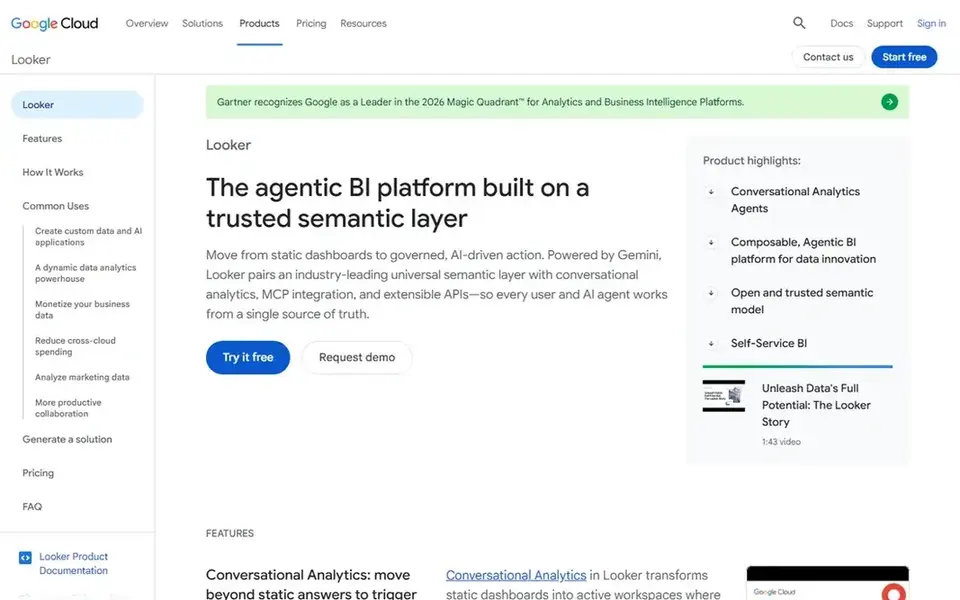
Looker targets governed data models on Google Cloud. Looker, now Looker on Google Cloud core, is aimed at enterprises that want one trusted semantic layer instead of plenty of disconnected dashboards. In daily use, the Google Cloud consumption pricing terms list Standard at $45,000 a year, or $3,750 a month, with 15,000 Looker Events included each month.
More specifically, unused events do not roll over to the next month. Enterprise is listed at $90,000 a year, or $7,500 a month, with 75,000 events included each month. The starting price for Looker: $3,750 per month. Looker has no free tier.
Trade-offs to know: the entry level is a system fee instead of a low per user price.
- LookML provides one governed definition for metrics
- Solid fit with BigQuery and Google Cloud
- Warehouse compute is billed separately
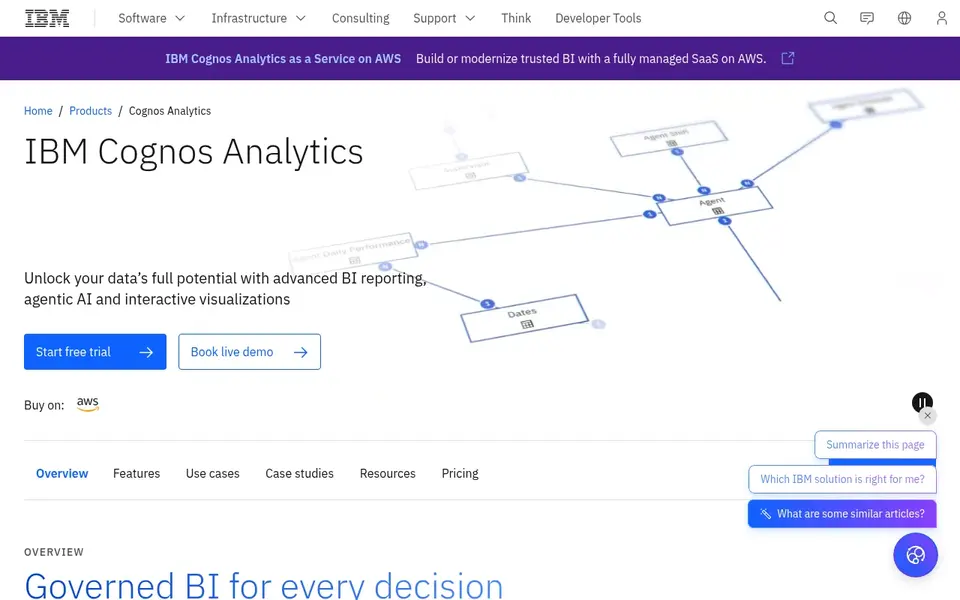
IBM Cognos Analytics works best for governed enterprise reporting. The IBM pricing page lists Standard beginning at $10.60 per Standard authorised user a month, and Premium beginning at $42.40 per Premium authorised user a month.
Limits to weigh: Standard is restricted to receiving reports and entry-level features, whereas report creation and scheduling need Premium.
Premium brings report creation, scheduling, data explorations, and advanced administration. IBM Cognos Analytics starts at: $10.60 per user/month. Trial and free access: Free trial.
- On premises
- On demand choices
- Enterprise deployment can need IBM services
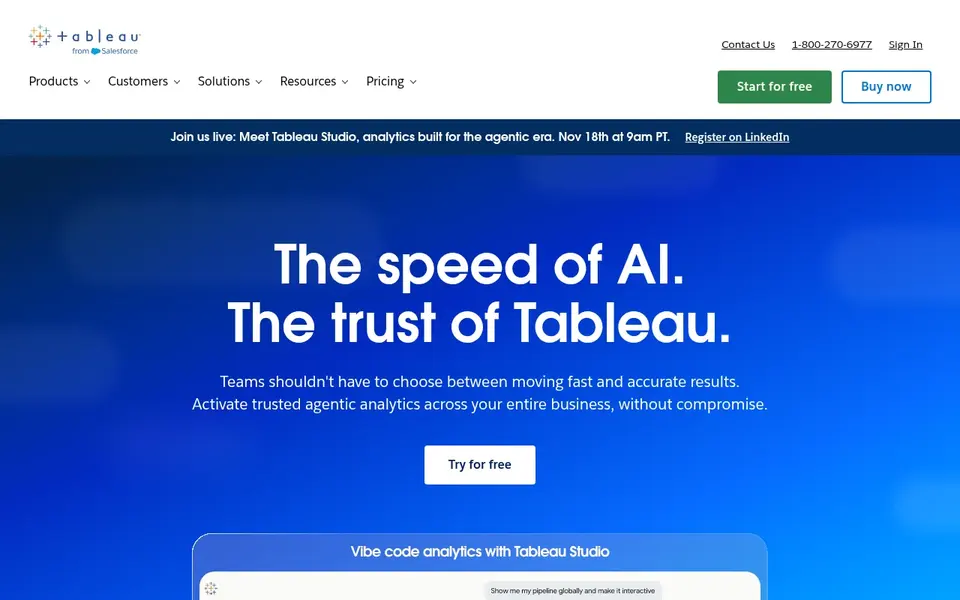
Tableau is designed for visual exploration at scale. Tableau is a solid choice for a large enterprise that wants business users to explore data visually without waiting for a central report queue.
Downsides: Every deployment needs a minimum of one Creator licence, so the $15 Viewer price is not a standalone cost.
What you pay to start with Tableau: $15 per user/month. Free access: Free trial.
- Solid visual analysis and dashboard design
- Clear role based licences for Creator, Explorer, Viewer
- Annual contracts only
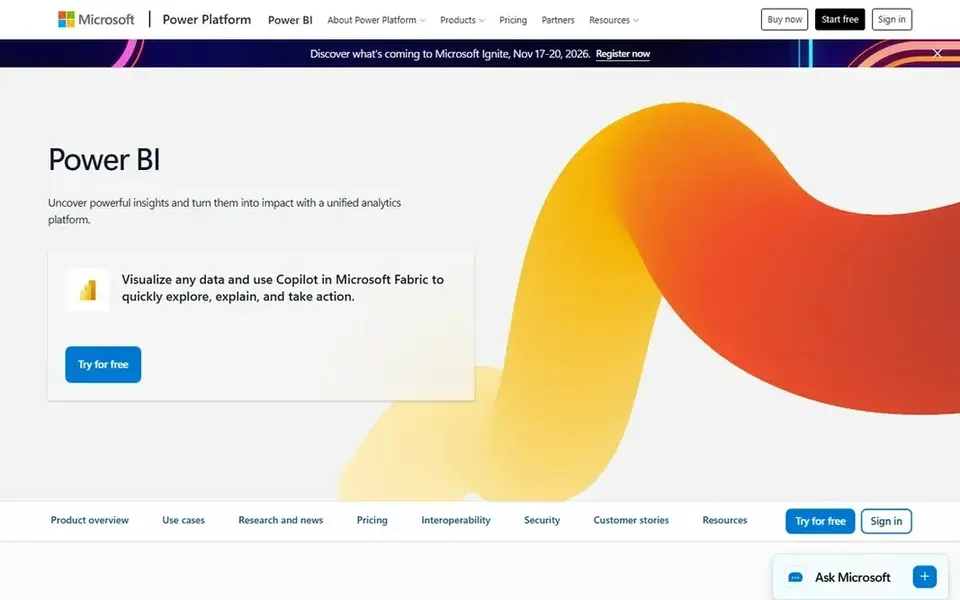
Microsoft Power BI is built with Microsoft 365 and Fabric teams in mind. The free account and Power BI Desktop let analysts build reports before a licence is bought. As for the details, a free account cannot share reports through the service.
Drawbacks to consider: Sharing needs a Pro or Premium Per User licence for most viewers below Fabric F64 capacity.
Every person who builds or shares content in a shared workspace usually needs a licenc Pro costs $14 per user a month, billed yearly, and Premium Per User costs $24 per user a month, billed yearly, based on the Microsoft pricing update opened for this article. The limits matter as much as the price. Microsoft Power BI pricing: $14 per user/month. Microsoft Power BI includes a free tier.
- Close fit with Microsoft 365, Teams, Excel, Fabric
- Large library of connectors and report types
- Capacity pricing brings a separate cost layer
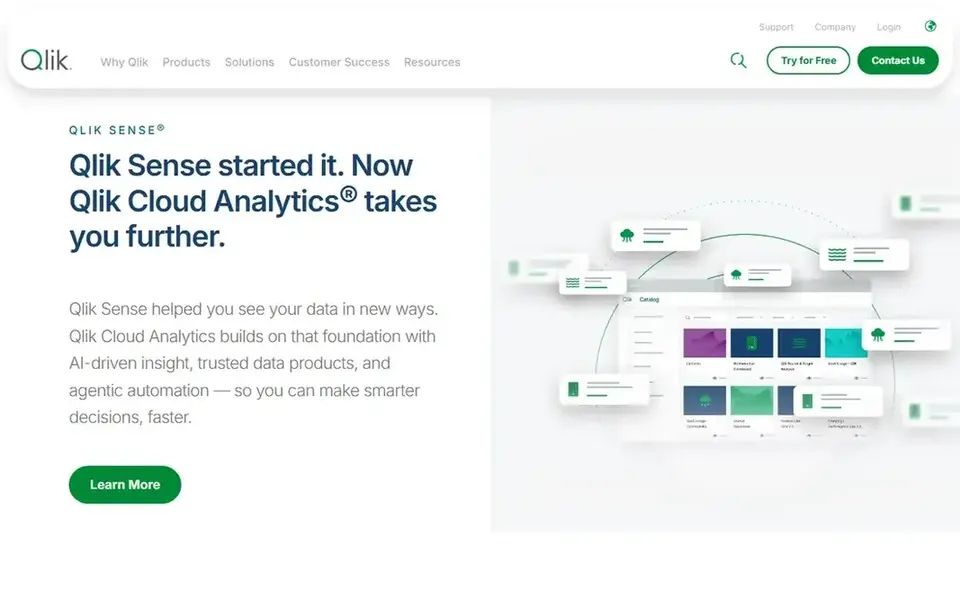
Qlik Sense is designed for associative analysis and data capacity plans. Starter is listed at $300 a month for 10 users, with a fixed 10 GB data limit.
In practice, users can click a value and see what is associated, what is possible, and what is excluded, without building a new query for each question. Starting cost for Qlik Sense: $300 per month. Trial and free access: Free trial.
Limits to weigh: Pricing switches from per user on Starter to capacity based on Standard and above, which makes direct per user comparison hard.
- Qlik Cloud comes with data integration choices
- Associative engine lets users explore related and unrelated data freely
- Enterprise is quote only
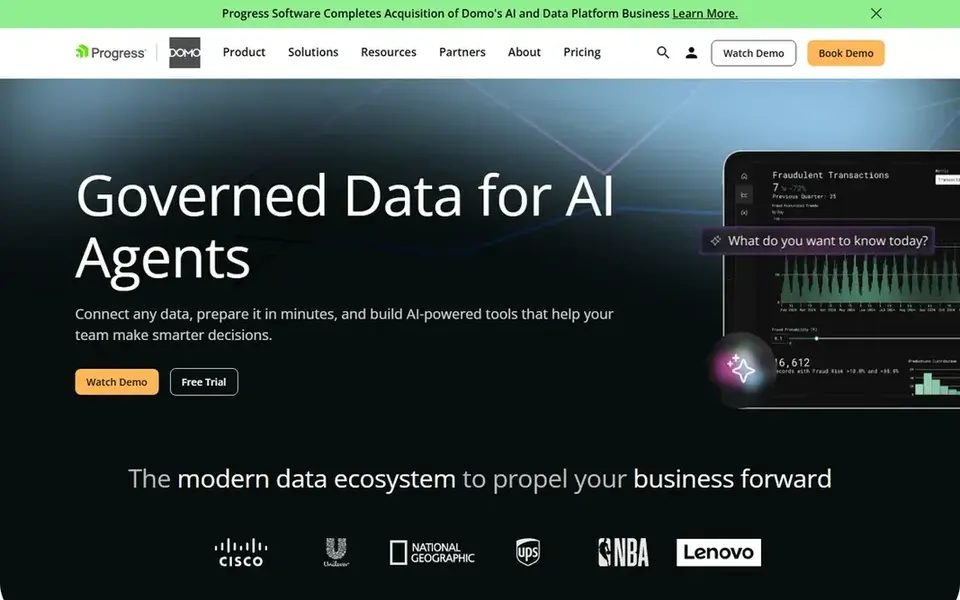
Think of Domo for cloud BI with usage based credits. Domo is a cloud BI and data system that now uses a credit based consumption model with unlimited internal users.
A large enterprise can provide access to plenty of employees without buying a licence for each viewer, which fits company broad dashboards and frontline use. There is no list price for Domo, so a quote is the way in. As for free access: Free trial (30 days).
Trade-offs to know: credit use can be hard to predict before real workloads run.
- 30 day free trial with no card required
- Unlimited internal users on the current consumption model
- No published list price, so budgeting needs a sales quote and a usage forecast
What went into this list
For each of the 6 tools we noted price, free plan or trial, fit for BI tools for large enterprises and the main limit, using vendor pages and documentation. Plan names, prices and limits change often. Treat the figures here as a starting point and verify them with the vendor. Order on the page follows fit for the typical buyer first, then price transparency and free access. Your own requirements should decide the final pick.
What to confirm before you sign up
- Confirm the entry price on the vendor page. For Domo that means a quote rather than a fixed price.
- Look at the free plan from Microsoft Power BI closely: its caps decide whether it is usable for real work.
- Use real work to test the free trial from IBM Cognos Analytics, Tableau, Qlik Sense and Domo, rather than a demo project.
- Read the limits listed for Looker first: no free plan, and the entry level is a system fee instead of a low per user price.
- List the apps you already depend on and check that Qlik Sense supports each one on the plan you would buy.
- Work out what Domo costs with your real seat count, add-ons and usage, not just the entry price.
Frequently asked questions
Which options for BI tools for large enterprises have a free plan?
Microsoft Power BI is the only tool in this list with a free plan. Free plans usually cap users, projects or features, so check the limits on the vendor page. Several others offer a trial instead. For the full picture, the cards above cover all 6 entries of this BI tools for large enterprises list, including price, free plan and limits.
Is Looker the right pick for everyone comparing BI tools for large enterprises?
No single tool suits every team. Looker comes first because it fits governed data models on Google Cloud, while IBM Cognos Analytics suits governed enterprise reporting and Tableau suits visual exploration at scale. Match the tool to your own size, budget and workflow before deciding.
Do these tools publish their prices?
Not all of them. Domo publishes no starting price, so expect a quote request for it. The rest, Looker included, show a starting price, though seats and billing terms still change the final cost.
What is the cheapest option for BI tools for large enterprises in this list?
On published monthly entry prices, IBM Cognos Analytics is the lowest here at $10.60 per user/month. Entry price is only part of the cost, because seats, add-ons and billing terms can change the total.
What should we ask for in a BI vendor quote?
Ask for a written quote that lists licence type, user count by role, data limits, refresh limits, support level, implementation services, and renewal terms as separate lines.
Sources
See where you really rank - block by block
ProMapRanker scans Google Maps across a grid of your service area. Simple monthly plans from $19, white-label on every plan.
Start freeBrowse all guides
← Excel Alternatives in 2026: Prices and Free PlansData Mining Software: Best Picks of 2026 →
 best report software
6 Best Report Software for 2026
Searching for the best report software? Here are 6 options with prices and free plans. Weaknesses are named for every tool. Reviewed in November 2026.
Read → best oil and gas benchmarking analytics platform
Best Oil and Gas Benchmarking Analytics platform in 2026
Best oil and gas benchmarking analytics platform, compared. 7 tools with published prices, free plans and limits. Short verdicts, no fluff. Facts only.
Read → best delivery tracking software for small fleets
6 Best Delivery Tracking Software for Small Fleets in 2026
Best delivery tracking software for small fleets in 2026: 6 tools with starting prices, free plans and limits. Concise write-ups of every option. No filler.
Read → best sustainability reporting software
Best Sustainability Reporting Software in 2026
We compare the best sustainability reporting software for ESG disclosure, carbon data, frameworks, audit trails, and pricing in 2026 for teams of all sizes.
Read → best contact center analytics platforms
Comparing 6 Contact Center Analytics Platforms in 2026
Shortlisting the best contact center analytics platforms? 6 products compared on cost, free access and ideal buyer. Prices and drawbacks included. Easy to scan.
Read → best data extraction software for automation
6 Best Data Extraction Software for Automation Options for 2026
6 tools for the best data extraction software for automation, compared on pricing, free plans and best-fit use. Fit and flaws are laid out for each entry.
Read →More in Data & Analytics · All guides A to Z by date · Latest guides