 ProMapRanker
6 Best Data Extraction Software for Automation Options for 2026

Direct answer
If you need AI-powered web extraction APIs, Diffbot is the first tool to look at here. Octoparse is better for no-code web extraction, and ParseHub is better for visual web scraping. The full list of 6 tools follows, with prices and free plan facts.
Key takeaways
- The list opens with Diffbot, aimed at AI-powered web extraction APIs.
- A free plan is available from 2 of the 6 tools: Octoparse, ParseHub.
- Pricing across the list, from Diffbot to UiPath, is by quote only.
- A fair warning about Diffbot: API pricing scales with volume.
Quick comparison
| Pick | Great for | Pricing starts at | Free tier | |
|---|---|---|---|---|
 Diffbot | AI-powered web extraction APIs | See website | Free trial | Visit |
 Octoparse | No-code web extraction | See website | Yes | Visit |
 ParseHub | Visual web scraping | See website | Yes | Visit |
 Bright Data | Scraping with proxy infrastructure | See website | Free trial | Visit |
 Import.io | Managed web data extraction | See website | Free trial | Visit |
 UiPath | Enterprise document and web extraction | See website | Free trial | Visit |
The full data extraction software for automation list
This ProMapRanker guide covers 6 options for data extraction software for automation. Each profile lists a starting price, free plan details, strengths and drawbacks, so you can drop poor fits quickly.
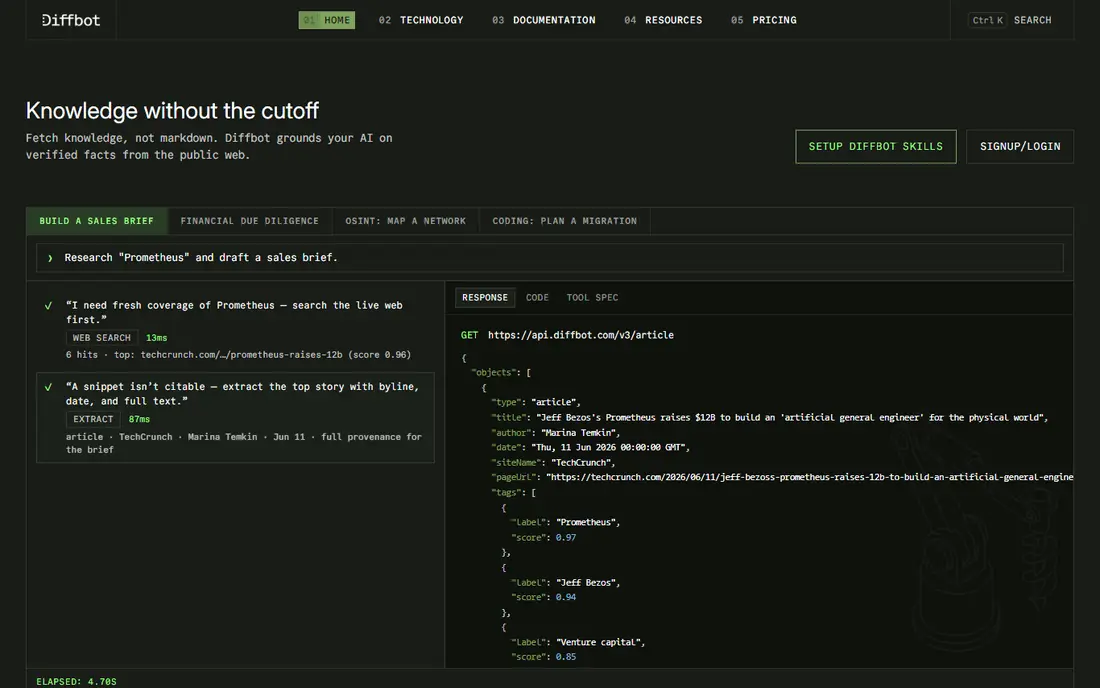
Diffbot is built with AI-powered web extraction APIs in mind. API pricing scales with volume, and teams lose the fine control that custom scrapers offer over edge cases. In practice, send an URL and get structured JSON back, which fits applications that require data from numerous different sites without maintaining a scraper per site.
Its knowledge graph links entities across the web. From a buyer's view, Diffbot also enriches extracted pages with entity and relationship data, which fits research and knowledge applications more than straightforward list building. Diffbot's APIs extract articles, products, discussions, and structured data from web pages automatically, using machine learning instead of per-site configuration. This comparison lists no price for Diffbot; ask the vendor. As for free access: Free trial.
Points against: Less control than custom scrapers.
- Automatic extraction APIs
- No per-site configuration
- API pricing scales with volume
For no-code web extraction, Octoparse is a natural candidate. Octoparse lets non-developers build scrapers by clicking elements on a page, with templates for typical sites and cloud runs for scheduled jobs. That visual approach opens extraction to analysts and marketers who cannot code, and its free level includes small projects.
Watch-outs: Advanced logic needs premium levels.
For everyday use, Octoparse suits non-technical teams that require regular web data without hiring developers, for lists, prices, and catalogs. Also, export to spreadsheets, databases, and APIs keeps data usable downstream. Octoparse does not show a starting price in this comparison, so check the vendor site for current pricing. A free plan is available with Octoparse.
- Point-and-click extraction
- Templates for typical sites
- Windows app for building
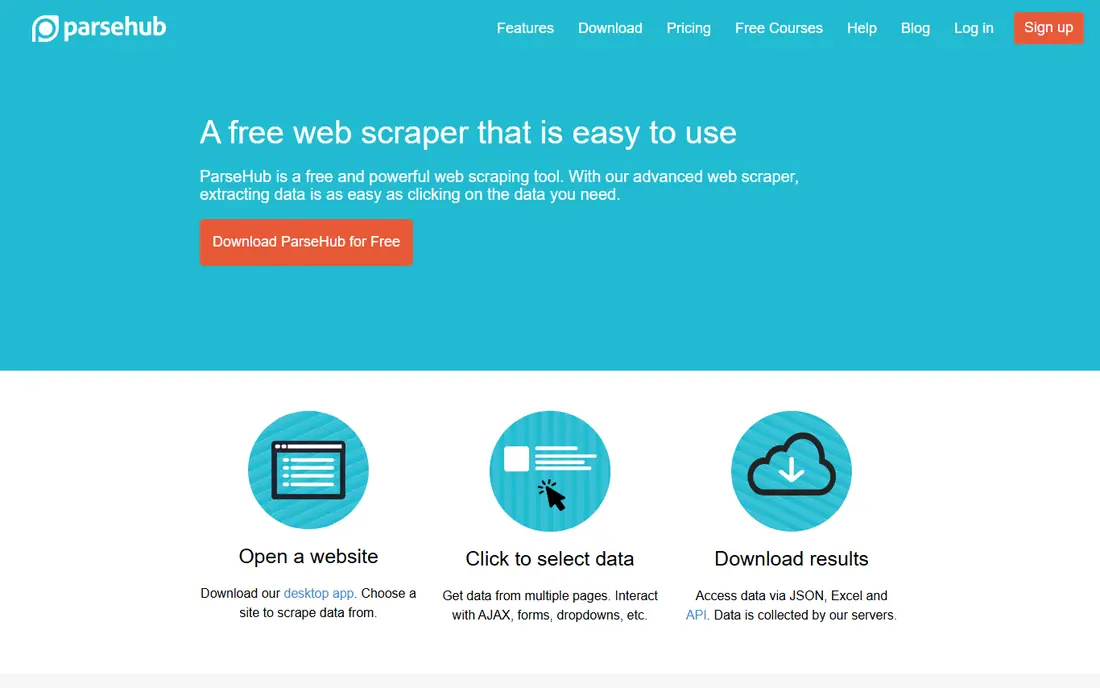
In short, ParseHub is for visual web scraping. ParseHub is a visual scraper that deals with JavaScript-heavy sites, infinite scroll, and login flows through point-and-click selection. Its free level handles small projects with restricted pages, and premium tiers add cloud runs, quicker extraction, and API access.
Reasons to shortlist it: Free level.
What to check first: premium levels for scale; Slower for very large jobs.
Analysts use it for research, price tracking, and lead lists without writing code. ParseHub also supports scheduled runs on premium levels, so recurring research jobs can refresh without manual reruns. ParseHub shows no starting price here, so confirm the cost on the vendor site. ParseHub has a free plan.
- Manages JavaScript sites
- Visual point-and-click
- Desktop app
Bright Data is a good fit for scraping with proxy infrastructure. Bright Data merges one of the largest proxy networks with scraping browsers, datasets, and APIs, which solves the hardest part of large-scale extraction: access without blocks. More specifically, pricing is premium and complicated, based on bandwidth, requests, and features, so budgeting needs care.
Honest limits: Needs care on compliance.
As for the details, compliance also needs attention: Bright Data's tools are feature-rich. Users remain responsible for respecting site terms and applicable law. Pricing for Bright Data is not stated here, so ask the vendor for current figures. Free options: Free trial.
- Datasets and APIs
- Huge proxy network
- Complicated pricing model
Import.io was built for managed web data extraction. AI-assisted extraction adapts to site changes, and enterprise support spans data quality and delivery.
In practice, import.io gives you web data extraction as a system plus a managed service, where its team can build and maintain extractors for customers. Pricing for Import.io is not stated here, so ask the vendor for current figures. Free plan details: Free trial.
Points against: Less self-serve than Apify or Octoparse.
- Managed service choice
- Enterprise support
- Quote-based pricing
UiPath works best for enterprise document and web extraction. UiPath's Document Understanding extracts structured data from PDFs, invoices, forms, and emails, feeding it into wider robotic process automation workflows.
Watch-outs: Enterprise pricing and complexity.
Its AI Center layers on machine learning models for document types that rules alone cannot manage. UiPath does not show a starting price in this comparison, so check the vendor site for current pricing. As for free access: Free trial.
- Document Understanding for PDFs and forms
- Capable governance
- Overkill for straightforward scraping
How we compared the tools
Each tool was reviewed on what its vendor publishes: price, plan limits, core features and stated drawbacks. We did not run hands-on tests. Prices and plan limits come from vendor pages and can change, so confirm them on the vendor site before you buy. Order on the page follows fit for the typical buyer first, then price transparency and free access. Your own requirements should decide the final pick.
Things to verify first
- Confirm the entry price with every vendor: no tool from Diffbot to UiPath shows a fixed starting price.
- Look at free plan limits closely: Octoparse and ParseHub have one, and the caps decide whether it is usable for real work.
- Take the trial from Diffbot, Bright Data, Import.io and UiPath and push a live task through it before you pay.
- Read the limits listed for Diffbot first: API pricing scales with volume.
- Test the integrations you rely on with Octoparse before committing; some connectors sit on upper tiers.
- Make sure Diffbot lets you export your data in a format another tool can read.
Frequently asked questions
Which options for data extraction software for automation have a free plan?
Octoparse and ParseHub offer a free plan in this list. Free plans usually cap users, projects or features, so check the limits on the vendor page. Several others offer a trial instead.
Do I need proxies for web scraping?
For small, polite jobs, typically not. In daily use, use reputable proxy providers, respect rate limits even with proxies, and never use proxies to evade an explicit ban.
Do these tools publish their prices?
No. None of the tools, from Diffbot to UiPath, shows a fixed starting price here, so budget time for quotes.
Can I try these tools before paying?
Often, yes. Octoparse and ParseHub have a free plan and Diffbot, Bright Data, Import.io and UiPath offer a free trial. Use your own data and a real task during the test, and check what the free tier or trial limits before you rely on it.
How are the tools for data extraction software for automation ordered?
The order follows typical fit for data extraction software for automation, with Diffbot first and UiPath last, then price clarity and free access. It is editorial judgement, not a score, so another team could rank the tools differently.
Sources
See where you really rank - block by block
ProMapRanker scans Google Maps across a grid of your service area. Simple monthly plans from $19, white-label on every plan.
Start freeKeep reading
 zoho inventory alternatives
6 Alternatives to Zoho Inventory, Compared on Price and Fit
Zoho Inventory alternatives: 6 tools compared on price, free plans and fit. Katana leads the list for manufacturers. Fit and flaws are laid out for each entry.
Read → zoho crm alternatives
Best Zoho CRM Alternatives (2026)
Need Zoho CRM alternatives? We compare 7 tools on cost, free access and who each suits. Every pick gets a straight assessment. Built for quick decisions.
Read → zelle alternatives
Best Zelle Alternatives in 2026
Compare the best Zelle alternatives for sending money to friends, paying sellers and moving funds abroad, with honest notes on fees, speed and safety in 2026.
Read →