 ProMapRanker
Best Barcode Software in 2026


Enterprise label design and printing · Pricing starts at: See website
Key takeaways
- BarTender and Loftware NiceLabel lead for regulated and multi-site labeling, while ZebraDesigner is the free starting point for Zebra printer owners.
- TEKLYNX CODESOFT and Labeljoy cover the middle ground for teams that need solid design without an enterprise platform.
- TEC-IT Barcode Studio, WaspLabel, and IDAutomation suit smaller jobs, single PCs, and Office-based barcode generation.
- Test a printed label on your real scanner before buying, since a design that looks right on screen can still fail at line speed.
Quick comparison
| Pick | Great for | Pricing starts at | Free tier | |
|---|---|---|---|---|
| BarTender | Enterprise label design and printing | See website | Free trial | Visit |
 Loftware NiceLabel | Cloud label management across sites | See website | Free trial | Visit |
 ZebraDesigner | Free design for Zebra printers | Free | Yes | Visit |
 TEKLYNX CODESOFT | Mid-market label design and integration | See website | Free trial | Visit |
 TEC-IT Barcode Studio | Barcode generation and Office use | See website | Free trial | Visit |
 Labeljoy | Small business label design | See website | Free trial | Visit |
 WaspLabel | Small business inventory labeling | See website | Free trial | Visit |
 IDAutomation | Barcode fonts, tools, and label software | See website | Free trial | Visit |
The best barcode software
These tools design, generate, and print barcodes and labels for warehouses, shops, and factories. We compared official product pages, pricing pages, documentation, and public reviews.
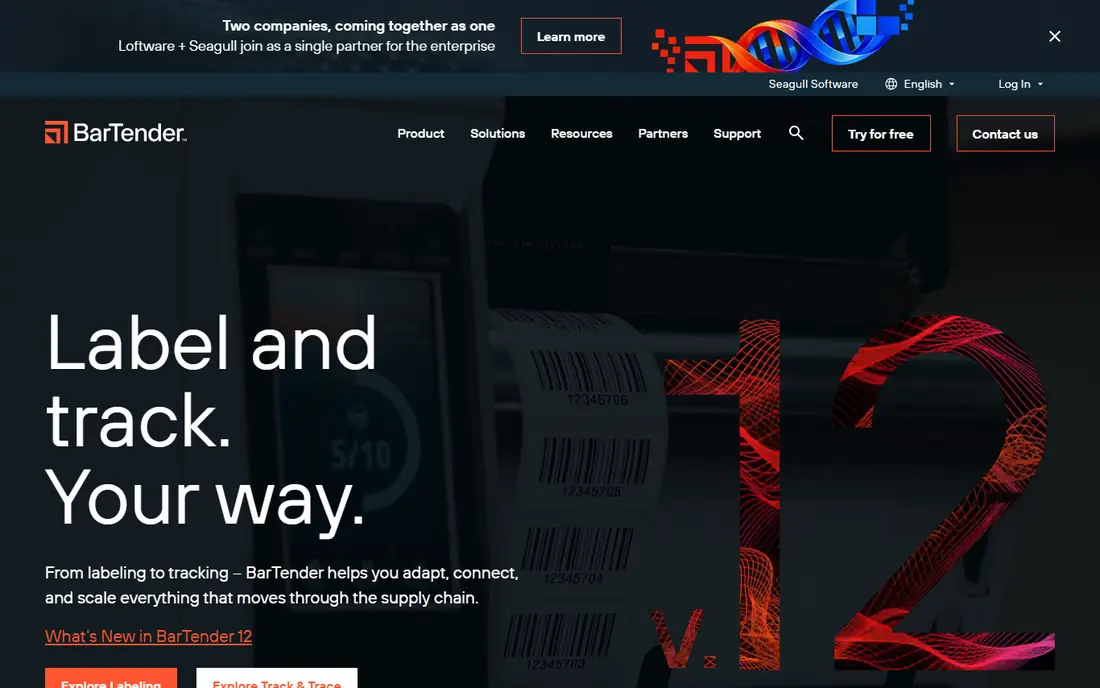
BarTender, from Seagull Scientific, is the standard answer for professional barcode labeling. It designs labels with a wide range of symbologies, pulls data from databases, spreadsheets, and ERP systems, and manages printing across many printers from a central console. For regulated industries, the higher editions add template control, audit trails, and web printing.
The pricing model needs attention. BarTender licenses by printer in many editions, which is fair for a small warehouse but becomes a real budget item at hundreds of printers. Still, when a misprinted label can stop a line or trigger a recall, its driver library and reliability explain why so many operations standardize on it.
- Huge printer driver library
- Database and ERP connections
- Editions scale from one printer to global fleets
- Higher editions get expensive
- Licensing by printer adds up at scale
Loftware NiceLabel treats labeling as a managed process rather than a desktop task. Templates live in a central system with version control and approval workflows, and printing can be triggered from a browser, an ERP system, or a web service. That design is exactly what multi-site manufacturers need: one approved template, printed the same way everywhere, with a record of changes.
The trade-off is accessibility. Pricing is quote-based and aimed at enterprise budgets, and small teams printing from one PC will find it heavy. Choose NiceLabel when label errors carry regulatory or recall risk, and choose a simpler tool when they do not.
- Central template control with approvals
- Browser-based design and printing
- Strong audit trails
- Quote-only pricing
- Heavier than a single-PC label tool
ZebraDesigner is the obvious starting point if your printers are already Zebra. The free Essentials edition covers basic label design with text, barcodes, and images, and the paid Pro editions add database connections, RFID support, and more advanced features. Since it comes from the printer maker, driver and printer compatibility is rarely a question.
The limit is hardware scope. ZebraDesigner is not a general tool for mixed printer fleets, and teams with several brands will need a broader platform. For a Zebra-only shop, though, it is hard to argue with a free, well-supported designer.
- Free Essentials edition
- Built for Zebra printers
- Simple drag-and-drop design
- Limited to Zebra hardware in practice
- Advanced automation needs paid editions
TEKLYNX CODESOFT sits in the middle of this market: more capable than a free printer utility, less heavy than a full cloud labeling platform. It designs labels, connects to databases and business systems, and prints across a wide range of printer brands. Mid-market manufacturers and warehouses that have outgrown basic tools often land here.
The catch is buying clarity. Pricing varies by edition and channel, so get a quote for the exact edition and printer count you need. The interface also shows its age compared with newer web tools, but the core design and integration work remains solid.
- Strong label design and database support
- Wide printer compatibility
- Scalable editions
- Quote-based pricing for many editions
- Interface feels dated to some users
TEC-IT Barcode Studio focuses on one job: making correct barcode images. It supports a wide set of symbologies, exports images for documents, packaging, and Office files, and suits teams that need barcodes inside reports, sheets, and presentations rather than a factory label system. That narrow focus keeps it simple to learn.
The limit is scope. Barcode Studio does not replace a label management platform with approvals, central templates, and fleet printing. Use it when the barcode itself is the deliverable, and use BarTender or NiceLabel when the whole label process needs control.
- Generates many barcode types as images
- Office integration
- Useful without a full label platform
- Not a full label management system
- Printing workflows need other tools for scale
Labeljoy is a friendly label designer for small businesses that print their own product, shelf, and shipping labels. The visual editor, templates, and barcode tools make it easy to produce clean labels without training, and the price point suits shops that print in modest volumes. For a small brand, that balance is often enough.
The trade-off is scale. Labeljoy lacks the central governance, audit trails, and ERP depth of enterprise platforms, so regulated manufacturers should look higher up this list. For a shop that needs good-looking labels this week, though, it is a practical pick.
- Easy visual label designer
- Built-in barcode support
- Works for product and shelf labels
- Less suited to regulated enterprise workflows
- Database features are lighter than rivals
WaspLabel, from Wasp Barcode Technologies, suits small businesses that label inventory, assets, and stock items. It designs labels with barcodes, text, and images, and it pairs naturally with Wasp inventory and asset tracking software. Shops that already use Wasp scanners and systems will find the workflow familiar.
The catch is ecosystem fit. WaspLabel shines inside a Wasp setup, while a mixed fleet with many printer brands and ERP links may need a broader tool. For a single shop tracking its own stock, that focus is a feature rather than a flaw.
- Pairs well with Wasp inventory tools
- Simple asset and item labeling
- Barcode and RFID options
- Best inside the Wasp ecosystem
- Less broad than BarTender for mixed fleets
IDAutomation covers a different corner of this market: barcode fonts, components, and label tools that developers and offices embed in their own systems. Its fonts let Word, Excel, and other programs print scannable barcodes, and its label software covers straightforward design and printing jobs. That flexibility suits teams that build barcodes into documents and apps.
The limit is guidance. The catalog is broad, so buyers should confirm exactly which product matches their use case before purchasing. IDAutomation is strongest for generation and embedding work, not for running a regulated, multi-site label approval process.
- Wide barcode font and component library
- Label software for Windows
- Good for developers and offices
- Product range can confuse first-time buyers
- Enterprise governance is lighter than rivals
How we picked these
We compared official product pages, pricing pages, documentation, and public reviews, and we kept only tools that are still sold and supported in October 2026. We mixed enterprise platforms with free and small-business tools, so readers can match budget and control needs rather than defaulting to the biggest name. Where pricing was not published, we list See website rather than repeating reseller figures as official prices.
What to check before you choose
Start with your printer fleet and your data source. A tool that supports your exact printer models and pulls data from your spreadsheet, database, or ERP system will save more time than any design feature. Next, check the barcode types and label sizes you actually use, including 2D codes, since not every tool covers every symbology equally well.
Test before you buy. Print a batch on your real printers, scan them with your real scanners, and check print speed and quality at your normal volume. Finally, count printers, not just users, since several tools in this market license by printer and the total can surprise teams that only budgeted per seat.
Frequently asked questions
What is the best barcode software for small businesses?
Labeljoy and WaspLabel are strong small-business picks for straightforward label design, while ZebraDesigner is free for Zebra printer owners. Larger operations usually need BarTender or TEKLYNX CODESOFT.
What is the top barcode software for enterprises?
BarTender and Loftware NiceLabel lead for enterprise use, with BarTender stronger for on-premise fleet printing and NiceLabel stronger for cloud-based central control. The right pick depends on deployment preference and regulatory needs.
Is there free barcode software?
Yes, for basic needs. ZebraDesigner Essentials is free for Zebra printers, and TEC-IT and other vendors offer trials. Free tools suit simple labels, while regulated or high-volume work usually needs a paid platform.
Can barcode software generate QR codes?
Yes, most tools here support QR codes alongside traditional 1D barcodes. Check the symbology list for your exact needs, since support varies by tool and edition.
Do I need special printers for barcode software?
You need a printer that can produce sharp, correctly sized barcodes, usually a label or thermal printer for warehouse and retail use. Confirm your printer model is supported before buying a paid tool.
Sources
See where you really rank - block by block
ProMapRanker scans Google Maps across a grid of your service area. Simple monthly plans from $19, white-label on every plan.
Start freeKeep reading
 wpforms alternatives
Best WPForms Alternatives in 2026
We compare 9 wpforms alternatives for WordPress forms, with free and paid options, current pricing notes, and honest limits for small business sites in 2026.
Read → windows task scheduler alternatives
Best Windows Task Scheduler Alternatives in 2026
Looking for Windows Task Scheduler alternatives? We compare 9 schedulers for Windows and cross-platform work, from free tools to enterprise automation.
Read → which ai video service is best
Which AI Video Service Is Best in 2026
which ai video service is best? We compare 10 legitimate AI video services on price, avatars, editing and output quality to help you pick the right tool.
Read →