 ProMapRanker
Best Baby Monitor With App in 2026

Key takeaways
- Nanit Pro is our pick for sleep data, with an overhead view and optional analytics, while CuboAi Plus suits parents who want AI safety alerts from above the crib.
- Owlet Dream Duo 3 is the pick for pulse and oxygen readings in healthy babies, with a clear note that no monitor prevents sudden infant death syndrome.
- Eufy E21 suits parents who want both a parent unit and an app, with no required monthly fee.
- Harbor and Miku Pro appeal for different reasons: Harbor for local backup and privacy focus, Miku Pro for contact free breathing monitoring.
- App monitors depend on home WiFi and account security, so use a unique password, keep firmware updated, and check each vendor stated encryption and privacy controls before you buy.
Quick comparison
| Pick | Great for | Pricing starts at | Free tier | |
|---|---|---|---|---|
 Nanit Pro | Sleep data and overhead view | $289 | No | Visit |
 CuboAi Plus | AI safety alerts | $249 | No | Visit |
 Miku Pro | Contact free breathing monitoring | $249 | No | Visit |
 Lollipop Baby Camera | Simple app video with sensors | See website | No | Visit |
 Owlet Dream Duo 3 | Pulse and oxygen readings | $379.99 | No | Visit |
 eufy E21 | Parent unit plus app, no fee | $259.99 | No | Visit |
 Harbor | Privacy and local backup | $499 | No | Visit |
 Hubble Connected Nursery Pal | Budget app monitoring | See website | No | Visit |
 Motorola PIP1610 | App plus parent unit option | See website | No | Visit |
The best baby monitor with app
The best baby monitor apps give you live video, two-way audio, and alerts on your phone, but the best baby monitor with app and screen is a different choice for parents who do not want to rely on a phone at night. We compared app first monitors and hybrid monitors, and we note privacy and security handling honestly in each section and in the buying guide below.
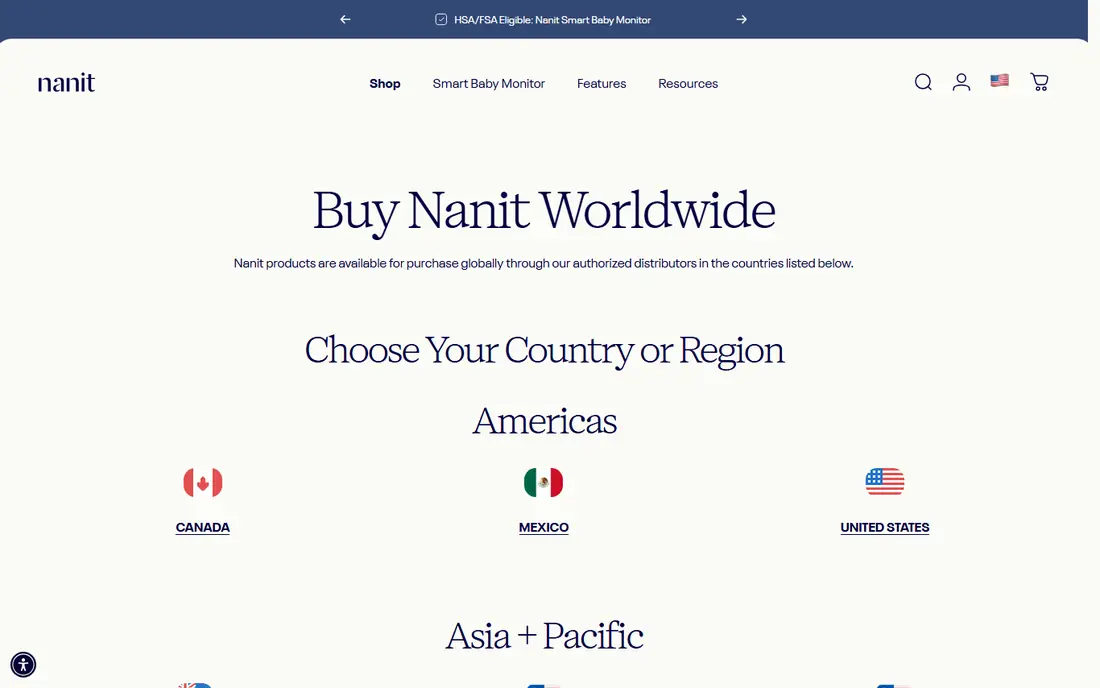
Nanit Pro mounts above the crib and gives a clear overhead view, which helps when a baby rolls to the edge of the mattress. The app shows live video, room temperature, and, with Breathing Wear, breathing motion monitoring. Sleep analytics track sleep patterns and offer coaching tips on paid Insights plans, with a free trial period for some plans.
The cost is the main catch. The camera starts around $289, and full analytics add a yearly cost. Nanit states account and video protections on its site, so check the current privacy and security pages for encryption and account controls before you buy. If you want sleep data and you have reliable WiFi, Nanit is the most polished app monitor on this list.
- Overhead 1080p view keeps a rolling baby in frame
- Sleep analytics and breathing motion monitoring with Breathing Wear
- Optional home display
- Full analytics need a paid Insights plan
- Fixed overhead angle cannot be panned remotely
- Needs stable home WiFi
CuboAi Plus also uses an overhead view, with AI alerts for events such as a covered face, a baby entering a danger zone, and crying. Sleep analytics show sleep patterns in the app, and the camera is portable enough for travel with a suitable stand. That alert focus suits parents who want the app to flag a problem rather than just show video.
Pricing sits around $249 to $299 depending on the bundle, with paid plans for extended analytics. Check the vendor site for current plan terms and for its stated data protections, since video and alert data pass through the app account. For safety alerts from above the crib, CuboAi is a strong alternative to Nanit.
- Bird eye view from above the crib
- Danger zone and covered face alerts
- Sleep analytics in the app
- Subscription adds cost for full analytics
- Needs stable WiFi
- Overhead mount may not suit every crib setup
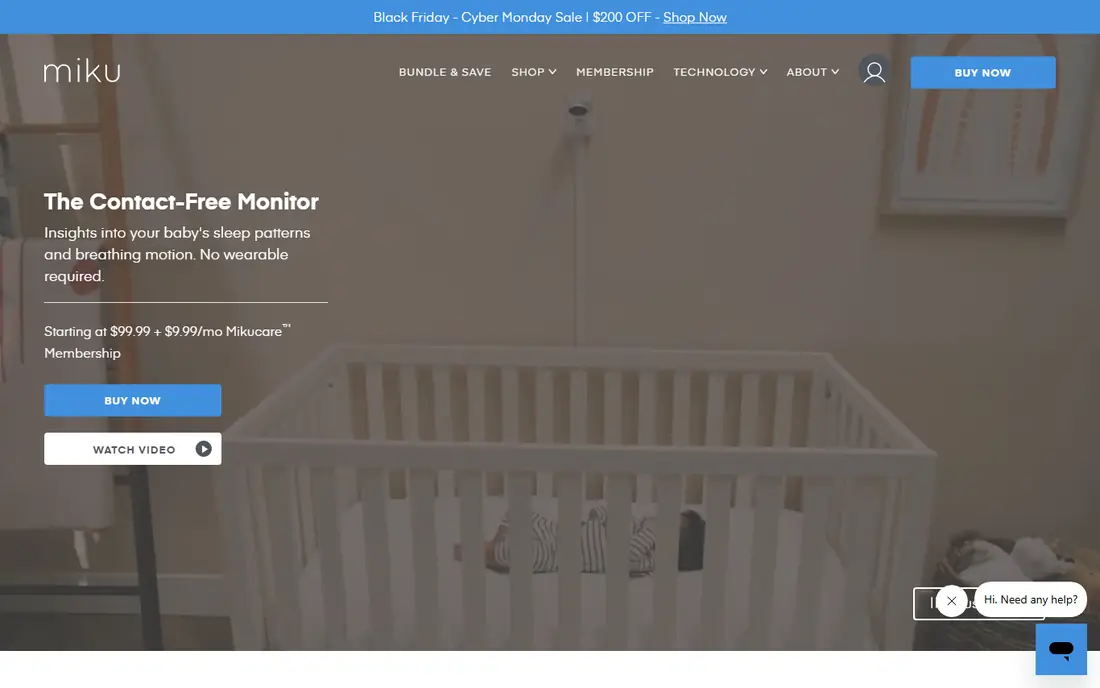
Miku Pro monitors breathing and sleep without a wearable, using sensor technology in the camera unit. That contact free approach appeals to parents who do not want a sock or band on the baby. The app shows live video, breathing data, and sleep summaries, with more detail on paid Care plans.
The camera starts around $249, with Care plans listed around $9.99 per month or $99 per year in listings we reviewed. Check the vendor site for current terms and for its stated encryption and account security, since breathing and video data are sensitive. Miku is not a medical device, and it does not prevent sudden infant death syndrome.
- Contact free breathing and sleep monitoring
- No wearable needed
- App video and sleep data
- Full analytics need a paid Care plan
- Needs stable WiFi
- Some parents report the subscription adds up over time
Lollipop takes a simpler path than Nanit or CuboAi. The camera clips to a crib rail or stands on a flat surface, and the app shows live video with room data and crying alerts. That flexibility suits renters and travelers who do not want a wall mount above the crib.
Lollipop does not offer a dedicated parent unit, so your phone is the screen. Check the vendor site for current camera price, plan terms, and stated security controls. For a straightforward app monitor with sensors and a flexible mount, Lollipop is easy to set up and easy to move.
- Flexible mount that clips to a crib or stands nearby
- Room temperature, humidity, and noise sensors
- Crying detection in the app
- No parent unit option
- Needs stable WiFi
- Full history and features vary by plan
Owlet Dream Duo 3 pairs a camera with the Dream Sock, which is FDA cleared for pulse rate and oxygen notifications in healthy babies aged 1 to 18 months. The app shows readings, sleep data, and video in one place. That combination suits parents who want vital sign context alongside video, rather than video alone.
Owlet is clear that the Dream Sock is not for babies with diagnosed heart or breathing conditions, and no monitor prevents sudden infant death syndrome. Follow safe sleep guidance regardless of the readings. Check the vendor site for current bundle price, Owlet360 plan terms, and stated data protections.
- Dream Sock gives pulse rate and oxygen readings for healthy babies
- Camera plus sock in one system
- App alerts for readings outside set ranges
- Highest starting price here
- Sock fit matters for readings
- Not a medical monitor for babies with diagnosed conditions
Eufy E21 is the best baby monitor with app and screen for parents who want both options. Use the parent unit at night without a phone, and use the app when you are in another room or away from home. The hybrid design lets you switch between local and WiFi modes, which helps if you want less cloud dependence at home.
There is no required monthly fee, and the list price sits around $259.99. Eufy does not offer breathing or oxygen monitoring, so it suits parents who want video, audio, and a screen rather than health data. Check the vendor site for current terms and for its stated local storage and account security options.
- 5 inch parent unit plus app access
- Hybrid local and WiFi modes
- No required monthly fee
- No breathing or vital sign monitoring
- App features are simpler than Nanit or CuboAi
- Camera battery and range vary by mode
Harbor is built for parents who worry about cloud only video. It ships with a dedicated display and offers a local backup mode, so monitoring can continue when WiFi drops. Core monitoring needs no subscription, with a paid AI plan as an option for extra features.
The $499 price puts Harbor well above most app monitors, and it does not track breathing or oxygen. Check the vendor site for current terms and for its stated encryption and local storage details. For privacy focused parents who want a dedicated screen and a local fallback, Harbor is the most distinctive option here.
- Dedicated 10 inch display
- Local backup option for times without WiFi
- No required core subscription
- Highest price on this list
- No breathing or vital sign monitoring
- Newer brand with a smaller user base
Hubble Connected makes a range of nursery cameras that connect to the HubbleClub app. The appeal is price and choice: you can pick a basic camera for live video and two-way talk without paying for sleep analytics or breathing data you may not use. That makes Hubble a sensible budget step into app monitoring.
Check the exact model before you buy, since camera specs, app features, and plan terms vary across the range. Check the vendor site for current price and for its stated account security and data handling. For simple app video at a lower cost, Hubble covers the basics well.
- App video and audio at a lower price point than premium monitors
- Range of camera models
- Two-way talk in the app
- Analytics are simpler than Nanit or CuboAi
- Some models and features vary by region
- Subscription terms vary by model
Motorola nursery monitors span app only and app plus parent unit models, and the PIP1610 sits in the app connected part of the range. Pan, tilt, and zoom help when a baby moves around the crib, and two-way talk lets you soothe from another room. That flexibility suits parents who want a known nursery brand without a premium analytics price.
Model details matter more here than with a single product line, so confirm the exact camera, screen, and app features for the model you buy. Check the vendor site for current price and for its stated security controls. For a flexible app and screen setup at a mid range price, Motorola is worth a look.
- App access plus parent unit options in the Motorola nursery range
- Pan, tilt, and zoom on many models
- Familiar nursery brand
- Model specs vary widely
- App experience varies by model
- No breathing or oxygen monitoring on most models
How we picked these
We compared official feature pages, pricing, and app listings for monitors with a working app in October 2026, and we kept only monitors that offer live app video as a core feature. We favored a mix of app first monitors, hybrid monitors with a parent unit, and monitors with breathing or vital sign data, so parents can match the monitor to their priorities. We did not claim hands-on testing that did not happen; our comparison rests on vendor documentation, pricing, and public listings.
Privacy, security, and buying advice
App monitors send video and audio through your home network and your account, so security deserves the same attention as video quality. Use a unique, strong password for the monitor account, turn on two-factor authentication where the vendor offers it, keep the camera firmware and the app updated, and keep the monitor on a home network with a strong WiFi password. Check each vendor site for what it states about encryption in transit and at rest, who can access stored clips, and how long clips are kept. If a vendor does not state its encryption clearly, treat that as a gap and weigh it against the price and features.
On buying, start with one question: do you want data or just video. If you want sleep data, shortlist Nanit and CuboAi. If you want pulse and oxygen context for a healthy baby, shortlist Owlet. If you want a screen plus an app and no fee, shortlist eufy E21. If privacy and local backup matter most, shortlist Harbor. No monitor replaces safe sleep practices, room sharing guidance from your pediatrician, or checking on your baby in person.
Frequently asked questions
What is the best baby monitor app for sleep tracking?
Nanit Pro is our pick for sleep tracking, with an overhead view, sleep analytics, and breathing motion monitoring with Breathing Wear. CuboAi Plus is a strong alternative with sleep analytics and AI safety alerts. Both need paid plans for full analytics.
What is the best baby monitor with app and screen?
Eufy E21 is our pick, because it pairs a 5 inch parent unit with app access and no required monthly fee. Harbor also offers a dedicated 10 inch display with local backup, at a higher price. Motorola nursery models offer app plus parent unit options across the range.
Do baby monitor apps need WiFi?
Most app monitors need home WiFi for remote viewing, and some need it for core features. Hybrid monitors such as eufy E21 and Harbor offer local or parent unit modes that reduce dependence on WiFi at home. Check the exact model, since WiFi dependence varies.
Are baby monitor apps safe and private?
Safety depends on your account and network as well as the vendor. Use a unique password, turn on two-factor authentication where offered, keep firmware updated, and read each vendor stated encryption and data retention terms. Avoid sharing account logins, and remove access for old devices and caregivers who no longer need it.
Can a baby monitor prevent sudden infant death syndrome?
No. No monitor on this list prevents sudden infant death syndrome, and monitors with breathing or oxygen data are not a substitute for safe sleep practices. Follow guidance from your pediatrician on sleep position, sleep surface, and room sharing.
Sources
See where you really rank - block by block
ProMapRanker scans Google Maps across a grid of your service area. Simple monthly plans from $19, white-label on every plan.
Start freeKeep reading
 wpforms alternatives
Best WPForms Alternatives in 2026
We compare 9 wpforms alternatives for WordPress forms, with free and paid options, current pricing notes, and honest limits for small business sites in 2026.
Read → windows task scheduler alternatives
Best Windows Task Scheduler Alternatives in 2026
Looking for Windows Task Scheduler alternatives? We compare 9 schedulers for Windows and cross-platform work, from free tools to enterprise automation.
Read → which ai video service is best
Which AI Video Service Is Best in 2026
which ai video service is best? We compare 10 legitimate AI video services on price, avatars, editing and output quality to help you pick the right tool.
Read →