 ProMapRanker
Best Automated Accounting Software in 2026


All-round small business accounting · Pricing starts at: $38 per month
Key takeaways
- QuickBooks Online and Xero are the broadest choices for small businesses, because they cover invoicing, bank feeds, expenses and reports in one account.
- Wave suits very small businesses that need free basic accounting, while FreshBooks suits service businesses that bill by time and project.
- Automation saves time only if bank rules, categories and invoice reminders are set up well, so budget time for setup, not just the subscription.
- This is not financial advice, and tax or payroll choices should be checked with a qualified accountant for your situation.
Quick comparison
| Pick | Great for | Pricing starts at | Free tier | |
|---|---|---|---|---|
| QuickBooks Online | All-round small business accounting | $38 per month | Yes | Visit |
 Xero | Clean accounting for growing firms | $27 per month | Free trial | Visit |
 FreshBooks | Service billing and time tracking | See website | Free trial | Visit |
 Wave | Free basic accounting for small firms | Free | Yes | Visit |
 Zoho Books | Accounting inside the Zoho suite | See website | Yes | Visit |
 Sage | Established accounting for larger small firms | See website | Free trial | Visit |
 Bench | Bookkeeping done for you | See website | No | Visit |
 FreeAgent | Freelancers and small UK and US firms | See website | Free trial | Visit |
The best automated accounting software
We compared official feature pages, pricing pages and plan limits, and we kept only tools that are live in October 2026 and clearly automate accounting tasks such as bank feeds, categorisation, invoicing and reminders. The list covers self-service software and one done-for-you service, because those suit different owners.

QuickBooks Online is the safest all-round pick for a US small business that wants automation plus a wide choice of accountants. Bank feeds, transaction categorisation, invoicing and reports cover the daily bookkeeping pattern, while higher tiers add bill management, inventory, project tracking and custom roles. The free plan exists, but it is limited to one user, one bank connection and two invoices a month, so most businesses will need a paid tier.
Pricing in October 2026 lists Simple Start at $38 per month for one user, Essentials at $85 for three users, Plus at $140 for five users and Advanced at $340 for 25 users, with payroll billed separately. Those rates rose during 2026, so check the current pricing page and any introductory offer, and confirm the renewal rate, not just the first-month price.
- Broad invoicing, bank feeds, expenses and reports
- Large accountant network
- Clear upgrade path from Simple Start to Advanced
- Prices rose in 2026
- Payroll and payments cost extra
- Free plan is very limited
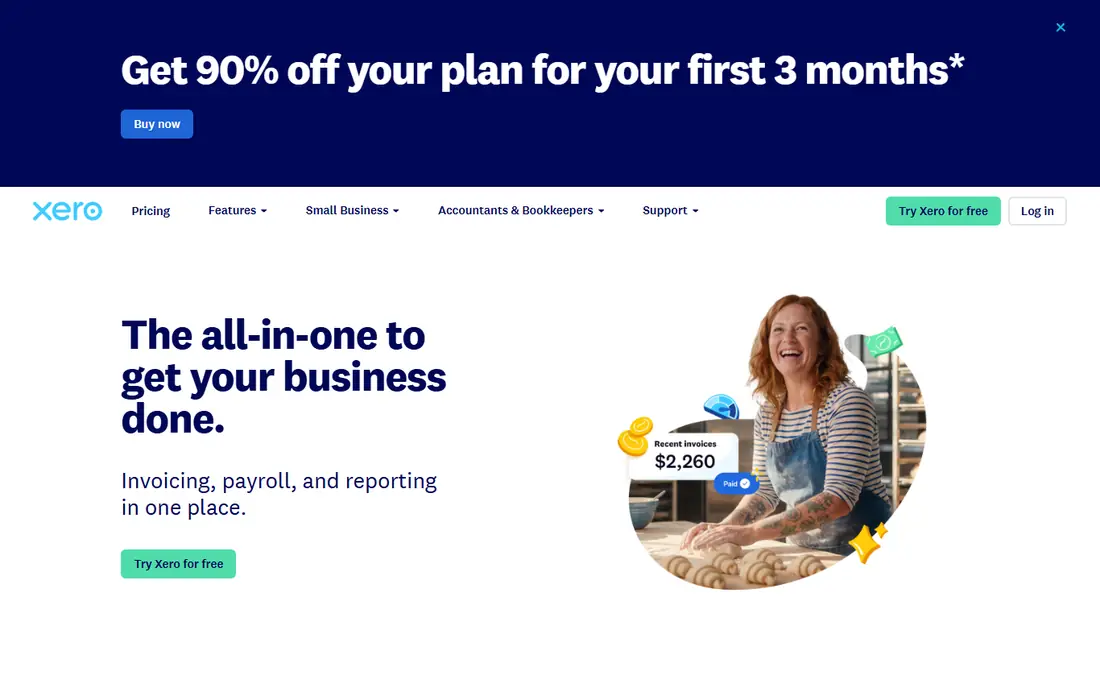
Xero suits owners who want a clean, easy-to-read accounting system without a steep learning curve. Bank feeds, invoicing, expense claims and reports cover the core pattern, and the app marketplace connects shops, payment tools and payroll where needed. For a growing firm, the interface stays manageable even as transaction volume rises.
US pricing from October 2026 lists Early at $27 per month, Growing at $59 and Established at $97, with Early allowing 20 invoices and five bills a month. That cap pushes many businesses to Growing quickly, so budget for the tier that fits your monthly invoice and bill volume, not just the entry price. Check the pricing page for your country, because Xero plan names and rates differ by market.
- Clear interface and bank feeds
- Invoicing, expenses and reports
- Large app marketplace
- Entry plan caps invoices and bills
- Payroll and some features need add-ons or higher tiers
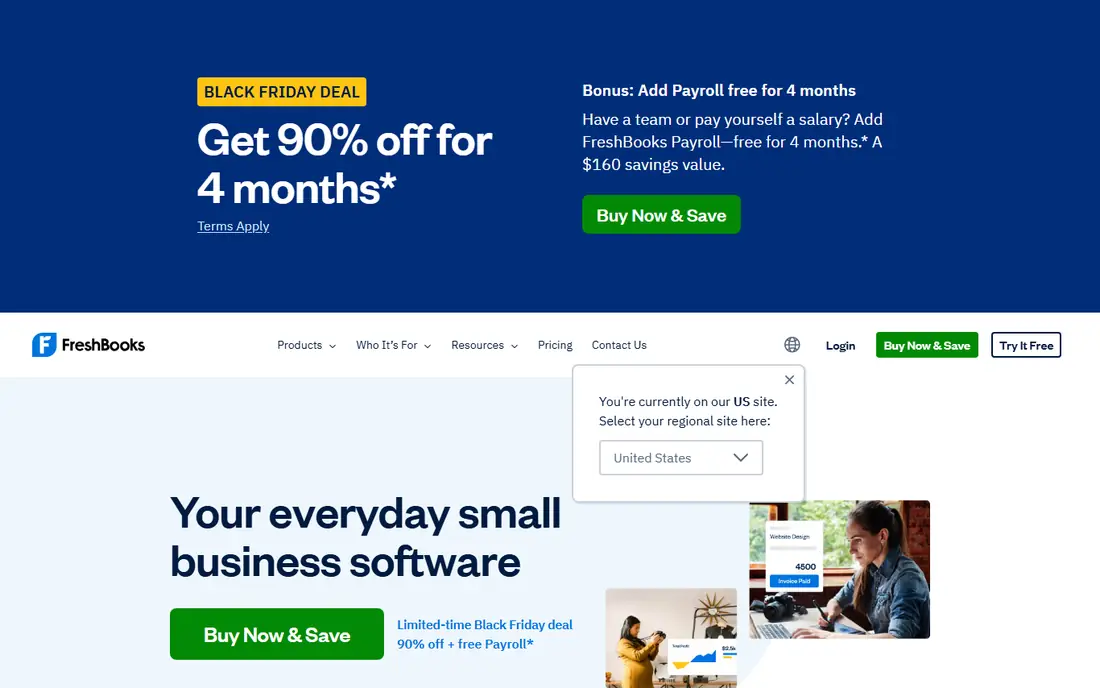
FreshBooks fits freelancers and service businesses that bill by hour or project. Time tracking, invoicing, expense capture and client payments sit in one workflow, which helps a consultant or agency turn tracked time into an invoice without extra tools. The interface is simpler than QuickBooks or Xero, which helps owners who do their own books.
The limit is scope. Businesses with inventory, complex payroll or multi-entity accounting may need QuickBooks, Xero or Sage instead. Check the current pricing page for client limits and the tier that holds the automation and reporting you need, and test it with a real client invoice before switching.
- Simple invoicing and expense tracking
- Time tracking and project billing for services
- Client-friendly invoices
- Less suited to inventory-heavy businesses
- Accounting depth varies by plan
Wave is the best free starting point for a very small business, side business or freelancer with simple books. Accounting, invoicing and receipt capture are free, which keeps costs at zero while volume is low. Payments and payroll are paid add-ons, so a business can add them only when needed.
The trade-off is depth. Wave lacks some of the advanced reporting, inventory and integration range found in QuickBooks and Xero, and it suits simple books better than complex firms. If your business grows into inventory, multi-user controls or detailed reporting, plan a move to a paid tool rather than forcing Wave to cover work it was not built for.
- Free accounting, invoicing and receipt capture
- Simple for very small businesses
- Payments and payroll as paid add-ons
- Fewer advanced reports and integrations than paid rivals
- Support and features are more limited
Zoho Books suits businesses that already use Zoho for CRM, email or other work, because accounting shares contacts, data and workflows with the wider suite. Invoicing, bank feeds, expense tracking and automation cover the core pattern, and the free plan helps a small firm start without a subscription. For a Zoho-led business, that integration saves duplicate entry.
For a business that does not use Zoho elsewhere, QuickBooks or Xero may offer a wider accountant network and more third-party integrations. Check the pricing page for user limits, invoice limits and the tier that holds the automation you need, and compare it with your current stack before switching.
- Invoicing, bank feeds, expenses and automation
- Strong fit if you already use Zoho CRM or other Zoho apps
- Free plan for small firms
- Best value inside Zoho, less compelling as a standalone for non-Zoho users
- Some features need higher tiers
Sage suits larger small firms and businesses that need a more established accounting and payroll range. Invoicing, bank feeds, expenses and reporting cover the core pattern, while payroll and higher tiers add controls for growing teams. Firms that have used Sage products before will find the workflow familiar.
For a solo freelancer or a very small firm, Sage may feel heavier than Wave, FreshBooks or Xero, and pricing varies by product and country, so the pricing page for your market is the only reliable source. Trial it with your real chart of accounts and bank feeds, and confirm payroll and support costs before committing.
- Established accounting and payroll range
- Invoicing, bank feeds and reporting
- Suited to larger small firms
- Interface and setup can feel heavier for very small firms
- Pricing varies by product and market
Bench is different from the other tools here, because it pairs software with a human bookkeeper. Instead of categorising every transaction yourself, you connect bank accounts and cards, and Bench handles monthly bookkeeping and financial reports. That suits owners who want clean books without doing the work, and who value a monthly close they can hand to an accountant.
The trade-off is control and cost. Bench is a service, not just software, so there is no free plan, and owners who like to manage every transaction themselves may prefer QuickBooks or Xero. Check the current pricing page for the monthly rate that fits your transaction volume, and confirm what is included at year end.
- Dedicated bookkeeper and monthly financials
- Bank and transaction handling done for you
- Year-end reports for tax filing
- No free plan
- Less hands-on control than self-service software
- Pricing is monthly and needs checking
FreeAgent suits freelancers and small firms that want a simple dashboard for money in, money out and tax estimates. Invoicing, expenses, time tracking and bank feeds cover the freelance pattern, and tax timelines help owners plan for filing. The interface stays clear for owners who do not have accounting training.
For larger firms, inventory, multi-entity work and complex payroll will usually need QuickBooks, Xero or Sage. Check the pricing page for your market and the trial terms, and test it with a real month of bank transactions before you move your books.
- Invoicing, expenses, time tracking and tax estimates
- Simple dashboard for freelancers
- Bank feeds and automation
- Less suited to large firms with inventory or complex payroll
- Pricing and features vary by market
How we picked these
We compared official feature pages, pricing pages and plan limits for tools that are live in October 2026 and clearly automate accounting work. We favoured tools with bank feeds, invoicing, expense capture and reporting, plus a published price, free plan or trial, and we left out tools that had closed, that only offered invoicing with no accounting, or that required a custom quote with no clear small-business plan. We included Bench as the done-for-you option because many owners choose service over software.
How to set up automation safely
Start by connecting bank feeds and setting rules for recurring transactions, such as rent, software subscriptions and supplier payments. Good rules cut manual entry, but they need review in the first month, because a wrong rule can miscategorise many transactions at once. Check the first month closely, then trust the rules once they prove accurate.
Next, set invoice reminders, payment terms and expense capture habits. Automation works best when invoices go out on time, reminders follow up politely, and receipts are captured at purchase, not at month end. A short weekly review, even 20 minutes, keeps books clean and avoids a large cleanup before tax filing.
Finally, keep a human check on reports. Automation can categorise and total, but it cannot judge whether a transaction is a business expense, a personal cost or a capital item. Review profit and loss, balance sheet and tax estimates monthly, and ask a qualified accountant about anything unclear. This is not financial advice, and tax rules differ by state, country and business type.
Frequently asked questions
What is the best automated accounting software for a small business?
For most small businesses, QuickBooks Online or Xero is the best starting point, because both cover invoicing, bank feeds, expenses and reports with automation. QuickBooks suits US firms that want a wide accountant network, while Xero suits firms that prefer a cleaner interface. Test both with a real month of transactions before choosing.
Is there free automated accounting software?
Yes, Wave offers free accounting, invoicing and receipt capture for very small businesses, and Zoho Books and QuickBooks Online offer limited free plans. Free plans work for low volume and simple books, but paid tiers add higher limits, more users, better reports and payroll options. Start free, then upgrade when limits block your work.
How does automated accounting save time?
Automation saves time through bank feeds that import transactions, rules that categorise recurring items, invoice reminders that chase payment, and reports that update from live data. The saving depends on setup quality, so spend time on bank rules, categories and invoice terms in the first month, and review results weekly until they are stable.
Should I use automated software or a bookkeeper?
Self-service software suits owners who want control and lower cost, while a service such as Bench suits owners who want books done for them. Many firms use both, with software for daily records and an accountant for tax, payroll and year-end advice. Choose by how much time you want to spend on books and how complex your business is.
What should I check before switching accounting software?
Check bank feed support for your banks, invoice and bill limits, user limits, payroll and payment costs, and how past data imports. Run a parallel month with old and new tools if possible, and confirm that reports match before you close the old system. Keep backups and confirm tax and accountant access on the new plan.
Is this financial advice?
No, this article is general information about software, not financial, tax or legal advice. Tax, payroll and filing rules differ by location and business type, so check important decisions with a qualified accountant or tax adviser for your situation. Software can organise records, but it does not replace professional advice.
Sources
See where you really rank - block by block
ProMapRanker scans Google Maps across a grid of your service area. Simple monthly plans from $19, white-label on every plan.
Start freeKeep reading
 wpforms alternatives
Best WPForms Alternatives in 2026
We compare 9 wpforms alternatives for WordPress forms, with free and paid options, current pricing notes, and honest limits for small business sites in 2026.
Read → windows task scheduler alternatives
Best Windows Task Scheduler Alternatives in 2026
Looking for Windows Task Scheduler alternatives? We compare 9 schedulers for Windows and cross-platform work, from free tools to enterprise automation.
Read → which ai video service is best
Which AI Video Service Is Best in 2026
which ai video service is best? We compare 10 legitimate AI video services on price, avatars, editing and output quality to help you pick the right tool.
Read →