 ProMapRanker
Best Audio Engine Software in 2026

Key takeaways
- FMOD and Wwise are the leading middleware choices for games, with FMOD often easier to learn and Wwise offering deeper control for large projects.
- Unity Audio and Unreal MetaSounds suit teams already building in those engines, since they avoid a separate middleware licence and pipeline.
- JUCE suits developers building audio apps and plug ins, while Steam Audio, SoLoud, and miniaudio suit teams that need a focused, low cost engine.
- Licence terms matter as much as features, so check revenue thresholds, project counts, and platform fees before you commit to a commercial tool.
- Prototype with real game states early, because adaptive music and spatial audio only show their value when sound reacts to gameplay.
Quick comparison
| Pick | Great for | Pricing starts at | Free tier | |
|---|---|---|---|---|
 FMOD | Indie to AAA interactive game audio | Free | Yes | Visit |
 Wwise | Large games with complex audio systems | Free | Yes | Visit |
 Unity Audio | Games already built in Unity | Free | Yes | Visit |
 Unreal MetaSounds | Games already built in Unreal Engine | Free | Yes | Visit |
 JUCE | Audio apps, plug ins, and tools | Free | Yes | Visit |
 CRIWARE ADX | Console and mobile games needing tuned audio | See website | No | Visit |
 Steam Audio | Spatial audio and sound propagation | Free | Yes | Visit |
 SoLoud | Lightweight games and prototypes | Free | Yes | Visit |
 miniaudio | Single file audio in custom engines | Free | Yes | Visit |
The best audio engine software
We compared game audio middleware, engine built in audio, and developer audio engines on features, platform support, licensing, and learning curve. The list covers interactive audio for games first, with developer tools for audio apps where they fit the same need.
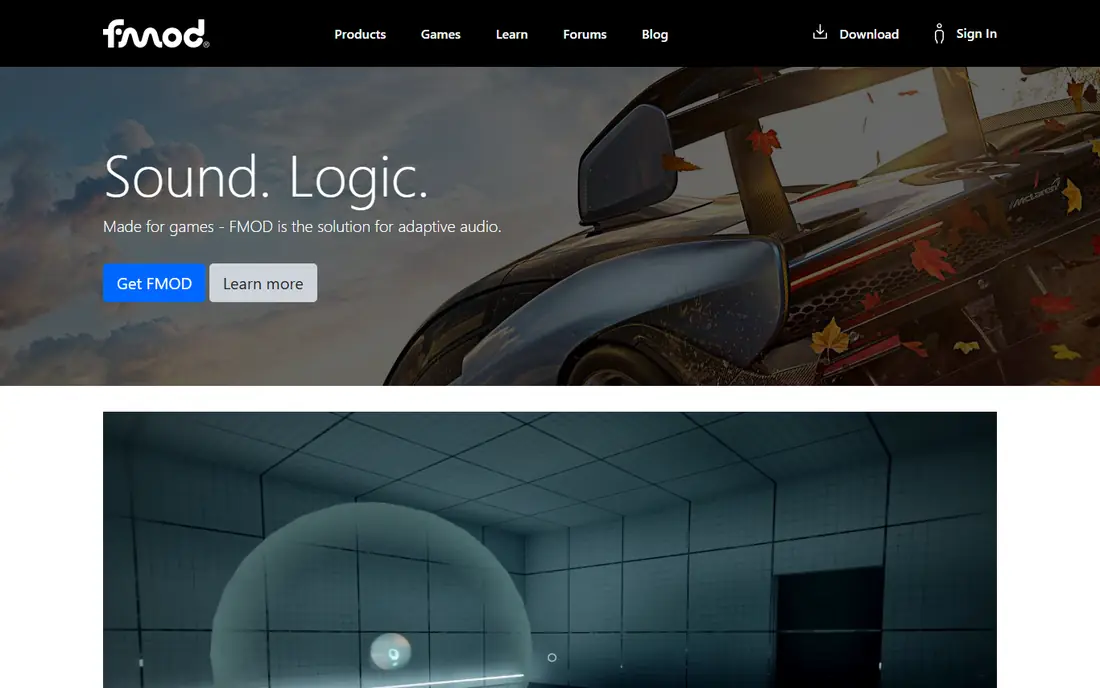
FMOD Studio gives sound designers a visual way to build events, parameters, and adaptive music without writing audio code for every change. A designer can link music intensity to gameplay, layer footsteps by surface, and test mixes inside the editor before the build. That workflow is why many indie and mid sized studios pick FMOD first.
The free indie terms cover smaller projects, with commercial fees above set revenue thresholds, so check the current licence before shipping a commercial title. FMOD also needs a clear pipeline between designers and programmers, especially for parameter naming. With that discipline in place, it is a fast and flexible choice.
- Clear visual studio editor
- Strong adaptive music tools
- Broad platform support
- Commercial terms apply above indie revenue thresholds
- Large projects need planning
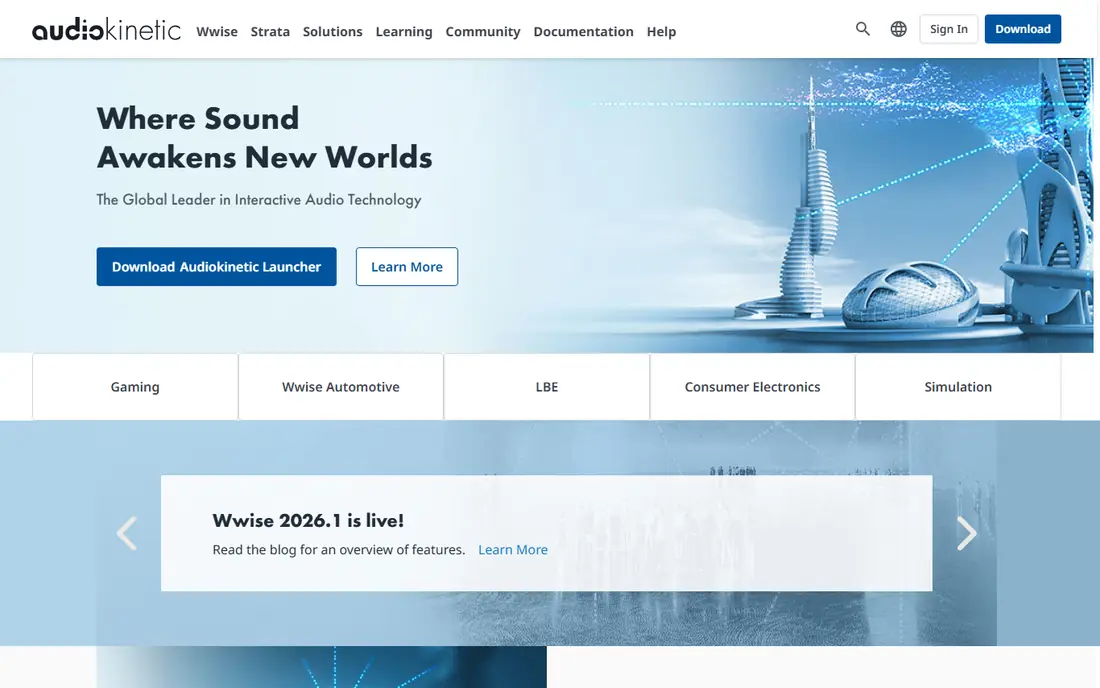
Wwise is the middleware many large studios choose when audio systems become complex. Real time parameter controls, states, switches, and dynamic mixing let designers shape sound that reacts to gameplay in fine detail. Spatial audio tools help with immersive environments, and the authoring tool supports large teams working on the same project.
That depth comes with a learning curve. New users should expect training time, and commercial licences are priced per project and platform above the free indie terms. For a small game with simple sounds, Wwise may be more than needed. For a large game with many systems, its control is the reason to choose it.
- Deep control over mixing and states
- Strong spatial audio
- Broad engine support
- Steeper learning curve
- Commercial per project pricing can be high
Unity Audio suits teams that want sound working quickly inside Unity. The audio mixer, spatial settings, and clip controls cover common needs such as footsteps, UI sounds, and ambient loops. Since it ships with the engine, there is no extra install or licence step for basic use.
The limit appears when music must adapt in complex ways or when many layered systems interact. Those cases need custom code or a middleware tool. For many Unity games, especially smaller ones, the built in tools are enough, and they keep the pipeline simple.
- Included with Unity
- Simple mixer and spatial tools
- No separate middleware setup
- Less adaptive music depth than FMOD or Wwise
- Advanced systems need code
MetaSounds gives Unreal developers a visual graph system for building sounds and music that react to gameplay. Designers can patch oscillators, filters, and triggers together, and programmers can drive those graphs from game events. That makes procedural and adaptive audio more accessible without leaving the engine.
It only makes sense inside Unreal, so teams on other engines should look elsewhere. The graph approach also takes time to learn for designers used to timeline editors. For Unreal teams that want deep, engine native audio, MetaSounds is a strong and cost effective option.
- Visual sound graph inside Unreal
- Strong procedural audio options
- No separate middleware needed
- Unreal only
- Learning curve for graph based sound design
JUCE is a framework for developers building audio applications, plug ins, and tools rather than a drag and drop game audio editor. It provides audio processing, MIDI, user interface, and plug in hosting code that runs across desktop and mobile platforms. Developers use it for digital audio workstations, effects, instruments, and utilities.
That focus means it is not a direct substitute for FMOD or Wwise in a game sound design workflow. It suits a team that writes code and needs a solid audio foundation. For audio software developers, JUCE remains a widely used and well supported choice.
- Mature audio framework
- Cross platform app and plug in support
- Strong DSP building blocks
- Developer focused
- Not a game audio designer tool
CRIWARE ADX is a long running audio middleware used in many console and mobile titles. It focuses on efficient playback, voice management, and integration with game engines and platforms. Teams shipping on consoles often value its tuning for those platforms and its companion tools for video and data.
The buying process is sales led, and public pricing is limited, so smaller indie teams may find it harder to evaluate than FMOD or Wwise. Documentation and community help in English are also thinner than for the larger middleware tools. For studios targeting consoles with demanding audio needs, it remains a serious option.
- Strong console and mobile support
- Efficient playback
- Integrated middleware suite
- Licence pricing is sales led
- Smaller community outside Japan and large studios
Steam Audio, from Valve, focuses on how sound travels through a virtual space. It models occlusion, reflections, and direction, which helps players judge where a sound comes from and how a room should feel. It integrates with Unity and Unreal, and it can sit alongside another audio engine for playback.
It is not a complete replacement for a music and event authoring tool. Teams still need a way to author events, music, and mixing. Used for spatial audio on top of a main engine, Steam Audio adds realism at no licence cost, which makes it an attractive extra for immersive games.
- Free
- Realistic occlusion and reflections
- Works with major engines
- Focused on spatial audio, not full music authoring
- Needs engine integration work
SoLoud is a small, open source audio engine for games and applications that need straightforward playback, mixing, and effects. It is easy to embed in a C++ project, and its low overhead suits prototypes, small games, and tools. Developers who want code level control without a large middleware install will find it approachable.
The trade off is designer tooling. There is no FMOD Studio style editor for building complex adaptive events, so sound design work happens more in code. For simple games and prototypes, that is fine. For large adaptive scores, a dedicated middleware tool is a better fit.
- Free and open source
- Easy to embed
- Low overhead
- Fewer designer tools than FMOD or Wwise
- Smaller feature set
miniaudio is a single file audio playback and capture library that developers drop into a custom engine. It handles decoding, mixing, effects, and device output across many platforms, with a small footprint. That simplicity appeals to engine developers who want control without a large dependency.
It is a low level tool, so designers do not get a visual event editor or adaptive music system out of the box. Teams must build those layers themselves. For custom engines, prototypes, and tools where a small, dependable audio core matters, miniaudio is a practical choice.
- Free
- Single file design
- Broad platform and format support
- Low level API
- No visual authoring tool
How we picked these
We compared official feature and licence pages, platform support, and public documentation for game audio and developer audio engines. We favoured tools that are live and supported in October 2026, that handle interactive or spatial audio, and that cover a distinct need from designer middleware to low level engines. We did not claim hands on testing, and we left out general audio editors, since this article covers audio engines rather than recording software.
How to choose for your game
Start with your engine and team. Unity and Unreal teams should test the built in audio first, and add middleware only when adaptive music or complex mixing demands it. Small teams should favour FMOD for its balance of power and learnability, while large teams with dedicated audio staff can justify Wwise.
Next, prototype one real gameplay state, such as combat, exploration, and a quiet interior, and test how music and effects change between them. Check CPU use on your lowest target device, since spatial audio and many voices can cost performance. Finally, confirm licence terms for your expected revenue and platform count before production, not after launch.
Keep the audio pipeline simple
Agree parameter names, file naming, and mix levels early, and keep a single owner for the audio project. A clear pipeline saves more time than any single feature, because audio bugs often come from mismatched names or missing banks rather than from the engine itself.
Frequently asked questions
What is an audio engine?
An audio engine plays, mixes, and controls sound in real time inside a game or app. It handles voices, effects, spatial positioning, and music changes driven by gameplay or user actions. Game audio middleware adds designer tools on top of that engine, so sound designers can build events without writing code for each sound.
Is FMOD or Wwise better for indie games?
FMOD is often easier for indie teams to learn, and its visual editor covers most adaptive audio needs. Wwise offers deeper control for large, complex projects, but it takes longer to learn. Many indie teams start with FMOD or built in engine audio, and only move to Wwise when the audio system outgrows those tools.
Do I need middleware if I use Unity or Unreal?
Not always. Unity Audio and Unreal MetaSounds cover many common needs, and they avoid a separate licence and pipeline. Middleware becomes worth it when adaptive music, complex state based mixing, or large scale sound design needs more designer tooling than the built in system provides.
Are FMOD and Wwise really free?
Both offer free terms for smaller indie projects, with commercial fees above set revenue or project thresholds. The exact thresholds and per project terms change, so check the current licence page for your project type before you rely on the free tier for a commercial release.
What is spatial audio in games?
Spatial audio places sounds in three dimensional space, so direction, distance, and room reflections affect what the player hears. Tools such as Wwise spatial audio and Steam Audio model occlusion and reflections, which helps players locate sounds and feel inside a virtual environment.
Can open source audio engines handle a commercial game?
Yes, for the right scope. SoLoud and miniaudio can power commercial games, especially smaller titles and custom engines. They need more code level work for adaptive music and designer tooling, so budget developer time accordingly. For large adaptive scores, a dedicated middleware tool usually saves time overall.
Sources
See where you really rank - block by block
ProMapRanker scans Google Maps across a grid of your service area. Simple monthly plans from $19, white-label on every plan.
Start freeKeep reading
 wpforms alternatives
Best WPForms Alternatives in 2026
We compare 9 wpforms alternatives for WordPress forms, with free and paid options, current pricing notes, and honest limits for small business sites in 2026.
Read → windows task scheduler alternatives
Best Windows Task Scheduler Alternatives in 2026
Looking for Windows Task Scheduler alternatives? We compare 9 schedulers for Windows and cross-platform work, from free tools to enterprise automation.
Read → which ai video service is best
Which AI Video Service Is Best in 2026
which ai video service is best? We compare 10 legitimate AI video services on price, avatars, editing and output quality to help you pick the right tool.
Read →