 ProMapRanker
Best Audio Editing Software in 2026

Free editing and recording for everyone · Pricing starts at: Free
Key takeaways
- Audacity remains the best free audio editor for most people, with multitrack editing on Windows, Mac, and Linux at no cost.
- Adobe Audition is the strongest choice for broadcast and podcast cleanup, while Reaper offers a full professional DAW for a one-time $60 discounted licence.
- GarageBand and Logic Pro give Mac users a free start and a one-time professional upgrade, with no subscription for Logic Pro on Mac.
- Descript suits podcasters who think in words, because it lets you edit audio by editing a transcript.
- Start free, learn what you actually edit most, and only pay when a specific job, such as repair or music production, demands it.
Quick comparison
| Pick | Great for | Pricing starts at | Free tier | |
|---|---|---|---|---|
| Audacity | Free editing and recording for everyone | Free | Yes | Visit |
 Adobe Audition Adobe Audition | Professional broadcast and podcast post-production | $22.99 per month | Free trial | Visit |
 GarageBand GarageBand | Free recording on Mac and iOS | Free | Yes | Visit |
 Logic Pro Logic Pro | Full Mac music production without a subscription | $199.99 one-time | No | Visit |
 Reaper Reaper | A full professional DAW at a low one-time price | $60 one-time | Free trial | Visit |
 Pro Tools Pro Tools | Working with professional studios | $9.99 per month | Yes | Visit |
 FL Studio FL Studio | Beat making and electronic production | $99 one-time | Free trial | Visit |
 Ocenaudio Ocenaudio | Lightweight, simple free editing | Free | Yes | Visit |
 Descript Descript | Editing podcasts and video by editing text | Free | Yes | Visit |
The best audio editing software
Audio editing covers very different jobs: trimming a podcast, cleaning up a noisy interview, producing a song, or fixing a voiceover. No single tool is best at all of them, and price ranges from free to a monthly subscription. We compared official pricing pages and current 2026 editor guides to pick tools that are currently available, genuinely edit audio, and fit different budgets and skill levels.
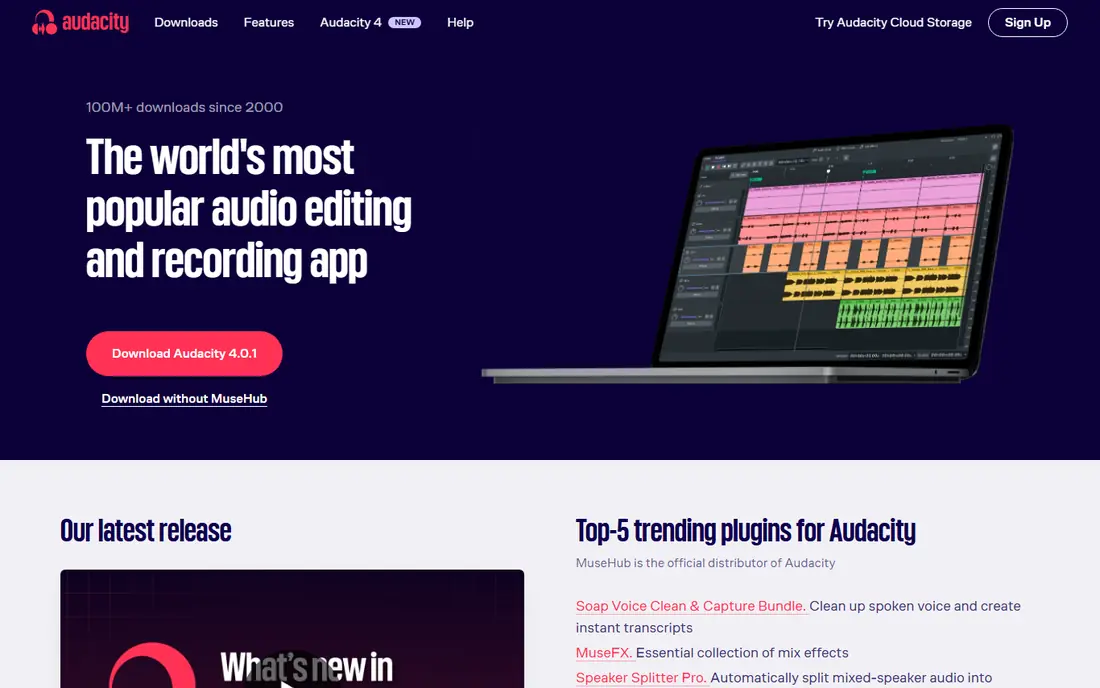
Audacity is the default free answer for a reason. It records, cuts, fades, removes noise, normalises levels, and exports to common formats, and it does all of that on Windows, Mac, and Linux without a subscription or a locked feature. For podcasters, voiceover artists, teachers, and anyone trimming clips, Audacity covers the job completely, and its long history means tutorials for almost every task are easy to find.
The honest limit is workflow. Audacity edits audio directly rather than keeping every change live and reversible in the way a modern DAW does, so you need to save copies before major edits. It is also not a music production environment, with no virtual instruments or MIDI sequencing to match Logic Pro or FL Studio. For straight editing and recording, though, it is hard to argue with free.
- Free and open source on all major desktop systems
- Multitrack recording and editing
- Wide plugin support
- Editing is largely destructive, so keep backups
- No built-in music production tools like a full DAW
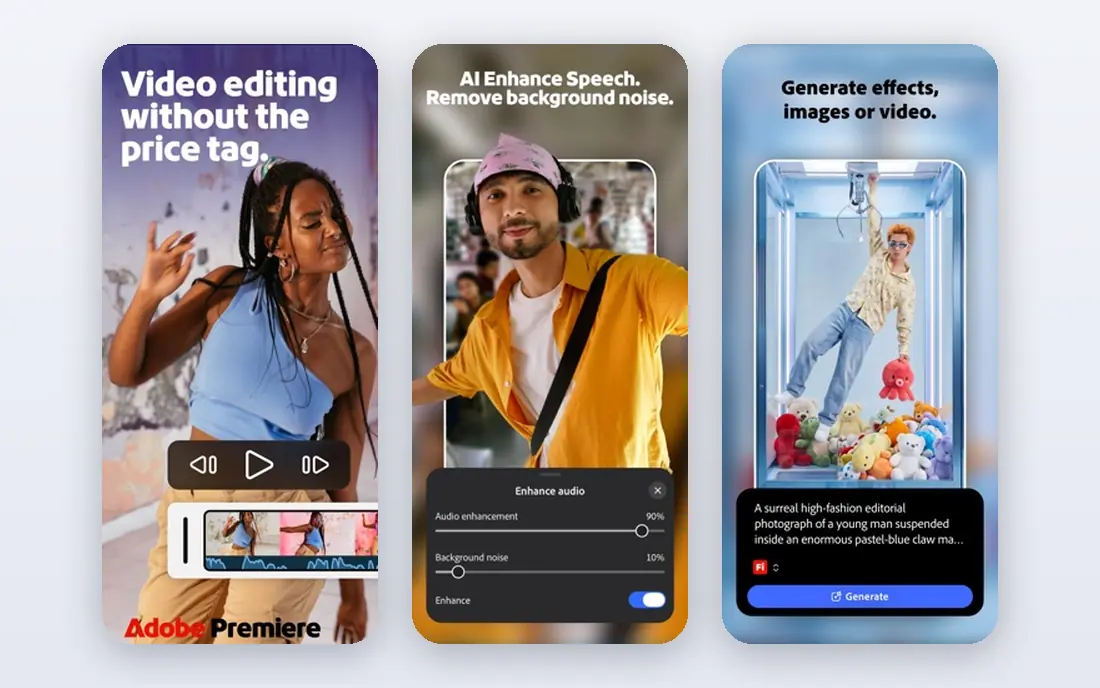
Adobe Audition is the tool to pick when a recording is damaged or when broadcast quality matters. Its spectral display lets you see noise and paint it out, its adaptive noise reduction can rescue interviews recorded in bad rooms, and its multitrack editor handles podcasts with music, ads, and multiple voices cleanly. The standalone plan is reported at $22.99 per month on an annual plan, with a 7-day trial.
The catch is the subscription and the focus. Audition is an editor, not a music workstation, so composers should look at Logic Pro, FL Studio, or Reaper instead. If you already pay for Creative Cloud, Audition may already be included, which changes the maths entirely. For spoken audio professionals, the repair tools alone often justify the monthly cost.
- Strong noise reduction and spectral editing
- Multitrack mixing
- Works well with Premiere Pro
- Subscription only
- Not built for composing music or MIDI work
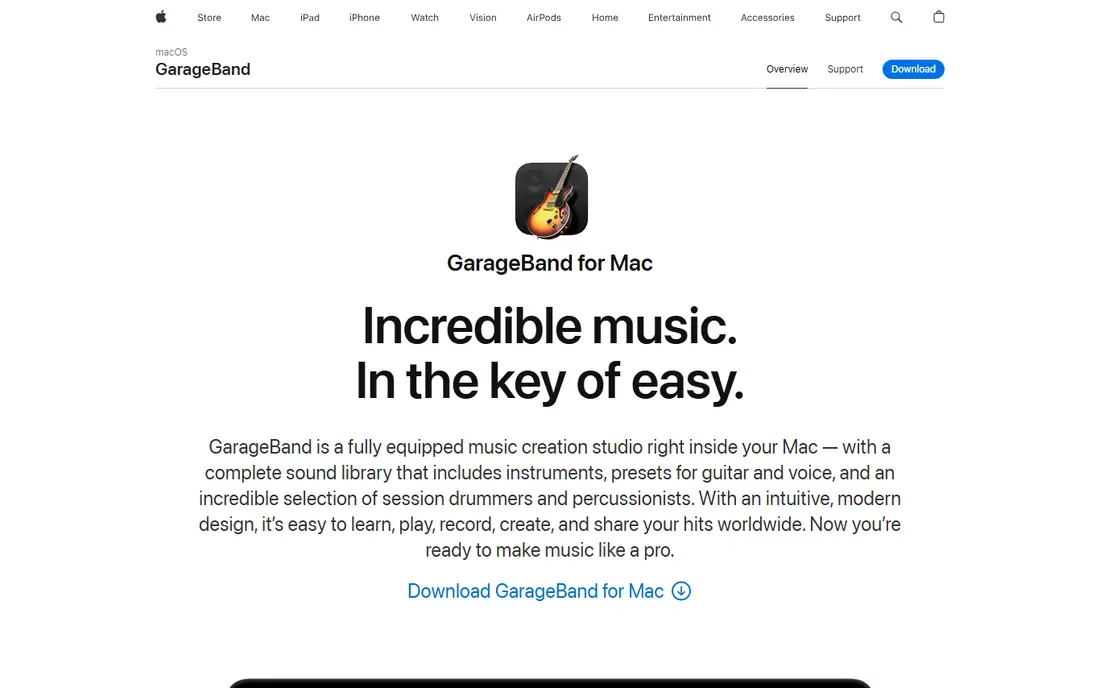
GarageBand is the best free starting point for anyone who owns a Mac, iPhone, or iPad. It records audio and MIDI, offers built-in instruments and loops, and includes templates for podcasts and songs, all with an interface that beginners can learn in an afternoon. Many musicians and podcasters start here and only move on when they need deeper mixing or a larger sound library.
The limit is the ceiling. GarageBand lacks the advanced mixing, mastering, and editing depth of Logic Pro, and it does not exist on Windows or Android. That makes it a starting tool rather than a final one for professionals, but as a free start it is generous. If you own Apple hardware and want to record your first tracks or episodes, start here before spending anything.
- Free with Apple devices
- Easy to learn
- Includes instruments, loops, and podcast templates
- Mac and iOS only
- Limited mixing and mastering depth compared with Logic Pro
Logic Pro is the natural upgrade from GarageBand, and its one-time Mac price of $199.99 makes it unusually good value for a professional DAW. You get a full recording studio, a vast library of sounds and loops, virtual instruments, and mixing tools, without a monthly fee eating into a musician's budget. Recent versions have added stem splitting and session players that help songwriters build arrangements faster.
The weakness is platform lock-in. Logic Pro is only for Mac and iPad, and the iPad version is priced separately by subscription, reported at $4.99 per month in guides. Windows users should look at Reaper, FL Studio, or Pro Tools instead. For Mac musicians who want professional depth without a subscription, Logic Pro is the clearest buy in this list.
- One-time Mac price
- Huge included sound library
- Strong recording, mixing, and MIDI tools
- Mac and iPad only
- Sound library is a large download
- IPad version is subscription priced separately
Reaper is the value champion for serious audio work. It is a full DAW, with multitrack recording, editing, mixing, routing, and automation, yet its discounted licence costs $60 one time, and its 60-day evaluation is fully functional. It runs on Windows, Mac, and Linux, it is light on system resources, and it can be customised deeply by users who like to build their own workflow.
The trade-off is polish and setup. Reaper looks plain out of the box, and you will spend time choosing plugins, themes, and templates before it feels like home. It also ships with fewer built-in instruments than Logic Pro or FL Studio. For editors and producers who value flexibility and a low price over a ready-made sound library, Reaper is hard to beat.
- $60 discounted licence, $225 commercial licence
- 60-day full evaluation
- Runs on Windows, Mac, and Linux
- Interface is plain and takes setup time
- Included instruments are thinner than Logic Pro or FL Studio
Pro Tools remains the studio standard, which matters if you send sessions to other studios or work with engineers who expect Pro Tools files. Its recording, editing, and mixing tools are deep, its hardware support is broad, and its free Intro tier lets beginners learn the basics without paying. Paid plans are reported from around $9.99 per month, with higher tiers for professional work.
The weakness is cost and complexity for casual users. Pro Tools is built for studio workflows, and a hobbyist who only trims podcasts will find Audacity or Descript faster and cheaper. Pro Tools fits musicians, engineers, and podcasters who collaborate with studios, need session compatibility, or plan to work professionally in audio.
- Industry standard in many studios
- Strong recording and mixing
- Free Intro tier to learn with
- Paid tiers and hardware integration can get expensive
- Learning curve is steep for beginners
FL Studio is built for making beats, and its step sequencer, piano roll, and pattern workflow suit electronic, hip hop, and pop producers better than a traditional timeline editor. Entry editions are reported from $99 one time, with lifetime free updates, which makes it a good long-term buy for producers who do not want a subscription. The trial lets you test the full workflow before buying, though exports are limited in trial mode.
The catch is that FL Studio is not the best general audio editor. Recording and cleaning spoken audio is clumsier here than in Audition, Audacity, or Descript, and the interface packs a lot onto one screen. FL Studio fits producers first and editors second, so buy it for music, and keep Audacity alongside it for voice work.
- From $99 one time with lifetime free updates in guides
- Strong step sequencer and piano roll
- Works on Windows and Mac
- Audio recording and podcast editing are weaker than in Audition or Reaper
- Interface can overwhelm beginners
Ocenaudio is the editor to try when Audacity feels heavy or when you only need quick, simple edits. It opens fast, runs well on older machines, and lets you preview effects in real time before applying them, which makes trimming, normalising, and cleaning a single file pleasant. It supports common formats and works on Windows, Mac, and Linux.
The limit is scope. Ocenaudio is mainly a single-file editor, not a multitrack studio, so podcasters who mix several voices and music tracks should use Audacity, Reaper, or Audition instead. For quick edits, format changes, and light cleanup, Ocenaudio is a clean, free tool that does not get in your way.
- Free
- Fast and light on older computers
- Real-time effect previews
- Simple interface
- No multitrack mixing like Audacity or a DAW
- Fewer advanced tools than Audition
Descript changes the editing job entirely for spoken content. It transcribes your recording, and you edit by deleting or moving words in the transcript, which feels like editing a document. That makes cutting ums, mistakes, and long pauses far faster than scrubbing a waveform, and its studio sound tools can clean up noisy recordings. The free plan offers limited media hours, with paid plans reported from around $16 per month.
The weakness is volume and music. Heavy podcasters will need a paid plan, and musicians should not use Descript as a DAW. Descript fits podcasters, video creators, and teams that produce a lot of spoken content and think in words rather than waveforms. Pair it with Audacity for fine waveform fixes, and you cover most podcast jobs.
- Edit audio by deleting words in a transcript
- Filler word removal
- Free plan with limited media hours
- Paid plans needed for serious volume
- Free exports have limits
- Not a music production tool
How we picked these
We compared official pricing pages and current 2026 editor guides, and we kept only tools that are currently available and that genuinely edit or record audio, not tools that only play audio or only host podcasts. We weighed price, platform support, editing depth, music production tools, and ease of learning, and we favoured free tools where they matched paid ones. We did not claim hands-on testing, and we used "See website" only where a price varied by tier or region.
How to choose audio editing software
Start with the job, not the brand. If you trim podcasts or voiceovers, start with Audacity or Ocenaudio free, and add Descript if transcript editing appeals to you. If you clean damaged interviews or produce broadcast audio, test Adobe Audition during its trial. If you make music, choose by platform: Logic Pro on Mac, FL Studio or Reaper on Windows, and Reaper if you want the lowest professional price on any system.
Next, check your computer and your file needs. Some DAWs need a fast machine and a large sound library download, while Audacity and Ocenaudio run on modest hardware. Confirm the export formats you need, such as WAV for mastering or MP3 for publishing, and test one real project end to end during a trial. A tool that exports cleanly and feels fast on your machine will save more time than a famous tool that fights you.
Frequently asked questions
What is the best audio editing software free?
Audacity is the best free audio editing software for most people, with multitrack editing on Windows, Mac, and Linux. GarageBand is the best free option on Apple devices, and Ocenaudio is the best lightweight free editor for simple single-file jobs. All three cost nothing to start with.
What is the best free music editing software?
GarageBand is the best free music editing option on Mac and iOS, with instruments and loops included. On Windows, Reaper offers a long full trial and a low one-time price, while Audacity handles free audio recording and editing. FL Studio trial also lets you test beat making before buying.
What is the best audio recording software?
Audacity is the best free audio recording software for most solo recording, while GarageBand suits Apple users and Reaper suits multi-track studio recording. For remote interviews, a dedicated remote recording tool will usually beat a local editor, since it records each guest separately.
What is the best sound editing software for podcasts?
Descript is the fastest podcast editor for many creators, because transcript editing cuts editing time sharply. Adobe Audition is best for cleaning noisy podcast audio, and Audacity is the best free podcast editor. Choose Descript for speed, Audition for repair, and Audacity for cost.
What is the best audio editing app for beginners?
GarageBand and Audacity are the best beginner picks, with GarageBand offering the gentlest start on Apple devices and Audacity offering a free start on any computer. Ocenaudio is also friendly for simple edits. Avoid Pro Tools and Reaper until you need their depth, since both take longer to learn.
Is Audacity still good in 2026?
Yes, Audacity remains a capable free editor in 2026, with multitrack recording, effects, and broad format support. Its destructive editing model means you should keep backups, and it lacks music production tools, but for recording and editing spoken audio and simple music, it remains a strong free choice.
Sources
- https://rankite.com/blog/best-audio-editing-software
- https://www.soundstripe.com/blogs/the-best-audio-editing-software
- https://resonaterecordings.com/podcast-production/podcast-software/
- https://www.audacityteam.org
- https://www.adobe.com/products/audition.html
- https://www.apple.com/mac/garageband/
- https://www.apple.com/logic-pro/
- https://www.reaper.fm
- https://www.avid.com/pro-tools
- https://www.image-line.com
- https://www.ocenaudio.com
- https://www.descript.com
See where you really rank - block by block
ProMapRanker scans Google Maps across a grid of your service area. Simple monthly plans from $19, white-label on every plan.
Start freeKeep reading
 zoom alternatives
Best Zoom Alternatives in 2026
Compare Zoom alternatives in 2026, with free meeting limits and prices, so you can pick the best alternative to Zoom for your team, class, or community.
Read → which software is best for remote work
Which Software Is Best for Remote Work in 2026
Answering which software is best for remote work, we compare Slack, Zoom, Asana, Notion, Teams and more, with pricing and honest tradeoffs in 2026 now.
Read → which ai tool is best for content writing
Which AI Tool Is Best for Content Writing in 2026
Wondering which ai tool is best for content writing? We compare ChatGPT, Claude, Jasper, Grammarly, and more on price, quality, and best use in 2026 now.
Read →