 ProMapRanker
Audio Cleanup Software for Video Editors: Best Picks of 2026

Straightforward dialogue denoise for editors · Pricing starts at: $25 a month
Direct answer
Our first pick is CrumplePop AudioDenoise, best for straightforward dialogue denoise for editors. Listed starting prices: CrumplePop AudioDenoise from $25 a month. For a different need, Waves Clarity Vx covers quick vocal and dialogue cleanup and Adobe Audition covers all-in-one dialogue editing and repair. All 6 tools are compared below on price, free plan and limits.
This ProMapRanker guide covers 6 audio cleanup software for video editors. Each profile lists a starting price, free plan details, strengths and drawbacks, so you can drop poor fits quickly.
Key takeaways
- CrumplePop AudioDenoise is the opening pick, best for straightforward dialogue denoise for editors.
- For the cheapest start, look at CrumplePop AudioDenoise: $25 per month.
- A permanent free plan is missing from all 6 tools, CrumplePop AudioDenoise and Acon Digital Restoration Suite included; plan for a trial or a premium start.
- A fair warning about Cedar Studio: professional positioning can be heavy for casual edits.
- Acon Digital Restoration Suite fits focused noise, hum, click and clip repair.
Quick comparison
| Pick | Great for | Pricing starts at | Free tier | |
|---|---|---|---|---|
| CrumplePop AudioDenoise | Straightforward dialogue denoise for editors | $25 a month | Free trial | Visit |
 Waves Clarity Vx | Quick vocal and dialogue cleanup | See website | Not stated | Visit |
 Adobe Audition | All-in-one dialogue editing and repair | See website | Not stated | Visit |
 Cedar Studio | Professional restoration and forensic work | See website | Not stated | Visit |
 Magix Sequoia | Integrated audio and video production | See website | Not stated | Visit |
 Acon Digital Restoration Suite | Focused noise, hum, click and clip repair | See website | Not stated | Visit |
The full audio cleanup software for video editors list
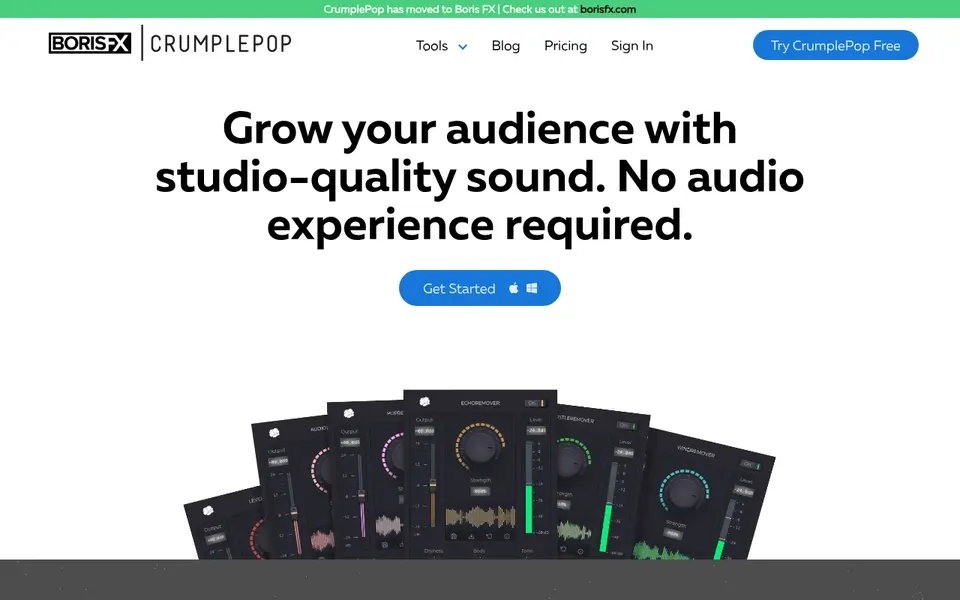
Where CrumplePop AudioDenoise fits: straightforward dialogue denoise for editors. CrumplePop AudioDenoise is part of a toolset marketed around helping creators grow an audience with studio-quality sound.
Its focus is denoising, which fits video editors who primarily have to cut background noise in dialogue without learning a full restoration suite. Pick a broader suite if your footage has layered audio issues instead of plain background noise. Entry price for CrumplePop AudioDenoise: $25 per month. Free access: Free trial.
Where it is weaker: Narrow scope beyond denoising.
- Straightforward cleanup focus
- Purpose-built around audio denoise
- Works as a plug-in inside a host
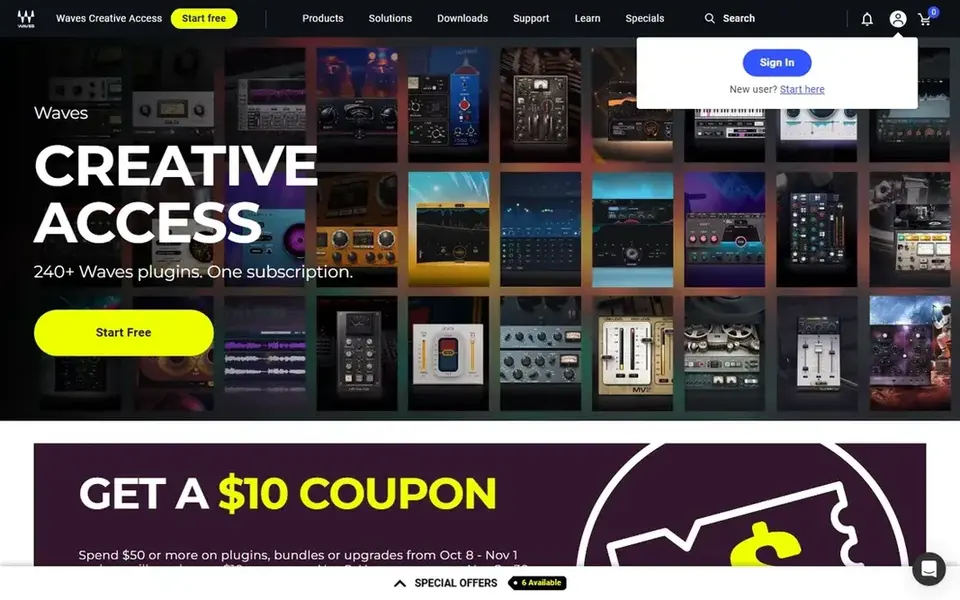
In short, Waves Clarity Vx is for quick vocal and dialogue cleanup. Waves Clarity Vx is positioned as a tool to clean vocals quick, with a homepage message of clean vocals and no compromise. On top of that, if you need wide repair across numerous problem types, a full restoration bundle includes more ground.
Also, for video editors, that translates to dialogue and voiceover cleanup where speed matters more than deep spectral surgery. Its vocal-centered design means it is not a general restoration suite for hum, clicks or clipping. This comparison lists no price for Waves Clarity Vx; ask the vendor. Trial and free access: Not stated.
The main drawbacks: Vocal focus limits other restoration tasks.
- Handy for dialogue-heavy edits
- Marketed around speed and simplicity
- Needs a plug-in host
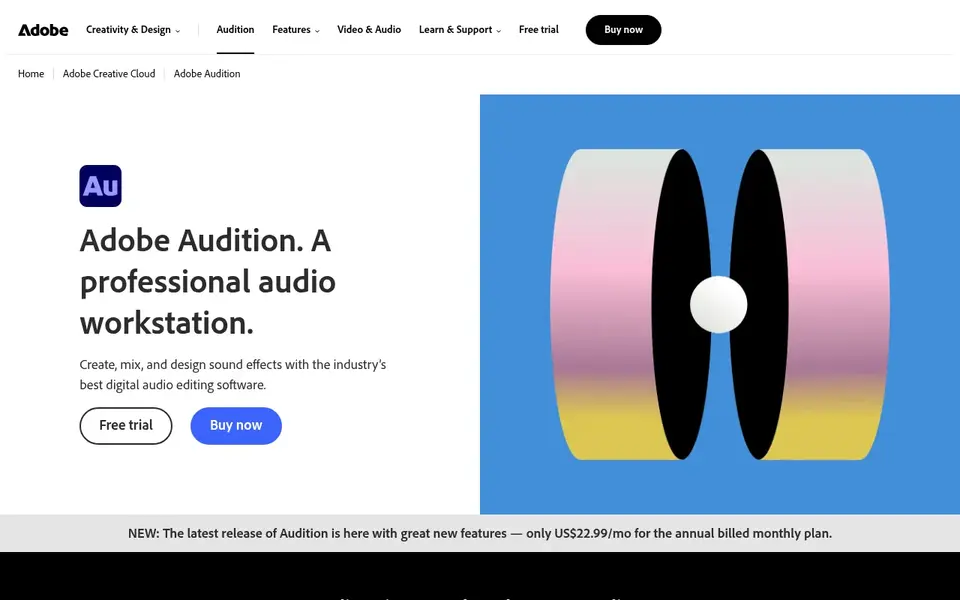
Pick Adobe Audition if this describes you: all-in-one dialogue editing and repair. For video editors, the spectral view is the practical draw: it lets you see problem frequencies and repair them without leaving the session.
Honest limits: Subscription-based access.
As for the details, if you only need one narrow repair task, a focused plug-in may be more straightforward. Adobe Audition is audio recording and editing software built around a full toolset that comes with multitrack, waveform and spectral display. Pricing for Adobe Audition is not stated here, so ask the vendor for current figures. As for free access: Not stated.
- Spectral view helps isolate and fix specific sounds
- Waveform and spectral display in one tool
- Dense interface for occasional users
Cedar Studio is designed for professional restoration and forensic work. The professional and forensic orientation means the toolset is specialized rather than a general editing environment.
What to check first: Specialist toolset instead of general editing.
Cedar Studio does not show a starting price in this comparison, so check the vendor site for current pricing. On free options: Not stated.
- Long-standing focus on noise reduction and restoration
- Suited to demanding cleanup projects
- Professional positioning can be heavy for casual edits
Magix Sequoia makes the most sense for integrated audio and video production. As for the details, learning the full environment takes time.
Honest limits: Large application for straightforward cleanup.
Worth adding: if cleanup is your only task, a dedicated restoration plug-in is a lighter route. Pricing for Magix Sequoia is not stated here, so ask the vendor for current figures. Free options: Not stated.
- Merges audio
- Wide multimedia feature set
- Cleanup is one part of a wider toolset
Acon Digital Restoration Suite
Great for: Focused noise, hum, click and clip repair
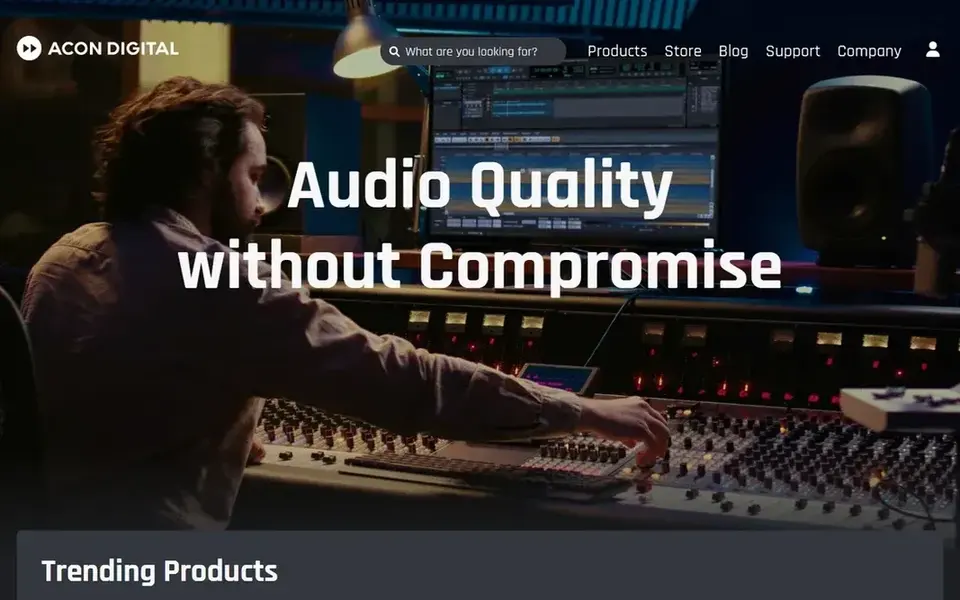
Acon Digital Restoration Suite is designed for focused noise, hum, click and clip repair. Since it is a restoration plug-in, it does not replace your editor for cutting, mixing or sync work.
Also, if you want one application for everything, a full editor is the better fit. Acon Digital Restoration Suite does not show a starting price in this comparison, so check the vendor site for current pricing. Trial and free access: Not stated.
Watch-outs: Needs a host that supports plug-ins.
Where Acon Digital Restoration Suite stands out: Targets typical video audio problems straight.
- DeClick and DeClip in one plug-in
- AI-assisted DeNoise and DeHum modules
- Restoration focus only, not full editing
How the list was put together
We compared the tools on published pricing, free plan or trial availability, feature coverage for audio cleanup software for video editors, and the limits each vendor documents. Treat prices as a snapshot: vendors change plans often, so check the vendor site for the figure that applies today. Tools are placed by general fit for audio cleanup software for video editors, with price clarity and free access as tie-breakers. A different team can reasonably rank them differently.
Pre-purchase checklist
- Confirm the entry price on the vendor page. For Waves Clarity Vx, Adobe Audition, Cedar Studio and others that means a quote rather than a fixed price.
- Use real work to test the free trial from CrumplePop AudioDenoise, rather than a demo project.
- Read the limits listed for CrumplePop AudioDenoise first: narrow scope beyond denoising.
- Pick one real project and run it in Waves Clarity Vx first; a small pilot shows fit faster than a checklist.
- Work out what Magix Sequoia costs with your real seat count, add-ons and usage, not just the entry price.
Frequently asked questions
How are the tools for audio cleanup software for video editors ordered?
CrumplePop AudioDenoise sits first and Acon Digital Restoration Suite last because the order follows typical fit for audio cleanup software for video editors, then price clarity and free access. It is a judgement call, so read each profile for fit and limits.
What should video editors look for in audio cleanup software?
Start with the problems in your footage: background noise, hum, clicks or clipping. Then confirm the tool works inside your editing host or fits your file workflow.
Can I try these tools before paying?
Often, yes. CrumplePop AudioDenoise offers a free trial. Use your own data and a real task during the test, and check what the free tier or trial limits before you rely on it. For the full picture, the cards above cover all 6 entries of this audio cleanup software for video editors list, including price, free plan and limits.
Do these tools publish their prices?
Not all of them. Waves Clarity Vx, Adobe Audition, Cedar Studio and others publish no starting price, so expect a quote request for those. The rest, CrumplePop AudioDenoise included, show a starting price, though seats and billing terms still change the final cost.
What is the cheapest option for audio cleanup software for video editors in this list?
On published monthly entry prices, CrumplePop AudioDenoise is the lowest here at $25 per month. Entry price is only part of the cost, because seats, add-ons and billing terms can change the total. Prices, free plan details and limits for all 6 tools in this audio cleanup software for video editors roundup sit on the individual cards above.
Sources
See where you really rank - block by block
ProMapRanker scans Google Maps across a grid of your service area. Simple monthly plans from $19, white-label on every plan.
Start freeBrowse all guides
← 6 Best AI Video Screening Software for Recruiting in 2026Doc to Video Maker Software: 6 Options Compared in 2026 →
 best ai video hosting platforms
Top 5 AI Video Hosting Platforms, Compared on Price (2026)
Searching for the best AI video hosting platforms? Here are 5 options with prices and free plans. Includes honest limits for each tool. Quick to scan.
Read → best ai contractor of record software
AI Contractor of Record Software: Best Picks of 2026
Best AI contractor of record software: 6 contenders ranked by fit, with entry costs and free tiers. Each pick comes with its main catch. Checked this month.
Read → adobe podcast alternatives
Adobe Podcast Alternatives in 2026: Prices and Free Plans
5 tools for Adobe Podcast alternatives, compared on pricing, free plans and best-fit use. Fit and flaws are laid out for each entry. Narrow your shortlist.
Read → best cd ripping software
Best CD Ripping Software in 2026
Compare the best CD ripping software in 2026, from Exact Audio Copy and dBpoweramp to free rippers for FLAC, MP3, and lossless music archives for collectors.
Read → best ai photo to video tools
Best AI Photo to Video Tools in 2026
Compare the best ai photo to video tools for turning still photos into short clips, with free plans, credit costs, and honest limits for each tool in 2026.
Read → best screen recording software
Best Screen Recording Software in 2026
Best screen recording software in 2026, compared on price, editing, sharing, and free plans, so you can pick the right recorder for tutorials or work.
Read →More in Video, Audio & Podcasts · All guides A to Z by date · Latest guides