 ProMapRanker
Best CD Ripping Software in 2026


Accurate free ripping on Windows · Pricing starts at: Free
Key takeaways
- Exact Audio Copy remains the free standard for accurate rips, with secure mode rereading problem sectors and AccurateRip verification.
- dBpoweramp is the best paid ripper for Windows and Mac users who want fast, accurate rips with strong metadata.
- foobar2000, fre:ac, MusicBee, and CUETools cover free ripping well, with different strengths in playback, conversion, and cue sheets.
- Rip to FLAC for a lossless archive, then convert copies to MP3 or AAC for portable players, so you only rip each disc once.
Quick comparison
| Pick | Great for | Pricing starts at | Free tier | |
|---|---|---|---|---|
| Exact Audio Copy | Accurate free ripping on Windows | Free | Yes | Visit |
 dBpoweramp CD Ripper | Fast paid ripping with strong metadata | $39 one-time | Free trial (21 days) | Visit |
 foobar2000 | Free ripping plus powerful playback | Free | Yes | Visit |
 fre:ac | Free cross-platform ripping and conversion | Free | Yes | Visit |
 MusicBee | Free ripping plus library management | Free | Yes | Visit |
 EZ CD Audio Converter | Simple paid ripping and conversion | $39.95 one-time | Free trial (30 days) | Visit |
 CUETools | Accurate rips with cue sheets and verification | Free | Yes | Visit |
 Express Rip | Simple free ripping for beginners | Free | Yes | Visit |
The best cd ripping software
CD ripping extracts audio from a disc into files on your computer, with metadata, album art, and format conversion. Accuracy matters most, since a bad rip with clicks or errors cannot be fixed later without ripping again. These tools differ in accuracy checks, metadata sources, and ease of use.
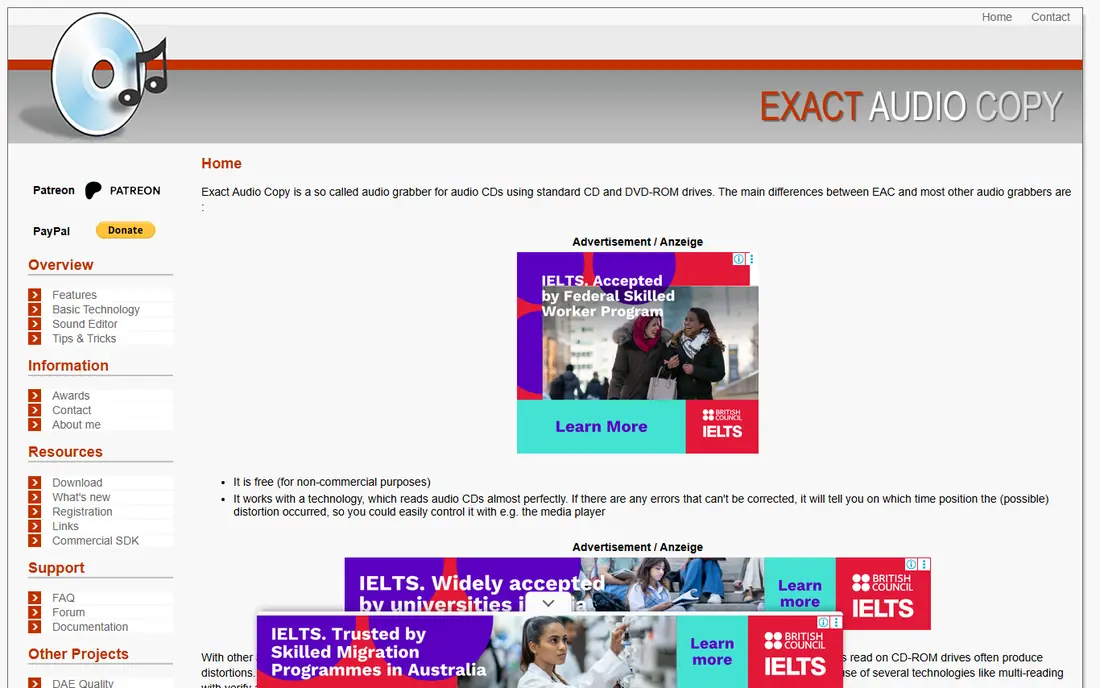
Exact Audio Copy, known as EAC, is the free standard for accurate CD ripping on Windows. Its secure mode rereads questionable sectors and compares results, which helps rescue scratched or aging discs that a fast ripper would pass with errors. AccurateRip verification then checks your rip against a database of other rips of the same disc.
The interface feels dated, and setup takes care, especially for encoder settings and metadata sources. New users should follow the setup guide for FLAC output and log creation, since a correct first setup saves repeated work. For an archive you plan to keep for years, EAC is still the safest free choice.
- Secure mode rereads problem sectors
- AccurateRip verification
- Detailed rip logs
- Windows only
- Dated interface that takes time to learn

dBpoweramp is the best paid ripper for users who want accuracy without EAC's learning curve. It rips quickly, checks accuracy, and pulls metadata and album art from several sources, which reduces manual tagging. Its handling of damaged discs is strong, since it rereads problem areas until it reaches a reliable result.
The price starts at $39 for a single PC license, with a Reference version at a higher price for advanced metadata and DSP features. Mac users should note that dBpoweramp is available for macOS as well as Windows, though some features differ by platform. For a large collection, the time saved on metadata alone can justify the price.
- Fast and accurate ripping
- Metadata from several sources
- Good handling of damaged discs
- Paid after the trial
- Full feature set needs the higher Reference version
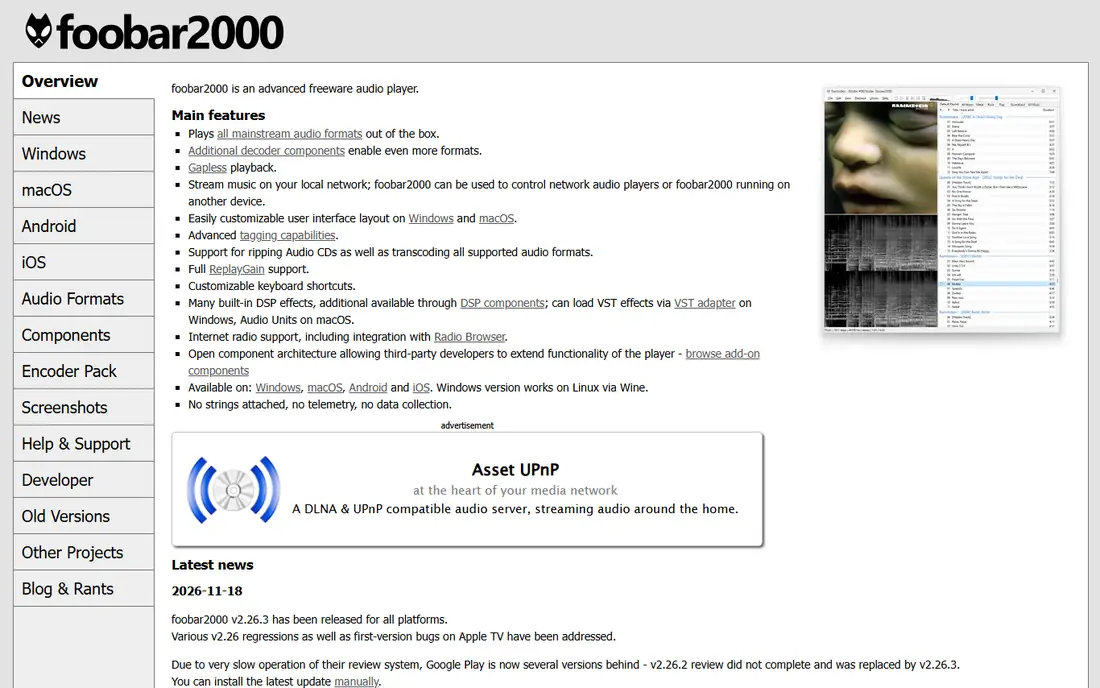
foobar2000 is best known as a music player, but it is also a capable free ripper on Windows. With its converter component, it can rip CDs to FLAC, MP3, and other formats, and its tagging tools help clean up metadata after the rip. Its lightweight design runs well on older computers, which suits a dedicated ripping machine.
The drawback is setup. Ripping is not as guided as in EAC or dBpoweramp, and new users may need to install components and set encoder paths. foobar2000 suits users who already use it for playback and want ripping in the same tool, rather than beginners who want a single guided ripper.
- Free and lightweight
- Strong format support
- Highly customizable playback and tagging
- Ripping needs the converter component
- Interface is plain for new users
fre:ac is a free, open-source audio converter and CD ripper that runs on Windows, macOS, and Linux. That cross-platform coverage is its main advantage, since most accurate rippers are Windows-only. It handles batch ripping and conversion, and it supports FLAC, MP3, and other common formats from one interface.
Accuracy checks and metadata are simpler here than in EAC or dBpoweramp, so fre:ac is best for clean discs and for users who value a free tool on Mac or Linux. For a scratched disc or a critical archive, rip with a verified tool first, then use fre:ac for conversion and batch work.
- Free and open source
- Runs on Windows, Mac, and Linux
- Batch conversion
- Metadata and accuracy checks are simpler than EAC or dBpoweramp
MusicBee combines CD ripping with a full music library manager, which suits users who want to rip and organize in one place. It can rip to FLAC and MP3, fetch metadata and art, and then manage playlists, tags, and syncing to portable players. For a Windows user building a home library, that combination is convenient.
Pure ripping users may find the library features more than they need, and MusicBee is Windows-only. It also lacks the deep secure-mode verification of EAC, so it is best for clean discs and everyday collections. If you want ripping plus a polished library, MusicBee is a strong free pick.
- Free
- Ripping plus full library organization
- Good metadata and album art
- Windows only
- Library features can overwhelm pure ripping users
EZ CD Audio Converter is a paid Windows tool that keeps ripping simple. It rips CDs, converts between formats, edits metadata, and burns discs from one clear interface, without the setup depth of EAC. That simplicity suits users who want a guided ripper and are willing to pay for it.
The price of $39.95 is a one-time license, with a 30-day trial to test it on your own discs. It does not match EAC on verification depth for damaged discs, so critical archives still benefit from a secure-mode rip first. For a straightforward collection on Windows, EZ CD is an easy and capable choice.
- Clear interface
- Ripping plus conversion and metadata editing
- Good format support
- Paid after the trial
- Windows only
CUETools is a free tool for users who care about accurate rips, cue sheets, and verification. It can verify existing rips against AccurateRip and the CUETools database, repair some errors, and work with single-file disc images plus cue sheets. That makes it useful both for new rips and for checking an older collection.
The interface assumes you know what a cue sheet, a log file, and a disc image are, so beginners may find it confusing. CUETools pairs well with EAC, since EAC can create the rip and log while CUETools verifies and manages the result. For archivists, it is an essential free companion tool.
- Free
- AccurateRip verification
- Cue sheet and single-file image support
- Windows focused
- Interface assumes knowledge of cue sheets and logs
Express Rip from NCH Software is the simplest ripper on this list, and that is its point. It rips a CD to MP3 or WAV with a few clicks, which suits a beginner who wants music on a phone or computer without learning secure modes or cue sheets. The free version covers basic ripping, with a paid version adding more features.
Accuracy and metadata are basic compared with EAC and dBpoweramp, so Express Rip is best for clean discs and casual listening rather than a permanent archive. For a quick rip of a new disc, or for a user who finds other rippers intimidating, it is a friendly starting point that gets the job done.
- Very simple interface
- Free version for basic ripping
- Fast MP3 and WAV output
- Accuracy checks are basic
- Advanced features sit in the paid version
How we picked these
We compared official feature and pricing pages for CD rippers live in October 2026, and we kept tools that rip real audio CDs to common formats with stated metadata or verification features. We favored free tools with a clear use case and paid tools with a published license price, and we used See website only where pricing was not stated. We did not claim hands-on testing, and we left out tools that no longer load or that convert video rather than rip CDs.
How to rip a CD collection well
Rip once, rip accurately, and keep a lossless master. A second rip of a large collection takes far longer than a careful first rip, and a lossy file cannot regain detail that was discarded.
Choose FLAC for the archive
FLAC is lossless, so it preserves the full CD audio in a smaller file than WAV. Keep FLAC masters on a backed-up drive, then convert copies to MP3 or AAC for phones and cars. That way you only rip each disc once, and future format changes start from the master rather than from a lossy copy.
Check accuracy on damaged discs
Use secure mode in EAC or the accuracy checks in dBpoweramp for scratched discs, and keep the rip log with the files. A log that shows errors tells you which tracks need a second attempt or a different drive. Clean a disc gently before ripping, since dust and fingerprints cause many avoidable errors.
Get metadata right at rip time
Metadata from freedb, MusicBrainz, and other sources varies in quality, so check artist, album, track titles, and album art before you file the rip away. Fixing tags later across hundreds of albums is slow, while fixing them during the rip takes seconds per disc. Use a consistent folder and file naming pattern from the start.
Keep a backup of the masters
A ripped collection is only as safe as its backup. Keep FLAC masters on at least two drives or a drive plus cloud storage, and test that you can restore files before you discard or store the physical discs. Discs degrade, drives fail, and a backup is the only protection for hours of ripping work.
Frequently asked questions
What is the best software for ripping CDs?
Exact Audio Copy is the best free ripper for accurate Windows rips, while dBpoweramp is the best paid ripper for speed and metadata. For Mac or Linux, fre:ac is a strong free option. The best tool depends on your platform, disc condition, and whether you need a lossless archive.
What is the best CD ripper software for FLAC?
Exact Audio Copy and dBpoweramp both rip cleanly to FLAC with accuracy checks, and CUETools can verify the result. Use FLAC for the master archive, since it is lossless and widely supported by players and servers. Convert FLAC copies to MP3 or AAC only for portable use, and keep the FLAC masters backed up.
Is Exact Audio Copy still good in 2026?
Yes. Exact Audio Copy remains a standard for accurate free ripping on Windows, with secure mode and AccurateRip verification. Its interface is dated and setup takes care, but for an archive you plan to keep, its accuracy checks still justify the learning curve over a fast but unchecked ripper.
Can I rip CDs on a Mac?
Yes, though the best-known accurate rippers are Windows-focused. fre:ac runs on Mac and handles ripping and conversion free, and dBpoweramp offers a Mac version with strong metadata. Check the current Mac version and format support on the vendor site before you buy, since Mac features can differ from Windows.
Does ripping a CD lose quality?
A lossless rip to FLAC or WAV preserves CD quality, while MP3 and AAC discard some audio data to save space. Rip to FLAC first for the archive, then make lossy copies for portable players if you need smaller files. A high-bitrate MP3 sounds fine for casual listening, but it cannot replace a lossless master later.
Is it legal to rip CDs I own?
In the US, ripping CDs you own for personal use is widely treated as fair use, but the law has limits and varies by country. Do not share ripped files, upload them, or sell copies, and keep rips for your own listening. If you are unsure about your local rules, check a reliable legal source for your country.
Sources
See where you really rank - block by block
ProMapRanker scans Google Maps across a grid of your service area. Simple monthly plans from $19, white-label on every plan.
Start freeKeep reading
 zscaler alternatives
Best Zscaler Alternatives in 2026
Looking for zscaler alternatives? We compare 9 SASE and zero trust platforms on architecture, data protection, pricing, and fit for your network and team.
Read → zapier alternatives free
Best Zapier Alternatives Free in 2026
Nine automation tools for zapier alternatives free in 2026, all with genuinely free tiers, plus free plan limits, starting prices and upgrade paths explained.
Read → which platform is best for online reputation
Which Platform Is Best for Online Reputation in 2026
Wondering which platform is best for online reputation? We compare 8 review, listing, and response tools for small and multi-location businesses and agencies.
Read →