 ProMapRanker
Best AI Photo to Video Tools in 2026


Controlled, professional short clips · Pricing starts at: $15 per month
Key takeaways
- Runway and Luma give the most control over camera movement and longer edits, but their credits run out fast on lower plans.
- Kling AI and PixVerse are the friendliest free starting points, with daily credits that let you test a photo before paying.
- HeyGen and D-ID are a different kind of tool, best when the photo needs to talk rather than move through a scene.
- Free plans almost always add a watermark or limit commercial use, so check the license before posting client work.
- Only animate photos you own or have permission to use, and never animate a real person without their consent.
Quick comparison
| Pick | Great for | Pricing starts at | Free tier | |
|---|---|---|---|---|
| Runway | Controlled, professional short clips | $15 per month | Yes | Visit |
 Pika | Playful effects and social clips | $10 per month | Yes | Visit |
 Luma | Natural camera movement | $30 per month | Free trial | Visit |
 Kling AI | Realistic motion on a budget | $10 per month | Yes | Visit |
 Hailuo AI | Quick template-led clips | See website | Yes | Visit |
 PixVerse | Daily free testing | $10 per month | Yes | Visit |
 Kaiber | Stylised looks from one photo | See website | Yes | Visit |
 HeyGen | Talking photo avatars | $29 per month | Yes | Visit |
 D-ID | Low cost talking photos | $5.90 per month | Free trial | Visit |
The best ai photo to video tools
These tools turn a still image into a short moving clip, and they differ far more in control, cost, and license than in the basic idea. We compared official feature pages, pricing pages, and app store listings, and we kept only tools that are live and that accept a photo as the starting point.
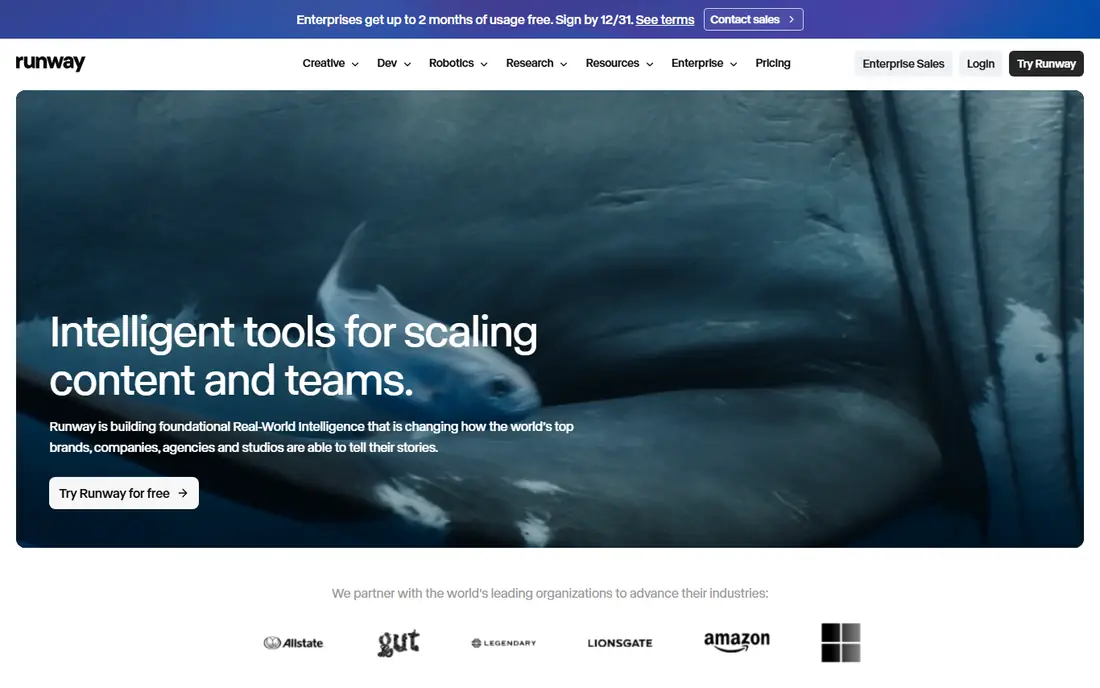
Runway suits creators who want to direct a shot rather than accept whatever motion the model invents. You can describe camera moves, keep a subject in frame, and edit the result in the same workspace, which matters when a product photo has to stay recognisable.
The catch is cost planning. The free plan gives a one time credit allowance, and the Standard plan at 15 dollars per month gives 625 credits a month, which covers only a modest number of short clips once you count discarded takes. Runway is our pick for most people who need control, but it is not the cheapest way to test ideas.
- Strong camera control
- A wide model choice in one account
- No watermark on paid plans
- Credits burn fast on detailed clips
- The free allowance is one time only, not monthly
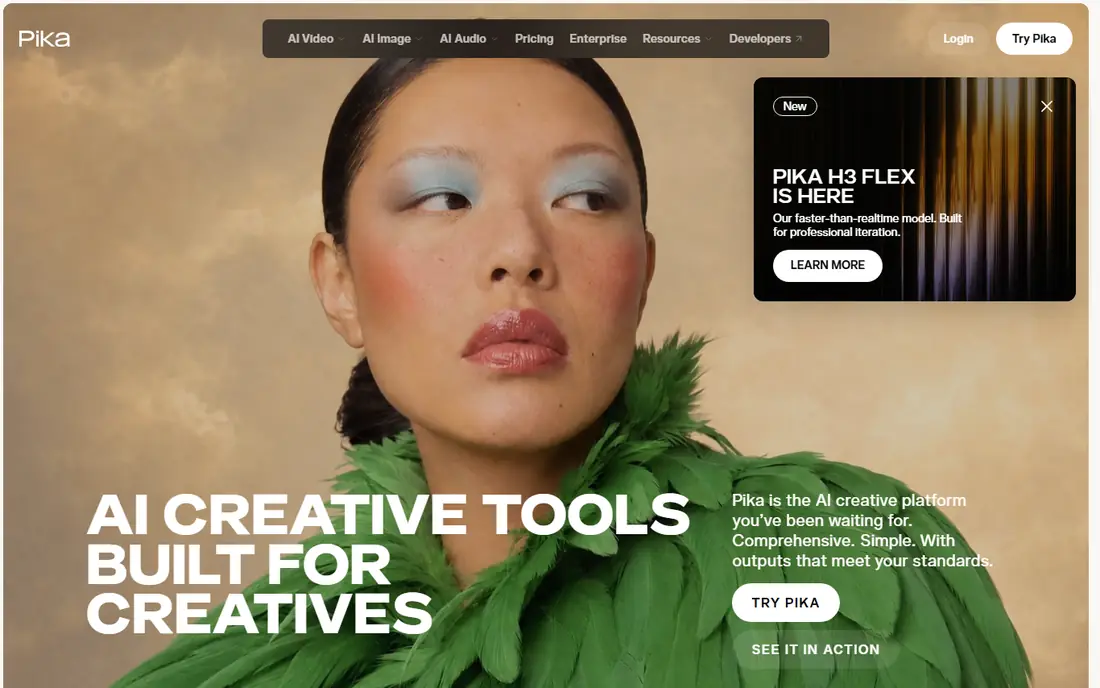
Pika is built for speed and for clips that are meant to be shared quickly. Its Pikaffects presets add motion such as inflating, melting, or exploding an object in the photo, and that style fits social posts far better than a straight product demo.
Pricing needs a careful read. The Standard plan costs 10 dollars per month, but the commercial license and watermark free exports sit on higher plans in some published comparisons, so confirm the current plan details before using Pika for client work. Credit packs are a useful alternative for people who animate photos only a few times a quarter. Choose Pika for playful work, not for a long, carefully staged scene.
- Fast, fun one click effects
- Credit packs for irregular use
- Simple interface
- No full timeline editor
- Commercial use is limited on lower plans
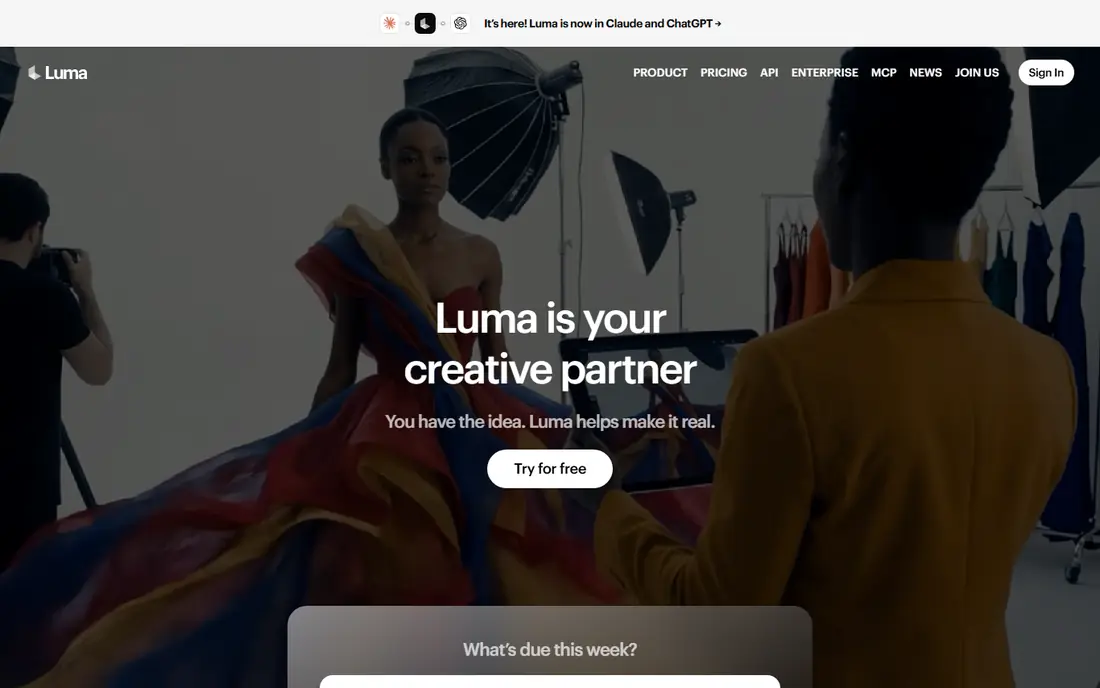
Luma, formerly known as Dream Machine, is now part of a wider creative workspace built around its Ray models. Its strength is motion that looks like a camera actually moved, rather than a photo simply warping. Keyframes let you shape a shot beat by beat, which helps when you want a product to turn, a scene to pan, or a subject to move in a set direction.
The price is the main barrier. Plus costs 30 dollars per month, or 25 dollars per month billed yearly, and that is higher than the entry tier at Runway, Pika, or Kling AI. The free entry point is limited and not a full free plan on the current pricing page, so treat Luma as a paid choice for people who will use it regularly. For a single test, start with a cheaper tool and move to Luma when camera control matters.
- Smooth, believable motion
- Keyframe control in clips
- Several models in one workspace
- Higher entry price than most rivals
- Monthly credits do not roll over on lower plans
Kling AI, from Kuaishou, has become a favourite for realistic motion because it holds shapes and movement together better than many cheaper tools. A photo of a person walking, a product rotating, or water moving tends to stay coherent for longer, and newer versions support clips with sound and lip sync.
The free tier gives daily credits, which is generous for learning, but free output is watermarked and barred from commercial use. Paid plans start at a list price of 10 dollars per month, with first month offers sometimes shown, so check the price at checkout. If you want the best free photo to video app experience before paying, Kling AI is a strong first stop, provided you accept the watermark while testing.
- Daily free credits
- Strong physics and natural movement
- Longer clips than many rivals
- Free clips are watermarked and not for commercial use
- Render times can be slow at peak times
Hailuo AI, from MiniMax, focuses on turning a photo into a short, polished clip with little setup. Templates help when you need a social format fast, and character motion is a clear strength, so portraits and product shots with a person in frame tend to animate in a lively way. The public site lists paid plans from around 10 dollars per month in some sources, but we could not verify a single stable public price, so we list it as See website.
That lack of a clear public pricing page is the main drawback. Free trial credits give you a way to judge quality, but they do not last long, and you will need to sign in to see the full plan list. Use Hailuo AI when speed matters and you are happy to check the in-app price before committing.
- Fast results from a photo and a short prompt
- Templates for social formats
- Good character motion
- Full pricing sits inside the app
- Free trial credits expire quickly
PixVerse stands out because its free allowance refills daily, so you can test a new photo idea each day without paying. That is different from a one time trial, and it makes PixVerse a practical learning tool. Paid plans remove the watermark and add commercial use, with 1080p on higher tiers.
The free plan is for testing only. Output is watermarked, limited in resolution, and not licensed for commercial use, so do not post free clips on a monetised channel. Styles are a genuine plus, with realistic, anime, clay, and 3D looks available per generation, and multi-shot control helps when one clip needs more than a single movement. For regular free experimentation, PixVerse is hard to beat, as long as you pay before publishing.
- Daily refilling free credits
- Fast renders
- Styles from realistic to anime and clay
- Free output is watermarked and non-commercial
- Higher resolution sits on higher plans
Kaiber takes a different angle from the realism led tools on this list. It is best when you want a photo turned into something stylised, such as an animated illustration, a music video look, or a dreamlike sequence, rather than a faithful product shot. The prompt led workflow keeps the barrier low.
The trade-off is accuracy. A stylised tool will change colours, shapes, and details more freely, so a product that must stay exact may drift from the original photo. Pricing has also shifted over time, and we list it as See website because the current public page should be checked before buying. Pick Kaiber for creative, artistic clips, and pick Runway or Kling AI when the photo must stay true to life.
- Distinct artistic styles
- Multiple models under one account
- Simple prompt led workflow
- Pricing is not always clear on the public site
- Less suited to strict product accuracy
HeyGen does not try to animate a whole scene. It turns a photo into a talking presenter, with a script, a voice, and lip sync, which fits explainers, training clips, and short marketing messages. The free plan gives a few short watermarked videos a month, and Creator costs 29 dollars per month, or around 24 dollars per month billed yearly, with a larger credit pool on higher plans.
Credit use is the detail to watch. The most realistic avatar engines cost far more per minute than the standard engine, so a Creator plan covers far fewer premium minutes than the headline suggests. That still works for short explainers, but it is not a route to long, high end video on a low plan. Use HeyGen when the job is a person speaking to camera, and use a scene tool when the job is motion through a place or a product in action.
- Realistic talking avatars from a photo
- Many languages
- Translation and lip sync tools
- Premium avatar quality uses credits fast
- Free plan is limited to a few short videos a month
D-ID is the budget entry point for talking photos. Lite costs 5.90 dollars per month, or less billed yearly, and gives a small monthly minute allowance that is shared by the web app and the API. That makes it practical for a small business that needs a few short spoken clips a month.
The limits are clear. Lite output carries a watermark, and commercial use starts on the Pro plan, so a free or Lite clip is not the right choice for paid client work. Video length and quality also stay modest compared with HeyGen. Even so, for a low cost test of talking photos, D-ID is a sensible first step, and its API is a plus for teams that want to build the feature into their own product.
- Very low entry price
- Simple photo to talking video workflow
- API for developers
- Lite output is watermarked
- Commercial use starts on higher plans
How we picked these
We compared official feature pages, pricing pages, and app store listings for tools that accept a photo as input and return a short video. We left out tools marketed for undressing people or for non-consensual imagery, and we left out Sora as a live consumer product, since consumer access ended in April 2026. We also checked that each tool on this list is live in October 2026 and that its homepage belongs to the product named. Where pricing was hidden inside an app or changed between sources, we wrote See website rather than guessing a number.
What to check before you pay
Start with the license, not the demo. Free clips are often watermarked, limited in resolution, or restricted to personal use, and that matters more than a small difference in motion quality. Next, count credits per finished clip, not per plan. A plan that looks generous can cover only a handful of clips once you count retries, higher resolution, and longer durations.
Then check consent and rights for the photo itself. Only animate photos you own or have permission to use, and never animate a real person without their consent. That rule applies to family photos, staff photos, and customer photos alike, and it is more important than any creative effect. Finally, test the same photo in two tools before subscribing. Motion quality varies by subject, and a tool that handles an outdoor scene well may struggle with hands, text, or a detailed product label.
Free photo to video apps: what free really means
A free plan usually means one of three things: a one time credit allowance, a daily refill, or a few short videos a month. Daily refills, as at PixVerse and Kling AI, are best for learning. One time allowances, as at Runway, are best for a single careful test. In both cases, expect a watermark and a personal use limit until you pay.
How long should a clip be
Most tools in this list make clips of five to ten seconds, with some extending to around fifteen seconds or more through multi-shot or extend features. That length fits social posts, product teasers, and short ads. If you need a minute long video, plan to stitch several clips together in an editor, and budget credits for each clip, not just for the final edit.
Frequently asked questions
What is the best free ai photo to video app?
Kling AI and PixVerse are the strongest free starting points because both refill free credits daily. Runway is better for control, but its free allowance is one time only. For a talking photo, HeyGen gives a few free short videos a month, while D-ID offers a trial rather than a lasting free plan.
Can I use a free ai photo to video tool for commercial work?
Usually not on the free tier. Free output is often watermarked and limited to personal use, so check the plan terms before posting on a business channel. Paid plans at PixVerse, Pika, Runway, and HeyGen add watermark free output and commercial rights, but the exact plan that adds those rights varies by tool.
What is the best photo to video ai app for a product photo?
Runway and Kling AI are the safest choices when the product must stay recognisable, because both give more control over camera movement and subject consistency. Test the same product photo in both, and watch for changes to labels, colours, and small details. For a stylised social post, Kaiber or PixVerse may be more fun, but they will change the look more.
Do I need a photo I own to use these tools?
Yes, in practical terms. Only animate photos you own or have permission to use, and never animate a real person without their consent. Tools also have their own rules on likeness and misuse, and a clip that breaks those rules can be removed or can lead to an account ban.
How much does a best ai photo to video app cost per month?
Entry paid plans on this list range from around 6 dollars per month at D-ID to 30 dollars per month at Luma, with most scene tools starting near 10 dollars per month. The monthly price alone does not tell the full cost, because credits per clip, resolution, and retries decide how many finished clips you actually get.
Can I animate an old family photo with these tools?
Yes, if you own the photo or have permission to use it, and if the people in it have consented where consent is needed. A short, gentle motion prompt works best for old photos, since strong effects can distort faces. Keep the original photo safe, and save the video separately so you do not overwrite the source file.
Sources
See where you really rank - block by block
ProMapRanker scans Google Maps across a grid of your service area. Simple monthly plans from $19, white-label on every plan.
Start freeKeep reading
 whats the best ai app to use
Whats the Best AI App to Use in 2026
Wondering whats the best ai app to use in 2026? We compare ChatGPT, Claude, Gemini, Copilot, and more on price, free plans, and best everyday uses today.
Read → life360 alternatives
Life360 Alternatives in 2026
Life360 alternatives compared: 9 family location apps with live maps, arrival alerts and privacy controls to help your family stay in touch every day.
Read → captcha alternatives
CAPTCHA Alternatives in 2026
CAPTCHA alternatives compared: 9 reCAPTCHA alternatives that block bots with less friction, from free Turnstile to privacy-first proof-of-work tools included.
Read →