 ProMapRanker
Life360 Alternatives in 2026

Key takeaways
- Glympse is the strongest choice for short trips, because sharing stops on its own when the timer ends.
- Apple Find My and Google Maps cost nothing extra for people who already use those accounts and devices.
- iSharing and GeoZilla suit families who want ongoing circles, place alerts and location history in one app.
- OwnTracks is the only pick here that keeps location data on a server you control, but it needs more setup.
- Talk through consent and privacy settings with every adult and child in the circle before anyone turns sharing on.
Quick comparison
| Pick | Great for | Pricing starts at | Free tier | |
|---|---|---|---|---|
 Glympse | Temporary trip sharing | Free | Yes | Visit |
 iSharing | Everyday family circles | Free | Yes | Visit |
 GeoZilla | Place alerts and history | Free | Yes | Visit |
 Familo | Simple family maps | Free | Yes | Visit |
 Apple Find My | iPhone and iPad families | Free | Yes | Visit |
 Google Maps | Cross-platform sharing | Free | Yes | Visit |
 FamiSafe | Parents who want controls too | See website | Free trial | Visit |
 Find My Kids | Younger children | Free | Yes | Visit |
 OwnTracks | Privacy-focused self-hosting | Free | Yes | Visit |
The best life360 alternatives
These nine options cover quick trip sharing, always-on family circles and a self-hosted route for people who want full control of their data.
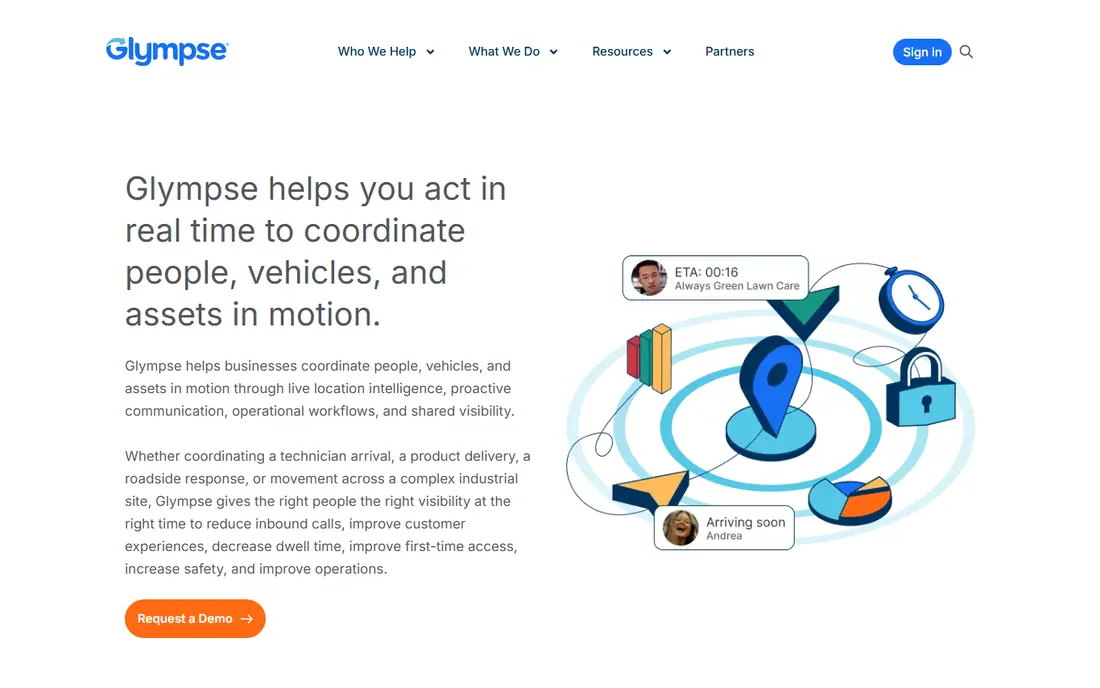
Glympse takes a different approach from most family trackers. You send a live location share for a set time, such as a drive home or a walk to school, and it stops when that time runs out. That design suits families who only need to know where someone is during a specific trip, rather than all day.
The catch is that Glympse is not a direct replacement for a permanent family circle. If you want arrival alerts, driving reports or long location history, one of the circle apps below will fit better. For a single journey, though, its time limit is a genuine privacy advantage.
- No account needed to view a share
- Sharing ends on its own
- Simple to send for one journey
- Not built for always-on family circles
- Business features sit behind paid plans
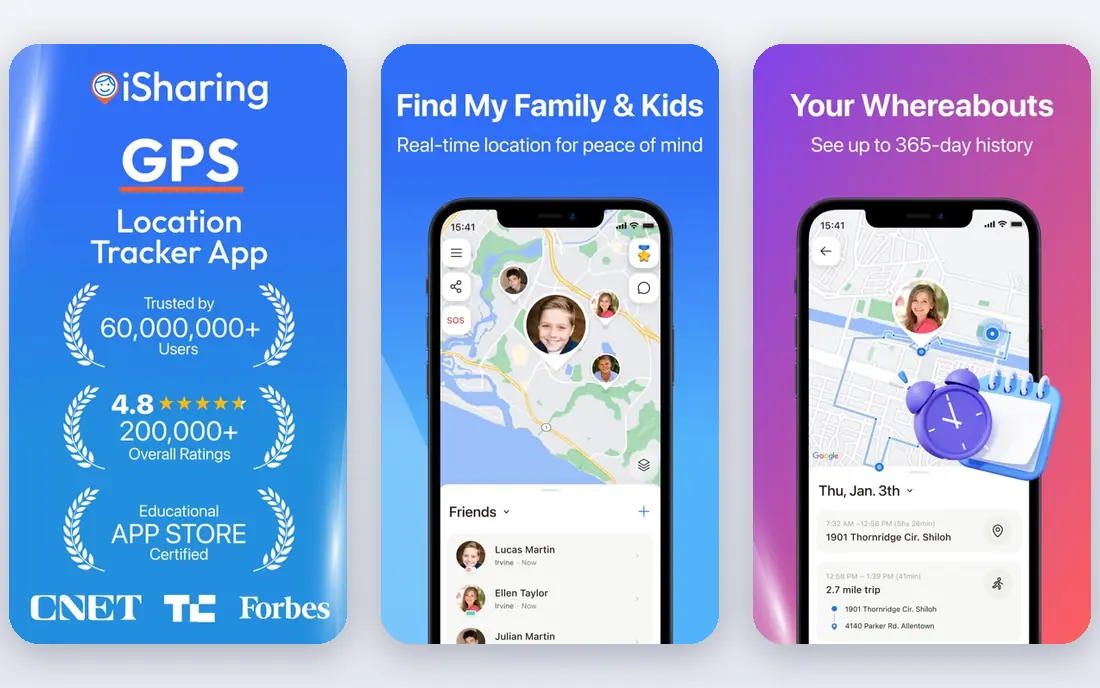
iSharing is built around private family circles where members agree to share location with each other. It adds place alerts for home, school or work, plus panic alerts and inactivity alerts that can matter for older relatives who live alone. Driving reports are also included for teen drivers.
The free tier covers the basics well, so many families can start without paying. Paid plans add longer history and more detail, so check the current plan limits in the app before you rely on a year of history for a specific purpose.
- Real-time sharing on iOS and Android
- Place alerts and panic alerts
- Long location history on paid plans
- The best history features need a paid plan
- Battery use rises with frequent updates
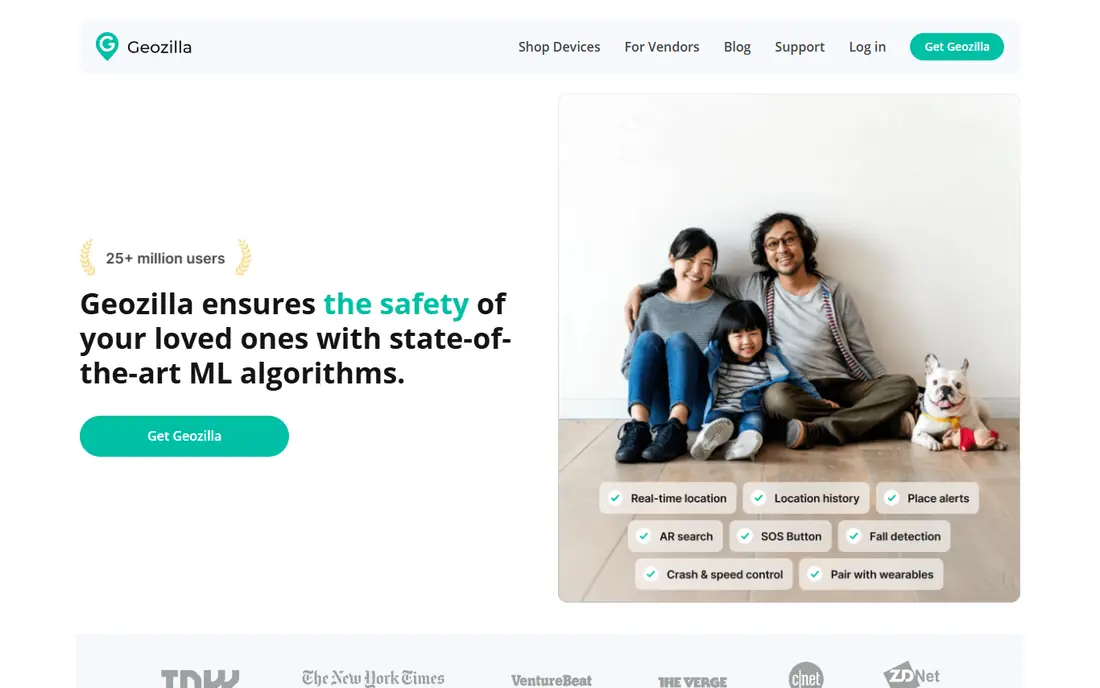
GeoZilla keeps the focus on the family map, with circles, chat and alerts when someone arrives at or leaves a set place. It also supports a dedicated GPS tracker for a child or relative who does not carry a phone, which is a useful option for younger children or older relatives.
The app itself is free to start, with a premium subscription for longer history and extra features. The main drawback is presentation: it works, but it looks plain compared with the polished apps from Apple and Google. If function matters more than polish, it earns its place here.
- Family circles with chat
- Place alerts
- Optional dedicated GPS tracker hardware
- Premium pricing is not always clear on the store page
- The interface feels basic next to newer apps
Familo is a straightforward family locator with a shared map, places and location history. Premium adds unlimited places, 30 days of history and driving detail such as trips and speed events. That mix suits families who want a little more than a dot on a map without a long list of parental controls.
Familo is best used as a consent-based tool: everyone in the circle installs the app and agrees to share. It is not a way to find someone from a phone number alone, and any app that claims to do that should be treated with suspicion.
- Easy circle setup
- Place alerts and driving detail on premium
- Works on iOS and Android
- Premium pricing varies by region and store
- Some features need the paid plan
Apple Find My is the simplest alternative for a household that already lives on iPhones and iPads. Family members can share location with each other through the Find My app, and the same app finds a lost phone, tablet or AirTag. There is nothing extra to install and nothing extra to pay.
The limit is obvious: it does not help much in a mixed household where some people use Android. In that case, Google Maps or a cross-platform app below is a better fit. Check that each person has chosen to share, and review those settings from time to time.
- Built into Apple devices at no extra cost
- Location sharing with family members
- Also finds lost devices and items
- Only useful if everyone uses Apple devices
- Sharing settings are spread across device settings
Google Maps location sharing is often overlooked because it sits inside an app people use for directions. You can share your live location with chosen contacts for a set period or until you turn it off, and the other person sees you on the same map they already use.
That simplicity is both the strength and the limit. It has no family safety extras such as driving reports, SOS alerts or child controls. For adults who just want to coordinate pickups and trips, it is often all that is needed, and it costs nothing.
- Works on Android and iOS
- Share for a set time or until turned off
- Most people already have it installed
- No driving reports or crash detection
- Sharing controls are easy to forget about
FamiSafe is a parental control app that includes real-time location, geofence alerts and location history alongside screen time limits and web filtering. Parents who want one app for both location and device rules may prefer it to a location-only tool.
The trade-off is scope. If you only want to share location between consenting adults, FamiSafe adds controls you may not need, and it is a paid product after the trial period. It fits best for parents managing a child's phone, with clear conversations about what is monitored and why.
- Location tracking plus screen time and web controls
- Geofence alerts
- Works on iOS and Android
- Paid plans only after the trial
- The wider control set can feel heavy for families who only want location
Find My Kids is aimed at parents of younger children, with a map, place alerts and an option to pair a GPS watch for a child who does not have a phone. That watch option is a real advantage for primary school children, since it avoids giving a young child a full smartphone just for location.
Free use covers basic tracking, while premium adds longer history and extra alerts. Adults looking for a circle of equals will find the child-focused design less suitable, but for its intended audience it is a clear, focused choice.
- Child-focused design
- Location history and place alerts
- Works with a phone or a GPS watch
- Premium features need a paid plan
- Best for children rather than whole adult families
OwnTracks is the outlier on this list, and it belongs here for readers who care most about data control. It is an open source app that sends location updates to a server you run yourself, such as a home server or a small rented server. Nobody else holds a copy of your family's movements by default.
That control comes with work. You need to set up the server, keep it updated and sort out access for each family member. There is no support line to call and no ready-made driving reports. For technically confident households, though, it is the only option here that removes the vendor from the data path entirely.
- Open source
- Location data stays on your own server
- No subscription and no ads
- Needs technical setup and a server
- No built-in alerts or support team
How we picked these
We compared official product pages, app store listings and privacy policies for family location apps that are live in October 2026. We kept only apps that use consent-based sharing, where the other person installs the app and agrees to share, and we left out tools marketed for secret tracking. We also left out apps that have shut down, such as Zenly, which closed in 2023. Prices shown are the free or starting figures we could confirm; where a price varies by store or region, we wrote See website rather than guessing.
What to decide before you pick
Start with who is in the circle. A household of iPhone users needs nothing more than Find My, while a mixed Android and iPhone household needs a cross-platform app such as Google Maps, iSharing or GeoZilla. Parents of young children should weigh a GPS watch option from Find My Kids against a phone app.
Next, decide how long sharing should last. Glympse and a timed Google Maps share suit trips and pickups, while iSharing, GeoZilla and Familo suit ongoing circles with place alerts. If you only need trip sharing, do not pay for an always-on plan.
Privacy and consent settings to check
Agree the purpose of sharing before anyone joins, and agree when sharing should be paused. Check each app's settings for who can see history, how long history is kept, and what data the vendor collects for advertising or analytics. Turn off anything you do not need, and review the settings again after app updates, since defaults can change.
Battery, accuracy and the limits of a map
Continuous location sharing uses battery and data, and accuracy drops indoors or in areas with weak signal. A stale or jumping location usually means a signal problem, not an emergency. Keep a direct way to reach each other, such as a call or message, and treat the map as a helper, not a replacement for checking in.
Frequently asked questions
What is the best free alternative to Life360?
Glympse, Apple Find My and Google Maps all offer useful free sharing. Glympse suits single trips, Find My suits Apple households, and Google Maps suits mixed Android and iPhone households. iSharing and GeoZilla also have free tiers for ongoing family circles.
Are there alternatives to Life360 for Android and iPhone together?
Yes. iSharing, GeoZilla, Familo, Google Maps, FamiSafe and Find My Kids all work across Android and iOS. Apple Find My is the main exception, since it is built for Apple devices.
Can I share location without constant tracking?
Yes. Glympse shares for a set time and then stops on its own, and Google Maps lets you share for a set period too. These are good choices when you only need to cover a journey or a pickup.
Is it legal to track a family member with these apps?
These apps are designed for consent-based sharing, where the other person installs the app and agrees. Tracking an adult without their knowledge can break the law and the app's own terms, so get clear agreement first and keep sharing visible to everyone involved.
Which Life360 alternative is best for elderly parents?
iSharing is a strong pick because of its inactivity alerts, which can flag when someone has not moved for a while. GeoZilla is also worth a look if a dedicated GPS tracker suits a relative who does not carry a phone.
Do any of these apps work without a smartphone?
GeoZilla supports dedicated GPS tracker hardware, and Find My Kids works with a GPS watch. Most other apps on this list need a smartphone with the app installed and location permission granted.
Sources
See where you really rank - block by block
ProMapRanker scans Google Maps across a grid of your service area. Simple monthly plans from $19, white-label on every plan.
Start freeKeep reading
 whats the best ai app to use
Whats the Best AI App to Use in 2026
Wondering whats the best ai app to use in 2026? We compare ChatGPT, Claude, Gemini, Copilot, and more on price, free plans, and best everyday uses today.
Read → captcha alternatives
CAPTCHA Alternatives in 2026
CAPTCHA alternatives compared: 9 reCAPTCHA alternatives that block bots with less friction, from free Turnstile to privacy-first proof-of-work tools included.
Read → best webinar software for small business
Best Webinar Software for Small Business in 2026
Compare the best webinar software for small business, from Demio and Livestorm to Zoom and GoTo Webinar, with pricing and attendee limits for 2026 buyers.
Read →