 ProMapRanker
Best Webinar Software for Small Business in 2026

Key takeaways
- Demio and Livestorm are the strongest small business picks, thanks to browser-based rooms, published pricing and trials.
- Zoom Webinars and GoTo Webinar suit larger audiences and teams that already use those ecosystems.
- WebinarJam and WebinarNinja suit selling during webinars, while eWebinar suits automated, repeating sessions.
- Price by attendee limit and session type, not just monthly fee, since overage and host limits change the real cost fast.
Quick comparison
| Pick | Great for | Pricing starts at | Free tier | |
|---|---|---|---|---|
 Demio | Simple small business webinars | $45 per month | Free trial | Visit |
 Livestorm | Browser-based events | See website | Yes | Visit |
 Zoom Webinars | Large familiar audiences | $79 per month | Free trial | Visit |
 GoTo Webinar | Reliable corporate webinars | $59 per month | Free trial | Visit |
 WebinarJam | Selling during live events | $39 per month | Free trial | Visit |
 ClickMeeting | Budget teaching webinars | See website | Free trial | Visit |
 WebinarNinja | Course creators | See website | Free trial | Visit |
 Crowdcast | Affordable scalable events | $49 per month | Free trial | Visit |
 eWebinar | Automated webinars | $99 per month | Free trial | Visit |
The best webinar software for small business
We compared official pricing pages and feature pages for platforms live in October 2026. Prices are starting prices, often with annual billing, and attendee limits differ by plan, so check the tier that matches your audience size.
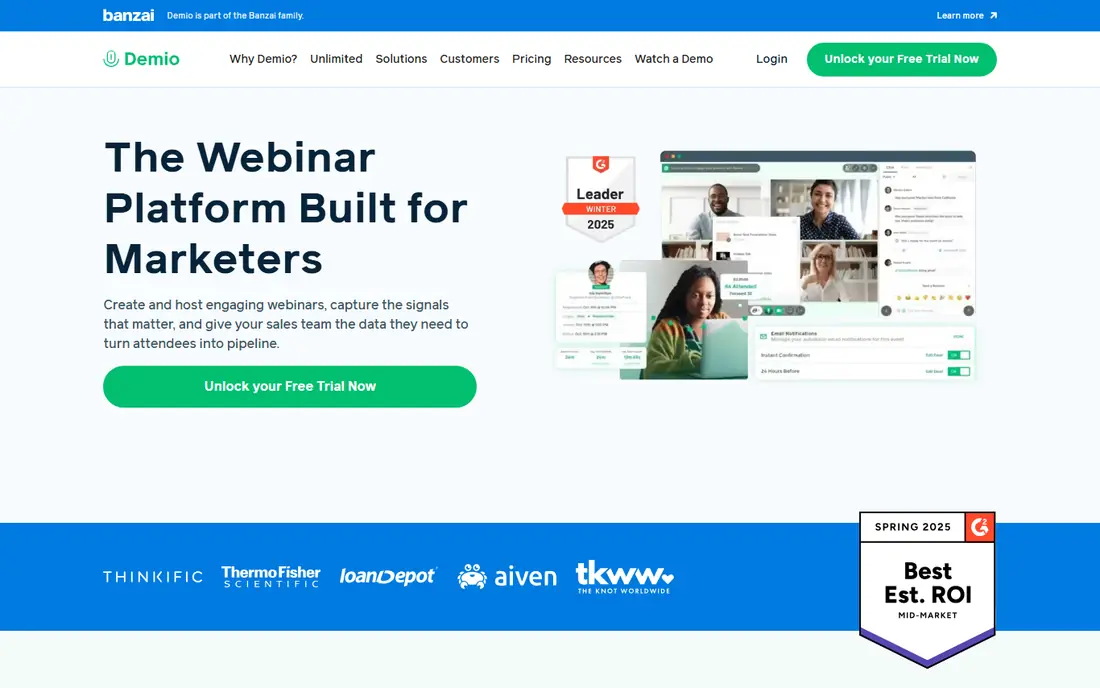
Demio is the easiest webinar tool for a small team to run well. Attendees join in a browser, hosts can share screens and slides, and polls, handouts and chat keep sessions interactive without extra software. Registration pages, reminders and replay pages are built in, which saves time for a lean marketing team.
Our pick for most small businesses is Demio, because it balances ease, price and a professional attendee experience. If your audience grows past a few hundred, price the next tier before committing to a long contract.
- Browser-based rooms with no download
- Simple setup
- Polls, handouts and chat
- Attendee limits rise steeply in price
- Customisation is lighter than enterprise tools
- Automated features need higher tiers
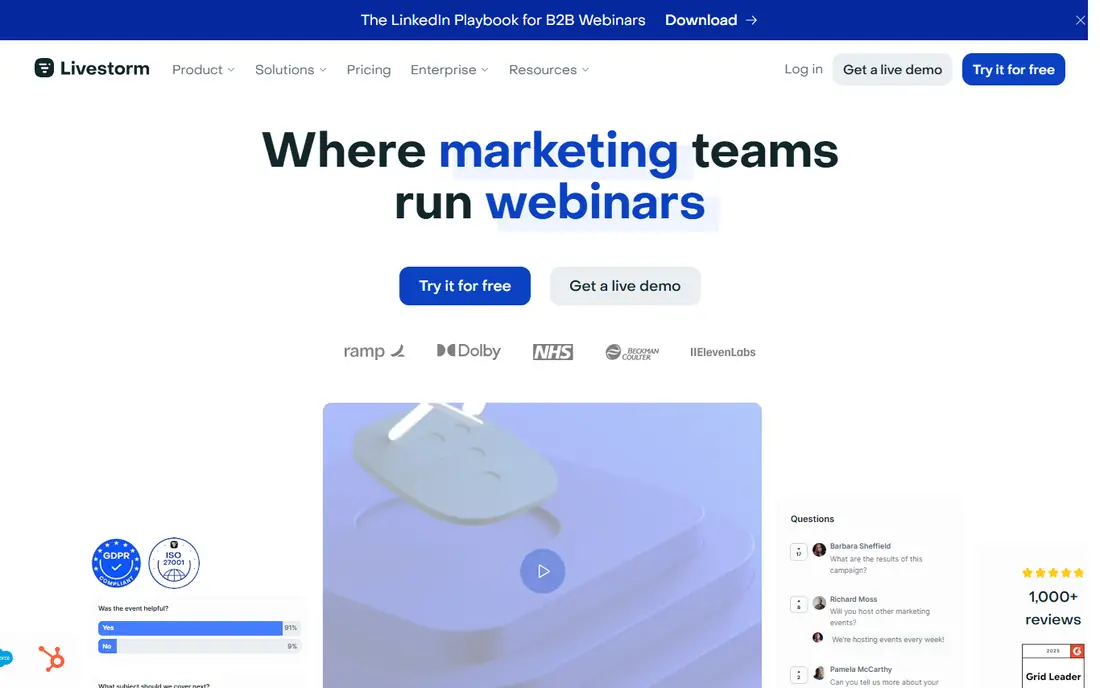
Livestorm runs events fully in the browser, with registration, email reminders, polls and breakout rooms in one platform. It suits teams that run regular webinars, demos and training, and want analytics and CRM connections without stitching tools together. A free tier lets small teams try real events before paying.
Usage-based pricing is the catch. Costs depend on active contacts and session length, so occasional hosts may pay less than heavy users, while frequent hosts should model a full year before choosing.
- Browser-based events
- Polls, Q and A and breakout rooms
- CRM connections
- Pricing is usage based and can rise
- Higher tiers needed for larger contacts
- Session limits vary
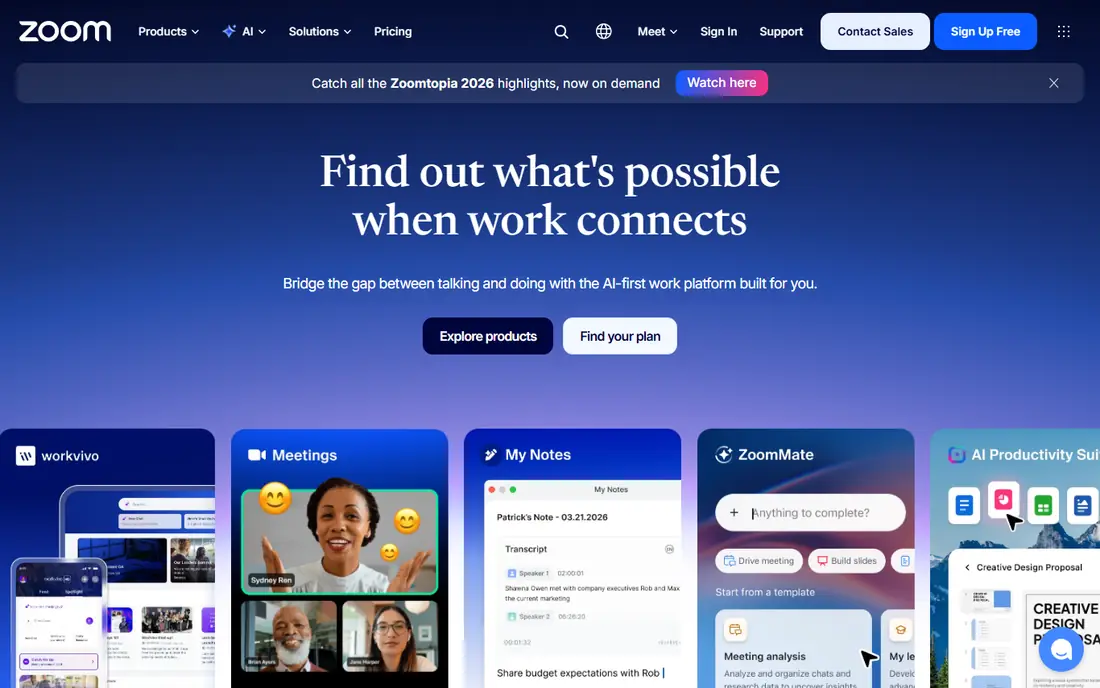
Zoom Webinars suits teams that already run meetings on Zoom and need a reliable large room. Attendees recognise the interface, hosts can manage panelists and Q and A, and reporting covers attendance and engagement. Capacity scales well beyond small business needs, which helps growing firms.
Pricing is the honest drawback. The webinar add-on sits on top of a paid Zoom plan in many setups, so the total monthly cost is higher than the add-on price alone. Check the combined price before comparing with Demio or GoTo Webinar.
- Familiar to most attendees
- Large audience capacity
- Polls, Q and A and reporting
- Needs a Zoom Workplace licence in addition in many cases
- No free plan
- Browser experience is weaker than app
GoTo Webinar has long served corporate training and marketing teams that need a dependable room. Hosts can practise, run polls and surveys, share handouts and track attendance, with support for hundreds of attendees on entry plans. Reliability is the selling point, especially for paid or compliance training where a dropped session is costly.
The interface is less modern than newer rivals, and attendee limits drive price upward. Teams that value polish over proven reliability may prefer Demio or Livestorm.
- Reliable large rooms
- Polls, surveys and handouts
- Practice mode and reporting
- Interface feels dated next to Demio
- Price rises with attendees
- Design customisation is limited
WebinarJam is built for webinars that sell. Hosts can show offers, buy buttons and countdowns inside the room, run polls, and follow up with automated replays. That conversion focus suits course sellers, coaches and product launches where the webinar is a sales step, not just a talk.
Use the selling tools with restraint. Heavy scarcity timers and constant offers can hurt trust, especially for a first audience. Test the full attendee journey before a live launch.
- In-room offers and buy buttons
- Polls and scarcity tools
- Automated replays
- Selling tools can feel pushy if overused
- Setup needs care
- Support quality varies by plan
ClickMeeting offers a budget-friendly route to live teaching and training webinars, with whiteboards, breakout rooms, polls and surveys. Paid events can be ticketed through the platform, which helps trainers and educators who charge for sessions. Browser-based joining keeps friction low for attendees.
Pricing pages vary by region and plan, so confirm the price in your currency and attendee tier. It is a practical pick for teaching, less so for high-polish marketing launches.
- Browser-based rooms
- Whiteboard and breakout rooms
- Paid event options
- Pricing varies by currency and plan
- Interface is functional rather than polished
- Larger events cost more
WebinarNinja serves course creators and coaches who run live, automated and paid webinar series. Hosts can sell registrations, run series events and use offers inside sessions, with analytics to track attendance and conversion. That range suits creators who repeat the same webinar for new cohorts.
Pricing is often quoted per attendee, so model your expected audience before comparing monthly totals. A low per-attendee rate can still cost more than a flat plan at larger volumes.
- Live, automated and series webinars
- Offers and registration tools
- Course-friendly workflows
- Per-attendee pricing model needs modelling
- Smaller brand than Zoom
- Feature depth varies by plan
Crowdcast is an affordable, scalable option for talks, Q and A sessions and community events. Event pages are simple to share, audiences can upvote questions, and hosts can run multi-session events without enterprise pricing. Analytics cover attendance and engagement for follow-up.
Marketing automation is lighter than Demio or WebinarJam, so teams that need deep CRM scoring and automated funnels may need extra tools. For straightforward events, Crowdcast is good value.
- Simple event pages
- Q and A with upvoting
- Analytics and multi-session support
- Fewer marketing automation tools than Demio
- Design options are limited
- Larger plans cost more
eWebinar specialises in automated webinars that run on schedule, including just-in-time sessions that start shortly after signup. Live chat can run during replays, offers can appear at set times, and hosts can join live chat when needed. That model suits repeating product demos and onboarding sessions that would waste a live presenter each time.
The starting price is higher than Demio or WebinarJam, and live launches are not its main strength. Use eWebinar when the same session must run many times, and a live tool when interaction is the point.
- Just-in-time automated sessions
- Live chat during replays
- Unlimited attendees on some plans
- Higher starting price
- Automated focus suits repeating demos more than live launches
- Setup takes time
How we picked these
We compared official pricing pages, attendee limits and feature pages for platforms live in October 2026. We kept tools with real webinar features, published pricing or clear trials, and small business relevance, and we left out meeting-only tools that lack registration, polls and replay features. Prices shown are starting prices, and we wrote See website where pricing is usage based or could not be verified simply.
How to choose webinar software
Start with audience size and session type. Live launches need strong interaction and selling tools, while training needs breakout rooms and handouts, and demos need automation. Check whether attendees must download software, since every required download can reduce show-up rates.
Registration, reminders and follow-up
Good registration pages, reminder emails and replay pages matter as much as the live room. Check CRM connections, so attendance and engagement flow to sales or support without manual exports. Run a practice session with a colleague as an attendee to test audio, screen sharing, polls and chat before a real audience.
Frequently asked questions
What is the best webinar platform for small business?
Demio and Livestorm are the strongest small business picks, thanks to browser-based rooms, clear pricing and trials. Zoom Webinars and GoTo Webinar suit larger audiences, while WebinarJam suits selling.
What is the best webinar software for small businesses on a budget?
WebinarJam, Demio and ClickMeeting offer the lowest entry prices in this list, depending on attendee tier and billing period. Livestorm also offers a free tier for trying real events before paying.
Do attendees need to download software to join a webinar?
It depends on the platform. Demio, Livestorm, GoTo Webinar and ClickMeeting run in the browser, while Zoom Webinars works best with the Zoom app, though browser joining is available. Browser joining usually improves show-up rates.
What is the difference between live and automated webinars?
A live webinar happens in real time with a live presenter. An automated webinar replays a recording on a schedule while chat, polls and offers still run. Use live for launches and automated for repeating demos and training.
Can I sell during a webinar?
Yes. WebinarJam, WebinarNinja and ClickMeeting support offers, buy buttons or ticketed events inside or alongside sessions. Check transaction fees and payment options before a paid launch.
Sources
See where you really rank - block by block
ProMapRanker scans Google Maps across a grid of your service area. Simple monthly plans from $19, white-label on every plan.
Start freeKeep reading
 whats the best ai app to use
Whats the Best AI App to Use in 2026
Wondering whats the best ai app to use in 2026? We compare ChatGPT, Claude, Gemini, Copilot, and more on price, free plans, and best everyday uses today.
Read → life360 alternatives
Life360 Alternatives in 2026
Life360 alternatives compared: 9 family location apps with live maps, arrival alerts and privacy controls to help your family stay in touch every day.
Read → captcha alternatives
CAPTCHA Alternatives in 2026
CAPTCHA alternatives compared: 9 reCAPTCHA alternatives that block bots with less friction, from free Turnstile to privacy-first proof-of-work tools included.
Read →