 ProMapRanker
Whats the Best AI App to Use in 2026


Everyday writing, ideas, coding, and images · Pricing starts at: $8 per month
Key takeaways
- ChatGPT is the best all-round AI app for most people, with a free plan and a broad mix of writing, coding, image, and voice features.
- Claude suits careful writing and long document work, while Gemini is the best value for people already using Google apps.
- Perplexity is the pick for research with sources, and Microsoft Copilot is the pick for people who live in Word, Excel, and Outlook.
- DeepSeek offers a fully free assistant with no paid tier, which makes it a strong second app for budget-minded users.
Quick comparison
| Pick | Great for | Pricing starts at | Free tier | |
|---|---|---|---|---|
| ChatGPT | Everyday writing, ideas, coding, and images | $8 per month | Yes | Visit |
 Claude | Careful writing and long documents | $20 per month | Yes | Visit |
 Gemini | Google Workspace users and long documents | $4.99 per month | Yes | Visit |
 Microsoft Copilot | Word, Excel, PowerPoint, and Outlook users | $19.99 per month | Yes | Visit |
 Perplexity | Research with sources you can check | $20 per month | Yes | Visit |
 DeepSeek | Budget users who want a capable free app | Free | Yes | Visit |
 Grok | Current events and X users | See website | Yes | Visit |
 Poe | Comparing many AI models in one place | $4.99 per month | Yes | Visit |
 Mistral Le Chat | Users wanting a European AI alternative | See website | Yes | Visit |
The best ai app to use
There is no single best AI app for everyone, because the right choice depends on the work you do each day. We compared the leading general AI apps on free plans, paid prices, strengths, and honest limits, and our pick for most people is ChatGPT for breadth, with Claude close behind for writing quality.
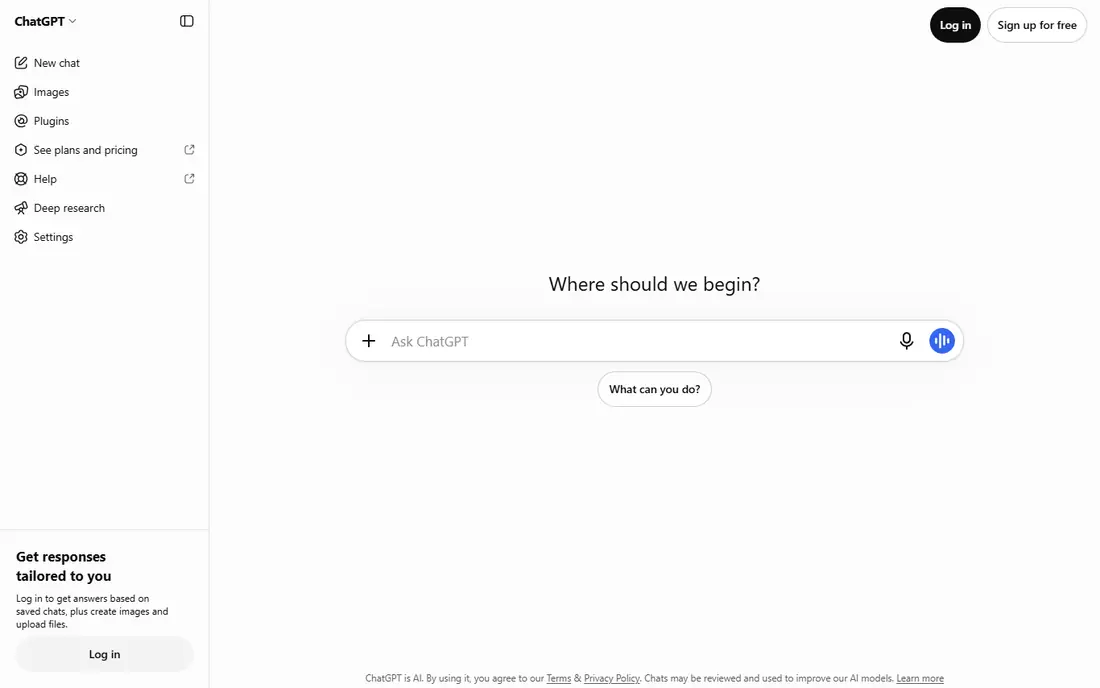
ChatGPT is the most versatile AI app on this list, handling drafting, brainstorming, summarising, coding help, data analysis, image generation, and voice chat in one place. The free plan now covers everyday text chats, voice, and file uploads, while paid plans from $8 per month add higher limits and more advanced models. Custom GPTs let users build task-specific assistants for repeat jobs such as meeting notes or social posts.
The honest catch is verification. ChatGPT can sound confident while getting a fact, date, or citation wrong, so check important claims against a primary source before publishing or acting on them. It also has usage limits that change by plan, so heavy users should read the current limits before relying on it for all-day work. For most people who want one app that does many jobs well, ChatGPT is still the safest first subscription.
- Broadest mix of features in one app
- Custom GPTs for repeat tasks
- Voice and image generation included
- Free plan has usage limits on advanced features
- Answers still need fact-checking
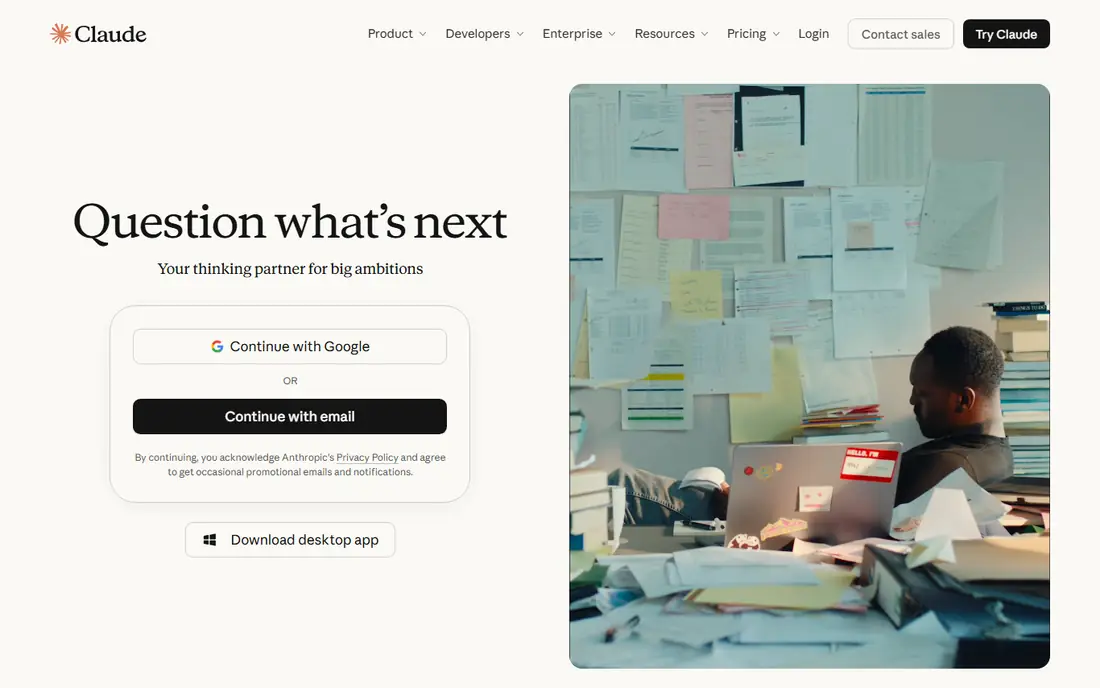
Claude is known for thoughtful, well-structured writing and for working through long documents, research papers, and codebases with care. The free plan gives a useful taste of that quality, and Pro at $20 per month raises limits for regular users. Writers, editors, analysts, and developers who value tone and nuance often prefer Claude over faster, flashier rivals.
The trade-off is breadth. Claude does not generate images, and its rolling usage limits mean a long session can hit a cap sooner than expected. It also lacks the deep app integrations that Gemini and Copilot offer inside Google and Microsoft tools. For writing, editing, and analysis, though, Claude is our pick for quality-first users.
- Strong, natural writing quality
- Handles long documents well
- Good for coding and analysis
- No built-in image generation
- Usage limits can frustrate heavy users
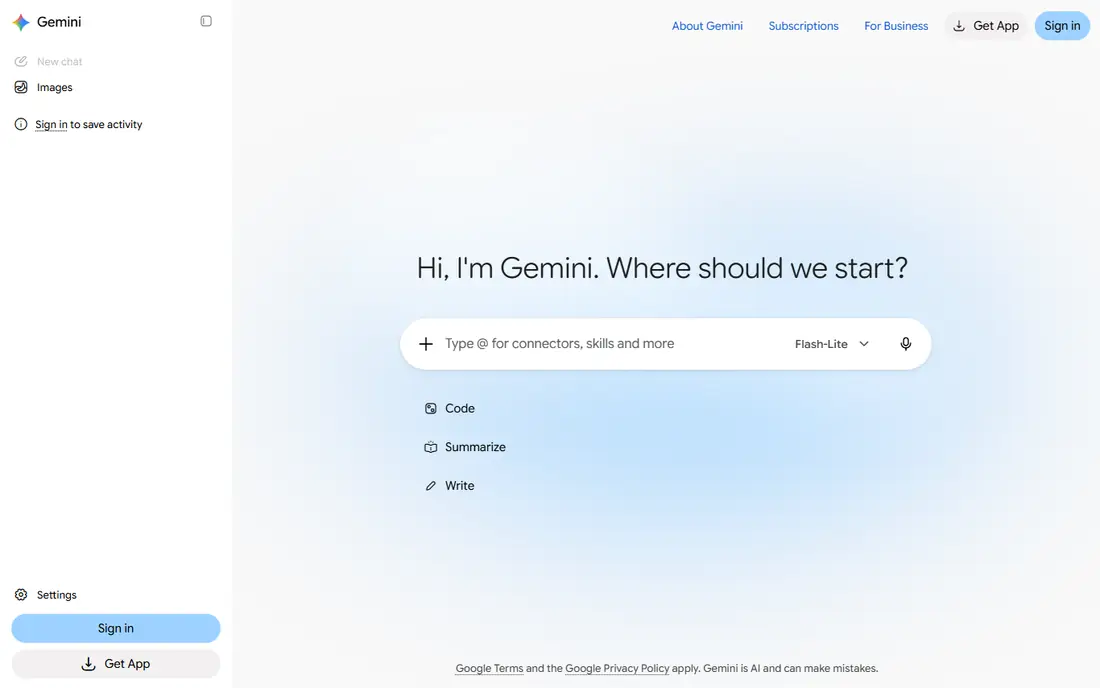
Gemini is Google's AI app, and it shines for people who already work in Gmail, Google Docs, Drive, and YouTube. It can summarise long documents, help draft in Docs, and pull from Google services in ways that rival apps cannot match without extra setup. Paid plans start at $4.99 per month, with AI Pro at $19.99 per month adding more storage and higher limits.
The catch is consistency. On straightforward writing and research, Gemini is strong, but on harder reasoning and careful prose it can feel less steady than Claude or ChatGPT. Users outside the Google ecosystem also get less of the benefit. For a Google household or a Google Workspace team, Gemini is the best-value AI app on this list.
- Lowest starting paid price among the big apps
- Deep Gmail, Docs, and Drive links
- Very long context for large files
- Writing quality on hard reasoning tasks can trail Claude
- Best value depends on Google use
Microsoft Copilot helps inside the apps many office workers already use: drafting in Word, analysing data in Excel, building decks in PowerPoint, and triaging mail and meetings in Outlook and Teams. The free web version covers basic chat, while paid Copilot arrives bundled with Microsoft 365 Premium at $19.99 per month or higher business plans. That bundle suits companies already paying for Microsoft 365.
The honest catch is value outside that world. A user who does not use Office will find Copilot less useful than ChatGPT or Gemini, and the standalone Copilot Pro plan has been folded into bundles, which complicates a simple comparison. For a Microsoft 365 team, though, Copilot saves time in the exact apps where work already happens.
- Built into Microsoft 365 apps
- Strong Excel and meeting summaries
- Enterprise security options
- Paid access is bundled with Microsoft 365 plans
- Weaker outside the Microsoft ecosystem
Perplexity is a research-first AI app that searches the web and answers with inline citations, so readers can open the source and check the claim. That habit makes it the best tool on this list for journalists, students, analysts, and anyone who needs to verify a fact quickly. The free plan covers basic searches, and Pro at $20 per month adds unlimited advanced searches and more model choices.
The trade-off is creative range. Perplexity is less suited to long-form fiction, detailed coding projects, or open-ended brainstorming than the general assistants above. Use it as a research companion alongside a general app, not as the only app, and still open key sources yourself before relying on a cited answer.
- Answers include citations
- Strong web search
- Good for fact-checking unfamiliar topics
- Weaker for creative writing and coding than ChatGPT or Claude
- Pro needed for unlimited advanced searches
DeepSeek is the only major assistant on this list with no paid tier at all, offering unlimited use without ads. It performs well on math, logic, and coding tasks, and it gives budget-minded users a serious alternative to paying $20 a month for a general assistant. For students, curious experimenters, and anyone testing whether an AI app earns a place in daily work, DeepSeek is a strong free starting point.
The catch is ecosystem depth. DeepSeek lacks the app integrations, voice features, image tools, and third-party connections of ChatGPT, Gemini, and Copilot. It also has a smaller support and template community. As a free everyday assistant, though, it is hard to argue with the price, and many users pair it with a paid app for specialist jobs.
- Fully free with no paid tier
- Strong at math, logic, and coding
- Clean, ad-free experience
- Fewer integrations and features than the big rivals
- Smaller ecosystem of apps and tools
Grok is the AI app from xAI, built with a focus on current events and on content from X, the social platform formerly known as Twitter. It suits users who want fast takes on breaking news, trending topics, and social conversation, and it offers a free tier with paid plans for higher limits. Its conversational style feels less formal than Claude or Copilot, which some users prefer for everyday chat.
The honest catch is fit. Grok is less proven as a careful writing or analysis tool for professional work, and its paid pricing varies, so check the current plan before subscribing. For news-aware chat and social context, it earns a place. For a single work assistant, ChatGPT or Claude remains the safer pick.
- Strong on current events and social trends
- X integration
- Direct, conversational style
- Paid pricing varies by plan and region
- Less steady for careful professional writing
Poe is a hub app that lets users chat with many AI models, including GPT, Claude, and Gemini models, plus niche bots, without juggling separate subscriptions. That makes it ideal for power users who want to compare answers, pick the best model per task, or try a new model without another account. Paid plans start at $4.99 per month, with higher tiers for heavier use.
The trade-off is that Poe is a wrapper, not a model maker, so its limits and feature depth vary by the model you choose inside it. Users who settle on one model may save money by subscribing directly. For explorers, testers, and teams that compare models often, Poe is the most flexible way to use AI.
- Access to GPT, Claude, Gemini, and niche models in one app
- Easy side-by-side comparison
- Low starting price
- You still pay Poe on top of model access
- Limits vary by model and plan
Mistral Le Chat is the consumer app from Mistral AI, a European AI company known for open models and a privacy-focused stance. It offers chat, document help, and coding assistance, with paid plans adding agentic features for longer, multi-step work. Users who prefer a European provider, or who want an alternative to the largest US apps, will find Le Chat a credible option.
The catch is scale. Its app ecosystem, integrations, and template library are smaller than those of ChatGPT, Gemini, and Copilot, so check that it covers your daily tools before switching fully. For everyday chat, writing, and coding, though, Le Chat is a capable and principled alternative.
- Privacy-conscious European provider
- Fast responses
- Agentic coding features on paid plans
- Smaller ecosystem than the US leaders
- Fewer app integrations
How we picked these
We compared official pricing pages, free plan terms, and feature lists for the leading general AI apps live in October 2026. We favored apps with a real free tier or a low starting price, broad everyday usefulness, and clear paid terms, and we included a mix of all-rounders, research tools, and model hubs. We did not claim hands-on testing; our comparison rests on vendor pages and current pricing guides.
What to check before you choose
Start with the apps you already use. If your mail, documents, and calendar live in Google, Gemini will feel natural; if they live in Microsoft 365, Copilot will save more time than a standalone app. If neither applies, start with a free plan from ChatGPT and Claude, and use each for a week of real tasks before paying.
Next, test the jobs that matter most to you, not a generic demo. Ask each app to draft, summarise, analyse, and check facts on your own material, and note where answers need correction. Finally, read the privacy terms for any app that will handle work documents, and avoid pasting sensitive personal or client data into a free consumer plan without checking how that data is used.
Frequently asked questions
What is the best AI app to use for everyday tasks?
ChatGPT is our pick for most people, because it covers writing, ideas, coding, images, and voice in one app with a free plan. Claude is better for careful writing, and Gemini is better for Google app users.
What is the best AI platform to use for research?
Perplexity is the best research-first app, because its answers include citations you can open and check. Pair it with a general app for drafting, and always open key sources before relying on an answer.
What is the best AI tool to use for free?
DeepSeek is the only major assistant with no paid tier, and ChatGPT, Claude, and Gemini all offer useful free plans. Start free, and pay only when usage limits or advanced features block real work.
What is the best AI app to use for coding?
ChatGPT and Claude both handle coding help well, with Claude often preferred for careful code review and ChatGPT for breadth. Developers who live in an editor may also consider a dedicated coding assistant alongside a general app.
Is there one best AI app for everyone?
No. The best app depends on your tools, your tasks, and your budget, which is why many people use two apps: one general assistant and one specialist for research, writing, or office work.
Sources
See where you really rank - block by block
ProMapRanker scans Google Maps across a grid of your service area. Simple monthly plans from $19, white-label on every plan.
Start freeKeep reading
 life360 alternatives
Life360 Alternatives in 2026
Life360 alternatives compared: 9 family location apps with live maps, arrival alerts and privacy controls to help your family stay in touch every day.
Read → captcha alternatives
CAPTCHA Alternatives in 2026
CAPTCHA alternatives compared: 9 reCAPTCHA alternatives that block bots with less friction, from free Turnstile to privacy-first proof-of-work tools included.
Read → best webinar software for small business
Best Webinar Software for Small Business in 2026
Compare the best webinar software for small business, from Demio and Livestorm to Zoom and GoTo Webinar, with pricing and attendee limits for 2026 buyers.
Read →