 ProMapRanker
Best ASPM Tools in 2026: 9 Tools Compared

Key takeaways
- ASPM means application security posture management: ranking application security findings by real risk across code, pipelines and cloud.
- Aggregation tools suit teams with many scanners, while native platforms suit teams that want scanning and posture in one product.
- Remediation workflow, owner assignment and pipeline gating matter more than the number of findings a dashboard can show.
- Published pricing is rare in this market, with Aikido Security and Snyk as the clearer exceptions for smaller teams.
Quick comparison
| Pick | Great for | Pricing starts at | Free tier | |
|---|---|---|---|---|
 Apiiro | Risk-based code security visibility | See website | No | Visit |
 Cycode | Native AppSec with pipeline integrity | See website | No | Visit |
 OX Security | Code-to-cloud posture and enforcement | See website | Free trial | Visit |
 ArmorCode | Unifying many security tools | See website | No | Visit |
 Legit Security | Pipeline and factory security | See website | No | Visit |
 Aikido Security | Consolidated security for smaller teams | $300 per month | Yes | Visit |
 Arnica | Behavioural pipeline protection | See website | No | Visit |
 Snyk | Developer-first AppSec posture | $25 per user per month | Yes | Visit |
 Checkmarx | Suite posture in one queue | See website | No | Visit |
The best ASPM tools
ASPM means application security posture management. In plain terms, it is the work of gathering security findings from code scanning, dependency checks, pipeline controls and cloud configuration, then ranking those findings by real risk so teams fix the important problems first. Without that layer, a security team can drown in alerts from separate tools, each shouting about a different problem in the same application.
We compared official product pages, documentation and published pricing for the platforms below, and we favoured tools that connect findings to code, owners and business impact, rather than tools that only collect alerts into a dashboard. The best ASPM tool for a given team depends on how many scanners it already runs, how strong its pipeline controls are, and who owns remediation.
Most ASPM platforms price by quote, so we wrote See website where a vendor does not publish a price. Aikido Security and Snyk are exceptions with published starting prices, which makes them easier to compare for smaller teams. Start with a pilot on one or two applications, and measure fix rates, not dashboard counts.
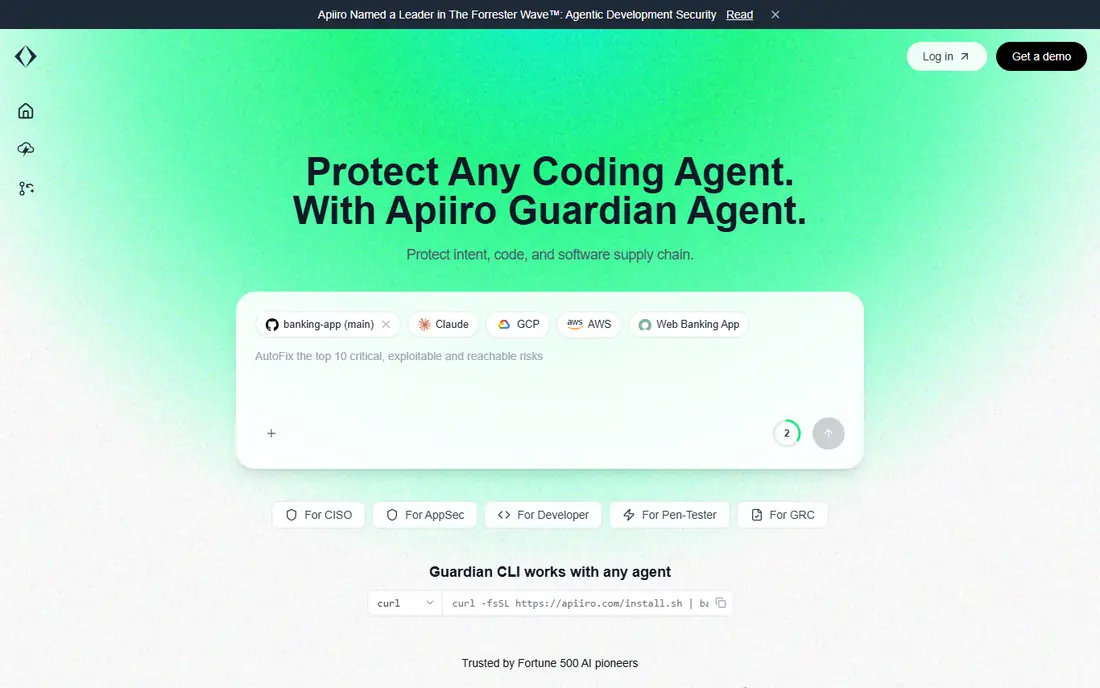
Apiiro is a strong match for risk-based code security visibility. Apiiro builds a risk graph that links code changes, infrastructure, developers and business impact, so a security team can see why a change matters, not just that a scanner flagged it. Its material change detection highlights the commits that alter risk, which helps architects focus review time where it counts. Workplans then turn that context into prioritised tasks for engineering teams.
The catch is worth stating plainly. The platform is sold by quote and aimed at enterprises, so smaller teams should expect a longer sales process. It fits best where security architects are stretched across many applications and need context to decide what to review first. If that trade-off fits your budget and your team, it earns a place on a shortlist, but check the current plan limits and contract terms on the vendor site before you commit.
- Risk graph from design to cloud
- Material change detection
- Workplans tied to code context
- Quote-only pricing
- Enterprise focus may be heavy for small teams
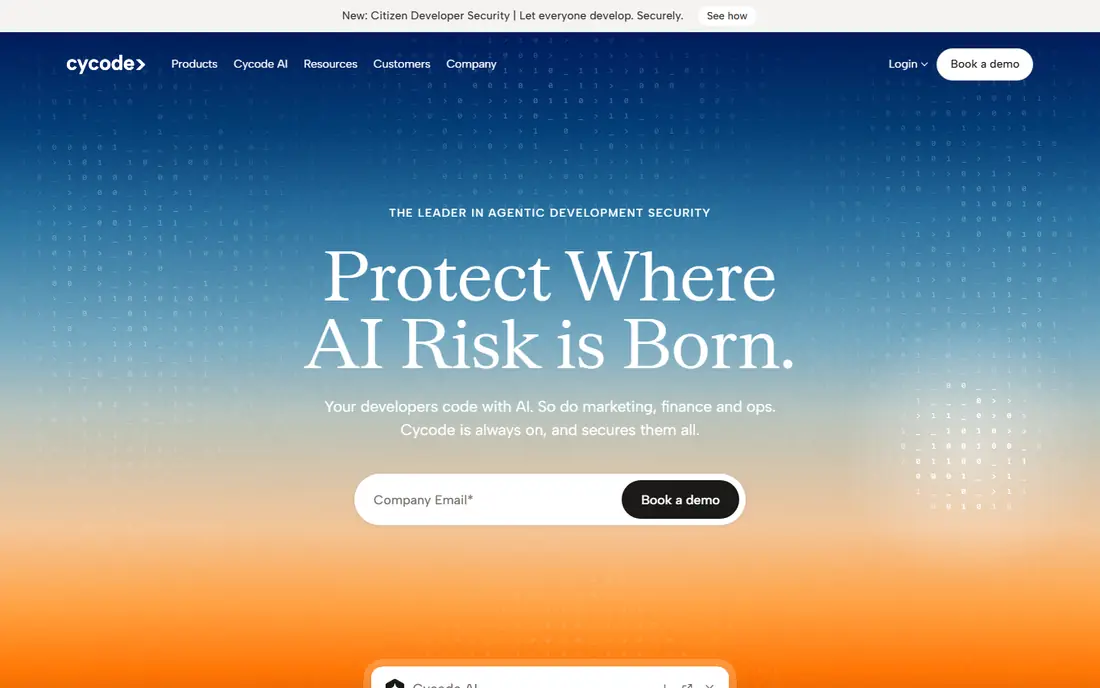
Cycode is a strong match for native appsec with pipeline integrity. Cycode combines its own scanning engines with ingestion from other tools, giving teams both native coverage and a posture view across their existing stack. Pipeline integrity features check source control, CI and CD settings and infrastructure code, which closes gaps that code scanning alone misses. Governance features help teams enforce policies and show compliance across development tools.
The catch is worth stating plainly. Pricing is quoted, and the breadth of the platform means a pilot should be scoped carefully. It suits teams that want to consolidate scanning and posture, rather than teams that only need an aggregation layer over tools they already love. If that trade-off fits your budget and your team, it earns a place on a shortlist, but check the current plan limits and contract terms on the vendor site before you commit.
- Native scanning engines plus ingestion
- Secrets and pipeline controls
- Governance across tools
- Quote-only pricing
- Breadth takes time to configure well
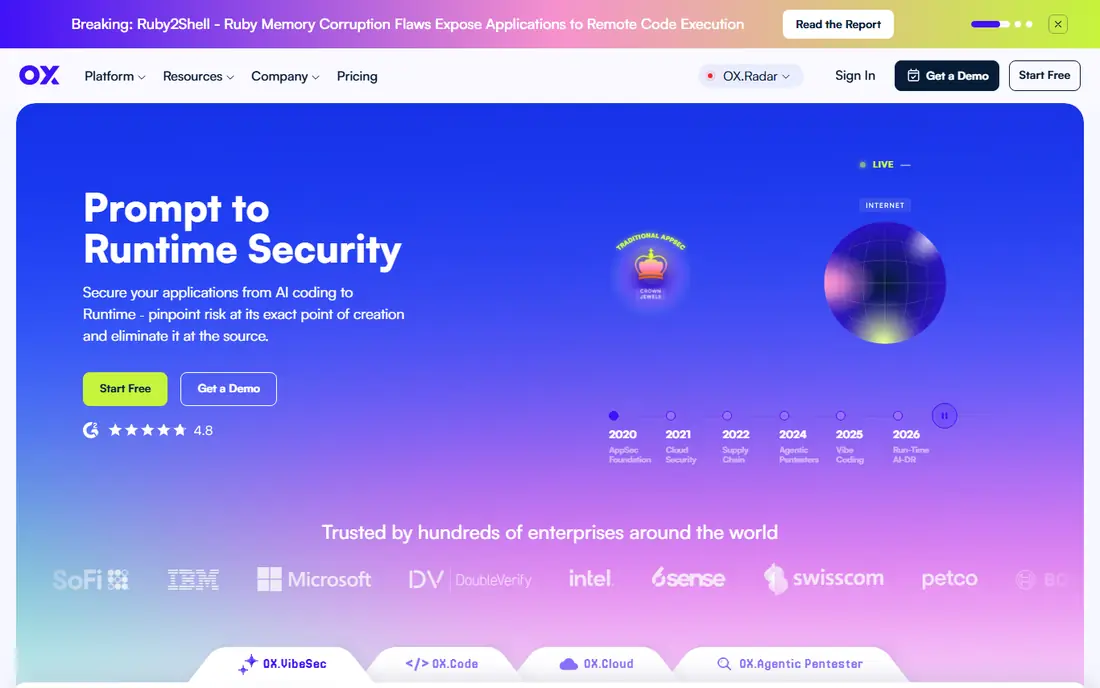
OX Security is a strong match for code-to-cloud posture and enforcement. OX Security builds a pipeline bill of materials that traces an application from code to cloud, showing which tools, packages and pipelines touched each build. Policy enforcement can block risky builds, which moves ASPM from reporting to prevention. Supply chain visibility helps teams answer which dependencies and artefacts are actually in production.
The catch is worth stating plainly. Enforcement is powerful but needs a careful rollout, or it can block legitimate releases. Start with monitoring mode, agree policies with engineering leads, and only turn on blocking for the highest-risk rules. If that trade-off fits your budget and your team, it earns a place on a shortlist, but check the current plan limits and contract terms on the vendor site before you commit.
- Pipeline bill of materials
- Policy enforcement
- Supply chain visibility
- Tiered but quote-based pricing
- Enforcement features need careful rollout
ArmorCode is a strong match for unifying many security tools. ArmorCode is the aggregation pick: it connects to a very wide range of security tools, correlates and deduplicates their findings, and routes work through workflows with service level tracking. For a mature security team with many scanners already bought, that unification is the main value, because it turns fragmented alerts into one prioritised queue. Reporting and metrics then show fix rates by team and product.
The catch is worth stating plainly. If you only run one or two scanners, ArmorCode adds less value, because there is less to unify. It fits organisations that already invested in specialist tools and now need order, ownership and measurable remediation. If that trade-off fits your budget and your team, it earns a place on a shortlist, but check the current plan limits and contract terms on the vendor site before you commit.
- Very wide connector range
- Correlation and deduplication
- Workflow and SLA management
- Quote-only pricing
- Value depends on tools already in place
Legit Security is a strong match for pipeline and factory security. Legit Security focuses on the software factory itself: the pipelines, runners, source control settings and build processes that produce your applications. Deep discovery finds pipelines and assets a team may not know exist, and integrity monitoring watches for tampering. That factory view complements code scanning, because a secure codebase built through a weak pipeline is still at risk.
The catch is worth stating plainly. Pricing is quoted, and the specialist focus means most teams will pair it with code and dependency scanning from another tool. It earns its place where pipeline risk is a known gap, or where compliance requires factory evidence. If that trade-off fits your budget and your team, it earns a place on a shortlist, but check the current plan limits and contract terms on the vendor site before you commit.
- Deep pipeline discovery
- Factory security posture
- Integrity monitoring
- Quote-only pricing
- Specialist focus may need pairing with code scanning
Aikido Security is a strong match for consolidated security for smaller teams. Aikido Security is the value pick on this list, because it combines code, dependency, secrets, infrastructure and cloud scanning behind one console, with a genuinely usable free Developer plan. Its AutoFix feature creates reviewable pull requests, which helps small teams fix issues without a dedicated security engineer. Filtering by reachability and exposure also reduces the noise that makes teams ignore findings.
The catch is worth stating plainly. Paid plans start at $300 per month for Basic, and costs rise with users, repositories and modules, so larger teams should model the full configuration. Penetration testing is a separate purchase. For startups and small teams, though, the free tier makes evaluation cost nothing but setup time. If that trade-off fits your budget and your team, it earns a place on a shortlist, but check the current plan limits and contract terms on the vendor site before you commit.
- Free Developer plan
- Code, dependency, secrets and cloud scanning in one console
- AutoFix pull requests
- Paid tiers rise with users and repositories
- Penetration testing is priced separately
Arnica is a strong match for behavioural pipeline protection. Arnica takes a behavioural approach, watching how code, permissions and pipelines actually behave rather than only scanning for known patterns. That helps it spot excessive permissions and unusual activity in development workflows. ChatOps remediation lets teams act on findings inside chat tools, which suits engineering teams that already live in Slack or similar tools.
The catch is worth stating plainly. The vendor profile is smaller than the largest ASPM names, so buyers should ask for customer references and check support coverage. It fits teams that want behavioural signals and fast, chat-based remediation alongside their existing scanners. If that trade-off fits your budget and your team, it earns a place on a shortlist, but check the current plan limits and contract terms on the vendor site before you commit.
- Behavioural analysis of code and permissions
- ChatOps remediation
- Pipeline risk focus
- Published pricing is limited
- Smaller vendor profile than the largest platforms
Snyk is a strong match for developer-first appsec posture. Snyk is the developer-first pick, because its scanning lives close to where developers work: in editors, pull requests and pipelines. Its Team plan starts from $25 per developer per month, with a free tier for individual developers, which makes it easy to trial. AppRisk adds posture management on Enterprise plans, linking Snyk findings into a wider application risk view.
The catch is worth stating plainly. The catch is tiering: the full posture features sit on Enterprise, so smaller teams get strong scanning but not the complete ASPM view. It still earns a place for teams already using Snyk, where posture is a natural extension rather than a new platform. If that trade-off fits your budget and your team, it earns a place on a shortlist, but check the current plan limits and contract terms on the vendor site before you commit.
- Free tier for developers
- Dependency, code and container scanning
- AppRisk posture on Enterprise
- AppRisk posture features need Enterprise
- Per-developer pricing grows with team size
Checkmarx is a strong match for suite posture in one queue. Checkmarx offers a suite approach, with native scanning engines feeding one prioritised queue for application security work. That single queue helps large teams avoid juggling separate tools for code, dependencies and APIs, and its governance features support enterprise reporting. Teams that already use Checkmarx scanning get posture as a natural next step.
The catch is worth stating plainly. Pricing is quoted and the suite is enterprise scale, so it is not a light purchase for a small team. It fits organisations that want one vendor for scanning and posture, and that can invest in rollout and training. If that trade-off fits your budget and your team, it earns a place on a shortlist, but check the current plan limits and contract terms on the vendor site before you commit.
- Native SAST, SCA and other engines
- One prioritised queue
- Enterprise governance
- Quote-only pricing
- Suite breadth can be heavy for small teams
How we picked these
We compared vendor product pages, documentation and published pricing, and we checked whether each platform aggregates existing tools, provides its own scanning, enforces pipeline policy, or does a mix of those jobs. We did not claim hands-on testing, and where a vendor does not publish a price we wrote See website. The list includes both independent ASPM vendors and platform suites, because buyers now face both routes.
What to check before you buy
Decide whether you need aggregation or consolidation. Aggregation suits teams with good scanners that need one queue, while consolidation suits teams that want fewer vendors and one scanning stack. That single decision removes half the list and makes demos far more useful.
Test remediation, not reporting. Ask each vendor to show how a finding becomes an assigned task, a pull request or a blocked build, and how long that cycle takes. A beautiful dashboard that nobody acts on is worse than a plain queue that engineers actually clear.
Start with one application and one team. Measure how many findings are fixed, how many are false positives, and how long high-risk issues stay open. Those three numbers tell you whether the platform is working, and they give you evidence for a wider rollout.
Frequently asked questions
What does ASPM mean?
ASPM means application security posture management. It gathers security findings from code, dependency, pipeline and cloud tools, ranks them by real risk, and routes the important ones to the right owners. The goal is fewer, better fixes, not more alerts.
What is the best ASPM software for a small team?
Aikido Security is the strongest small-team pick here, with a free Developer plan and paid plans from $300 per month. Snyk is also approachable, with a free tier and Team pricing from $25 per developer per month. Both let a small team start without an enterprise sales process.
Do I need ASPM if I already have code scanning?
Scanning finds problems, while ASPM prioritises them across tools and tracks whether they get fixed. If your team already struggles with alert volume or unclear ownership, ASPM adds value. If you run one scanner and fix its findings promptly, you may not need it yet.
How much do ASPM tools cost?
Most enterprise ASPM platforms price by quote, based on developers, applications and modules. Aikido Security publishes plans from $300 per month, and Snyk Team starts from $25 per developer per month. Ask for a quote tied to your developer count and application count.
Is ASPM the same as a vulnerability manager?
No, though they overlap. A vulnerability manager often focuses on known flaws in systems or dependencies, while ASPM focuses on application risk across code, pipelines and cloud, with context about owners, exposure and business impact. Many teams use both, with ASPM as the application layer.
Sources
See where you really rank - block by block
ProMapRanker scans Google Maps across a grid of your service area. Simple monthly plans from $19, white-label on every plan.
Start freeKeep reading
 wpforms alternatives
Best WPForms Alternatives in 2026
We compare 9 wpforms alternatives for WordPress forms, with free and paid options, current pricing notes, and honest limits for small business sites in 2026.
Read → windows task scheduler alternatives
Best Windows Task Scheduler Alternatives in 2026
Looking for Windows Task Scheduler alternatives? We compare 9 schedulers for Windows and cross-platform work, from free tools to enterprise automation.
Read → which ai video service is best
Which AI Video Service Is Best in 2026
which ai video service is best? We compare 10 legitimate AI video services on price, avatars, editing and output quality to help you pick the right tool.
Read →