 ProMapRanker
Best Art Apps in 2026: 8 Apps Compared

iPad illustration and painting · Pricing starts at: $12.99 one-time
Key takeaways
- Procreate gives iPad artists a full painting studio for a single purchase, with no subscription to keep paying.
- Clip Studio Paint is the strongest pick for comics and manga, with panel tools, screen tones and multi-page work.
- Krita, MediBang Paint and Sketchbook cost nothing to start, so beginners can learn digital art without a paid plan.
- Adobe Fresco is now free to use, which makes its watercolor and oil brushes easy to try on iPad and Windows.
- The right app depends more on your device than on a single feature list, since Procreate stays iPad only and Krita stays desktop focused.
Quick comparison
| Pick | Great for | Pricing starts at | Free tier | |
|---|---|---|---|---|
| Procreate | iPad illustration and painting | $12.99 one-time | No | Visit |
 Clip Studio Paint | Comics, manga and animation | $63.00 one-time | Free trial | Visit |
 Adobe Fresco | Free realistic painting brushes | Free | Yes | Visit |
 ibis Paint | Mobile manga and illustration | Free | Yes | Visit |
 Krita | Free desktop painting | Free | Yes | Visit |
 MediBang Paint | Free comics across devices | Free | Yes | Visit |
 Sketchbook | Simple, clean sketching | Free | Yes | Visit |
 Concepts | Vector sketching and notes | Free | Yes | Visit |
The best art apps
We compared official feature pages, pricing pages and app store listings for these apps, and we focused on tools that still work well in October 2026. Each app below fits a different kind of artist, device and budget.
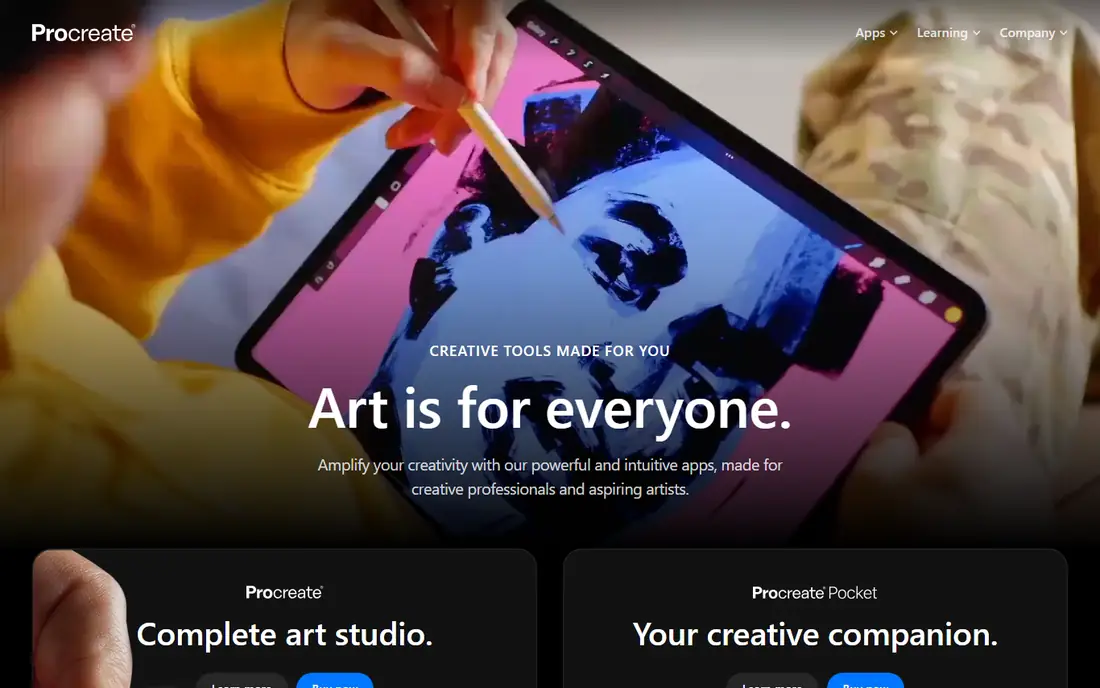
Procreate is our pick for most iPad artists. The app packs more than 200 built-in brushes, a brush studio for custom brushes, high-resolution canvases and Animation Assist for frame-by-frame work. The interface stays simple on the surface, which helps new artists start fast, while deeper controls stay available for longer projects.
The catch is the platform lock-in. If you move to a Windows tablet or an Android tablet later, you cannot take Procreate with you. There is also no free trial, so the $12.99 purchase is a small leap of faith. For iPad owners who draw often, that one-time cost still beats most monthly plans within a few months.
- One-time purchase with no subscription
- Large brush library and strong Apple Pencil support
- Animation and 3D painting tools included
- IPad only, with no Windows or Android version
- No free trial
- Layer limits depend on iPad memory
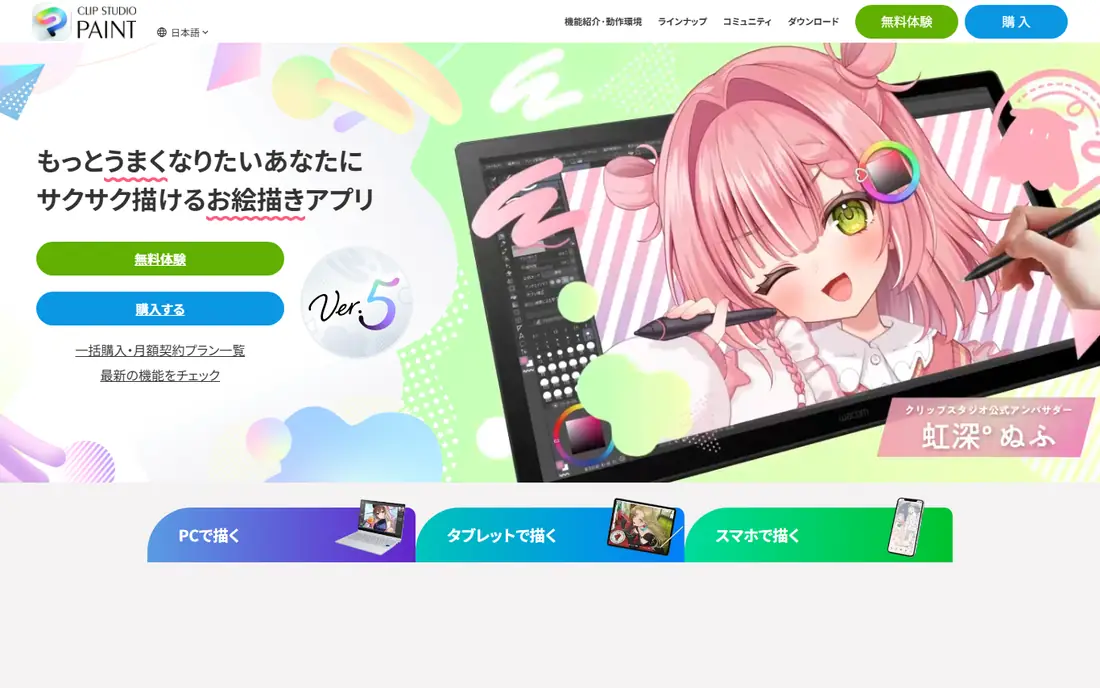
Clip Studio Paint stands out when a project has panels, pages and print in mind. Comic artists get panel division, speech tools, screen tones and page management in one place, and illustrators get a deep brush engine and posable 3D models for reference. Animation tools are also built in, so short clips do not need a second app.
New users should expect a learning curve. Menus run deep, and the best layout takes time to set up. On tablets, the pricing model differs from desktop, so check the plan for your device before you commit. For comic and manga work, though, few apps cover the full job this well.
- Panel, tone and multi-page comic tools
- Strong brush and 3D model support
- Perpetual desktop version available
- Interface can feel crowded at first
- Tablet use needs a subscription plan
- Top EX version costs much more
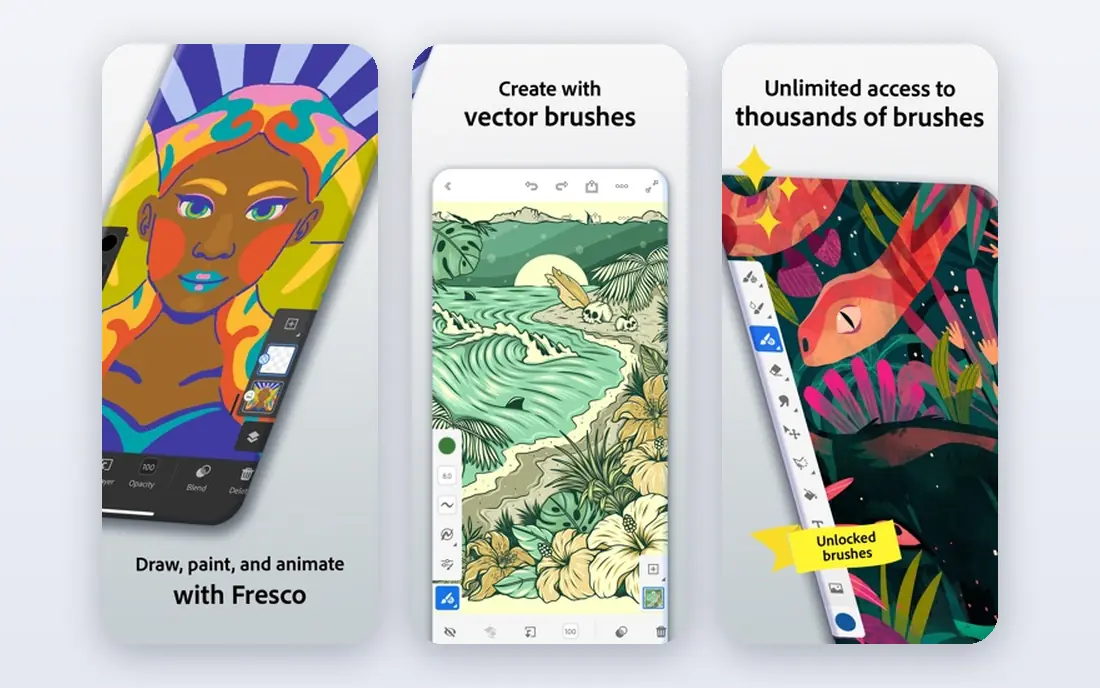
Adobe Fresco became a much easier recommendation when Adobe made the app free, with its premium subscription removed. Live Brushes are the main draw here. Watercolor bleeds and blends on the canvas, and oil paint smears in a way that feels closer to real paint than a flat digital brush. That alone makes it worth trying for painters.
Fresco also handles vector brushes alongside raster brushes, which helps with clean line work and scalable shapes. The trade-off is the Adobe account requirement and the 5GB cloud storage cap on the free plan. Artists who already use Photoshop will like the file handoff, while artists who want a fully offline tool may prefer another app on this list.
- Live Brushes that blend like watercolor and oil
- Raster and vector brushes in one app
- Works on iPad and Windows
- Needs a free Adobe account and periodic sign-in
- Cloud storage is limited on the free plan
- Vector tools are lighter than Illustrator
ibis Paint is built for drawing on a phone, and it shows. The app offers thousands of brushes and materials, layer support, stabilizers for clean lines and tools aimed at manga and anime styles. A recording feature lets artists share the drawing process, which many hobbyists and online creators enjoy.
The free version is usable, but ads appear and some materials need a Premium Membership, listed at $4.49 per month or $27.99 per year on the official help pages. That is still cheap next to desktop software. If you draw mainly on a phone and want a deep toolset without buying a tablet, ibis Paint is a strong place to start.
- Huge brush and material library
- Works well on phones
- Recording and social sharing features
- Free version shows ads
- Some premium materials sit behind a subscription
- Small phone screen limits detailed work
Krita is the best free desktop painting program we found. It runs on Windows, macOS and Linux, and it includes multiple brush engines, layer groups, masks, filter layers and an animation timeline with onion skinning. There are no locked brushes, no subscription and no paid tier holding back core features.
The downside is polish. The interface packs a lot into small panels, and beginners may need tutorials to find their way around. Heavy animation files can also strain older machines. For illustrators, concept artists and comic artists on a computer, Krita gives professional depth at no cost, which is hard to beat.
- Completely free and open source
- Deep brush engines and layer tools
- Animation timeline and PSD support
- Interface can feel dated
- Animation can slow on heavy projects
- No official iPad version
MediBang Paint suits artists who jump between a phone, a tablet and a computer. The app is free, it syncs work through a MediBang account, and it includes 180 default brushes plus comic tools such as panels, screentones and fonts. Team features also let small groups share work, which helps for webtoon and comic projects.
Ads are the main annoyance in the free version, and a Premium plan removes them and adds extra brushes and storage, with in-app items listed from $2.99. Pure painters may find the brush engine less deep than Krita or Procreate. For free, cross-device comic work, MediBang Paint covers the basics well.
- Free on desktop and mobile
- Comic panel, tone and font tools
- Cloud sync across devices
- Free version shows ads
- Cloud features need a MediBang account
- Painting tools are simpler than Krita or Clip Studio
Sketchbook keeps the focus on drawing. The interface hides tools until you need them, brushes feel natural, and layers with blend modes cover most sketching and illustration jobs. The app is free for individual use, which makes it an easy second app for quick ideas and studies.
It is not the best choice for full comic production or heavy animation, since it lacks the page tools and timeline depth of Clip Studio Paint and Krita. It also has seen slower updates than some rivals. For fast sketches, concept work and a calm workspace, Sketchbook still earns its place.
- Clean, distraction-free interface
- Free full version for individuals
- Works on desktop and mobile
- Fewer advanced illustration tools than Procreate or Clip Studio
- Development has slowed
- No built-in comic page tools
Concepts works differently from the raster apps above. Strokes stay editable as vectors, so you can move, resize and adjust lines after drawing them. The infinite canvas suits mind maps, storyboards, product sketches and visual notes, and the radial tool menu keeps the workspace clear.
The free version caps layers at five, which is enough for sketches but tight for layered illustration. An Essentials pack and a subscription add more tools, exports and layers, with subscription pricing reported around $4.99 per month. Artists who sketch ideas, plan layouts and present concepts will get more from Concepts than from a pure painting app.
- Infinite canvas with editable vector strokes
- Clean tool wheel interface
- Works on iPad, Android and Windows
- Free version limits layers to five
- Some brush packs and tools need paid extras
- Purchases may not sync across platforms
How we picked these
We checked official pricing pages, app store listings and feature pages for each app, and we kept only apps that are still available and maintained in October 2026. We looked for a mix of free and paid tools, mobile and desktop options, and apps for painting, comics and sketching. We did not claim hands-on testing, and where a price varied by store or region, we used the figure published by the vendor or its app store listing.
What to check before you pick an art app
Start with your device, since that narrows the list fast. iPad owners get the best value from Procreate and Fresco, while Windows and Mac users should start with Krita or Clip Studio Paint. Phone artists should try ibis Paint and MediBang Paint first, because both are free and built for small screens.
Match the app to the job
Painting, comics and sketching need different tools. Comic artists need panel and page tools, so Clip Studio Paint and MediBang Paint fit better than a plain sketch app. Concept artists and note takers benefit from the editable strokes and infinite canvas in Concepts. Illustrators who want deep brushes and layers should weigh Procreate against Krita based on device alone.
Count the real cost over a year
A free app with ads may cost attention rather than money, while a subscription adds up over time. Add up 12 months of any plan before you commit, and check what the free tier actually limits, such as layers, storage or export formats. A one-time purchase often wins for long-term hobbyists, while a short subscription can be fine for a single project.
Try the free tier first
Most apps on this list offer a free version or trial. Use it for a real piece, not just a doodle, and test brush feel, layer limits, export quality and file compatibility with any other app you use. If export formats or cloud sync cause friction in week one, that friction will only grow on a longer project.
Frequently asked questions
What is the best art app for beginners?
Start with a free app that matches your device. MediBang Paint and Sketchbook are gentle starting points, and Krita is a strong free desktop option once you want deeper brushes. Beginners on iPad can also start with the free Adobe Fresco before paying for anything.
What is the best digital art app for iPad?
Procreate is our pick for most iPad artists because of its brush library, one-time price and animation tools. Adobe Fresco is the best free iPad option for realistic painting, and Concepts suits vector sketching and visual notes.
What is the best app for digital drawing on a phone?
ibis Paint leads for phones, with a large brush library and manga tools built for small screens. MediBang Paint is a good second choice, especially for comics that you also want to open on a computer later.
Is Krita really free?
Yes. Krita is free and open source for Windows, macOS and Linux, with no paid tier locking core painting features. The project accepts donations, and paid store versions on some platforms support development without changing the free desktop download.
Which art app is best for comics and manga?
Clip Studio Paint is the strongest comic tool here, with panels, tones, page management and animation. MediBang Paint covers the same basic comic workflow for free, and ibis Paint suits manga-style work on mobile devices.
Do I need a stylus for these art apps?
A stylus helps a lot for pressure control and fine lines, especially on tablets, but most of these apps also accept finger input. Check stylus support for your exact tablet model before buying, since pressure and tilt support varies by device and app.
Sources
See where you really rank - block by block
ProMapRanker scans Google Maps across a grid of your service area. Simple monthly plans from $19, white-label on every plan.
Start freeKeep reading
 free alternatives to grok imagine
Free Alternatives to Grok Imagine in 2026
We compared the best free alternatives to grok imagine for image generation, from fast daily credits to design tools, so you can create without paying.
Read → best tools for instagram content creation
Best Tools for Instagram Content Creation in 2026
Compare the best tools for Instagram content creation, from Canva and CapCut to Later and Buffer, on design, video, planning, scheduling, and price in 2026.
Read → best tool to split pdf files
Best Tool to Split PDF Files in 2026
We compared the best tool to split pdf files on split modes, file limits, privacy and price, so you can split a PDF cleanly and keep every page in one go.
Read →