 ProMapRanker
Best AR/VR Software in 2026: 8 Tools Compared

Key takeaways
- Unity and Unreal Engine remain the two full engines for interactive 3D, and the choice usually comes down to team skill and target devices.
- Vuforia Engine and ZapWorks suit teams that need AR tied to real objects, packaging, or web delivery rather than a full game.
- Blender, Gravity Sketch, ShapesXR, and A-Frame cover modeling and prototyping at a lower cost, with Blender and A-Frame free to start.
- Check headset, phone, and platform support before you commit, since a tool that works well on one device may not suit another.
Quick comparison
| Pick | Great for | Pricing starts at | Free tier | |
|---|---|---|---|---|
 Unity | Cross-platform AR and VR projects | Free | Yes | Visit |
 Unreal Engine | High-fidelity VR and real-time 3D | Free | Yes | Visit |
 Vuforia Engine | Industrial and marker-based AR | See website | Yes | Visit |
 ZapWorks | Web-based AR campaigns | See website | Free trial | Visit |
 Blender | Free 3D modeling and animation | Free | Yes | Visit |
 Gravity Sketch | VR sketching and concept design | See website | Free trial | Visit |
 ShapesXR | VR prototyping and collaboration | See website | Free trial | Visit |
 A-Frame | Web VR scenes with code | Free | Yes | Visit |
The best ar/vr software
These eight tools cover the main ways people build AR and VR today, from full engines to browser-based prototyping. We compared official feature pages, pricing pages, documentation, and public reviews.
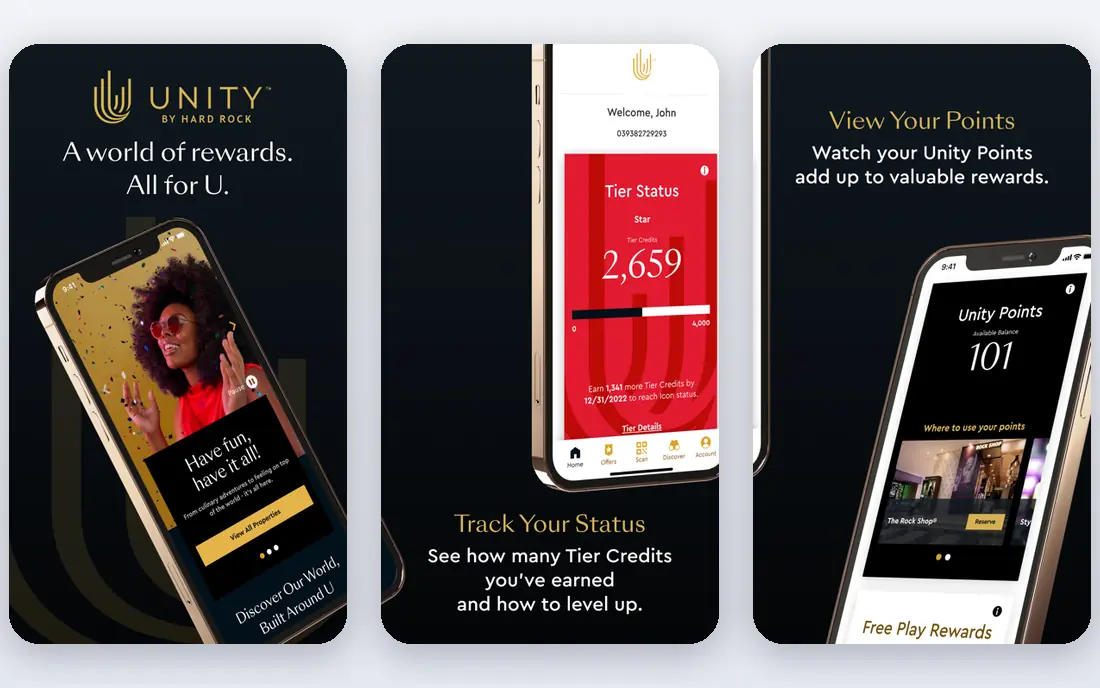
Unity is our pick for most people starting an AR or VR project, because it runs on so many devices from one project. Phones, standalone headsets, PC headsets, and consoles are all in reach, and the XR plug-ins keep the setup work manageable. The asset store also helps small teams fill gaps in art, input, and networking without building every system from scratch.
The catch is cost and polish. Personal is free for individuals and smaller outfits under the published revenue and funding limit, while Pro is priced per seat per year, so a growing team should budget for seats early. Visual quality can match strong results, but teams chasing photoreal VR will spend more time on lighting, materials, and performance tuning.
- Broad device support
- Large asset and tutorial library
- C# scripting suited to small and mid-size teams
- Paid seats add up for larger teams
- High-end visuals need more setup than Unreal Engine
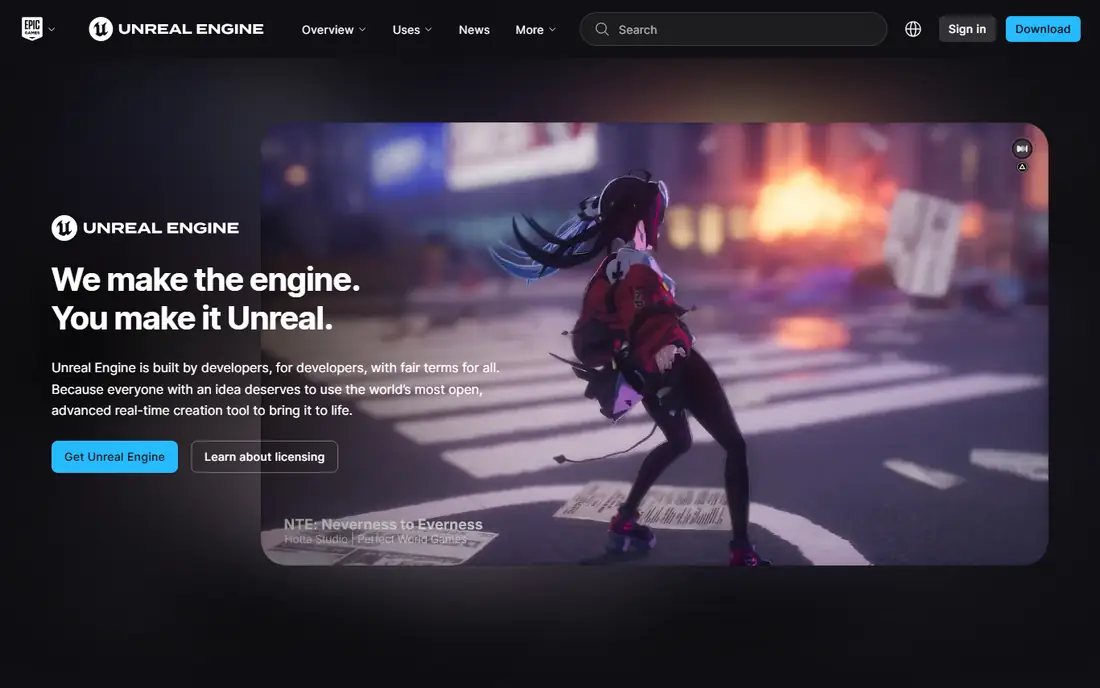
Unreal Engine suits teams that put visual quality first, especially for PC VR, training simulations, and virtual production. Its lighting and geometry tools produce detailed scenes with less manual shader work, and Blueprints let designers build interactions without writing C++ for every behavior. For a showcase piece or a training environment where realism matters, that head start is real.
The trade-off is weight. The editor and large projects run best on capable hardware, and newcomers can feel lost in the number of settings. Licensing is free to download, with a royalty applying only after a game passes a published revenue threshold, while non-game commercial use has a separate seat model above a revenue threshold. Read the current license terms before you plan a budget around either path.
- Strong out-of-the-box visuals
- Full source access
- Free to start for most projects
- Steeper learning curve
- Larger projects can demand strong hardware
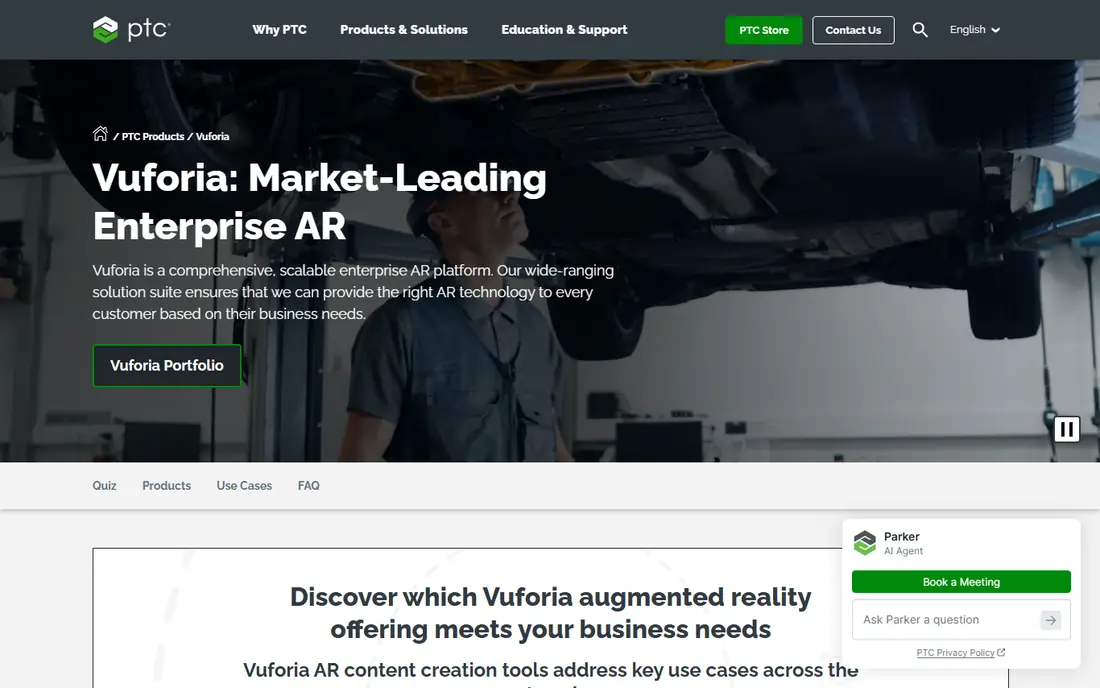
Vuforia Engine is built for AR that must recognize something real, such as a machine part, a printed image, or a physical space. That focus makes it a good fit for maintenance guidance, training, and product instructions, where the overlay has to line up with hardware in the field. Its Unity support means teams can pair tracking with a familiar engine workflow.
Pricing needs a direct check. A free Basic plan covers core image targets and ground plane work, while Premium and Enterprise plans add model targets, area targets, and other advanced features on annual terms. If your project only needs simple phone AR, a free native SDK may do the same job for less money.
- Strong image and model tracking
- Unity integration
- Works across phones and headsets
- Paid plans are quote-based
- Advanced tracking features sit behind paid tiers
ZapWorks focuses on AR that opens in a phone browser, which removes the biggest friction for marketing and retail campaigns. Viewers scan a code or tap a link, and the experience loads without an app download. The Designer tool covers no-code builds, while Mattercraft and the SDKs give developers more control over tracking and interactivity.
The business model is campaign-shaped. Plans differ by team size, views per year, and support, and exceeding a view allowance can add overage costs, so read the plan table before a big launch. For a one-off product launch or packaging campaign, that trade is often worth it. For a permanent product feature, a native app may be cheaper over time.
- No app install needed for viewers
- No-code designer plus developer tools
- Built-in analytics
- Commercial plans cost more than hobby tools
- View limits matter for large campaigns
Blender is not an AR or VR engine, but almost every AR and VR project needs 3D assets, and Blender makes those assets for free. Modeling, sculpting, texturing, rigging, and animation live in one program, and the exported models feed into Unity, Unreal Engine, and web tools. For indie teams and solo creators, that price point is hard to beat.
The honest limit is scope. You still need an engine or a web framework to make the model interactive, and the interface takes time to learn. Blender also lacks the guided AR workflows of Vuforia or ZapWorks, so it fits best as the asset workshop in a larger pipeline rather than the whole solution.
- Fully free and open source
- Full modeling, sculpting, and animation toolset
- Large community
- Not a runtime engine by itself
- Learning curve is steep for beginners
Gravity Sketch changes how early design feels, because you draw in three dimensions instead of sketching on a flat screen. Designers can walk around a concept, check proportions at real scale, and revise shapes with hand controllers. That makes it a strong fit for product design, footwear, automotive concepts, and spatial layout work.
The catch is access. The full sketching experience needs a headset, and teams should confirm current plans and export options before buying seats. It also does not replace a full CAD or engine pipeline, so plan for a handoff step from sketch to finished model.
- Natural 3D sketching in VR
- Useful for product and footwear design
- Exports to common 3D formats
- Pricing is not fully public
- Needs a VR headset for the full experience
ShapesXR is a prototyping tool for teams that want to test an XR idea before writing code. You build rooms, interfaces, and flows inside VR, then invite teammates to walk through the same scene and leave feedback. That loop catches layout and usability problems far earlier than screenshots or slide decks can.
The limit is intentional. ShapesXR helps you prove a concept and agree on a design, but you will still need an engine to ship a finished product. Pricing is plan-based, so small teams should check what the trial covers and how many collaborators a paid plan includes.
- Fast spatial prototyping in VR
- Team review in the same scene
- No coding needed for basic prototypes
- Best for early concepts, not finished apps
- Paid plans needed for larger teams
A-Frame is a web framework for building VR scenes that run in a browser, which makes sharing a prototype as simple as sharing a link. Scenes are described in HTML-like markup, and developers can extend them with JavaScript components for interaction, animation, and input. It works with common headsets and also falls back to a flat-screen view.
The trade-off is control versus convenience. Simple scenes come together fast, but complex apps with heavy physics or custom rendering need careful optimization. For classrooms, demos, and quick proofs of concept, though, A-Frame is one of the cheapest ways to get a real VR scene in front of people.
- Free and open source
- Runs in a browser
- Simple HTML-style scene building
- Needs JavaScript for richer interactions
- Performance depends on the browser and device
How we picked these
We compared official feature pages, pricing pages, documentation, and app store listings, and we favored tools that are still available and maintained in October 2026. We left out Adobe Aero, which Adobe shut down in late 2025, because listing it would send readers to a dead product. Each pick covers a distinct job, from full engines to modeling and web prototyping, rather than eight versions of the same tool.
What to check before you choose
Start with the device your audience already owns. A phone-based AR campaign, a standalone headset training app, and a PC VR showcase have very different hardware needs, and the cheapest tool on paper can become expensive if it forces new hardware. Next, check how your team will build: coders will be comfortable in Unity, Unreal Engine, or A-Frame, while designers may move faster in Gravity Sketch, ShapesXR, or ZapWorks Designer.
Budget for the full project, not just the license. Engine seats, AR view allowances, asset purchases, and headset costs all add up, and free plans often limit commercial use or advanced tracking. Finally, build a small test on your target device early. Tracking quality, frame rate, and comfort in a headset matter more than a feature list, and a short prototype will tell you more than a week of reading.
Frequently asked questions
What is the best ar/vr software for beginners?
Blender plus A-Frame is a low-cost starting path, since both are free and teach 3D and web VR basics. Unity Personal is also a strong beginner engine, because its tutorials and asset store shorten the path to a working headset or phone build.
What is the top ar/vr software for professional VR games?
Unreal Engine is the usual pick for high-fidelity VR, thanks to its lighting and geometry tools. Unity is the stronger pick when a team needs broad device coverage, a smaller build, or faster iteration across phones and headsets.
Is there free ar/vr software?
Yes. Blender and A-Frame are free and open source, Unity Personal is free under its published revenue and funding limit, and Unreal Engine is free to download with royalties only in defined commercial cases. Vuforia also offers a free Basic plan with limits on advanced features.
Do I need a headset to build AR or VR software?
No, not at first. Phone AR can be tested on an ordinary smartphone, and web VR scenes can be previewed in a browser. A headset becomes important once you test comfort, scale, and hand tracking in a finished VR build.
How do AR and VR software differ?
AR software places digital content on top of the real world, often through a phone camera or see-through headset. VR software replaces the view with a fully digital scene, usually through a headset. Some tools cover both, while others specialize in one side.
Sources
- https://unity.com/pricing
- https://www.unrealengine.com/en-US/license
- https://developer.vuforia.com/library/vuforia-engine/FAQ/pricing-and-licensing-options/
- https://docs.zap.works/workspaces/workspace-plans/
- https://www.blender.org/about/
- https://www.gravitysketch.com
- https://www.shapesxr.com
- https://aframe.io/docs/
See where you really rank - block by block
ProMapRanker scans Google Maps across a grid of your service area. Simple monthly plans from $19, white-label on every plan.
Start freeKeep reading
 wpforms alternatives
Best WPForms Alternatives in 2026
We compare 9 wpforms alternatives for WordPress forms, with free and paid options, current pricing notes, and honest limits for small business sites in 2026.
Read → windows task scheduler alternatives
Best Windows Task Scheduler Alternatives in 2026
Looking for Windows Task Scheduler alternatives? We compare 9 schedulers for Windows and cross-platform work, from free tools to enterprise automation.
Read → which ai video service is best
Which AI Video Service Is Best in 2026
which ai video service is best? We compare 10 legitimate AI video services on price, avatars, editing and output quality to help you pick the right tool.
Read →