 ProMapRanker
Best AppSec Tools in 2026: 8 Tools Compared

Developer teams who want fast feedback in code · Pricing starts at: $25 per developer per month
Key takeaways
- Snyk is the easiest starting point for developer teams, with a free tier and a Team plan from $25 per developer per month.
- Veracode and Checkmarx One suit larger organisations that need portfolio reporting and compliance evidence across many applications.
- OWASP ZAP is the strongest free option for dynamic testing of web applications you own or have written permission to test.
- No single tool covers every risk, so most teams pair code scanning with dependency scanning and a dynamic test before release.
Quick comparison
| Pick | Great for | Pricing starts at | Free tier | |
|---|---|---|---|---|
| Snyk | Developer teams who want fast feedback in code | $25 per developer per month | Yes | Visit |
 Veracode | Large organisations needing compliance-grade reporting | See website | No | Visit |
 Checkmarx One | Enterprises wanting one AppSec platform | See website | No | Visit |
 SonarQube | Teams combining code quality and security scanning | See website | Yes | Visit |
 Semgrep | Teams who want custom, readable security rules | See website | Yes | Visit |
 Burp Suite Professional | Security testers doing authorised web application testing | See website | No | Visit |
 OWASP ZAP | Teams needing a free dynamic testing tool | Free | Yes | Visit |
 GitHub Advanced Security | Teams already building on GitHub | See website | No | Visit |
The best AppSec tools
Application security tools help teams find and fix weaknesses in their own software before attackers do. This list covers only lawful use: testing software you own, software your organisation controls, or systems you have written permission to test, plus defence work such as scanning code and dependencies. We did not include tools or advice for attacking systems without permission.
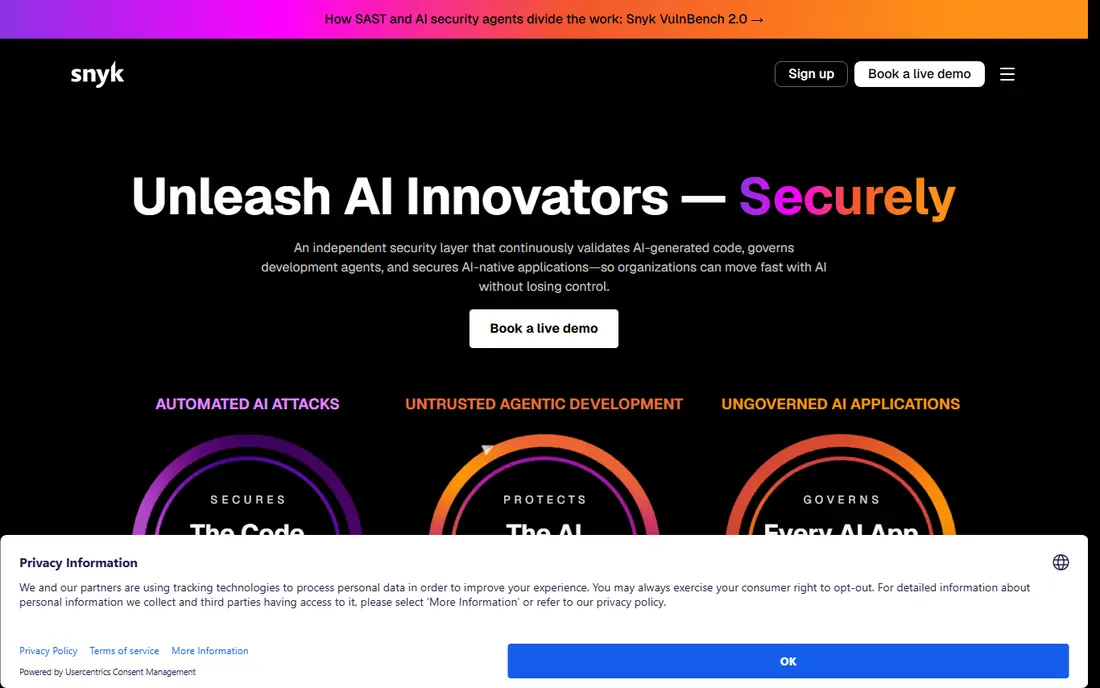
Snyk is built for developers rather than for a separate security team working after the fact. It connects to a code repository, scans code and open source dependencies, and raises fix suggestions inside the normal pull request workflow. That placement matters, because a fix suggested while the code is fresh is far more likely to be made than one found weeks later in a report.
The free tier makes it easy for a small team to start, and the Team plan from $25 per developer per month adds the controls most growing teams need. The honest limit is noise: not every finding is urgent, and teams need a triage habit so developers trust the alerts they see. Used that way, Snyk is a strong first AppSec purchase for a software team.
- Free tier for small use
- Scans code, dependencies, containers, and infrastructure as code
- Integrates with repositories and pull requests
- Some advanced features need higher plans
- Results still need triage by developers
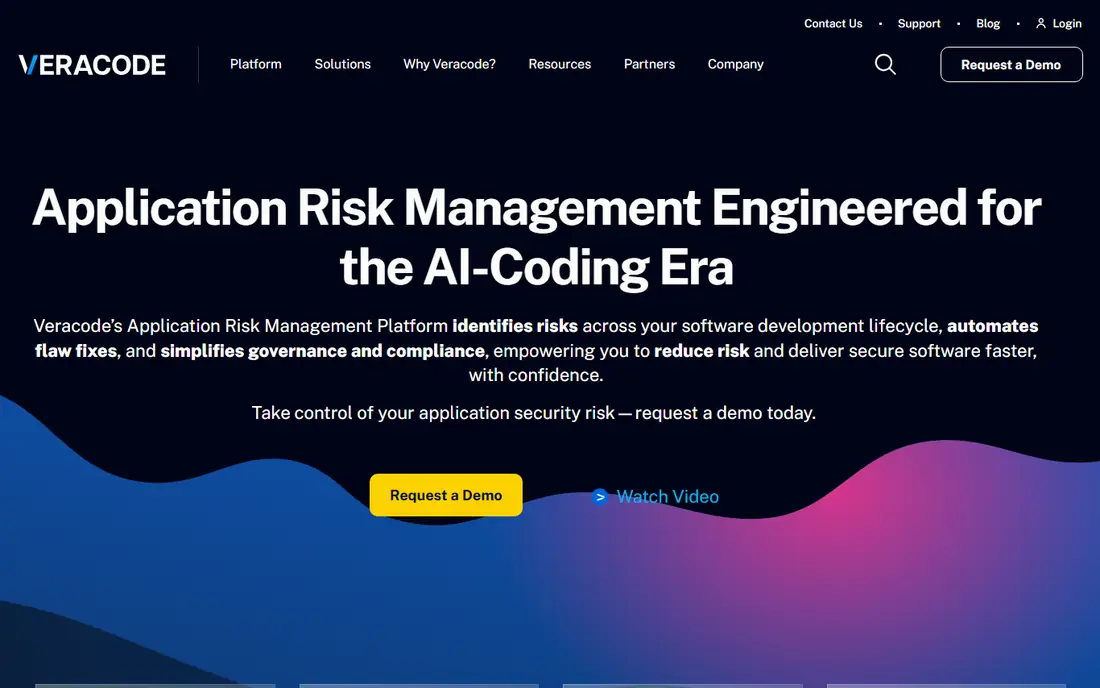
Veracode is the enterprise pick in this list, aimed at organisations that must show evidence of testing across a portfolio of applications. It offers static analysis, dynamic analysis, and software composition analysis, and its binary analysis option can test compiled code where source access is limited. For regulated teams, the reporting and policy features are often the deciding factor.
The trade-off is cost and weight. Pricing is quote-based, so a small team will need a sales conversation just to learn the price, and the platform is more than a startup usually needs. For a large organisation with many applications and audit requirements, though, that breadth and reporting depth justify a closer look, especially where a single platform must serve several teams.
- Covers static, dynamic, and software composition analysis in one platform
- Binary analysis option
- Strong compliance reporting
- Quote-based pricing with no public list price
- Can be costly for small teams
- Full scans can take time
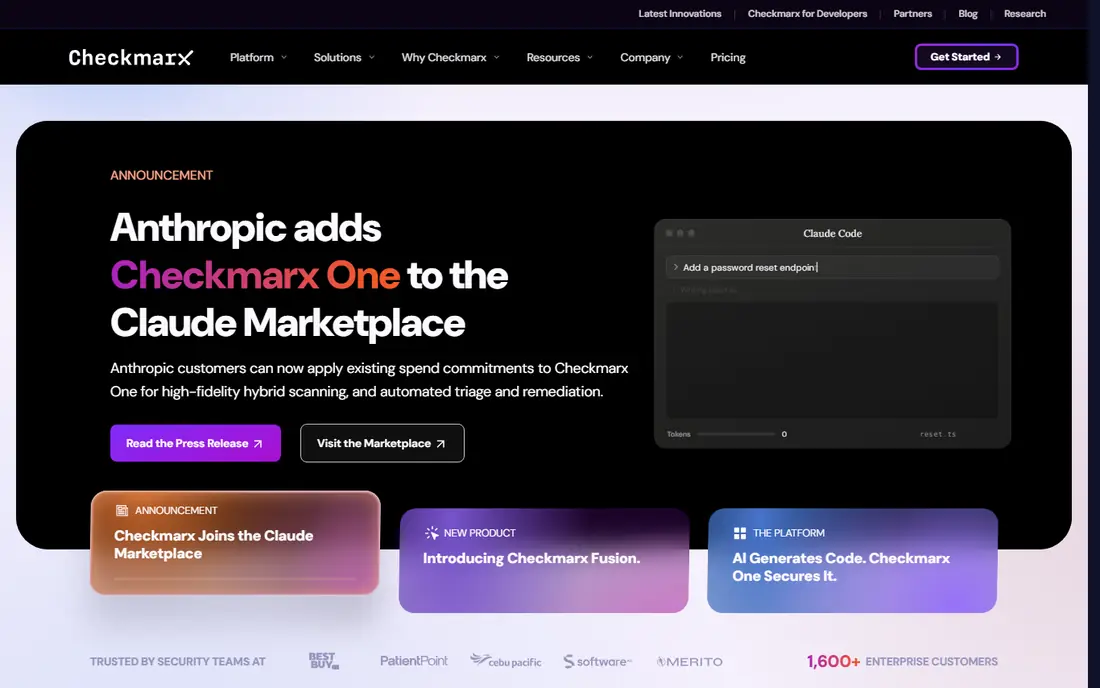
Checkmarx One brings several scanning types together so a security team can manage code scanning, dependency scanning, API security, and container checks from one place. That consolidation helps larger teams avoid juggling separate tools with separate policies and dashboards. It also suits organisations that need deployment flexibility, including cloud and on-premise setups.
As with other enterprise platforms, the price is quote-based and the setup is not a five-minute job. Teams should budget time for tuning rules and reducing false positives, or developers will start ignoring results. Once tuned, however, Checkmarx One is a serious option for organisations that want depth across the whole application portfolio rather than a single scanning type.
- Static, software composition, API, and container scanning in one platform
- Strong enterprise controls
- Cloud and on-premise options
- Quote-based pricing
- Implementation and tuning take effort
- No free tier
SonarQube started as a code quality tool, and that history shows in how clearly it explains its findings. Developers see not just that something is flagged, but why it matters and how to fix it, which helps teams learn as they go. It scans code for security issues alongside bugs and maintainability problems, so security work sits inside normal code review rather than as a separate chore.
Its scope is narrower than a full AppSec platform, since it is mainly a static analysis tool and does not replace dynamic testing or dependency scanning on its own. The free community option makes it an easy addition for many teams, and the paid plans add the governance features larger organisations need. Pair it with a dependency scanner for fuller coverage.
- Free community option
- Combines code quality and security findings
- Clear rule explanations
- Self-hosted option
- Focused mainly on static analysis
- Enterprise features need a paid plan
- Setup needs some care
Semgrep appeals to teams that want to write their own security rules in plain, readable form. Instead of relying only on vendor rules, a team can encode its own risky patterns, such as a dangerous internal function or a forbidden library, and catch them in every pull request. Scans run fast in continuous integration, which keeps feedback close to the change that caused it.
That flexibility comes with a setup cost. Out-of-the-box rules help, but the real value appears once a team invests in tuning and custom rules for its own codebase. Semgrep does not do dynamic testing, so it should sit alongside a tool that tests a running application. For teams with specific internal risks, though, its custom rule approach is a genuine advantage.
- Rules are readable and easy to customise
- Fast scans in CI
- Free open source engine
- Good for organisation-specific patterns
- Needs rule tuning for best results
- Dynamic testing is not its job
- Some features need the paid platform
Burp Suite Professional
Great for: Security testers doing authorised web application testing
Burp Suite Professional is the standard toolkit for authorised web application testing, used by security professionals to probe their own applications and client systems they have permission to test. Its proxy lets a tester inspect and modify requests, while its scanner and repeater tools help find and confirm issues that automated code scans miss. For manual testing, there is no close substitute in this list.
It is not a set-and-forget scanner. Burp rewards skill and time, and a team without testing experience will get less from it than from an automated platform. The community edition is free but limited, while the professional licence opens the full scanner and collaboration features. For organisations that do regular authorised penetration testing, it belongs in the toolkit.
- Leading manual web testing toolkit
- Powerful scanner and proxy tools
- Extensive extension support
- Paid professional licence required for full features
- Needs skill to use well
- Not a hands-off scanner
OWASP ZAP, often called ZAP, is a free and open source dynamic testing tool maintained by the OWASP community. It tests a running web application from the outside, spidering pages, probing inputs, and flagging common issues such as injection flaws and missing security headers. For a team with no AppSec budget, it is the most useful free starting point for dynamic testing.
ZAP works best when someone takes time to configure it for the application, especially for pages behind a login. Its interface is functional rather than polished, and findings still need a human to confirm which ones matter. Even with those limits, a team that runs ZAP regularly against its own staging environment will catch issues that code scanning alone can miss.
- Free and open source
- Active community
- Automated and manual dynamic testing
- Good for CI pipelines
- Needs configuration for authenticated testing
- Interface can feel dated
- Results need human review
GitHub Advanced Security suits teams whose code already lives on GitHub, because its scanning sits directly in the workflow developers use every day. Code scanning, secret scanning, and dependency alerts appear in pull requests and repository security views, so fixes can be made without switching tools. For a GitHub-centred team, that fit is a real time saver.
The limits are also clear. It is tied to GitHub, so code hosted elsewhere needs another approach, and the advanced features sit behind paid plans whose price depends on the account. It also does not replace dynamic testing of a running application. As a code and dependency layer inside GitHub, though, it is a strong and low-friction choice.
- Native to GitHub repositories and pull requests
- Code scanning, secret scanning, and dependency alerts in one place
- Strong developer workflow fit
- Requires GitHub and a paid plan
- Pricing depends on account type
- Not a standalone AppSec platform for non-GitHub code
How we picked these
We compared official product pages, pricing pages, and documentation, and we checked that each tool is currently offered for lawful defence and authorised testing. We favoured tools with clear coverage of a real AppSec job, such as code scanning, dependency scanning, or dynamic testing, plus evidence of active maintenance. We left out tools with no clear current offering and any product framed for unauthorised access.
Picking AppSec tools for your team size and stack
Start with coverage, not with a single vendor promise. A small team usually needs code scanning plus dependency scanning first, since those catch the most common issues early and cheaply. A larger team adds dynamic testing and portfolio reporting, because auditors and customers will ask for evidence across many applications. Map each tool to a job: Snyk or Semgrep for code and dependencies, ZAP or Burp Suite for a running application, and Veracode or Checkmarx One for enterprise reporting.
Run a trial on your own code before you buy. Check how many findings are real, how long scans take, and whether developers can fix issues from the alert itself. Also confirm pricing units, since some tools price per developer, some per application, and some by scan volume, and those units change the total cost fast. Finally, keep written permission for any dynamic or manual testing, and limit testing to systems you own or are authorised to test.
Frequently asked questions
What is the best appsec platform for a small developer team?
Snyk is a strong starting point because it offers a free tier, a Team plan from $25 per developer per month, and scans code and dependencies inside pull requests. Add OWASP ZAP for free dynamic testing of your own staging environment, and you have solid coverage without an enterprise budget.
What is the best appsec platform for enterprise compliance?
Veracode and Checkmarx One are the usual enterprise picks, since both offer broad scanning plus portfolio reporting that auditors can review. Expect quote-based pricing and a longer setup, and compare pricing units carefully, since one prices per application and the other often prices per developer.
Can free AppSec tools be enough?
For a small project, yes as a start. SonarQube Community, Semgrep, and OWASP ZAP are all free and actively maintained, and together they cover static analysis and dynamic testing. As the codebase and team grow, paid plans usually pay for themselves through better triage, support, and reporting.
Do AppSec tools replace penetration testing?
No. Scanners find known patterns and common flaws at scale, while authorised penetration testing by skilled testers finds logic flaws and chained issues that scanners miss. Most mature teams use both: continuous scanning for every change, plus periodic manual testing for important releases.
Is it legal to use these tools on any website?
No. Use dynamic and manual testing tools only on systems you own or systems you have written permission to test. Scanning code and dependencies for your own projects is defence work, while testing someone else system without permission can break the law and the terms of service.
Sources
See where you really rank - block by block
ProMapRanker scans Google Maps across a grid of your service area. Simple monthly plans from $19, white-label on every plan.
Start freeKeep reading
 wpforms alternatives
Best WPForms Alternatives in 2026
We compare 9 wpforms alternatives for WordPress forms, with free and paid options, current pricing notes, and honest limits for small business sites in 2026.
Read → windows task scheduler alternatives
Best Windows Task Scheduler Alternatives in 2026
Looking for Windows Task Scheduler alternatives? We compare 9 schedulers for Windows and cross-platform work, from free tools to enterprise automation.
Read → which ai video service is best
Which AI Video Service Is Best in 2026
which ai video service is best? We compare 10 legitimate AI video services on price, avatars, editing and output quality to help you pick the right tool.
Read →