 ProMapRanker
Best Apps to Create Video From Photos in 2026

Key takeaways
- Animoto is the simplest slideshow maker for business and event videos, while Canva suits social posts and marketing graphics.
- CapCut and Adobe Express offer strong free mobile and web editing for short social videos.
- InVideo and FlexClip add more templates and stock media for creators who publish regularly.
- Use only your own photos or photos you have a license to use, and never animate a real person without that person's consent.
Quick comparison
| Pick | Great for | Pricing starts at | Free tier | |
|---|---|---|---|---|
 Animoto | Simple business slideshows | Free | Yes | Visit |
 Canva | Social videos and marketing clips | Free | Yes | Visit |
 Adobe Express | Branded social videos fast | Free | Yes | Visit |
 CapCut | Short mobile social videos | Free | Yes | Visit |
 InVideo | Template-led marketing videos | Free | Yes | Visit |
 FlexClip | Easy web slideshow videos | Free | Yes | Visit |
 Kapwing | Browser editing and collaboration | Free | Yes | Visit |
 Movavi Slideshow Maker | Desktop slideshow videos | See website | Free trial | Visit |
 Lumen5 | Turning text and photos into video | See website | Free trial | Visit |
The best apps to create video from photos
These apps turn still photos into moving videos with transitions, text, and music. We compared official feature pages, pricing pages, and public guides, and we kept only apps live in October 2026. A plain consent rule applies to every tool on this list: use only your own photos or photos you have a license to use, and never animate a real person without that person's consent. This article does not list OpenAI Sora, because its standalone consumer app ended in April 2026.
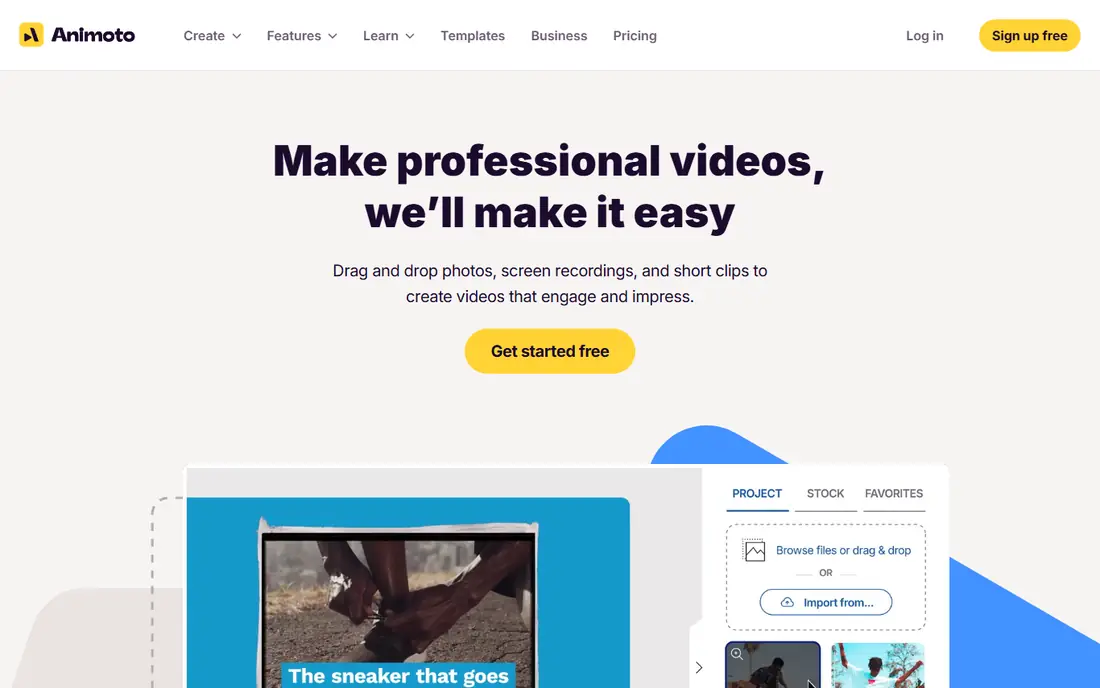
Animoto is built for people who are not editors. Pick a template, drop in photos and short clips, add text and a licensed music track, and export a polished slideshow. Real estate agents, small businesses, schools, and nonprofits use it for listings, event recaps, and simple social ads, because the guided workflow removes most decisions.
The free plan exports at 720p with an Animoto watermark, so it suits testing only. Paid plans start at $9 per month on annual billing for Basic, with Professional at $19 per month adding 1080p and 4K options, more music, and stock assets. If you need fine timeline control or complex animation, a fuller editor will suit you better.
- Fast, guided slideshow workflow
- Licensed music library
- Templates for business and events
- Free exports carry a watermark and cap at 720p
- Editing depth is limited
- Team features need higher tiers
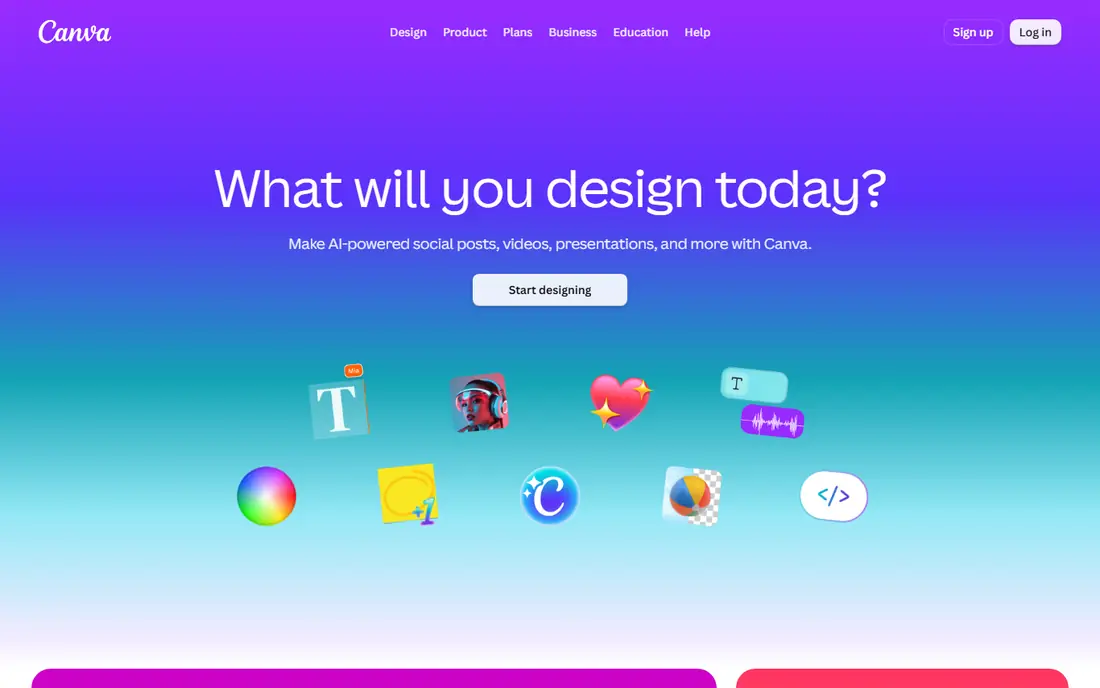
Canva turns photos into social videos with the same ease as its graphic templates. Choose a video size, pick a template, replace the photos and text, add music, and export for Instagram, TikTok, YouTube, or a website. The free plan covers a large template and stock library, so a small business can publish regular photo videos without paying.
Pro costs about $15 to $18 per month depending on billing, and it adds a Brand Kit, background removal, Magic Resize, and a larger stock library. Canva is not a deep video editor, so long or complex projects belong in DaVinci Resolve or a similar tool, but for short marketing clips it is fast and reliable.
- Huge template library
- Drag-and-drop video editor
- Works on web and mobile
- Advanced video editing is limited
- Brand Kit and background tools need Pro
- Popular templates look familiar
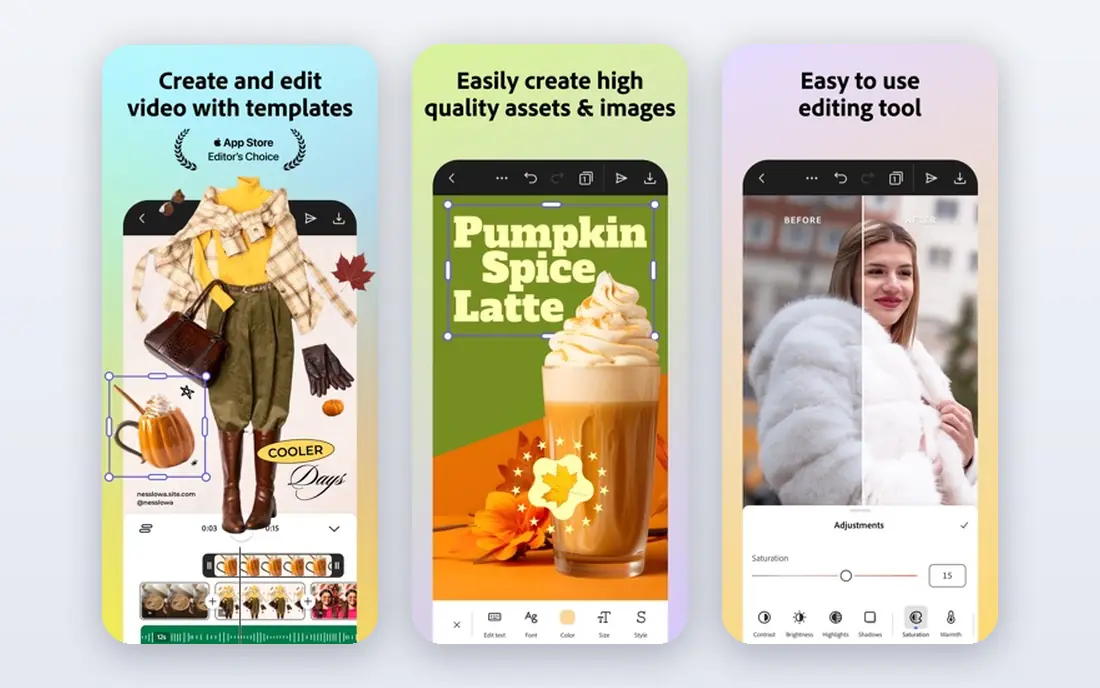
Adobe Express is Adobe template-led tool for quick social content. It covers video, graphics, and page layouts in one web and mobile app, with templates for posts, stories, ads, and presentations. Photos, text, music, and brand colors come together quickly, which suits small businesses that need consistent branded clips.
The free tier covers most basic needs, while Premium costs $9.99 per month and adds full brand tools, resize options, and more stock access. Adobe Express does not replace Premiere Pro for long-form editing, but for short photo videos with a consistent brand look, it is a strong free starting point.
- Template-led video and design tools
- Brand tools on Premium
- Good Adobe Stock links
- Editing depth is limited
- Resize and full brand tools need Premium
- Adobe account required
CapCut is the most popular mobile-first pick for short social videos. Import photos, pick a template or build a timeline, add transitions, text, effects, and music, and export in vertical or square formats for social feeds. The free version covers a large part of that workflow, which is why creators use it for daily posts.
A Pro subscription adds more effects, stock, and cloud features, with pricing listed in the app and on its own site. Check the privacy and data settings before you upload personal photos, and use only photos you own or have licensed, especially for posts that show other people.
- Strong free mobile editor
- Templates and effects for social video
- Easy photo-to-video flow
- Some effects and stock need Pro
- Cloud and team features vary by plan
- Privacy settings need a check
InVideo is a web video maker with thousands of templates for marketing, social, and business videos. Start from a template, swap in your photos, edit text and timing on a timeline, and export. The free plan includes limited video minutes and exports per week with a watermark, which is enough to test the editor and template style.
Paid plans start at $28 per month for Plus in current listings, with credits, video minutes, stock allowances, and exports rising by tier. That credit model can confuse comparison with flat-price tools, so check how many videos you will actually export each month before you choose a tier.
- Large template library
- Free plan for testing
- Stock media and text-to-video tools
- Free exports carry a watermark
- Paid plans use credits and video minutes
- Generative features need higher tiers
FlexClip is a web slideshow and video maker that keeps the workflow simple. Upload photos, arrange them on a storyboard or timeline, add transitions, text, and music, and export. Stock photos, video clips, and music help when your own photo set is short, and the interface is easy for first-time video makers.
The free plan limits export quality and monthly exports, with paid plans removing those limits and adding more stock and features. FlexClip suits birthday videos, travel recaps, business promos, and school projects, rather than long documentaries or complex edits.
- Simple web editor
- Slideshow and storyboard modes
- Stock photos, video, and music
- Free plan limits exports and quality
- Advanced editing is lighter than desktop editors
- Some assets need paid plans
Kapwing is a browser video editor that works well for teams. Photos, clips, text, subtitles, and audio sit on a timeline in the browser, and teammates can comment and edit shared projects without installing software. Resizing for different social formats and adding subtitles are strengths, which helps creators who publish the same photo video in several sizes.
The free plan exports with a watermark, and Pro plans remove it and add more storage, stock, and AI tools. Kapwing needs a stable connection for large projects, since editing happens in the browser, but for collaborative social videos it is a practical choice.
- Full browser editor
- Collaboration and shared workspaces
- Subtitles and resizing tools
- Free exports carry a watermark
- Some AI and stock features need Pro
- Large projects need a good connection
Movavi Slideshow Maker is a desktop tool for people who prefer to edit offline. A slideshow wizard builds a first video from your photos and music in minutes, and you can then adjust transitions, titles, and timing on a timeline. That wizard-plus-timeline mix suits family videos, travel recaps, and event slideshows.
Pricing is listed on its own site and varies by license type, so check the current price for your platform before you buy. The template library is smaller than Canva or InVideo, but the desktop workflow and offline editing appeal to users who do not want to upload personal photos to a web editor.
- Desktop app for offline editing
- Slideshow wizard for fast results
- Transitions and music included
- Pricing varies by license and region
- Less template depth than web tools
- Windows and Mac only
Lumen5 suits content teams that turn written posts into social videos. Paste text or a blog link, and Lumen5 builds a storyboard with scenes, then you add your photos, stock media, text, and music. That text-first flow saves time for marketers who publish articles and need a matching video for each one.
The trade-off is control. Scene-based editing is faster than a full timeline, but it limits fine animation and timing choices. Pricing is listed on its own site, with a trial to test the storyboard flow, so check the plan that covers your monthly video volume before you commit.
- Turns blog posts and text into video storyboards
- Stock media library
- Good for content marketing teams
- Pricing is listed on its own site
- Free options are limited
- Less control than a full timeline editor
How we picked these
We compared official feature pages, pricing pages, and public guides for apps that turn photos into videos with transitions, text, and music. We kept only apps live in October 2026, and we excluded tools that only generate video from text prompts without a photo slideshow workflow. Where pricing was not clear from public listings, we wrote See website instead of guessing a figure.
How to choose a photo video app
Start with where the video will be published. Vertical social clips suit CapCut, Canva, and Adobe Express. Business slideshows and event recaps suit Animoto and Movavi Slideshow Maker. Marketing teams that publish often should compare InVideo, FlexClip, and Lumen5 on templates, stock, and monthly export limits.
Then check export quality and branding. Free plans often watermark exports or cap quality at 720p, so a paid plan may be needed for client or business work. Finally, gather your photos before you start: use only your own photos or licensed stock, get consent from any real person shown, and keep a copy of the original photos in case you need to rebuild the video later.
Frequently asked questions
What are the best apps to create video from photos?
Animoto is best for simple business slideshows, Canva and Adobe Express are best for fast social videos, CapCut is best for mobile social clips, and InVideo and FlexClip are best for template-led marketing videos. Kapwing suits browser-based team editing, while Movavi Slideshow Maker suits offline desktop work.
Can I create a video from photos for free?
Yes. Animoto, Canva, Adobe Express, CapCut, InVideo, FlexClip, and Kapwing all offer free plans. Free exports often carry a watermark or cap quality, so check export limits before you publish a video for business use.
What is the best tool to create video from a single photo?
Canva, CapCut, and Adobe Express all handle single-photo videos well, with zoom, pan, text, and music to add motion to one image. For a single photo, keep the video short, add a clear caption, and export in the size your platform prefers.
Can I use any photo in a video I publish?
No. Use only photos you took yourself, photos you have a license to use, or licensed stock from the app. Never animate a real person without that person's consent, and never use photos of children or private individuals without proper permission, even if the app makes it technically easy.
Is OpenAI Sora available for creating videos from photos?
No, not as a standalone consumer app. OpenAI ended the Sora consumer app and web experience in April 2026, and the Sora API followed in September 2026. Use one of the live apps on this list for new photo videos instead of following old Sora signup guides.
Sources
- https://animoto.com
- https://www.canva.com
- https://www.adobe.com/express
- https://www.capcut.com
- https://invideo.io
- https://www.flexclip.com
- https://www.kapwing.com
- https://www.movavi.com
- https://lumen5.com
- https://www.dochipo.com/canva-video-editor-alternative-tools/
- https://creati.ai/ai-tools/invideo/alternatives/invideo-vs-animoto-comprehensive-video-creation-tools-comparison/
- https://magichour.ai/blog/what-is-sora
See where you really rank - block by block
ProMapRanker scans Google Maps across a grid of your service area. Simple monthly plans from $19, white-label on every plan.
Start freeKeep reading
 wpforms alternatives
Best WPForms Alternatives in 2026
We compare 9 wpforms alternatives for WordPress forms, with free and paid options, current pricing notes, and honest limits for small business sites in 2026.
Read → windows task scheduler alternatives
Best Windows Task Scheduler Alternatives in 2026
Looking for Windows Task Scheduler alternatives? We compare 9 schedulers for Windows and cross-platform work, from free tools to enterprise automation.
Read → which ai video service is best
Which AI Video Service Is Best in 2026
which ai video service is best? We compare 10 legitimate AI video services on price, avatars, editing and output quality to help you pick the right tool.
Read →