 ProMapRanker
Best Apps for Tracking Expenses in 2026

Key takeaways
- Rocket Money is the best free starting point for finding subscriptions and tracking spending automatically.
- YNAB is the best pick for people who want a strict zero-based method, not just a spending report, at $14.99 per month.
- Monarch Money is the best all-in-one dashboard for couples and households, at $14.99 per month or $99.99 per year.
- Empower offers a genuinely free dashboard for spending and net worth, with paid advice kept separate.
- Bank syncing varies by institution, so test your own accounts during a trial before you pay for a year.
Quick comparison
| Pick | Great for | Pricing starts at | Free tier | |
|---|---|---|---|---|
 Rocket Money Rocket Money | Subscriptions and spending | $7 per month | Yes | Visit |
 YNAB YNAB | Zero-based budgeting | $14.99 per month | Free trial | Visit |
 Monarch Money Monarch Money | Couples and net worth | $14.99 per month | Free trial | Visit |
 Empower Empower | Free dashboard | Free | Yes | Visit |
 Goodbudget Goodbudget | Envelope budgeting | $10 per month | Yes | Visit |
 EveryDollar EveryDollar | Simple zero-based budgets | $17.99 per month | Yes | Visit |
 PocketGuard PocketGuard | Safe-to-spend number | $12.99 per month | Yes | Visit |
 Copilot Money Copilot Money | Apple users and design | $13 per month | Free trial | Visit |
 Simplifi by Quicken Simplifi by Quicken | Low-effort automated tracking | See website | Free trial | Visit |
The best apps for tracking expenses
Expense tracking apps fall into two groups. Some show you what you spent, while others make you plan what you will spend. We compared bank syncing, budgeting method, household sharing and price to match each app to a different kind of spender.
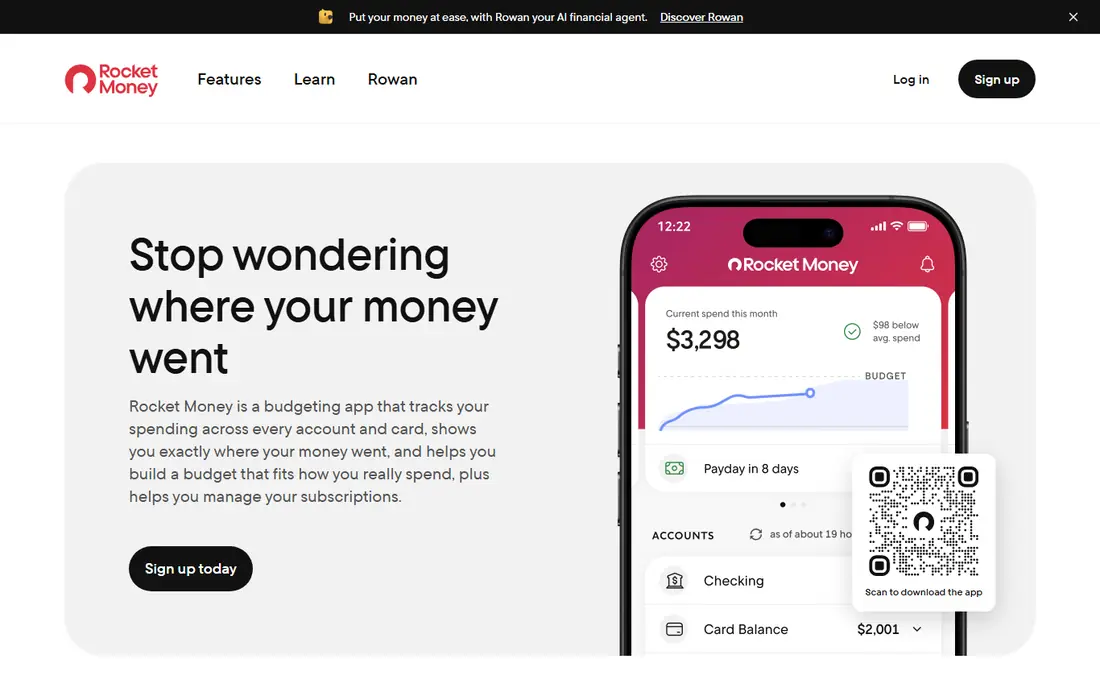
Rocket Money, formerly Truebill, starts by showing you every recurring charge across linked accounts. That single view is often the most useful feature in this category, because forgotten subscriptions are easy to miss in a bank statement. The free tier covers account linking, spending tracking and the subscription list.
Premium, priced on a sliding scale from $7 to $14 per month, adds cancellation through the app, bill negotiation and Smart Savings. Negotiation fees take a share of first-year savings, so read the terms before you use that service. If you mostly want awareness and you are happy to cancel things yourself, the free tier is one of the strongest no-cost options here.
- Free account linking and subscription list
- Automatic categorization
- Bill negotiation on Premium
- Cancellation and negotiation are paywalled
- Bill negotiation takes a share of savings
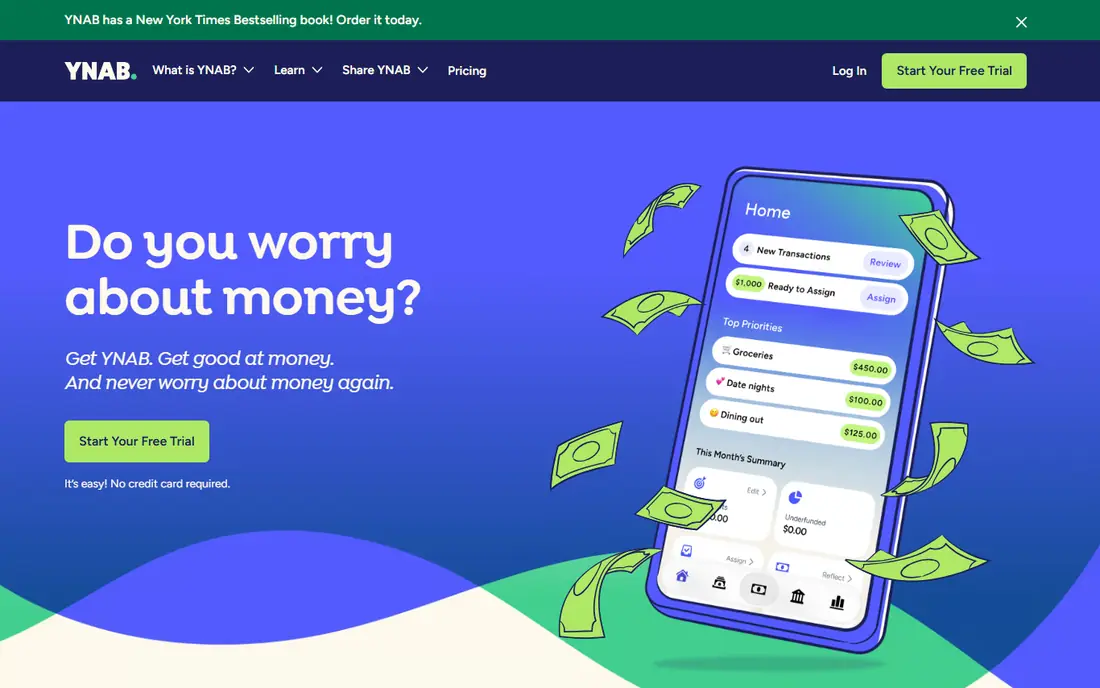
YNAB, short for You Need A Budget, asks you to give every dollar a job before you spend it. That discipline is why it has loyal users who stick with it for years. You plan with money you already have, move money between categories when plans change, and track goals for debt, savings and large bills.
The price is $14.99 per month or $109 per year, with a 34-day free trial. That is higher than a simple tracker, and the method takes a few weeks to feel natural. If you want a report on past spending only, YNAB will feel like work. If you want to change future spending, it is the most proven method on this list.
- Clear zero-based method
- Goal tracking and debt tools
- Workshops and strong learning resources
- Learning curve for new users
- No free tier beyond the 34-day trial
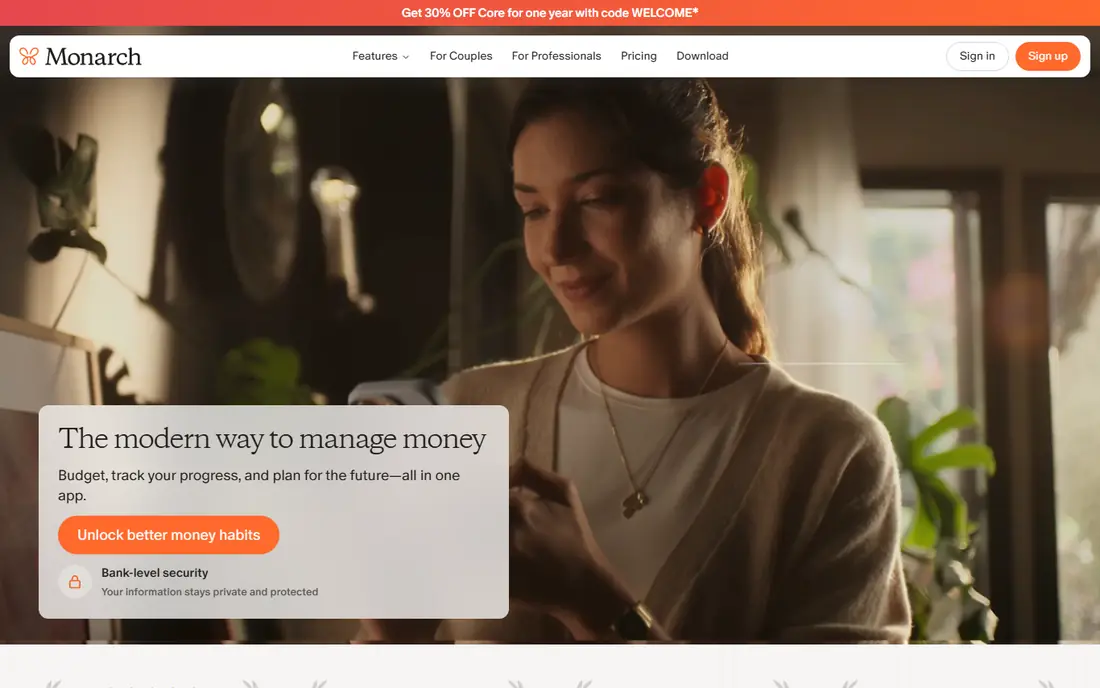
Monarch Money is the closest modern replacement for Mint-style dashboards, with budgeting, tracking and planning in one place. Couples can share one account, set shared goals and see spending, investments and net worth together. Custom reports help households that want more than a monthly total.
Pricing is $14.99 per month or $99.99 per year, with a 7-day trial in recent listings. That trial is short, so link your main accounts on day one and test syncing before it ends. Monarch suits households that want one dashboard for everything, and it is less suited to solo users who only need a simple spending list.
- Shared access for couples
- Net worth and investment tracking
- Customizable reports and goals
- Paid-only after a short trial
- Syncing quality varies by bank
Empower Personal Dashboard is free, and it covers spending, cash flow, net worth and investments in one view. That makes it a good companion app even if you budget elsewhere. You can link accounts, categorize transactions and see where money goes without paying a monthly fee.
The trade-off is method. Empower shows you spending well, but it does not enforce a zero-based plan the way YNAB does. Paid advisory services are also promoted in the app, though you can ignore them and keep using the free dashboard. For a free, low-effort overview, Empower is the easiest recommendation on this list.
- Free Personal Dashboard
- Spending, net worth and investment views
- No subscription for core tracking
- Budgeting method is looser than YNAB
- Paid wealth management is promoted inside the app
Goodbudget brings the cash-envelope method to your phone. You divide money into envelopes for groceries, rent, fun and other categories, then record spending against each envelope. Because the free tier does not require bank linking, it suits people who prefer manual control or who do not want to connect accounts.
Premium costs $10 per month or $80 per year and adds more envelopes, bank sync and longer history. The free tier is limited in envelope count, so a household with many categories will hit the limit. Goodbudget is our pick for envelope fans and for couples who want a shared, deliberate budget without automatic syncing.
- Envelope method without bank linking
- Free tier for basic use
- Works well for couples sharing envelopes
- Free tier limits envelope count
- Bank sync requires Premium and manual entry takes time
EveryDollar keeps zero-based budgeting simple. You list income, assign it to categories and track spending until every dollar has a job. The free tier uses manual entry, which some users prefer because it forces a daily check-in with spending. The layout is clean, and the learning curve is shorter than YNAB.
Paid EveryDollar Premium, at $17.99 per month or $79.99 per year in recent listings, adds automatic bank syncing and connected accounts. Without that tier, manual entry can become a chore if you have many transactions. Choose EveryDollar if you want a simple zero-based plan and you are willing to enter spending by hand or pay for syncing.
- Simple zero-based layout
- Free manual entry tier
- Familiar method for Ramsey followers
- Bank sync requires the paid tier
- Fewer reports than Monarch or YNAB
PocketGuard answers one question well: how much can I spend right now without breaking my bills and goals. It links accounts, subtracts upcoming bills and savings goals, and shows the remainder as a safe-to-spend number. That single figure helps people who overspend between paydays.
Plus costs $12.99 per month or $74.99 per year and adds unlimited goals, custom categories and deeper tracking. The free tier is useful for a daily check, but it is limited. PocketGuard suits spenders who want a guardrail, not a full planning system, and it pairs well with a stricter budget if you want both.
- Clear "In My Pocket" safe-to-spend figure
- Bill tracking and subscription views
- Simple daily check
- Less detailed budgeting than YNAB
- Plus features require a paid plan
Copilot Money is a design-first tracker for Apple users. It links accounts, categorizes spending with machine learning and presents trends in a clear, readable interface. iPhone, iPad and Mac users get the best experience, and the app feels faster to review than many rivals.
Pricing is $13 per month or $95 per year, with a free trial. The main limit is platform. There is no Android app, so Android households should choose Monarch or Rocket Money instead. If you are all-in on Apple and you value a tracker you will actually open each week, Copilot is a strong pick.
- Clean design and smart categorization
- Good Apple device support
- Useful spending insights
- No Android app
- Web version is less complete than the Apple apps
Simplifi by Quicken is built for people who want automation without a strict method. Its Spending Plan shows what is left after bills and savings, and watchlists track subscriptions and recurring charges. Reports and projections help you see trends without building a complex budget.
We list the starting price as See website because Quicken runs frequent promos and renewal terms that change the figure. Check the current checkout price and renewal terms before you buy. Simplifi suits users who want a low-effort, automated view of spending, and it is less suited to zero-based or envelope purists.
- Automated Spending Plan
- Watchlists for bills and subscriptions
- Reports and projections from Quicken
- Pricing and promo terms change often
- Not a strict envelope system
How we picked these
We compared official pricing pages, free tiers, budgeting methods and platform coverage for apps available to US users in October 2026. We included free trackers, zero-based planners, envelope tools and all-in-one dashboards, rather than nine versions of the same spending report. We favoured apps with bank syncing, clear pricing and a method you can explain in one sentence. Prices are US prices before tax, and trial lengths are noted where they matter.
What to check before you pay
Start with your method, not the app store ranking. If you overspend on subscriptions, Rocket Money or PocketGuard will help fastest. If you want to plan every dollar, YNAB or EveryDollar fits better. If you share money with a partner, Monarch or Goodbudget makes sharing simpler. Pick the method first, then the app that supports it.
Test bank syncing on day one
Link your main checking, credit card and savings accounts during the trial and watch for duplicates, missing transactions and broken connections. Syncing quality varies by bank, and a tracker with broken syncing becomes manual work. If your bank does not sync well, a manual tool such as Goodbudget may be more reliable than a sync-first app.
Count the real yearly cost
Monthly prices look small, but $14.99 per month is about $180 per year. Compare annual pricing, check renewal terms and ask whether a free tier already covers your needs. Many users do well with Rocket Money free plus Empower free, and only need a paid planner if they want a strict method or household sharing.
Keep your data safe
These apps connect to financial accounts, so read the security page before you link anything. Use a strong, unique password, turn on two-factor authentication and check what data the app stores. This is not financial advice, and no tracker can fix overspending on its own. If debt or bills feel unmanageable, consider a nonprofit credit counselor alongside any app.
Frequently asked questions
What is the best app for tracking expenses?
Rocket Money is the best free tracker for subscriptions and spending, YNAB is the best planner for zero-based budgeting, and Monarch Money is the best all-in-one dashboard for couples. The best app for you depends on whether you want a report, a plan or a shared household view.
What is the best expense tracking app for small business?
For small business use, pair a personal tracker with a business tool that handles receipts and expense reports, such as Expensify or a bookkeeping app. Personal trackers on this list are built for household spending, not for tax-ready business reports, so check receipt and category export before you rely on one for business use.
Is there a free expense tracking app?
Yes. Rocket Money and Empower offer genuinely useful free tiers, and Goodbudget, EveryDollar and PocketGuard offer free plans with limits. Free tiers usually cover linking, tracking and basic reports, while bank syncing for some apps and advanced features sit behind a paid plan.
How do expense tracking apps connect to my bank?
Most apps use a secure aggregator to connect to your bank with read-only access, then import and categorize transactions. Connections can break when a bank changes its login system, so check sync status weekly during your first month. You can also use manual entry in apps such as Goodbudget if you prefer not to link accounts.
Should I pay for a budgeting app?
Pay when the method saves you more than it costs, such as cutting subscriptions, avoiding overdrafts or sticking to a debt plan. If a free tracker already shows your spending clearly and you act on it, paying adds little. Try the free tier or trial first, then pay only if you use the paid features weekly.
Sources
See where you really rank - block by block
ProMapRanker scans Google Maps across a grid of your service area. Simple monthly plans from $19, white-label on every plan.
Start freeKeep reading
 zoom alternatives
Best Zoom Alternatives in 2026
Compare Zoom alternatives in 2026, with free meeting limits and prices, so you can pick the best alternative to Zoom for your team, class, or community.
Read → which software is best for remote work
Which Software Is Best for Remote Work in 2026
Answering which software is best for remote work, we compare Slack, Zoom, Asana, Notion, Teams and more, with pricing and honest tradeoffs in 2026 now.
Read → which ai tool is best for content writing
Which AI Tool Is Best for Content Writing in 2026
Wondering which ai tool is best for content writing? We compare ChatGPT, Claude, Jasper, Grammarly, and more on price, quality, and best use in 2026 now.
Read →