 ProMapRanker
Best Apps for Study Management in 2026


All in one study workspace for notes and deadlines · Pricing starts at: Free
Key takeaways
- No single app covers study management alone, so pair a task app, a notes app and a calendar.
- Notion is the best all in one organizer app for students who want notes, tasks and deadlines in one workspace.
- Todoist and TickTick suit students who want a simple task list without building a custom system.
- Free plans cover most student needs, so start free and pay only for features you actually use weekly.
Quick comparison
| Pick | Great for | Pricing starts at | Free tier | |
|---|---|---|---|---|
| Notion | All in one study workspace for notes and deadlines | Free | Yes | Visit |
 Todoist Todoist | Simple assignment and task tracking | Free | Yes | Visit |
 Google Calendar Google Calendar | Class schedules, deadlines and time blocking | Free | Yes | Visit |
 TickTick TickTick | Tasks, calendar and Pomodoro focus in one app | Free | Yes | Visit |
 Quizlet Quizlet | Flashcards and exam revision | Free | Yes | Visit |
 Microsoft OneNote Microsoft OneNote | Organized digital notebooks for class notes | Free | Yes | Visit |
 Forest Forest | Focus sessions and phone distraction control | See website | Yes | Visit |
 Google Keep Google Keep | Quick notes, checklists and reminders | Free | Yes | Visit |
The best apps for study management
Study management means tracking classes, assignments, notes, revision and daily life in one system you will actually use. We compared official pricing pages, app store listings and 2026 student productivity guides, focusing on free plans, mobile apps and how each tool handles deadlines.
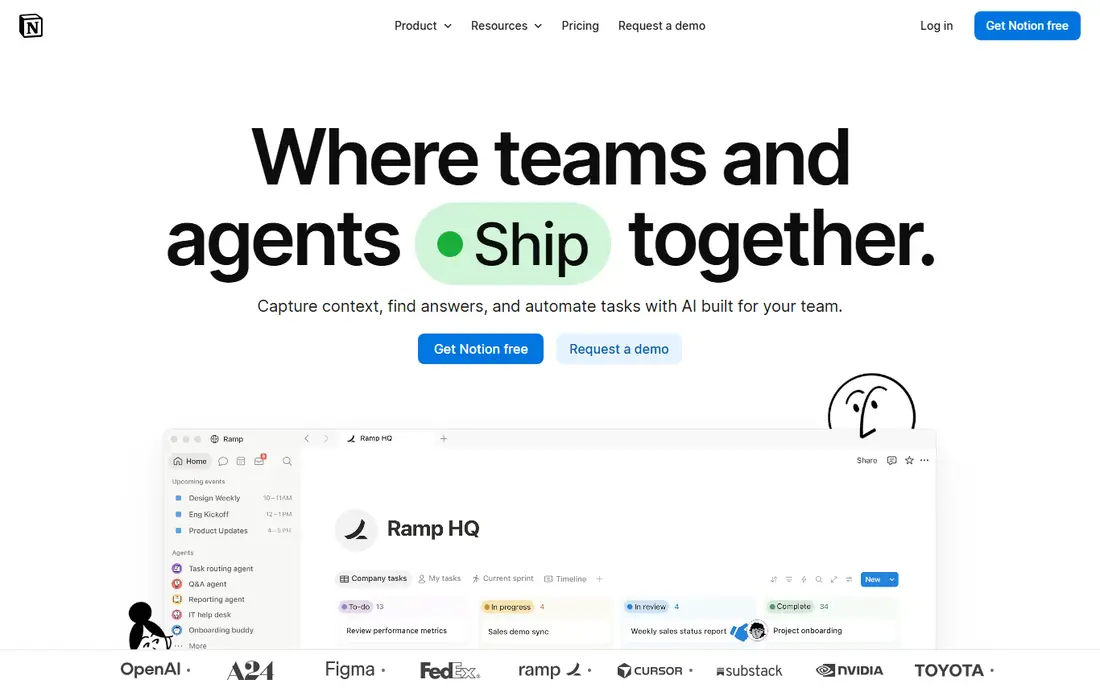
Notion is the best app for organizing life and study in one place, because it combines notes, task lists, calendars and databases in a single workspace. Students can build a dashboard for each course, track assignment deadlines, store lecture notes and link revision material without switching apps. Templates for study planners and assignment trackers make setup faster.
The flexibility is also the drawback. A blank Notion workspace can feel overwhelming, and students who just need a task list may find Todoist faster. Notion suits students who enjoy organizing and want one hub for study and personal tasks, rather than a single purpose tool.
- Notes, tasks, databases and templates in one place
- Free for students with academic email in guides
- Works on web and mobile
- Building a custom system takes time
- Can feel heavy for a simple task list
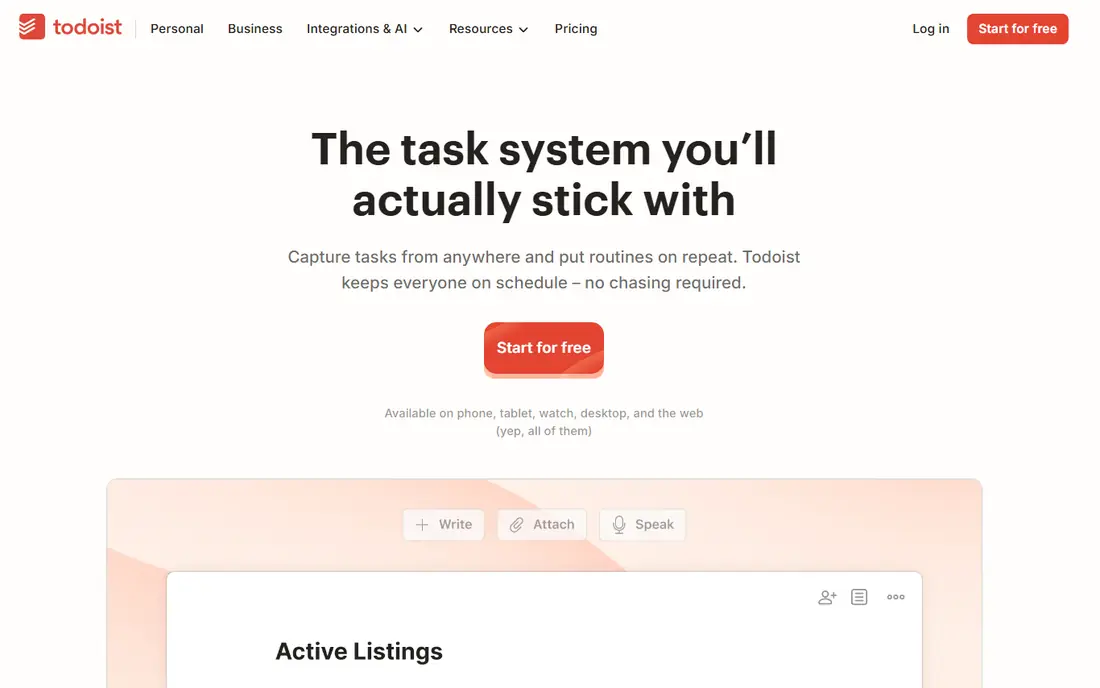
Todoist is the best organizer app for students who want a clean task list without a complex setup. Type a task such as submit history essay next Friday, and Todoist sets the date and reminder. Projects separate courses, priorities highlight urgent work, and recurring tasks handle weekly readings.
The free plan limits you to 5 projects in published guides, which suits a typical semester but not a large personal system. Todoist is less strong for long lecture notes or a full study dashboard, so pair it with OneNote or Google Keep for notes. For assignments alone, it is fast and reliable.
- Fast natural language task entry
- 5 projects on free plan in guides
- Works on all major platforms
- Free plan limits projects
- Notes and calendar views are thinner than Notion
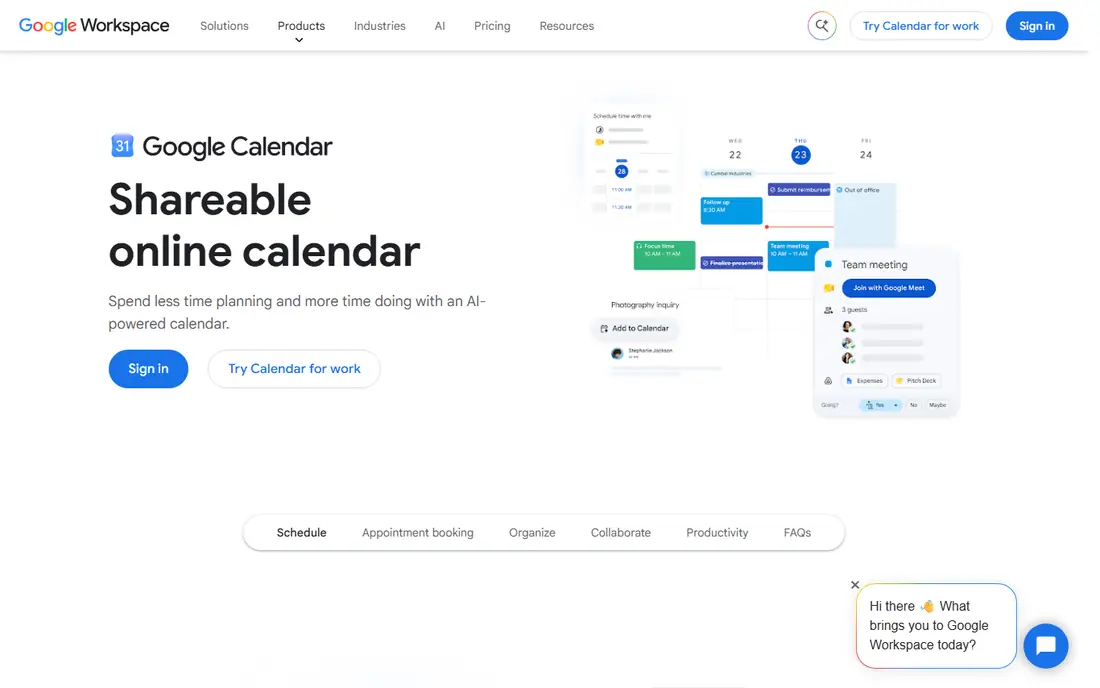
Google Calendar remains the backbone of study management for many students, because it shows time clearly. Create recurring events for each class, add exams and assignment deadlines as they arrive, and block study sessions around them. Sharing a calendar with a study group keeps group work visible to everyone.
Calendar alone cannot manage detailed tasks, notes or revision progress, so it works best with Todoist or Notion. If your study system has only one tool, Calendar will miss task details. If it has two tools, Calendar is the time layer that keeps the rest honest.
- Free and widely used
- Recurring class events
- Reminders and sharing with study groups
- Weak for detailed task lists
- Needs a task app alongside it for assignments
TickTick is a strong middle ground between Todoist and Notion. It combines task lists, a calendar view and a Pomodoro focus timer, so students can plan work and then time it in the same app. Habit tracking helps build a daily revision routine, and the mobile app is well designed for on the go checks.
Some calendar and collaboration features sit on the paid plan, which costs $35.99 per year in published guides. TickTick suits students who want one app for tasks, time and focus, without building a Notion system from scratch.
- Tasks plus calendar plus Pomodoro timer
- Habit tracking
- Good mobile app
- Paid plan needed for full calendar features
- Interface can feel busy at first
Quizlet is the best app for exam revision through flashcards, with a huge library of shared sets for many subjects. Students can create their own cards, use learn and test modes, and revise on a phone between classes. That active recall beats rereading notes for many subjects, especially vocabulary, definitions and facts.
Free access limits some study modes, and shared sets vary in quality, so check cards against your course material before you trust them. Quizlet is not a task manager or notes app, so it works best as the revision layer on top of Notion, Todoist or OneNote.
- Large shared flashcard sets
- Study modes for revision
- Works on web and mobile
- Free plan limits some study modes
- Shared sets vary in quality and need checking
OneNote is the best personal organizer app for students who take long, structured notes. Notebooks split by course, sections by topic and pages by lecture keep material easy to find later. Handwriting, typing, images and audio notes can sit on the same page, which suits lecture heavy courses.
OneNote is less strong as a task manager or database, so pair it with Todoist or Calendar for deadlines. It also feels more traditional than Notion, with less template flexibility. For students who think in notebooks rather than databases, OneNote is a calm, free choice.
- Free notebook app
- Sections and pages for each course
- Handwriting and audio notes on supported devices
- Sync and sharing can feel slower than Notion
- Search is less flexible than a database tool
Forest tackles a different study problem: staying off your phone long enough to work. Start a focus timer, plant a virtual tree, and the tree grows while you stay in the app. Leaving early kills the tree, which gives a light, visual reason to keep going. That simple loop helps students who struggle with distraction more than with planning.
Forest does not manage tasks, notes or deadlines, so it is a companion app, not a study system alone. Pair it with Todoist for tasks and Quizlet for revision, and use Forest for the actual focused work sessions. For students with attention struggles, that pairing can work well.
- Gamified focus timer
- Grows a virtual tree while you stay focused
- Simple and motivating
- Core focus features are limited on free plan in guides
- Not a task or notes app
Google Keep is the best free organizer app for capturing ideas quickly. A color coded note, a checklist for a lab kit, a photo of a whiteboard or a voice memo all take seconds to save. Reminders based on time or location help with small tasks that do not need a full project in Todoist.
Keep is not a replacement for OneNote or Notion for long notes, and a large collection can become messy without regular archiving. Use Keep for capture, then move important notes into your main study workspace weekly. That habit keeps quick notes useful instead of letting them pile up.
- Free and fast
- Color coded notes and checklists
- Voice memos and photo notes
- Syncs across devices
- Not built for long notes or complex projects
- Can become messy with many notes
How we picked these
We compared official pricing pages, app store listings and 2026 student productivity guides that checked free plans and platform support. We favored apps with a useful free tier, mobile and web access, and a clear job in a study system: tasks, notes, calendar, revision or focus. We left out single subject tutors and AI chat tools that do not help organize study itself.
How to build a study system that lasts
Start with only three tools. Pick a calendar for time, a task app for assignments and a notes app for course material. That trio covers most student needs, and adding more apps early often creates more organizing work than studying. Use the trio for two weeks before you add a fourth tool.
Next, give each tool one job and stick to it. Calendar holds when things happen, Todoist or TickTick holds what is due, and Notion or OneNote holds course notes. Quizlet holds revision, and Forest holds focus sessions. When a tool tries to do everything, its main job gets messy, so keep boundaries clear.
Finally, review weekly for 15 minutes. Check next week's deadlines, archive old Keep notes into your main workspace, and move completed tasks out of sight. A short weekly review prevents a backlog that feels overwhelming at exam time. The best apps for organization and productivity are the ones you review regularly, not the ones with the longest feature list.
Frequently asked questions
What are the best apps for study management?
Notion, Todoist and Google Calendar form the best core study management system for most students, with Quizlet for revision and Forest for focus. Notion covers notes and deadlines in one workspace, Todoist covers simple tasks, and Calendar covers time. The best apps to organize your life as a student are the ones you will open daily, not the most powerful ones.
What is the best free organizer app for students?
Google Calendar, Google Keep and Todoist all offer useful free plans, and Notion is free for many students. Google Keep is best for quick notes, Calendar is best for time, and Todoist is best for tasks on its free plan. Start with free plans, then pay only if a limit blocks your weekly routine.
What are the best organizational apps for study and life?
Notion is the best all in one organizational app, TickTick covers tasks, calendar and focus together, and Todoist covers tasks simply. For organizing life beyond study, the same trio works, with separate projects or pages for personal tasks. Keep personal and study projects separate, so a busy personal week does not hide assignment deadlines.
How do I organize study with apps without getting distracted?
Use Forest or TickTick's Pomodoro timer for focused sessions, keep your phone on silent during those sessions, and limit your study system to three core apps. A system with ten apps creates more switching than studying, so add tools only when a clear gap appears. A weekly review also stops small tasks from becoming urgent at the last minute.
Is Notion or Todoist better for students?
Notion is better if you want notes, tasks and deadlines in one customizable workspace, while Todoist is better if you want a fast, simple task list. Many students use both, with Todoist for daily tasks and Notion for course notes and long term planning. If you dislike setup work, start with Todoist and add Notion later.
What is the best app for organizing life as a student?
Notion and TickTick are the strongest all round picks for organizing life, since both cover tasks, notes or calendar in one place. Google Calendar remains essential for time, and Google Keep is useful for quick capture. The best personal organizer app is the one that fits your phone, laptop and study habits without extra friction.
Sources
See where you really rank - block by block
ProMapRanker scans Google Maps across a grid of your service area. Simple monthly plans from $19, white-label on every plan.
Start freeKeep reading
 zoom alternatives
Best Zoom Alternatives in 2026
Compare Zoom alternatives in 2026, with free meeting limits and prices, so you can pick the best alternative to Zoom for your team, class, or community.
Read → which software is best for remote work
Which Software Is Best for Remote Work in 2026
Answering which software is best for remote work, we compare Slack, Zoom, Asana, Notion, Teams and more, with pricing and honest tradeoffs in 2026 now.
Read → which ai tool is best for content writing
Which AI Tool Is Best for Content Writing in 2026
Wondering which ai tool is best for content writing? We compare ChatGPT, Claude, Jasper, Grammarly, and more on price, quality, and best use in 2026 now.
Read →