 ProMapRanker
Best Apps for Movie Spoilers in 2026


Checking upsetting content before watching · Pricing starts at: Free
Key takeaways
- Does the Dog Die is the best app for checking upsetting content before you watch, with crowd-voted warnings for specific scenes.
- IMDb and Rotten Tomatoes are the best sources for full plot summaries, parent guides and review discussion that often includes spoilers.
- Letterboxd and Trakt suit film fans who want spoiler-tagged reviews and watchlists alongside plot details.
- TV Time and JustWatch help you manage what you watch and where to stream it, with spoiler controls for shows you have not finished.
- If you want to stay spoiler-free, use these apps carefully: read only the sections you need and avoid comments until you have watched the film.
Quick comparison
| Pick | Great for | Pricing starts at | Free tier | |
|---|---|---|---|---|
| Does the Dog Die | Checking upsetting content before watching | Free | Yes | Visit |
 IMDb | Full plot summaries and cast details | Free | Yes | Visit |
 Letterboxd | Spoiler-tagged film fan reviews | Free | Yes | Visit |
 Rotten Tomatoes | Reviews and audience scores at a glance | Free | Yes | Visit |
 TV Time | Tracking shows while avoiding spoilers | Free | Yes | Visit |
 Trakt | Watchlists, tracking and discovery | Free | Yes | Visit |
 Common Sense Media | Family spoiler guidance and age advice | Free | Yes | Visit |
 JustWatch | Finding where to stream a film | Free | Yes | Visit |
The best apps for movie spoilers
Some people read the ending before they watch. Others only want to know whether a film contains a scene they would rather avoid. These eight apps serve both kinds of viewers, with plot details, content warnings, reviews and tracking tools that let you decide how much you want to know.
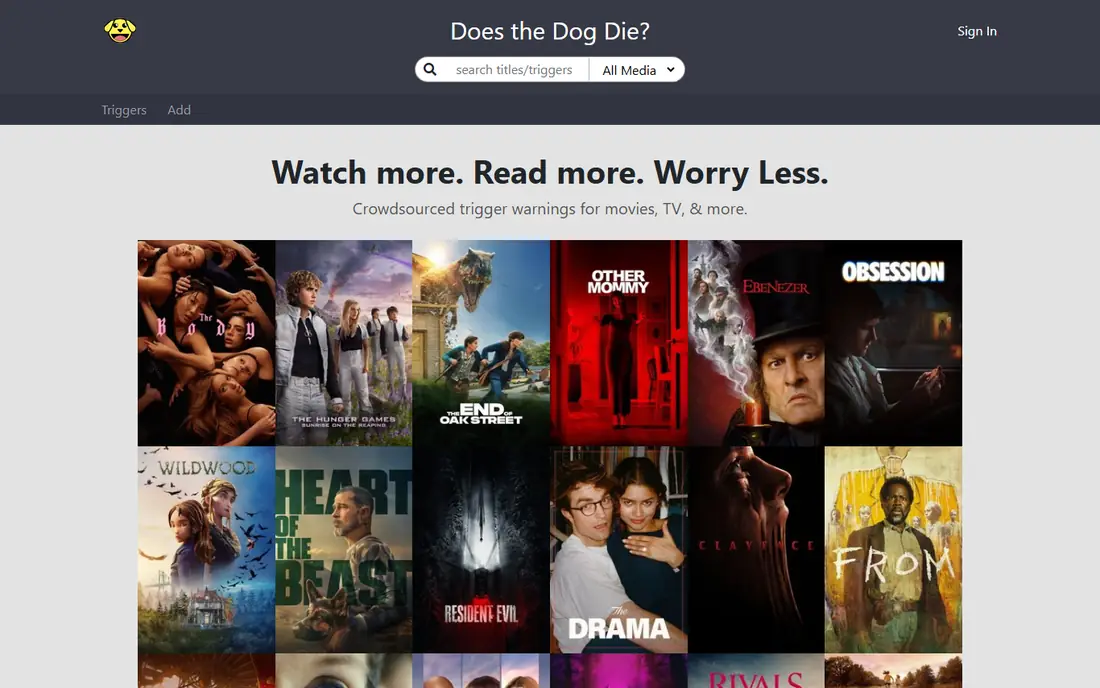
Does the Dog Die answers the exact question its name asks, and then goes much further: users vote yes or no on whether a title contains animal deaths, jump scares, child deaths, strobe effects, self-harm, sexual content and dozens of other categories. You can pin the categories that matter to you so they appear first, which turns a quick search into a clear go or skip decision. The app version brings the same database to your phone, which is handy in a cinema lobby or on the sofa before pressing play.
The honest catch is crowdsourcing. Votes are usually helpful, but categories can be applied inconsistently, and user comments sometimes reveal more plot than the yes or no answer does. Read the votes, skip the comments if you want to stay mostly unspoiled, and treat a single vote with caution when a title is new. For sensitive viewers, it remains the most useful spoiler-checking tool here.
- More than 100 crowd-voted warning categories
- Lets you pin the triggers you care about
- Covers films, TV, books and games
- Crowd votes can be inconsistent
- Comments may contain extra spoilers
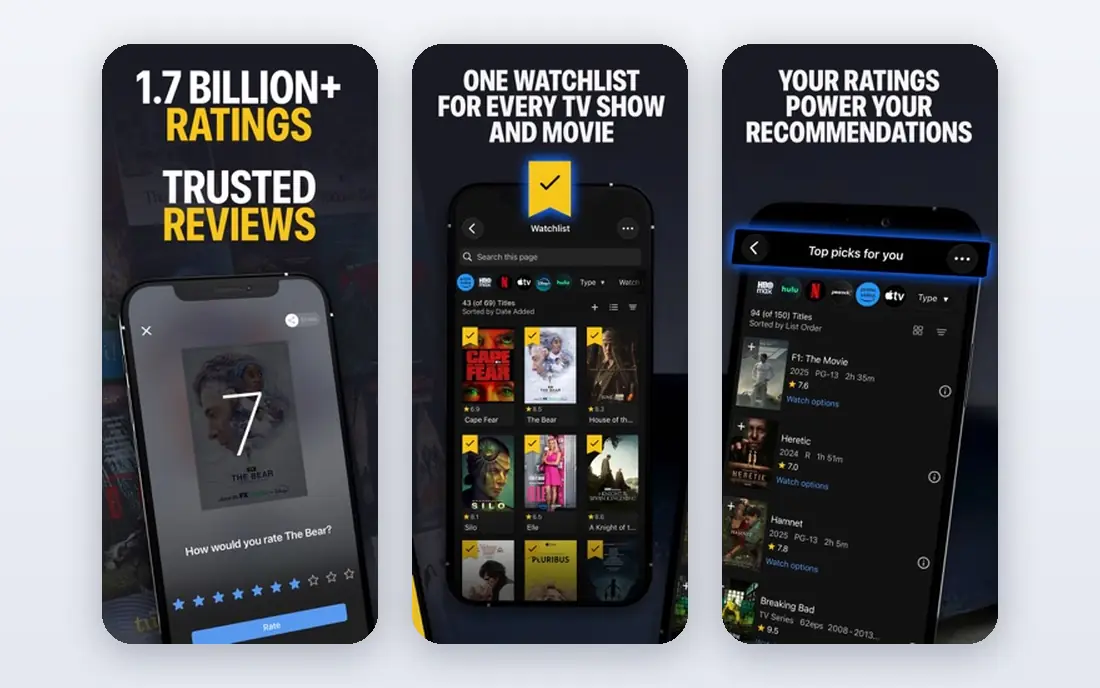
IMDb is the deepest spoiler source on this list, because its plot synopses often describe the entire story, including twists and endings, and its parent guides flag sex, violence, profanity and frightening scenes in detail. If you want to know exactly what happens before you commit two hours, IMDb will tell you, and its cast and trivia pages fill in the rest. The watchlist and rating features also help you keep track of films you plan to watch.
That depth is also the risk: spoilers sit close to ordinary browsing, in review headlines, plot keywords and user lists. If you only want a light warning, stick to the parent guide and avoid full synopses and reviews. Used deliberately, though, IMDb is the most complete place to read a film's story in advance.
- Huge database of films and shows
- Full synopses and parent guides
- Cast, crew and trivia pages
- Spoilers appear in synopses, reviews and forums
- Ads on the free tier
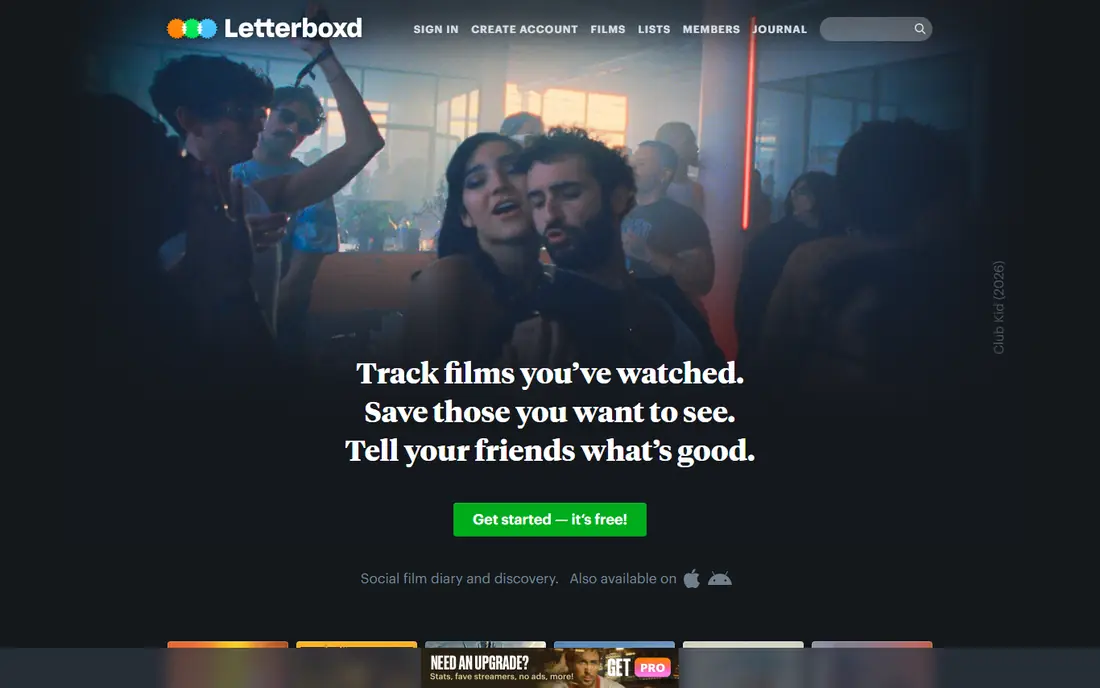
Letterboxd is where film fans log what they watch, rate it, write short reviews and build lists, and its spoiler flag lets reviewers mark entries that give away plot points. That makes it a good place to read reactions after you watch, and a careful place to browse before you watch if you filter for spoiler-free reviews. Popular lists, such as films by theme or director, also help you discover what to watch next.
The catch is human: spoiler flags only work when reviewers use them, and a careless review can still ruin a twist. Letterboxd also leans toward opinion and taste rather than factual plot summaries, so it is better for reactions than for a scene-by-scene breakdown. Pair it with Does the Dog Die for warnings and IMDb for facts, and Letterboxd covers the community side nicely.
- Reviews can be marked as containing spoilers
- Popular lists and diaries
- Strong film community
- Review quality varies
- Spoiler tags depend on users applying them
Rotten Tomatoes gathers critic and audience scores, which helps you judge whether a film is worth your evening, and its review excerpts often discuss story choices, endings and performances in ways that reveal spoilers. For viewers who want a sense of a film's reception plus some plot discussion, that combination is useful, and the site's trailers, news and curated lists add context.
It is not a content-warning tool: a high score says nothing about whether a film contains scenes you want to avoid, and review text can spoil freely. Use Rotten Tomatoes to decide whether a film is worth watching and to read reactions afterward, and use a warning-focused app for the specific content questions. Together, they cover both quality and comfort.
- Tomatometer and audience scores
- Critic reviews in one place
- Trailers and news
- Reviews often discuss plot points
- Score alone does not tell you about content warnings
TV Time is built for series watchers who are behind on a show and terrified of timeline spoilers. You mark episodes as watched, the app hides reactions and comments for episodes you have not reached, and you get reminders when new episodes air. That spoiler-aware design is the reason it belongs here: it helps you enjoy a show at your own pace without stumbling on a finale twist in a comment thread.
Film fans will find it less complete than Letterboxd or IMDb, since TV Time's heart is episode tracking. Community features also carry some risk if you browse beyond your watched episodes. For anyone catching up on a long series, though, TV Time is the most spoiler-conscious tracker available.
- Episode tracking with spoiler controls
- Community reactions per episode
- Reminders for new episodes
- Film coverage is thinner than TV
- Community comments can spoil upcoming episodes
Trakt keeps a single record of what you have watched, what you want to watch, and what is coming next, syncing with many media apps and players. Its pages pull in plot summaries, cast details and ratings, so it works as a spoiler source when you want story details, and as a clean tracker when you only check your own progress. The calendar view is genuinely useful for following new seasons and film releases.
The free tier covers the core tracking well, but some advanced features, such as deeper statistics and extra list tools, sit behind the VIP plan. Plot detail quality also depends on the linked data source for each title. For viewers who watch across several streaming services, Trakt is the best way to keep one list without losing track of where you left off.
- Tracks films and shows across services
- Watchlists and history sync
- Calendar for releases
- Plot details vary by linked source
- Advanced features need a paid VIP plan
Common Sense Media reviews films and shows for families, with clear breakdowns of violence, language, sexual content, drinking and positive messages, plus an age recommendation for each title. Parents can read enough plot context to judge suitability without reading a full synopsis, and kids can use the kids section to find age-appropriate picks. That careful, structured approach makes it the safest spoiler source for family viewing decisions.
Adult film fans may find the plot detail lighter than IMDb or Letterboxd, and the family framing will not suit everyone. For households deciding what children can watch, however, Common Sense Media is the most trustworthy guide here, because it explains what is in a film and why it matters for a given age.
- Detailed parent reviews with content breakdowns
- Age recommendations
- Educator and parent focus
- Spoiler detail is lighter than IMDb
- Aimed at families rather than adult film fans
JustWatch solves the step before spoilers: finding where a film is actually available to stream, rent or buy in your country, with price comparisons across services. Its title pages include short synopses, cast lists and trailers, so you get a basic sense of the story while you decide where to watch. Watchlists and alerts for price drops or new streaming availability add practical value.
It is not a deep spoiler tool, and its synopses stay at overview level rather than full plot detail. Treat JustWatch as the starting point: find the film, read the short synopsis, then turn to IMDb or Does the Dog Die if you want the full story or specific warnings. For everyday viewing decisions, that workflow works well.
- Shows streaming, rental and purchase options by country
- Watchlists and price tracking
- Synopses included
- Not a dedicated spoiler source
- Synopses can reveal basic plot points
How we picked these
We compared official app listings, feature pages and public reviews for apps and services that give plot details, content warnings, spoiler-tagged reviews or spoiler-aware tracking in October 2026. We favored tools with real, current apps or sites, a clear spoiler-related use, and honest handling of the fact that spoilers are subjective: what ruins a film for one viewer is a helpful warning for another. We left out generic streaming apps without spoiler features and sites that only aggregate news. We did not claim hands-on testing of every feature; our comparisons rest on published feature lists, app listings and user documentation.
What to weigh before you use them
Decide first how much you want to know. If you only want warnings, start with Does the Dog Die and Common Sense Media, read the votes and breakdowns, and stop before comments and full reviews. If you want the full story, IMDb synopses and parent guides give you the most detail, but read them only when you are sure you do not mind knowing the ending. Letterboxd and Rotten Tomatoes sit in between: useful for reactions, risky for twists.
Timing matters too. The safest moment to browse spoiler sources is after you have decided to watch a film but before you press play, or after you have finished it and want to read reactions. Browsing during a series run, especially on social features, is where most accidental spoilers happen. TV Time's episode controls help here, and a simple rule, no comments until you are caught up, prevents most accidents. Finally, remember that crowd votes and reviews reflect other viewers, not a guarantee: a warning category with few votes deserves a second check elsewhere.
Frequently asked questions
What is the best app for movie spoilers?
It depends on the kind of spoiler you want. Does the Dog Die is best for content warnings, IMDb is best for full plot summaries, and Letterboxd is best for spoiler-tagged fan reviews.
How do I avoid spoilers while using these apps?
Read only the section you need, avoid comments and reviews until you have watched the film, and use TV Time's episode tracking to hide reactions for episodes you have not seen yet.
Is Does the Dog Die free?
Yes, the app and site offer a free tier with crowd-voted warnings, and paid options support the service and add extra features. Check the current listing in your app store for the latest pricing.
Can I find out if a film has a sad ending without a full spoiler?
Yes, Does the Dog Die includes categories for unhappy endings and similar outcomes, so you can check that single question without reading a full synopsis.
Are these apps good for parents?
Common Sense Media is the best choice for parents, with age recommendations and detailed content breakdowns. Does the Dog Die also helps families check specific scenes before watching together.
Do these apps cover TV shows as well as films?
Most do. Does the Dog Die, IMDb, Trakt and TV Time all cover TV, with TV Time offering the strongest spoiler controls for episode-by-episode viewing.
Sources
See where you really rank - block by block
ProMapRanker scans Google Maps across a grid of your service area. Simple monthly plans from $19, white-label on every plan.
Start freeKeep reading
 which software is best for pdf page removal
Which Software Is Best for PDF Page Removal in 2026
Find which software is best for pdf page removal, from free online tools to desktop editors, with page controls, privacy, safety, and pricing compared.
Read → when i work alternatives
Best When I Work Alternatives in 2026
Looking for when i work alternatives? We compare 8 scheduling apps for hourly teams, covering pricing, free plans, time clocks and the best fit for business.
Read → the best tool for keyword analysis
The Best Tool for Keyword Analysis in 2026
Find the best tool for keyword analysis with our 2026 comparison of 10 keyword analysis software tools on data depth, difficulty scores and price today.
Read →