 ProMapRanker
Best Apps for Kids Education in 2026


Free early learning ages 2 to 8 · Pricing starts at: Free
Key takeaways
- Khan Academy Kids is the best free starting point for ages 2 to 8, because it covers reading, math and social skills with no ads and no in-app purchases.
- ABCmouse suits families who want a structured curriculum path, while Duolingo ABC suits families who want short, focused phonics practice for free.
- Epic is the best choice for reading volume, with a large digital library, while Prodigy Math turns math practice into a game for school-age children.
- Match the app to the child age and subject first, and keep sessions short, because a well-chosen app used briefly beats a large library that is never opened.
Quick comparison
| Pick | Great for | Pricing starts at | Free tier | |
|---|---|---|---|---|
| Khan Academy Kids | Free early learning ages 2 to 8 | Free | Yes | Visit |
 ABCmouse | Structured early curriculum | $14.99 per month | No | Visit |
 Duolingo ABC | Free phonics and early reading | Free | Yes | Visit |
 PBS Kids Games | Free games with familiar characters | Free | Yes | Visit |
 Epic | Large digital book library | $13.99 per month | No | Visit |
 Prodigy Math | Gamified math practice | Free | Yes | Visit |
 Starfall | Early phonics and math basics | Free | Yes | Visit |
 ScratchJr | First coding and storytelling | Free | Yes | Visit |
The best apps for kids education
Good kids apps teach one thing well, keep ads and purchases out of the way, and let a parent see what the child is learning. The eight apps below cover early learning, reading, math and coding, and each one fits a different age or goal.
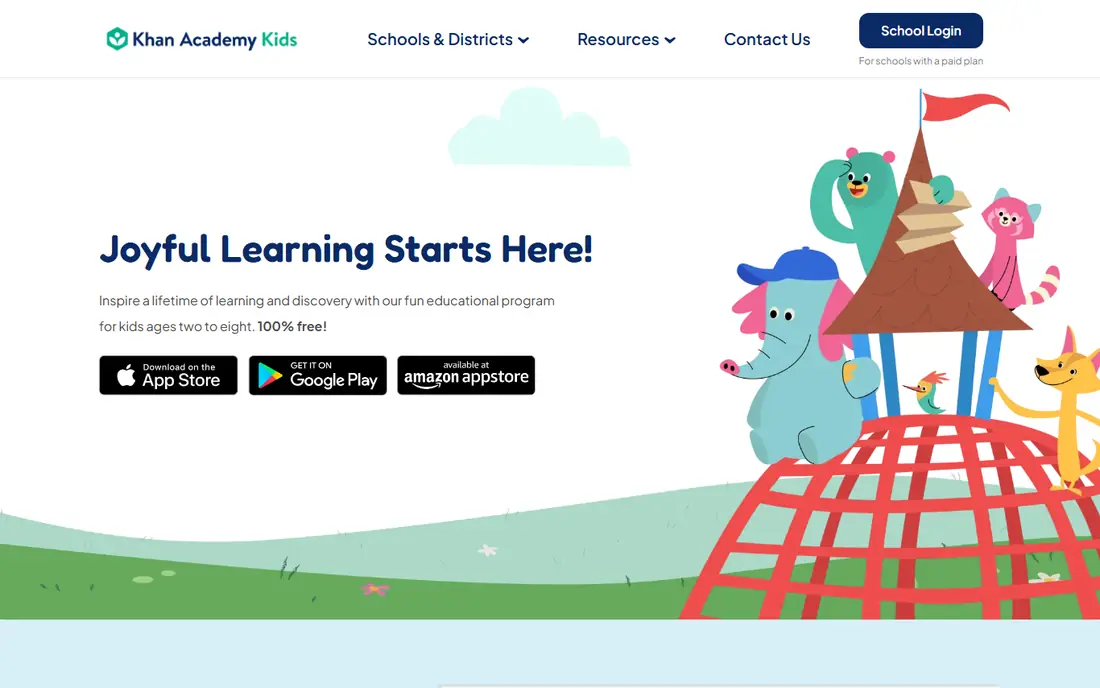
Khan Academy Kids is our pick for most families with young children. It is completely free, with no ads and no in-app purchases, which removes the two worries parents mention most about kids apps. The content covers early reading, math, writing, social skills and creative play, and an adaptive path moves the child through activities at a suitable level.
The limit is age. Children around eight will outgrow the app and need the main Khan Academy app or a reading library such as Epic. The parent dashboard shows progress, but it is simpler than a paid curriculum tracker. For a preschool or early primary child, Khan Academy Kids gives the best free coverage in one place, and it pairs well with a library app for reading volume.
- Free with no ads and no in-app purchases
- Covers reading, math, writing and social skills
- Adaptive learning path adjusts to the child
- Content ends around age 8, so older children outgrow it
- Fewer books than Epic
- Parent dashboard is useful but basic
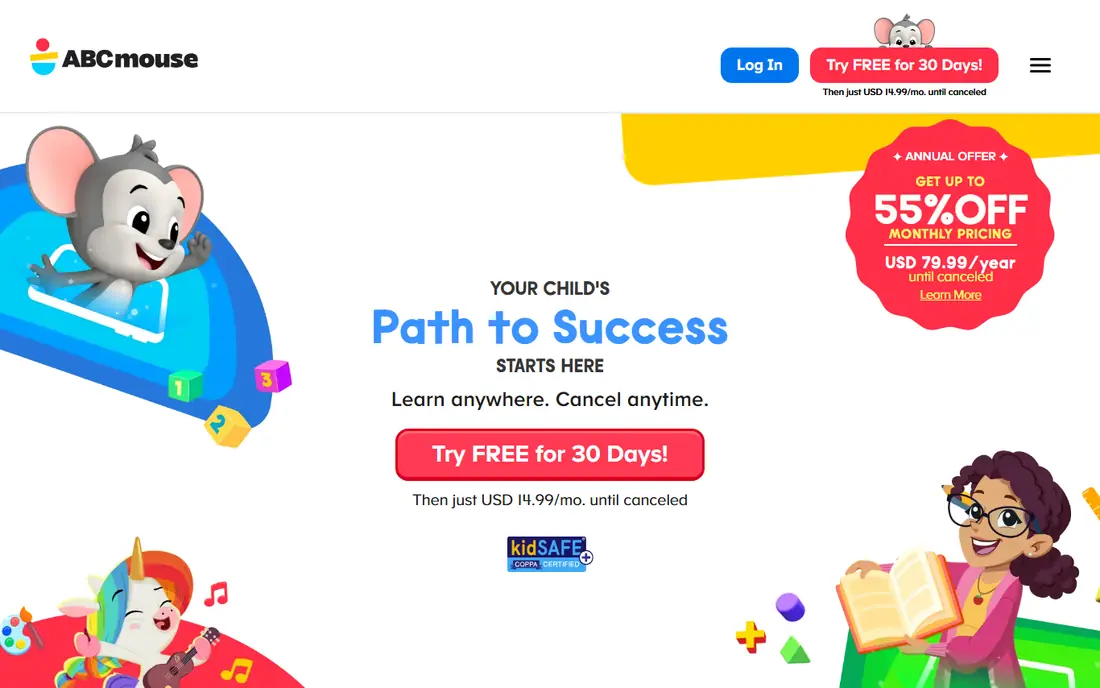
ABCmouse suits families who want a clear curriculum rather than a set of separate games. Its learning path moves a child step by step through reading, math, science, art and music, with activities, books and songs at each stage. Parents can see progress along the path, which helps for homeschooling or for supporting school work at home.
The cost is the main drawback, at about fourteen dollars and ninety-nine cents per month or forty-five dollars per year on the website, with prices varying by platform. Some children also find the structured path less playful than Khan Academy Kids or PBS Kids Games. We would pick ABCmouse when a family wants structure and is happy to pay for it, and Khan Academy Kids when free and flexible matters more.
- Structured learning path across reading, math, science, art and music
- Thousands of activities for ages 2 to 8
- Progress tracking for parents
- Paid subscription with no permanent free plan
- Some families find the path rigid
- Content can feel school-like for children who prefer free play
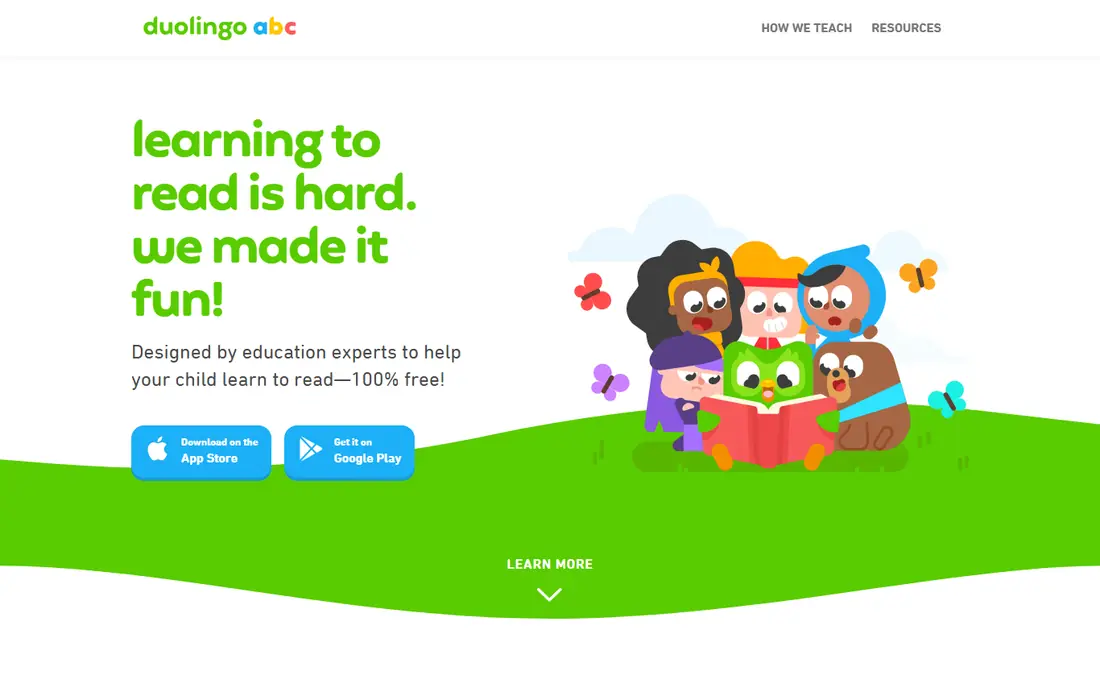
Duolingo ABC is a focused, free reading app for children learning letters, sounds and first words. Lessons are short and game-like, with tracing, letter sounds and simple stories, and the app is free with no ads and no in-app purchases. That focus makes it easy to fit into a ten-minute daily routine, such as before school or after reading time.
The narrow focus is also its limit. Duolingo ABC does not teach math, science or wider subjects, so it works best alongside Khan Academy Kids or ABCmouse rather than alone. Older children will outgrow it once they read fluently. We would pick Duolingo ABC for a child in the early reading stage who needs phonics practice in short, regular sessions.
- Free with no ads and no in-app purchases
- Short phonics lessons for ages 3 to 8
- Works offline for many lessons
- Focuses on early reading only, not math or science
- Lessons are short, so volume is limited
- Older children outgrow it quickly
PBS Kids Games is the best free option for children who already love PBS characters. Games feature characters from shows children know, and they cover math, reading, science, art and social skills in short, playful sessions. Because it is free and needs no subscription, it is an easy second app for a family that already uses Khan Academy Kids.
Depth varies by game, and there is no single curriculum path that moves a child from one skill to the next. Parents looking for tracking or a structured plan will need another app alongside it. We would pick PBS Kids Games for free, character-led play that still teaches, and for families who want a safe app children can open without purchase prompts.
- Free games featuring familiar PBS characters
- Covers math, reading, science and problem solving
- No subscription needed
- Games vary in depth, so some are light
- No structured curriculum path
- Parent controls are simpler than paid apps
Epic is a digital library, not a lesson app, and that distinction is its strength. It offers thousands of children's books, read-to-me books and audiobooks, with offline downloads and profiles for up to four children. A child who reads widely builds vocabulary and fluency faster than a child who only does short exercises, and Epic makes that volume easy at home or on a trip.
Epic does not teach math, science or coding, so it complements rather than replaces a learning app. The subscription costs about thirteen dollars and ninety-nine cents per month or eighty-four dollars and ninety-nine cents per year, with prices varying by platform. We would pick Epic for a child who already reads and needs more books, and pair it with Prodigy Math or Khan Academy Kids for other subjects.
- Large library of children's books and audiobooks
- Read-to-me and offline options
- Up to four child profiles on family plans
- Paid subscription with no permanent free plan
- Reading alone does not teach math or coding
- Book availability varies by region
Prodigy Math turns math practice into a role-playing game, where answering questions correctly helps a character battle, explore and earn rewards. That game layer motivates children who resist worksheets, and the questions adapt to the child level, so practice stays challenging without becoming frustrating. A free parent account tracks progress and skill areas.
The game layer is also a risk. Membership prompts and in-game extras can distract, and some children focus on the game more than the math. Parents should set expectations before the first session and check the parent dashboard regularly. We would pick Prodigy Math for a school-age child who needs more math practice and responds well to games, and we would keep sessions timed.
- Free core math practice inside a role-playing game
- Questions adapt to the child level
- Parent account tracks progress
- Membership adds extras and can prompt children
- Game elements can distract from math for some children
- Science and English need selected memberships
Starfall has taught early reading for many years, and its phonics-first approach still works well for young learners. It offers letter sounds, word practice, simple stories and basic math, in a calm design without the heavy game layers found in newer apps. Teachers and special education settings have used it for a long time, which speaks to its clarity for children who need a slower, more predictable pace.
The design feels older than Khan Academy Kids or Duolingo ABC, and some content sits behind a paid membership. Math coverage is also basic, so Starfall works best as a reading support app rather than a full curriculum. We would pick Starfall for a young child who needs steady phonics practice, especially if flashy game rewards distract rather than help.
- Strong phonics and early reading content
- Simple, calm design without heavy game layers
- Free core content for young learners
- Design feels older than newer rivals
- Some content needs a paid membership
- Math coverage is basic compared with Prodigy
ScratchJr introduces coding to children aged five to seven through colourful blocks that snap together to move characters, add sounds and tell stories. It is free, with no purchases, and it runs on a tablet without needing an account for basic use. Unlike a quiz app, ScratchJr asks children to create, which builds sequencing, problem solving and storytelling at the same time.
The age range is narrow, and older children will want Scratch or Tynker instead. Projects stay on the device unless shared with care, so a parent should help with saving and sharing. We would pick ScratchJr as a first coding app for a young child, used in short sessions with a parent nearby to talk through what each block does.
- Free with no purchases
- Block coding teaches sequencing and logic
- Children create stories and games rather than just answering questions
- Aimed at ages 5 to 7, so older children outgrow it
- No online sharing without care, so projects stay local
- Needs a parent or teacher to start
How we picked these
We compared official feature pages, app store listings and recent parent guides, and we kept only apps that are available now, aimed at children, and focused on learning rather than messaging or general entertainment. We checked prices against vendor pages and recent guides, and we used See website where a price was not clear. We did not claim hands-on testing, and we gave extra weight to free apps, ad-free design, age fit and clear parent controls, because those features matter most for families.
How to choose the right learning app for your child
Start with age and subject, not with a list of features. A four-year-old needs early reading and play, an eight-year-old needs reading volume and math practice, and a child learning to code needs a creation tool rather than another quiz. Check the age guidance on the official page, then try one app for a week before adding another, so the child does not end up with ten apps and no routine.
Set simple rules before the first session: a time limit, a place to use the tablet, and a rule that purchases need a parent. Sit with the child for the first few sessions, ask what they learned, and check the parent dashboard if the app offers one. An app that a child opens happily for ten minutes a day will teach more than a paid curriculum that sits unused.
Frequently asked questions
What is the best free app for kids education?
Khan Academy Kids is our pick for free early learning, because it covers reading, math and social skills with no ads and no in-app purchases. Duolingo ABC and PBS Kids Games are also free and work well alongside it for reading and play.
Is ABCmouse worth paying for?
ABCmouse is worth paying for if a family wants a structured curriculum path with progress tracking across several subjects. If free and flexible learning is enough, Khan Academy Kids covers similar early subjects without a subscription.
Which app is best for teaching a child to read?
Duolingo ABC is best for early phonics, Starfall is best for steady letter-sound practice, and Epic is best for reading volume once a child can read simple books. Most children benefit from a phonics app plus a library app, rather than one app alone.
Are these apps safe for children?
These apps are designed for children, but parents should still check privacy settings, turn off purchase prompts where possible, and supervise early sessions. Free apps such as Khan Academy Kids, Duolingo ABC and ScratchJr have no ads or in-app purchases, which lowers the risk of accidental spending.
How much screen time is right for learning apps?
Short, regular sessions work best, such as ten to twenty minutes a day for young children, with breaks and offline play alongside. Talk with the child about what they learned, and stop a session if frustration or tiredness sets in.
Can these apps replace school or tutoring?
No. Apps support classroom learning and home practice, but they do not replace a teacher, who can spot misunderstandings, adapt lessons and answer questions in real time. Use apps as practice and enrichment, and talk to a teacher if a child is struggling in a subject.
Sources
See where you really rank - block by block
ProMapRanker scans Google Maps across a grid of your service area. Simple monthly plans from $19, white-label on every plan.
Start freeKeep reading
 which software is best for pdf page removal
Which Software Is Best for PDF Page Removal in 2026
Find which software is best for pdf page removal, from free online tools to desktop editors, with page controls, privacy, safety, and pricing compared.
Read → when i work alternatives
Best When I Work Alternatives in 2026
Looking for when i work alternatives? We compare 8 scheduling apps for hourly teams, covering pricing, free plans, time clocks and the best fit for business.
Read → the best tool for keyword analysis
The Best Tool for Keyword Analysis in 2026
Find the best tool for keyword analysis with our 2026 comparison of 10 keyword analysis software tools on data depth, difficulty scores and price today.
Read →