 ProMapRanker
Best Apps for Farm Productivity in 2026


Machine data and field records for crop farms · Pricing starts at: Free
Key takeaways
- John Deere Operations Center and Climate FieldView suit crop farms that want machine and imagery data.
- Farmbrite suits diversified farms that need crops, livestock, and sales in one system.
- Agworld, Granular Insights, and Cropwise suit professional crop planning and profit tracking.
- Pricing varies widely, and several tools publish no fixed price, so request a quote before you commit.
Quick comparison
| Pick | Great for | Pricing starts at | Free tier | |
|---|---|---|---|---|
| John Deere Operations Center | Machine data and field records for crop farms | Free | Yes | Visit |
 Climate FieldView Climate FieldView | Field data, imagery, and yield analysis | Free | Yes | Visit |
 Agworld Agworld | Crop planning and collaboration | See website | No | Visit |
 Granular Insights Granular Insights | Field-level profit and operations analysis | See website | No | Visit |
 Cropwise Cropwise | Crop protection and field operations | See website | No | Visit |
 Agrivi Agrivi | Small and mid-size farm operations | See website | No | Visit |
 Farmbrite Farmbrite | Crops, livestock, and farm sales in one place | See website | No | Visit |
 Trimble Ag Software Trimble Ag Software | Precision agriculture and field mapping | Free | Yes | Visit |
The best Apps for Farm Productivity
We compared official feature pages, pricing pages, app store listings, and public reviews to build this list. The eight options below cover different budgets and needs, so start with the best-for note and then read the details that match your situation.
John Deere Operations Center
Great for: Machine data and field records for crop farms
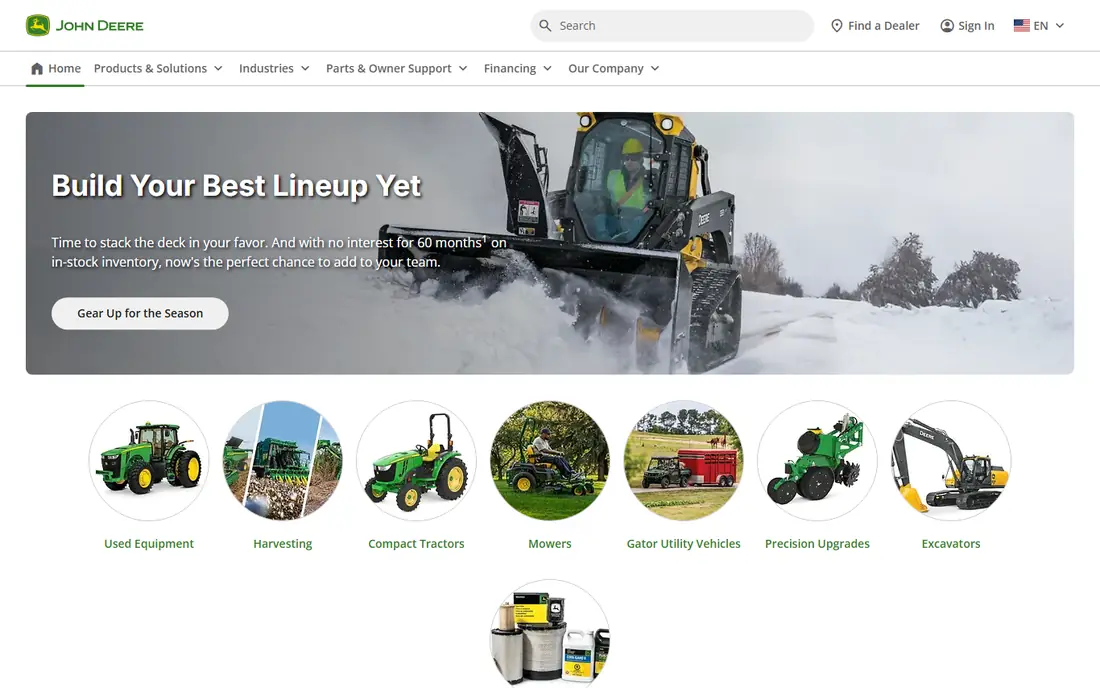
John Deere Operations Center suits machine data and field records for crop farms. It pulls machine and field data into one place, so a farm can track planting, spraying, and harvest work. The product pages describe a focused set of tools rather than a long list of extras, and that focus helps a new user get started without a long setup period. Before you choose it, weigh this limit: Farms with mixed equipment brands should check compatibility first. We suggest you test it with a small real task, confirm that it fits your current workflow, and check what happens when you need to cancel or move your data elsewhere.
- Machine data links
- Field maps
- Work records
- Best value needs compatible equipment
- Setup takes time
Climate FieldView works well for field data, imagery, and yield analysis. It layers imagery and yield data over field maps to support in-season decisions. Its pricing and feature pages point to steady, everyday use, and the free or trial option gives you room to check the fit before you commit. A fair caution is this: Confirm which features sit on the free tier and which need the paid tier. Shortlist it if that trade-off fits your budget and your team size, and keep a second option in mind if your needs grow quickly in the next year.
- Satellite imagery
- Field health views
- Yield analysis
- Paid tier adds cost
- Some growers prefer independent platforms
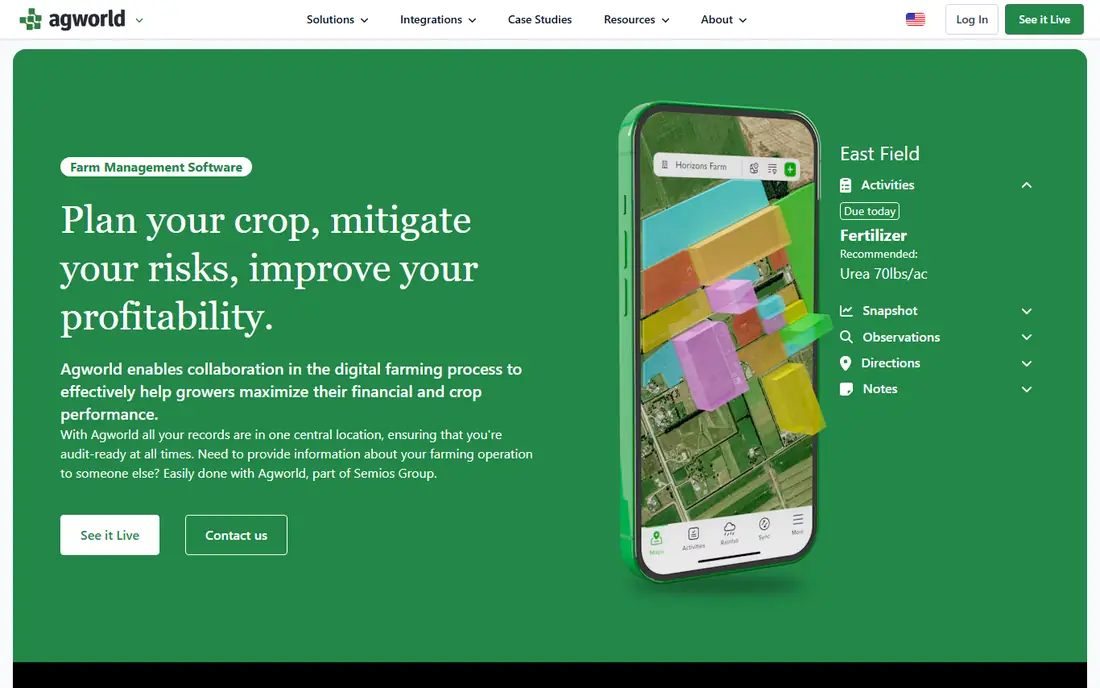
Agworld is a practical choice for crop planning and collaboration. It helps farms plan seasons, record applications, and share plans with agronomists and staff. We found its official pages clear about what is included at each tier, which makes it easier to compare the real monthly cost with the value you expect to get. The main limit to weigh is this: Smaller farms should confirm price before committing to a full season plan. Check the plan limits, the export options, and the support route before you move important work into the tool, since those details matter more over time than a first-week impression.
- Season planning
- Spray records
- Team sharing
- Pricing is not always published
- Setup needs planning data
Granular Insights suits field-level profit and operations analysis. It joins machine data, invoices, and field work to show which fields earn money. The product pages describe a focused set of tools rather than a long list of extras, and that focus helps a new user get started without a long setup period. Before you choose it, weigh this limit: Farms outside its core crop focus should check coverage first. We suggest you test it with a small real task, confirm that it fits your current workflow, and check what happens when you need to cancel or move your data elsewhere.
- Profit per field views
- Machine data links
- Scouting tools
- Focus is mainly US row crops
- Price varies
Cropwise works well for crop protection and field operations. It supports spray decisions, records, and field operations for professional crop farms. Its pricing and feature pages point to steady, everyday use, and the free or trial option gives you room to check the fit before you commit. A fair caution is this: Confirm local availability and support before rollout. Shortlist it if that trade-off fits your budget and your team size, and keep a second option in mind if your needs grow quickly in the next year.
- Spray planning
- Field records
- Compliance help
- Pricing varies by region
- Setup needs field data
Agrivi is a practical choice for small and mid-size farm operations. It centralises daily crop work, inputs, and pest records for small and mid-size farms. We found its official pages clear about what is included at each tier, which makes it easier to compare the real monthly cost with the value you expect to get. The main limit to weigh is this: Buyers should request a written price and trial terms. Check the plan limits, the export options, and the support route before you move important work into the tool, since those details matter more over time than a first-week impression.
- Crop planning
- Pest records
- Input stock
- Weather alerts
- Pricing is not published
- Trial terms vary
Farmbrite suits crops, livestock, and farm sales in one place. It covers crops, livestock, customers, orders, and finances for diversified farms. The product pages describe a focused set of tools rather than a long list of extras, and that focus helps a new user get started without a long setup period. Before you choose it, weigh this limit: Single-focus farms may pay for features they do not use. We suggest you test it with a small real task, confirm that it fits your current workflow, and check what happens when you need to cancel or move your data elsewhere.
- Crop and livestock records
- Sales
- Task calendar
- Full suite costs more than single-focus plans
- Trial is limited
Trimble Ag Software works well for precision agriculture and field mapping. It maps fields, tracks yield, and links to Trimble equipment for precision work. Its pricing and feature pages point to steady, everyday use, and the free or trial option gives you room to check the fit before you commit. A fair caution is this: Farms without Trimble equipment should check what the starter tier covers. Shortlist it if that trade-off fits your budget and your team size, and keep a second option in mind if your needs grow quickly in the next year.
- GPS field mapping
- Yield tracking
- Free starter tier
- Most value needs Trimble displays
- Display links add cost
How we picked these
We started with the main keyword and the related terms readers use for this topic, then we checked vendor feature pages, pricing pages, app store listings, privacy pages, and public reviews for each candidate. We kept only products that exist and work today, that fit the topic directly, and that publish enough detail for a reader to judge cost and limits. We removed products with unclear pricing, a discontinued product, or a fit that was too narrow for most readers. We did not claim hands-on testing, lab testing, or daily use. Our findings come from published vendor material and public review sources, and prices can change, so we point you to the vendor page for the final figure. Where a price was not clear on the vendor page at the time of research, we wrote See website rather than guessing a number.
How to choose farm productivity apps
Start with your farm type. Row crop farms should shortlist field and machine tools. Diversified farms should shortlist Farmbrite or Agrivi. Livestock-heavy farms should check livestock records first. Then check equipment links, offline use, and support.
Check equipment and offline fit first
Confirm that the app works with your tractors, displays, and phones, and that it works where mobile signal is weak. An app that needs constant signal will fail in many fields. Test it on a real field task before a full season.
Start with records, then add analysis
Good records come first: fields, inputs, jobs, and sales. Analysis tools only help once records are clean. Pick one system of record, train the team on it, and add imagery or profit tools after a season of steady use.
Confirm price, support, and data ownership
Ask for total yearly cost, including displays, users, and add-ons. Confirm who owns your farm data, how to export it, and what support is offered during planting and harvest. Those answers matter more than a feature list.
Frequently asked questions
Which farm app is best for field mapping?
Trimble Ag Software and John Deere Operations Center are strong for field mapping, with GPS and machine data links. Climate FieldView adds imagery and yield views. Pick based on your equipment and whether you need imagery.
What farm app helps track profit per field?
Granular Insights is built around field-level profit views, joining machine data, invoices, and field work. Climate FieldView also offers yield and field analysis. Clean input and harvest records are needed for either to work well.
Which app suits a small diversified farm?
Farmbrite suits diversified farms because it covers crops, livestock, sales, and tasks in one place. Agrivi is a good option for crop-focused small farms. Start with a trial and test daily records before paying for a full year.
Do farm apps work without internet in the field?
Some apps offer offline use, but coverage varies by product and feature. Check offline records, sync behaviour, and phone support before you rely on an app during planting or harvest in low-signal areas.
How do I start with farm software without disrupting a season?
Pick one system of record, enter current fields and jobs, and run it beside your existing records for a few weeks. Train one or two users first, then expand. Avoid switching systems in the middle of planting or harvest.
Sources
See where you really rank - block by block
ProMapRanker scans Google Maps across a grid of your service area. Simple monthly plans from $19, white-label on every plan.
Start freeKeep reading
 zoom alternatives
Best Zoom Alternatives in 2026
Compare Zoom alternatives in 2026, with free meeting limits and prices, so you can pick the best alternative to Zoom for your team, class, or community.
Read → which software is best for remote work
Which Software Is Best for Remote Work in 2026
Answering which software is best for remote work, we compare Slack, Zoom, Asana, Notion, Teams and more, with pricing and honest tradeoffs in 2026 now.
Read → which ai tool is best for content writing
Which AI Tool Is Best for Content Writing in 2026
Wondering which ai tool is best for content writing? We compare ChatGPT, Claude, Jasper, Grammarly, and more on price, quality, and best use in 2026 now.
Read →