 ProMapRanker
Best Apps for Digital Painting in 2026

Key takeaways
- Procreate at $12.99 one-time remains the best value for iPad painters, with no subscription.
- Krita is the best free digital painting app for desktop users, with brushes, animation and CMYK support.
- Clip Studio Paint is the best pick for comics and manga, thanks to panel, inking and screen tone tools.
- Photoshop at $22.99 per month suits professionals who also need photo editing and Adobe integration.
- Affinity, now free, gives professionals a no-subscription alternative for illustration and design work.
Quick comparison
| Pick | Great for | Pricing starts at | Free tier | |
|---|---|---|---|---|
 Procreate Procreate | iPad painting | $12.99 one-time | No | Visit |
 Adobe Photoshop Adobe Photoshop | Photo plus painting | $22.99 per month | Free trial | Visit |
 Clip Studio Paint Clip Studio Paint | Comics and manga | $63 one-time | Free trial | Visit |
 Krita Krita | Free desktop painting | Free | Yes | Visit |
 Corel Painter Corel Painter | Traditional media look | $429 one-time | Free trial | Visit |
 Affinity Affinity | Free pro illustration | Free | Yes | Visit |
 Rebelle Rebelle | Watercolor and oil simulation | See website | Free trial | Visit |
 MediBang Paint MediBang Paint | Free comics | Free | Yes | Visit |
 Autodesk Sketchbook Autodesk Sketchbook | Simple free sketching | Free | Yes | Visit |
The best apps for digital painting
Digital painting apps differ in brush feel, platform, price model and extra tools for comics or animation. We compared official pricing, platform support, brush and layer features and export options to match each app to a different kind of artist.
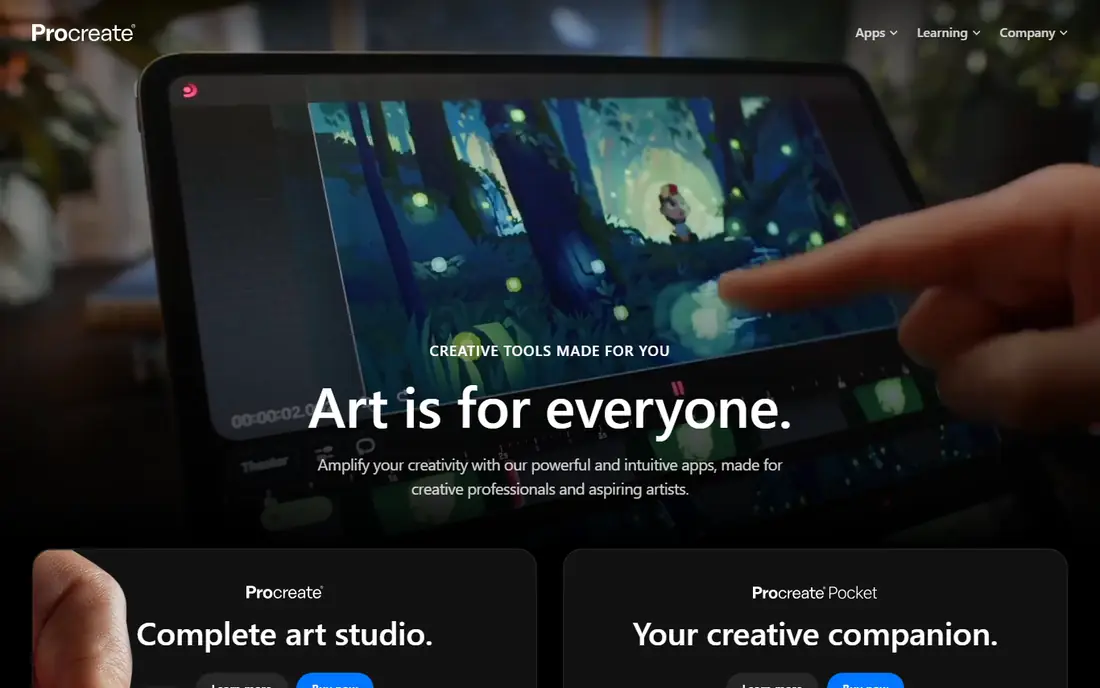
Procreate is the reason many artists buy an iPad. The brush engine feels responsive with Apple Pencil, the interface stays out of the way, and the one-time price of $12.99 covers future updates. You can paint, animate simple sequences and export in common formats without a subscription or a desktop computer.
The limit is platform. Procreate runs on iPad only, so Windows, Android and Mac users need another app, and Procreate files do not open cleanly in every desktop tool. If you already own an iPad and you paint for illustration, comics or concept art, Procreate is the best value on this list by a clear margin.
- Best brush feel on iPad with Apple Pencil
- One-time purchase with free updates
- Huge brush and tutorial community
- IPad only
- No desktop version
- Single-user, no team collaboration features
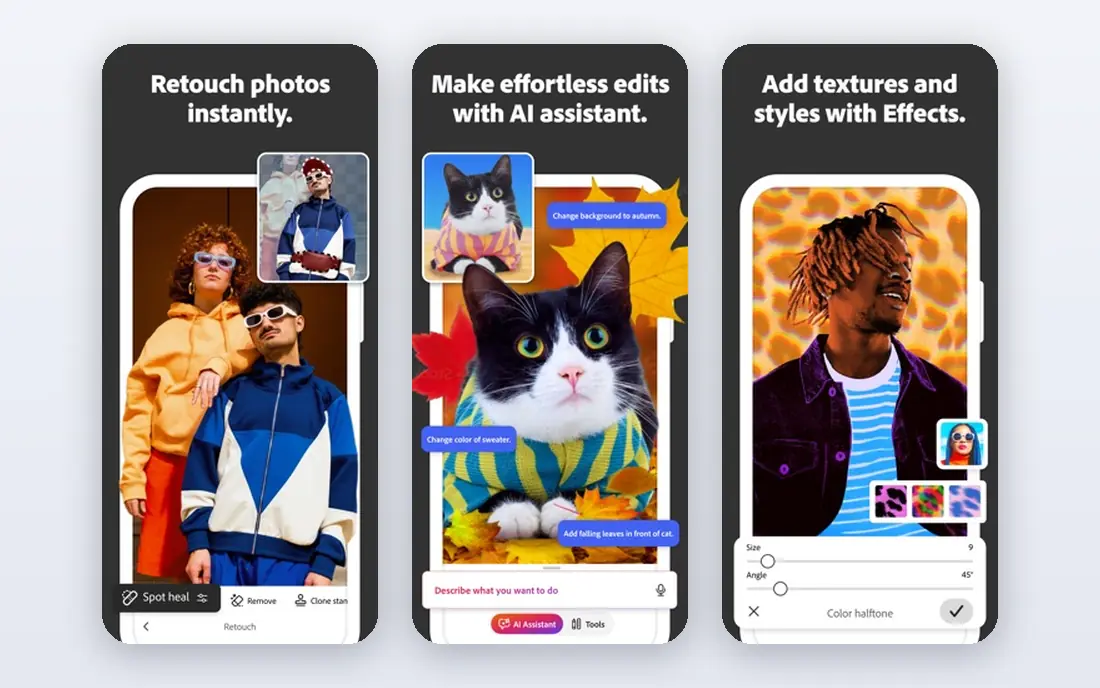
Photoshop remains the industry standard for professionals who mix painting with photo editing, compositing and print work. Brushes, layers, masks and adjustment tools are deep, and Creative Cloud syncing lets you move between desktop and iPad. Studios and print workflows still revolve around Photoshop files.
The single-app plan costs $22.99 per month in recent listings, with a trial available. That adds up to hundreds per year, which is hard to justify if you only paint. Choose Photoshop when you need photo editing, client file compatibility or Adobe integration alongside painting, and choose Procreate or Krita when painting alone is the job.
- Industry standard for illustration and photo work
- Huge brush and plugin library
- Syncs across desktop and iPad
- Subscription cost adds up
- Interface can feel heavy for pure painting
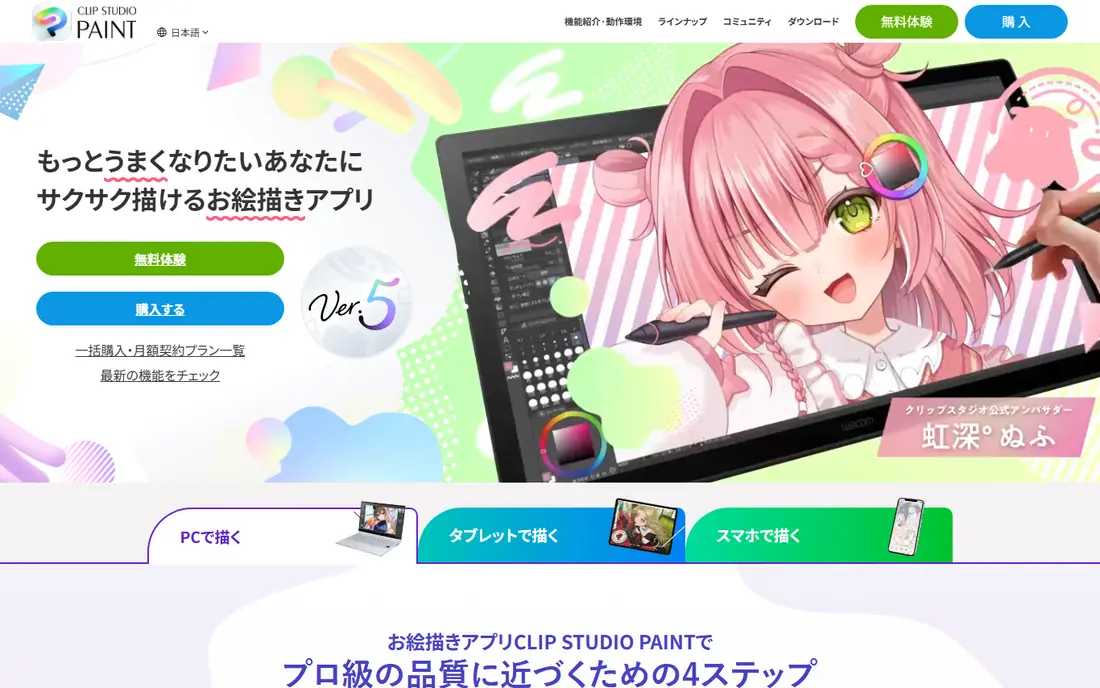
Clip Studio Paint is built for comics, manga and illustration. Panel layout, perspective rulers, inking brushes, screen tones and speech tools cover the full comic workflow, while an animation timeline helps with short animated sequences. It runs on Windows, Mac, iPad, Android and Chromebook, so artists are not locked to one device.
Pricing varies by version and device, with a desktop PRO perpetual license from around $63 in recent listings and subscription options for mobile. A trial is available. If you draw comics or manga, Clip Studio Paint should be your first test. General painters may prefer the simpler feel of Procreate or Krita.
- Panel, inking and screen tone tools
- Animation timeline
- Cross-platform on desktop, iPad and Android
- Pricing model varies by version and device
- Interface takes time to learn
Krita is the best free digital painting app for desktop users. It offers a wide brush library, layer management, animation tools and CMYK colour support for print, all without a subscription or a trial limit. The community provides tutorials, brush packs and plugins that keep Krita competitive with paid tools.
The interface is less polished than Procreate or Photoshop, and performance can lag on older hardware with large canvases. Krita also has weaker vector tools than Affinity or Illustrator. For hobbyists, students and freelancers who want professional painting without paying, Krita is the clear starting point.
- Completely free and open source
- Strong brushes and animation tools
- CMYK and PSD support
- Less polished than paid rivals
- Can feel slow on older computers
Corel Painter aims to feel like real paint. Brushes simulate oil, watercolor, pastel and other traditional media with texture, blending and paper grain that digital-only tools struggle to match. Artists who come from traditional painting often feel at home in Painter faster than in Photoshop or Krita.
The price is $429 one-time in recent listings, with a trial available. That is a large upfront cost, and the interface can feel dated compared with Procreate. Choose Painter if the traditional media look is central to your work and you want a perpetual license. For general illustration, Procreate or Krita will cost far less.
- Best simulation of oil, watercolor and pastel
- Huge brush library
- One-time license
- High one-time price
- Interface feels dated to some users
Affinity, now owned by Canva, became free in late 2025, which changed the value calculation for illustration software. Affinity Designer covers vector illustration and Affinity Photo covers raster painting and editing, with professional tools for print, colour and export. Running on Windows, Mac and iPad makes it a flexible Adobe alternative.
Painting is not Affinity's strongest area. Brushes and painting workflows are less deep than Krita, Procreate or Clip Studio Paint, and users coming from Adobe will need time to relearn shortcuts and panels. For designers who mix illustration, layout and photo work without a subscription, Affinity is now a compelling free option.
- Free since late 2025
- Pro-grade vector and raster tools
- Runs on Windows, Mac and iPad
- Painting brushes are less deep than Krita or Procreate
- Workflow differs from Adobe tools
Rebelle simulates wet media in a way that feels close to real paint. Watercolor bleeds and dries, oil stays wet and blendable, and paper texture affects the result. That realism appeals to artists who want a traditional look without the mess of physical paint, and it makes Rebelle a favourite for watercolor-style illustration.
We list the price as See website because Rebelle versions and upgrade pricing vary, and a 30-day trial is available in recent listings. The community and plugin library are smaller than Krita or Photoshop. Choose Rebelle when wet-media realism is your priority, and pair it with Krita or Affinity for layout and export if needed.
- Realistic watercolor, oil and acrylic simulation
- Wet paint and drying effects
- Good for traditional-style work
- Smaller ecosystem than Krita or Photoshop
- Pricing varies by version
MediBang Paint is a free, cross-platform option for comics and illustration. It runs on Windows, Mac, iPad and Android, with panel tools, screen tones, cloud saving and collaboration features that suit comic teams and beginners. The interface is simpler than Clip Studio Paint, which helps new artists start quickly.
Advanced painting brushes are less deep than Krita or Procreate, and some features need an account or in-app purchases. For students, comic beginners and artists who work across phone, tablet and desktop, MediBang is a strong free pick. Serious manga artists may still upgrade to Clip Studio Paint for deeper tools.
- Free across desktop and mobile
- Comic panel and tone tools
- Cloud saving and team features
- Fewer advanced brushes than Krita
- Some features require an account
Autodesk Sketchbook is a simple, free sketching app for artists who want to draw without a complex interface. The brush set covers pencils, pens and markers well, layers are easy to manage, and the clean canvas helps for quick studies, thumbnails and concept sketches. It runs on desktop and mobile platforms.
Sketchbook is not a full painting or comic suite. It lacks the deep brush engines of Krita and Procreate, the comic tools of Clip Studio Paint and the traditional simulation of Rebelle. Choose Sketchbook for fast sketching and idea capture, and move to Krita or Procreate when a sketch becomes a finished painting.
- Free and simple to learn
- Clean interface for sketching
- Good for quick ideas and studies
- Fewer painting and comic tools than rivals
- Less active development than Krita
How we picked these
We compared official pricing pages, platform support, brush features and export options for apps actively available in October 2026. We included iPad, desktop and cross-platform options, free and paid models, and specialist tools for comics and traditional media. We favoured apps with a clear painting strength, not just photo editing or vector design. Prices are US prices before tax, and trial terms are noted where they matter.
What to check before you pay
Start with your device, not the app ranking. iPad artists should test Procreate first. Desktop artists should test Krita first. Comic artists should test Clip Studio Paint or MediBang first. A great app on the wrong device will sit unused, while a good app on the device you already own will get used daily.
Test brushes and pressure
Borrow or buy a pressure-sensitive stylus if you do not own one, then test brushes at your usual canvas size. Check pressure, tilt, smoothing and brush customization, since brush feel matters more than feature count for painting. Export a test file and check colour, layers and print settings before you commit to a paid app.
Check file compatibility
Check that your chosen app opens and exports PSD, PNG and print-ready formats your clients or printers need. Procreate files, in particular, need export for desktop workflows. If you collaborate with other artists, agree on a shared format and colour profile before a project starts.
Count the long-term cost
A $12.99 one-time app and a free app cost far less over five years than a $22.99 per month subscription. Compare five-year costs, not just entry prices, and check whether updates are free. Subscriptions make sense when you need the latest Adobe integration or client compatibility, but they are rarely needed for painting alone.
Frequently asked questions
What is the best app for digital painting?
Procreate is best for iPad painters, Krita is best for free desktop painting, and Clip Studio Paint is best for comics and manga. Photoshop is best when you also need photo editing and Adobe compatibility. Match the app to your device and your main type of work.
What is the best digital painting software for beginners?
Krita is the best free start on desktop, and Procreate is the best paid start on iPad, because both have large tutorial communities. Beginners should pick one app, learn its brushes and layers, and finish small projects before trying a second tool.
Is there a free digital painting app?
Yes. Krita, MediBang Paint, Autodesk Sketchbook and Affinity are all free, with different strengths. Krita suits serious painting, MediBang suits comics, Sketchbook suits quick sketching, and Affinity suits illustration mixed with design work.
Do I need an expensive tablet for digital painting?
No. Most apps work well with entry-level tablets from Wacom, Huion and XP-Pen, as long as pressure sensitivity feels comfortable. Upgrade to a pen display later, once you know your software and workflow well enough to feel limited by a basic tablet.
Can I use Procreate on Windows or Android?
No. Procreate runs on iPad only, with a separate iPhone version called Procreate Pocket. Windows and Android artists should use Krita, Clip Studio Paint, MediBang Paint or Affinity instead, depending on whether they paint, draw comics or design.
Sources
See where you really rank - block by block
ProMapRanker scans Google Maps across a grid of your service area. Simple monthly plans from $19, white-label on every plan.
Start freeKeep reading
 zoom alternatives
Best Zoom Alternatives in 2026
Compare Zoom alternatives in 2026, with free meeting limits and prices, so you can pick the best alternative to Zoom for your team, class, or community.
Read → which software is best for remote work
Which Software Is Best for Remote Work in 2026
Answering which software is best for remote work, we compare Slack, Zoom, Asana, Notion, Teams and more, with pricing and honest tradeoffs in 2026 now.
Read → which ai tool is best for content writing
Which AI Tool Is Best for Content Writing in 2026
Wondering which ai tool is best for content writing? We compare ChatGPT, Claude, Jasper, Grammarly, and more on price, quality, and best use in 2026 now.
Read →